Customer Ratings & Reviews






- Model:
- UN82RU9000FXZA
- SKU:
- 6408869
Rating by feature
- Picture Quality
Rating 4.6 out of 5 stars
- Sound Quality
Rating 4.6 out of 5 stars
- Brightness
Rating 4.6 out of 5 stars
Customers are saying
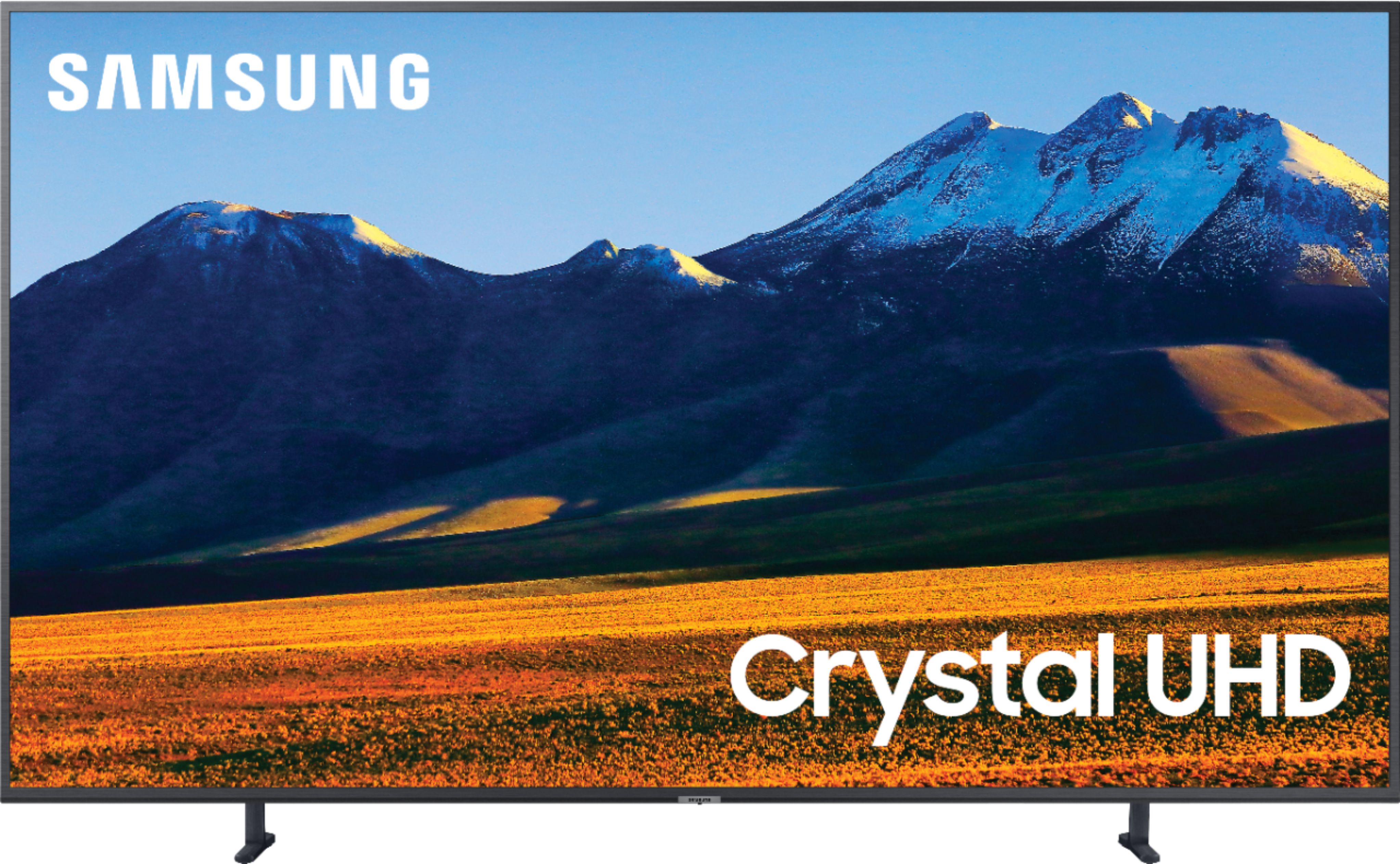
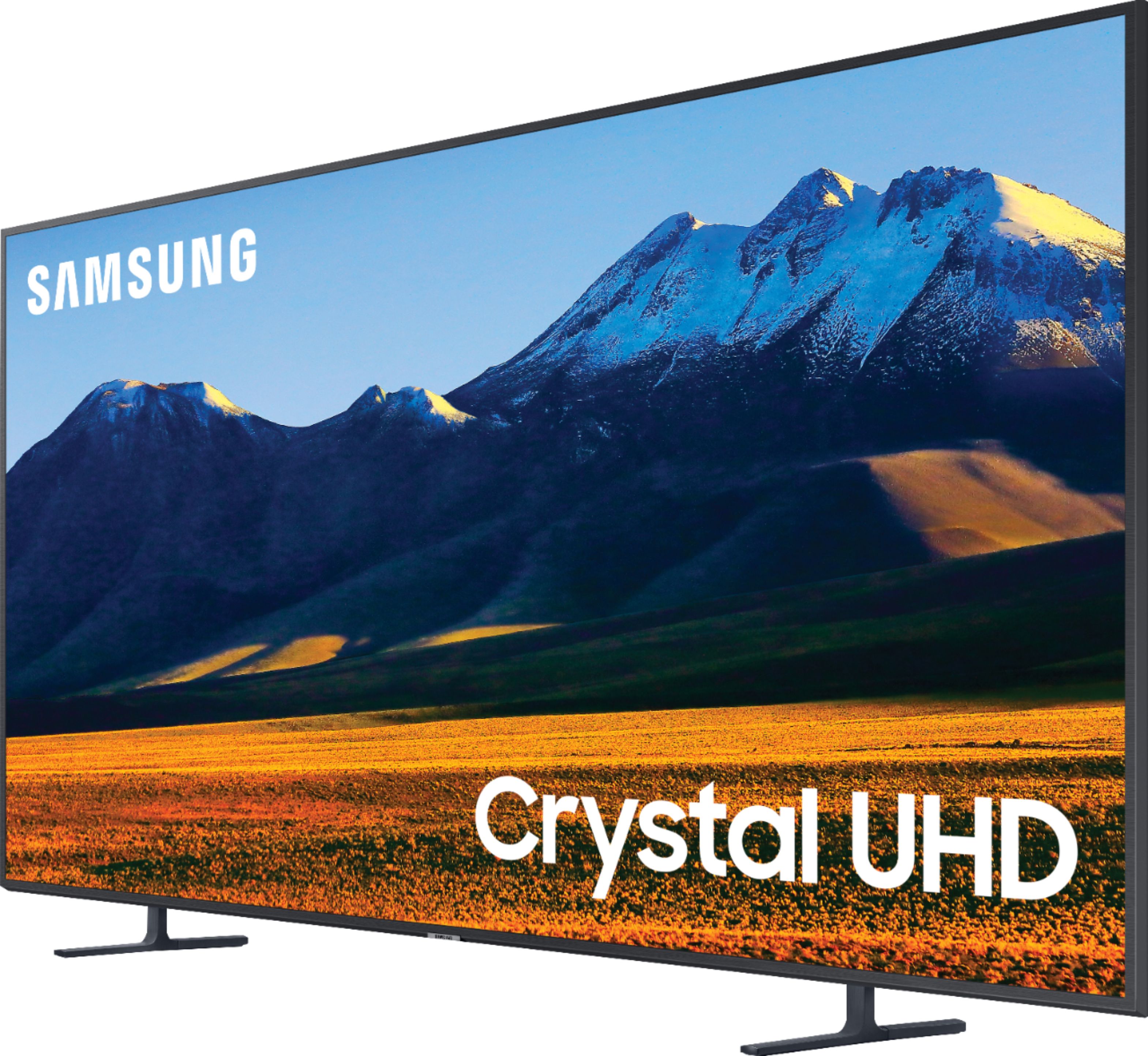
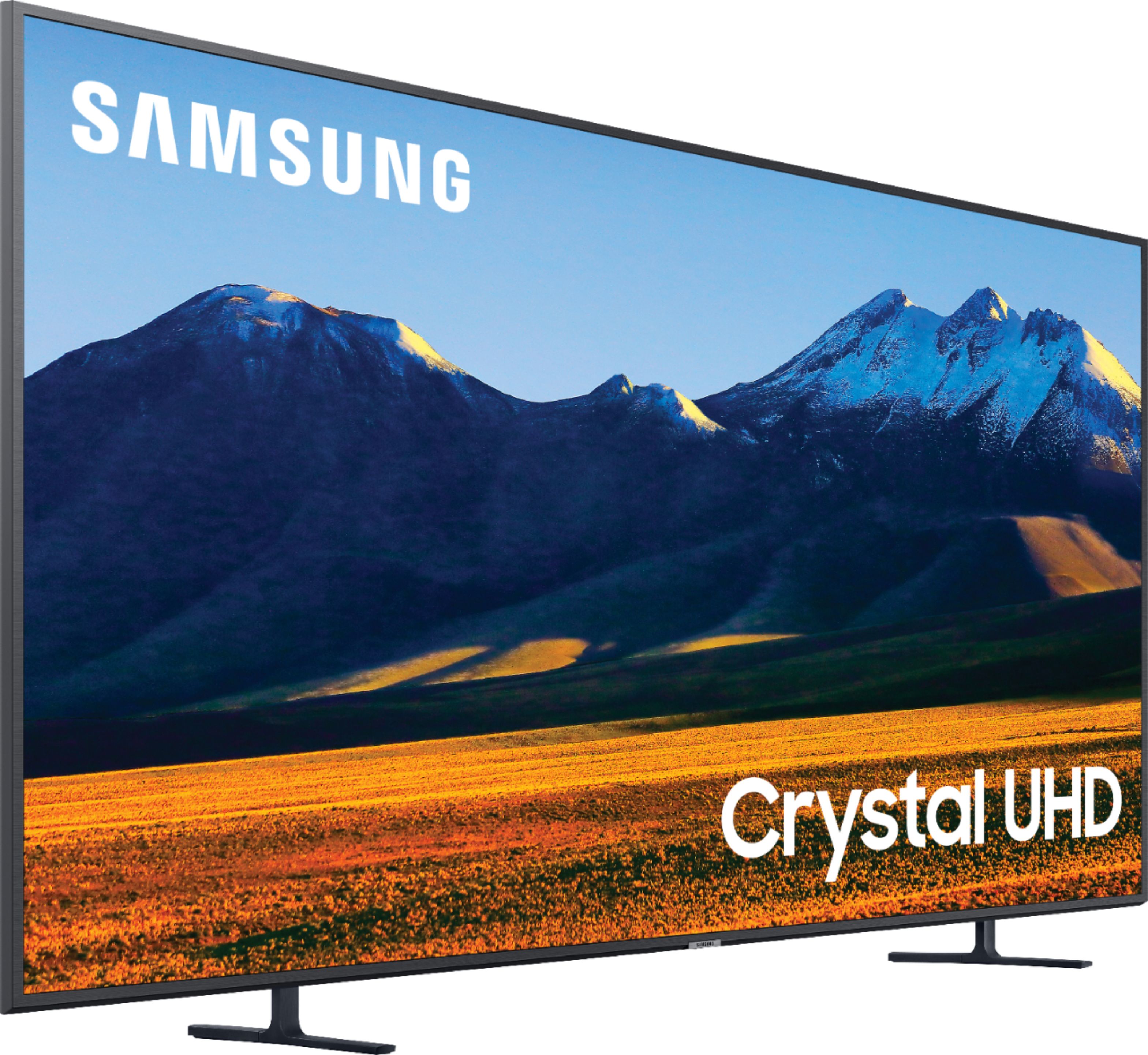
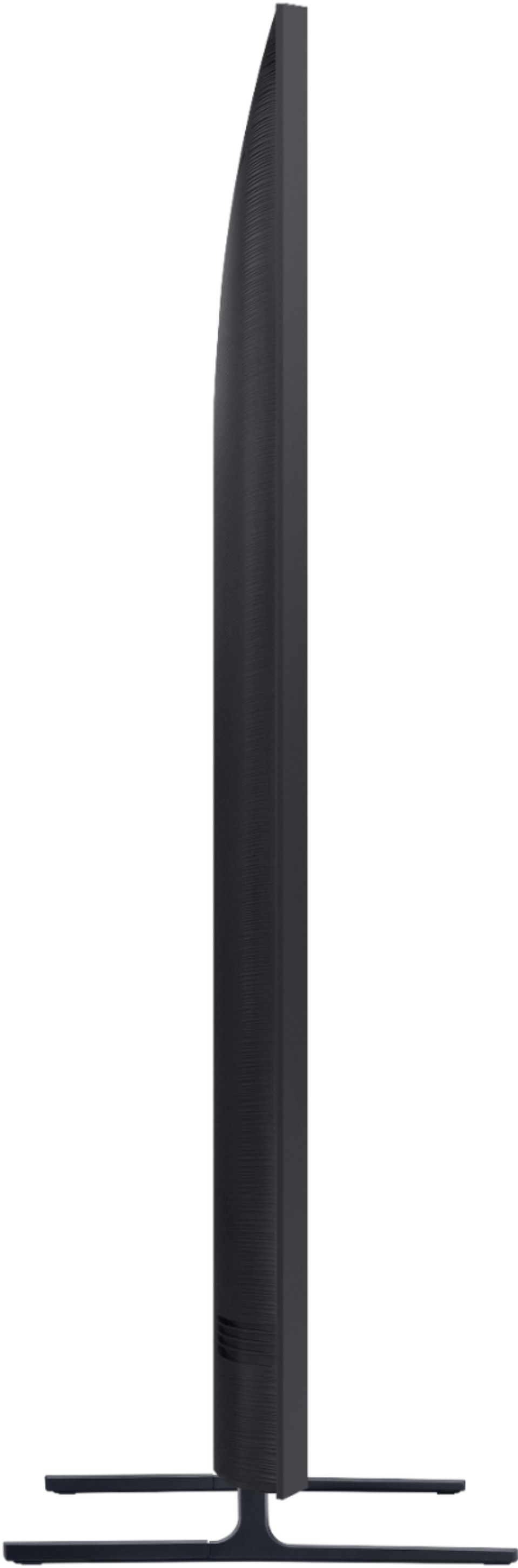
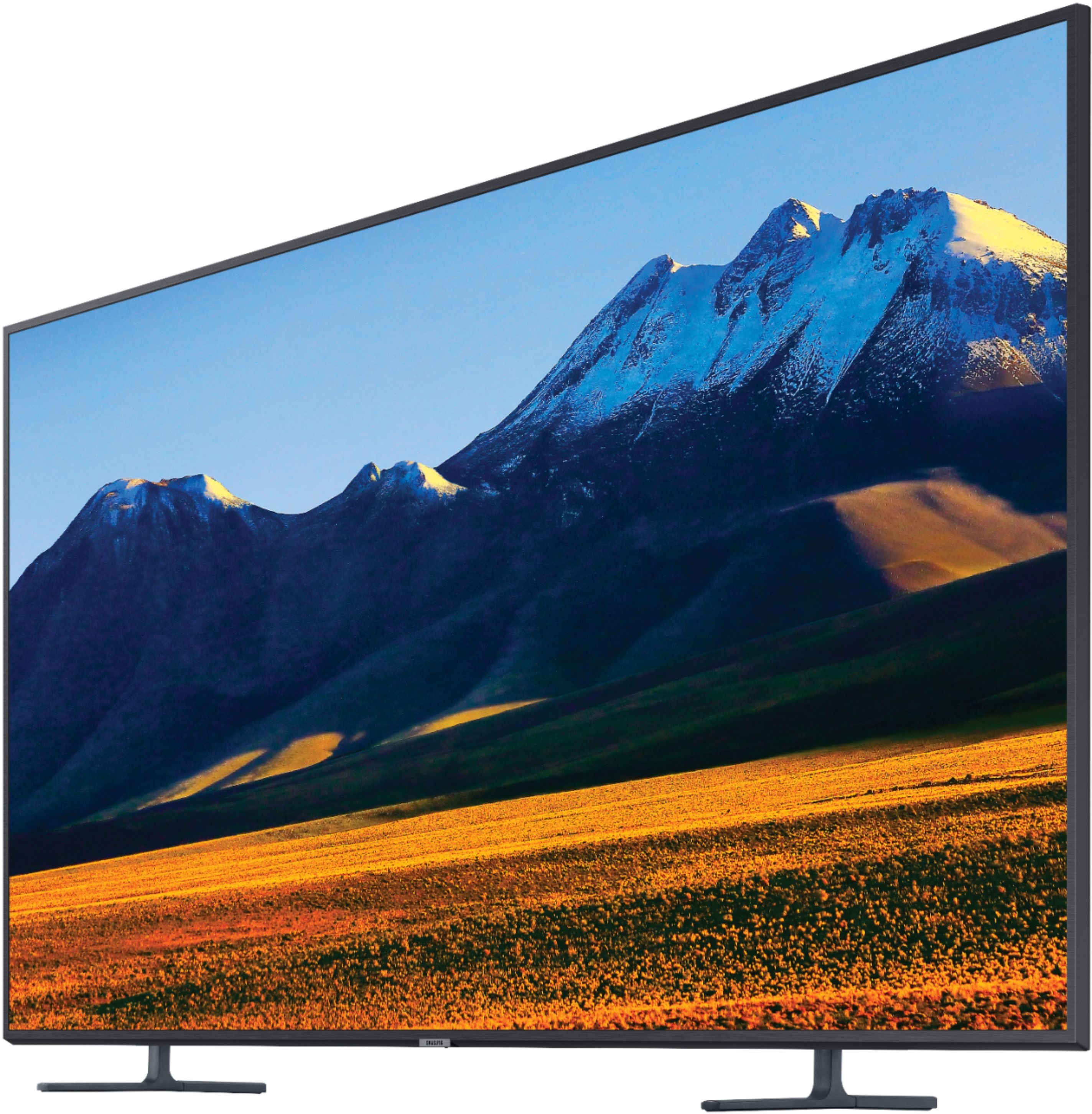
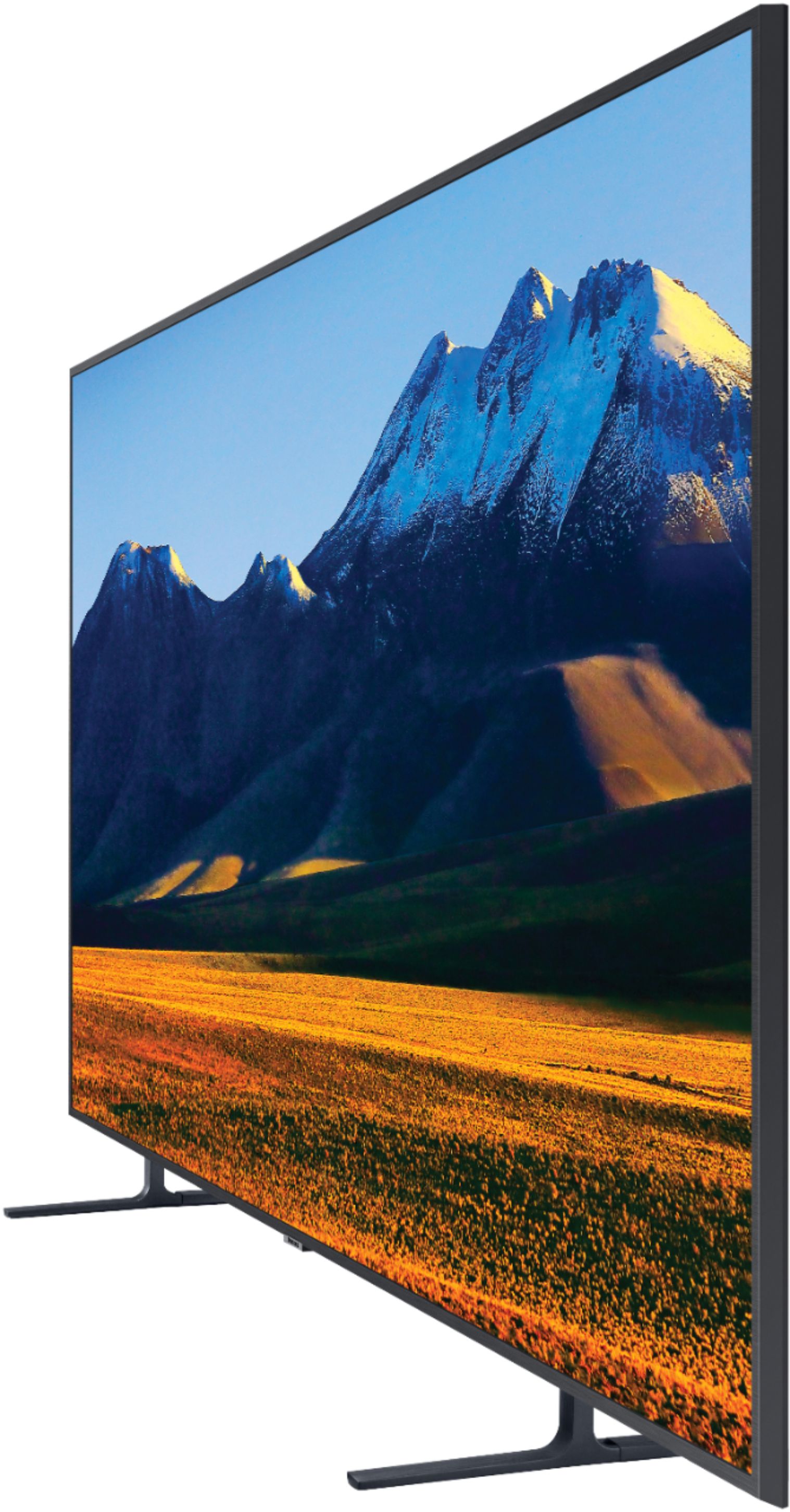
Customers enjoy the 82" Class 9 Series LED 4K UHD Smart Tizen TV for its excellent picture quality and large screen. Many customers mentioned that the TV offers great value for its price. Setting up the TV is also a breeze, according to several customers.
This summary was generated by AI based on customer reviews.
Samsung 82”
||Posted . Owned for 3 weeks when reviewed.This reviewer received promo considerations or sweepstakes entry for writing a review.Good TV for the price. Mounting was easy with sinus mount.
I would recommend this to a friendMy new toy
||Posted . Owned for 1 month when reviewed.This reviewer received promo considerations or sweepstakes entry for writing a review.Recommended to all football fans to watch the game
I would recommend this to a friend- Pros mentioned:Ease of use
Screen issue
||Posted . Owned for 2 weeks when reviewed.This reviewer received promo considerations or sweepstakes entry for writing a review.As soon as I turned on dark line appeared on screen. The line ran vertical and had bright light coming from bottom. Very easy to set up and user friendly.
No, I would not recommend this to a friendBrand response from Samsung
Posted .Nessa:
Thank you for purchasing the Samsung RU9000 TV and for your review. I am very sorry you are experiencing issues with your TV not displaying properly. You may want to try the following troubleshooting steps:
1) Check the antenna and input cable connections
2) Check the antenna and HDMI cable connections
3) If the issue persists, define exactly what is wrong with the display. For example, mosaics and blocks, multiple lines or white dots, fixed horizontal, or vertical lines
4) Try changing channels using the remote control. Is the issue the same on all channels?
5) Press the Home button (looks like a house), select Source, choose another input source. Is the issue the same on all sources?
6) If the same problem persists, run a diagnostic test. (Home > Settings > Support > Device Care > Self Diagnosis > Picture Test)
7) If the problem disappears during the test, check your TV signal (Home > Settings > Support > Device Care > Self Diagnosis > Signal Information) to check the signal strength. Signal strength must be more than 20 dB (more than 4 bars on the icon) for stable signal reception
Should your issue persist, please contact Samsung Customer Support.
1) Phone: 1-800-SAMSUNG (ask for TVs), available 8AM – 12AM EST 7 days a week
2) LiveChat: https://www.samsung.com/us/support/#contact_us_for_support
3) Facebook Messenger: https://www.facebook.com/samsungsupport
4) Twitter: https://twitter.com/SamsungSupport
5) The Samsung Members Community is also a great resource for getting help from Samsung moderators and customers: https://us.community.samsung.com
If you have not already done so, we invite you to register your new Samsung product at: https://www.samsung.com/us/account/signin/?redirect=https%3A%2F%2Fwww.samsung.com%2Fus%2Fsupport%2Fregister%2F
Registering your product gives you access to easy warranty support, convenient opt-in to special promos and offers, faster troubleshooting and service, and quick notification of system updates.
~ Samsung Solutions
- Pros mentioned:Picture quality
Great features
||Posted . Owned for more than 2 years when reviewed.This reviewer received promo considerations or sweepstakes entry for writing a review.Upgraded tv, great purchase. The picture is pretty clear.
I would recommend this to a friend - Pros mentioned:Picture quality
Disappointed in the quality
||Posted . Owned for 1 month when reviewed.This reviewer received promo considerations or sweepstakes entry for writing a review.This tv has a beautiful picture and my husband loves it, but it unfortunately lost a line or more of pixels both horizontally and vertically less than 30 days after delivery and set up. If it was functioning properly it would have gotten and deserved a five star review. Having to exchange it for another brand and model because it is no longer available.
No, I would not recommend this to a friend More quantity than quality
||Posted . Owned for 3 weeks when reviewed.This reviewer received promo considerations or sweepstakes entry for writing a review.Had to return this tv. Picture was big, but quality is low.
No, I would not recommend this to a friendBrand response from Samsung
Posted .Hbgurl:
Thank you for sharing your review of the Samsung RU9000 TV. I am very sorry that you were not completely happy with image quality and have decided to return it.
Should you ever decide to give Samsung TVs another try and have questions or need assistance with settings, setup, or features, please know we are always here to help.
Again, my sincerest apologies. We hope to regain you as a customer in the future.
1) Phone: 1-800-SAMSUNG (ask for TVs), available 8AM – 12AM EST 7 days a week
2) LiveChat: https://www.samsung.com/us/support/#contact_us_for_support
3) Facebook Messenger: https://www.facebook.com/samsungsupport
4) Twitter: https://twitter.com/SamsungSupport
5) The Samsung Members Community is also a great resource for getting help from Samsung moderators and customers: https://us.community.samsung.com
If you have not already done so, we invite you to register your new Samsung product at: https://www.samsung.com/us/account/signin/?redirect=https%3A%2F%2Fwww.samsung.com%2Fus%2Fsupport%2Fregister%2F
Registering your product gives you access to easy warranty support, convenient opt-in to special promos and offers, faster troubleshooting and service, and quick notification of system updates.
~ Samsung Solutions
Not Impressed
||Posted . Owned for 4 months when reviewed.This reviewer received promo considerations or sweepstakes entry for writing a review.Not terribly happy with the picture quality, I should have spent the extra money and got a Q80T or Q90T.
No, I would not recommend this to a friendTerrible tv
||Posted . Owned for 3 weeks when reviewed.This reviewer received promo considerations or sweepstakes entry for writing a review.Very horrible. For the price of this tv I feel like I’m getting crap display. Literally tried setting up the tv with all the settings and still noting good. I have 4K wires and content but tv is blurry or just distorted. Tv definitely is not worth it. Hate it ! Need someone to contact me to help me if it’s not the tv that’s got problems
No, I would not recommend this to a friendBrand response from Samsung
Posted .Awesome:
Thank you for choosing the Samsung TU9000 TV and for sharing your feedback with us.
For optimal motion image performance, you may want to adjust the picture clarity setting by going to: Settings > Picture > Expert Settings > Picture Clarity Settings
- Off: Picture Clarity Settings will always be off
- Auto: Picture Clarity Settings will automatically activate and deactivate based on the type of program being watched
- Custom: Allows custom adjustments and settings to be used. By selecting the Custom option, you can access these advanced settings for Judder Reduction, LED Clear Motion, and Noise Reduction.
Additionally, you can choose a Picture Mode by going to Settings > Picture > Picture Mode and choose from Dynamic, Standard, Natural, Movie, or Filmmaker Mode.
You can further adjust your sharpness, brightness, contrast, color, tint, contrast, white balance, and more by going to Settings > Picture > Expert Settings
Please also give us the opportunity to assist you with image quality adjustments tailored to your preferred viewing experience. You can reach us via any of the following options:
1) Phone: 1-800-SAMSUNG (ask for TVs), available 8AM – 12AM EST 7 days a week
2) LiveChat: https://www.samsung.com/us/support/#contact_us_for_support
3) Facebook Messenger: https://www.facebook.com/samsungsupport
4) Twitter: https://twitter.com/SamsungSupport
5) The Samsung Members Community is also a great resource for getting help from Samsung moderators and customers: https://us.community.samsung.com
If you have not already done so, we invite you to register your new Samsung product at: https://www.samsung.com/us/account/signin/?redirect=https%3A%2F%2Fwww.samsung.com%2Fus%2Fsupport%2Fregister%2F
Registering your product gives you access to easy warranty support, convenient opt-in to special promos and offers, faster troubleshooting and service, and quick notification of system updates.
~ Samsung Solutions
- Pros mentioned:Ease of use, Picture quality
Great buy
Posted . Owned for 3 weeks when reviewed.This reviewer received promo considerations or sweepstakes entry for writing a review.Fabulous picture and sound quality. Easy to setup and operate.
I would recommend this to a friend