Customer Ratings & Reviews
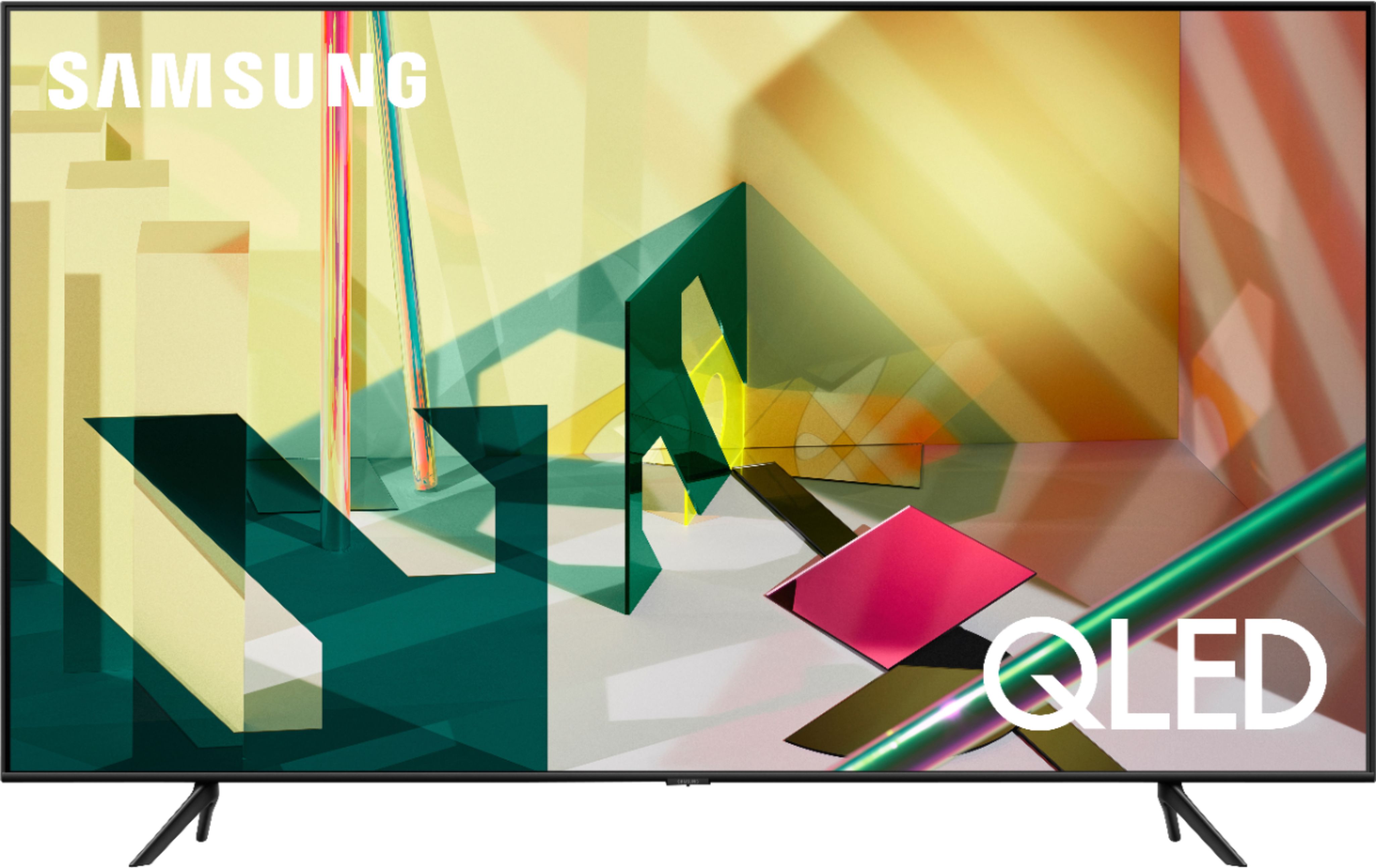
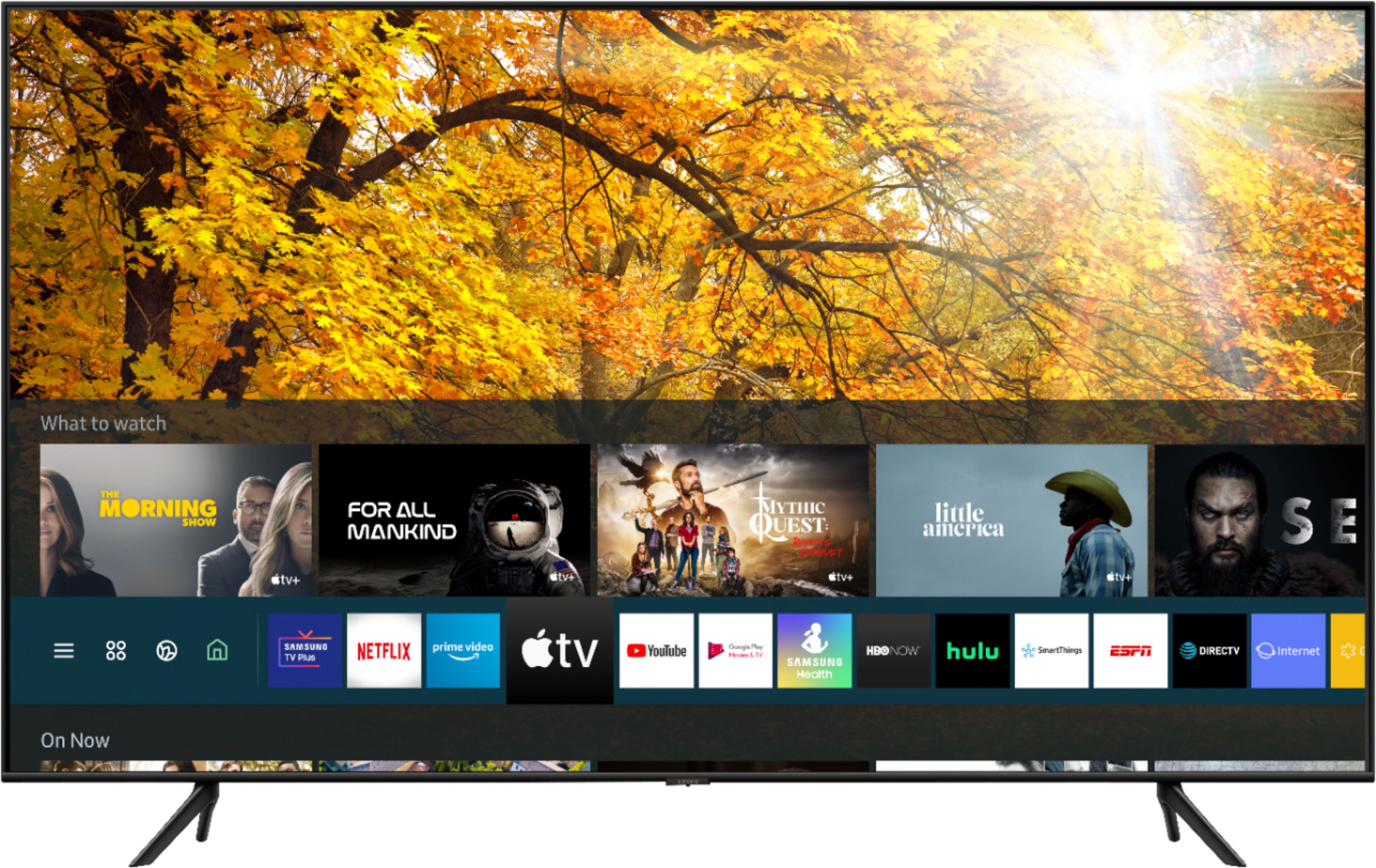
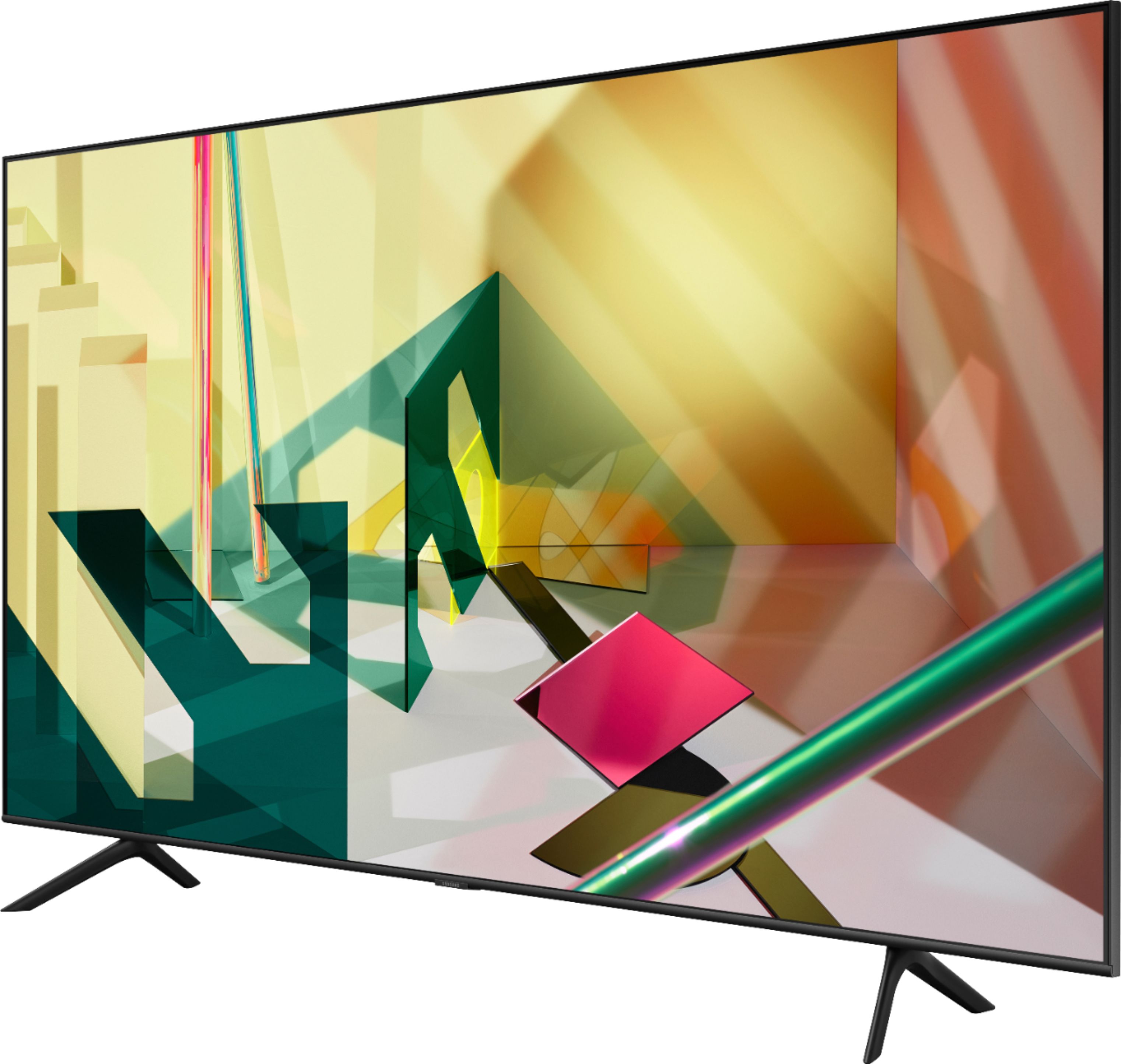



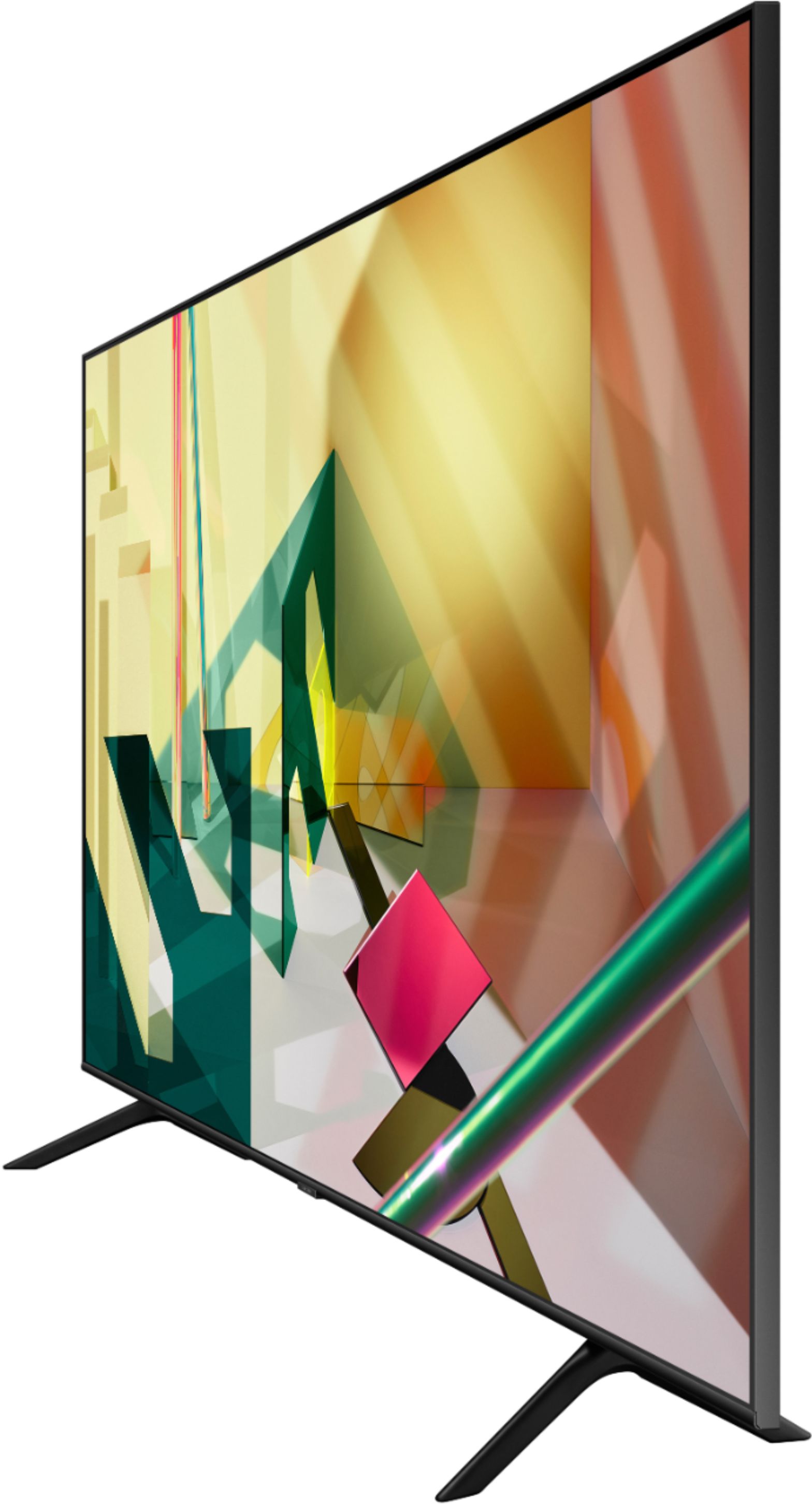







- Model:
- QN82Q70TAFXZA
- SKU:
- 6402393
Rating by feature
- Picture Quality
Rating 4.8 out of 5 stars
- Sound Quality
Rating 4.4 out of 5 stars
- Brightness
Rating 4.8 out of 5 stars
Customers are saying
Customers are delighted by the 82" Class Q70T Series QLED 4K UHD Smart Tizen TV's picture quality, describing it as fantastic and high-end. They appreciate the TV's large size, easy setup, and affordable price. Customers also enjoy the TV's color and find it great for gaming.
This summary was generated by AI based on customer reviews.
Picture studders
||Posted . Owned for 3 weeks when reviewed.This reviewer received promo considerations or sweepstakes entry for writing a review.Picture studders on lower quality shows. Had geek squad come out and all they did was put it in game mode. Didn’t help. This replaced my 75” Samsung and did not have this problem. The start up menus are a nuisance. They stay in screen to long. No way to turn off.
I would recommend this to a friendBrand response from Samsung
Posted .Bahooka:
Thank you for choosing the Samsung Q70T TV. I am sorry you are experiencing image motion issues. If you notice blurring or juddering on the screen, you can try adjusting the Picture Clarity Settings function to improve your picture. Settings > Picture > Expert Settings > Picture Clarity Settings
- Off: Picture Clarity Settings will always be off
- Auto: Picture Clarity Settings will automatically activate and deactivate based on the type of program being watched
- Custom: Allows custom adjustments and settings to be used. By selecting the Custom option, you can access these advanced settings for Judder Reduction, LED Clear Motion, and Noise Reduction.
You can choose what your TV does when you turn it on by going to Settings > General > Smart Features
When you set Autorun Smart Hub to on, the TV displays the Home Screen automatically when you turn the TV on.
If Autorun Last App is set to on, the last used app is automatically run when you turn on the TV. You can turn this function on or off.
I hope this tip helps. If there is anything we can do to further assist and improve your user experience, please do let us know by contacting Samsung Customer Support.
1) Phone: 1-800-SAMSUNG (ask for TVs), available 8AM – 12AM EST 7 days a week
2) LiveChat: https://www.samsung.com/us/support/#contact_us_for_support
3) Facebook Messenger: https://www.facebook.com/samsungsupport
4) Twitter: https://twitter.com/SamsungSupport
5) The Samsung Members Community is also a great resource for getting help from Samsung moderators and customers: https://us.community.samsung.com
If you have not already done so, we invite you to register your new Samsung product at: https://www.samsung.com/us/account/signin/?redirect=https%3A%2F%2Fwww.samsung.com%2Fus%2Fsupport%2Fregister%2F
Registering your product gives you access to easy warranty support, convenient opt-in to special promos and offers, faster troubleshooting and service, and quick notification of system updates.
~ Samsung Solutions
REview
||Posted . Owned for 1 month when reviewed.This reviewer received promo considerations or sweepstakes entry for writing a review.Good TV for the money. Best Buy is good. All is good. Like the fact that you get a 10% coupon. That is good
I would recommend this to a friendReally nice.
||Posted . Owned for 1 month when reviewed.This reviewer received promo considerations or sweepstakes entry for writing a review.I'm happy with my new tv. But I have problem with the optical sound and bluetooth.
I would recommend this to a friendLove it
||Posted . Owned for 1 week when reviewed.This reviewer received promo considerations or sweepstakes entry for writing a review.This tv is awesome. I gave four star because of delays on delivery.
I would recommend this to a friendMust have
||Posted . Owned for 3 weeks when reviewed.This reviewer received promo considerations or sweepstakes entry for writing a review.Amazing! Exactly what I expected! Has Airplay which is what I needed!
I would recommend this to a friendTelevisión
||Posted .This reviewer received promo considerations or sweepstakes entry for writing a review.Buena televisión cumple con las características y funciones
I would recommend this to a friend- Pros mentioned:Picture quality
Fades away
||Posted . Owned for 3 weeks when reviewed.This reviewer received promo considerations or sweepstakes entry for writing a review.Sitting directly in front of it the picture is awesome. Viewing from the side or an angle not so good, picture is blurry and seems to fade away. Had to return.
No, I would not recommend this to a friend - Pros mentioned:Picture quality
Disappointed
||Posted . Owned for 1 week when reviewed.This reviewer received promo considerations or sweepstakes entry for writing a review.The screen size is incredible and picture is great but lip movements do not match up with the sound coming out of the speakers or sound bar on a constant basis. Sometimes the sound matches up but not all and for this price point, I don’t expect to have an issue with sound and picture together. Issue is on cable as well as streaming so it’s not only one input. Very odd.
No, I would not recommend this to a friendBrand response from Samsung
Posted .JCNJC84:
Thank you for purchasing the Samsung Q70T TV. I am very sorry you are experiencing sound delay issues. It could possibly a source issue. You can also try making changes to digital audio output in Expert Settings: Settings > Sound > Expert Settings > Digital Output Audio Delay
Please know that 2020 Samsung TVs have a feature called Audio Pass-Through. You can use this feature to correct your audio-sync issue.
On your TV go to: Settings > Audio > Expert Settings > Digital Audio Output Format > Pass-Through
If you have tried this and your issue persists, please reach out to Samsung Customer Support so that we can provide further troubleshooting.
1) Phone: 1-800-SAMSUNG (ask for TVs), available 8AM – 12AM EST 7 days a week
2) LiveChat: https://www.samsung.com/us/support/#contact_us_for_support
3) Facebook Messenger: https://www.facebook.com/samsungsupport
4) Twitter: https://twitter.com/SamsungSupport
5) The Samsung Members Community is also a great resource for getting help from Samsung moderators and customers: https://us.community.samsung.com
If you have not already done so, we invite you to register your new Samsung product at: https://www.samsung.com/us/account/signin/?redirect=https%3A%2F%2Fwww.samsung.com%2Fus%2Fsupport%2Fregister%2F
Registering your product gives you access to easy warranty support, convenient opt-in to special promos and offers, faster troubleshooting and service, and quick notification of system updates.
~ Samsung Solutions
Good but disappointing
||Posted . Owned for 1 month when reviewed.This reviewer received promo considerations or sweepstakes entry for writing a review.Good tv but compared to my 75inch q70r from two years ago the picture has noticeably gone done in quality. Watch reviews before purchasing.
No, I would not recommend this to a friendGet it only on huge sale events
||Posted . Owned for 11 months when reviewed.This reviewer received promo considerations or sweepstakes entry for writing a review.Being an expensive TV, I feel it doesn’t behave as it should. Unresponsive, slow, not apps support. Image quality is ok.
I would recommend this to a friend4k stuttering when panning
||Posted . Owned for 1 month when reviewed.This reviewer received promo considerations or sweepstakes entry for writing a review.For the price, it isn't that good for 4k. There are benefits for gaming, but if you want good 4k this isn't the TV for you. It looks good when there is a stationary picture, but if there is any panning you can see the stuttering. This is a known issue - just lookup samsung t series 4k stuttering. I tried all settings. For the price there should be better performance.
No, I would not recommend this to a friendMy tv
||Posted .This reviewer received promo considerations or sweepstakes entry for writing a review.Good overall but I thought the image was going to be better
No, I would not recommend this to a friendBrand response from Samsung
Posted .Breidy:
Thank you for purchasing the Samsung Q70T TV and for your review. I am sorry to hear that you are not completely happy with your TV’s picture. There are several image settings you can adjust to your liking such as Picture Mode and Expert Settings.
Choose a Picture Mode by going to Settings > Picture > Picture Mode and choose from Dynamic, Standard, Natural, Movie, or Filmmaker Mode.
You can further adjust your sharpness, brightness, contrast, color, tint, contrast, white balance, and more by going to Settings > Picture > Expert Settings
Please also give us the opportunity to assist you with image quality adjustments tailored to your preferred viewing experience. You can reach us via any of the following options:
1) Phone: 1-800-SAMSUNG (ask for TVs), available 8AM – 12AM EST 7 days a week
2) LiveChat: https://www.samsung.com/us/support/#contact_us_for_support
3) Facebook Messenger: https://www.facebook.com/samsungsupport
4) Twitter: https://twitter.com/SamsungSupport
5) The Samsung Members Community is also a great resource for getting help from Samsung moderators and customers: https://us.community.samsung.com
If you have not already done so, we invite you to register your new Samsung product at: https://www.samsung.com/us/account/signin/?redirect=https%3A%2F%2Fwww.samsung.com%2Fus%2Fsupport%2Fregister%2F
Registering your product gives you access to easy warranty support, convenient opt-in to special promos and offers, faster troubleshooting and service, and quick notification of system updates.
~ Samsung Solutions
QN82Q70T QLED
||Posted . Owned for 3 weeks when reviewed.This reviewer received promo considerations or sweepstakes entry for writing a review.It’s ok nothing great Not happy with it Exchanged it for another tv
No, I would not recommend this to a friendJunk TV
||Posted . Owned for 1 year when reviewed.This reviewer received promo considerations or sweepstakes entry for writing a review.This tv crapped out after a year and 2 months after purchasing. Its basically unfixable due to the cost to fix it is more than the tv is worth. Samsung wont do anything since the warrant was up in april which was 2 months before the tv conveniently broke. Go figure and they only provide a 1 year warrenty which is crappy especially since the tv cost so much. Tvs are not made like they used to be. I still have a box tv that my kids use and it works great. Samsung is a house hold name and has alot of prestige that goes along with it and for a tv that is this expensive with a name like theirs that backs it, this shouldnt have happened.
No, I would not recommend this to a friendFails to keep sound bar pairing consistently….
||Posted .This reviewer received promo considerations or sweepstakes entry for writing a review.TV is great. Sound bar (also same maker, Samsung), consistently does not keep the Bluetooth pairing. You have turn the TV off and on a 2nd time. Poor.
I would recommend this to a friendToo large for our room
||Posted . Owned for 1 year when reviewed.This reviewer received promo considerations or sweepstakes entry for writing a review.This wasn’t a good fit for what we needed. We have a primary bump out and it was too large
No, I would not recommend this to a friendBroke within one month
||Posted . Owned for 3 months when reviewed.This reviewer received promo considerations or sweepstakes entry for writing a review.Within one month of using this tv, a line on the screen developed. The problem is that this item is not returnable to Best Buy since it is past the return period. We were finishing our basement, and purchased this TV before the basement was finished (in October) due to the deal offered at that time. Now, two months later, it is already having issues. Very disappointed!
No, I would not recommend this to a friendBrand response from Samsung
Posted .PlymouthMN:
Thank you for purchasing the Samsung Q60T TV. I am very sorry you are experiencing issues with your TV not displaying properly. You may want to try the following troubleshooting steps:
1) Check the antenna and input cable connections
2) Check the antenna and HDMI cable connections
3) If the issue persists, define exactly what is wrong with the display. For example, mosaics and blocks, multiple lines or white dots, fixed horizontal, or vertical lines
4) Try changing channels using the remote control. Is the issue the same on all channels?
5) Press the Home button (looks like a house), select Source, choose another input source. Is the issue the same on all sources?
6) If the same problem persists, run a diagnostic test. (Home > Settings > Support > Device Care > Self Diagnosis > Picture Test)
7) If the problem disappears during the test, check your TV signal (Home > Settings > Support > Device Care > Self Diagnosis > Signal Information) to check the signal strength. Signal strength must be more than 20 dB (more than 4 bars on the icon) for stable signal reception
Should your issue persist, please contact Samsung Customer Support.
1) Phone: 1-800-SAMSUNG (ask for TVs), available 8AM – 12AM EST 7 days a week
2) LiveChat: https://www.samsung.com/us/support/#contact_us_for_support
3) Facebook Messenger: https://www.facebook.com/samsungsupport
4) Twitter: https://twitter.com/SamsungSupport
5) The Samsung Members Community is also a great resource for getting help from Samsung moderators and customers: https://us.community.samsung.com
If you have not already done so, we invite you to register your new Samsung product at: https://www.samsung.com/us/account/signin/?redirect=https%3A%2F%2Fwww.samsung.com%2Fus%2Fsupport%2Fregister%2F
Registering your product gives you access to easy warranty support, convenient opt-in to special promos and offers, faster troubleshooting and service, and quick notification of system updates.
~ Samsung Solutions
Poor Geek squad service
||Posted . Owned for 1 week when reviewed.This reviewer received promo considerations or sweepstakes entry for writing a review.Geek squad service very poor. A lot of issues with delivery and insulting.
I would recommend this to a friendBrand response from Samsung
Posted .Shermartel:
I am very sorry to see that you had an unfortunate experience with the delivery of your TV. To address any delivery concerns, you may want to share delivery feedback directly with BestBuy.
Should you ever need assistance or have questions about using this product, please know we are here to help. You can reach Samsung Support at:
1) Phone: 1-800-SAMSUNG (ask for TVs), available 8AM – 12AM EST 7 days a week
2) LiveChat: https://www.samsung.com/us/support/#contact_us_for_support
3) Facebook Messenger: https://www.facebook.com/samsungsupport
4) Twitter: https://twitter.com/SamsungSupport
5) The Samsung Members Community is also a great resource for getting help from Samsung moderators and customers: https://us.community.samsung.com
If you have not already done so, we invite you to register your new Samsung product at: https://www.samsung.com/us/account/signin/?redirect=https%3A%2F%2Fwww.samsung.com%2Fus%2Fsupport%2Fregister%2F
Registering your product gives you access to easy warranty support, convenient opt-in to special promos and offers, faster troubleshooting and service, and quick notification of system updates.
~ Samsung Solutions
- Pros mentioned:Picture quality
Great tv
Posted .This reviewer received promo considerations or sweepstakes entry for writing a review.Great tv but only had one hdmi 2.1 with a splitter in was able to play my Xbox serios X and ps5. Picture quality high end. Very thin easy to set up on wall. Not as heavy as I thought
I would recommend this to a friend Read the Fine Print
||Posted . Owned for 2 months when reviewed.This reviewer received promo considerations or sweepstakes entry for writing a review.TV died in less than 3 months.... Samsung took weeks to send someone to fix it, and now a have a refurbished TV (paying the cost of something brand new).
No, I would not recommend this to a friendBrand response from Samsung
Posted .Talkien007:
Thank you for purchasing the Samsung Q70T TV and for sharing your experience with us. I apologize for the hassle you had to go through to have your TV serviced, but I hope that your TV is now performing as expected.
Please know that Samsung is committed to providing the best possible product experience, quality, and value, and your feedback will be shared with our product and customer care teams.
If there is anything we can do to further assist and improve your user experience, please let us know by contacting Samsung Customer Support.
1) Phone: 1-800-SAMSUNG (ask for TVs), available 8AM – 12AM EST 7 days a week
2) LiveChat: https://www.samsung.com/us/support/#contact_us_for_support
3) Facebook Messenger: https://www.facebook.com/samsungsupport
4) Twitter: https://twitter.com/SamsungSupport
5) The Samsung Members Community is also a great resource for getting help from Samsung moderators and customers: https://us.community.samsung.com
If you have not already done so, we invite you to register your new Samsung product at: https://www.samsung.com/us/account/signin/?redirect=https%3A%2F%2Fwww.samsung.com%2Fus%2Fsupport%2Fregister%2F
Registering your product gives you access to easy warranty support, convenient opt-in to special promos and offers, faster troubleshooting and service, and quick notification of system updates.
~ Samsung Solutions