Customer Ratings & Reviews
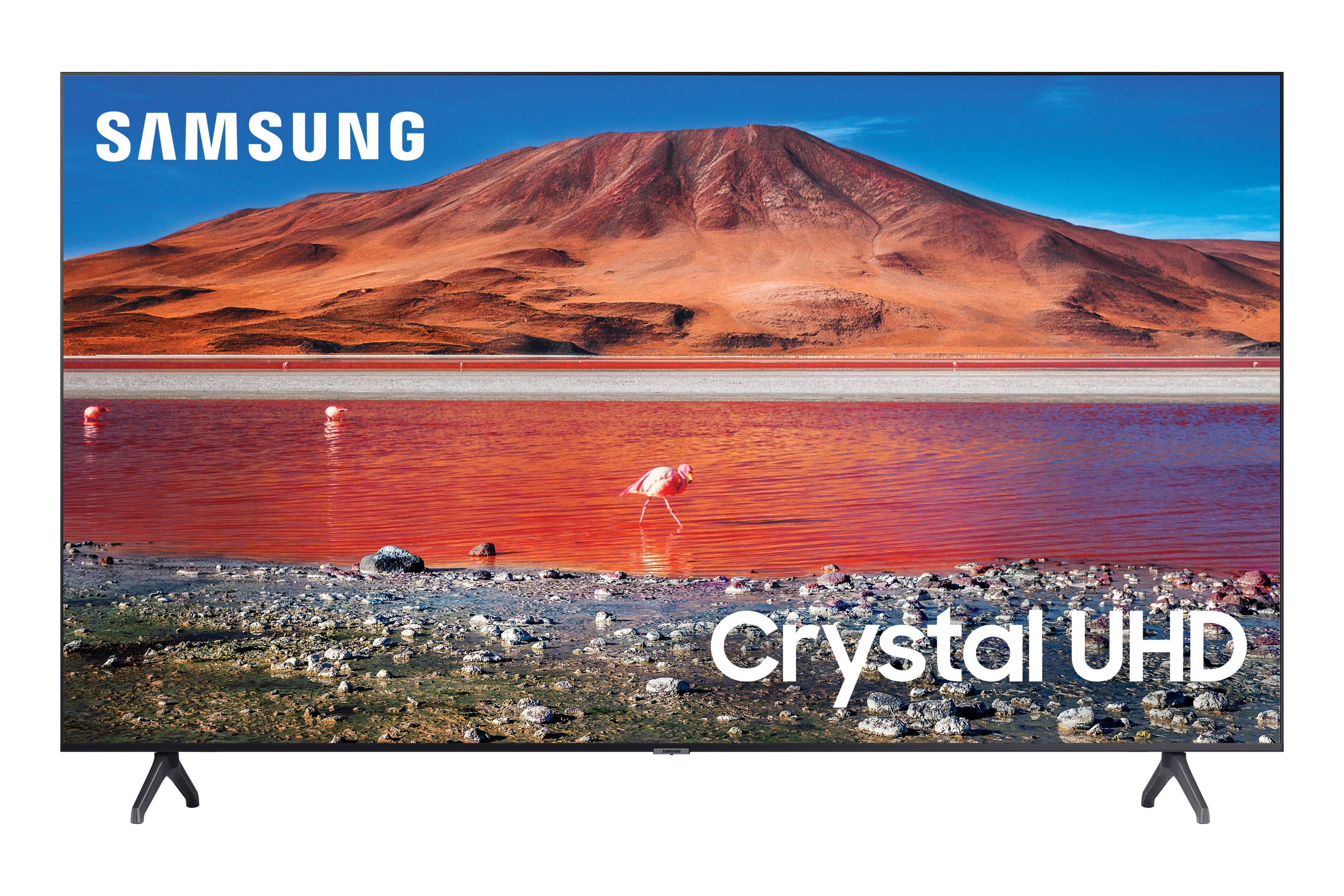
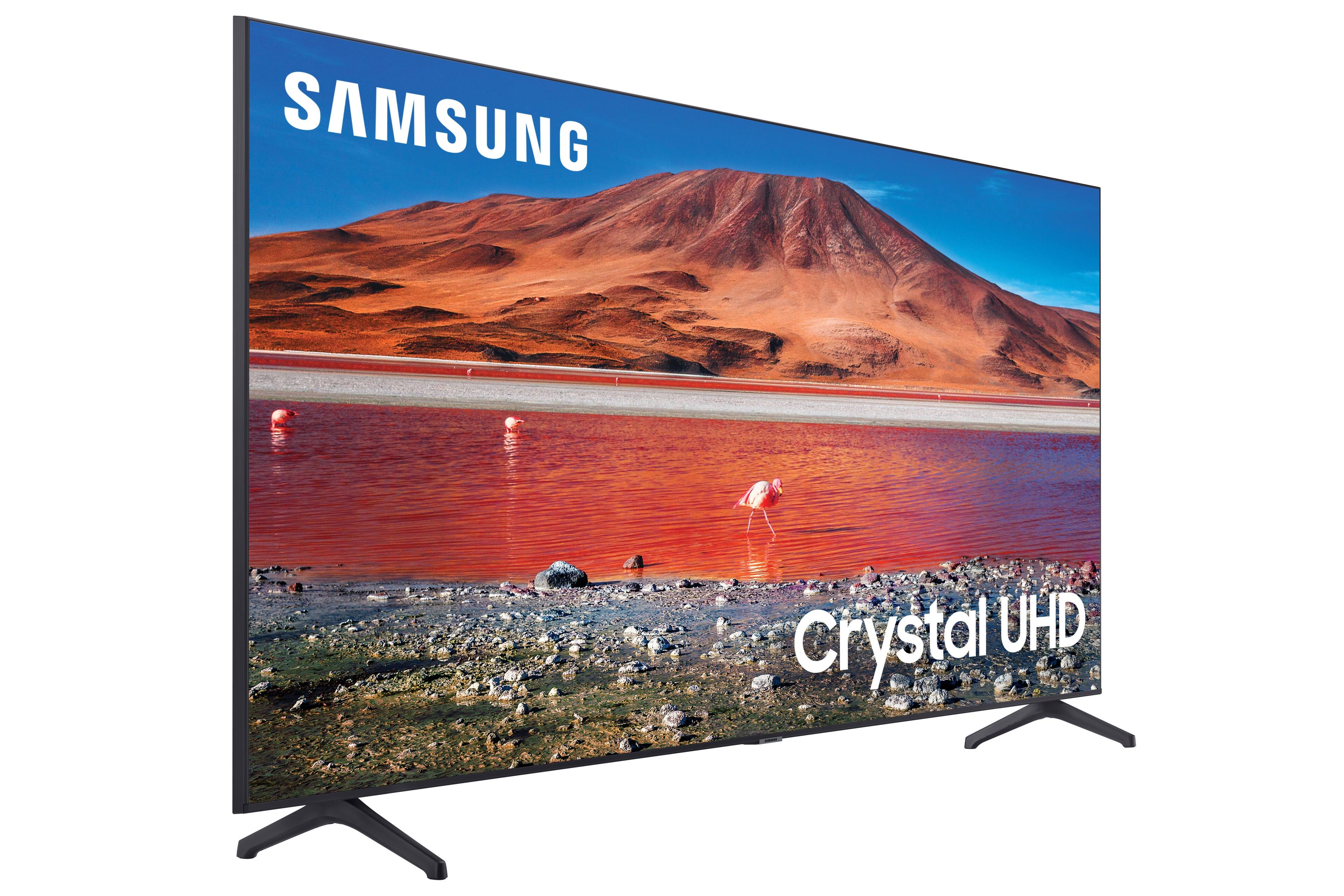
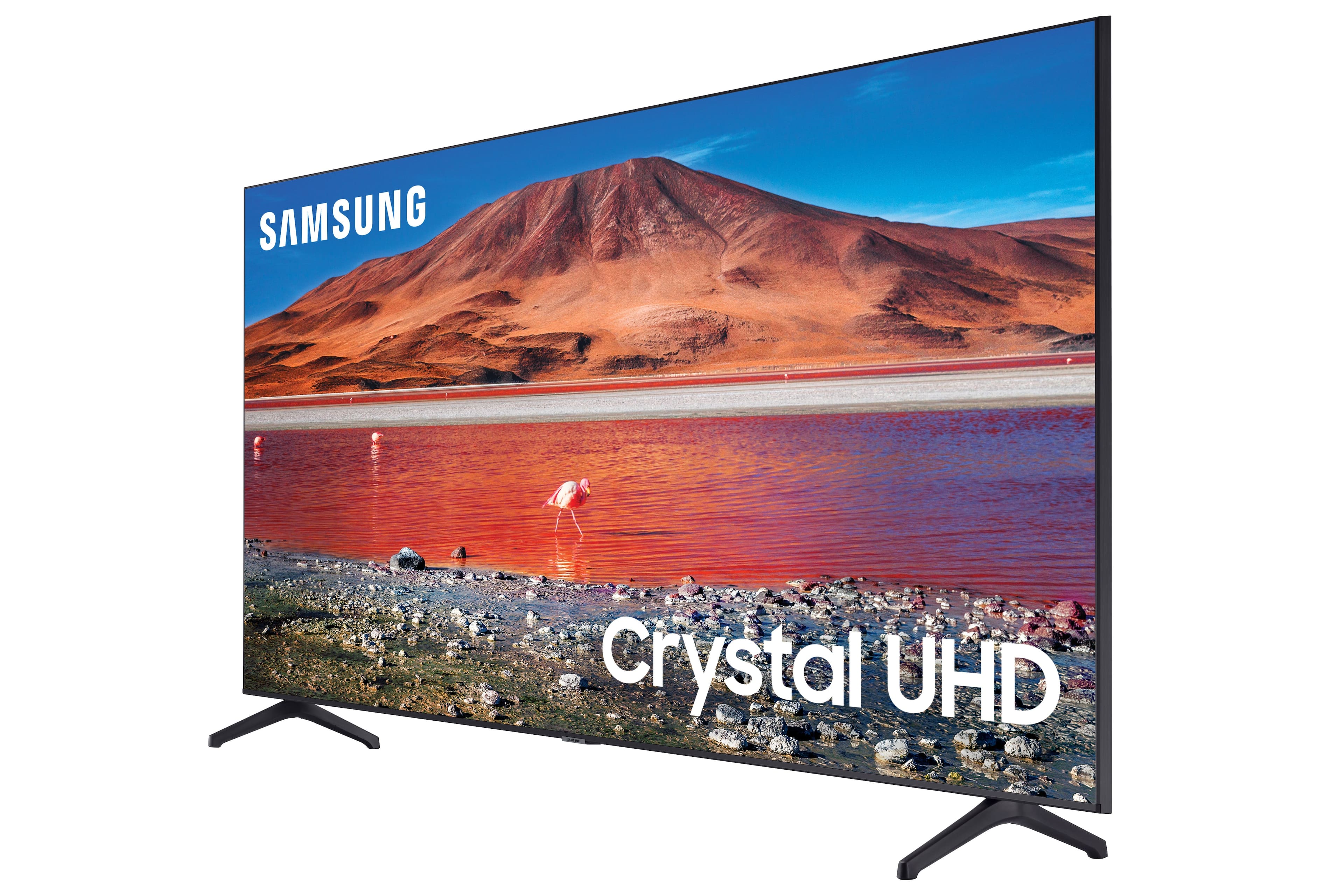
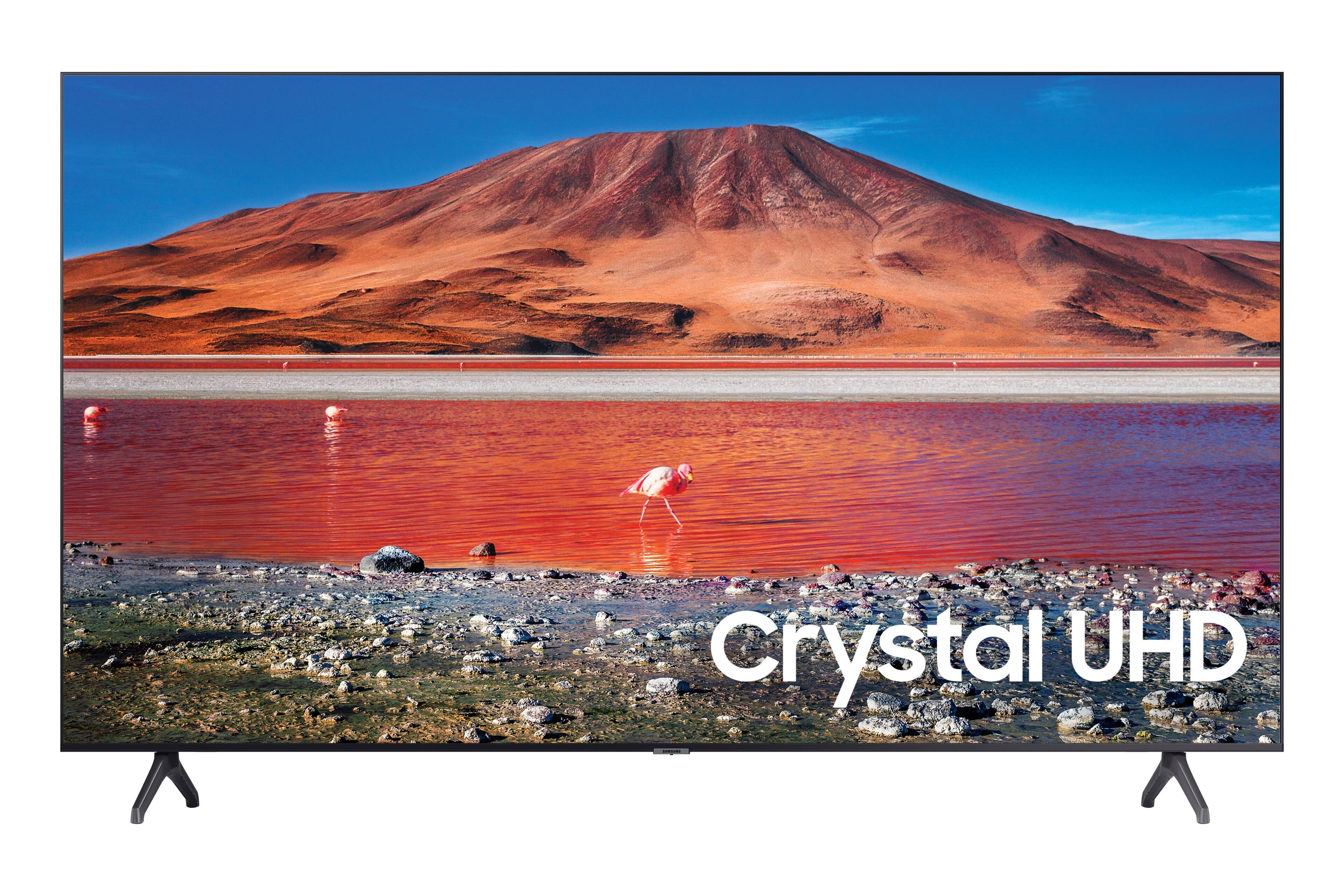
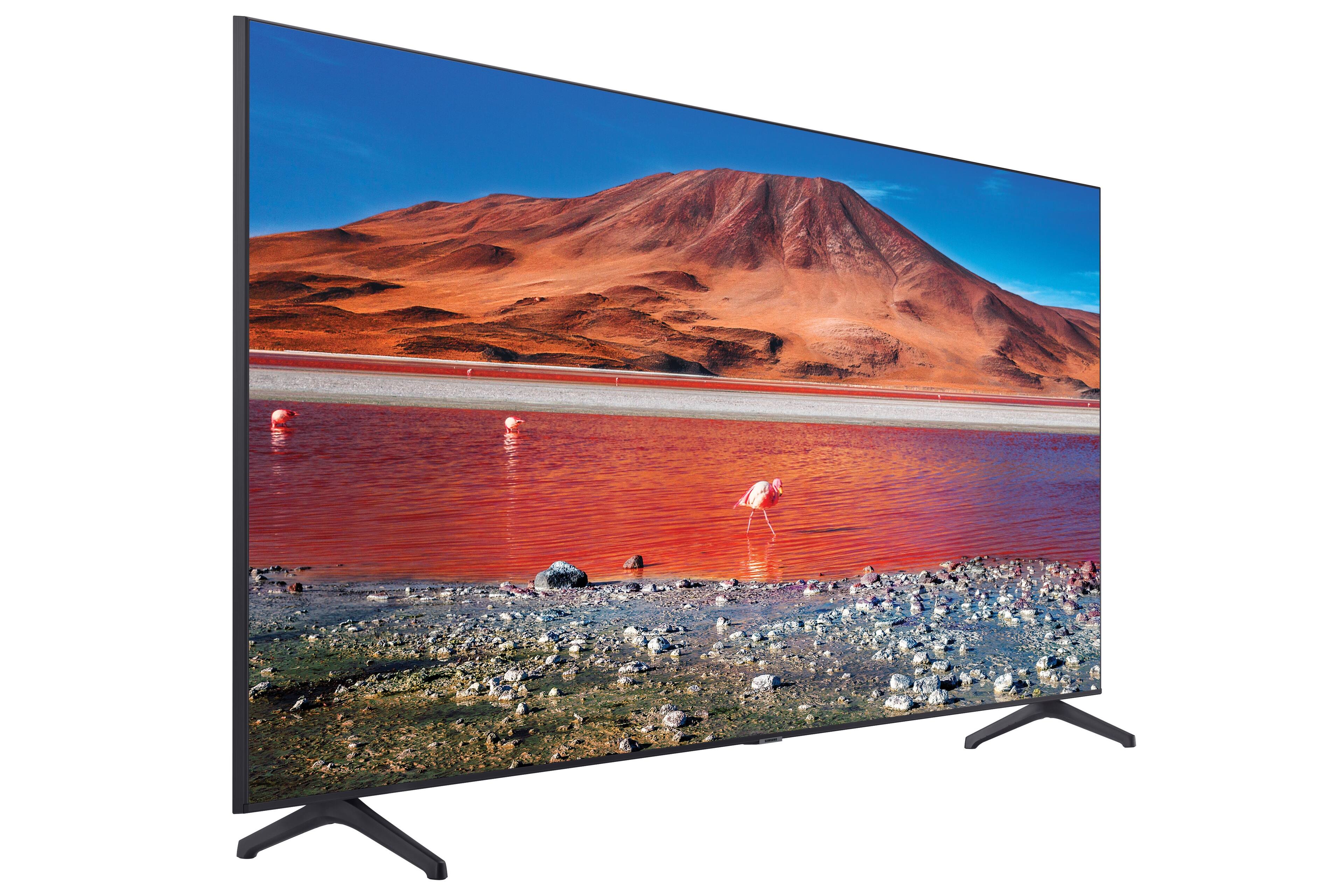
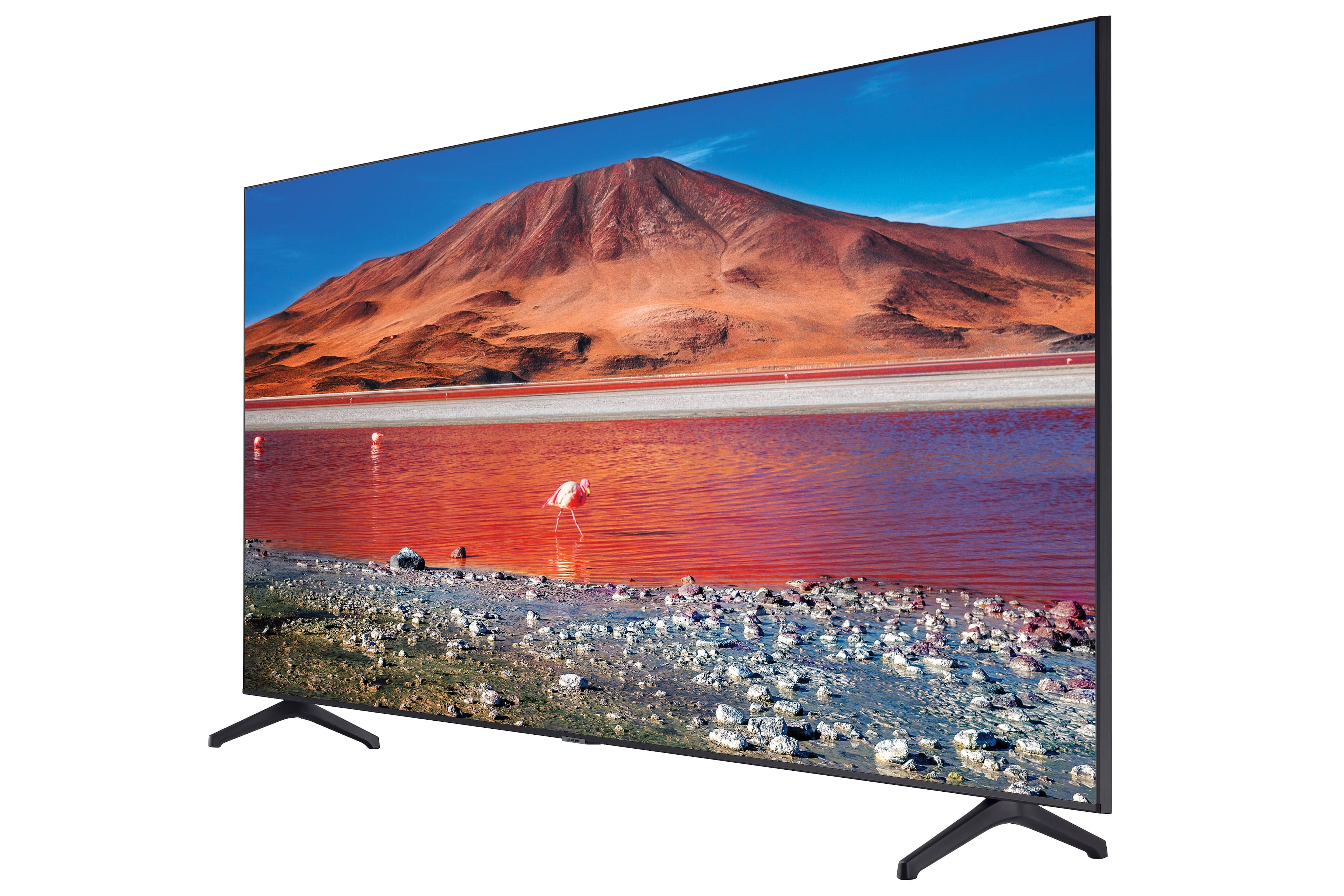
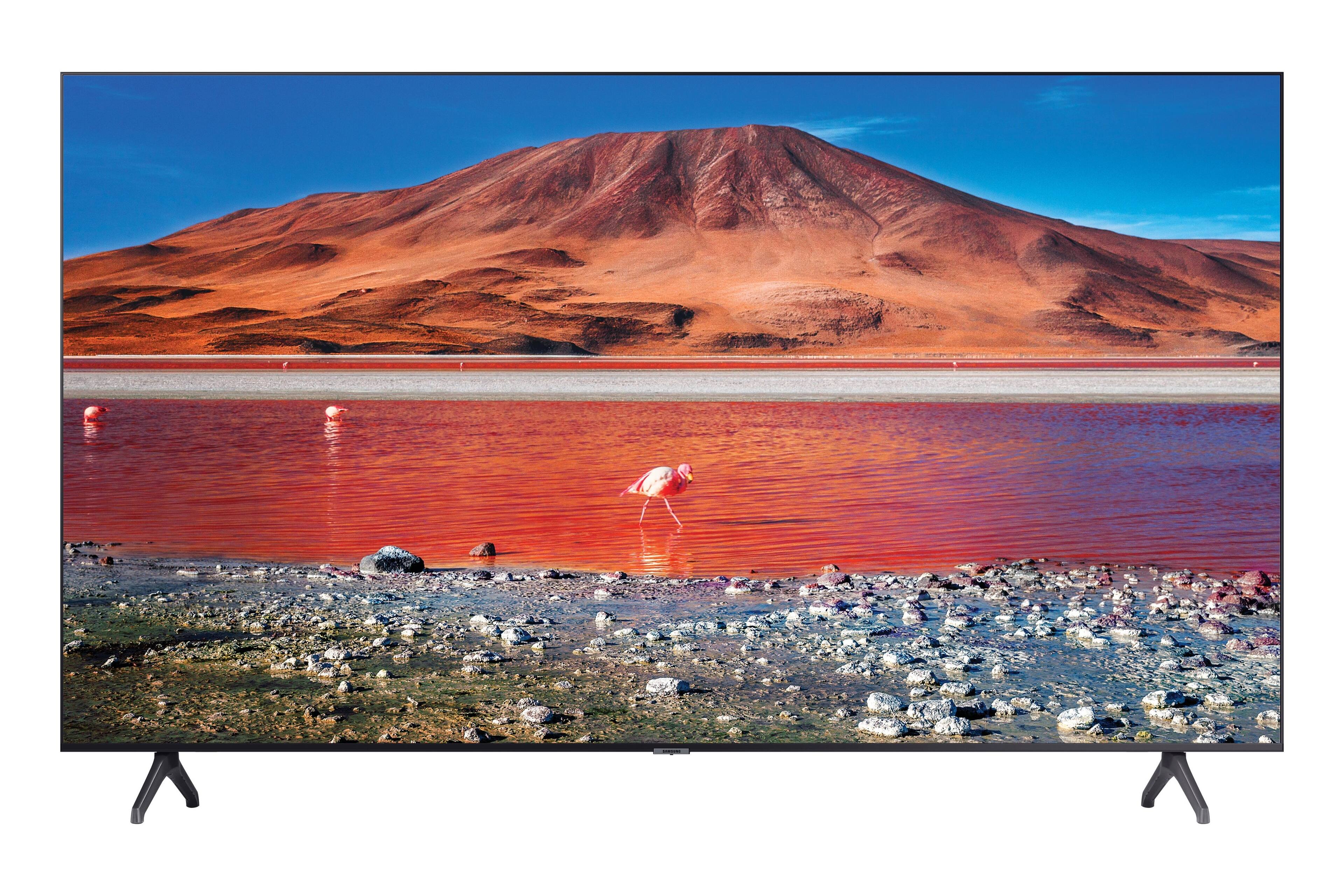

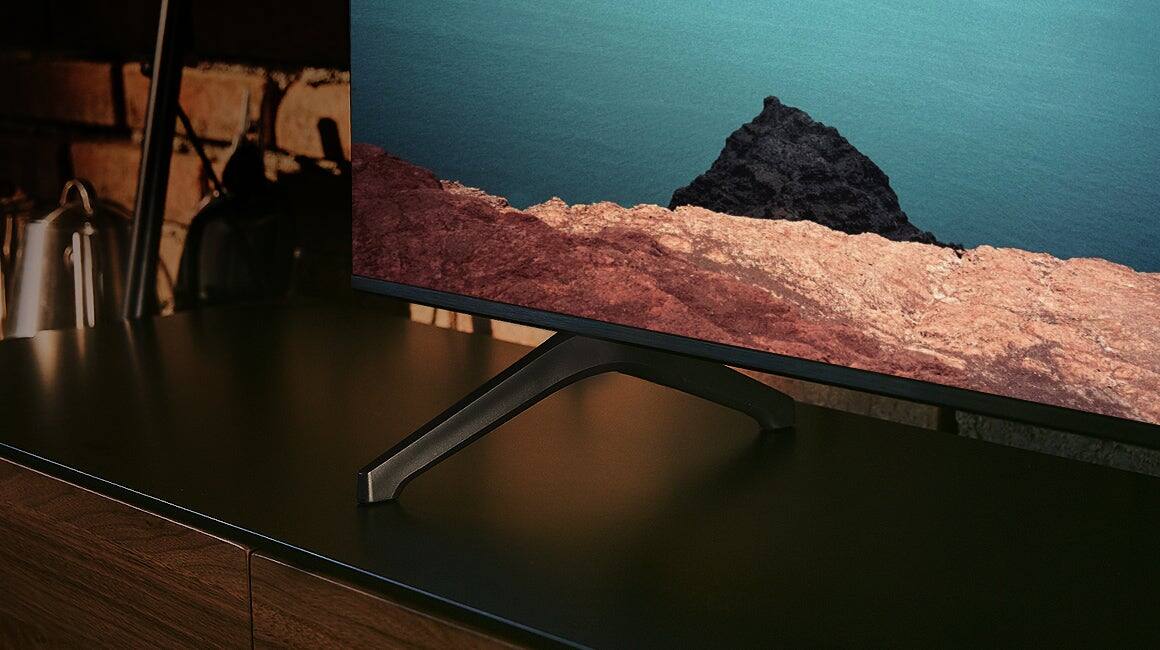



- Model:
- UN85TU7000FXZA
- SKU:
- 6485132
Rating by feature
- Picture Quality
Rating 4.7 out of 5 stars
- Sound Quality
Rating 4.4 out of 5 stars
- Brightness
Rating 4.7 out of 5 stars
Customers are saying
Customers have good things to say about the picture quality, size, and price of the 85" Class 7 Series LED 4K UHD Smart Tizen TV. Many appreciate the ease of use and the vibrant colors. While some found the remote control less intuitive and the TV heavy, the positive feedback on picture quality and value for money outweighs these minor drawbacks.
This summary was generated by AI based on customer reviews.
Its ok
||Posted . Owned for 1 week when reviewed.This reviewer received promo considerations or sweepstakes entry for writing a review.The sound not so good not like the older television
No, I would not recommend this to a friendBrand response from Samsung
Posted .Hi Heyhey673,
Thank you for sharing your thoughts regarding the TU7000 TV’s sound quality. We recommend adjusting the Sound Settings to improve your experience. You can change the Sound Mode by going to Settings > Sound > Sound Mode.
You can also customize the sound with Expert Settings by going to Settings > Sound > Expert Settings.
To assist you with possible sound settings adjustments for a better audio experience or choosing a Samsung Soundbar to complement your viewing enjoyment, please reach out to us at 1-800-SAMSUNG, 8 AM - 12 AM EST, seven days a week. Our LiveChat agents are also available by clicking on the ‘Support’ link on our website.
~ Samsung Advisor
Poor visual quality
||Posted . Owned for 1 week when reviewed.This reviewer received promo considerations or sweepstakes entry for writing a review.Picture quality is poor. Only 2 HDMI ports. Cheaply made 85' TV
No, I would not recommend this to a friendBrand response from Samsung
Posted .Hi LeronM,
It’s unfortunate to hear you’re not fully satisfied with your TU7000 TV’s image quality. If the picture you’re seeing is not to your liking, there are several picture settings you may want to try adjusting.
Go to Home > Settings > Picture > Picture Mode and select the mode that best fits your usage:
1) Standard: Default mode suitable for general viewing environments.
2) Natural: Reduces eye strain for a comfortable viewing experience.
3) Movie: Suitable for watching TV or movies in a dark room.
4) Dynamic: Makes the picture brighter and clearer in bright viewing environments.
5) Filmmaker Mode: You can watch the source content (e.g., movie) as it is. If the image is defined as Filmmaker Mode, it will automatically switch to Filmmaker Mode while watching.
You can also go to Settings > Picture > Expert Settings > to manually fine-tune your image.
If you need more help, Samsung is here for you. Call us at 1-800-SAMSUNG, 8 AM - 12 AM EST, seven days a week. LiveChat with an agent, as well as manuals, software, and warranty info, can be found at the ‘Support’ link on our Samsung website.
Thanks for being a part of the Samsung family!
~ Samsung Advisor
Delivery Department from bestbuy customsupport
||Posted .This reviewer received promo considerations or sweepstakes entry for writing a review.I had never seen before like rude customer support. My order delivery was canceled 5 times in 1 month. This stuff is not organized, rude, or disrespectful. Sill now is waiting for my 85-inch tv for a 6-time appointment. Radicles
No, I would not recommend this to a friendBrand response from Samsung
Posted .Hi Bio233044med,
It’s unfortunate to hear your purchase experience was not up to standards, and we hope your issue is resolved in a timely manner. We recommend reaching out directly to Best Buy to help resolve your issue.
If you need more help, Samsung is here for you. Please call us at 1-800-SAMSUNG, 8 AM - 12 AM EST, seven days a week. Our LiveChat agents are also available by clicking on the ‘Support’ link on our website.
~ Samsung Advisor
Samsung TV
||Posted . Owned for 1 month when reviewed.This reviewer received promo considerations or sweepstakes entry for writing a review.Color on tv is horrible. Sound quality is also horrible. Returning
No, I would not recommend this to a friendBrand response from Samsung
Posted .Hi Samsungdryer,
We are sorry to hear that your TU7000 TV is not up to par with your expectations. Samsung prides itself on high-quality products and a great customer experience; please know we are here to help you. Please try the below troubleshooting tips to improve your TV experience.
First, let's ensure your Firmware is up to date. Go to Settings> Support> Software Update and update from there.
Next, we recommend adjusting the following settings to improve your picture and sound.
Go to Home > Settings > Picture > Picture Mode and select the mode that best fits your usage:
1) Standard: Default mode suitable for general viewing environments.
2) Natural: Reduces eye strain for a comfortable viewing experience.
3) Movie: Suitable for watching TV or movies in a dark room.
4) Dynamic: Makes the picture brighter and clearer in bright viewing environments.
5) Filmmaker Mode: You can watch the source content (e.g., movie) as it is. If the image is defined as Filmmaker Mode, it will automatically switch to Filmmaker Mode while watching.
You can also go to Settings > Picture > Expert Settings and configure the image settings to your taste with additional functions.
Additionally, there are several sound settings you can adjust to suit your personal sound preferences. Change the Sound Mode by going to Settings > Sound > Sound Mode.
You can customize the sound with Expert Settings by going to Settings > Sound > Expert Settings.
I hope this helps you enjoy your experience. If you’d like more help with settings, please know we’re here to help! Call us at 1-800-SAMSUNG, 8 AM - 12 AM EST, seven days a week. Or visit us on the Samsung website and click on the ‘Support’ link for:
1) LiveChat
2) Manuals, Software, & Warranty Info
Thanks for being a part of the Samsung family!
~ Samsung Advisor
Beware. Top half goes dark
||Posted . Owned for 2 months when reviewed.This reviewer received promo considerations or sweepstakes entry for writing a review.After 2 months the top half of the TV went dark. No support to resolve the issue.
No, I would not recommend this to a friendBrand response from Samsung
Posted .Hi KerryB,
We are very sorry to hear that you are experiencing image issues with your TU7000 TV. Please review the following troubleshooting steps to resolve your issue.
1. Check all input cable connections if any external devices are connected.
2. If the issue persists, define precisely what is wrong with the display.
3. Try changing channels using the remote control. Is the issue the same on all channels?
4. Press the Home button (looks like a house), select Source, and choose another input source. Is the issue the same on all sources?
5. If the same problem persists, run a diagnostic test. (Home > Settings > Support > Device Care > Self Diagnosis > Picture Test).
6. If the problem disappears during the test, check your TV signal (Home > Settings > Support > Device Care > Self Diagnosis > Signal Information) to check the signal strength. For stable signal reception, the signal strength must be more than 20 dB (more than 4 bars on the icon).
Should your issue persist, please know that your TV is backed by a 1-year limited manufacturer's warranty, including authorized repair for manufacturer defect, if purchased brand-new directly from an authorized seller. Please get in touch with Samsung Customer Support at 1-800-SAMSUNG, 8 AM - 12 AM EST, seven days a week. Our LiveChat agents are also available by clicking on the ‘Support’ link on our website.
~ Samsung Advisor
TV stop working with no reason!
||Posted . Owned for 1 month when reviewed.This reviewer received promo considerations or sweepstakes entry for writing a review.The TV stop working with no reasons!!! No troubleshooting guidance fix it!
No, I would not recommend this to a friendBrand response from Samsung
Posted .Amin:
I’m sorry for the difficulties with your TV. We understand your frustrations, and are here to help.
Samsung is committed to providing the best possible product experience, quality, and value. We back this Samsung TV with a 1-year limited manufacturer's warranty, including authorized repair for manufacturer defect, if purchased brand-new directly from an authorized seller. You can see the full details of your warranty here: https://www.samsung.com/us/support/service/warranty/UN43AU8000FXZA
Please give us the opportunity to assist you by contacting Samsung Customer Support.
Call us at 1-800-SAMSUNG (ask for TVs), available 8AM - 12AM EST, 7 days a week.
For additional support resources, visit us on the Samsung website and click on the ‘Support’ link in the upper right corner of the homepage for:
1) Chat with Us/Product Help: To begin a chat or find solutions, choose ‘TVs & Home Theater’ and select your model & topic.
2) Manuals, Software, & Warranty Info
We look forward to hearing from you soon.
~ Samsung Advisor
SAMSUNG 85”
||Posted . Owned for 2 weeks when reviewed.This reviewer received promo considerations or sweepstakes entry for writing a review.Not a good tv , resulotion is very bad qndnit only has 2 hdmi ports, very slow processor wouldnt recommend
No, I would not recommend this to a friendBrand response from Samsung
Posted .Hi Gabe,
We appreciate your review of the Samsung TU7000 TV. Your feedback is important to us and will be shared with our internal teams.
First, we recommend ensuring your Firmware is up to date. Go to Settings> Support> Software Update.
Please know that the TV will upscale as best as possible any content sent to it. The closer your content is to 4K, the better the image will look on the screen.
Here are some tips to help improve picture clarity:
1) HDMI cables are recommended for optimal HD viewing.
2) If you have an analog cable box or satellite box, upgrade to a digital cable box or satellite box.
3) Change the output resolution of your devices, such as digital broadcast receivers, IPTV, and set-top boxes, to UHD or HD.
4) You can further adjust your sharpness, brightness, contrast, color, and more by going to Settings > Picture > Expert Settings
5) Choose a Picture Mode by going to Settings > Picture > Picture Mode and choose from Dynamic, Standard, Natural, Movie, or Filmmaker Mode.
Should you ever have questions or need help with TV features, specs, or operations, we are here to help. Please call us at 1-800-SAMSUNG, 8 AM - 12 AM EST, seven days a week. Our LiveChat agents are also available by clicking on the ‘Support’ link on our website.
~ Samsung Advisor
Broken Television
||Posted . Owned for 1 month when reviewed.This reviewer received promo considerations or sweepstakes entry for writing a review.How can I review a broken television? That’s what they sold me a broken television.
No, I would not recommend this to a friendBrand response from Samsung
Posted .Hi Chaptio,
We appreciate your purchase and for letting us know that your TV arrived broken. We take pride in our products and are sorry to hear that your experience was not up to our high standards.
Please give us a call so we can assist you at 1-800-SAMSUNG, 8 AM - 12 AM EST, seven days a week. Our LiveChat agents are also available by clicking on the ‘Support’ link on our website.
~ Samsung Advisor
85 in TV
||Posted .This reviewer received promo considerations or sweepstakes entry for writing a review.I need my money back didn’t get this tv I been calling
No, I would not recommend this to a friendBrand response from Samsung
Posted .Hi AnteS,
We appreciate you sharing your experience with delivery and are sorry you have not received a refund. We recommend contacting Best Buy Customer Support or your local Best Buy store directly for assistance in correcting this situation. We hope your issue is resolved in a timely manner.
If you need more help, Samsung is here for you. Please call us at 1-800-SAMSUNG, 8 AM - 12 AM EST, seven days a week. Our LiveChat agents are also available by clicking on the ‘Support’ link on our website.
~ Samsung Advisor
Not a good quality
||Posted . Owned for 3 weeks when reviewed.This reviewer received promo considerations or sweepstakes entry for writing a review.Not worth for the price. Doesn’t have good quality picture
No, I would not recommend this to a friendBrand response from Samsung
Posted .Saifuddin:
We value your feedback, and regret to hear that you’re not completely satisfied with your TV’s image quality.
Our TU7000 Series features Crystal UHD processor, 4K AI upscaling, HDR, Game Enhancer and more, all designed to give you the best in dazzling, crystal-clear images and rich digital experience.
There are several preset picture modes and many custom settings that can optimize image quality for your viewing scenario.
Go to HOME > SETTINGS > PICTURE > PICTURE MODE and choose:
Dynamic: Makes the picture brighter and clearer in bright viewing environments.
Standard: This is the default mode suitable for general viewing environments.
Natural: Reduces eye strain for a comfortable viewing experience.
Movie: Suitable for watching TV or movies in a dark room.
Filmmaker: Watch the source content (e.g., movie) as it is.
In addition, the image quality on your screen depends on the source and the connection. HDMI cables are recommended for optimal HD viewing; and when possible, 4K content will provide the best picture quality. The TV will upscale as best as possible any content sent to it. The closer the signal is to 4K, the better it will look coming out.
The quality of the streaming content depends largely on the speed of your internet, as most content providers have adaptive streaming that will automatically adjust the image quality based on the network bandwidth.
Please also give us the opportunity to assist you with image quality adjustments tailored to your preferred viewing experience.
Call us at 1-800-SAMSUNG (ask for TVs), available 8AM - 12AM EST, 7 days a week.
For additional support resources, visit us on the Samsung website and click on the ‘Support’ link in the upper right corner of the homepage for:
1) Chat with Us/Product Help: To begin a chat or find solutions, choose ‘TVs & Home Theater’ and select your model & topic.
2) Manuals, Software, & Warranty Info
Samsung is committed to providing the best possible product experience, quality, and value, and we are always here to help with any of your questions or concerns.
~ Samsung Advisor
- Pros mentioned:Picture quality
5 star
Posted .This reviewer received promo considerations or sweepstakes entry for writing a review.Excellent experience very good quality happy with my purchase
I would recommend this to a friend - Pros mentioned:Tv size
Best tv ever 85 inch
Posted .This reviewer received promo considerations or sweepstakes entry for writing a review.I love this big tv! I always watching NFL games and soccer games on it
I would recommend this to a friend - Pros mentioned:Picture quality
Love it!
Posted .This reviewer received promo considerations or sweepstakes entry for writing a review.Perfect tv for my needs. Im now hosting every superbowl party!
I would recommend this to a friend - Pros mentioned:Picture quality
Excellent picture
Posted .This reviewer received promo considerations or sweepstakes entry for writing a review.Beautiful, HUGE, two months in and everything works great. Can't believe 85 inch TV for $1k. Includes free TV channels like Duck Dynasty, can't go wrong there. Only downside is some movies don't fill the whole screen. Probably a setting I haven't figured out yet.
I would recommend this to a friend Highly recommend
Posted .This reviewer received promo considerations or sweepstakes entry for writing a review.10/10 super happy with my purchase it’s like having my own movie theater in my home.
I would recommend this to a friendAwesome tv!!
Posted .This reviewer received promo considerations or sweepstakes entry for writing a review.Awesome tv! I’ve had it since 2022 and have never had an issue at all!
I would recommend this to a friend- Pros mentioned:Picture quality
Nice picture
Posted .This reviewer received promo considerations or sweepstakes entry for writing a review.Nice picture quality. Would recommend to my family members
I would recommend this to a friend would recommend
Posted .This reviewer received promo considerations or sweepstakes entry for writing a review.we love our tv. only issues is the first one we had after the second day there was a red line through the top - we called and they switched it out for us with no hassles. other issue - we are having a hard time finding a tv stand large enough.
I would recommend this to a friend- Pros mentioned:Ease of use, Picture quality
It’s like a home theater
Posted .This reviewer received promo considerations or sweepstakes entry for writing a review.I love the picture quality easy to set up highly recommend
I would recommend this to a friend - Pros mentioned:Picture quality
Good until it wasn’t.
Posted .This reviewer received promo considerations or sweepstakes entry for writing a review.Picture looks good, however after a couple of years the wifi connection would randomly drop and I had to restart the TV every time.
No, I would not recommend this to a friend