Customer Ratings & Reviews
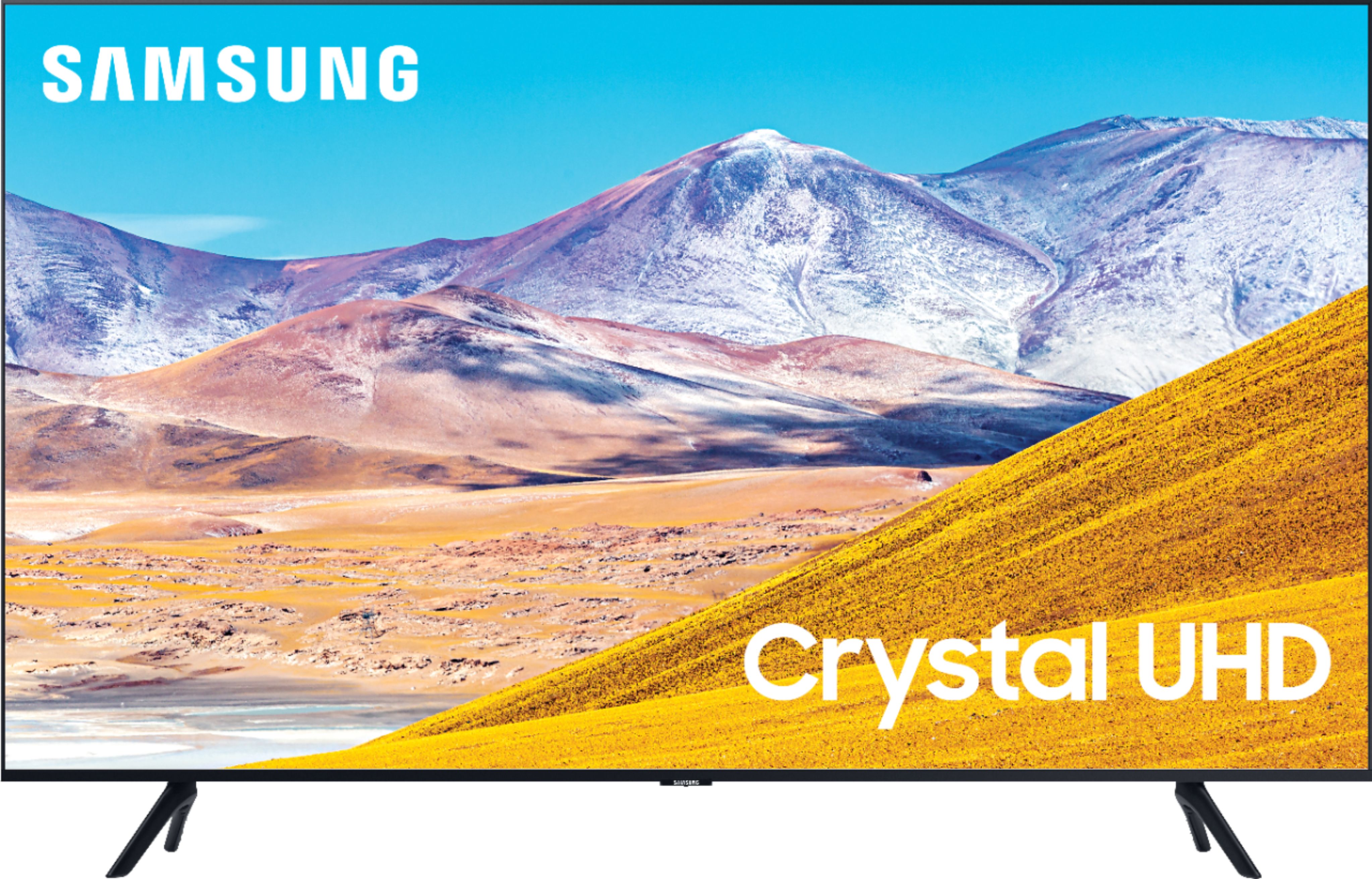
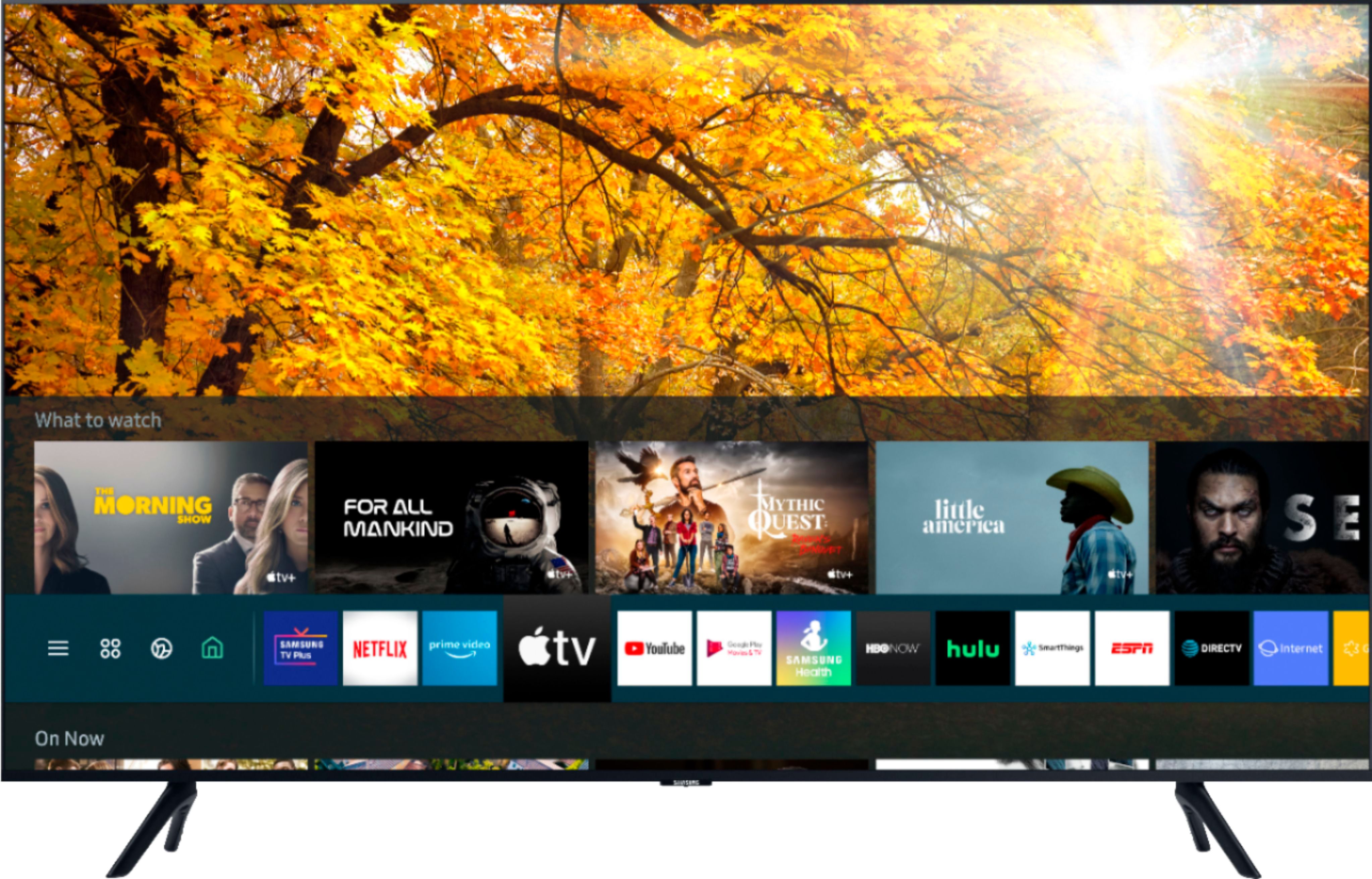
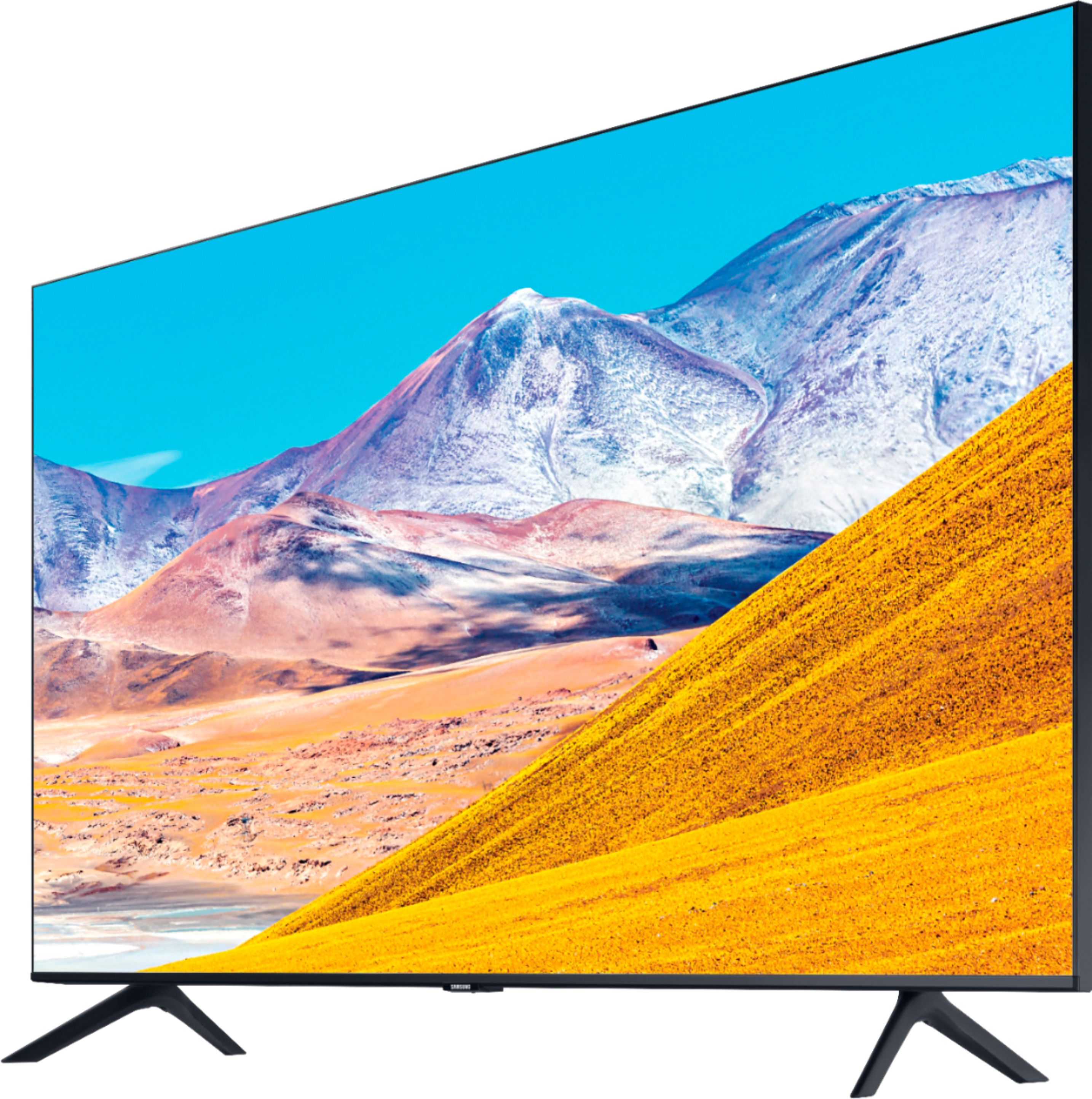
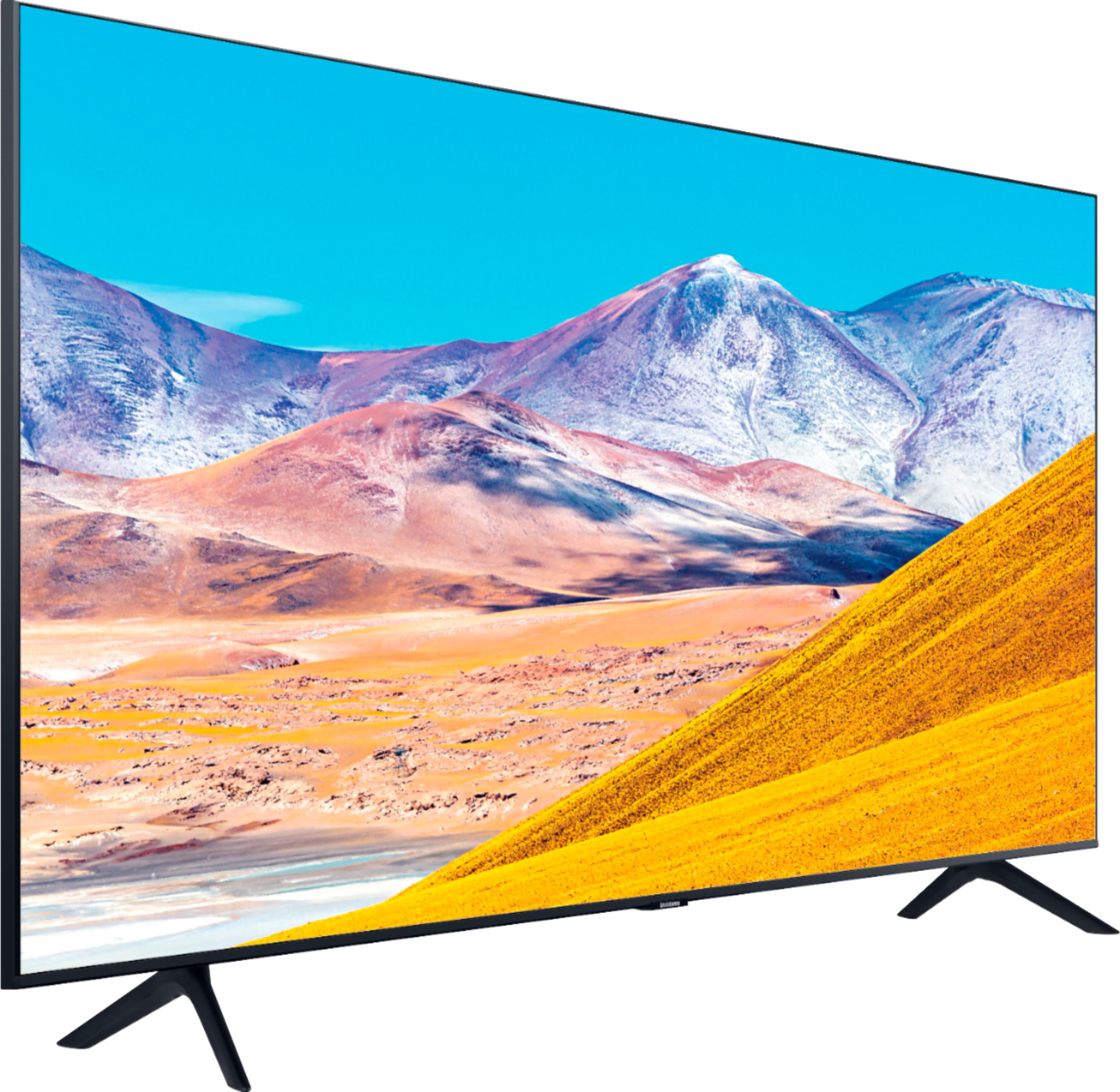


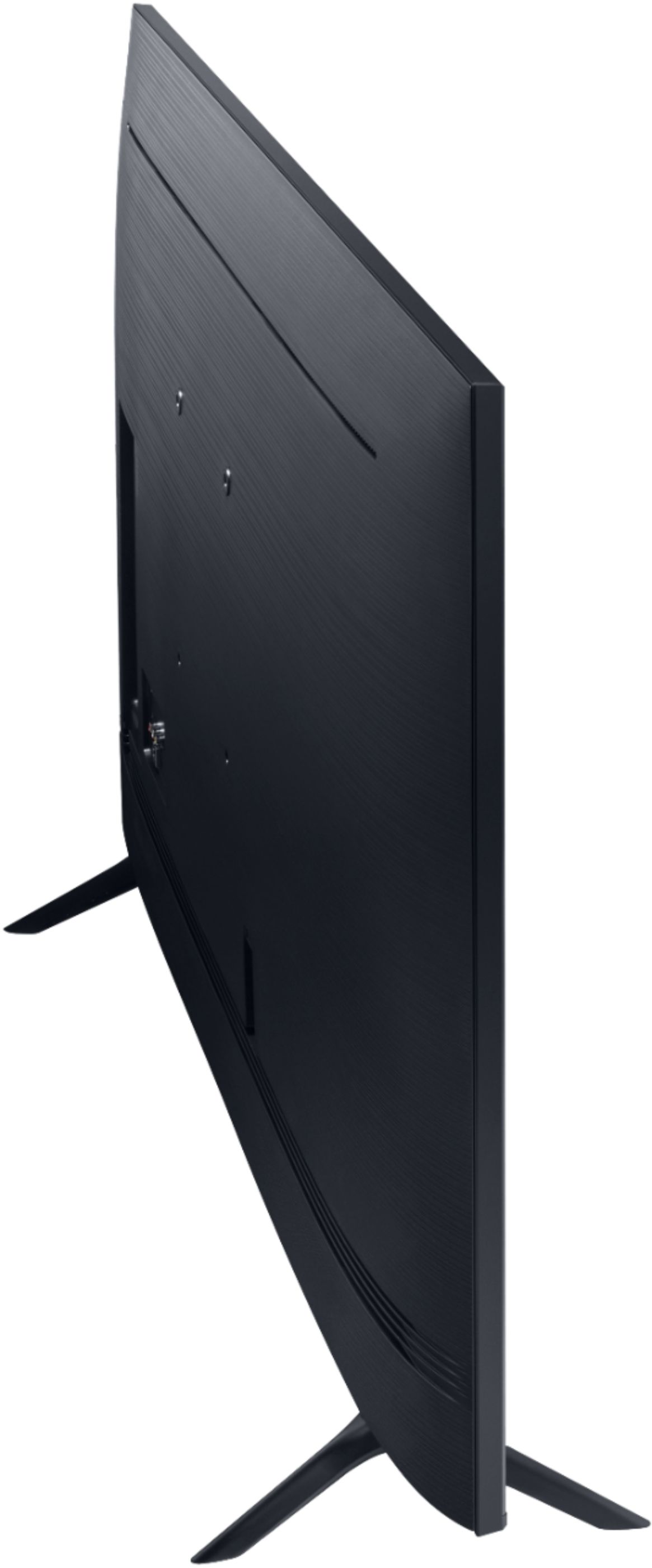
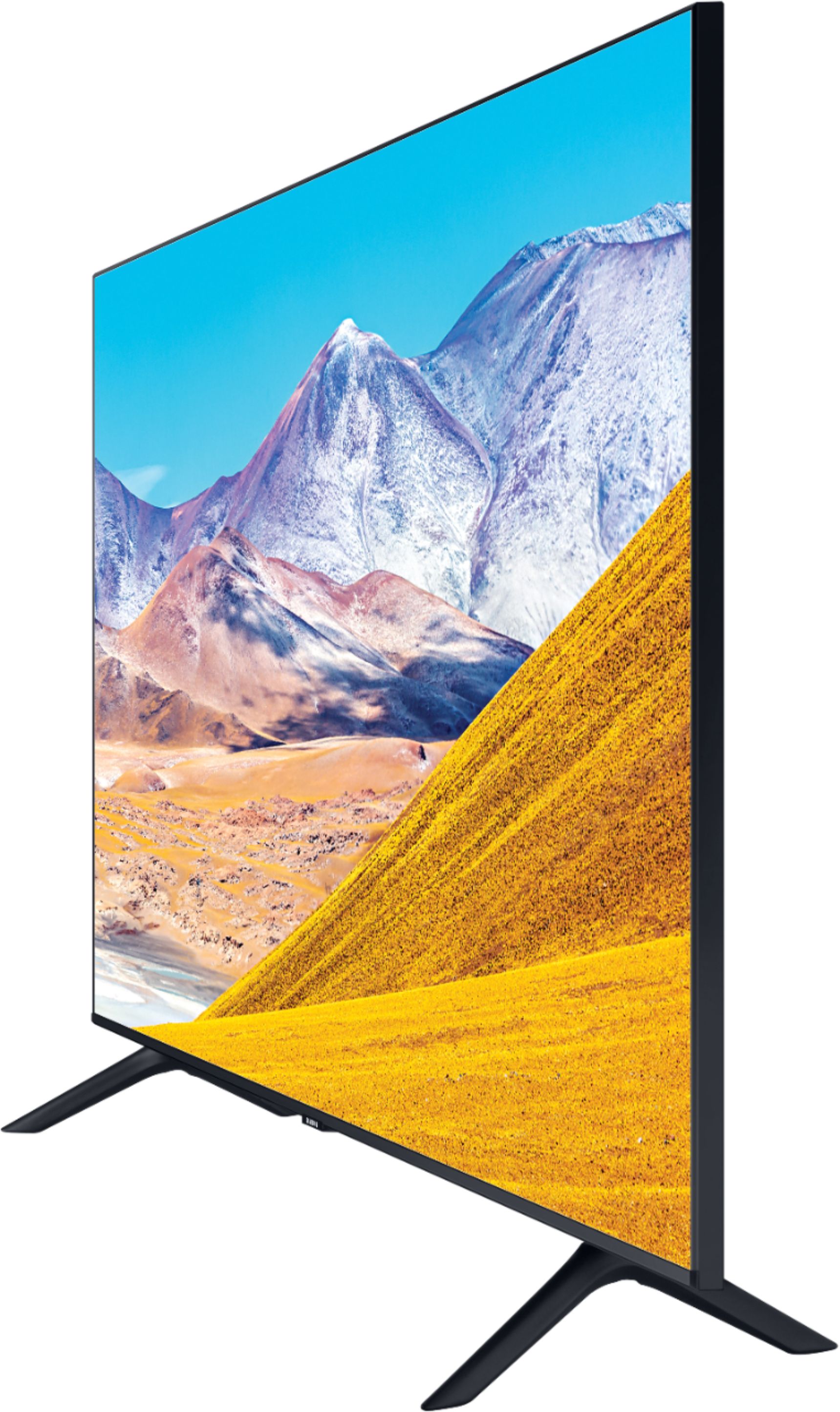
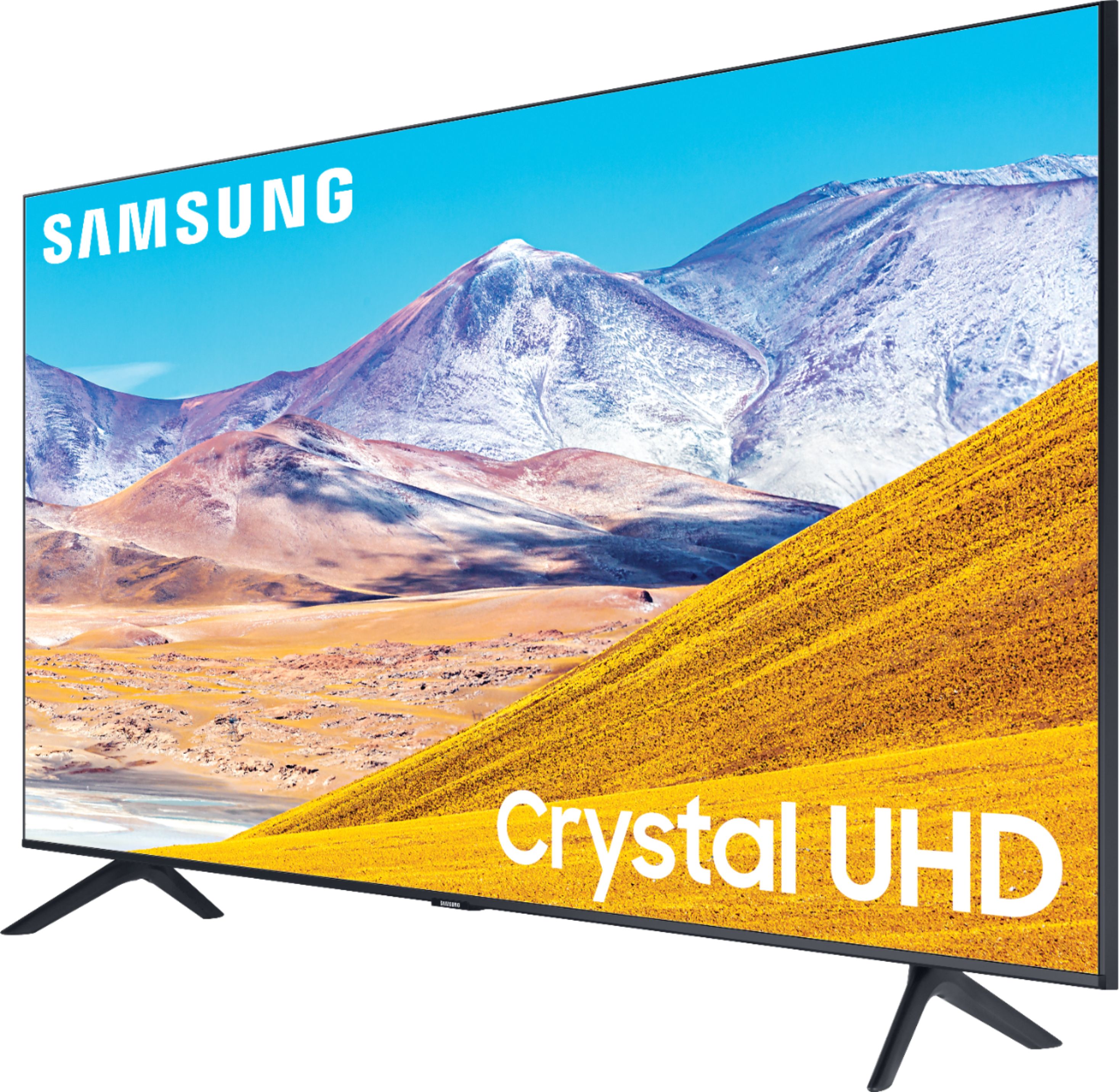






- Model:
- UN85TU8000FXZA
- SKU:
- 6401715
Rating by feature
- Picture Quality
Rating 4.4 out of 5 stars
- Sound Quality
Rating 4.3 out of 5 stars
- Brightness
Rating 4.5 out of 5 stars
Customers are saying
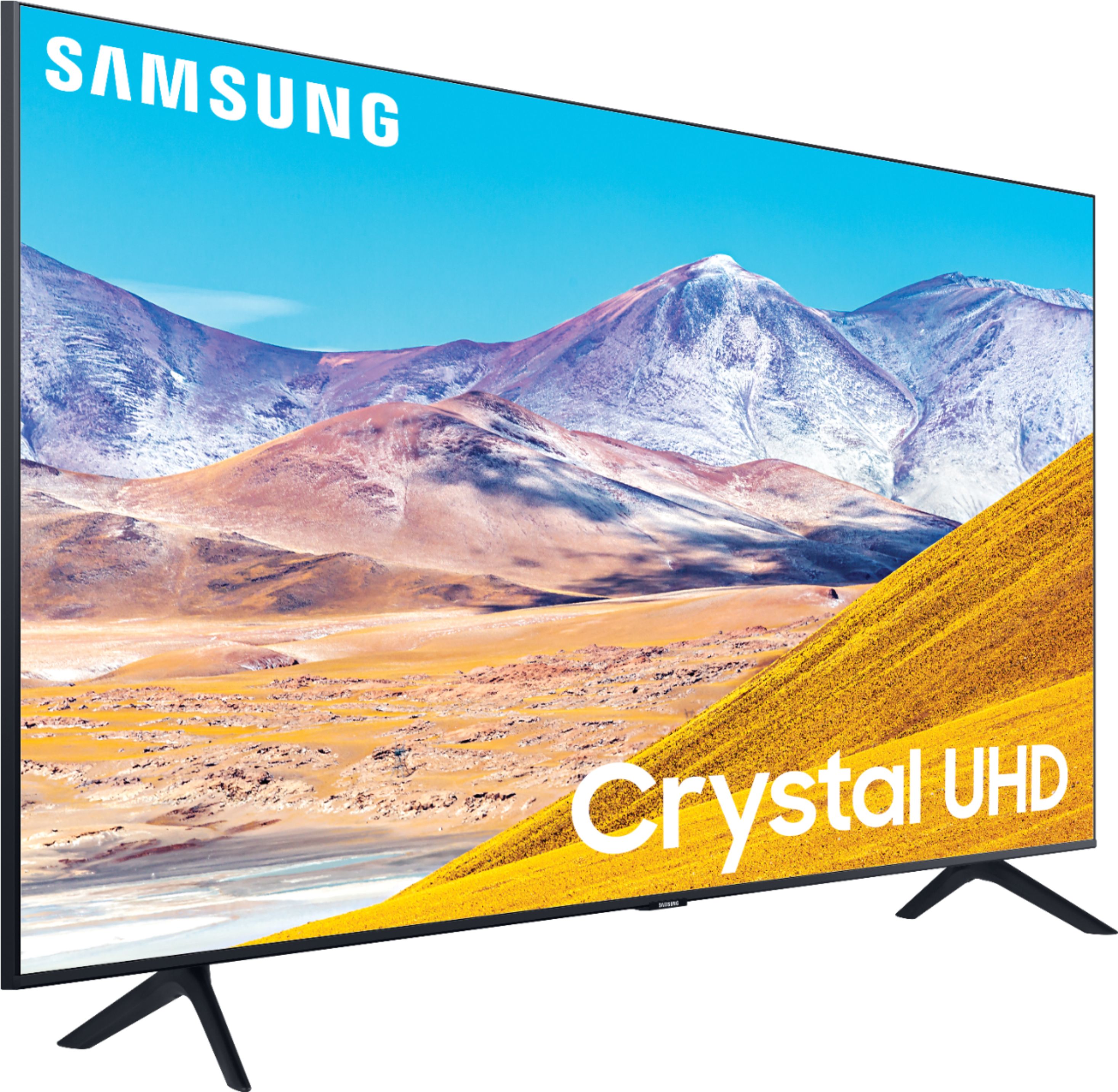
Customers admire the 85" Class 8 Series LED 4K UHD Smart Tizen TV for its exceptional picture quality, large screen, and reasonable price point. Many users have praised the stunning visuals and deep colors, while others have appreciated the ease of setup and user-friendly interface. However, some customers have expressed concerns about the weight of the TV, limited number of HDMI ports, and occasional connectivity issues.
This summary was generated by AI based on customer reviews.
Samsung Tv
||Posted . Owned for 3 weeks when reviewed.This reviewer received promo considerations or sweepstakes entry for writing a review.Haven’t opened it yet. I bought 2 TVs for my New Place and haven’t set them up just yet
I would recommend this to a friendTv review
||Posted . Owned for 3 weeks when reviewed.This reviewer received promo considerations or sweepstakes entry for writing a review.I give it a 4 because they picture quality isn’t what I expected from a $1700+ TV
No, I would not recommend this to a friendGreat picture
||Posted . Owned for 3 weeks when reviewed.This reviewer received promo considerations or sweepstakes entry for writing a review.Picture not same as in-store display model. Still a great picture.
I would recommend this to a friendI Will buy again
||Posted . Owned for 1 month when reviewed.This reviewer received promo considerations or sweepstakes entry for writing a review.It was Great .the costumer Service was excelent and delivery on time
I would recommend this to a friendReview for TV
||Posted . Owned for 3 weeks when reviewed.This reviewer received promo considerations or sweepstakes entry for writing a review.I bought TV with best buy and really satisfied with the product
I would recommend this to a friendBig
||Posted .This reviewer received promo considerations or sweepstakes entry for writing a review.When your getting a tv this big you cant expect Superb Quality
No, I would not recommend this to a friendSamsung tv
||Posted . Owned for 1 month when reviewed.This reviewer received promo considerations or sweepstakes entry for writing a review.Best buy best ever excellent service, good electronics
I would recommend this to a friendSo far so good
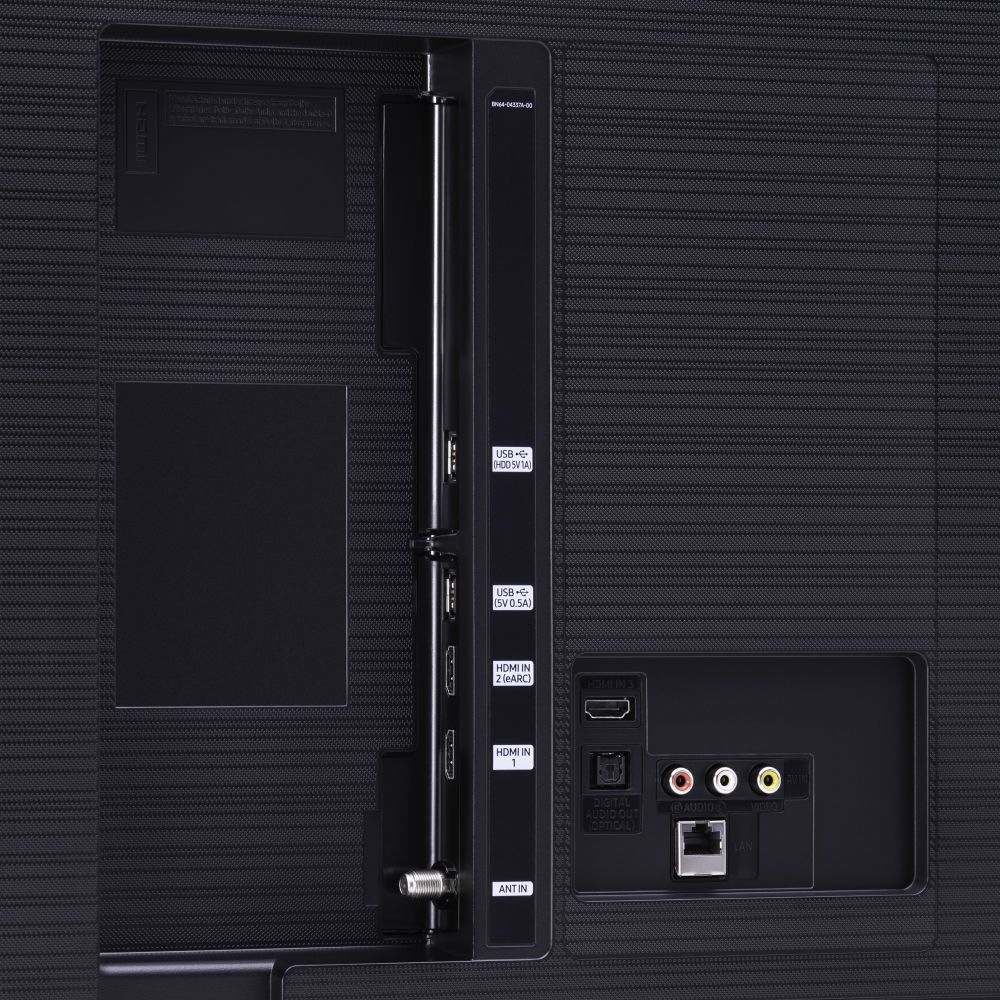
||Posted . Owned for 6 months when reviewed.This reviewer received promo considerations or sweepstakes entry for writing a review.So far so good. I wish I could figure out how to arrange the icons on the home page. I suppose the quality is what I should expect for the price. I don’t think it’s great and I’d love to see a better quality for what I paid but overall not bad. An extra hdmi port would be helpful.
I would recommend this to a friendBrand response from Samsung
Posted .Bttrcup:
The Samsung Smart Hub offers a large collection of popular apps ranging from entertainment, fashion, sports, weather, games, streaming, VOD, kids, and much more.
Please know that you can customize the Smart Hub by removing apps from or adding apps to the home screen. You can also rearrange apps to your liking.
Simply select an app, press & hold the Enter key. You will see a popup menu with options to move or remove it.
If there is anything we can do to further assist and improve your user experience, please contact Samsung Customer Support.
1) Phone: 1-800-SAMSUNG (ask for TVs), available 8AM – 12AM EST 7 days a week
2) LiveChat: https://www.samsung.com/us/support/#contact_us_for_support
3) Facebook Messenger: https://www.facebook.com/samsungsupport
4) Twitter: https://twitter.com/SamsungSupport
5) The Samsung Members Community is also a great resource for getting help from Samsung moderators and customers: https://us.community.samsung.com
If you have not already done so, we invite you to register your new Samsung product at: https://www.samsung.com/us/account/signin/?redirect=https%3A%2F%2Fwww.samsung.com%2Fus%2Fsupport%2Fregister%2F
Registering your product gives you access to easy warranty support, convenient opt-in to special promos and offers, faster troubleshooting and service, and quick notification of system updates.
~ Samsung Solutions
Shadow spots after less than 2 years
||Posted . Owned for 1.5 years when reviewed.This reviewer received promo considerations or sweepstakes entry for writing a review.At just over a year old, the tv already has shadow spots in the picture. I was told this is unfixable. The only option I have is to replace the TV. I just feel that I paid way too much money for the level of quality of the tv, or lack there of.
No, I would not recommend this to a friendSomewhat disappointed
||Posted . Owned for 3 weeks when reviewed.This reviewer received promo considerations or sweepstakes entry for writing a review.From 8ft away picture is good —- any closer it is pixelated
No, I would not recommend this to a friendRecommend the extended warranty
||Posted . Owned for 1 year when reviewed.This reviewer received promo considerations or sweepstakes entry for writing a review.Just over one year of having this TV, the top panel seems to have gone out. I mention the "over one year piece" because that is how long the original warranty is for. I highly recommend buying the extended warranty as I have now done more research on the issue and it seems to be fairly common. I discussed with both Samsung and Best Buy technicians, neither of which we really able to help being it was out was warranty (by 3 months). It is also worth noting that the cost to fix the issue is not cheap. Better off buying a new TV, not a Samsung.
No, I would not recommend this to a friendNot Worth it
||Posted . Owned for 1 year when reviewed.This reviewer received promo considerations or sweepstakes entry for writing a review.Hmmm...um... Dont Buy it.. When theres slow scenes its good but when youre watching a Soccer game for example ..itll never catch to the balls graphix and youll just see a blurred ball..when its rolling slow looks great. same thing with any sports game anything that travels fast ..the picture quality cant keep up. For Gaming its not bad but certain face images will have blocks and black spots..youtube same thing . certain high definition images will get all robotic. Also Sound effects get super loud but voice during movies are low.
No, I would not recommend this to a friendjust average, nothing special at all for a Samsung
||Posted . Owned for 2 weeks when reviewed.This reviewer received promo considerations or sweepstakes entry for writing a review.Picture is not as clear as expected. The 2 little legs supporting the TV unit seems so flimsy. Would prefer it to be on a single pedestal in the center like most other brands with their larger size TV.
No, I would not recommend this to a friendBrand response from Samsung
Posted .809kitty:
Thank you for purchasing the Samsung TU8000 4K Smart TV and for your feedback regarding the legs.
I am sorry to hear that you are not completely happy with your TV’s picture. There are several image settings you can adjust to your liking such as Picture Mode and Expert Settings.
Choose a Picture Mode by going to Settings > Picture > Picture Mode and choose from Dynamic, Standard, Natural, Movie, or Filmmaker Mode.
You can further adjust your sharpness, brightness, contrast, color, tint, contrast, white balance, and more by going to Settings > Picture > Expert Settings
1) Phone: 1-800-SAMSUNG (ask for TVs), available 8AM – 12AM EST 7 days a week
2) LiveChat: https://www.samsung.com/us/support/#contact_us_for_support
3) Facebook Messenger: https://www.facebook.com/samsungsupport
4) Twitter: https://twitter.com/SamsungSupport
5) The Samsung Members Community is also a great resource for getting help from Samsung moderators and customers: https://us.community.samsung.com
If you have not already done so, we invite you to register your new Samsung product at: https://www.samsung.com/us/account/signin/?redirect=https%3A%2F%2Fwww.samsung.com%2Fus%2Fsupport%2Fregister%2F
Registering your product gives you access to easy warranty support, convenient opt-in to special promos and offers, faster troubleshooting and service, and quick notification of system updates.
~ Samsung Solutions
Ok for the $
||Posted . Owned for 1 month when reviewed.This reviewer received promo considerations or sweepstakes entry for writing a review.The features are very good but the picture quality is not exactly a wow factor, I have an older Sony 55 that pre 4 k and I feel that tv has better quality picture than this unit
No, I would not recommend this to a friendBrand response from Samsung
Posted .Livingroom:
Thank you for purchasing the Samsung TU8000 4K Smart TV and for your review. I am sorry to hear that you are not completely happy with your TV’s picture. There are several image settings you can adjust to your liking such as Picture Mode and Expert Settings.
Choose a Picture Mode by going to Settings > Picture > Picture Mode and choose from Dynamic, Standard, Natural, Movie, or Filmmaker Mode.
You can further adjust your sharpness, brightness, contrast, color, tint, contrast, white balance, and more by going to Settings > Picture > Expert Settings
Please also give us the opportunity to assist you with image quality adjustments tailored to your preferred viewing experience. You can reach us via any of the following options:
1) Phone: 1-800-SAMSUNG (ask for TVs), available 8AM – 12AM EST 7 days a week
2) LiveChat: https://www.samsung.com/us/support/#contact_us_for_support
3) Facebook Messenger: https://www.facebook.com/samsungsupport
4) Twitter: https://twitter.com/SamsungSupport
5) The Samsung Members Community is also a great resource for getting help from Samsung moderators and customers: https://us.community.samsung.com
If you have not already done so, we invite you to register your new Samsung product at: https://www.samsung.com/us/account/signin/?redirect=https%3A%2F%2Fwww.samsung.com%2Fus%2Fsupport%2Fregister%2F
Registering your product gives you access to easy warranty support, convenient opt-in to special promos and offers, faster troubleshooting and service, and quick notification of system updates.
~ Samsung Solutions
Step up your game!@
||Posted .This reviewer received promo considerations or sweepstakes entry for writing a review.Tv is Great ,your website is horrible to try to correct anything after you order,then trying to get someone on the phone that knew what they were doing would of helped as well!
I would recommend this to a friendBrand response from Samsung
Posted .Hammerhead,
Thank you for your praise of the TU8000 Crystal UHD Smart TV.
I am sorry that you are not completely satisfied with your purchase and service experience.
Your feedback is important to us and we will document your concerns.
If you ever need assistance with the TV itself, please reach out to Samsung Customer Support at:
1) Phone: 1-800-SAMSUNG (ask for TVs), available 8AM – 12AM EST 7 days a week
2) LiveChat: https://www.samsung.com/us/support/#contact_us_for_support
3) Facebook Messenger: https://www.facebook.com/samsungsupport
4) Twitter: https://twitter.com/SamsungSupport
5) The Samsung Members Community is also a great resource for getting help from Samsung moderators and customers: https://us.community.samsung.com
If you have not already done so, we invite you to register your new Samsung product at: https://www.samsung.com/us/account/signin/?redirect=https%3A%2F%2Fwww.samsung.com%2Fus%2Fsupport%2Fregister%2F
Registering your product gives you access to easy warranty support, convenient opt-in to special promos and offers, faster troubleshooting and service, and quick notification of system updates.
-Samsung Ambassador
Size is great, picture quality is meh...
||Posted . Owned for 3 weeks when reviewed.This reviewer received promo considerations or sweepstakes entry for writing a review.Tv is awesomd, but it tends to glitch or kinda slomoe during high action scenes.
I would recommend this to a friendGreat TV but it was defective
||Posted . Owned for 3 weeks when reviewed.This reviewer received promo considerations or sweepstakes entry for writing a review.Bought this Tv, set it all up... watched it for about an hour and it turned off on us. Couldn’t turn it back on. Went online and did everything that people were saying to do and didn’t work. Finally I called Best Buy and I was able to switch this TV to a different one without any trouble just paid the difference due to the second tv being a bit more money.
No, I would not recommend this to a friendBrand response from Samsung
Posted .Sergg,
I am very sorry that issues developed that caused you to return the TV.
Your user experience is very much valued and will be shared with our internal teams.
Should you ever decide to give Samsung TV products another try and have concerns or questions, please know we are always here to help. You can contact our Customer Support toll-free at 1-800-SAMSUNG (ask for TVs) Available 8AM – 12PM EST, 7 days a week
Simply copy-paste this link into your browser to LiveChat with us: https://www.samsung.com/us/support/#contact_us_for_support
We are likewise reachable by Facebook Messenger at: https://www.facebook.com/samsungsupport
Or find us on Twitter at https://twitter.com/SamsungSupport
Again, my sincerest apologies. We hope to regain you as a customer in the future.
-Samsung Ambassador
Ok for the price
||Posted . Owned for 3 weeks when reviewed.This reviewer received promo considerations or sweepstakes entry for writing a review.About what I expected in terms of picture quality. Not best but ok. Good for $1600. Hate Tizen. Slow and limited apps.
I would recommend this to a friendBrand response from Samsung
Posted .ac1113:
Thank you for purchasing the Samsung TU8000 TV. Your new TV is engineered with a fast and powerful processor, able to accurately upscale content from all connected and streaming sources to stunning 4K resolution. We appreciate your feedback regarding the operating system and apps.
Samsung offers hundreds of apps in our App Store that you can download, and we are continuously adding more premium content and new services to our Smart TV platform.
To optimize the smart TV performance, you can run the Device Care option under the Support Menu.
Go to Settings > Support> Device Care > Start Device Care
This service checks memory and frees up unused cached memory and closes background apps.
If you should ever have concerns or questions regarding setup, function, features, or settings, please know that Samsung Customer Support is here to help.
1) Phone: 1-800-SAMSUNG (ask for TVs), available 8AM – 12AM EST 7 days a week
2) LiveChat: https://www.samsung.com/us/support/#contact_us_for_support
3) Facebook Messenger: https://www.facebook.com/samsungsupport
4) Twitter: https://twitter.com/SamsungSupport
5) The Samsung Members Community is also a great resource for getting help from Samsung moderators and customers: https://us.community.samsung.com
If you have not already done so, we invite you to register your new Samsung product at: https://www.samsung.com/us/account/signin/?redirect=https%3A%2F%2Fwww.samsung.com%2Fus%2Fsupport%2Fregister%2F
Registering your product gives you access to easy warranty support, convenient opt-in to special promos and offers, faster troubleshooting and service, and quick notification of system updates.
~ Samsung Solutions
Only lasted 1 and half! Now it’s in the garage day
||Posted .This reviewer received promo considerations or sweepstakes entry for writing a review.Well it worked great for about 12 months then we started to experience it shutting off and on continuously. We called customer care and went through resetting the entire tv and deleting the smart app and resetting the Wi-Fi. The tv started to work again but now it not staying on at all. The tv when it is on for the few seconds it does before turning off has lines all over the screen and I can’t see the picture. We decided to throw it out. Waste of money probably the worst spent money in our new home that we just purchased. We ordered a LG 86inch and see how that one does. Other than that don’t waste your money on Samsung. We were already giving it one last shot because we had a brand new fridge that was Samsung very fancy one and it was very expensive and it didn’t last more than 2 hrs. So the TV has officially changed our forever minds to EVER purchase another Samsung product ever again.
No, I would not recommend this to a friendStill boxed
||Posted . Owned for 3 weeks when reviewed.This reviewer received promo considerations or sweepstakes entry for writing a review.I haven't put it up yet, due to the tv stand hasn't come in for a month yet from best buy
I would recommend this to a friendBrand response from Samsung
Posted .Alexis:
I am sorry to hear that you have not yet had a chance to try out your TV due to a delay at your local store.
If you should ever have questions on setup, features or operation once you have your TV up and running, Samsung is ready to help.
1) Phone: 1-800-SAMSUNG (ask for TVs), available 8AM – 12AM EST 7 days a week
2) LiveChat: https://www.samsung.com/us/support/#contact_us_for_support
3) Facebook Messenger: https://www.facebook.com/samsungsupport
4) Twitter: https://twitter.com/SamsungSupport
5) The Samsung Members Community is also a great resource for getting help from Samsung moderators and customers: https://us.community.samsung.com
If you have not already done so, we invite you to register your new Samsung product at: https://www.samsung.com/us/account/signin/?redirect=https%3A%2F%2Fwww.samsung.com%2Fus%2Fsupport%2Fregister%2F
Registering your product gives you access to easy warranty support, convenient opt-in to special promos and offers, faster troubleshooting and service, and quick notification of system updates.
~ Samsung Solutions