Customer Ratings & Reviews
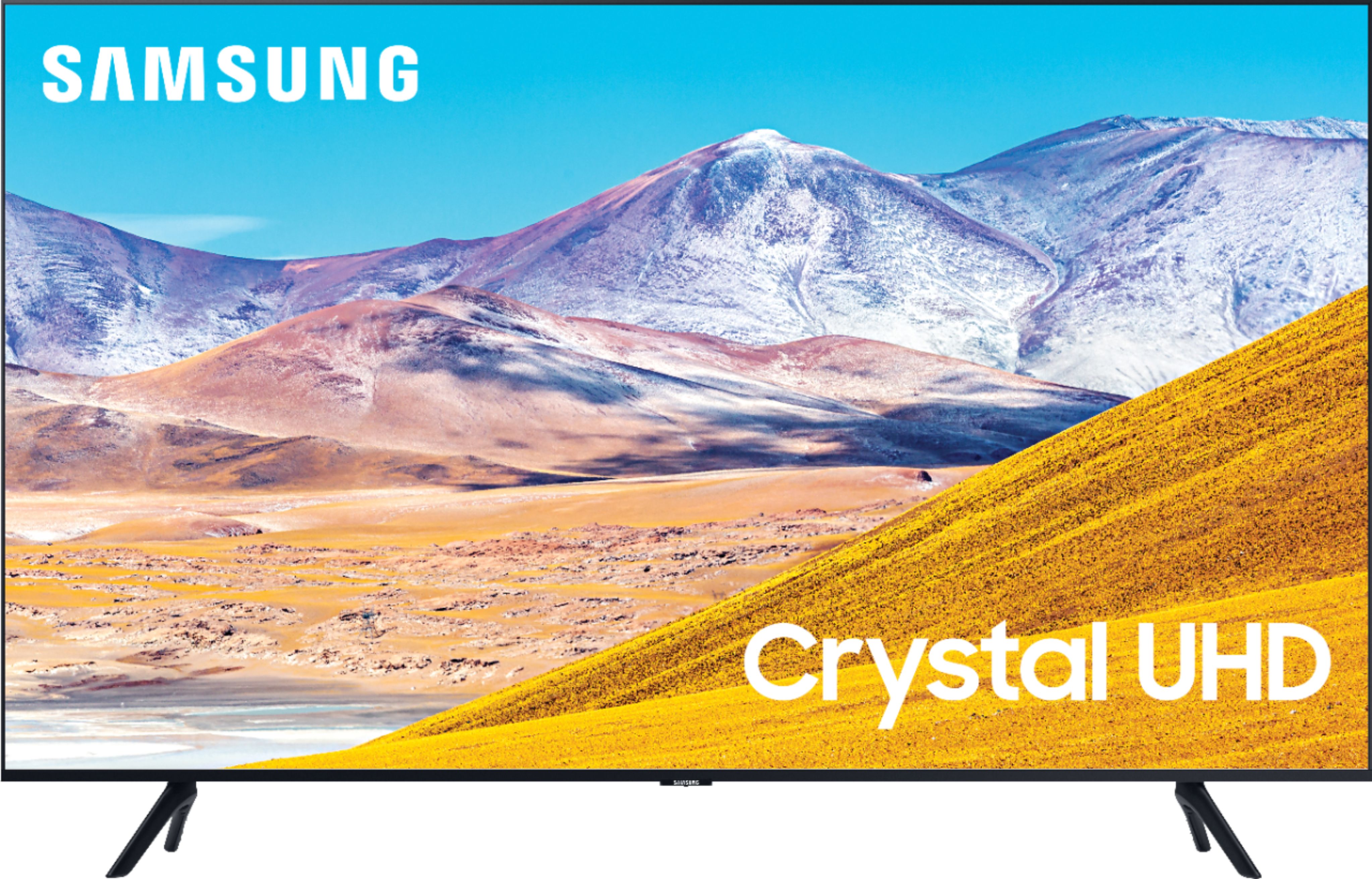
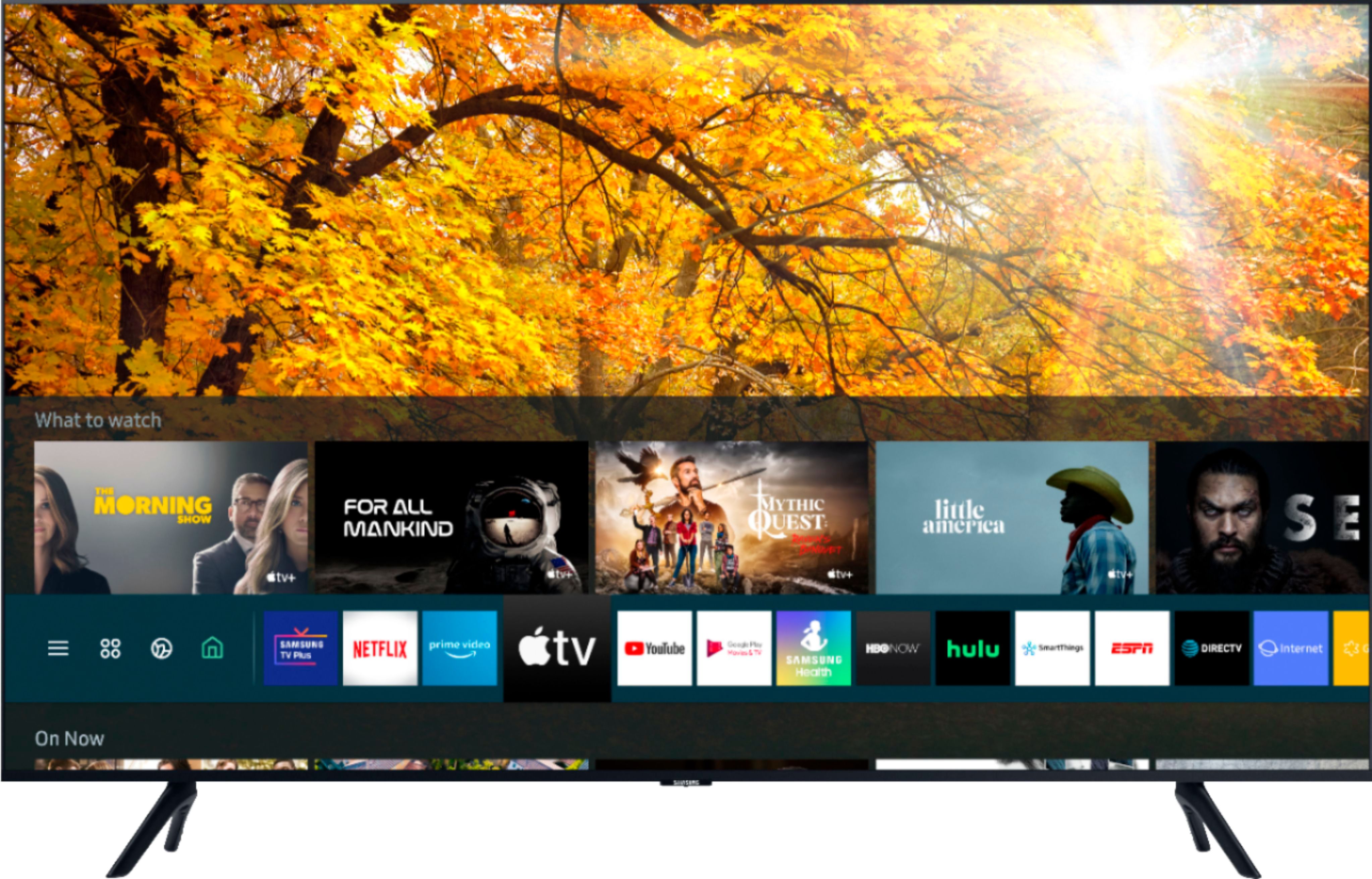


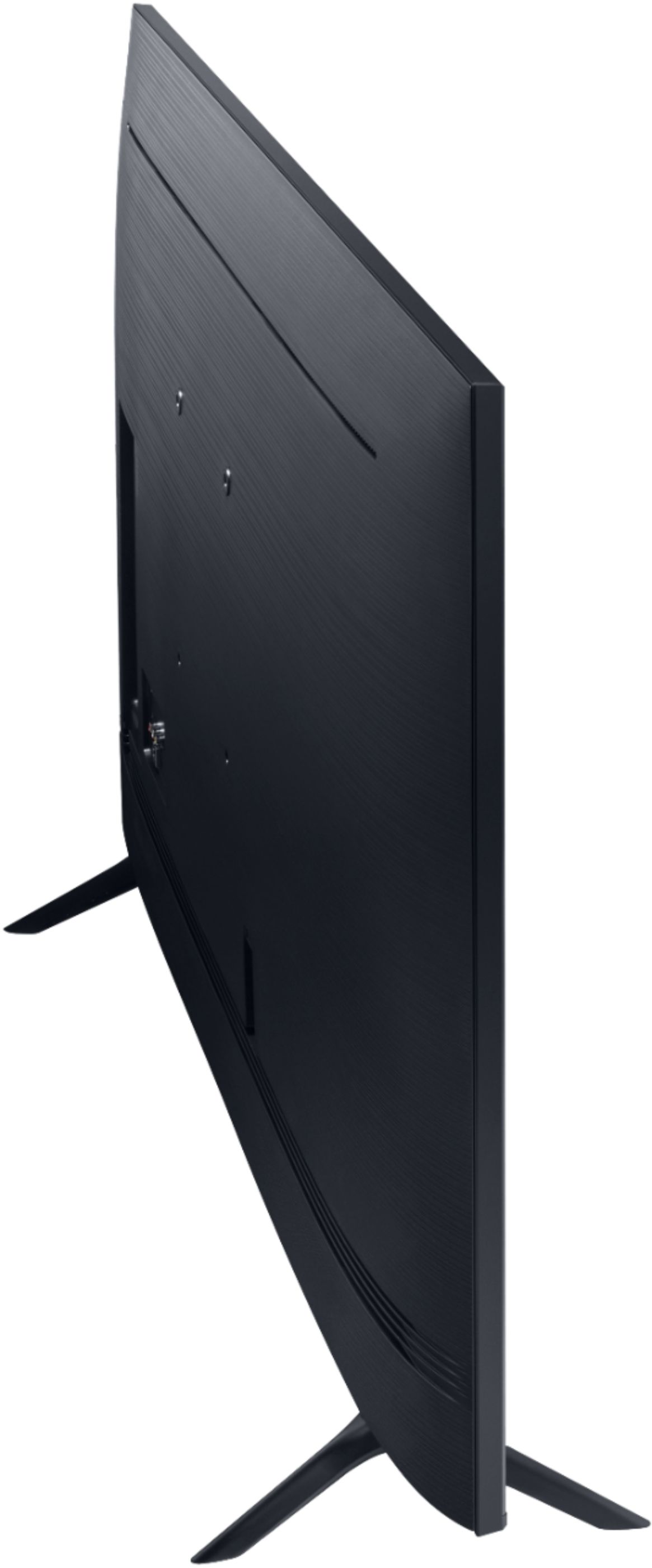
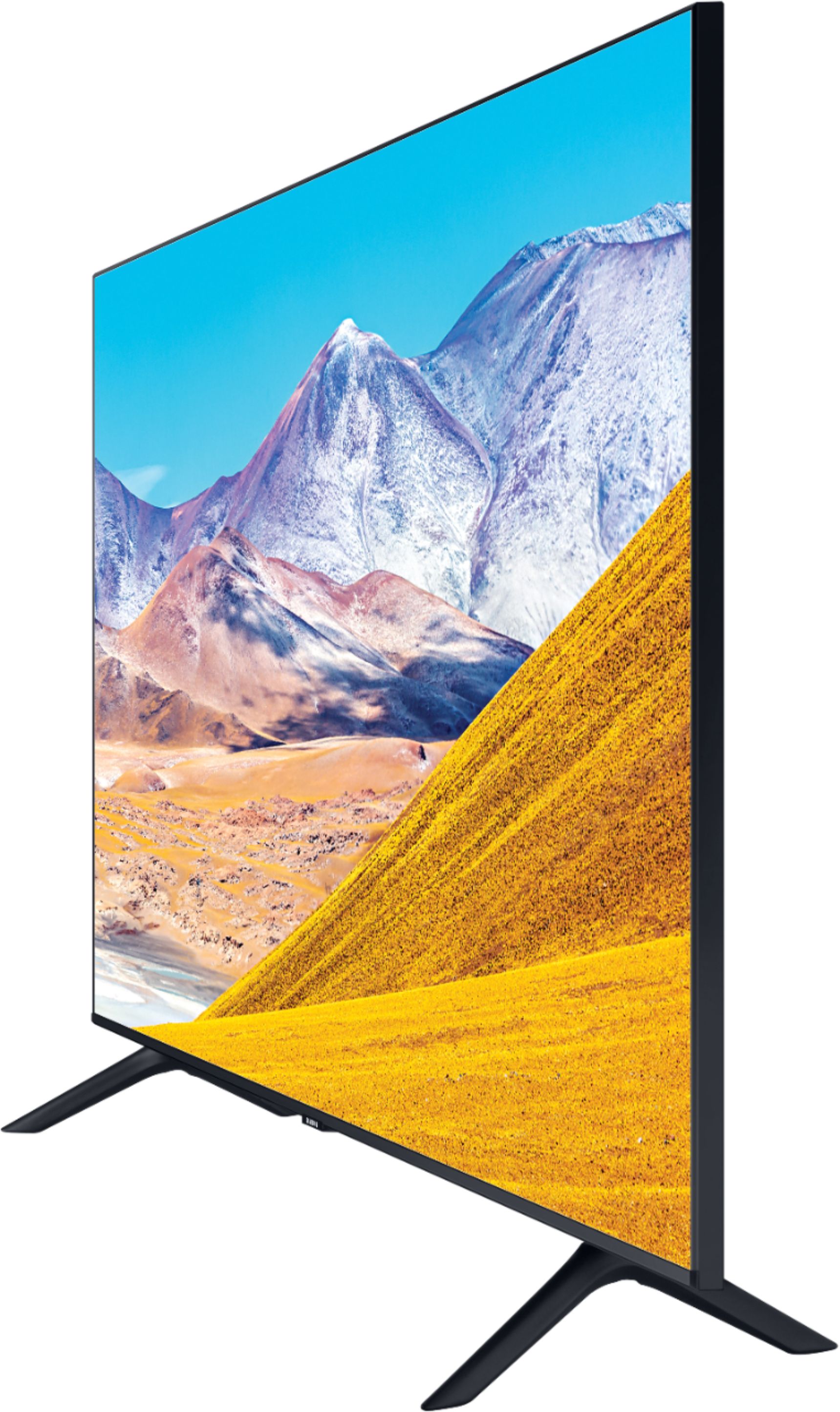
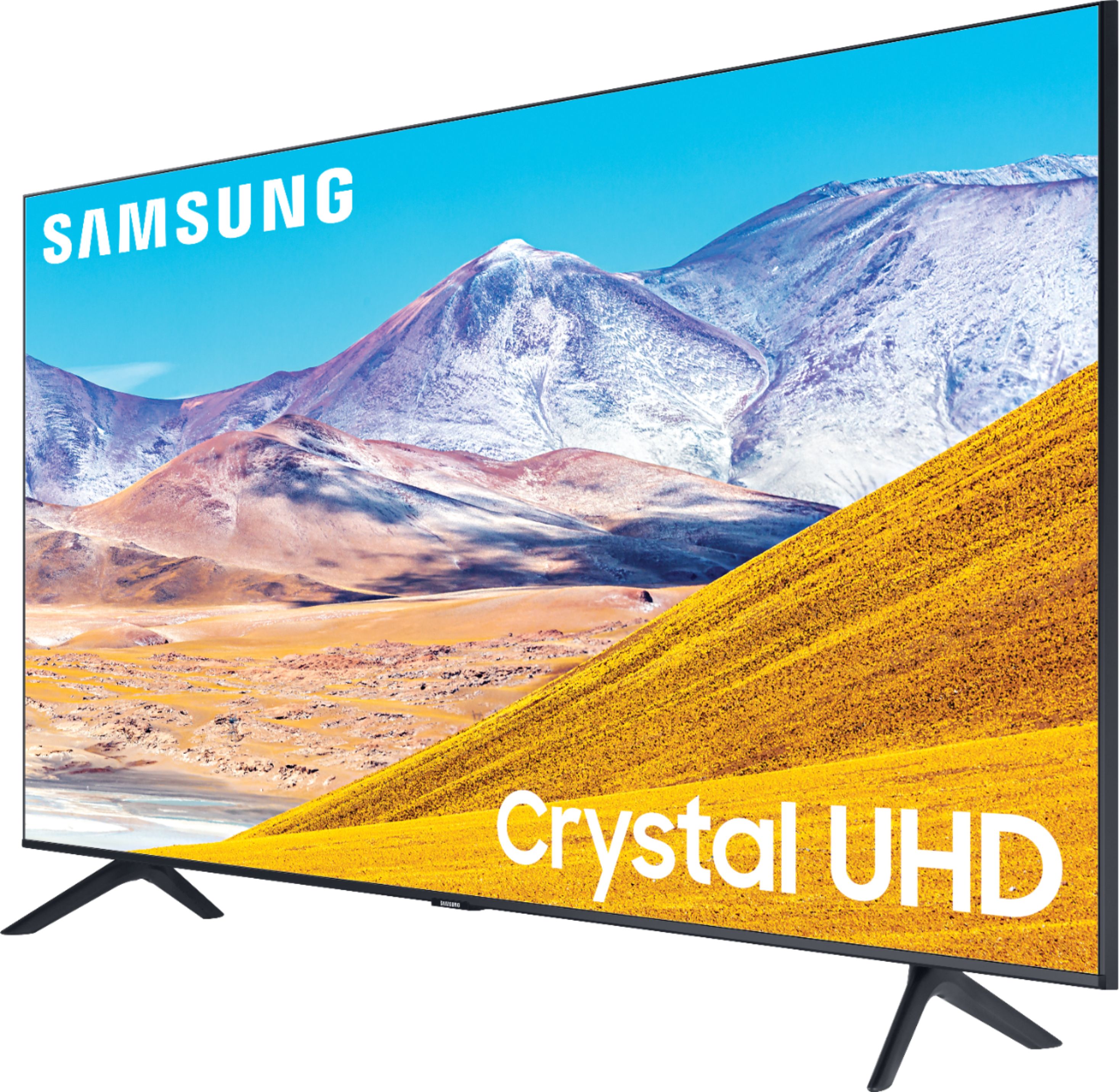
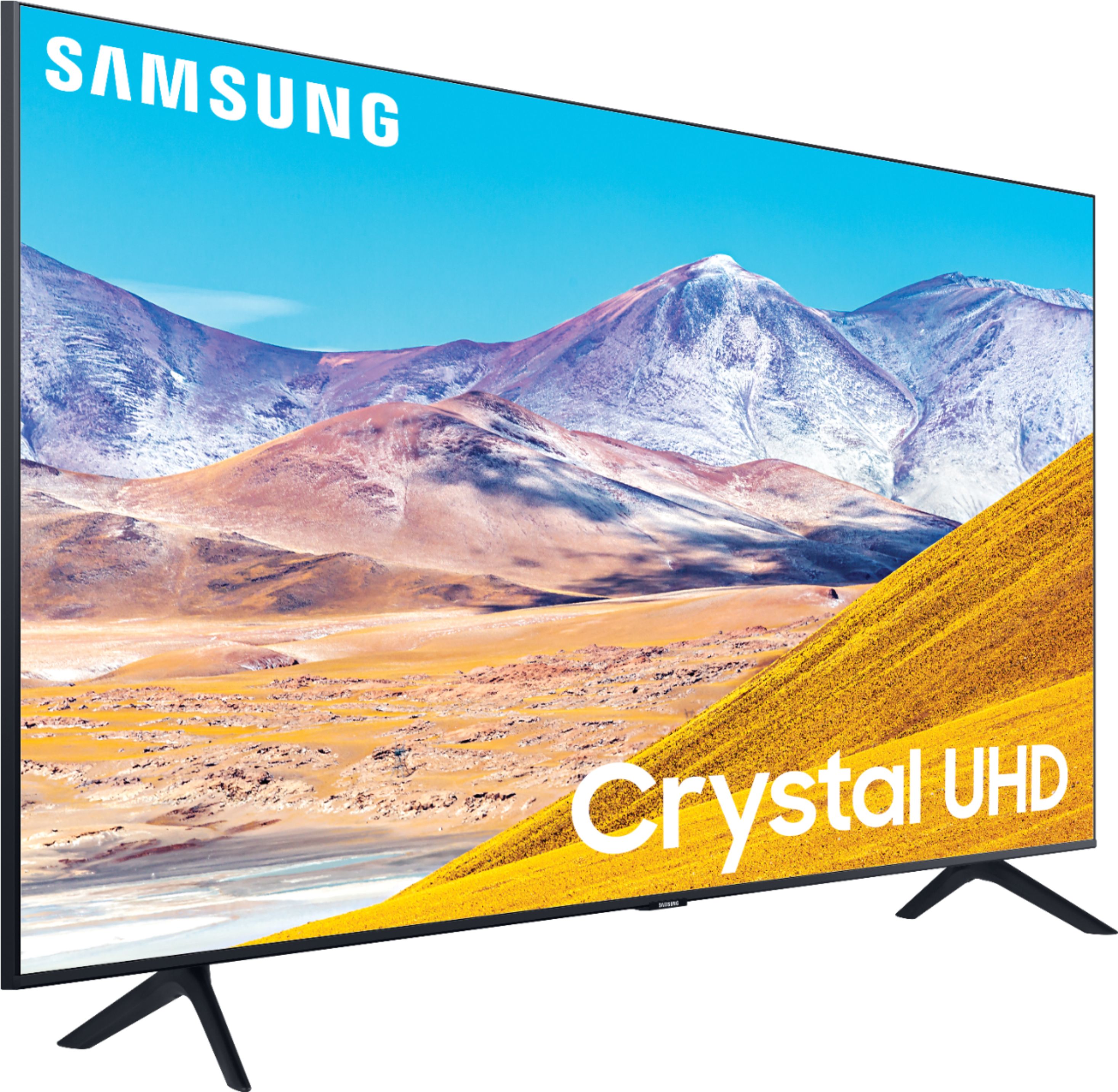
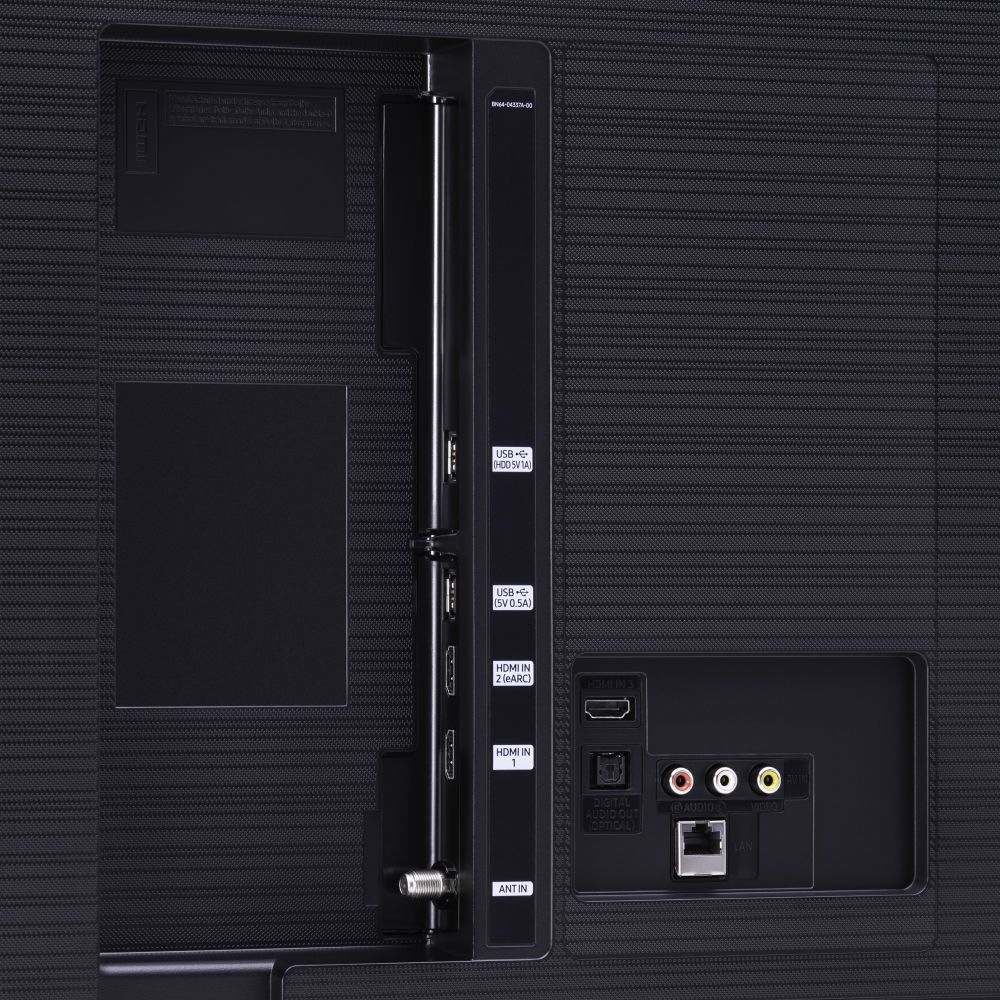






- Model:
- UN85TU8000FXZA
- SKU:
- 6401715
Rating by feature
- Picture Quality
Rating 4.4 out of 5 stars
- Sound Quality
Rating 4.3 out of 5 stars
- Brightness
Rating 4.5 out of 5 stars
Customers are saying
Customers admire the 85" Class 8 Series LED 4K UHD Smart Tizen TV for its exceptional picture quality, large screen, and reasonable price point. Many users have praised the stunning visuals and deep colors, while others have appreciated the ease of setup and user-friendly interface. However, some customers have expressed concerns about the weight of the TV, limited number of HDMI ports, and occasional connectivity issues.
This summary was generated by AI based on customer reviews.
The worst
||Posted . Owned for 1 week when reviewed.This reviewer received promo considerations or sweepstakes entry for writing a review.I have two samsung tv's one in my living room and the most recent one is this 85" in my bedroom. Ever since I got this tv it constantly at least every 2 days claims it cannot connect to my wireless internet. I have to unplug and replug the power cord to the tv to solve this and its the most annoying thing ever. I live in an apartment so the bedroom and living room are right next to each other, the other tv is always connected with no problem. It's not worth the money. Having to move this big tv to unplug the power cord is a hassle, I don't understand why the network can never stay connected on this tv. Its not worth the money you are better off buying the 86" LG tv.
No, I would not recommend this to a friendBrand response from Samsung
Posted .Jenna:
Thank you for purchasing the Samsung TU8000 TV and for your review. I am very sorry that you are experiencing internet connection issues.
You may want to go through these steps to check your network connection:
1) Check the distance between the TV and your modem or access point. The distance should not exceed 50 ft. (15.2 m).
2) Minimize interference by not using or turning off wireless devices. Also, verify that there are no obstacles between the TV and the modem or access point. (WiFi strength can be decreased by appliances, cordless phones, stone walls/fireplaces, etc.)
3) Perform a network test to check if there is a network problem.
Press the Home button on your remote. Navigate to Settings > Support > Device Care > Self Diagnosis> Smart Hub Connection Test
4) Try a cold reboot of your TV by pressing and holding the power button for 5+ seconds until the TV turns off and on again.
5) Please also be sure you have the latest firmware update. You may want to enable automatic updates for convenience. Select Settings > Support > Software Update, then select Auto Update.
For further assistance or service, please contact us via any of the following options:
1) Phone: 1-800-SAMSUNG (ask for TVs), available 8AM – 12AM EST 7 days a week
2) LiveChat: https://www.samsung.com/us/support/#contact_us_for_support
3) Facebook Messenger: https://www.facebook.com/samsungsupport
4) Twitter: https://twitter.com/SamsungSupport
5) The Samsung Members Community is also a great resource for getting help from Samsung moderators and customers: https://us.community.samsung.com
If you have not already done so, we invite you to register your new Samsung product at: https://www.samsung.com/us/account/signin/?redirect=https%3A%2F%2Fwww.samsung.com%2Fus%2Fsupport%2Fregister%2F
Registering your product gives you access to easy warranty support, convenient opt-in to special promos and offers, faster troubleshooting and service, and quick notification of system updates.
~ Samsung Solutions
Dissatisfied with 85
||Posted . Owned for 3 weeks when reviewed.This reviewer received promo considerations or sweepstakes entry for writing a review.It was damaged when it was taken out the box then caught a migraine with the staff off Two Notch Road. They claim you have to open your TV within 48 hours to make sure it’s not damage. Called customer service and they indicated differently. Staff very much unhelpful
No, I would not recommend this to a friendIt was good
||Posted . Owned for 3 weeks when reviewed.This reviewer received promo considerations or sweepstakes entry for writing a review.It was good. I can't complain. Thank you! I couldn't be happier.
I would recommend this to a friendBrand response from Samsung
Posted .Angel,
I'm very glad to see that you are happy with this [product]. However, you have given this model a
3-star, a rating that normally associated with a certain level of dissatisfaction with the product.
If there is anything we can do to assist you and provide solutions to improve your experience to 5 stars, please contact Samsung Support via any of the below options:
1) Phone: 1-800-SAMSUNG, available 8AM – 12AM EST 7 Days A Week
2) LiveChat: https://www.samsung.com/us/support/#contact_us_for_support
3) Facebook Messenger: https://www.facebook.com/samsungsupport
4) Twitter: https://twitter.com/SamsungSupport
Have you registered your new Samsung TV with us? If not, we invite you to do so at: https://www.samsung.com/us/account/signin/?redirect=https%3A%2F%2Fwww.samsung.com%2Fus%2Fsupport%2Fregister%2F, and gain access to easy warranty support, convenient opt-in to special promos & offers, faster troubleshooting & service, and quick notification of system updates.
-Samsung Ambassador
used only one month and screen gone black Samsung
||Posted . Owned for 1 month when reviewed.This reviewer received promo considerations or sweepstakes entry for writing a review.the television screen went black while we were watching a show. Exactly 1 month to the day and we are still trying to get Samsung to either replace or repair it . We have been out of the tv for 3 weeks now. questions the quality of this style of 85 inch tv
No, I would not recommend this to a friendPoor picture quality
||Posted . Owned for 1 month when reviewed.This reviewer received promo considerations or sweepstakes entry for writing a review.Picture is very soft and actually a disappointment. Was hoping for a crisper/sharper image and the color is just dull. I googled different setup options but nothing really worked to my satisfaction. It’s too big to return but if I could I would
No, I would not recommend this to a friendThis TV is joke & callin it quits w/ BB forever.
||Posted . Owned for 3 weeks when reviewed.This reviewer received promo considerations or sweepstakes entry for writing a review.This has been one of the worst purchasing experiences of my entire life. The TV is awful in every way, not to mention that there's some sort of black spot in the upper left corner. Since it was an open box, the only thing I can do is bring it back to BB, which can't happen since it's already mounted on my wall. So, I'm stuck w/ this giant piece of absolute junk. BB didn't include a decent remote, just a generic toy remote that was completely worthless. Trying to call BB is impossible. Trying to get Samsung to make sense of anything is impossible. This has just been awful on all counts. My 2010 and 2103 Samsung TVs look WAY BETTER than this piece of garbage.
No, I would not recommend this to a friend- Pros mentioned:Picture quality
NO MORE BEST NOW WON'T BUY
||Posted . Owned for 8 months when reviewed.This reviewer received promo considerations or sweepstakes entry for writing a review.GREAT PRODUCT POOR SERVICE USED TO LOVE BEST BUY NO MORE I FELT TOTALLY MISS TREATED OVER NOTHNG. REALLY ASHAME THEY CHANGED FROM BEST BUY TO I WON'T BUY
I would recommend this to a friend Disappointing
||Posted . Owned for 1 week when reviewed.This reviewer received promo considerations or sweepstakes entry for writing a review.First Samsung tv that I have not liked.So disappointed. Color seems faded. There’s no backlight adjustment. I tried every setting possible to fix color and brightness. You can see pixelation all over screen parts of black are Gray. This ones a disappointing dud. Not Samsung quality. I returned for a Samsung Q80. Hope it’s better.
No, I would not recommend this to a friendBrand response from Samsung
Posted .Greg:
Thank you for sharing your review of the Samsung TU8000. I am very sorry that your experience with this TV was less than perfect, and you have decided to replace it with a different model. Thank you for being a loyal Samsung customer.
Your feedback regarding this model is important to us and will be shared with our internal teams.
Please know that on your new Q80T TV there are several image settings you can adjust to your liking such as Picture Mode and Expert Settings.
Choose a Picture Mode by going to Settings > Picture > Picture Mode and choose from Dynamic, Standard, Natural, Movie, or Filmmaker Mode.
You can further adjust your sharpness, brightness, contrast, color, and more by going to Settings > Picture > Expert Settings
Should you have questions or need assistance with settings, setup, or features with your new Samsung TV, please know we are always here to help.
1) Phone: 1-800-SAMSUNG (ask for TVs), available 8AM – 12AM EST 7 days a week
2) LiveChat: https://www.samsung.com/us/support/#contact_us_for_support
3) Facebook Messenger: https://www.facebook.com/samsungsupport
4) Twitter: https://twitter.com/SamsungSupport
5) The Samsung Members Community is also a great resource for getting help from Samsung moderators and customers: https://us.community.samsung.com
If you have not already done so, we invite you to register your new Samsung product at: https://www.samsung.com/us/account/signin/?redirect=https%3A%2F%2Fwww.samsung.com%2Fus%2Fsupport%2Fregister%2F
Registering your product gives you access to easy warranty support, convenient opt-in to special promos and offers, faster troubleshooting and service, and quick notification of system updates.
~ Samsung Solutions
Not what I expected
||Posted .This reviewer received promo considerations or sweepstakes entry for writing a review.so I have the 75 inch and loved it but want something bigger. I just got 85 inch which does not compare to the 75 inch. Will be exchanging for something else.
No, I would not recommend this to a friendBrand response from Samsung
Posted .johnnyN,
Thank you for choosing Samsung TU8000 TV.
I am sorry to hear that you are not as satisfied with the 85inch unit.
Please give us the opportunity to assist you with more understanding of your setup.
You can contact Samsung Customer Support via any of these options:
1) Phone: 1-800-SAMSUNG (ask for TVs), available 8AM – 12AM EST 7 days a week
2) LiveChat: https://www.samsung.com/us/support/#contact_us_for_support
3) Facebook Messenger: https://www.facebook.com/samsungsupport
4) Twitter: https://twitter.com/SamsungSupport
If you have not already done so, we invite you to register your new Samsung product at:
https://www.samsung.com/us/account/signin/?redirect=https%3A%2F%2Fwww.samsung.com%2Fus%2Fsupport%2Fregister%2F&user=dsr-registration
Registering your product gives you access to easy warranty support, convenient opt-in to special promos and offers, faster troubleshooting and service, and quick notification of system updates.
We look forward to hearing from you soon.
-Samsung Ambassador
LED out after one year of use
||Posted . Owned for 1 year when reviewed.This reviewer received promo considerations or sweepstakes entry for writing a review.This television was great until 15 months later. LED went out very disappointing. I did not buy the extended warranty.
No, I would not recommend this to a friendDissapointed
||Posted . Owned for 7 months when reviewed.This reviewer received promo considerations or sweepstakes entry for writing a review.This is the second Samsung that breaks down...I bought this one on November 2020 and I have one month withnit broken.
No, I would not recommend this to a friendThis product is a DUD
||Posted . Owned for 1.5 years when reviewed.This reviewer received promo considerations or sweepstakes entry for writing a review.I have had this TV for just about a year and a half and I already have 2 shadow parts (burn-in) on my screen. My family does not leave it on an image for any length of time and yet it still happened. I expect more from a company like Samsung as I have 3 other Samsung TV's in my home that are older than this one and work perfectly.
No, I would not recommend this to a friend- Pros mentioned:Picture quality
Poor Connectivity
||Posted .This reviewer received promo considerations or sweepstakes entry for writing a review.This TV has a beautiful picture but it never stays connected to the internet.
No, I would not recommend this to a friendBrand response from Samsung
Posted .Poor:
Thank you for purchasing the Samsung TU8000 TV and for your review. I am very sorry that you are experiencing internet connection issues. You may want to go through these steps to check your network connection:
1) Check the distance between the TV and your modem or access point. The distance should not exceed 50 ft. (15.2 m).
2) Minimize interference by not using or turning off wireless devices. Also, verify that there are no obstacles between the TV and the modem or access point. (Wi-Fi strength can be decreased by appliances, cordless phones, stone walls/fireplaces, etc.)
3) Perform a network test to check if there is a network problem. Press the Home button on your remote. Navigate to Settings > Support > Device Care > Self Diagnosis> Smart Hub Connection Test
4) Try a cold reboot of your TV by pressing and holding the power button for 5+ seconds until the TV turns off and on again.
5) Please also be sure you have the latest firmware update. You may want to enable automatic updates for convenience. Select Settings > Support > Software Update, then select Auto Update.
For further assistance or service, please contact us via any of the following options:
1) Phone: 1-800-SAMSUNG (ask for TVs), available 8AM – 12AM EST 7 days a week
2) LiveChat: https://www.samsung.com/us/support/#contact_us_for_support
3) Facebook Messenger: https://www.facebook.com/samsungsupport
4) Twitter: https://twitter.com/SamsungSupport
5) The Samsung Members Community is also a great resource for getting help from Samsung moderators and customers: https://us.community.samsung.com
If you have not already done so, we invite you to register your new Samsung product at: https://www.samsung.com/us/account/signin/?redirect=https%3A%2F%2Fwww.samsung.com%2Fus%2Fsupport%2Fregister%2F
Registering your product gives you access to easy warranty support, convenient opt-in to special promos and offers, faster troubleshooting and service, and quick notification of system updates.
~ Samsung Solutions
The picture quality was far below what I would exp
||Posted . Owned for less than 1 week when reviewed.This reviewer received promo considerations or sweepstakes entry for writing a review.the picture was sub par for most cable programs picture would have blur and artifacts. Had to return i upgraded to qled q80t and will see if that helps if not i may be moving away from samsung on the other hand nest buys customer service has been great through this
No, I would not recommend this to a friendBrand response from Samsung
Posted .gancman,
Thank you for your review of this Samsung TU8000 TV. I am sorry that it did not work out for you.
Your overall customer experience feedback is important to us and will be shared with the product team.
Should you have any questions about features or usage of your new Q80T TV, please reach out to us for assistance.
You can contact us via:
1) Phone: 1-800-SAMSUNG (ask for TVs), available 8AM – 12AM EST 7 days a week
2) LiveChat: https://www.samsung.com/us/support/#contact_us_for_support
3) Facebook Messenger: https://www.facebook.com/samsungsupport
4) Twitter: https://twitter.com/SamsungSupport
5) The Samsung Members Community is also a great resource for getting help from Samsung moderators and customers: https://us.community.samsung.com
If you have not already done so, we invite you to register your new Samsung product at: https://www.samsung.com/us/account/signin/?redirect=https%3A%2F%2Fwww.samsung.com%2Fus%2Fsupport%2Fregister%2F
Registering your product gives you access to easy warranty support, convenient opt-in to special promos and offers, faster troubleshooting and service, and quick notification of system updates.
Again, thank you for taking the time to share your thoughts. Your feedback helps us continuously deliver best-in-class products and service.
-Samsung Ambassador
LASTED LESS THEN 1 YEAR AND 3 MONTHS
||Posted . Owned for 1 year when reviewed.This reviewer received promo considerations or sweepstakes entry for writing a review.I had this tv delivered on 12/26/2020. On 03/09/2022 the tv broke. It will run for 1-2 minutes and then black out. After 1-2 minutes, it turns back on and the cycle continues. If you purchase this tv, buy the extended warranty. But I would choose another option.
No, I would not recommend this to a friendWifi issues
||Posted .This reviewer received promo considerations or sweepstakes entry for writing a review.Everytime the tv is turned off and turned back on it loses wifi connection
No, I would not recommend this to a friendsamsung giving out false info
||Posted . Owned for 1 month when reviewed.This reviewer received promo considerations or sweepstakes entry for writing a review.Was told by Jason from Samsung that this tv mirrors the family hub fridge. after buying the tv, wall bracket, sound bar and paying for installation I was told this set is not compatible. I pray you never have to contact customer service. they are the worst.
No, I would not recommend this to a friendBrand response from Samsung
Posted .Hello Pete,
Thanks for your interest in Samsung TVs. Viewing content on your Samsung fridge via Family Hub is a feature available on select Samsung Q70T, Q80T, Q90T, and higher series TVs.
I’m sorry for the experience you’ve had. Our service records show that Samsung has reached out to you to assist.
If you ever have questions or need assistance, please reach out to us via any of the below options:
• LiveChat: https://www.samsung.com/us/support/#contact_us_for_support
• Facebook Messenger: https://www.facebook.com/samsungsupport
• Twitter: https://twitter.com/SamsungSupport
• Phone: 1-800-SAMSUNG, available 8am – 12am EST, 7 days a week
Defective.
||Posted . Owned for 2 weeks when reviewed.This reviewer received promo considerations or sweepstakes entry for writing a review.Product was defective. Voice assistant wasn’t working properly. It sounded like it was on fast forward. Samsung tech said it’s the first time they have heard of it. I made them listen to it.
No, I would not recommend this to a friendBrand response from Samsung
Posted .Disappointed:
I’m sorry to hear that your voice guide seems too fast. You can adjust the speed of your voice guide by going to: Settings > General > Accessibility > Voice Guide Settings > Speed.
I hope this helps. Should your issue persist, please contact Samsung Customer Support
1) Phone: 1-800-SAMSUNG (ask for TVs), available 8AM – 12AM EST 7 days a week
2) LiveChat: https://www.samsung.com/us/support/#contact_us_for_support
3) Facebook Messenger: https://www.facebook.com/samsungsupport
4) Twitter: https://twitter.com/SamsungSupport
5) The Samsung Members Community is also a great resource for getting help from Samsung moderators and customers: https://us.community.samsung.com
If you have not already done so, we invite you to register your new Samsung product at: https://www.samsung.com/us/account/signin/?redirect=https%3A%2F%2Fwww.samsung.com%2Fus%2Fsupport%2Fregister%2F
Registering your product gives you access to easy warranty support, convenient opt-in to special promos and offers, faster troubleshooting and service, and quick notification of system updates.
~ Samsung Solutions
Delivery sucks
||Posted .This reviewer received promo considerations or sweepstakes entry for writing a review.Not so much the TV but the service. TV arrive 1 1/2 hr late of their 6 hour window then had a huge crack in the screen. Need to figure out how to send this monster back. Very mad
No, I would not recommend this to a friendBrand response from Samsung
Posted .Cardiffdude:
I am very sorry to see that you had an unfortunate experience with the delivery of your TV. I recommend you contact Best Buy directly for assistance. I hope your issue is resolved quickly.
Should you need assistance or have questions about using this product, please know we are here to help. You can reach Samsung Support at:
1) Phone: 1-800-SAMSUNG (ask for TVs), available 8AM – 12AM EST 7 days a week
2) LiveChat: https://www.samsung.com/us/support/#contact_us_for_support
3) Facebook Messenger: https://www.facebook.com/samsungsupport
4) Twitter: https://twitter.com/SamsungSupport
5) The Samsung Members Community is also a great resource for getting help from Samsung moderators and customers: https://us.community.samsung.com
If you have not already done so, we invite you to register your new Samsung product at: https://www.samsung.com/us/account/signin/?redirect=https%3A%2F%2Fwww.samsung.com%2Fus%2Fsupport%2Fregister%2F
Registering your product gives you access to easy warranty support, convenient opt-in to special promos and offers, faster troubleshooting and service, and quick notification of system updates.
~ Samsung Solutions
8 series Samsung’s are the worst
||Posted .This reviewer received promo considerations or sweepstakes entry for writing a review.Tv glitches and Samsung isn’t helping me the way I thought a big manufacturer like them would.
No, I would not recommend this to a friend