Customer Ratings & Reviews
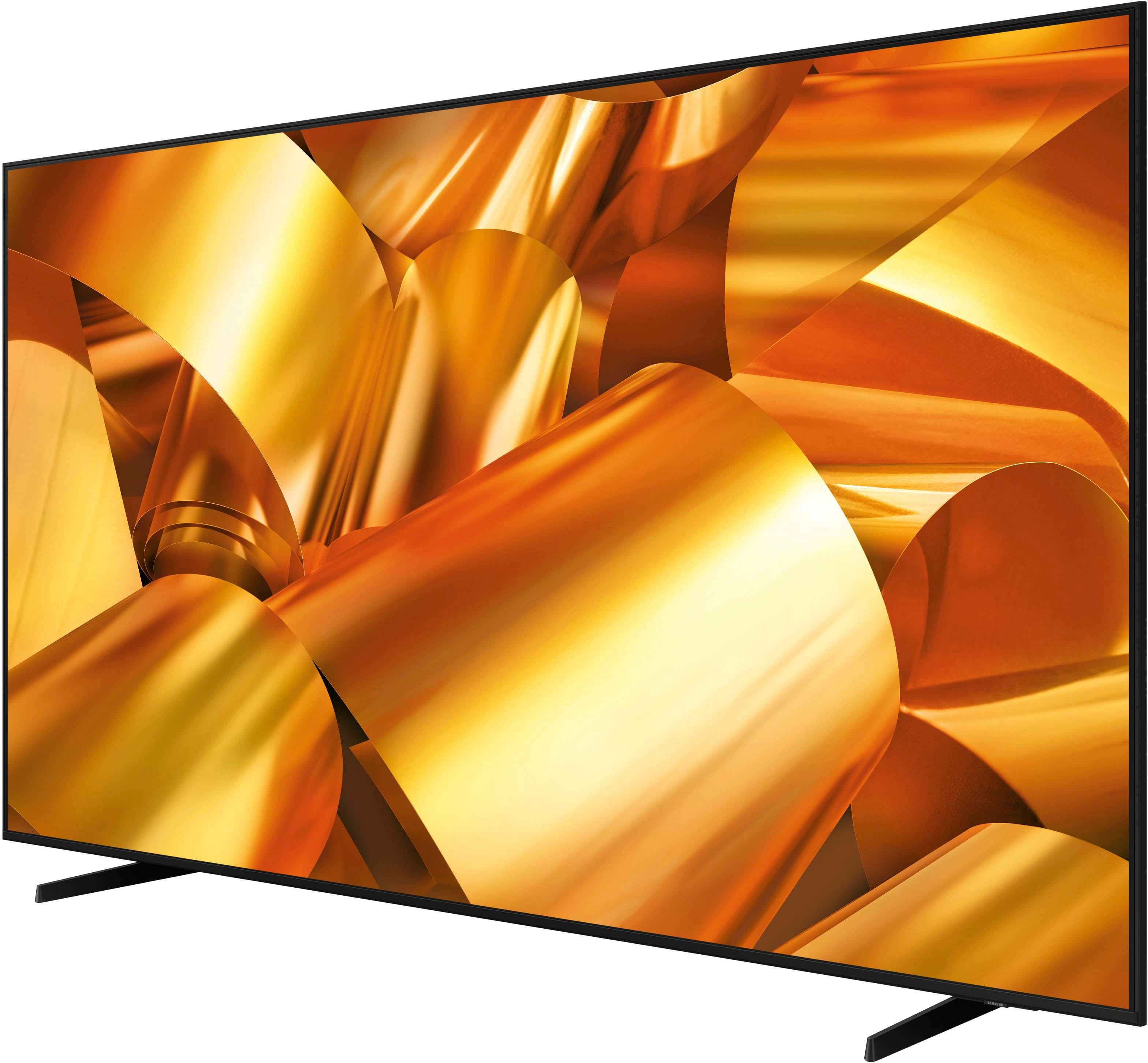


- Model:
- UN85DU6950FXZA
- SKU:
- 6606916
Rating by feature
- Picture Quality
Rating 4.5 out of 5 stars
- Sound Quality
Rating 3.9 out of 5 stars
- Brightness
Rating 4.5 out of 5 stars
Customers are saying
Customers appreciate the excellent picture quality and size of the 85” Class DU6950 Series Crystal UHD 4K Smart Tizen TV (2024). Some customers have reported issues with the TV freezing while streaming. A few customers have also mentioned the limited number of HDMI ports.
This summary was generated by AI based on customer reviews.
Alsome
||Posted . Owned for 1 month when reviewed.This reviewer received promo considerations or sweepstakes entry for writing a review.Alsomeèeeeeeeeeeeeeeeeeeeeeeeeeeeeeweeeeeeeeeeeeeeee
I would recommend this to a friendGreat buy
||Posted . Owned for 1 month when reviewed.This reviewer received promo considerations or sweepstakes entry for writing a review.Great deal amazing TV love the graphics. Absolutely love it.
I would recommend this to a friendExcelente option
||Posted . Owned for 1 month when reviewed.This reviewer received promo considerations or sweepstakes entry for writing a review.Excellent product, I am very happy to have obtained this item for my home.
I would recommend this to a friendSamsung 85
||Posted . Owned for 2 weeks when reviewed.This reviewer received promo considerations or sweepstakes entry for writing a review.Very happy with this purchase. Went in and out. Customer service was great!
I would recommend this to a friendTV
||Posted . Owned for 1 month when reviewed.This reviewer received promo considerations or sweepstakes entry for writing a review.This was a great deal... Happy to use it in our. center...
I would recommend this to a friendsteve
||Posted . Owned for 3 weeks when reviewed.This reviewer received promo considerations or sweepstakes entry for writing a review.It is hard to review what I do not have. This was supposed to be delivered 3 weeks ago and still has not been delivered. I was called the day of delivery and told would not deliver with no information on why. Ask to be called back by the store manager and never was. Then was called by Best Buy delivery and told it would deliver the next week. Delivery never happened and no call or communication that it would not deliver. I called the next day and was told it will now deliver next Tuesday 12th which is a entire month from purchase and still do not have. customer support as best buy is a joke and no help. I hope you listen to the conversations if they were recorded. Not sure I will ever purchase again from Best Buy. Company customer support and delivery service is completely incompetent and at best a joke. Hopefully I will get the two tvs ordered soon.
No, I would not recommend this to a friendBrand response from Samsung
Posted .SteveC,
Thank you for letting us know that you have not received a your DU6950 TV. We recommend contacting Best Buy Customer Support or your local Best Buy store directly for assistance in correcting this situation. We hope your issue is resolved quickly.
If you ever have product questions or need help, Samsung is here for you! Give us a call at 1-800-SAMSUNG, 8 AM - 12 AM EST, seven days a week. Our LiveChat agents are also available by clicking on the ‘Support’ link on our website.
~Samsung Pro
Helpful staff.
||Posted . Owned for 3 weeks when reviewed.This reviewer received promo considerations or sweepstakes entry for writing a review.Staff were very helpful loading the product into the car.
I would recommend this to a friendThe TV and Best Buy Service suck/ Do not recommend
||Posted .This reviewer received promo considerations or sweepstakes entry for writing a review.If I could give zero stars I would. I’ve had this tv for a little over a month and it’s horrible. Every single day when I turn the tv on it automatically shuts off and restarts or while I'm watching it, it will freeze and turn off. Sometimes I have to wait for a minute or two before it will even come back on. I contacted Best Buy two days outside of my return window and they wouldn’t even return or exchange the item, just told me to contact the manufacturer. Really? All I wanted was a working tv. I just bought a new house didn’t mount this tv right away, so I guess that’s my fault for assuming Best Buy sold quality products. After speaking with the manufacturer several times all they can do is troubleshoot with me through text!!! I spent $800 on a tv and this is the level of service I receive. Customer service has went down the gutter. I will never purchase anything else from Best Buy ever again! Their level of service is in the garbage disposal. Thanks for this piece of trash tv you sold to me Best Buy :)
No, I would not recommend this to a friendBrand response from Samsung
Posted .VannessaD,
Thank you for purchasing the Samsung DU6950 TV. I’m sorry to hear you’re experiencing a power cycling issue where your TV turns on and off repeatedly.
Please try a few troubleshooting steps that may help solve the issue:
1) Check the power cable for damage and proper connection.
2) If the cable is bent, broken, kinked, pinched, pressed excessively (possibly by a heavy object on top of it), or damaged, this is likely the cause of the issue. Replace the cable.
3) Unplug the TV from the wall outlet for 30 seconds, then plug it back in.
4) If the power cycling allows enough time between powering on and off, try updating the TV to the latest firmware. There is a risk, however. If the TV turns off during the software update, it could damage the TV. Updates can take up to 30 minutes, depending on network speed, so if the TV is not turning off too frequently, try updating the software.
If the issue persists after these steps, then the TV will likely need service. Please contact us so that we can better investigate your issue and assist you with a solution or replacement. You can call us at 1-800-SAMSUNG, 8 AM - 12 AM EST, seven days a week. Our LiveChat agents are also available by clicking on the ‘Support’ link on our website.
~ Samsung Pro
I wish there were negative stars
||Posted .This reviewer received promo considerations or sweepstakes entry for writing a review.This TV sucks! Our speakers sound like they’re underwater. Can’t listen to the TV unless we have a sound bar. Tech support came out TWICE, noted the issue and reported it back to Samsung and Samsung is not honoring warranty. We had the full speakers and motherboard replaced, sound sounded normal for like 10 seconds then broke again and Samsung says we’re just being picky. Beyond absurd. Also the UI sucks and the TV crashes often. Save yourself a headache and get an LG instead
No, I would not recommend this to a friendBrand response from Samsung
Posted .JuliaR,
We appreciate you taking the time to share your experience with Samsung Support. Feedback like yours plays a vital role in helping us improve, and it will be shared with our internal teams as we continue working to enhance the customer experience.
If you ever have questions or need help with your xxx TV, please don't hesitate to contact us at 1-800-SAMSUNG, available 8AM – 12AM EST, 7 days a week. You can also connect with us via LiveChat through the ‘Support’ link on our website.
~ Samsung Pro
Meh
||Posted . Owned for 2 months when reviewed.This reviewer received promo considerations or sweepstakes entry for writing a review.Good price but it has an issue where it seems to lock up from time to times
I would recommend this to a friendBrand response from Samsung
Posted .CharlieM,
Thank you for letting us know about the issues you are having with your DU6950 TV freezing. For optimal performance, we ask that you please ensure you've got the latest firmware version installed on your TV. You can check this by going to Home > Menu > Settings > Support > Software Update.
You may also want to further optimize performance with the self-diagnostic tool, which checks memory, frees up unused cached memory, and closes background apps. Go to: Home > Menu > Settings > Support > Device Care > Start Device Care.
If you need further assistance, we would be happy to help! Please feel free to contact Samsung Support at 1-800-SAMSUNG, available from 8 AM to 12 AM EST, seven days a week. You can also chat with us on Samsung.com for immediate assistance.
~Samsung Pro
Owner
||Posted . Owned for 1 month when reviewed.This reviewer received promo considerations or sweepstakes entry for writing a review.Bad sound and hard to find more apps i may exchange it
I would recommend this to a friendBrand response from Samsung
Posted .ArnulfoJ,
Thank you for sharing your thoughts regarding the DU6950 TV’s sound quality. We recommend adjusting the Sound Settings to improve your experience. You can change the Sound Mode by going to Settings > All Settings> Sound > Sound Mode.
You can also customize the sound with Expert Settings by going to Settings > All Settings> Sound > Expert Settings.
Apps are available in your TV's built-in app store.
If you have not returned your unit, we are available and happy to assist you with troubleshooting or to set up a warranty appointment. You can reach Samsung Support at 1-800-SAMSUNG (ask for TVs), 8 AM – 12 AM EST, 7 days a week.
~Samsung Pro
Dont pay 699 for an 85"
||Posted . Owned for 5 months when reviewed.This reviewer received promo considerations or sweepstakes entry for writing a review.Not entirely happy it freezes everytime i turn it on and it goes to a load page for avout 2 min simetimes i have to turn it off and restart it. Havnt had it 6 months
No, I would not recommend this to a friendBrand response from Samsung
Posted .George,
We appreciate your feedback on the response time, and for optimal performance, we ask that you please ensure you've got the latest firmware version installed on your DU6950 TV. You can check this by going to Home > Menu > Settings > Support > Software Update.
You may also want to further optimize performance with the self-diagnostic tool, which checks memory, frees up unused cached memory, and closes background apps. Go to: Home > Menu > Settings > Support > Device Care > Start Device Care.
If you need further assistance, we would be happy to help! Please feel free to contact Samsung Support at 1-800-SAMSUNG, available from 8 AM to 12 AM EST, seven days a week. You can also chat with us on Samsung.com for immediate assistance.
~ Samsung Pro
Disappointed buyer
||Posted . Owned for 3 months when reviewed.This reviewer received promo considerations or sweepstakes entry for writing a review.I was very disappointed on my first Samsung TV not had it for a month and already motherboard malfunction had to wait two weeks for a Samsung repair man to come and fix it. Lesson learned next time get extended warranty
No, I would not recommend this to a friendBrand response from Samsung
Posted .MiguelC,
Thank you for taking the time to provide feedback on your DU6950 TV. Please know that your feedback will be shared with our internal product teams. We take pride in our products and are sorry to hear that your experience was not up to our high standards.
If you need further assistance, we would be happy to help! Please feel free to contact Samsung Support at 1-800-SAMSUNG, available from 8 AM to 12 AM EST, seven days a week. You can also chat with us on Samsung.com for immediate assistance.
~Samsung Pro
Freezes up daily or the sound will stop working
||Posted . Owned for 1 week when reviewed.This reviewer received promo considerations or sweepstakes entry for writing a review.I just got this TV a week ago. I had a friend help set it up, and it was indeed a lot of work. This TV is massive and heavy. It took 3 people to get it hung on the wall just to have technical issues. I wish so badly that I had read the reviews like I always do before making big purchases, but I didn't. I have always bought Samsung and never had a problem until this TV. The TV freezes up every day, or the volume will just stop working in the middle of a movie. The dashboard will freeze up as well. I tried to do a factory reset, but that didn't fix the problem. .. I will have to return it for sure. I see problems coming my way. I can't recommend this TV.
No, I would not recommend this to a friendBrand response from Samsung
Posted .kaykay,
Thank you for letting us know about the issues you are having with your DU6950. For optimal performance, we ask that you please ensure you've got the latest firmware version installed on your TV. You can check this by going to Home > Menu > Settings > Support > Software Update.
You may also want to further optimize performance with the self-diagnostic tool, which checks memory, frees up unused cached memory, and closes background apps. Go to: Home > Menu > Settings > Support > Device Care > Start Device Care.
If you have not returned your unit, we are available and happy to assist you with additional troubleshooting or to set up a warranty appointment. You can reach Samsung Support at 1-800-SAMSUNG (ask for TVs), 8 AM – 12 AM EST, 7 days a week.
~Samsung Pro
Never Shop at Best Buy Again! NEVER
||Posted .This reviewer received promo considerations or sweepstakes entry for writing a review.Tv arrived broken - Because it was well packed and past 15 days, Best Buy refused to refund. Will never shop at Best Buy again!
No, I would not recommend this to a friendBrand response from Samsung
Posted .ZMadAsHell,
We appreciate you sharing your delivery experience and that your TV exhibited damage upon opening and setup. Unfortunately, even if a TV is double-boxed and the packaging shows no evidence of harm, a TV can still be damaged during transit if proper care is not taken. For example, if the TV were sitting in an incorrect orientation – laid on its side or tilted – during transit, damage could have been done. We recommend contacting Best Buy Customer Support or your local Best Buy store directly for assistance in correcting this situation. We hope your issue is resolved quickly.
If you ever have product questions or need help, Samsung is here for you! Give us a call at 1-800-SAMSUNG, 8 AM - 12 AM EST, seven days a week. Our LiveChat agents are also available by clicking on the ‘Support’ link on our website.
~Samsung Pro
- Pros mentioned:Picture quality
Bad tv
||Posted . Owned for 2 weeks when reviewed.This reviewer received promo considerations or sweepstakes entry for writing a review.I had to get a new tv the tv was damage now my new lg tv i love it
No, I would not recommend this to a friendBrand response from Samsung
Posted .Autumn,
Thank you for taking the time to provide feedback on your DU6950 TV. Please know that your feedback will be shared with our internal product teams. We take pride in our products and are sorry to hear that your experience was not up to our high standards.
Should you ever decide to give Samsung TVs another try and have questions or need help with settings, setup, or features, we would be happy to help. Call us at 1-800-SAMSUNG, 8 AM – 12 AM EST, seven days a week. LiveChat with an agent, as well as manuals, software, and warranty info, can be found at the ‘Support’ link on our Samsung website.
We hope to regain you as a customer in the future.
~ Samsung Pro
- Cons mentioned:Functionality
Wish it could be fixed
||Posted . Owned for 5 months when reviewed.This reviewer received promo considerations or sweepstakes entry for writing a review.Had nothing but trouble out of this TV resetting all the time.
No, I would not recommend this to a friendBrand response from Samsung
Posted .RobertW,
We appreciate you taking the time to let us know about your experience with your TV. So that we can better troubleshoot this issue and provide steps towards a solution, please contact Samsung Support at 1-800-SAMSUNG, 8AM - 12AM EST, 7 days a week. Or visit us on the Samsung website and click on the ‘Support’ link for:
• LiveChat
• Manuals, Software, & Warranty Info
~ Samsung Pro
85 inch Samsung piece of garbage
||Posted .This reviewer received promo considerations or sweepstakes entry for writing a review.Purchase the TV on April 2, I’ve had nothing but problems a little less than a month later the TV just quit working now. I’m having a very hard time trying to get the TV replaced or repaired. I keep getting in trouble between Best Buy and Samsung. While I have other Samsung devices and products that I’ve had very little to know problems with this one has all, but changed my mind about the Samsung product.
No, I would not recommend this to a friendBrand response from Samsung
Posted .SeanW,
I’m sorry to hear about the issues you’ve experienced with Samsung’s DU6950 TV. Your feedback is important to us and will be shared with our product teams.
Samsung is committed to providing the best possible product experience, quality, and value. We back this Samsung TV with a 1-year limited manufacturer's warranty, including authorized repair for manufacturer defect, if purchased brand-new directly from an authorized seller. You can see the full details of your warranty on Samsung's website. Go to Support (upper right corner) and select Warranty information. This will allow you to search for your product and view the full details of the included warranty.
Please give us the chance to make this right by contacting Samsung Customer Support at 1-800-SAMSUNG, 8 AM - 12 AM EST, seven days a week. Our LiveChat agents are also available by clicking on the ‘Support’ link on our website.
~Samsung Pro
Mich 616
||Posted .This reviewer received promo considerations or sweepstakes entry for writing a review.The worst TV I ever owned remote control is a joke sound quality bad really bad . But great price
No, I would not recommend this to a friendBrand response from Samsung
Posted .GR616,
We appreciate you taking the time to let us know about your experience with your TV. So that we can better troubleshoot your issues and provide steps towards a solution, please contact Samsung Support at 1-800-SAMSUNG, 8AM - 12AM EST, 7 days a week. Or visit us on the Samsung website and click on the ‘Support’ link for:
• LiveChat
• Manuals, Software, & Warranty Info
~ Samsung Pro
- Pros mentioned:Picture quality
Tv
||Posted . Owned for 1 month when reviewed.This reviewer received promo considerations or sweepstakes entry for writing a review.Picture is good sound is horrible would not recommend
No, I would not recommend this to a friendBrand response from Samsung
Posted .Marie,
Thank you for sharing your thoughts regarding the DU6950 TV’s sound quality. We recommend adjusting the Sound Settings to improve your experience. You can change the Sound Mode by going to Settings > All Settings> Sound > Sound Mode.
You can also customize the sound with Expert Settings by going to Settings > All Settings> Sound > Expert Settings.
To assist you with possible sound settings adjustments for a better audio experience or choosing a Samsung Soundbar to complement your viewing enjoyment, please reach out to us at 1-800-SAMSUNG, 8 AM - 12 AM EST, seven days a week. Our LiveChat agents are also available by clicking on the ‘Support’ link on our website.
~ Samsung Pro