Customer Ratings & Reviews
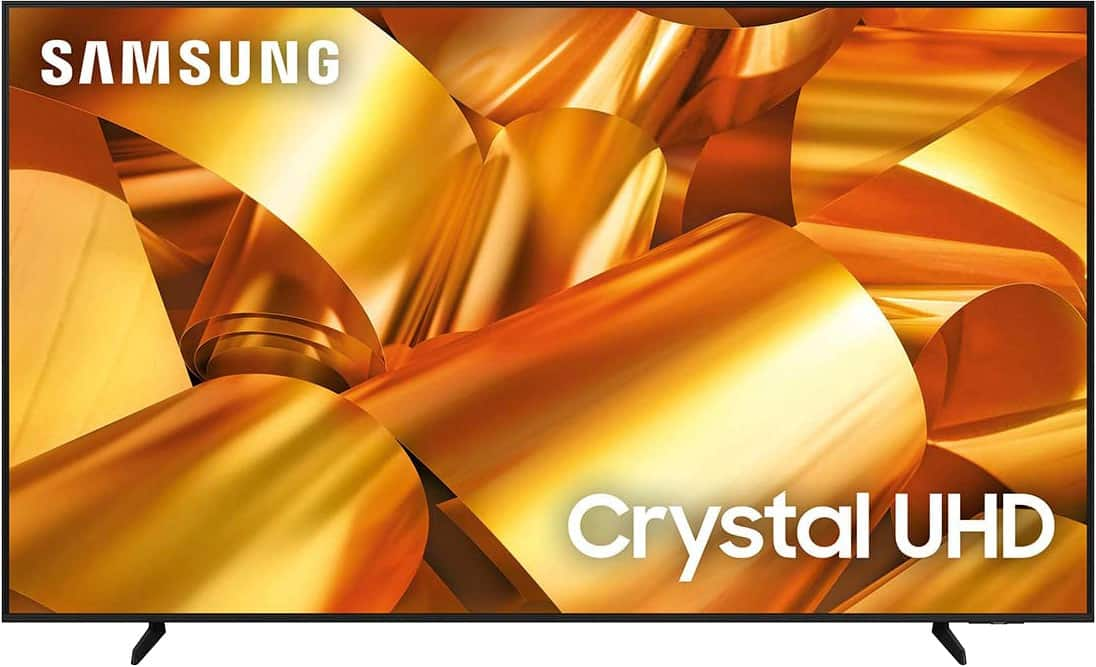
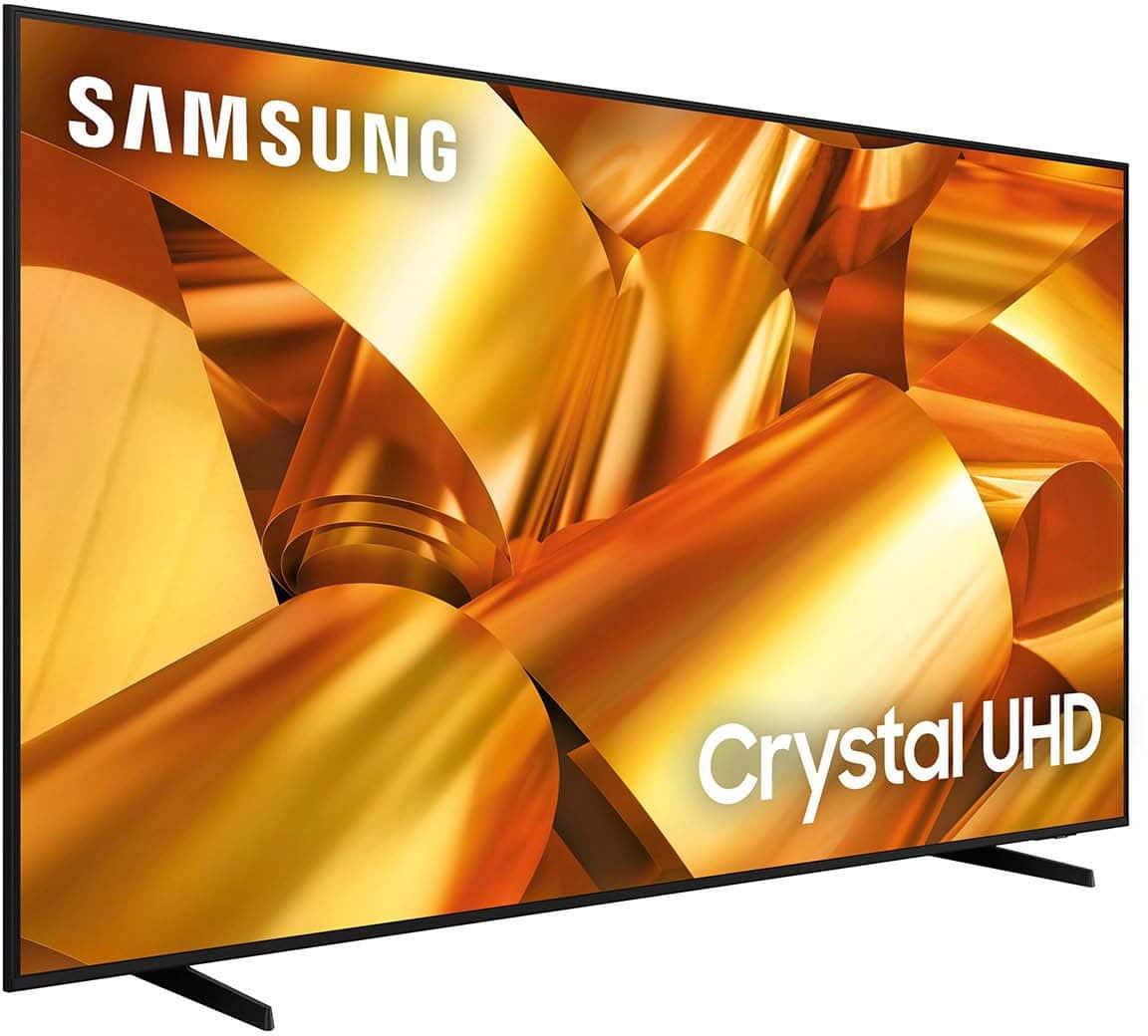
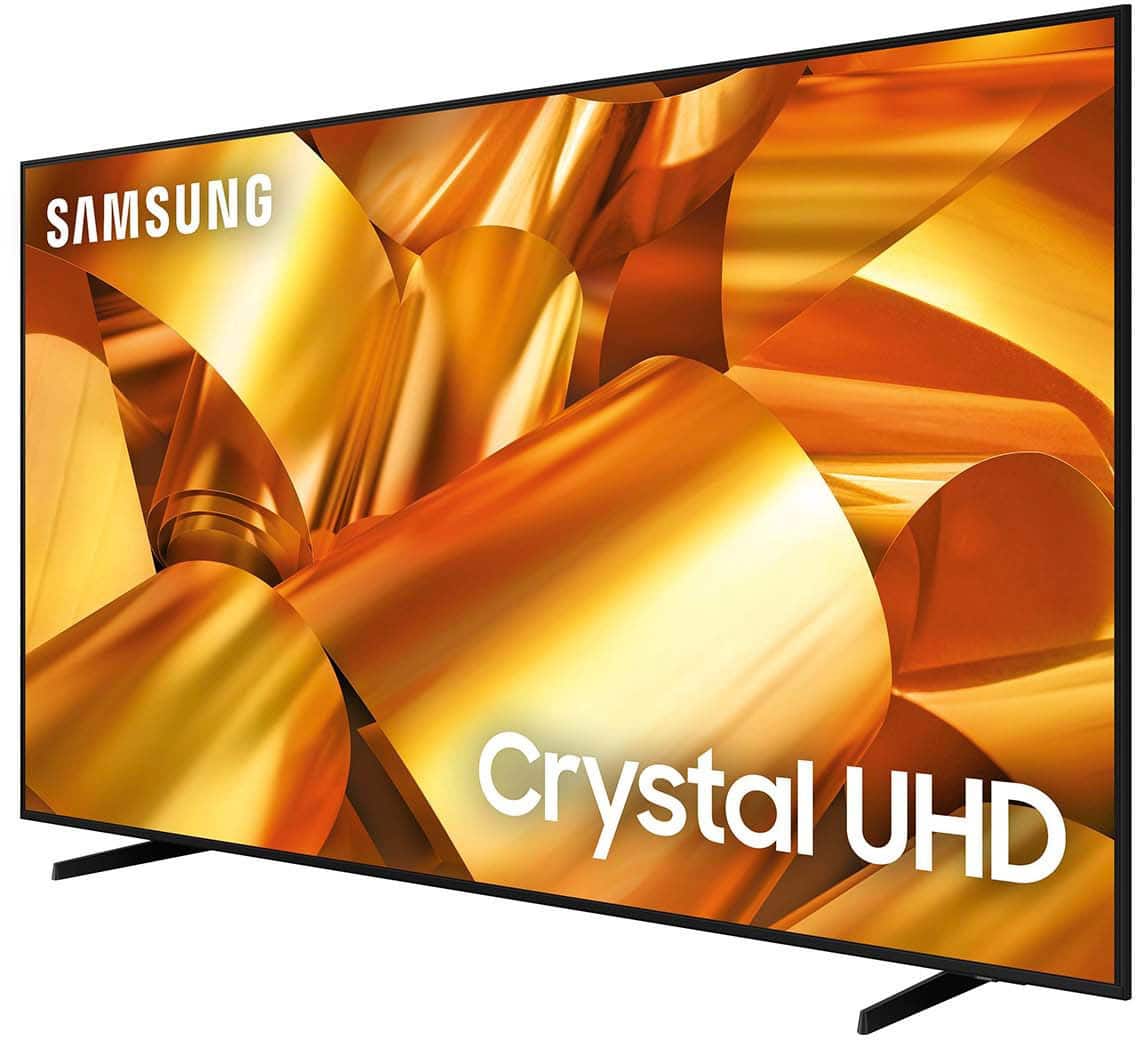
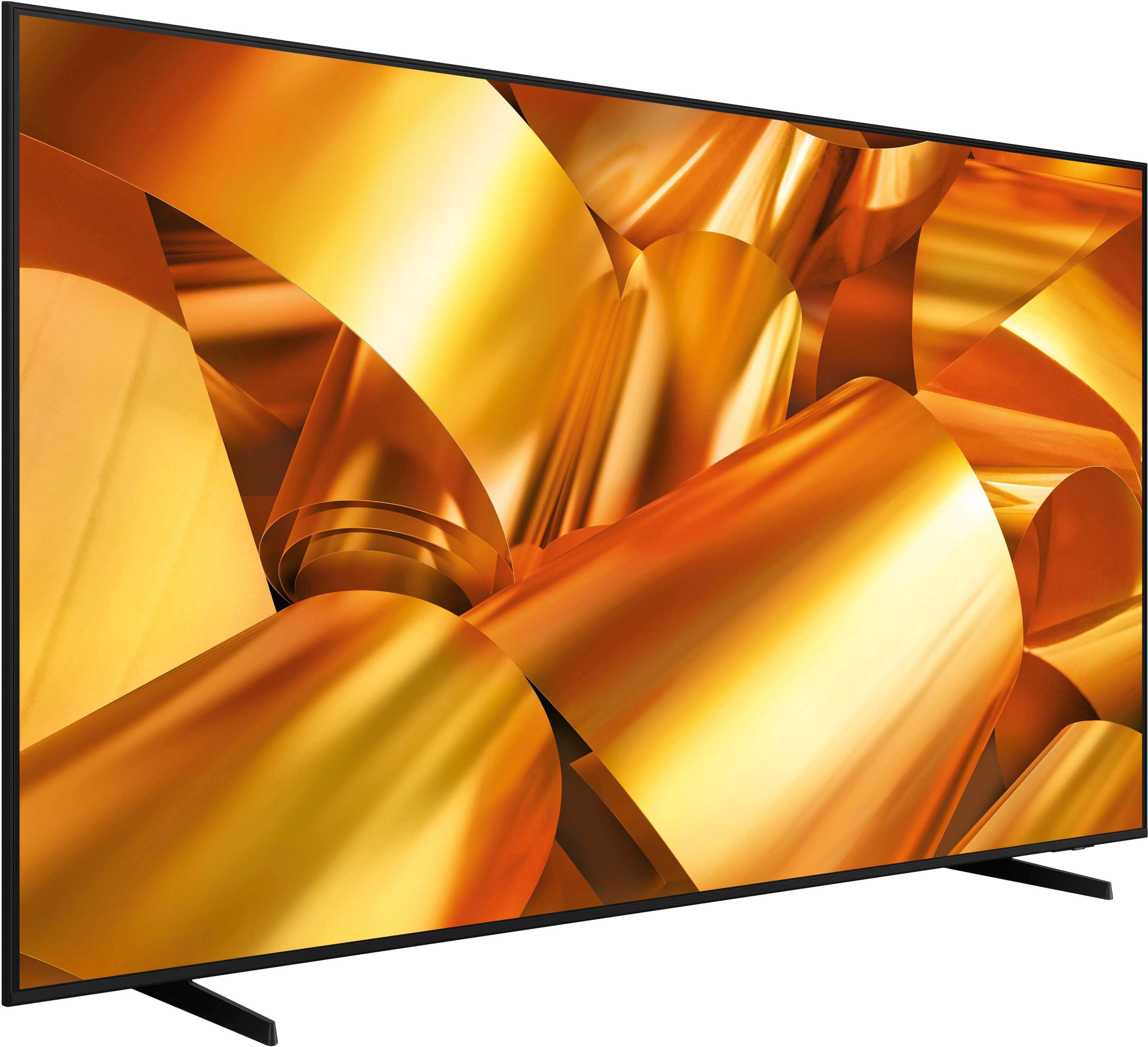
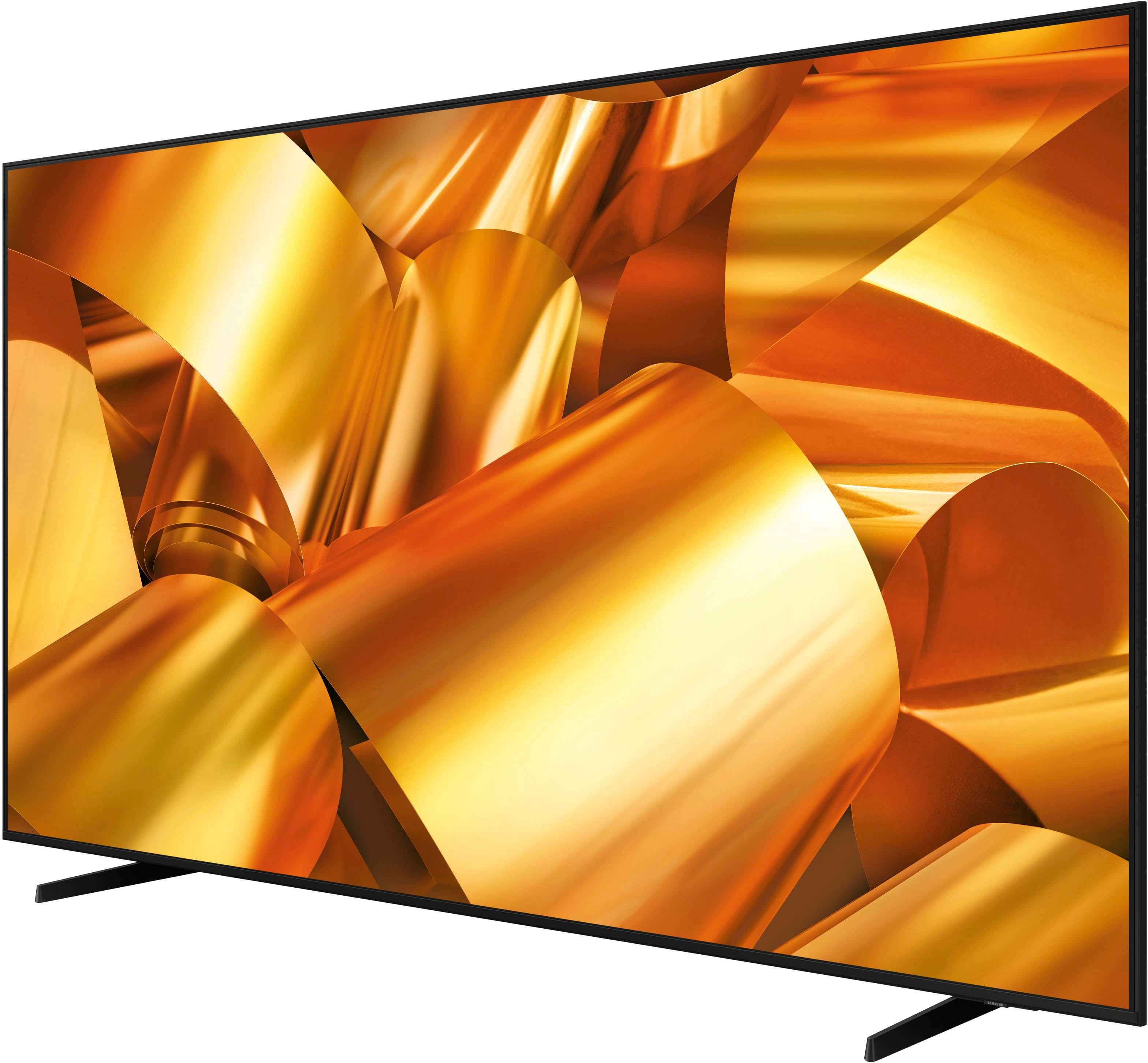


- Model:
- UN85DU6950FXZA
- SKU:
- 6606916
Rating by feature
- Picture Quality
Rating 4.5 out of 5 stars
- Sound Quality
Rating 3.9 out of 5 stars
- Brightness
Rating 4.5 out of 5 stars
Customers are saying
Customers appreciate the excellent picture quality and size of the 85” Class DU6950 Series Crystal UHD 4K Smart Tizen TV (2024). Some customers have reported issues with the TV freezing while streaming. A few customers have also mentioned the limited number of HDMI ports.
This summary was generated by AI based on customer reviews.
Bad Experience
||Posted . Owned for 2 weeks when reviewed.This reviewer received promo considerations or sweepstakes entry for writing a review.The worst TV and service EVER!!!!! Got 3 tv’s delivered and 2 were bad had to wait weeks for another one and got lied to about compensation and no one took notes on my experience. Never again!!
No, I would not recommend this to a friendBrand response from Samsung
Posted .KiaR,
Thanks for sharing your thoughts. If there's anything we can do to improve your experience, please reach Samsung Support at 1-800-SAMSUNG, 8AM - 12AM EST, 7 days a week. Or visit us on the Samsung website and click on the ‘Support’ link for:
• LiveChat
• Manuals, Software, & Warranty Info
~ Samsung Pro
Worst Tv
||Posted .This reviewer received promo considerations or sweepstakes entry for writing a review.I hate this tv. Unfortunately I couldn’t return because 15 days had elapsed but it’s the worst. Sound and visual is bad. I did call Best Buy to ask if I could return but unfortunately I can’t and have to contact Samsung but I would NOT recommend this Tv to anyone.
No, I would not recommend this to a friendBrand response from Samsung
Posted .user619172,
We appreciate you sharing your experience with the DU6950 TV. Your feedback regarding image quality is essential to us and will be shared with our internal teams. Please try adjusting the below image settings to improve your picture.
Go to Home > Settings > All Settings > Picture > Picture Mode and select the mode that best fits your usage:
1) Standard: Default mode suitable for general viewing environments.
2) Natural: Reduces eye strain for a comfortable viewing experience.
3) Movie: Most suitable for watching TV or movies in a dark room.
4) Dynamic: Makes the picture brighter and clearer in bright viewing environments.
5) Filmmaker Mode: You can watch the source content (e.g., movie) as it is. If the image is defined as Filmmaker Mode, it will automatically switch to Filmmaker Mode while watching.
You can also go to Settings > All Settings> Picture > Expert Settings > to manually fine-tune your image.
For sound adjustments, go to Settings> All Settings> Sound.
If you need further assistance, we would be happy to help! Please feel free to contact Samsung Support at 1-800-SAMSUNG, available from 8 AM to 12 AM EST, seven days a week. You can also chat with us on Samsung.com for immediate assistance.
~Samsung Pro
Bad tv
||Posted . Owned for 8 months when reviewed.This reviewer received promo considerations or sweepstakes entry for writing a review.I purchased this tv and had to have someone come out 3 weeks after due to it turning off and on
No, I would not recommend this to a friendBrand response from Samsung
Posted .SylviaC,
We appreciate you taking the time to let us know about your experience with your TV. So that we can better troubleshoot this issue and provide steps towards a solution, please contact Samsung Support at 1-800-SAMSUNG, 8AM - 12AM EST, 7 days a week. Or visit us on the Samsung website and click on the ‘Support’ link for:
• LiveChat
• Manuals, Software, & Warranty Info
~ Samsung Pro
Tv
||Posted . Owned for 1 week when reviewed.This reviewer received promo considerations or sweepstakes entry for writing a review.good price but the sound is not what I expected very bad
No, I would not recommend this to a friendBrand response from Samsung
Posted .Lisa,
Thank you for sharing your thoughts regarding the DU6900 TV’s sound quality. We recommend adjusting the Sound Settings to improve your experience. You can change the Sound Mode by going to Settings > All Settings> Sound > Sound Mode.
You can also customize the sound with Expert Settings by going to Settings > All Settings> Sound > Expert Settings.
To assist you with possible sound settings adjustments for a better audio experience or choosing a Samsung Soundbar to complement your viewing enjoyment, please reach out to us at 1-800-SAMSUNG, 8 AM - 12 AM EST, seven days a week. Our LiveChat agents are also available by clicking on the ‘Support’ link on our website.
~ Samsung Pro
Get freezing and shut down
||Posted . Owned for 1 month when reviewed.This reviewer received promo considerations or sweepstakes entry for writing a review.After 1 month the tv go off , get freezing and shut down and turn on again try to get help but no one answer and now he don’t want do nothing
No, I would not recommend this to a friendBrand response from Samsung
Posted .CarlosH,
We appreciate you sharing the issues you are having with the DU6950 TV. For optimal performance, please ensure you've got the latest firmware version installed on your TV. You can check this by going to Home > Menu > Settings > Support > Software Update.
You may also want to further optimize performance with the self-diagnostic tool, which checks memory, frees up unused cached memory, and closes background apps. Go to: Home > Menu > Settings > Support > Device Care > Start Device Care.
For additional assistance, you can call us at 1-800-SAMSUNG, 8 AM - 12 AM EST, seven days a week. Our LiveChat agents are also available by clicking on the ‘Support’ link on our website.
~ Samsung Pro
Nope
||Posted . Owned for 1 month when reviewed.This reviewer received promo considerations or sweepstakes entry for writing a review.Keeps randomly restarting but does give a warning when it is going to restart by glitching for about 15 seconds before shutting off. The tv quality is horrible as well.
No, I would not recommend this to a friendBrand response from Samsung
Posted .AbigailW,
Thank you for letting us know about the issues you are having with your DU6950 TV. For optimal performance, we ask that you please ensure you've got the latest firmware version installed on your TV. You can check this by going to Home > Menu > Settings > Support > Software Update.
You may also want to further optimize performance with the self-diagnostic tool, which checks memory, frees up unused cached memory, and closes background apps. Go to: Home > Menu > Settings > Support > Device Care > Start Device Care.
If you need further assistance, we would be happy to help! Please feel free to contact Samsung Support at 1-800-SAMSUNG, available from 8 AM to 12 AM EST, seven days a week. You can also chat with us on Samsung.com for immediate assistance.
~Samsung Pro
Bad quality
||Posted .This reviewer received promo considerations or sweepstakes entry for writing a review.Bought it a month ago and is already showing lines on it.
No, I would not recommend this to a friendBrand response from Samsung
Posted .AAAA,
We appreciate your feedback regarding the screen abnormalities you’re seeing on your DU6950 TV. Please run a Picture Test to determine if the problem is caused by the TV. Picture Test displays a high-definition picture you can examine for flaws or faults. Go to Settings > Support > Device Care > Self Diagnosis > Picture Test.
If this occurs on all sources and the picture test, this may require service. For help with setting up a service appointment, please contact Samsung Support at 1-800-SAMSUNG, 8 AM - 12 AM EST, seven days a week. Our LiveChat agents are also available by clicking on the ‘Support’ link on our website.
~Samsung Pro
Spend more or you’ll regret it…
||Posted .This reviewer received promo considerations or sweepstakes entry for writing a review.Don’t buy this cheap version. The interface isn’t up to Samsung quality and it’s super slow/frustrating to use. Would return but too late.
No, I would not recommend this to a friendBrand response from Samsung
Posted .MattH,
We appreciate your feedback on the response time, and for optimal performance, we ask that you please ensure you've got the latest firmware version installed on your TV. You can check this by going to Home > Menu > Settings > Support > Software Update.
You may also want to further optimize performance with the self-diagnostic tool, which checks memory, frees up unused cached memory, and closes background apps. Go to: Home > Menu > Settings > Support > Device Care > Start Device Care.
If you need further assistance, we would be happy to help! Please feel free to contact Samsung Support at 1-800-SAMSUNG, available from 8 AM to 12 AM EST, seven days a week. You can also chat with us on Samsung.com for immediate assistance.
~ Samsung Pro
Damaged TV
||Posted . Owned for 1 month when reviewed.This reviewer received promo considerations or sweepstakes entry for writing a review.Received damaged TV but couldn't claim it under warranty because I didn't open the box until I came back from emergency status 30days later.
No, I would not recommend this to a friendBrand response from Samsung
Posted .WilliamB,
We appreciate you sharing your delivery experience and that your TV exhibited damage upon opening and setup. Unfortunately, even if a TV is double-boxed and the packaging shows no evidence of harm, a TV can still be damaged during transit if proper care is not taken. For example, if the TV were sitting in an incorrect orientation – laid on its side or tilted – during transit, damage could have been done.
We recommend contacting Best Buy Customer Support or your local Best Buy store directly for assistance in correcting this situation. We hope your issue is resolved quickly.
If you ever have product questions or need help, Samsung is here for you! Give us a call at 1-800-SAMSUNG, 8 AM - 12 AM EST, seven days a week. Our LiveChat agents are also available by clicking on the ‘Support’ link on our website.
~Samsung Pro
Problems from 1st day
||Posted . Owned for 1 month when reviewed.This reviewer received promo considerations or sweepstakes entry for writing a review.Many problems with tv. Called company could not understand the person on phone.
No, I would not recommend this to a friendBrand response from Samsung
Posted .RobertV,
Thank you for taking the time to provide feedback on your DU6950 TV. Please know that your feedback will be shared with our internal product teams. We take pride in our products and are sorry to hear that your experience was not up to our high standards.
Samsung is committed to providing the best possible product experience, quality, and value. We back this Samsung TV with a 1-year limited manufacturer's warranty, including authorized repair for manufacturer defect, if purchased brand-new directly from an authorized seller. You can see the full details of your warranty on Samsung's website. Go to Support (upper right corner) and select Warranty information. This will allow you to search for your product and view the full details of the included warranty.
Please give us the chance to make this right by contacting Samsung Customer Support at 1-800-SAMSUNG, 8 AM - 12 AM EST, seven days a week. Our LiveChat agents are also available by clicking on the ‘Support’ link on our website.
~Samsung Pro
weak
||Posted .This reviewer received promo considerations or sweepstakes entry for writing a review.very poor quality for sports and any high speed movmnt
No, I would not recommend this to a friendBrand response from Samsung
Posted .user698212,
We appreciate your feedback on your DU6950 TV’s picture when watching fast-motion. For optimal motion image performance, you may want to adjust the picture clarity setting by going to Settings > All Settings> Picture > Expert Settings > Picture Clarity Settings.
- Off: Picture Clarity Settings will always be off
- Auto: Picture Clarity Settings will automatically activate and deactivate based on the type of program being watched
- Custom: Allows custom adjustments and settings to be used. By selecting the Custom option, you can access these advanced settings for Judder Reduction, LED Clear Motion, and Noise Reduction.
Should you need further assistance with features or other product usages, please reach out to Samsung Support at 1-800-SAMSUNG, 8 AM - 12 AM EST, seven days a week. Our LiveChat agents are also available by clicking on the ‘Support’ link on our website.
~ Samsung Pro
The sound sucks
||Posted . Owned for 1 month when reviewed.This reviewer received promo considerations or sweepstakes entry for writing a review.Doesn’t get LOUD at all… wouldn’t waste my money on it again
No, I would not recommend this to a friendBrand response from Samsung
Posted .DashalaH,
Thank you for sharing your experience with low volume. There are several volume features you can adjust, which may improve your audio experience.
1) Auto Volume automatically adjusts the sound to a certain level when changing channels or switching to another external input. Go to Settings > All Settings> Sound > Expert Settings > Auto Volume.
2) Adaptive Sound automatically adjusts to a specific volume level while watching TV. The TV analyzes your volume usage history by time period to automatically adjust the volume when you use an app or switch to an external input source. Go to Settings> All Settings> Sound> Sound Mode> Adaptive Sound.
3) Several Sound Modes are likewise available to meet your personal preferences: Home > Settings > All Settings> Sound > Sound Mode.
Also, some sources have their own volume control, which might need to be set higher. Please check the volume control of the external device (cable box or satellite box, DVD, Blu-ray, etc.) connected to your TV. Also, check the cable connection between an external device and the TV and then try the cable connection again.
If you need further assistance, we would be happy to help! Please feel free to contact Samsung Support at 1-800-SAMSUNG, available from 8 AM to 12 AM EST, seven days a week. You can also chat with us on Samsung.com for immediate assistance.
~Samsung Pro
Trash
||Posted . Owned for 1 month when reviewed.This reviewer received promo considerations or sweepstakes entry for writing a review.Piece of junk tv. It was defective. We had to bring it back.
No, I would not recommend this to a friendBrand response from Samsung
Posted .TaraS,
Thank you for taking the time to provide feedback on your DU6950 TV. Please know that your feedback will be shared with our internal product teams. We take pride in our products and are sorry to hear that your experience was not up to our high standards.
Should you ever decide to give Samsung TVs another try and have questions or need help with settings, setup, or features, we would be happy to help. Call us at 1-800-SAMSUNG, 8 AM – 12 AM EST, seven days a week. LiveChat with an agent, as well as manuals, software, and warranty info, can be found at the ‘Support’ link on our Samsung website.
We hope to regain you as a customer in the future.
~ Samsung Pro
Malfunction
||Posted . Owned for 3 weeks when reviewed.This reviewer received promo considerations or sweepstakes entry for writing a review.TV is not working, malfunction issues. I’ll have to take it back.
No, I would not recommend this to a friendBrand response from Samsung
Posted .CALVARADO,
Thank you for taking the time to provide feedback on your DU6950 TV. Please know that your feedback will be shared with our internal product teams. We take pride in our products and are sorry to hear that your experience was not up to our high standards.
If you have not returned your unit, we are available and happy to assist you with troubleshooting or to set up a warranty appointment. You can reach Samsung Support at 1-800-SAMSUNG (ask for TVs), 8 AM – 12 AM EST, 7 days a week.
~Samsung Pro
Need attention
||Posted . Owned for 1 month when reviewed.This reviewer received promo considerations or sweepstakes entry for writing a review.Update itself while watching or freezing most time
No, I would not recommend this to a friendBrand response from Samsung
Posted .MaombiY,
Thank you for letting us know about the issues you are having with your DU6950 TV. For optimal performance, we ask that you please ensure you've got the latest firmware version installed on your TV. You can check this by going to Home > Menu > Settings > Support > Software Update.
You may also want to further optimize performance with the self-diagnostic tool, which checks memory, frees up unused cached memory, and closes background apps. Go to: Home > Menu > Settings > Support > Device Care > Start Device Care.
If you need further assistance, we would be happy to help! Please feel free to contact Samsung Support at 1-800-SAMSUNG, available from 8 AM to 12 AM EST, seven days a week. You can also chat with us on Samsung.com for immediate assistance.
~Samsung Pro
- Pros mentioned:Picture quality
Absolutely Stunning TV for the Price!
Posted .This reviewer received promo considerations or sweepstakes entry for writing a review.I’ve had this Samsung 85” DU6950 for a few weeks now, and I’m blown away! First off, the size is incredible — it completely transformed my living room into a mini home theater. The 4K Crystal UHD picture is sharp, vibrant, and the colors are beautifully natural. Watching movies and sports is a totally immersive experience. The Tizen smart platform is fast and super easy to use — all the apps I need (Netflix, Prime, YouTube, etc.) are right there and open quickly. Setup was simple, even for someone not super tech-savvy. The TV automatically detected my devices and the remote works seamlessly across everything. Sound is decent out of the box, though I paired it with a soundbar for a fuller experience — but for casual viewing, the built-in speakers are definitely fine. Overall, if you’re looking for a huge screen, fantastic picture quality, and a smooth smart TV experience without spending a fortune, this Samsung model is a winner. Highly recommend!
I would recommend this to a friend - Pros mentioned:Picture quality
Samsung 85-in.
Posted .This reviewer received promo considerations or sweepstakes entry for writing a review.The TV is amazing a love Samsung products i've bought a couple of Samsung TVs I like the crystal screen and been in love with them for last 4 or 5 years. I love the fact that you can clean the screen with glass cleaner and the screen is not plastic it's actually glass or crystal as they say. Affordable,with high resolution picture Perfect like the movie is being made right in front of you pulling you in to the action, horror, comedy it's beautiful! I recommend anybody by the 85-in UHD.
I would recommend this to a friend - Pros mentioned:Picture quality
So far, so great!
Posted .This reviewer received promo considerations or sweepstakes entry for writing a review.Have had Samsung 85 incher a month and enjoying it immensely. Geek Squad set it up quickly, effectively and efficiently. Paired it with a 3,000 mile antenna. No problem with picture or sound. Remote accompanying tv ok but i switched to an older remote from earlier Samsung tv and it seems more powerful and better in tune with this tv and my wifi. Yes, you could pay more for a similar tv, but why?
I would recommend this to a friend - Pros mentioned:Picture quality
Crystal Clear Picture
Posted .This reviewer received promo considerations or sweepstakes entry for writing a review.I love my Samsung 85" TV. It is crystal clear with vibrant colors. I have a Samsung sound bar and the TV recognized it flawlessly. The TV also works perfectly with my 4K Roku player. Highly recommend this TV.
I would recommend this to a friend - Pros mentioned:Picture quality
JK review
Posted .This reviewer received promo considerations or sweepstakes entry for writing a review.I am extremely please with the Samsung - 85" Class DU6950. It has met all my expectations. I look forward to learning all of the capabilities of the the unit.
I would recommend this to a friend