Deals Worth GiftingShop now

Skip to content
Gift Ideas
Main Content

Customer Ratings & Reviews
Your price for this item is $799.99
Clearance
The comparable value price is $999.99

Customer reviews

Rating 4.7 out of 5 stars with 204 reviews

Rating Filter

Rating by feature

  • Picture Quality

    Rating 4.8 out of 5 stars

  • Sound Quality

    Rating 4.6 out of 5 stars

  • Brightness

    Rating 4.8 out of 5 stars

Pros mentioned filter

Cons mentioned filter

There aren't enough negative mentions yet.
94%would recommend to a friend

Customers are saying

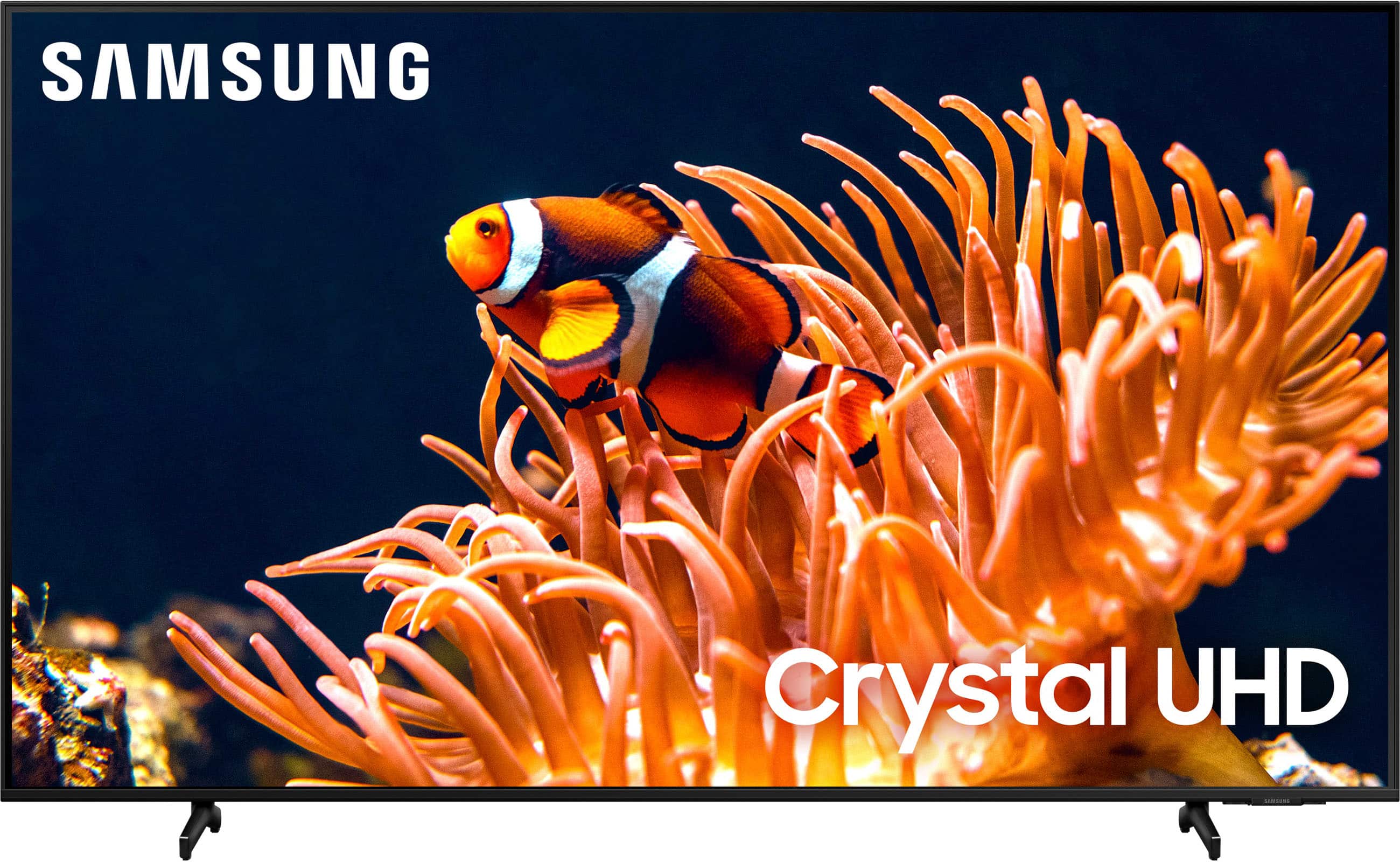
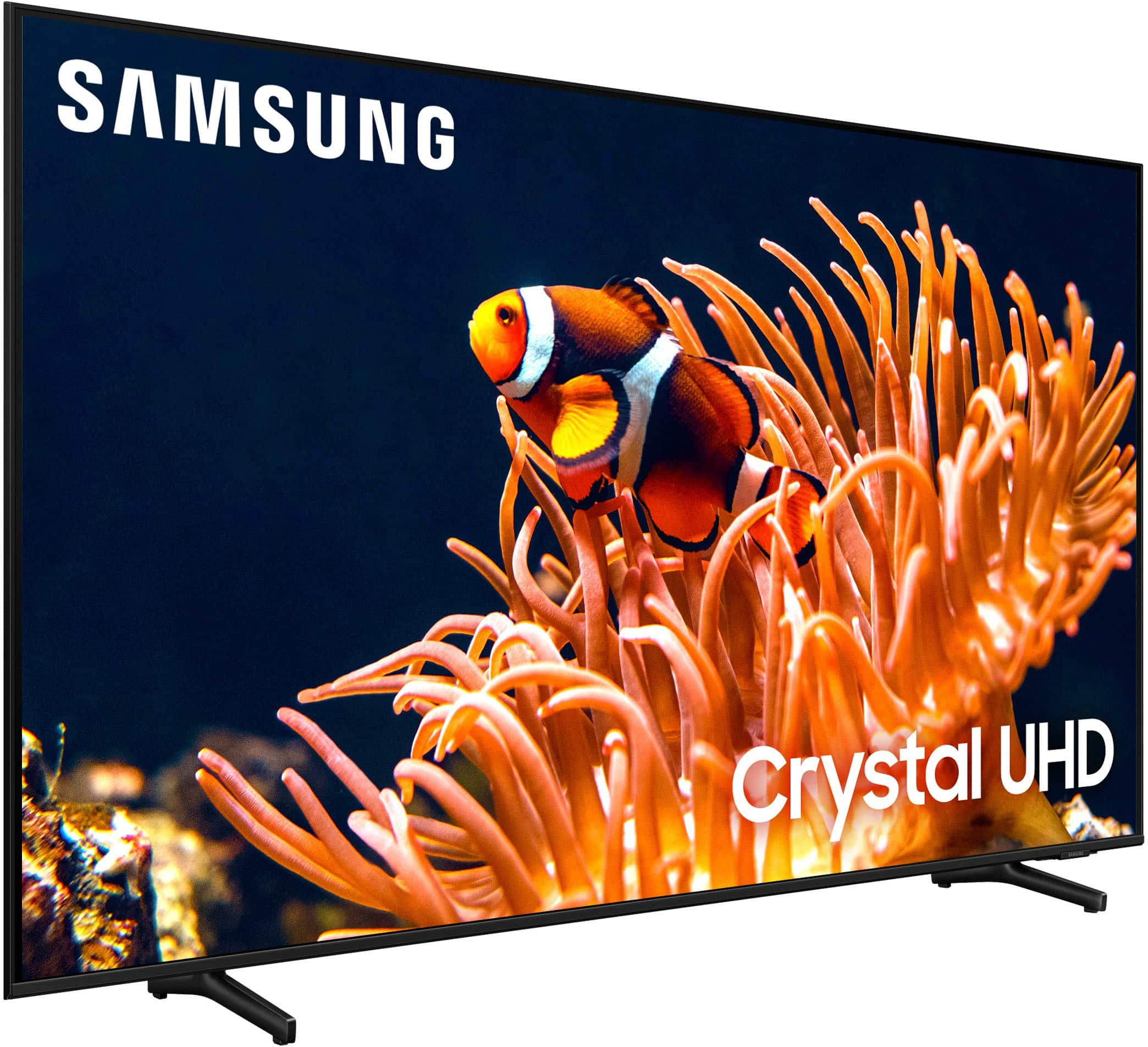
Customers regard the 85” Class DU8000 Series Crystal UHD Smart Tizen TV (2024) highly for its exceptional picture quality, ease of use, and sleek design. Many appreciate the value for the price and the convenient smart features, which offer smooth operation and easy access to streaming apps. The large screen size is also frequently praised. While some aspects like setup are noted as easy, there are no significant negative comments reported.

This summary was generated by AI based on customer reviews.

The vast majority of our reviews come from verified purchases. Reviews from customers may include My Best Buy members, employees, and Tech Insider Network members (as tagged). Select reviewers may receive discounted products, promotional considerations or entries into drawings for honest, helpful reviews.
Page 10 Showing 181-200 of 204 reviews
  • Rated 5 out of 5 stars

    Christmas TV surprise

    |
    |
    Posted . Owned for 2 weeks when reviewed.
    This reviewer received promo considerations or sweepstakes entry for writing a review.

    Great product and my fiancé was very surprised and pleased with the gift.

    I would recommend this to a friend
  • Rated 5 out of 5 stars

    Love my Samsung TV

    |
    |
    Posted . Owned for 1 month when reviewed.
    This reviewer received promo considerations or sweepstakes entry for writing a review.

    We’re enjoying this TV especially when we’re watching the sports and movies

    I would recommend this to a friend
  • Rated 5 out of 5 stars

    Christmas gift

    |
    |
    Posted . Owned for 1 week when reviewed.
    This reviewer received promo considerations or sweepstakes entry for writing a review.

    I bought the tv for a Christmas present for my uncle and he loves it!!!

    I would recommend this to a friend
  • Rated 5 out of 5 stars

    It's a good service

    |
    |
    Posted . Owned for 1 week when reviewed.
    This reviewer received promo considerations or sweepstakes entry for writing a review.

    Everything was expeditiously thank you appreciate it

    I would recommend this to a friend
  • Rated 5 out of 5 stars

    Beautiful picture

    |
    |
    Posted . Owned for 1 month when reviewed.
    This reviewer received promo considerations or sweepstakes entry for writing a review.

    Very good tv just hard to move so hopwfully when you get it you install it and dont touch it.

    I would recommend this to a friend
  • Rated 3 out of 5 stars

    Great but not 120hz

    |
    |
    Posted . Owned for 2 weeks when reviewed.
    This reviewer received promo considerations or sweepstakes entry for writing a review.

    Great tv. However, I returned it and bought a TV with 120 Hz refresh rate.

    No, I would not recommend this to a friend
    • Brand response from Samsung
      Posted .

      Hi Verditec,

      Thank you for your feedback. Please know it will be sent to our internal design teams. If there's ever anything we can do to support you, do not hesitate to reach out to us. You can call us at 1-800-SAMSUNG, 8 AM - 12 AM EST, seven days a week. Our LiveChat agents are also available by clicking on the ‘Support’ link on our website.

      ~ Samsung Advisor Samsung

  • Rated 5 out of 5 stars

    Samsung 85 inch

    |
    |
    Posted . Owned for 3 weeks when reviewed.
    This reviewer received promo considerations or sweepstakes entry for writing a review.

    Great assistance at the store to determine which tv was the best fit.

    I would recommend this to a friend
  • Rated 5 out of 5 stars

    Football season

    |
    |
    Posted . Owned for 3 weeks when reviewed.
    This reviewer received promo considerations or sweepstakes entry for writing a review.

    awesome value and great service at time of purchase and delivery

    I would recommend this to a friend
  • Rated 4 out of 5 stars

    Todd Allen

    |
    |
    Posted . Owned for 2 weeks when reviewed.
    This reviewer received promo considerations or sweepstakes entry for writing a review.

    Great tv for the money, doesn’t handle dark colors very well though

    I would recommend this to a friend
  • Rated 5 out of 5 stars

    85” Samsung

    |
    |
    Posted . Owned for 3 weeks when reviewed.
    This reviewer received promo considerations or sweepstakes entry for writing a review.

    Satisfied with purchase of 85”. The process of purchasing was super easy.

    I would recommend this to a friend
  • Rated 5 out of 5 stars

    Love the tv

    |
    |
    Posted . Owned for 1 month when reviewed.
    This reviewer received promo considerations or sweepstakes entry for writing a review.

    Great resolution and crystal clear to see movies. Love it.

    I would recommend this to a friend
  • Rated 4 out of 5 stars

    Not bad!

    |
    |
    Posted . Owned for 3 weeks when reviewed.
    This reviewer received promo considerations or sweepstakes entry for writing a review.

    Great TV for what I needed. I didn't need all the bells and whistles.

    I would recommend this to a friend
  • Rated 2 out of 5 stars

    Blacks out randomly from ps5

    |
    |
    Posted . Owned for 2 months when reviewed.
    This reviewer received promo considerations or sweepstakes entry for writing a review.

    It is great for streaming movies directly into the tv but playing games from ps5 randomly black out on screen for a few seconds. Swapped ps5s, hdmi cables and the ports on the back of tv. Tech support just said this tv does this from ps5. Turned all video out settings down and it helped some. Been a big disappointment.

    No, I would not recommend this to a friend
    • Brand response from Samsung
      Posted .

      Hi BreadPitt,

      Thank you for reaching out to us. Please know that when you connect a video game console such as PlayStation and Xbox, Game Mode is set to Auto. The screen may shake somewhat when this feature is enabled.

      I recommend checking both the TV and your PS5 to ensure they are both up to date with the latest Firmware. To check your TV, go to Settings> Support> Software Update.

      You can also disable Auto Game Mode and manually change it to On by going to Settings> Connection> Game Mode Settings> Game Mode> On.

      If you’d like more help with settings, we are always happy to help! Call us at 1-800-SAMSUNG, 8 AM - 12 AM EST, seven days a week. Or visit us on the Samsung website and click on the ‘Support’ link for:
      1) LiveChat
      2) Manuals, Software, & Warranty Info

      ~ Samsung Advisor Samsung

  • Rated 3 out of 5 stars

    Samsung 85"

    |
    |
    Posted . Owned for 3 weeks when reviewed.
    This reviewer received promo considerations or sweepstakes entry for writing a review.

    Continually have issue with the TV turning off and/or not recognizing the internet

    No, I would not recommend this to a friend
    • Brand response from Samsung
      Posted .

      Meker,

      It’s unfortunate to hear your TV is turning off by itself. Please try a few troubleshooting steps that may help solve the issue:

      1. Unplug the TV from the wall outlet or surge protector and leave it unplugged for 30 seconds.
      2. Check the power cord to see if there is any visible damage.
      3. Plug the TV power cord back into the wall outlet. If you were using a surge protector, bypass it for now and use a wall outlet.
      4. Try to update the software. In some cases, a software update can correct the problem. There is a risk, however. If the TV turns off during the software update, it could damage the TV. Updates can take up to 30 minutes depending on network speed, so if the TV is not turning off too frequently, try updating the software.

      Please also try disabling some of the TV's energy efficiency functions.

      See if Sleep Timer has been enabled. The Sleep Timer automatically turns the TV off after a specific period of time. Go to: Menu > Settings > All Settings > General & Privacy > System Manager > Time > Sleep Timer

      If the Sleep Timer has not been enabled, see if Auto Power Off or Off Timer have been enabled and disable it.
      - Menu > Settings > All Settings > General & Privacy > Power and Energy Saving > Auto Power Off
      - Menu > Settings > All Settings > General & Privacy > System Manager > Time > Off Timer

      If the TV continues to turn off by itself, please call us at 1-800-SAMSUNG, 8AM - 12AM EST, 7 days a week. Our LiveChat agents are also available by clicking on the ‘Support’ link on our website.

      ~ Samsung Specialist Samsung

  • Rated 3 out of 5 stars

    Good

    |
    |
    Posted . Owned for 1 month when reviewed.
    This reviewer received promo considerations or sweepstakes entry for writing a review.

    Nice tv for the price. The stand leg are steady. Love it

    I would recommend this to a friend
    • Brand response from Samsung
      Posted .

      Hi Ghia,

      It's great to hear that you are enjoying your new DU8000 TV from Samsung. Please know if you ever have product questions or need any help, we are available and happy to assist you. You can reach us at 1-800-SAMSUNG, 8 AM - 12 AM EST, seven days a week. Our LiveChat agents are also available by clicking on the ‘Support’ link on our website.

      ~Samsung Advisor Samsung

  • Rated 3 out of 5 stars

    Samsung

    |
    |
    Posted . Owned for 1 month when reviewed.
    This reviewer received promo considerations or sweepstakes entry for writing a review.

    Overall good purchase. Sound could be way better .

    I would recommend this to a friend
    • Brand response from Samsung
      Posted .

      AlS1,

      Thank you for purchasing Samsung's DU8000 TV and for your feedback on the sound. To ensure you’ve got the latest sound quality updates, please confirm that your TV is up to date with the latest firmware version. You can check by going to: Home > Menu > Settings > Support > Software Update.

      If the sound is still not to your liking after updating firmware, there are several sound settings you can adjust to suit your personal preferences.

      • Sound Modes may better meet your personal preferences. Go to: Menu > Settings > All Settings > Sound > Sound Mode, or Expert Settings to fine-tune and customize your sound.

      • Adaptive Sound will also further optimize sound quality by analyzing the viewing space and the acoustic components of the content. Go to: Menu > Settings > All Settings > General & Privacy > Intelligent Mode Settings.

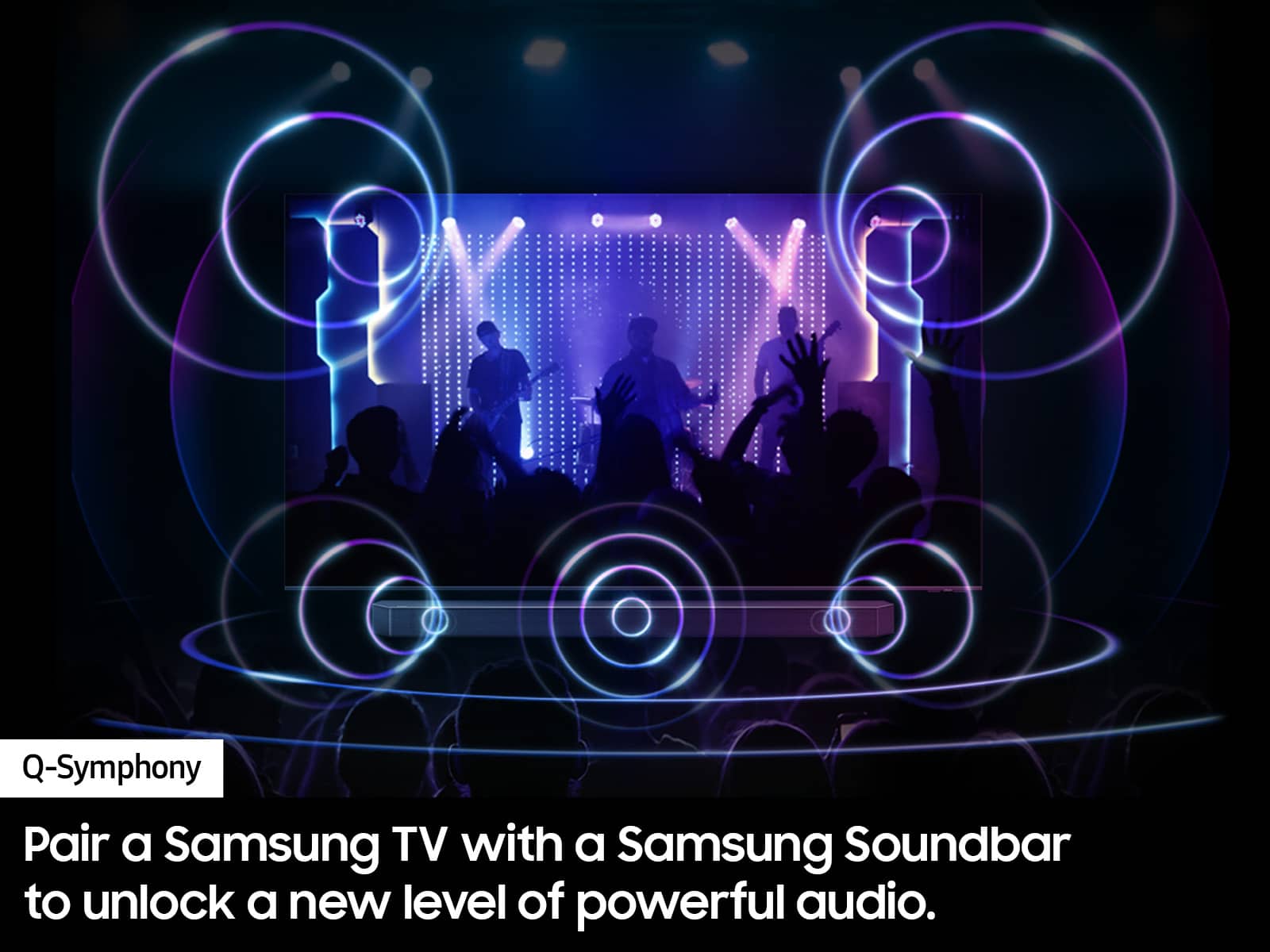
      Should you choose to add a Samsung Soundbar to your TV, please know that our Q-Series Soundbars (such as the HW-Q600C) feature Q-Symphony which will synchronize with the speakers of your TV for an immersive 3D sound experience.

      To assist you with possible sound settings adjustments for a better audio experience or choosing a Samsung Soundbar to complement your viewing enjoyment, please reach out to us at 1-800-SAMSUNG, 8 AM - 12 AM EST, seven days a week.

      ~ Samsung Specialist Samsung

  • Rated 1 out of 5 stars

    Best of Luck

    |
    |
    Posted . Owned for 1 week when reviewed.
    This reviewer received promo considerations or sweepstakes entry for writing a review.

    Do yourself a favor, buy a TV off Amazon. Best Buy shipped me a TV that was bent in half. Purchased from Best Buy to avoid the situation I’m in. Impossible to reach anyone stateside. Scheduled a pickup window on a Saturday (a 12 hour window). No surprise, no one showed up. Was told two days later that they had cancelled the appointment. Still can’t reach anyone and still stuck with a 90 pound TV. Guess I’ll figure out how to get it to the dump myself. At the very least give me money back for my effort and time wasted.

    No, I would not recommend this to a friend
    • Brand response from Samsung
      Posted .

      Hi Thanks,

      I'm sorry you received a damaged TV and are having issues with a return. Please reach out your local Best Buy store to assist you.

      If you ever have questions or need help, Samsung is here for you! Give us a call at 1-800-SAMSUNG, 8 AM - 12 AM EST, seven days a week. Our LiveChat agents are also available by clicking on the ‘Support’ link on our website.

      ~Samsung Advisor Samsung

  • Rated 2 out of 5 stars

    Picture isnt a clear as i wouldve expected

    |
    |
    Posted . Owned for 1 month when reviewed.
    This reviewer received promo considerations or sweepstakes entry for writing a review.

    We have used samsung tvs for the last 5+ years without a complaint. Unfortunately when we upgraded to this one, we were not very impressed. The picture seems blury and delayed at times.

    No, I would not recommend this to a friend
    • Brand response from Samsung
      Posted .

      Hi Ed18428,

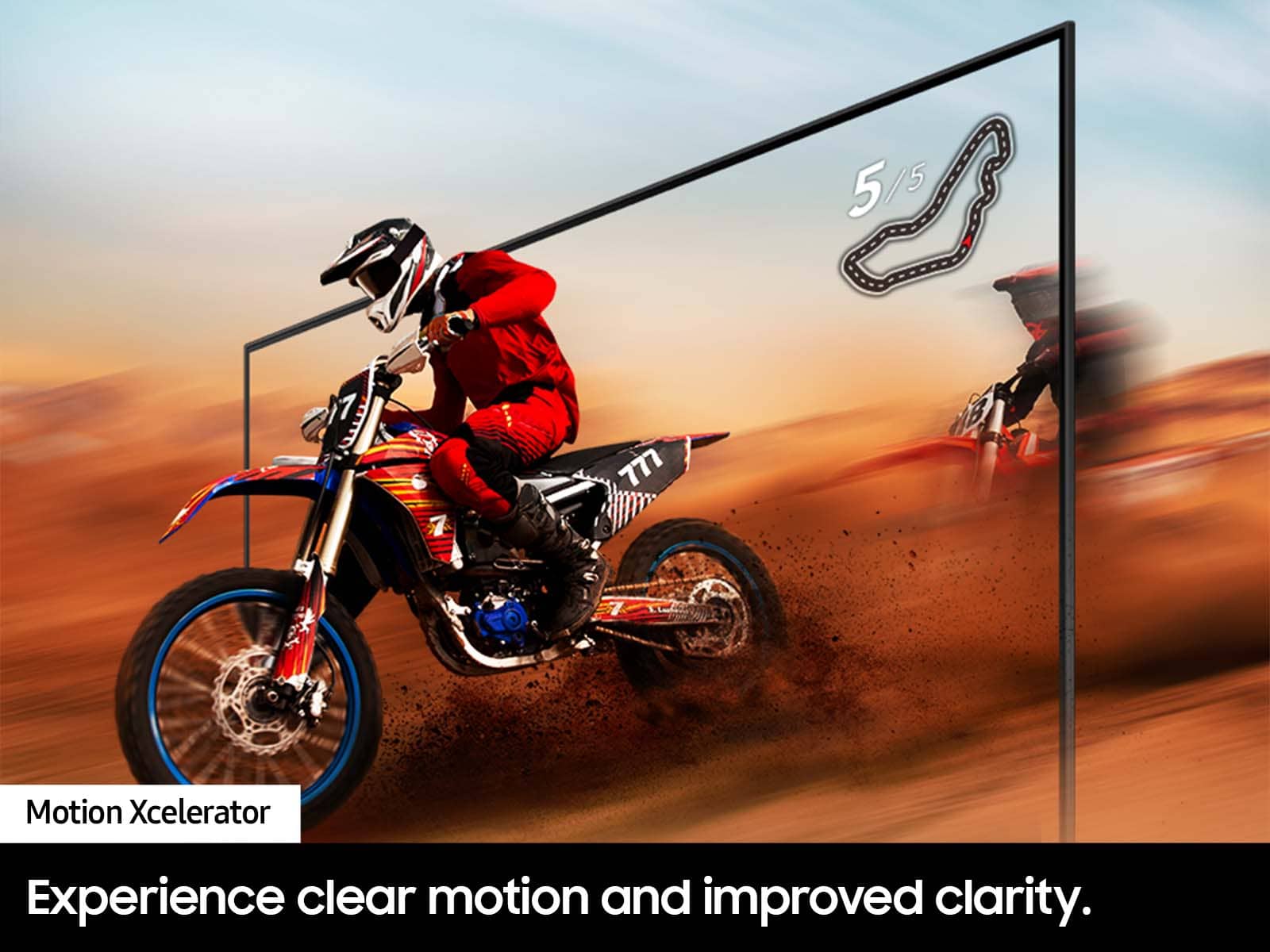
      We appreciate your feedback on your DU8000 TV’s picture when watching fast-motion. For optimal motion image performance, you may want to adjust the picture clarity setting by going to Settings > All Settings> Picture > Expert Settings > Picture Clarity Settings.

      - Off: Picture Clarity Settings will always be off
      - Auto: Picture Clarity Settings will automatically activate and deactivate based on the type of program being watched
      - Custom: Allows custom adjustments and settings to be used. By selecting the Custom option, you can access these advanced settings for Judder Reduction, LED Clear Motion, and Noise Reduction.

      You can further adjust your sharpness, brightness, contrast, color, and more by going to Settings > All Settings> Picture > Expert Settings.

      I also recommend ensuring your Firmware is up to date. Go to Settings> Support> Software Update.

      Should you need further assistance with features or other product usage, please reach out to Samsung Support at 1-800-SAMSUNG, 8 AM - 12 AM EST, seven days a week. Our LiveChat agents are also available by clicking on the ‘Support’ link on our website.

      ~ Samsung Advisor Samsung

  • Rated 1 out of 5 stars

    Bad product

    |
    |
    Posted . Owned for 1 month when reviewed.
    This reviewer received promo considerations or sweepstakes entry for writing a review.

    Liar offers , They did not deliver what they were selling, that is, incomplete

    No, I would not recommend this to a friend
    • Brand response from Samsung
      Posted .

      Hi Gusanito,

      To better assist you, please give us a call at 1-800-SAMSUNG, 8 AM - 12 AM EST, seven days a week. Our LiveChat agents are also available by clicking on the ‘Support’ link on our website.

      ~ Samsung Advisor Samsung

  • Rated 1 out of 5 stars

    Very Blurry

    |
    |
    Posted . Owned for 2 weeks when reviewed.
    This reviewer received promo considerations or sweepstakes entry for writing a review.

    I’ve never bought a brand new Samsung TV before and had it be blurry.. Can’t even watch Sporting Events. So embarrassing!! Cant believe I bought this!

    No, I would not recommend this to a friend
    • Brand response from Samsung
      Posted .

      Hi George,

      We appreciate your feedback on your DU8000 TV’s picture when watching fast-motion. For optimal motion image performance, you may want to adjust the picture clarity setting by going to Settings > All Settings> Picture > Expert Settings > Picture Clarity Settings.

      - Off: Picture Clarity Settings will always be off
      - Auto: Picture Clarity Settings will automatically activate and deactivate based on the type of program being watched
      - Custom: Allows custom adjustments and settings to be used. By selecting the Custom option, you can access these advanced settings for Judder Reduction, LED Clear Motion, and Noise Reduction.

      Should you need further assistance with features or other product usage, please reach out to Samsung Support at 1-800-SAMSUNG, 8 AM - 12 AM EST, seven days a week. Our LiveChat agents are also available by clicking on the ‘Support’ link on our website.

      ~ Samsung Advisor Samsung