Customer Ratings & Reviews
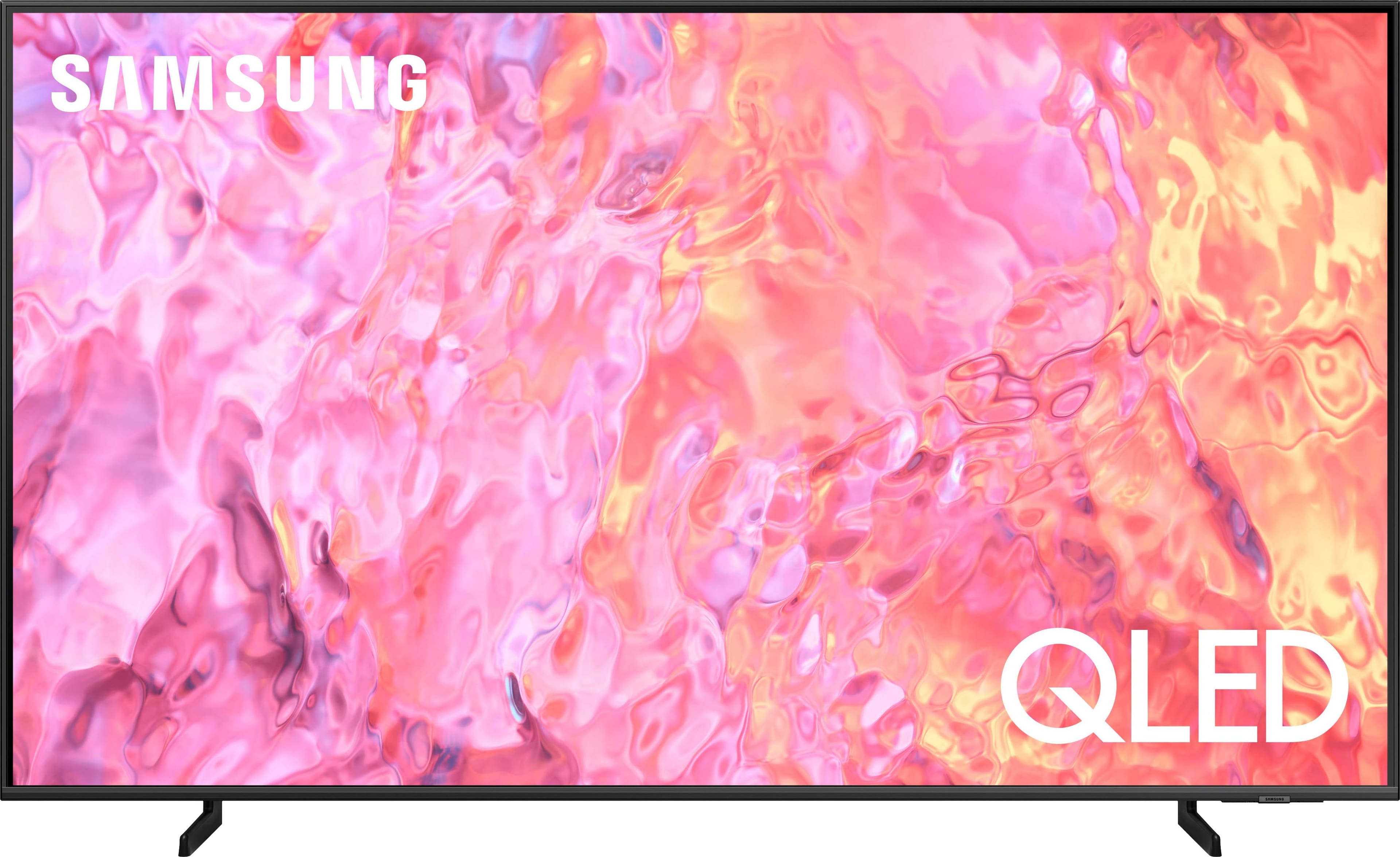
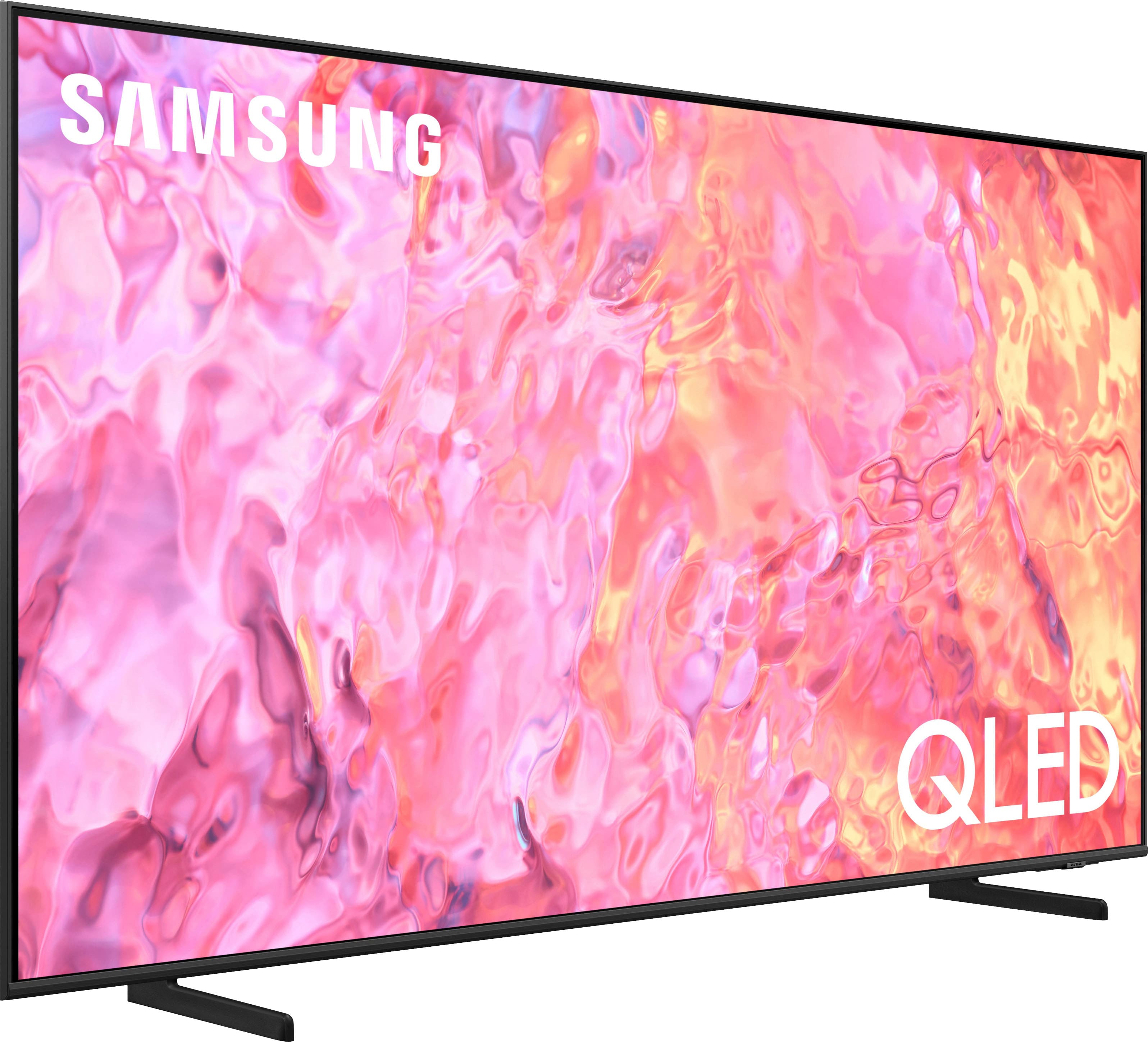
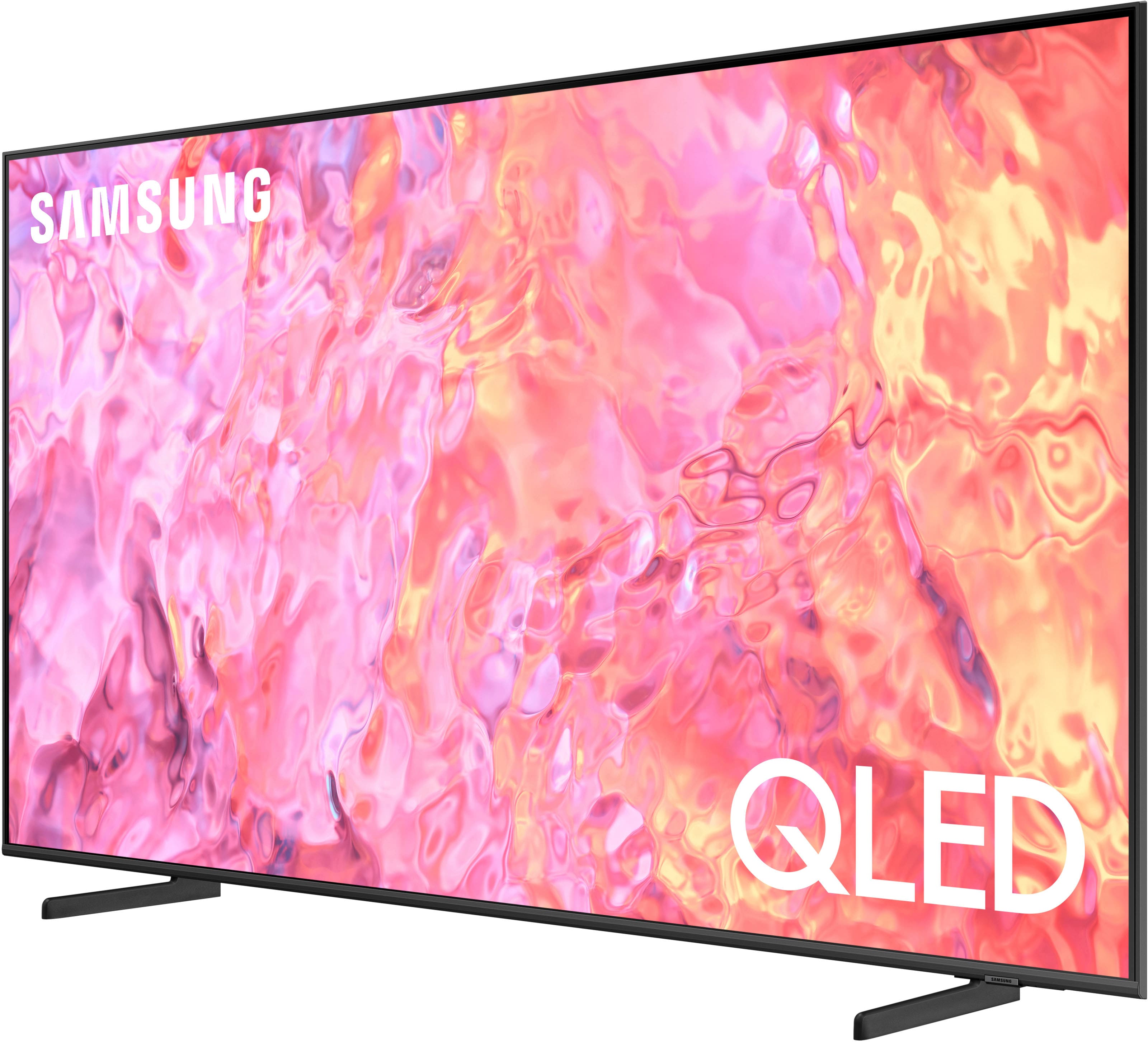
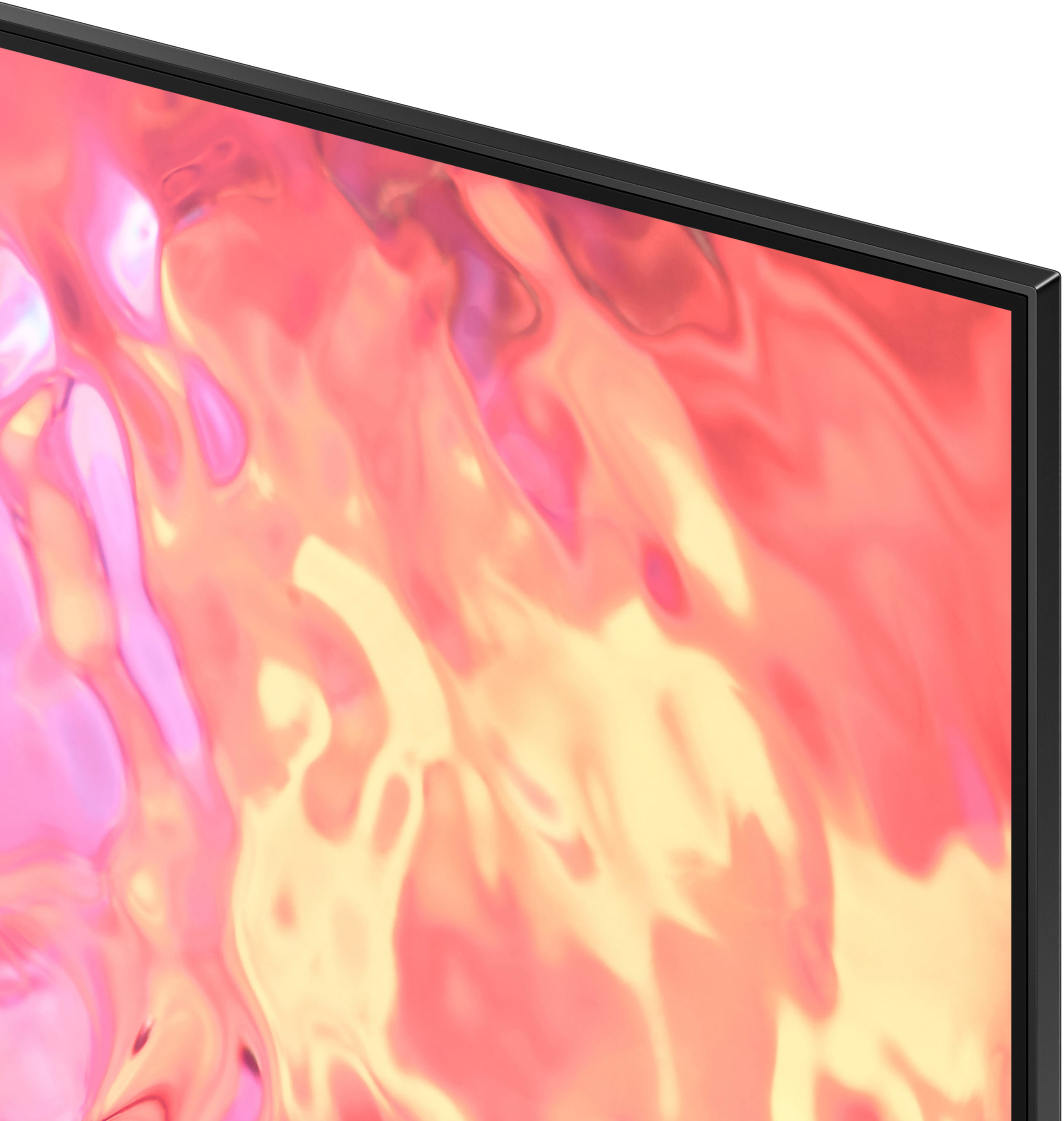
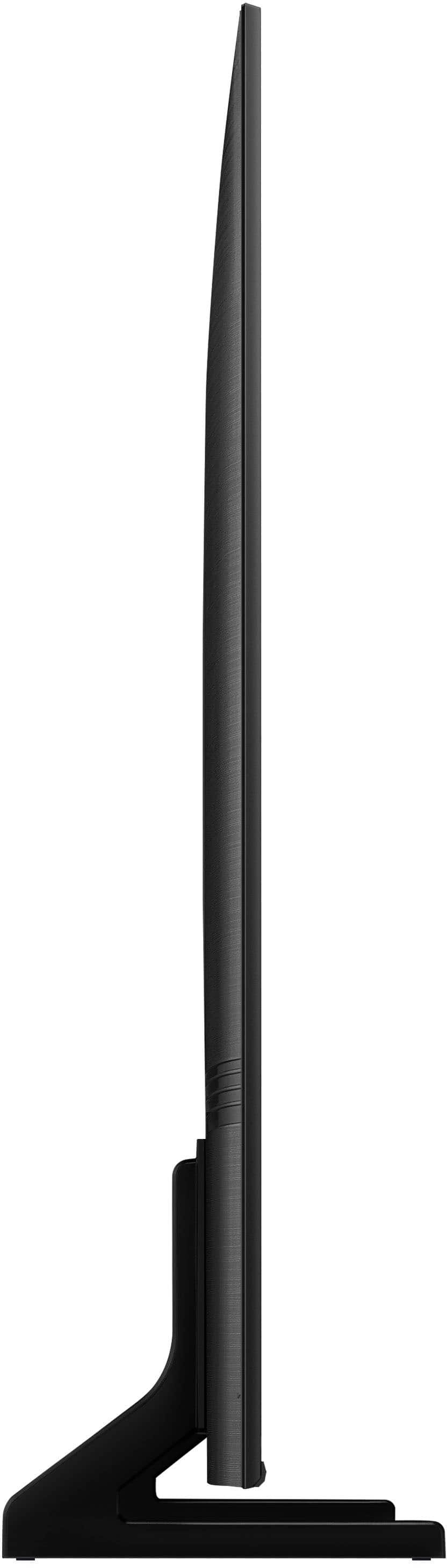




- Model:
- QN85Q60CAFXZA
- SKU:
- 6537377
Rating by feature
- Picture Quality
Rating 4.8 out of 5 stars
- Sound Quality
Rating 4.6 out of 5 stars
- Brightness
Rating 4.9 out of 5 stars
Customers are saying
Customers commend the 85" Class Q60C QLED 4K UHD Smart Tizen TV (2023) for its exceptional picture quality, ease of use, and impressive size, frequently praising the vibrant colors and user-friendly interface. Many appreciate the value for the price and the convenient features like the rechargeable remote. While some users noted the volume could be improved, the overwhelmingly positive feedback points to a highly satisfying viewing experience.
This summary was generated by AI based on customer reviews.
Best buy the best
||Posted . Owned for 3 weeks when reviewed.This reviewer received promo considerations or sweepstakes entry for writing a review.I loved my tv I recommend the store wonderful service
I would recommend this to a friendSamsung TV 85" inches
||Posted . Owned for 1 month when reviewed.This reviewer received promo considerations or sweepstakes entry for writing a review.I love this TV , I'm very happy with this purchase
I would recommend this to a friend- Pros mentioned:Picture quality
Best Buy does not honor their word or policy
||Posted . Owned for 1 month when reviewed.This reviewer received promo considerations or sweepstakes entry for writing a review.Television has a 6 to 8 inch black bar on right side of screen. Best Buy promised (twice, on two different occasions) to pick the defective television up and return it to the store for a refund. They never showed. Now it’s past the 15 day return window. I initiated a dispute with my credit card company and Best Buy claims that I only contacted them once that they told me to return the tv but I never did. They also said that i received the tv in good condition. None of which is true. I give the television 5 stars because I bought the same tv at Sam’s Club and aside from the non stellar audio, the television is amazing.
I would recommend this to a friend 85"QLED
||Posted . Owned for 1 month when reviewed.This reviewer received promo considerations or sweepstakes entry for writing a review.Would have given 5v stars ,however it is hard to get it to link withe my Dish mobile app
I would recommend this to a friendA good buy.
||Posted . Owned for 3 weeks when reviewed.This reviewer received promo considerations or sweepstakes entry for writing a review.Picture quality isn't as crisp as I expected but the price was great deal. Overall a good purchase.
I would recommend this to a friendSamung TV
||Posted . Owned for 3 months when reviewed.This reviewer received promo considerations or sweepstakes entry for writing a review.Great tv, only negative is that there isn't many HDMI ports.
I would recommend this to a friendTv
||Posted . Owned for 3 weeks when reviewed.This reviewer received promo considerations or sweepstakes entry for writing a review.Its a good Tv, good lighting on movies and shows. I Bundled it with surround sound.
I would recommend this to a friendQLED!!
||Posted . Owned for 3 weeks when reviewed.This reviewer received promo considerations or sweepstakes entry for writing a review.Love the QLED technology! Not sure if Samsung has the hold on the TV market, but the QLED is definitely worth it
I would recommend this to a friendTV Missing Remove, Manual and Power cord
||Posted . Owned for 1 week when reviewed.This reviewer received promo considerations or sweepstakes entry for writing a review.Had to return item. Samsung need to do better. Brand new TV came without remote, Manual or power cord. The agents at BestBuy could not believe it. I cut the straps myself. I thought I was going crazy. The BestBuy agents were nice when I returned item.
No, I would not recommend this to a friendManager
||Posted . Owned for 3 weeks when reviewed.This reviewer received promo considerations or sweepstakes entry for writing a review.Quality 4 stars not too bad sounds is ok too price ok
No, I would not recommend this to a friend86 tv
||Posted . Owned for 2 weeks when reviewed.This reviewer received promo considerations or sweepstakes entry for writing a review.It well taking care of for a used 86 tv Qled thanks best buy
I would recommend this to a friendSamsung TV
||Posted . Owned for 1 month when reviewed.This reviewer received promo considerations or sweepstakes entry for writing a review.Great product for living room entertainment. Add surround for best experience. (Sonos)
I would recommend this to a friendGreat TV for men’s cave or living room
||Posted . Owned for 3 weeks when reviewed.This reviewer received promo considerations or sweepstakes entry for writing a review.TV resolution is really great:) Couple of LED’s are missing not a big deal
I would recommend this to a friendWorth it
||Posted . Owned for 1 month when reviewed.This reviewer received promo considerations or sweepstakes entry for writing a review.This television is great just wish the blacks were better.
I would recommend this to a friendNot good
||Posted . Owned for 1 year when reviewed.This reviewer received promo considerations or sweepstakes entry for writing a review.Purchased in 2024 Dec.. stopped working now. I purchased open box
No, I would not recommend this to a friendGreat tv until it wasn’t.
||Posted . Owned for 1 year when reviewed.This reviewer received promo considerations or sweepstakes entry for writing a review.This has been a great TV until it stopped working. I’m not if it is a Samsung problem (had a previous Samsung tv do the same thing. TV was purchased June 2023 and completely died Nov 2024 during our Thanksgiving family day. Hopefully BestBuy will remedy this issue. Prior to the catastrophic failure it had been an amazing TV. We have the exact model but in 55” in a different room.
No, I would not recommend this to a friendSpend a little more and get a the better model
||Posted . Owned for 1 month when reviewed.This reviewer received promo considerations or sweepstakes entry for writing a review.Overall I am not super impressed with this tv especially at this price point and ended up returning the tv. If you are already spending this much just invest a little more in a better model.
No, I would not recommend this to a friendBrand response from Samsung
Posted .SylviaL,
It’s unfortunate to hear of the issues that have caused you to return your Q60C TV. Your experience is very important to us and will be shared with our product team.
Please know we’re always here to help, and we could’ve provided additional troubleshooting assistance to resolve any issues you were experiencing.
Should you ever decide to give Samsung TVs another try and have questions or need help with settings, setup, or features, please know we’re here to help. Call us at 1-800-SAMSUNG, 8AM - 12AM EST, 7 days a week.
LiveChat with an agent as well as manuals, software, and warranty info can be found at the ‘Support’ link on our Samsung website.
~ Samsung Specialist
Disappointed
||Posted . Owned for 3 weeks when reviewed.This reviewer received promo considerations or sweepstakes entry for writing a review.Based on what I saw in store and what I see at home is pretty disappointing. Thought by buying a more expensive tv the quality would have been better
No, I would not recommend this to a friendBrand response from Samsung
Posted .Dolph506,
Thank you for sharing your thoughts on the picture quality of your Q60C TV. To ensure you’ve got the latest image quality updates, please confirm that your TV is up to date with the latest firmware version. You can check by going to: Home > Menu > Settings > Support > Software Update.
If the picture you’re seeing is still not to your liking after updating firmware, there are several picture settings you may want to try adjusting.
Go to Home > Menu > Settings > All Settings > Picture > Picture Mode
...and select the mode that best fits your usage:
1. Standard: Is the default mode suitable for general viewing environments
2. Dynamic: Makes the picture brighter and clearer in bright viewing environments
3. Eco: Provided to save energy
4. Movie: Suitable for watching TV or movies in a dark room
5. Filmmaker Mode: Provides source content just as the creators intended. If the image is defined as Filmmaker Mode, it’ll automatically switch to Filmmaker Mode while watching.
You can also fine-tune your picture with expert settings such as brightness, contrast, sharpness and more (All Settings > Picture > Expert Settings).
If adjusting image settings does not improve your picture, please contact Samsung Customer Support at 1-800-SAMSUNG, 8AM - 12AM EST, 7 days a week.
Our LiveChat agents are also available by clicking on the ‘Support’ link on our website.
~ Samsung Specialist
Disappointed
||Posted . Owned for 4 months when reviewed.This reviewer received promo considerations or sweepstakes entry for writing a review.Ive always bought Samsung tv i really thought I was going to be really happy with this product. To my surprise i was really disappointed with the overall quality of the picture.
No, I would not recommend this to a friendBrand response from Samsung
Posted .GustavoH,
We appreciate your thoughts on the picture quality of Samsung’s Q60C TV. If the image you’re seeing isn’t to your liking, there are several picture settings you may want to adjust.
Go to Home > left direction button > Settings > All Settings > Picture > Picture Mode
...and select the mode that best fits your usage:
1. Standard: Is the default mode suitable for general viewing environments
2. Dynamic: Makes the picture brighter and clearer in bright viewing environments
3. Eco: Provided to save energy
4. Movie: Suitable for watching TV or movies in a dark room
5. Filmmaker Mode: Provides source content just as the creators intended. If the image is defined as Filmmaker Mode, it’ll automatically switch to Filmmaker Mode while watching.
You can also fine-tune your picture with expert settings such as brightness, contrast, sharpness and more (All Settings > Picture > Expert Settings).
For further assistance with settings adjustments, please contact Samsung Customer Support at 1-800-SAMSUNG, 8AM - 12AM EST, 7 days a week. Or visit us on the Samsung website and click on the ‘Support’ link for:
• LiveChat
• Manuals, Software, & Warranty Info
~ Samsung Specialist
85" Samsung QLED
||Posted . Owned for 2 weeks when reviewed.This reviewer received promo considerations or sweepstakes entry for writing a review.For the sale price I thought that this TV was going to be a gane changer. It is not by any means, My 75" Samsung that's actually a down grade from this 85" has a better picture.
I would recommend this to a friendBrand response from Samsung
Posted .CaptainTJ,
We appreciate your thoughts on the picture quality of Samsung’s Q60C TV. If the image you’re seeing isn’t to your liking, there are several picture settings you may want to adjust.
Go to Home > left direction button > Settings > All Settings > Picture > Picture Mode
...and select the mode that best fits your usage:
1. Standard: Is the default mode suitable for general viewing environments
2. Dynamic: Makes the picture brighter and clearer in bright viewing environments
3. Eco: Provided to save energy
4. Movie: Suitable for watching TV or movies in a dark room
5. Filmmaker Mode: Provides source content just as the creators intended. If the image is defined as Filmmaker Mode, it’ll automatically switch to Filmmaker Mode while watching.
You can also fine-tune your picture with expert settings such as brightness, contrast, sharpness and more (All Settings > Picture > Expert Settings).
For further assistance with settings adjustments, please contact Samsung Customer Support at 1-800-SAMSUNG, 8AM - 12AM EST, 7 days a week.
Our LiveChat agents are also available by clicking on the ‘Support’ link on our website.
~ Samsung Specialist