Customer Ratings & Reviews
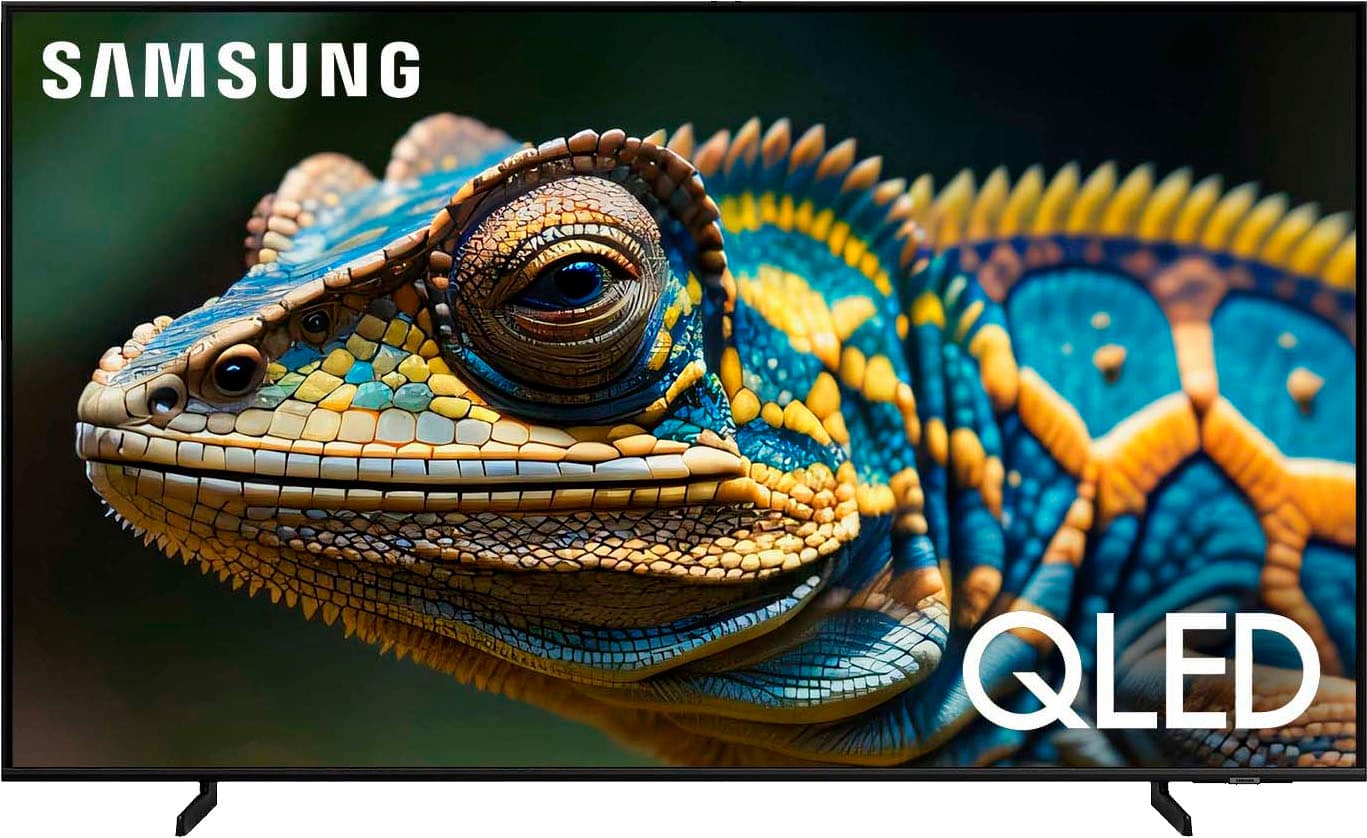
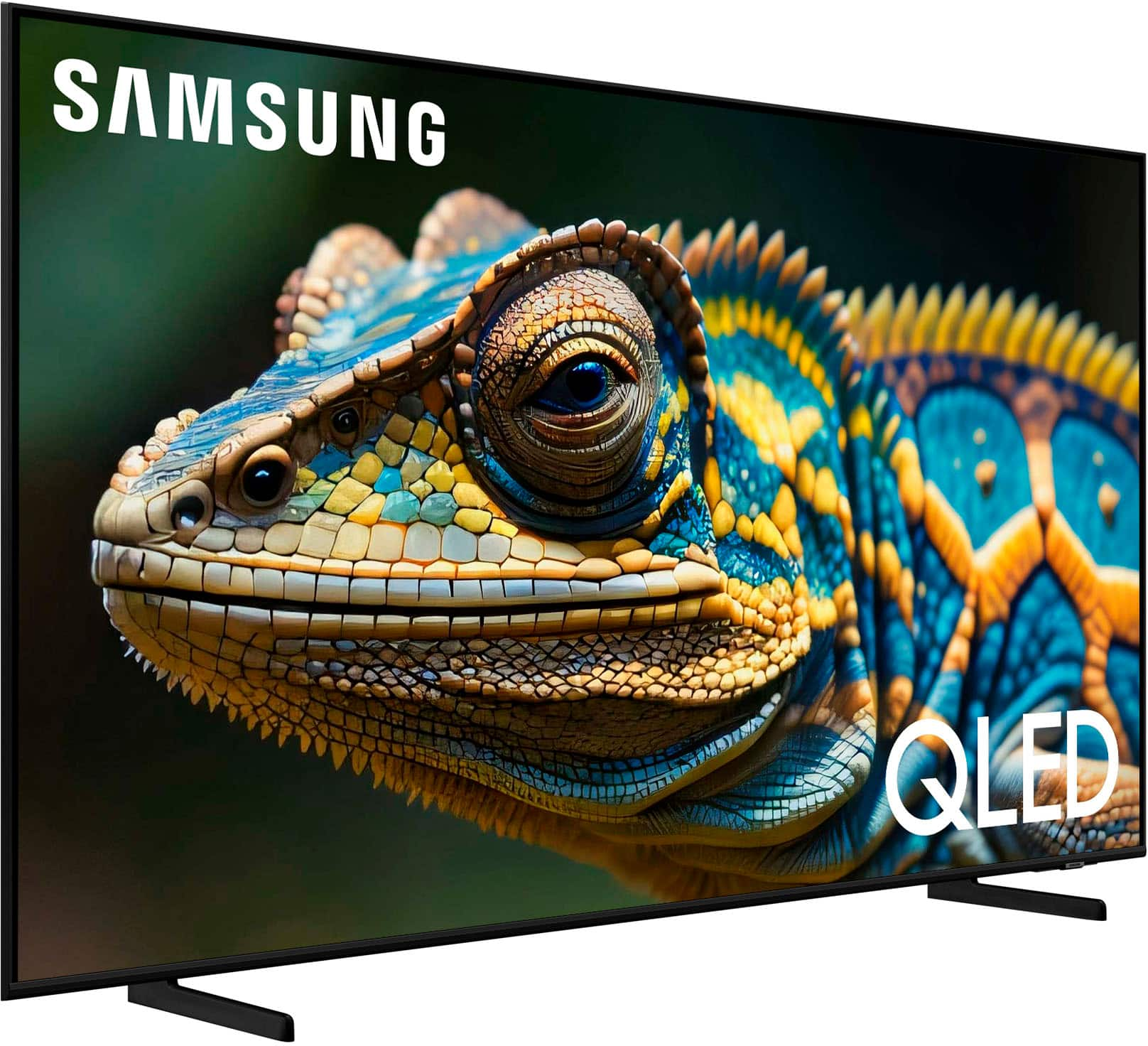
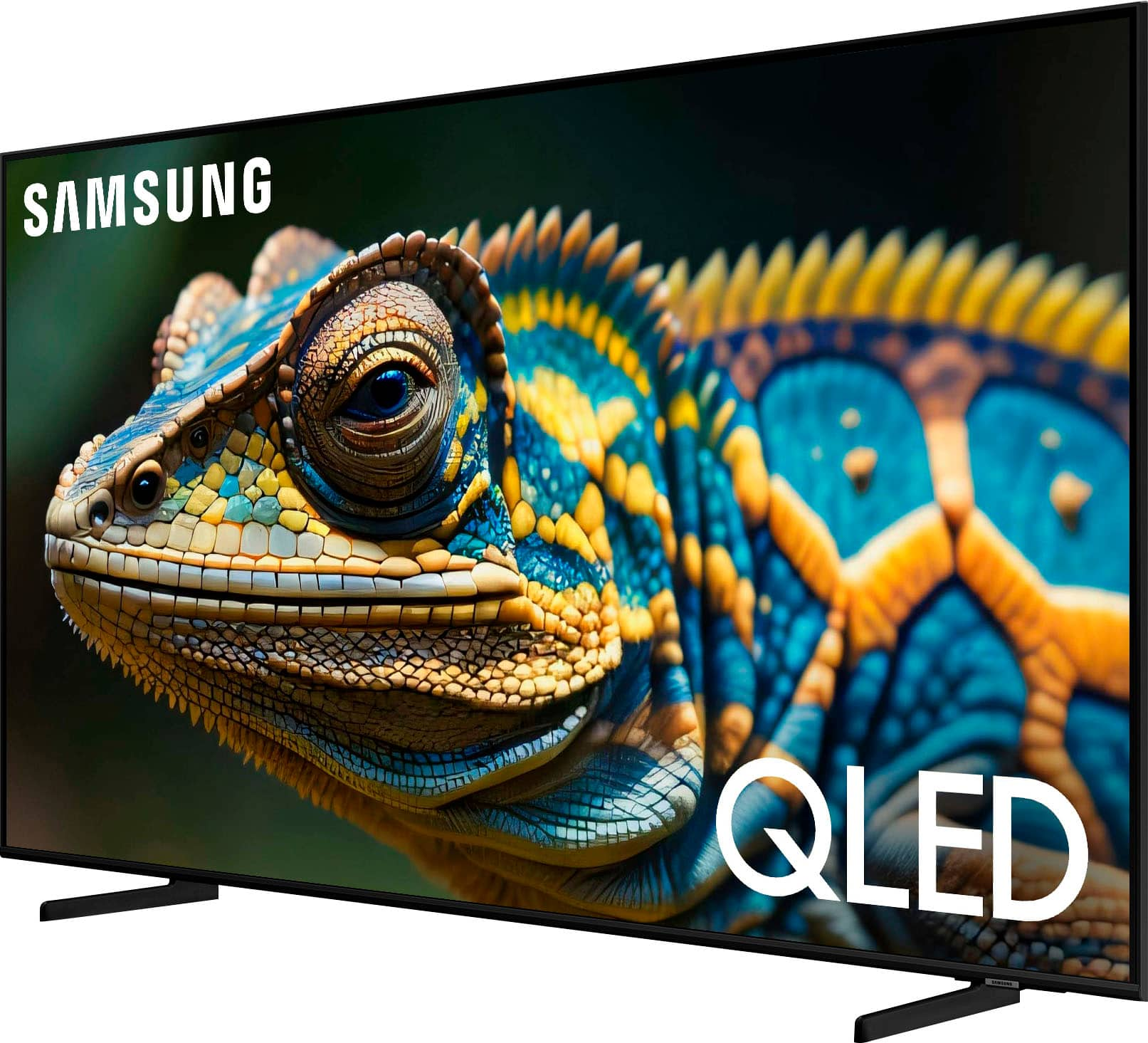
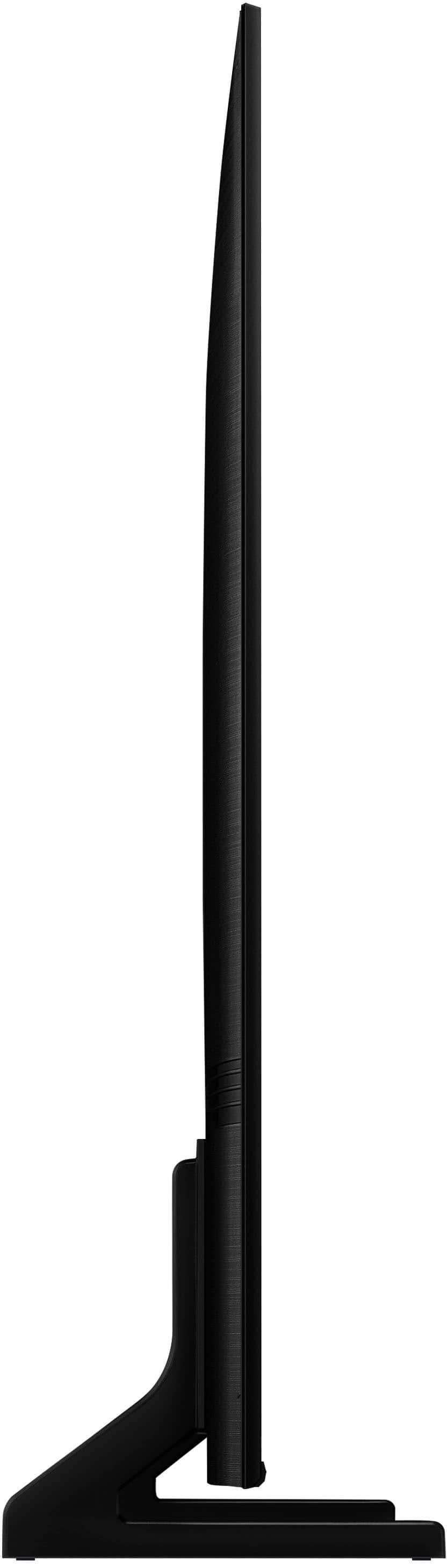
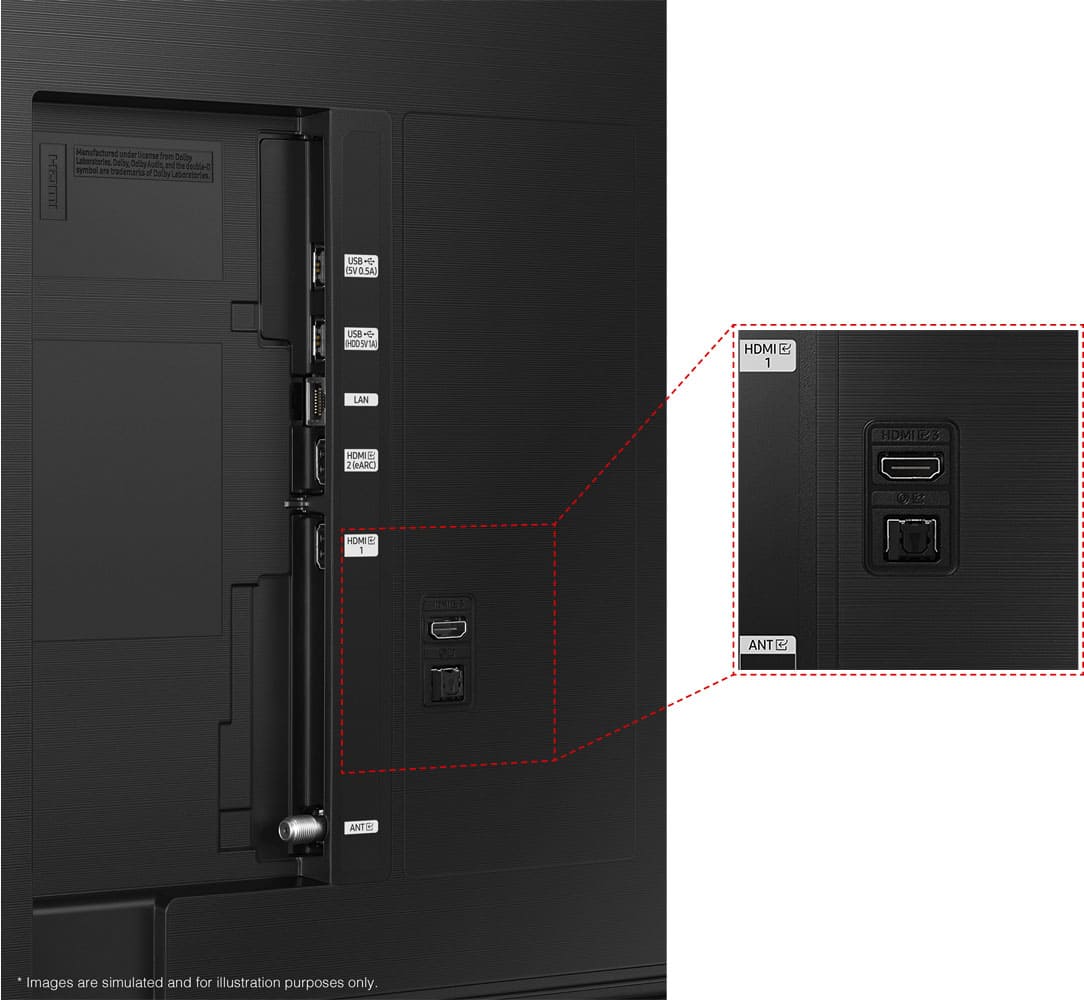
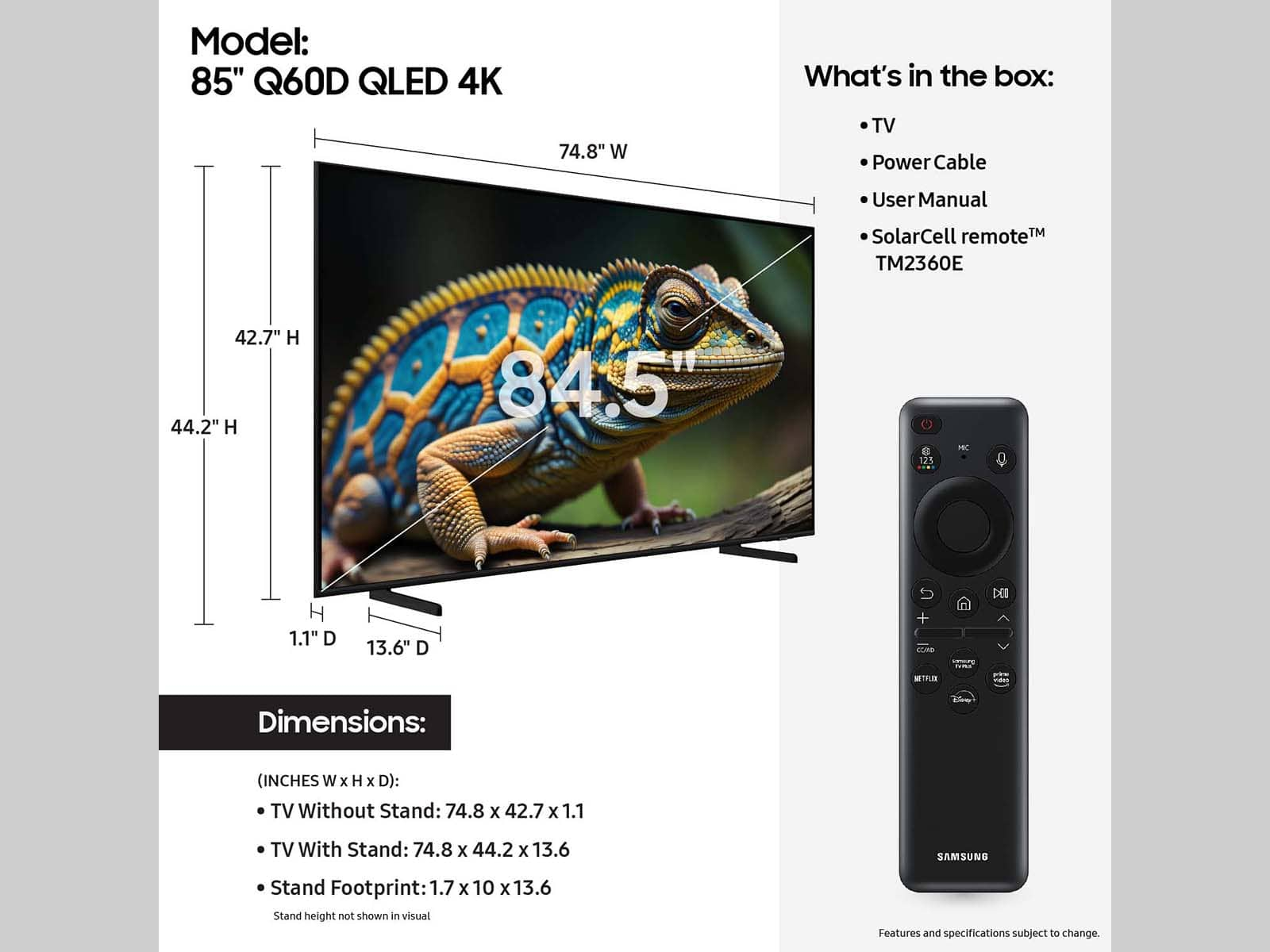
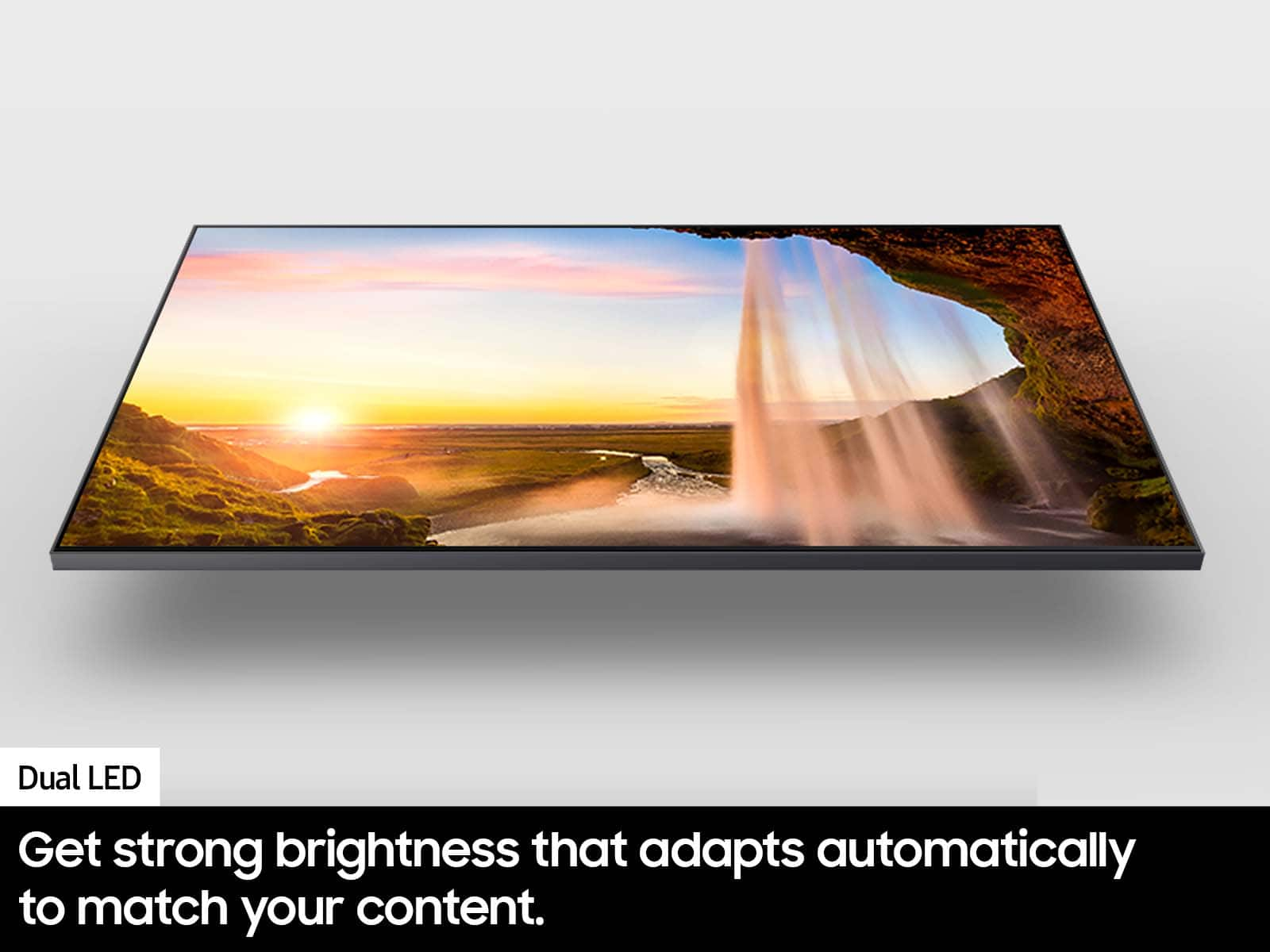

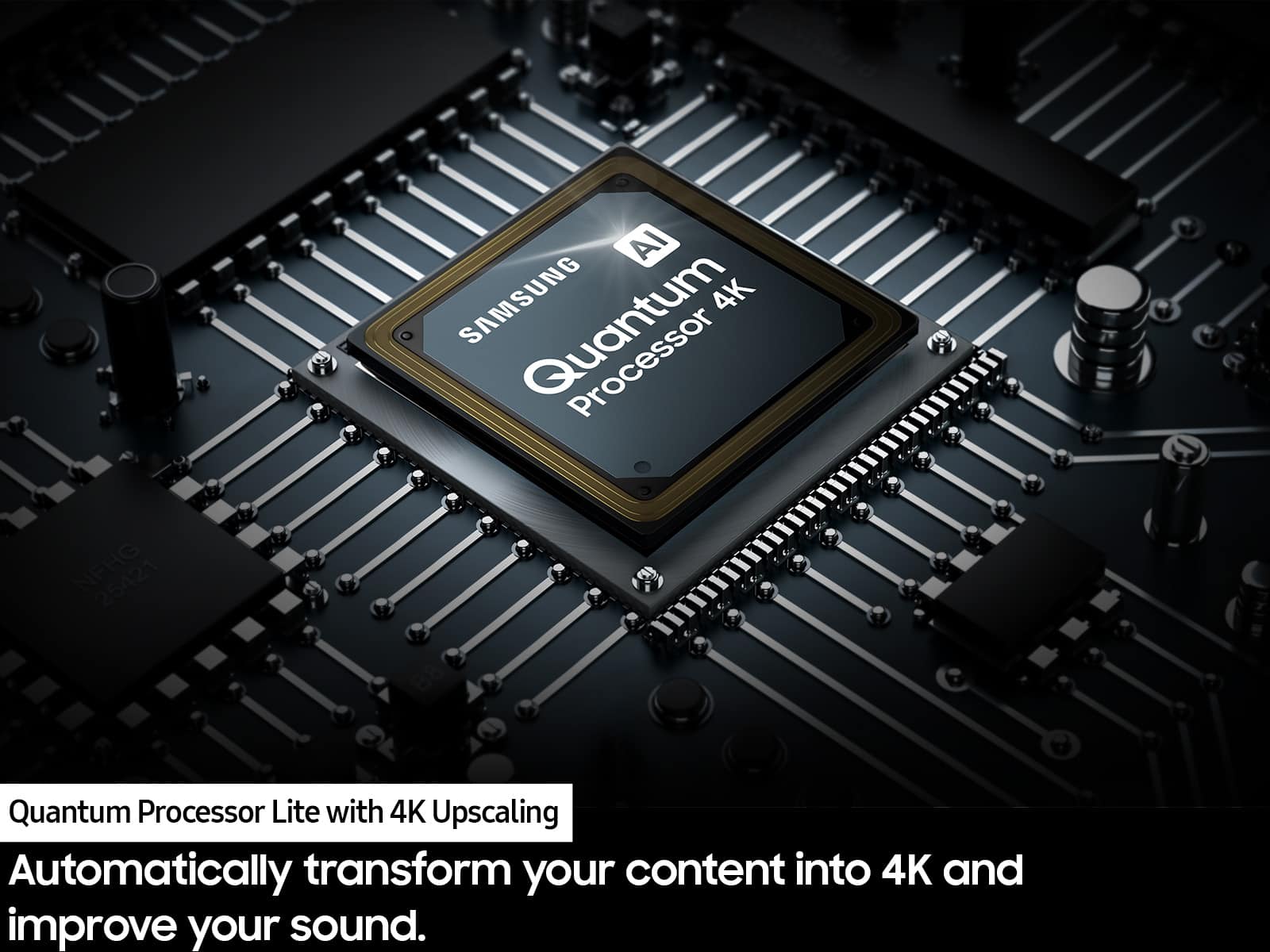




- Model:
- QN85Q60DAFXZA
- SKU:
- 10187755
Rating by feature
- Picture Quality
Rating 4.8 out of 5 stars
- Sound Quality
Rating 4.5 out of 5 stars
- Brightness
Rating 4.8 out of 5 stars
Customers are saying
Customers often highlight the excellent picture quality of the 85” Class Q60D Series QLED 4K Smart Tizen TV (2024). Many also find the TV easy to set up.
This summary was generated by AI based on customer reviews.
Great tv
||Posted . Owned for 2 weeks when reviewed.This reviewer received promo considerations or sweepstakes entry for writing a review.Great tv looks great loved the help from all employees
I would recommend this to a friendI like best buy products
||Posted . Owned for 1 month when reviewed.This reviewer received promo considerations or sweepstakes entry for writing a review.Customers service are excellent, product also very durable
I would recommend this to a friendGreat service
||Posted . Owned for 3 weeks when reviewed.This reviewer received promo considerations or sweepstakes entry for writing a review.Great service and plenty of delicious food. Very pleased.
I would recommend this to a friendGreat buy at best buy.
||Posted . Owned for 2 weeks when reviewed.This reviewer received promo considerations or sweepstakes entry for writing a review.Great service. Great advice of how to carry the tv to my house from the guy that sold us the tv.
I would recommend this to a friend85”
||Posted . Owned for 2 weeks when reviewed.This reviewer received promo considerations or sweepstakes entry for writing a review.It a really Great quality tv. I loved it. I can always recommend this to anyone.
I would recommend this to a friendDecent for the price
||Posted .This reviewer received promo considerations or sweepstakes entry for writing a review.Not great. Blacks look grey at times. would not Rec
I would recommend this to a friendBrand response from Samsung
Posted .JesseS,
We appreciate your thoughts on the picture quality of Samsung’s Q60D TV. If the image you’re seeing isn’t to your liking, there are several picture settings you may want to adjust.
Go to Home > left direction button > Settings > All Settings > Picture > Picture Mode
...and select the mode that best fits your usage:
1. Standard: Is the default mode suitable for general viewing environments
2. Dynamic: Makes the picture brighter and clearer in bright viewing environments
3. Eco: Provided to save energy
4. Movie: Suitable for watching TV or movies in a dark room
5. Filmmaker Mode: Provides source content just as the creators intended. If the image is defined as Filmmaker Mode, it’ll automatically switch to Filmmaker Mode while watching.
You can also fine-tune your picture with expert settings such as brightness, contrast, sharpness and more (All Settings > Picture > Expert Settings).
For further assistance with settings adjustments, please contact Samsung Customer Support at 1-800-SAMSUNG, 8AM - 12AM EST, 7 days a week. Our LiveChat agents are also available by clicking on the ‘Support’ link on our website.
~ Samsung Specialist
Samsung
||Posted . Owned for 3 weeks when reviewed.This reviewer received promo considerations or sweepstakes entry for writing a review.Great tv easy to mount.amazing refresh rate and clarity
I would recommend this to a friendExpectations
||Posted . Owned for less than 1 week when reviewed.This reviewer received promo considerations or sweepstakes entry for writing a review.The TV has nice graphics, but the reason that I am giving this review 3 stars is because I've had to replace the TV within a 2 month period. The first time it was cracked in the bottom, second time it seems there were issues with the speakers where it sounds like it blew out and now have my 3rd replacement so let's see how things go. I was expecting a better experience but now I have doubts on the timeframe it will last
I would recommend this to a friendBrand response from Samsung
Posted .Anonymous,
We appreciate you sharing the issues you’ve initially experienced with Samsung’s Q60D TV. Thank you for your patience in having to deal with the inconvenience of an exchange.
Should you need help with your new unit, please contact Samsung Customer Support at 1-800-SAMSUNG, 8AM - 12AM EST, 7 days a week. Or visit us on the Samsung website and click on the ‘Support’ link for:
• LiveChat
• Manuals, Software, & Warranty Info
~ Samsung Specialist
85 inch tv
||Posted . Owned for 1 month when reviewed.This reviewer received promo considerations or sweepstakes entry for writing a review.Excellent TV i love how good it works great product
I would recommend this to a friendExcellent customer service
||Posted . Owned for 2 weeks when reviewed.This reviewer received promo considerations or sweepstakes entry for writing a review.Excellent customer service and love this Television
I would recommend this to a friendLOVE SAMSUNG
||Posted . Owned for 3 weeks when reviewed.This reviewer received promo considerations or sweepstakes entry for writing a review.Overall, a good purchase, I have the same TV from 2022, the 2022 tv has a much better picture.
I would recommend this to a friend85" TV
||Posted . Owned for 3 weeks when reviewed.This reviewer received promo considerations or sweepstakes entry for writing a review.Money well spent . Will be heading back soon to get another !
I would recommend this to a friendAwesome clarity
||Posted . Owned for 1 month when reviewed.This reviewer received promo considerations or sweepstakes entry for writing a review.Excellent tv and quality of display like awesome. We are enjoying lot
I would recommend this to a friendGood but not great
||Posted . Owned for 1 week when reviewed.This reviewer received promo considerations or sweepstakes entry for writing a review.It was good. But low brightness compared to other Qs
I would recommend this to a friendjust enough
||Posted . Owned for 1 week when reviewed.This reviewer received promo considerations or sweepstakes entry for writing a review.Compared to the price and other brands it is okay.
I would recommend this to a friendUnhappy
||Posted . Owned for 1 month when reviewed.This reviewer received promo considerations or sweepstakes entry for writing a review.Bad tv…it won’t keep apps open…they won’t let me return it…horrible service horrible experience…hopefully I can pay this $200 for the membership and get my money back and never return
No, I would not recommend this to a friendBrand response from Samsung
Posted .DerekV,
It’s unfortunate to hear you’re experiencing issues with your TV. Please give us the opportunity to gather additional information from you so we can isolate this issue and provide steps towards a resolution. You can reach us at 1-800-SAMSUNG, 8AM - 12AM EST, 7 days a week. Our LiveChat agents are also available by clicking on the ‘Support’ link on our website.
~ Samsung Specialist
Slightly disappointed
||Posted . Owned for 1 month when reviewed.This reviewer received promo considerations or sweepstakes entry for writing a review.Does look quite as good as expected. Remote and Home Screen are great.
No, I would not recommend this to a friendBrand response from Samsung
Posted .LinoO,
We appreciate your thoughts on the picture quality of Samsung’s Q60D TV. If the image you’re seeing isn’t to your liking, there are several picture settings you may want to adjust.
Go to Home > left direction button > Settings > All Settings > Picture > Picture Mode
...and select the mode that best fits your usage:
1. Standard: Is the default mode suitable for general viewing environments
2. Dynamic: Makes the picture brighter and clearer in bright viewing environments
3. Eco: Provided to save energy
4. Movie: Suitable for watching TV or movies in a dark room
5. Filmmaker Mode: Provides source content just as the creators intended. If the image is defined as Filmmaker Mode, it’ll automatically switch to Filmmaker Mode while watching.
You can also fine-tune your picture with expert settings such as brightness, contrast, sharpness and more (All Settings > Picture > Expert Settings).
For further assistance with settings adjustments, please contact Samsung Customer Support at 1-800-SAMSUNG, 8AM - 12AM EST, 7 days a week. Or visit us on the Samsung website and click on the ‘Support’ link for:
• LiveChat
• Manuals, Software, & Warranty Info
~ Samsung Specialist
Is ok
||Posted . Owned for 5 months when reviewed.This reviewer received promo considerations or sweepstakes entry for writing a review.Is ok, though l was suppose to receive a gift card but didn't
I would recommend this to a friendBrand response from Samsung
Posted .Dawn,
We appreciate you sharing your experience; however, we recommend you contact Best Buy directly for assistance in correcting this situation. We hope your issue is resolved in a timely manner.
Should you have any questions or need help with your TV once your issue has been resolved, please reach Samsung Support at 1-800-SAMSUNG, 8AM - 12AM EST, 7 days a week. Our LiveChat agents are also available by clicking on the ‘Support’ link on our website.
~ Samsung Specialist
Owner
||Posted . Owned for 3 months when reviewed.This reviewer received promo considerations or sweepstakes entry for writing a review.My tv have issues team came repaired but after trims fall in apart.
I would recommend this to a friendBrand response from Samsung
Posted .IsrayilI,
We appreciate your review of Samsung’s Q60D TV. So we can better understand the issues you’re experiencing and provide you with assistance, please reach out to Samsung Customer Support at 1-800-SAMSUNG, 8AM - 12AM EST, 7 days a week. LiveChat with an agent as well as manuals, software, and warranty info can be found at the ‘Support’ link on our Samsung website.
~ Samsung Specialist
Okay TV
||Posted . Owned for 1 month when reviewed.This reviewer received promo considerations or sweepstakes entry for writing a review.TV is okay picture isn't all that great could be better.
No, I would not recommend this to a friendBrand response from Samsung
Posted .Dwight,
We appreciate your thoughts on the picture quality of Samsung’s Q60D TV. If the image you’re seeing isn’t to your liking, there are several picture settings you may want to adjust.
Go to Home > left direction button > Settings > All Settings > Picture > Picture Mode
...and select the mode that best fits your usage:
1. Standard: Is the default mode suitable for general viewing environments
2. Dynamic: Makes the picture brighter and clearer in bright viewing environments
3. Eco: Provided to save energy
4. Movie: Suitable for watching TV or movies in a dark room
5. Filmmaker Mode: Provides source content just as the creators intended. If the image is defined as Filmmaker Mode, it’ll automatically switch to Filmmaker Mode while watching.
You can also fine-tune your picture with expert settings such as brightness, contrast, sharpness and more (All Settings > Picture > Expert Settings).
For further assistance with settings adjustments, please contact Samsung Customer Support at 1-800-SAMSUNG, 8AM - 12AM EST, 7 days a week. Or visit us on the Samsung website and click on the ‘Support’ link for:
• LiveChat
• Manuals, Software, & Warranty Info
~ Samsung Specialist