Customer Ratings & Reviews
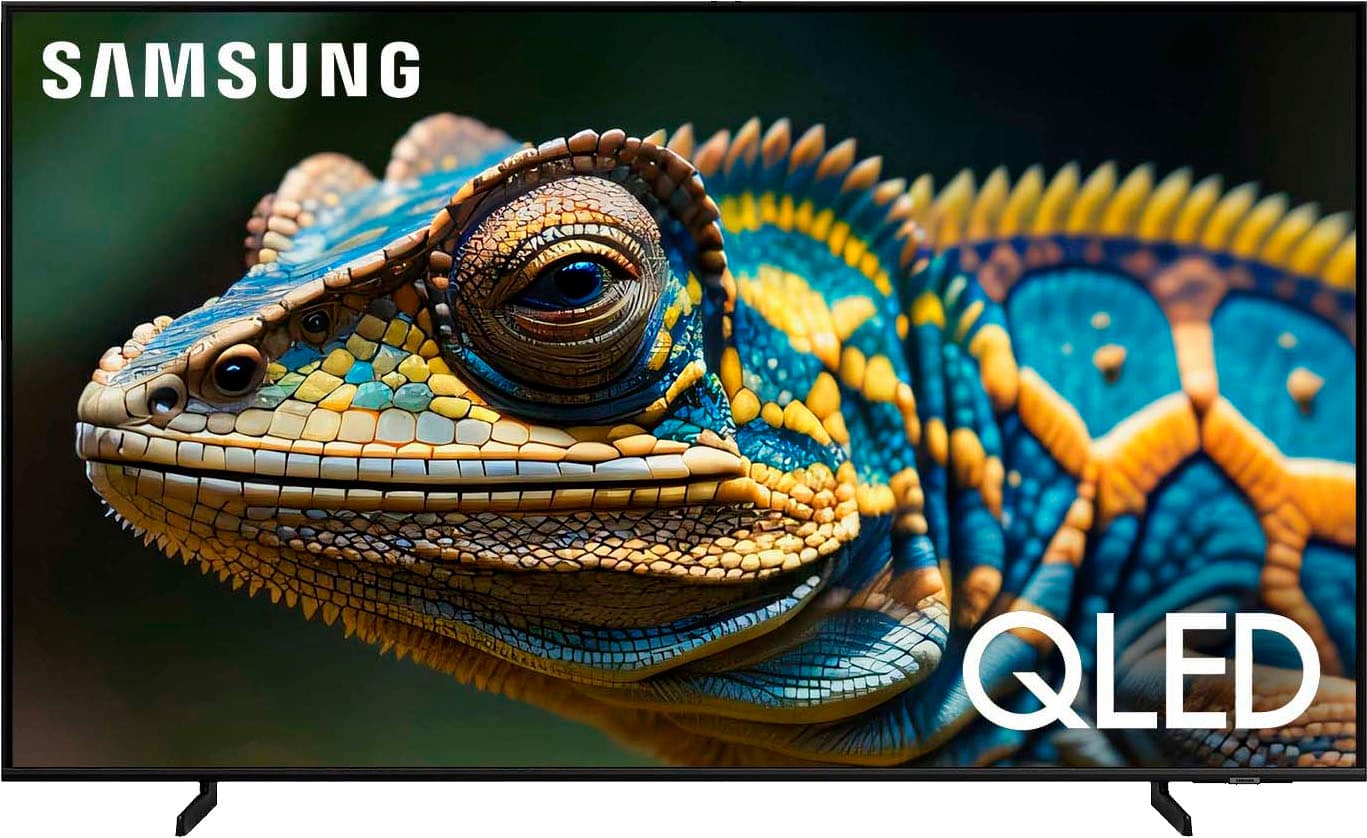
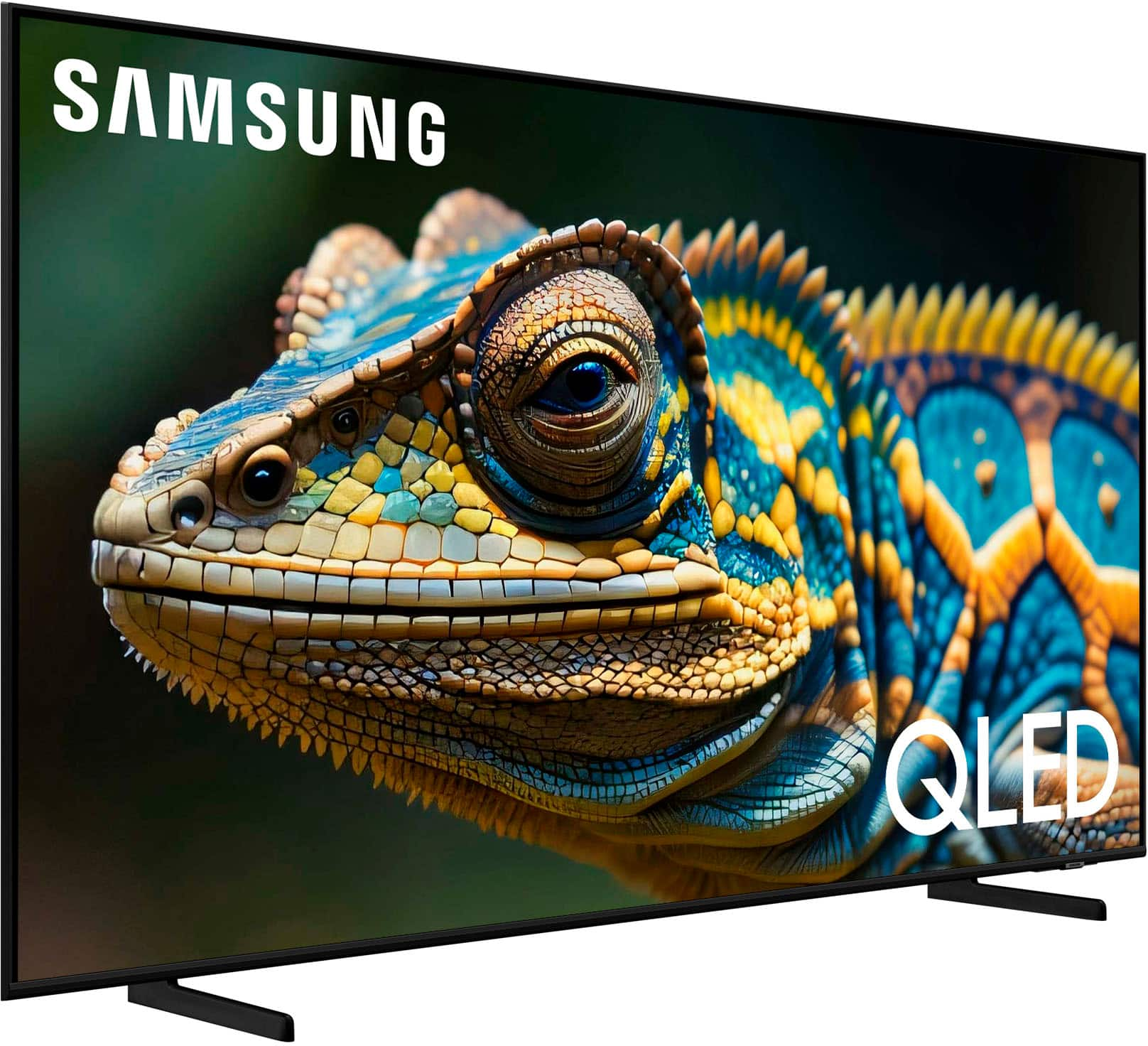
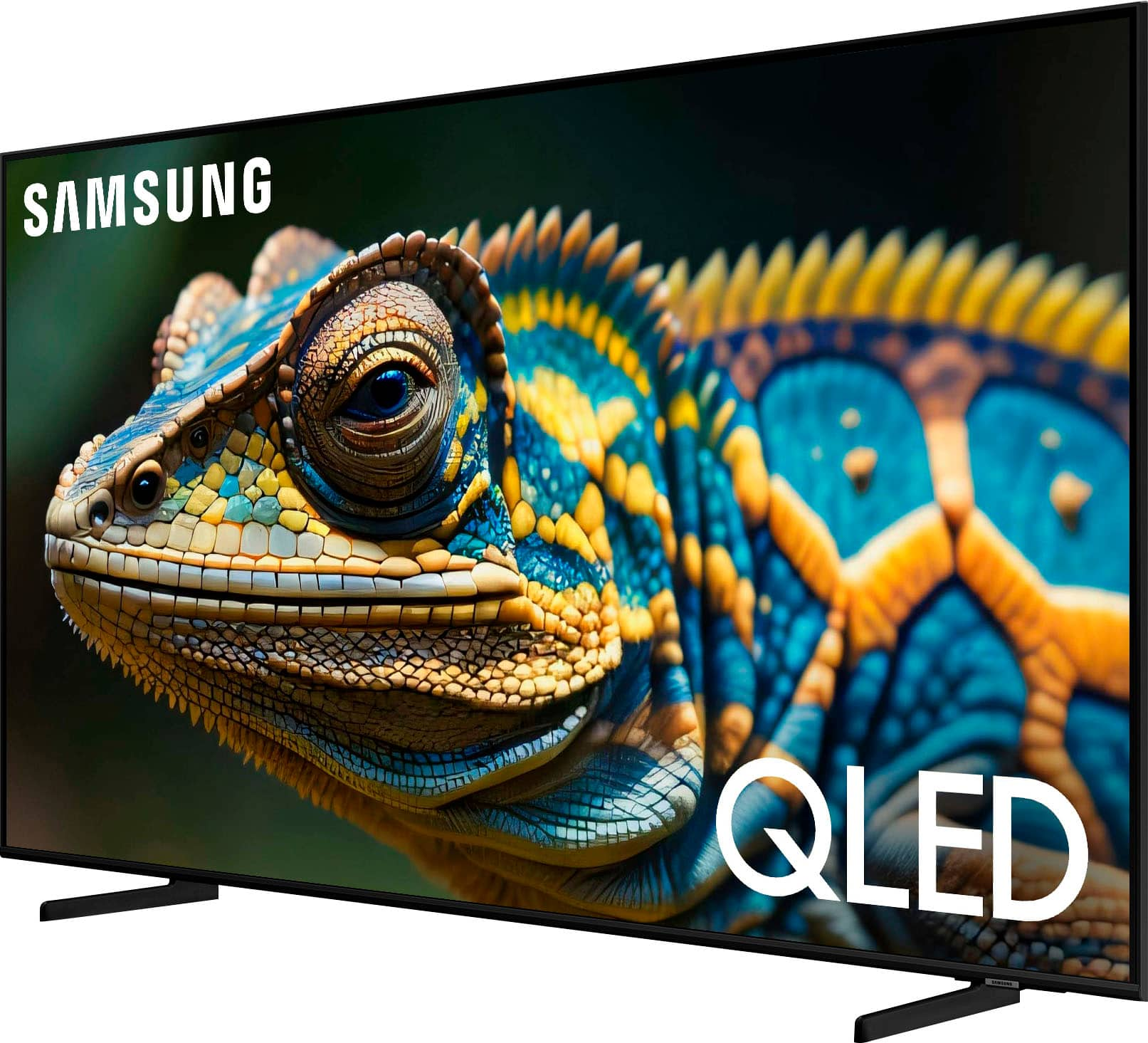
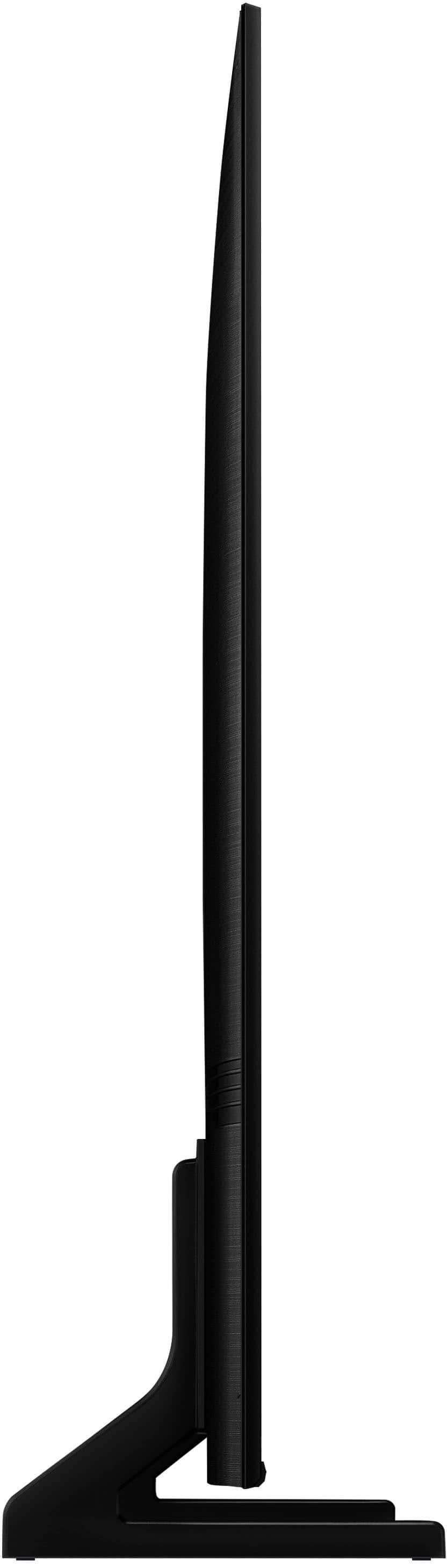




- Model:
- QN85Q60DAFXZA
- SKU:
- 10187755
Rating by feature
- Picture Quality
Rating 4.8 out of 5 stars
- Sound Quality
Rating 4.5 out of 5 stars
- Brightness
Rating 4.8 out of 5 stars
Customers are saying
Customers often highlight the excellent picture quality of the 85” Class Q60D Series QLED 4K Smart Tizen TV (2024). Many also find the TV easy to set up.
This summary was generated by AI based on customer reviews.
Worst purchase ever
||Posted .This reviewer received promo considerations or sweepstakes entry for writing a review.The worst purchase i have ever done in my entire life. From tv not working to pick up tv and not replacing it. Instead refunding money that took almost 8 days to get back to me
No, I would not recommend this to a friendBrand response from Samsung
Posted .OjAg,
We appreciate you sharing your experience; however, we recommend you contact Best Buy directly for assistance in correcting this situation. We hope your issue is resolved in a timely manner.
You may also want to consider providing feedback directly to the Best Buy store where you made your purchase.
Should you have any questions or need help with your TV once your issue has been resolved, please reach Samsung Support at 1-800-SAMSUNG, 8AM - 12AM EST, 7 days a week. Our LiveChat agents are also available by clicking on the ‘Support’ link on our website.
~ Samsung Specialist
Damaged TV delivered twice.
||Posted . Owned for 1 month when reviewed.This reviewer received promo considerations or sweepstakes entry for writing a review.The item was delivered on time, screen broken. Bestbuy replaced the order after a week, it was damaged again. I had to hold on to these huge boxes at my house for two weeks.
No, I would not recommend this to a friendBrand response from Samsung
Posted .Mikki,
We appreciate you sharing your delivery experience and having received a damaged unit. We recommend you contact Best Buy directly for assistance in correcting this situation. We hope your issue is resolved in a timely manner.
Should you have questions regarding the usage or setup of your TV once your issue has been resolved, please contact Samsung Support at 1-800-SAMSUNG, 8AM - 12AM EST, 7 days a week. Our LiveChat agents are also available by clicking on the ‘Support’ link on our website.
~ Samsung Specialist
Wish I could have purchase a non smart TV
||Posted .This reviewer received promo considerations or sweepstakes entry for writing a review.TV is much to complicated for someone 84 years old with out help. No help is available from Best Buy. I would never have purchase this TV and wish I hadn't.
No, I would not recommend this to a friendBrand response from Samsung
Posted .user227584,
We appreciate you sharing your user experience. To assist in learning the various functions, please know you can download the Q60D TV's User Manual, e-Manual, Remote Control Leaflet, and Quick Setup Guide on Samsung's website under Support > Manuals & Software > TVs & Home Theater. You can search for and select the Q60D TV to download the guides you would like.
The e-Manual and Remote Guide are both also embedded into your TV itself under Menu > Settings > Support > Open e-Manual.
If you need more help, Samsung is here for you. Please call us at 1-800-SAMSUNG, 8AM - 12AM EST, 7 days a week. Our LiveChat agents are also available by clicking on the ‘Support’ link on our website.
~ Samsung Specialist
- Pros mentioned:Picture quality
Great value for the cost
Posted .This reviewer received promo considerations or sweepstakes entry for writing a review.Great television for the price! We love for watching games & movies with our family. Thank you Best Buy for the great delivery service!
I would recommend this to a friend Decent for the price
Posted .This reviewer received promo considerations or sweepstakes entry for writing a review.Average tv. Would lag and disconnect from internet and our Bluetooth speaker all the time. Not worth the money.
I would recommend this to a friendExpected Better
Posted .This reviewer received promo considerations or sweepstakes entry for writing a review.I purchased this for several months ago for 1500 and figured its the best TV I ever purchased so my expectations were high. Aftet watching it for a few months I can honestly say its no better than a non qled set. I get the same crisp screen from my inexpensive LG tv. And honestly my LG pucture just looks better than both my samsungs.
No, I would not recommend this to a friendBrand response from Samsung
Posted .DominickA,
We appreciate your thoughts on the picture quality of Samsung’s Q60D TV. If the image you’re seeing isn’t to your liking, there are several picture settings you may want to adjust.
Go to Home > left direction button > Settings > All Settings > Picture > Picture Mode
...and select the mode that best fits your usage:
1. Standard: Is the default mode suitable for general viewing environments
2. Dynamic: Makes the picture brighter and clearer in bright viewing environments
3. Eco: Provided to save energy
4. Movie: Suitable for watching TV or movies in a dark room
5. Filmmaker Mode: Provides source content just as the creators intended. If the image is defined as Filmmaker Mode, it’ll automatically switch to Filmmaker Mode while watching.
You can also fine-tune your picture with expert settings such as brightness, contrast, sharpness and more (All Settings > Picture > Expert Settings).
For further assistance with settings adjustments, please contact Samsung Customer Support at 1-800-SAMSUNG, 8AM - 12AM EST, 7 days a week. Or visit us on the Samsung website and click on the ‘Support’ link for:
• LiveChat
• Manuals, Software, & Warranty Info
~ Samsung Specialist
dont buy anything from best buy
Posted .This reviewer received promo considerations or sweepstakes entry for writing a review.dont buy anything from best buy, I went to make a purchase in store and due to a system error was unable to. i did however purchase the total membership for 179. went to purchase tv online instead and was transferred from agent to agent to agent, conflicting information from every one of them and still no resolution. waste of my time and money
No, I would not recommend this to a friendBrand response from Samsung
Posted .Please know you are leaving a review and 1-star rating for the Q60D TV, but we are sorry to hear of your Best Buy experience, nonetheless. You may want to consider providing feedback directly to the Best Buy store where you made your purchase.
Should you have questions on the Q60D TV itself, Samsung is here for you. You can reach us at 1-800-SAMSUNG, 8AM - 12AM EST, 7 days a week. Our LiveChat agents are also available by clicking on the ‘Support’ link on our website.
~ Samsung Specialist