Customer Ratings & Reviews
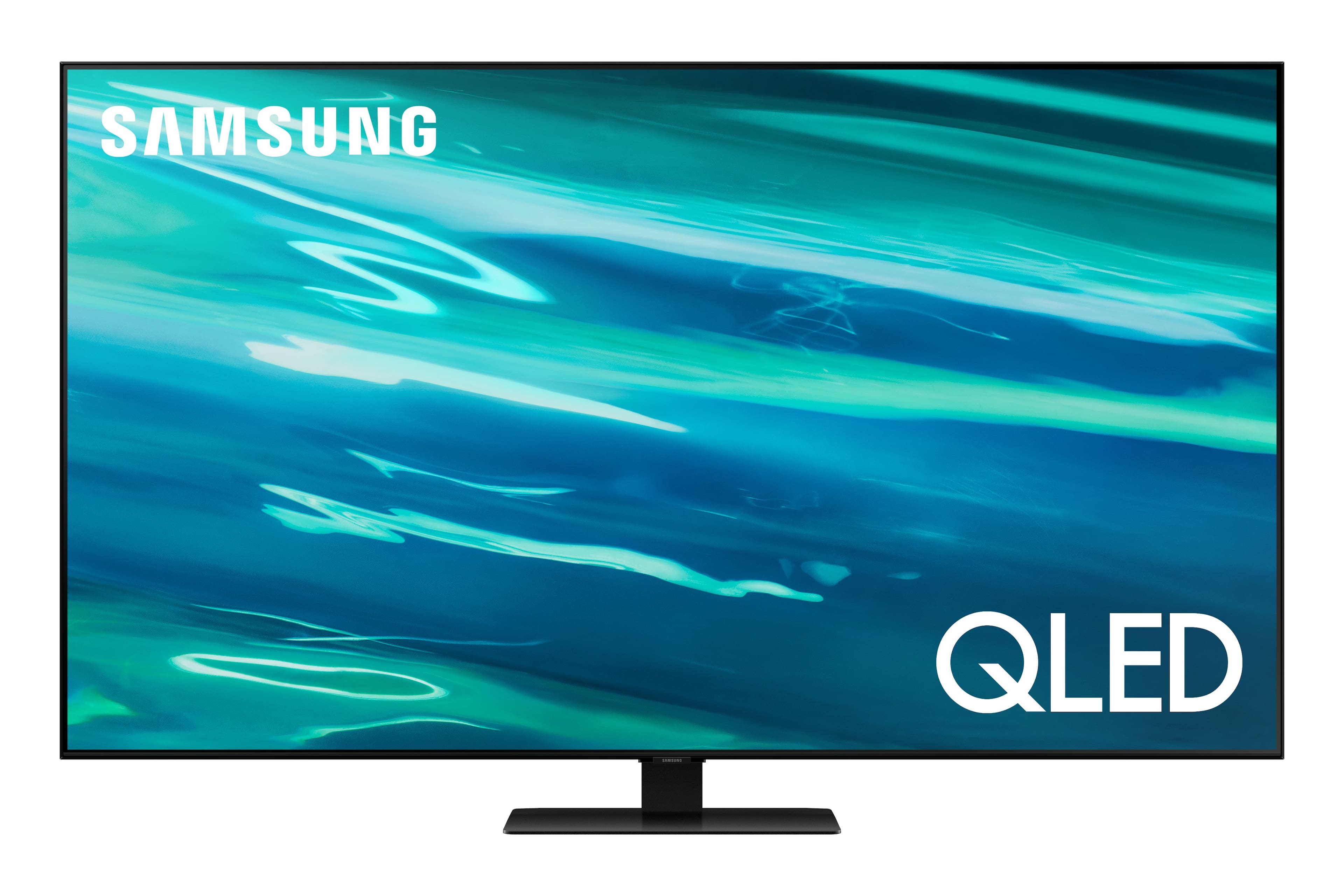
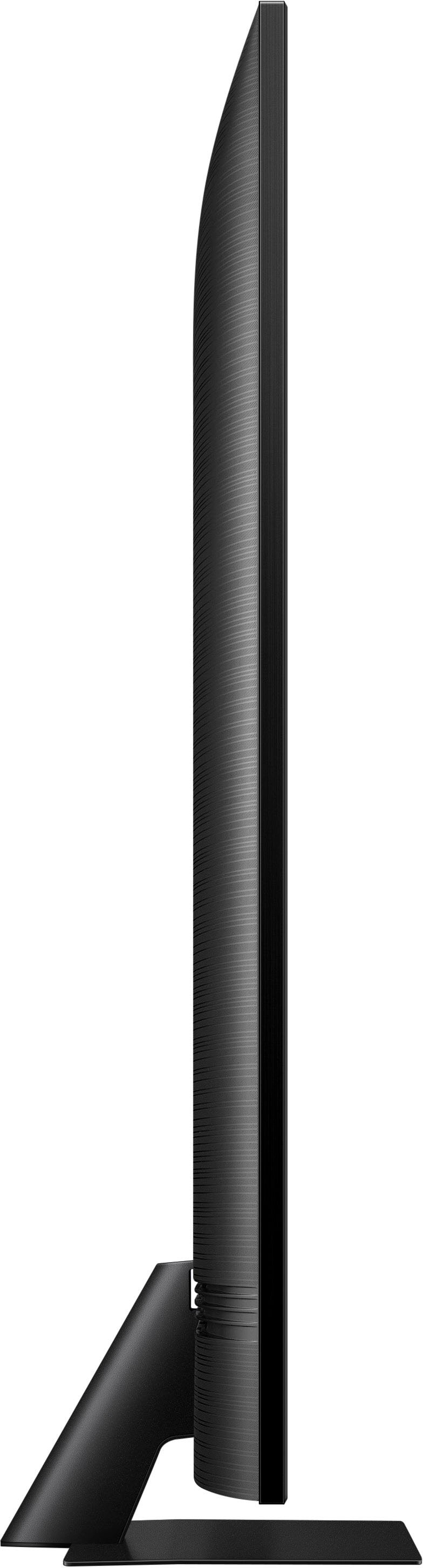
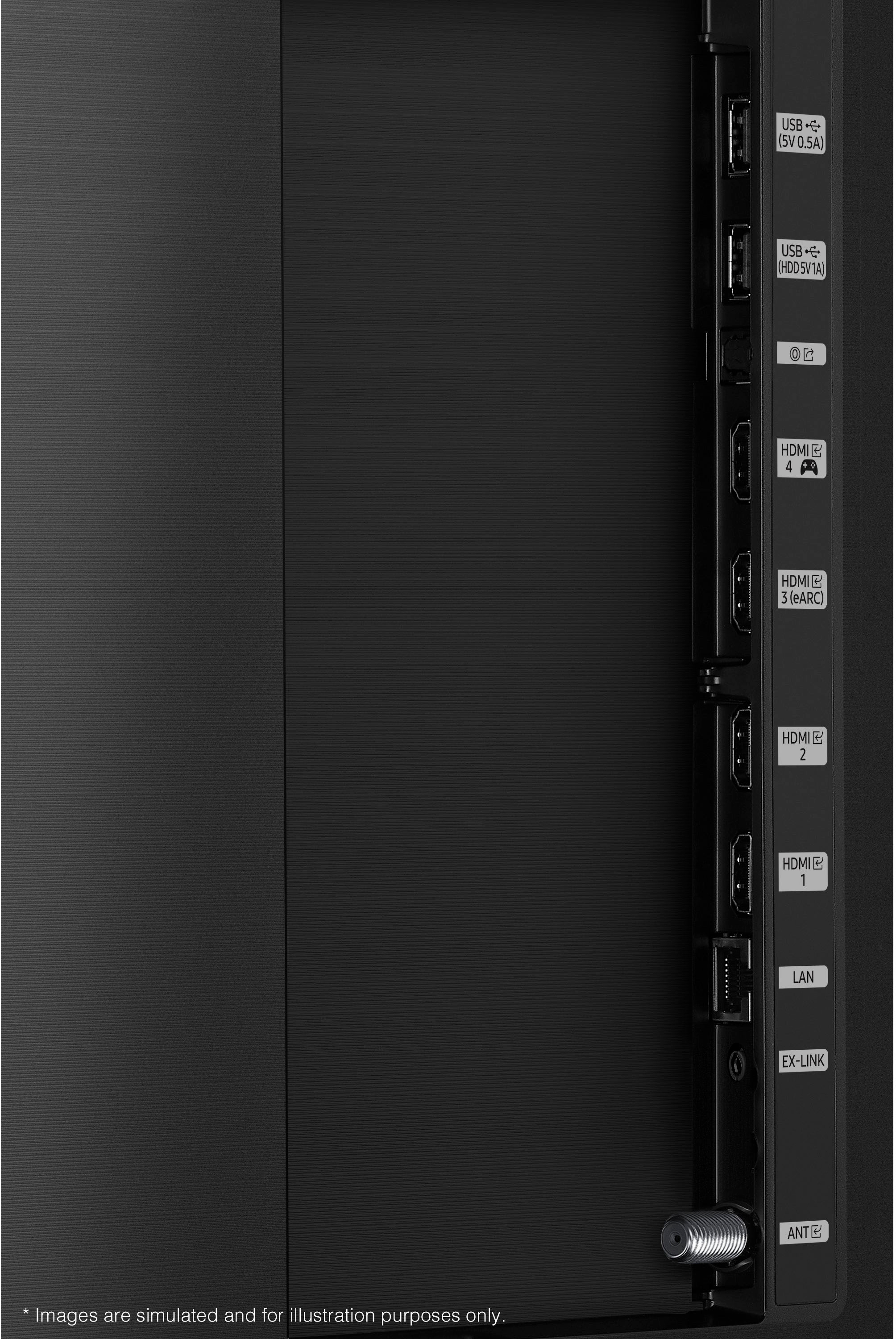








- Model:
- QN85Q80AAFXZA
- SKU:
- 6452062
Rating by feature
- Picture Quality
Rating 4.7 out of 5 stars
- Sound Quality
Rating 4.6 out of 5 stars
- Brightness
Rating 4.8 out of 5 stars
Customers are saying
Customers have good things to say about the 85" Class Q80A Series QLED 4K UHD Smart Tizen TV. They rave about the stunning picture quality with vibrant colors and deep blacks, as well as the large screen that is perfect for movies and gaming. Many customers also mention the impressive sound quality and the easy setup process. While some find it expensive, most agree that it is worth the price.
This summary was generated by AI based on customer reviews.
TV
||Posted . Owned for less than 1 week when reviewed.This reviewer received promo considerations or sweepstakes entry for writing a review.SO far its good waiting for an 8K tv to see what it can really do
I would recommend this to a friendHappy
||Posted . Owned for 1 month when reviewed.This reviewer received promo considerations or sweepstakes entry for writing a review.Employees as well as geek squad were great! Good product!
I would recommend this to a friendSamsung Q80A
||Posted . Owned for 1 month when reviewed.This reviewer received promo considerations or sweepstakes entry for writing a review.Samsung is all my go to from cell phone to appliances and TV's.
I would recommend this to a friendMs C. Bishop Gallego
||Posted .This reviewer received promo considerations or sweepstakes entry for writing a review.Difficulty with the delivery date took almost 2 months to get my TV. Total Tech where professional. TV mounted too high. My purchase date was July 2nd, had to Re-purchase to finally get a delivery,. A very upsetting process
I would recommend this to a friendAmazing tv
||Posted . Owned for 3 weeks when reviewed.This reviewer received promo considerations or sweepstakes entry for writing a review.Very good image quality is amazing just need more HDMI
I would recommend this to a friendQLED not worth the extra money
||Posted . Owned for 3 weeks when reviewed.This reviewer received promo considerations or sweepstakes entry for writing a review.over all I like this TV. Not Impressed with the clarity of it though. My 10 year old 65" samsung TV is much clearer and it's not even 4K. Not worth the extra money to go QLED. It does feel like i'm sitting in a movie theater from my couch though lol
No, I would not recommend this to a friendBrand response from Samsung
Posted .kiddan,
Thank you for sharing your thoughts on the picture quality of your Q80A TV. If the picture you are seeing out-of-the-box is not to your liking, there are several picture settings you may want to try adjusting.
You can select the Picture Mode that provides the best viewing experience. Go to Home > Settings > Picture > Picture Mode
1) Standard: Is the default mode suitable for general viewing environments.
2) Natural: Reduces eye strain for a comfortable viewing experience.
3) Movie: Is suitable for watching TV or movies in a dark room.
4) Dynamic: Makes the picture brighter and clearer in bright viewing environments.
5) Filmmaker Mode: You can watch the source content (e.g., movie) as it is. If the image is defined as Filmmaker Mode, it will automatically switch to Filmmaker Mode while watching.
You can also go to: Settings > Picture > Expert Settings > to manually fine tune your image.
For further assistance with settings adjustments, please contact Samsung Customer Support at 1-800-SAMSUNG (ask for TVs), available 8AM - 12AM EST, 7 days a week.
For additional support resources, visit us on the Samsung website and click on the ‘Support’ link in the upper right corner of the homepage for:
1) Chat with Us/Product Help: To begin a chat or find solutions, choose ‘TVs & Home Theater’ and select your model & topic.
2) Manuals, Software, & Warranty Info
~ Samsung Specialist
Picture was not super clear/sharp
||Posted . Owned for 2 months when reviewed.This reviewer received promo considerations or sweepstakes entry for writing a review.Not what we were hoping for. Not sure if we got a lemon or what but the picture was less clear than our previous Samsung that was 4 years older and supposedly not as good. We sent it back and got the NEO. Very happy with the NEO.
No, I would not recommend this to a friendBrand response from Samsung
Posted .Hi Lindabeeround,
Thank you for sharing your experience with Samsung's Q80A TV and detailing the reasons you have decided to replace it with a different model. Thank you for being a loyal Samsung customer.
Your feedback regarding this model is important to us and will be shared with our internal teams.
Should you have questions or need assistance with settings, setup, or features with your new Samsung Neo QLED TV, please know we are always here to help. Call us at 1-800-SAMSUNG (ask for TVs), available 8AM - 12AM EST, 7 days a week.
For additional support resources, visit us on the Samsung website and click on the ‘Support’ link in the upper right corner of the homepage for:
1) Chat with Us/Product Help: To begin a chat or find solutions, choose ‘TVs & Home Theater’ and select your model & topic.
2) Manuals, Software, & Warranty Info
~ Samsung Specialist
- Cons mentioned:Glare
Uneven Brightness
||Posted . Owned for 2 months when reviewed.This reviewer received promo considerations or sweepstakes entry for writing a review.Stay away from this TV. Brightness was uneven across the screen. Issue wasn’t noticeable under all viewing conditions but noticeable while watching football. Samsung replaced the screen but this did not resolve the issue. I would have returned the tv if I didn’t have to rent a truck to get it back to the store. Samsung care has been very slow in trying resolve issue.
No, I would not recommend this to a friendBrand response from Samsung
Posted .Hi Samsung,
Thank you for purchasing the Samsung Q80A TV and for sharing details of your image quality. To optimize your picture quality, please be sure your firmware is up to date with version 1805.4 which includes picture quality updates. You can check this by going to: Settings > Support > Software Update.
You may want to enable Auto Update for convenience.
Should you need further assistance with image quality adjustments, please give us the opportunity to assist you. Call us at 1-800-SAMSUNG (ask for TVs), available 8AM - 12AM EST, 7 days a week.
For additional support resources, visit us on the Samsung website and click on the ‘Support’ link in the upper right corner of the homepage for:
1) Chat with Us/Product Help: To begin a chat or find solutions, choose ‘TVs & Home Theater’ and select your model & topic.
2) Manuals, Software, & Warranty Info
~ Samsung Specialist
Good TV, bad service at the store.
||Posted . Owned for 1 month when reviewed.This reviewer received promo considerations or sweepstakes entry for writing a review.I purchased a Samsung speaker and sub with the TV. It would’ve been nice if the salesman at the store told me that I would need to purchase a separate accessory in order to get it to fit.
I would recommend this to a friendBrand response from Samsung
Posted .RepeatCustomer,
Thank you for your review of Samsung's Q80A TV. I am happy to hear that you are enjoying the realistic picture quality delivered to your screen with our Quantum Dot technology which powers over a billion brilliant shades of vivid and lifelike colors.
We appreciate you sharing your purchase experience with us, and I recommend you contact Best Buy directly for assistance. I hope your concerns are addressed quickly.
Should you ever need assistance or have questions about using your TV, please know we are here to help. You can reach Samsung Support at 1-800-SAMSUNG (ask for TVs), available 8AM -12AM EST M-F (9AM – 6PM EST Sat). Or text HELP to 62913.
For additional support resources, visit us on the Samsung website and click on the ‘Support’ link in the upper right corner of the homepage for:
1) More ‘Contact Us’ options – LiveChat, Facebook, Twitter, Samsung Community, Samsung Members app
2) Manuals & Software
3) Warranty Info
4) Product Registration: For access to easy warranty support, convenient opt-in to special promos and offers, faster troubleshooting and service, and quick notification of system updates.
~ Samsung Specialist
Poor internet retention
||Posted . Owned for 1 month when reviewed.This reviewer received promo considerations or sweepstakes entry for writing a review.Does not stay connected to the internet. Did not have this problem with the prior Samsung I upgraded from.
No, I would not recommend this to a friendTv doesn’t work
||Posted .This reviewer received promo considerations or sweepstakes entry for writing a review.The tv was delivered and worked for 2 days and now won’t stay on for more than 5 mins before turning off. Then I have to unplug it and turn it on for it to come back on. Watch for 5 mins and repeat. Will have to wait for almost a month for a replacement.
No, I would not recommend this to a friendBrand response from Samsung
Posted .Hi Nope,
Thank you for purchasing the Samsung Q80A TV. We appreciate your feedback regarding the issues you are experiencing with your TV turning itself off. Please try a few troubleshooting steps that may help solve the issue:
1. Unplug the TV from the wall outlet or surge protector and leave it unplugged for 30 seconds.
2. Check the power cord to see if there is any visible damage.
3. Plug the TV power cord back into the wall outlet. If you were using a surge protector, bypass it for now and use a wall outlet.
4. Try to update the software. In some cases, a software update can correct the problem. There is a risk, however. If the TV turns off during the software update, it could damage the TV. Updates can take up to 30 minutes depending on network speed, so if the TV is not turning off too frequently, try updating the software.
If the TV continues to turn off by itself continuously, please contact our Samsung Customer Support at 1-800-SAMSUNG (ask for TVs), available 8AM - 12AM EST, 7 days a week.
For additional support resources, visit us on the Samsung website and click on the ‘Support’ link in the upper right corner of the homepage for:
1) Chat with Us/Product Help: To begin a chat or find solutions, choose ‘TVs & Home Theater’ and select your model & topic.
2) Manuals, Software, & Warranty Info
~ Samsung Specialist
Not Happy
||Posted . Owned for 3 weeks when reviewed.This reviewer received promo considerations or sweepstakes entry for writing a review.Very dissatisfied with this tv. Images are not sharp, contrast is not good and the motion is blurred for sporting events. This is the sixth Samsung TV that I have purchased. All the others have been great. This one is very disappointing.
No, I would not recommend this to a friendBrand response from Samsung
Posted .BadTV,
Thank you for choosing the Samsung Q80A TV and for sharing your feedback regarding your picture when watching fast motion. For optimal motion image performance, you may want to adjust the picture clarity setting by going to: Settings > Picture > Expert Settings > Picture Clarity Settings
- Off: Picture Clarity Settings will always be off
- Auto: Picture Clarity Settings will automatically activate and deactivate based on the type of program being watched
- Custom: Allows custom adjustments and settings to be used. By selecting the Custom option, you can access these advanced settings for Judder Reduction, LED Clear Motion, and Noise Reduction.
You may also want to try adjusting additional picture settings if the picture you are seeing is not to your liking.
You can go to: Settings > Picture > Expert Settings and configure the TV settings to your taste with functions such as Brightness, Contrast, Sharpness, Color, Local Dimming, Contrast Enhancer, and many more.
If you would like further assistance with settings adjustments or have any questions, please contact Samsung Customer Support at 1-800-SAMSUNG (ask for TVs), available 8AM - 12AM EST, 7 days a week.
For additional support resources, visit us on the Samsung website and click on the ‘Support’ link in the upper right corner of the homepage for:
1) Chat with Us/Product Help: To begin a chat or find solutions, choose ‘TVs & Home Theater’ and select your model & topic.
2) Manuals, Software, & Warranty Info
~ Samsung Specialist
Scam??
||Posted . Owned for 1 month when reviewed.This reviewer received promo considerations or sweepstakes entry for writing a review.This TV I got the second time it good so far. The TV you sold me the first time was a piece of crap and I believe it was a floor model and never was told that but paid full price for. Took 4 weeks to get this thing pickup and still haven’t been refunded yet??!!??!!
No, I would not recommend this to a friendToo bright pictures sound not great
||Posted . Owned for 1 month when reviewed.This reviewer received promo considerations or sweepstakes entry for writing a review.Too bright picture sound not great needs better remote
No, I would not recommend this to a friendBrand response from Samsung
Posted .Brighpicture,
Thank you for purchasing Samsung's Q80A TV and sharing your thoughts on the image quality. If you are uncomfortable with the default brightness settings, you can customize the brightness level between 0 – 50 to your preference. Go to Home > Settings > Picture > Expert Settings > Brightness.
You can also try different Picture Modes to see which best fits your needs. Go to Home > Settings > Picture > Picture Mode for the below choices:
1) Standard: Is the default mode suitable for general viewing environments.
2) Natural: Reduces eye strain for a comfortable viewing experience.
3) Movie: Is suitable for watching TV or movies in a dark room.
4) Dynamic: Makes the picture brighter and clearer in bright viewing environments.
5) Filmmaker Mode: You can watch the source content (e.g., movie) as it is. If the image is defined as Filmmaker Mode, it will automatically switch to Filmmaker Mode while watching.
Intelligent Mode also enables the TV to recognize and analyze the surroundings, noise, content, and your usage patterns to provide the best viewing experience. You can enable Intelligent Mode by going to Home > Settings > General > Intelligent Mode Settings. Adaptive Picture, which is among the options, optimizes brightness and provides the best picture quality in real time, based on the lighting condition and the content you're viewing.
Your new TV features SpaceFit Sound to optimize sound tailored to your environment and Active Voice Amplifier (AVA) which further detects disturbances and enhances the on-screen voices for clear dialogue.
Go to Home > Settings > General > Intelligent Mode Settings. Turn the options on or off to meet your needs:
- Active Voice Amplifier is available only when the sound sensor of the TV is active and the sound output is set to TV Speaker, or a Samsung Soundbar interlinked with Adaptive Picture is connected.
- Adaptive Sound+ provides optimized sound quality by analyzing the viewing space and the acoustic components of the content
- Adaptive Volume Automatically adjusts to a specific volume level while you are watching TV.
Several Sound Modes are likewise available to meet your personal preferences: Home > Settings > Sound > Sound Mode
You can also customize sound with Expert Settings.
Go to: Settings > Sound > Expert Settings
To assist you in learning the various functions and settings of your new Solar Cell remote, you can download the Solar Cell Remote Guide directly from Samsung’s website under ‘Support’ (top right corner) > Manuals & Software > TVs & Home Theater. From there, you can select the Q80A under QLED 4K TVs > A Model Lineup. Additionally, you can find other guides and manuals to further assist you with your TV’s features.
I hope these tips help! Should you ever have questions or need help, please call us at 1-800-SAMSUNG (ask for TVs), available 8AM - 12AM EST, 7 days a week.
For additional support resources, visit us on the Samsung website and click on the ‘Support’ link in the upper right corner of the homepage for:
1) Chat with Us/Product Help: To begin a chat or find solutions, choose ‘TVs & Home Theater’ and select your model & topic.
2) Manuals, Software, & Warranty Info
~ Samsung Specialist
Did not like the picture on the TV, the greens and
||Posted . Owned for 2 weeks when reviewed.This reviewer received promo considerations or sweepstakes entry for writing a review.Did not like the picture on the TV, the greens and reds were fluorescent people’s faces were red all and I hated the TV
No, I would not recommend this to a friendGets frozen
||Posted . Owned for 1 month when reviewed.This reviewer received promo considerations or sweepstakes entry for writing a review.It gets frozen and YouTube tv hardly works on it!!
No, I would not recommend this to a friendBrand response from Samsung
Posted .Hello freezes,
Your experience with the YouTube TV app has been shared with our product teams. Please make sure that Auto Update is turned on so that your apps can stay current with the latest updates and patches. Navigate to the Settings within the App Store and set Auto Update to: On.
Should you ever have questions or need help, please call us at 1-800-SAMSUNG (ask for TVs), available 8AM -12AM EST, 7 days a week. Or text HELP to 62913.
For additional support resources, visit us on the Samsung website and click on the ‘Support’ link in the upper right corner of the homepage for:
1) More ‘Contact Us’ options – LiveChat, Facebook, Twitter, Samsung Community, Samsung Members app
2) Manuals & Software
3) Warranty Info
4) Product Registration: For access to easy warranty support, convenient opt-in to special promos and offers, faster troubleshooting and service, and quick notification of system updates.
We look forward to hearing from you.
~ Samsung Specialist
- Pros mentioned:Picture qualityCons mentioned:Glare
Non glare for bright rooms
Posted .This reviewer received promo considerations or sweepstakes entry for writing a review.Very good TV. Picture quality is great. I bought this version for the non glare feature since it is in direct sunlight and it works really well compared to my OLED TVs.
I would recommend this to a friend - Pros mentioned:Color, Picture quality
Beautiful picture
Posted .This reviewer received promo considerations or sweepstakes entry for writing a review.Beautiful picture quality and clarity and sharp color contrasts.
I would recommend this to a friend - Pros mentioned:Tv size
Samsung Q80A
Posted .This reviewer received promo considerations or sweepstakes entry for writing a review.TV is great and perfectly sized for our wall. Went with the Q80 over the Q60 due to improvements during gaming. If gaming isn't your thing, the Q60 would be fine and save you a few bucks.
I would recommend this to a friend - Pros mentioned:Picture quality
SAMSUNG QLED IS PERFECT
Posted .This reviewer received promo considerations or sweepstakes entry for writing a review.I REALLY LOVE THIS SAMSUNG QLED 85 INCH WORTH ALL $3000 I PAID- NEVER HAD AN 85 INCH 4K TV BUT THIS ONE IS BEYOND PERFECT YOU GET THE CHANCE OWN THIS ONE
I would recommend this to a friend