Customer Ratings & Reviews
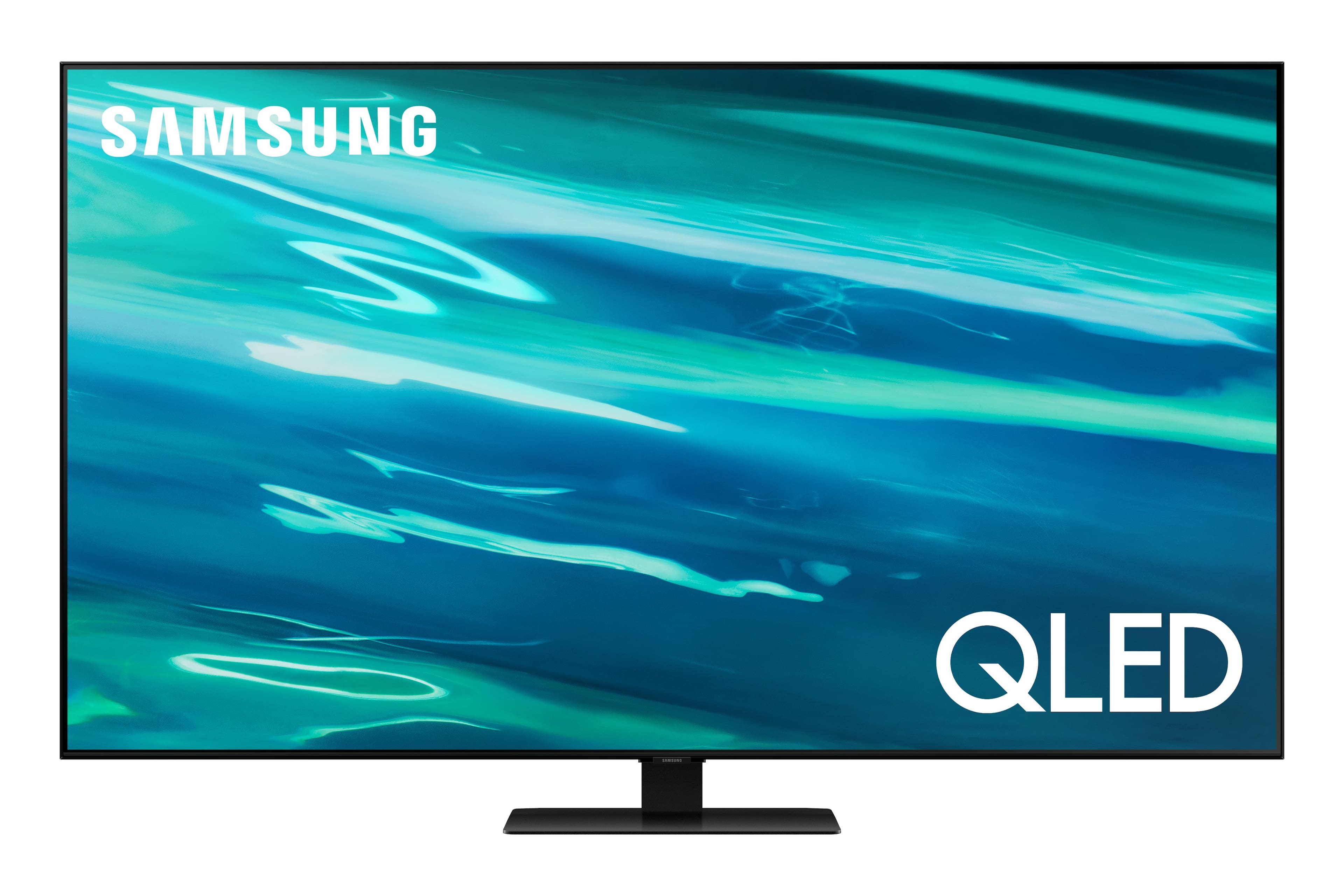
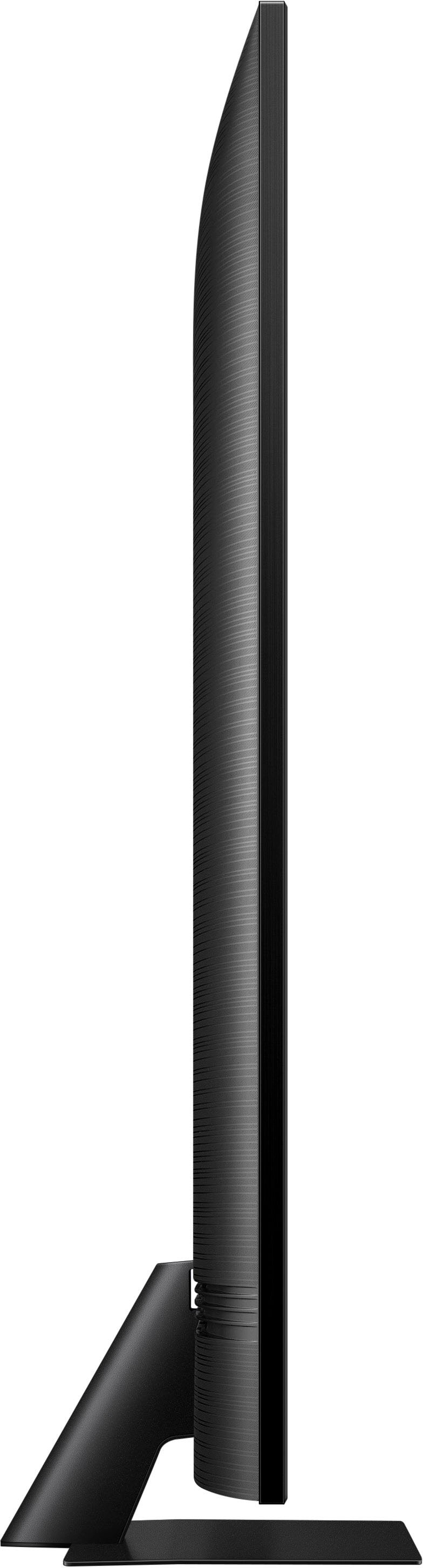
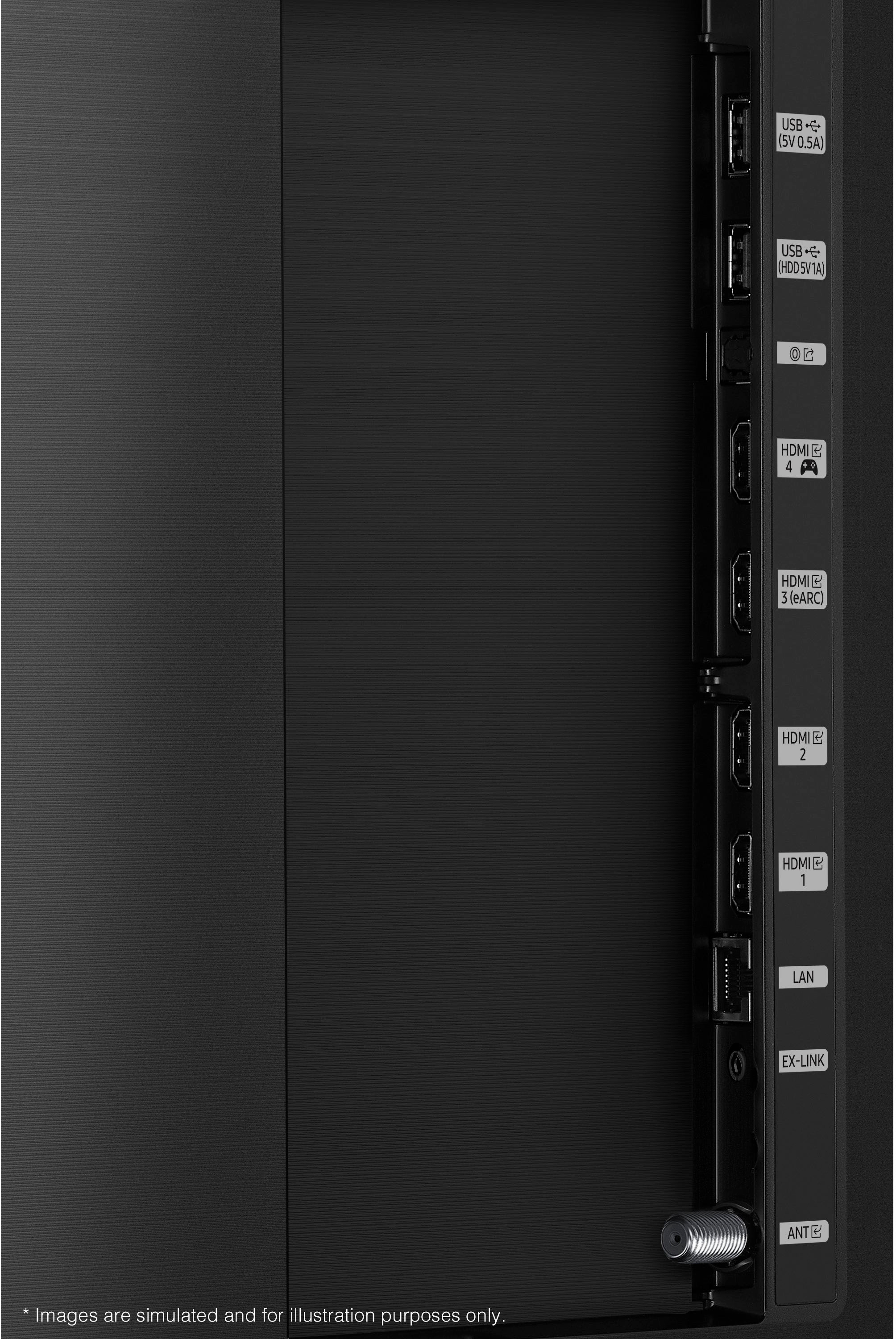
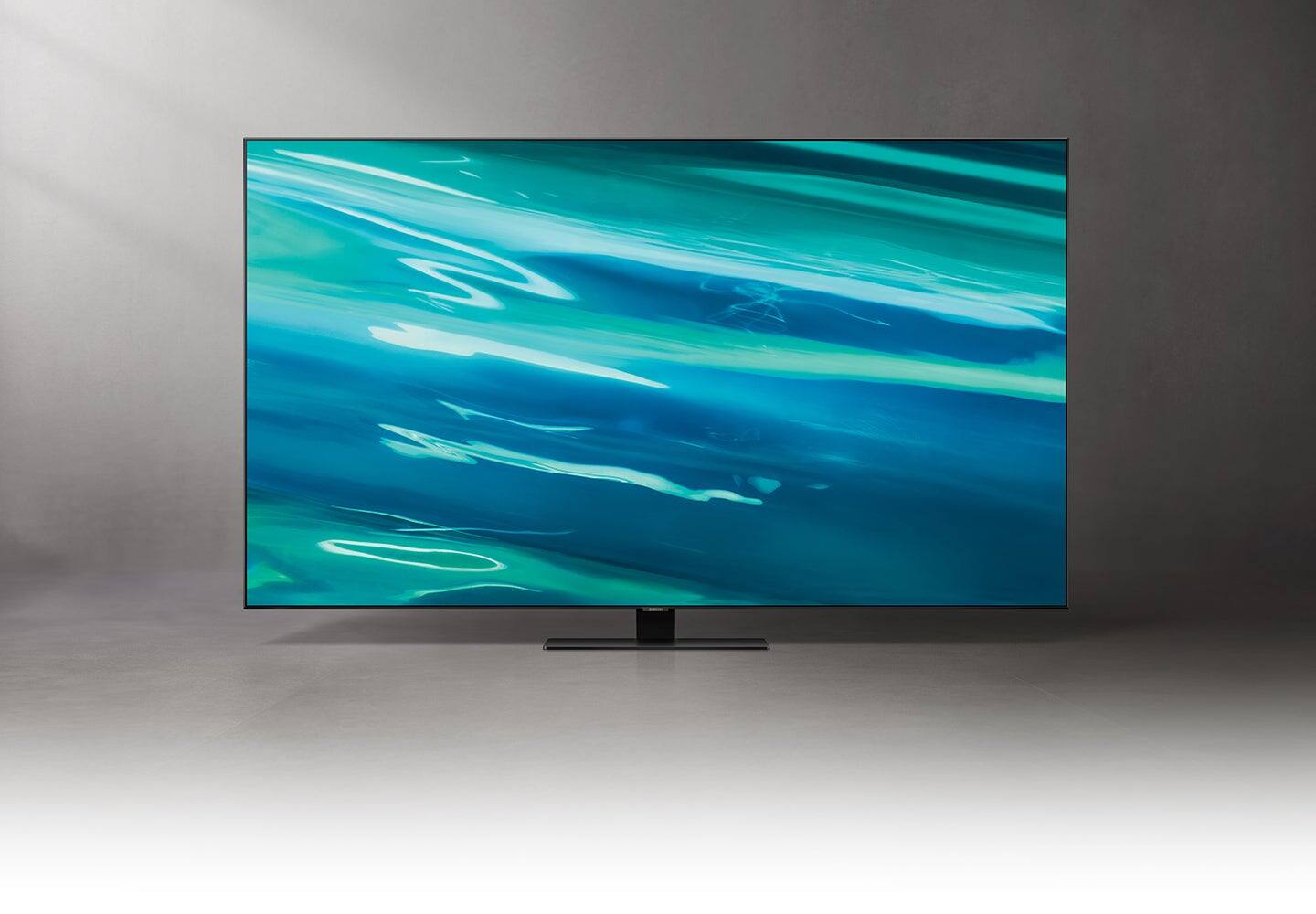

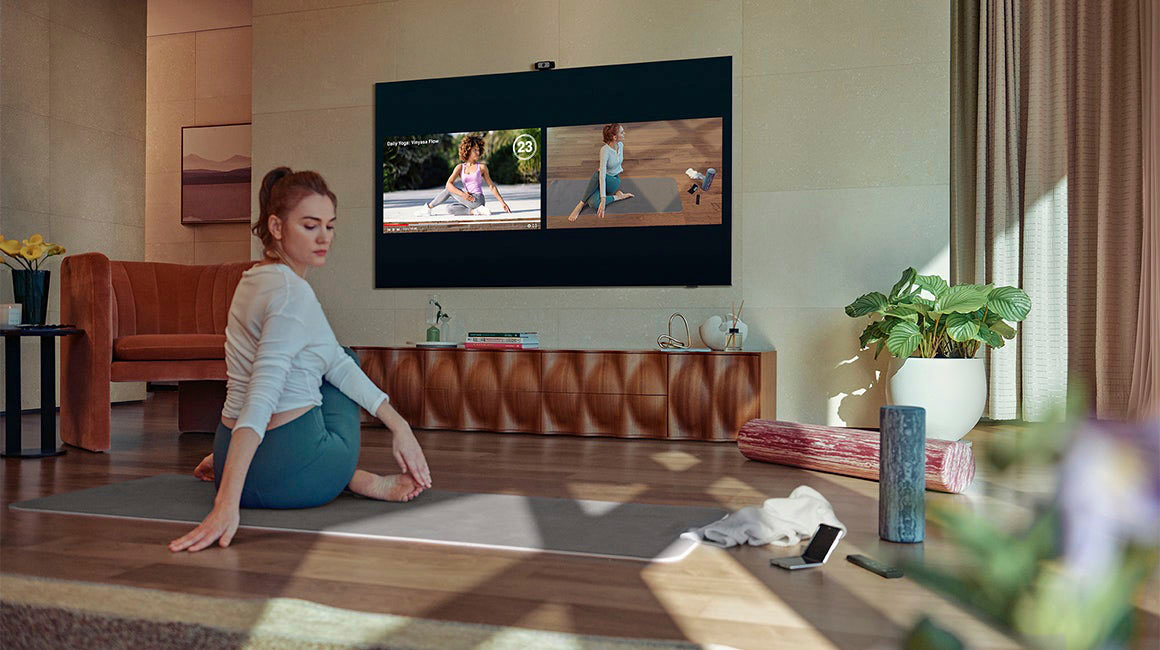







- Model:
- QN85Q80AAFXZA
- SKU:
- 6452062
Rating by feature
- Picture Quality
Rating 4.7 out of 5 stars
- Sound Quality
Rating 4.6 out of 5 stars
- Brightness
Rating 4.8 out of 5 stars
Customers are saying
Customers have good things to say about the 85" Class Q80A Series QLED 4K UHD Smart Tizen TV. They rave about the stunning picture quality with vibrant colors and deep blacks, as well as the large screen that is perfect for movies and gaming. Many customers also mention the impressive sound quality and the easy setup process. While some find it expensive, most agree that it is worth the price.
This summary was generated by AI based on customer reviews.
- Pros mentioned:Picture quality
Great Large Screen TV
Posted .This reviewer received promo considerations or sweepstakes entry for writing a review.Great Large TV - setup is not as easy as one would like - but Samsung support is fantastic for help and guidance. So all in all good buy.
I would recommend this to a friend - Pros mentioned:Picture quality
Simply amazing!!
Posted .This reviewer received promo considerations or sweepstakes entry for writing a review.Simply amazing!!! The picture quality is awesome and the sound quality is great!! I would recommend getting a sound bar.
I would recommend this to a friend Not worth the $$$$
Posted .This reviewer received promo considerations or sweepstakes entry for writing a review.Did weeks and weeks of research and was looking to purchase the 85" Q80T, but the day I went to buy it they had switched to the new 2021 Q80A... On Rtings the Q80T was a 8.3 overall and the new Q80A is a 7.1. The rting site tests everything and then goess through and scores each category: gray uniformity, local dimming, etc.. etc.. The new Q80A scores lower in virtually EVERY category, and also points out that the Q80A is a different type of panel than the Q80T. The new panel has more "cons" than "pros". As a Samsung tv buyer for over 20 years now I really understand "value". This 85" Q80A was $3699, but I'm telling you right now this tv isn't worth a penny over $2500. My 55" Q90FN BLOWS this Q80A out of the water and is more than 2 years old already. I am likely going to return this tv in the next few days. Do not waste your money, spend the time to look at other brands like Sony, and LG, you will get more for your money and very likely end up with a better picture.
No, I would not recommend this to a friendBrand response from Samsung
Posted .TVguy:
Thank you for sharing your thoughts on the picture of the 2021 Q80A TV. Our 2021 models feature SpaceFit Sound which optimizes sound tailored to your environment, no matter where your TV is placed and (AVA) Active Voice Amplifier which detects disturbances and enhances on-screen voices to deliver each bit of dialogue, loud and clear. The 2021 model also features Motion Xcelerator Turbo+ to enhance motion clarity and catch all the fast-moving action whether you're watching sports or taking advantage of newer Next-Gen gaming capabilities. PC on TV, Multi View, and other features designed specifically for gamers are also new on our 2021 TVs.
You may want to try out some of the different picture modes to suit your personal picture preferences. Go to Home > Settings > Picture > Picture Mode and select from Standard, Natural, Movie, Dynamic, and Filmmaker Mode.
You can also go to: Settings > Picture > Expert Settings > Contrast Enhancer to manually fine tune your image.
Should you ever have questions or need help, you can reach us at 1-800-SAMSUNG (ask for TVs), available 8AM -12AM EST, 7 days a week. Or text HELP to 62913.
For additional support resources, visit us on the Samsung website and click on the ‘Support’ link in the upper right corner of the homepage for:
1) More ‘Contact Us’ options – LiveChat, Facebook, Twitter, Samsung Community, Samsung Members app
2) Manuals & Software
3) Warranty Info
4) Product Registration: For access to easy warranty support, convenient opt-in to special promos and offers, faster troubleshooting and service, and quick notification of system updates.
~ Samsung Solutions
- Pros mentioned:Picture quality
Nice tv
Posted .This reviewer received promo considerations or sweepstakes entry for writing a review.Very good for the price..needs to adjust the colors and bright..but remember get a good Satelite service!!.. that helps to get a much better picture ..HD channels are the best!
I would recommend this to a friend - Pros mentioned:Picture quality
Best tv ever
Posted .This reviewer received promo considerations or sweepstakes entry for writing a review.Best tv we have ever owned. Like having a movie theater in your house
I would recommend this to a friend - Pros mentioned:Picture quality
Pass on this one ...
Posted .This reviewer received promo considerations or sweepstakes entry for writing a review.I purchased this TV from Best Buy about 4 months ago. The picture is great. I use a separate sound system, but the original sound was very good. The remote is quirky and the apps very buggy. Streaming services quit frequently. My router/modem sits next to this TV. I have extremely reliable network service and other TVs do not drop off. So - good TV with bad software. Wish I’d gone Sony.
No, I would not recommend this to a friendBrand response from Samsung
Posted .Hello Brian1383,
Thank you for choosing the Q80A QLED TV and taking the time to share your thoughts on the remote, as well as your experience with the apps on your TV not working as expected. If your app is freezing, not loading, or crashing, you can try cold booting your TV by holding down the power button on your remote for 5+ sec until the TV turns off and on again, deleting and downloading the apps again, and completing full reset of Smart Hub to correct the issue.
Please also check that your TV is running the latest firmware version. Go to: Settings > Support > Software Update.
I hope this helps. Should you ever have questions or need help, please call us at 1-800-SAMSUNG (ask for TVs), available 8AM -12AM EST, 7 days a week. Or text HELP to 62913.
For additional support resources, visit us on the Samsung website and click on the ‘Support’ link in the upper right corner of the homepage for:
1) More ‘Contact Us’ options – LiveChat, Facebook, Twitter, Samsung Community, Samsung Members app
2) Manuals & Software
3) Warranty Info
4) Product Registration: For access to easy warranty support, convenient opt-in to special promos and offers, faster troubleshooting and service, and quick notification of system updates.
~ Samsung Specialist
QLED IS QTASTIC
Posted .This reviewer received promo considerations or sweepstakes entry for writing a review.Truly an amazing TV! I would recommend getting a device that outputs 4K content to make it shine.
I would recommend this to a friendBest tv
Posted .This reviewer received promo considerations or sweepstakes entry for writing a review.Great graphics. Image quality is one of the best and audio too
I would recommend this to a friendMars
Posted .This reviewer received promo considerations or sweepstakes entry for writing a review.This is a good tv for 4k or DVD viewing or gaming, but for the $4999 retail, I felt the contrast ratio and black/gray uniformity could be much better. I don't like watching regular cable tv on this tv....there's blooming....contrast isn't great, black/gray uniformity is not good. If anyone replays a film on their news tv show on this tv....the person in the replay is all blurry. I was unable to return this tv, so I guess it's my tv for life. I'm just hoping we can get more 4k cable tv channels.
No, I would not recommend this to a friendBrand response from Samsung
Posted .Desertdweller,
Thank you for purchasing the Samsung Q80A TV and for sharing details of your image quality. To optimize your picture quality, please be sure your firmware is up to date with version 1708.0 which includes picture quality updates. You can check this by going to: Settings > Support > Software Update.
If this firmware version is not yet available on your TV, you can download the update on a USB drive and manually update your TV:
1. On Samsung's website (upper right corner), go to: Support > Manuals & Software > Find your TV model.
2. Download the update and extract it to the root of a USB thumb drive. (Do not put it in any folders on the thumb drive.)
3. Connect the USB thumb drive to a USB port on your TV.
4. Navigate to Settings > Support > Software Update, select Update Now, and then select Yes.
5. Follow the on-screen instructions to install the updated software.
If the picture you are seeing out-of-the-box is not to your liking after updating the firmware, there are several picture settings you may want to try adjusting.
You can select the Picture Mode that provides the best viewing experience. Go to Home > Settings > Picture > Picture Mode
1) Standard: Is the default mode suitable for general viewing environments.
2) Natural: Reduces eye strain for a comfortable viewing experience.
3) Movie: Is suitable for watching TV or movies in a dark room.
4) Dynamic: Makes the picture brighter and clearer in bright viewing environments.
5) Filmmaker Mode: You can watch the source content (e.g., movie) as it is. If the image is defined as Filmmaker Mode, it will automatically switch to Filmmaker Mode while watching.
You can also go to: Settings > Picture > Expert Settings > to manually fine tune your image.
Should you need further assistance with image quality adjustments, please give us the opportunity to assist you. You can call us at 1-800-SAMSUNG (ask for TVs), available 8AM - 12AM EST, 7 days a week.
For additional support resources, visit us on the Samsung website and click on the ‘Support’ link in the upper right corner of the homepage for:
1) Contact Us: For additional Chat & Text options, choose ‘TVs & Home Theater’ and select your model & topic.
2) Manuals & Software
3) Warranty Info
4) Register a Product: For access to easy warranty support, convenient opt-in to special promos and offers, faster troubleshooting and service, and quick notification of system updates.
~ Samsung Specialist