Customer Ratings & Reviews
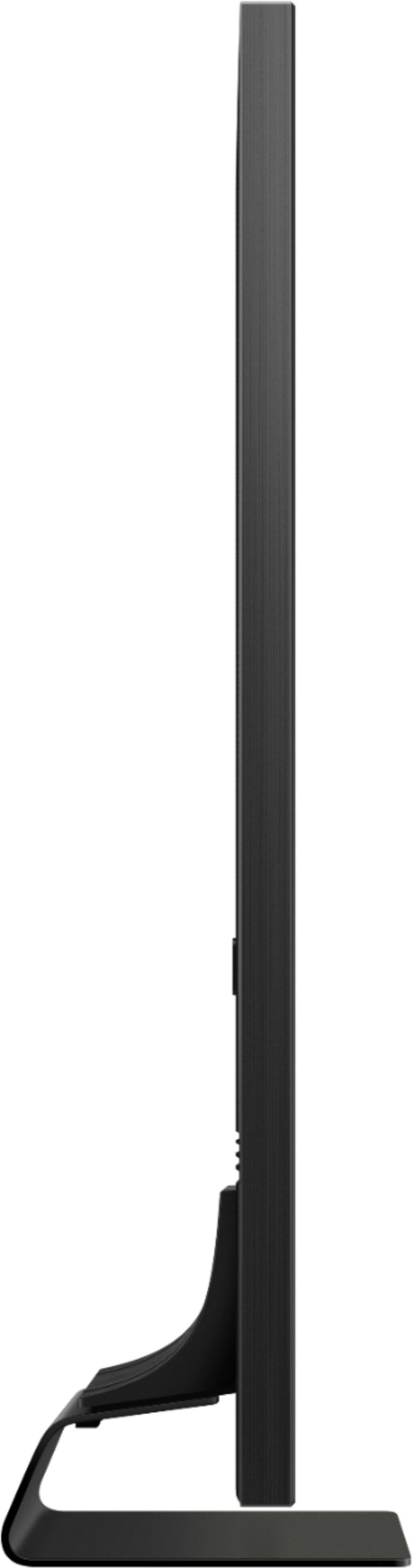
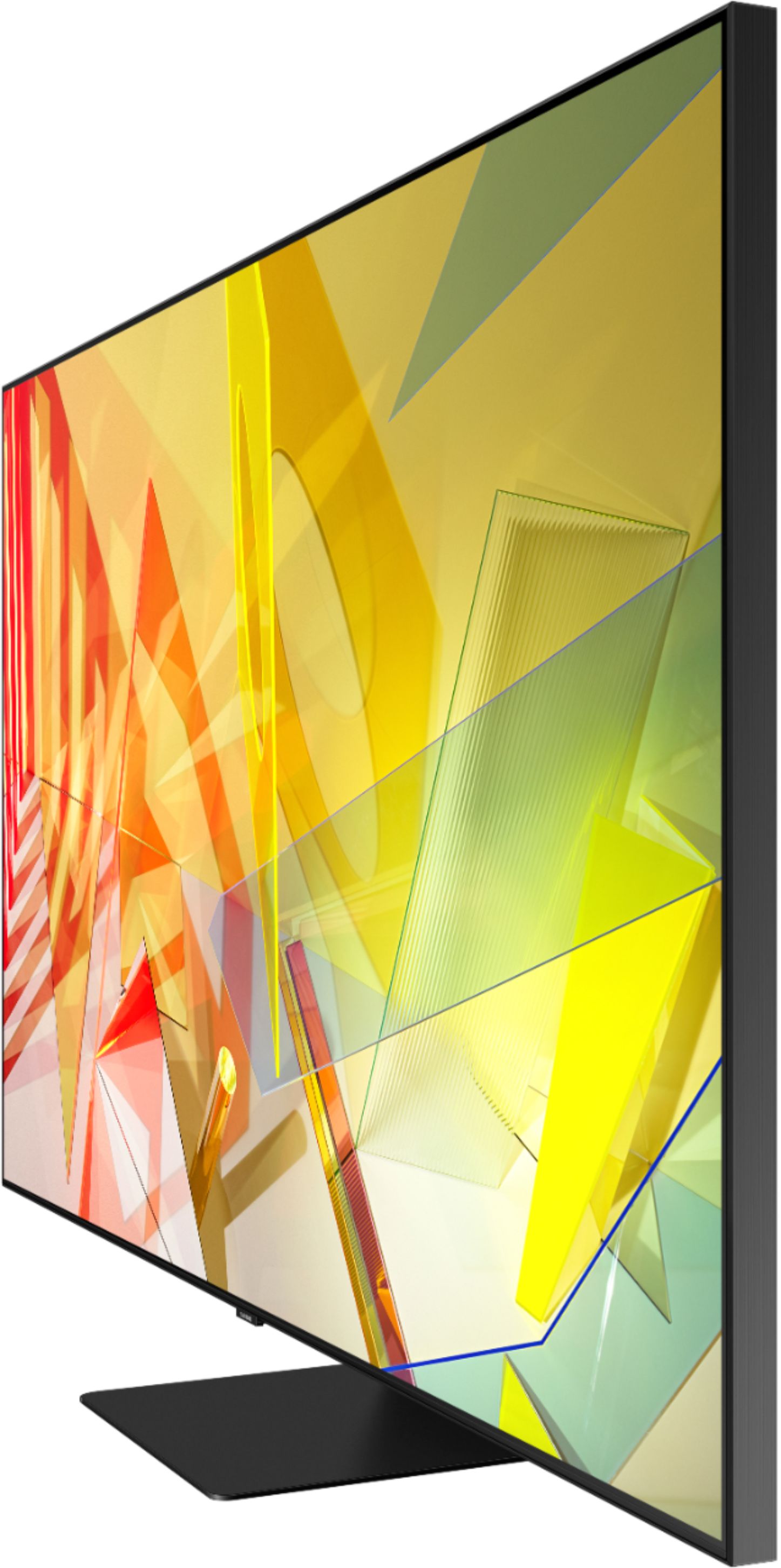

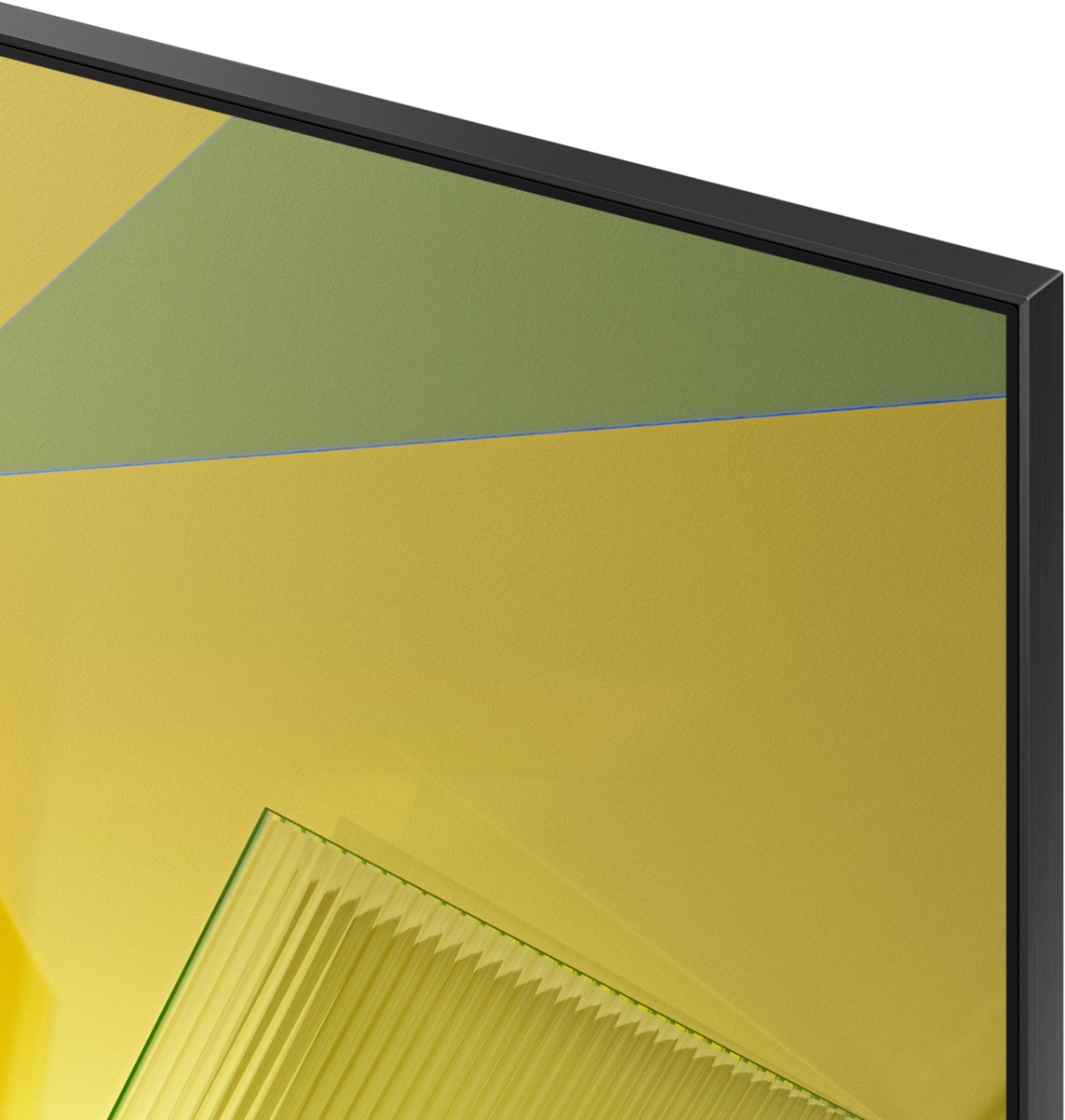
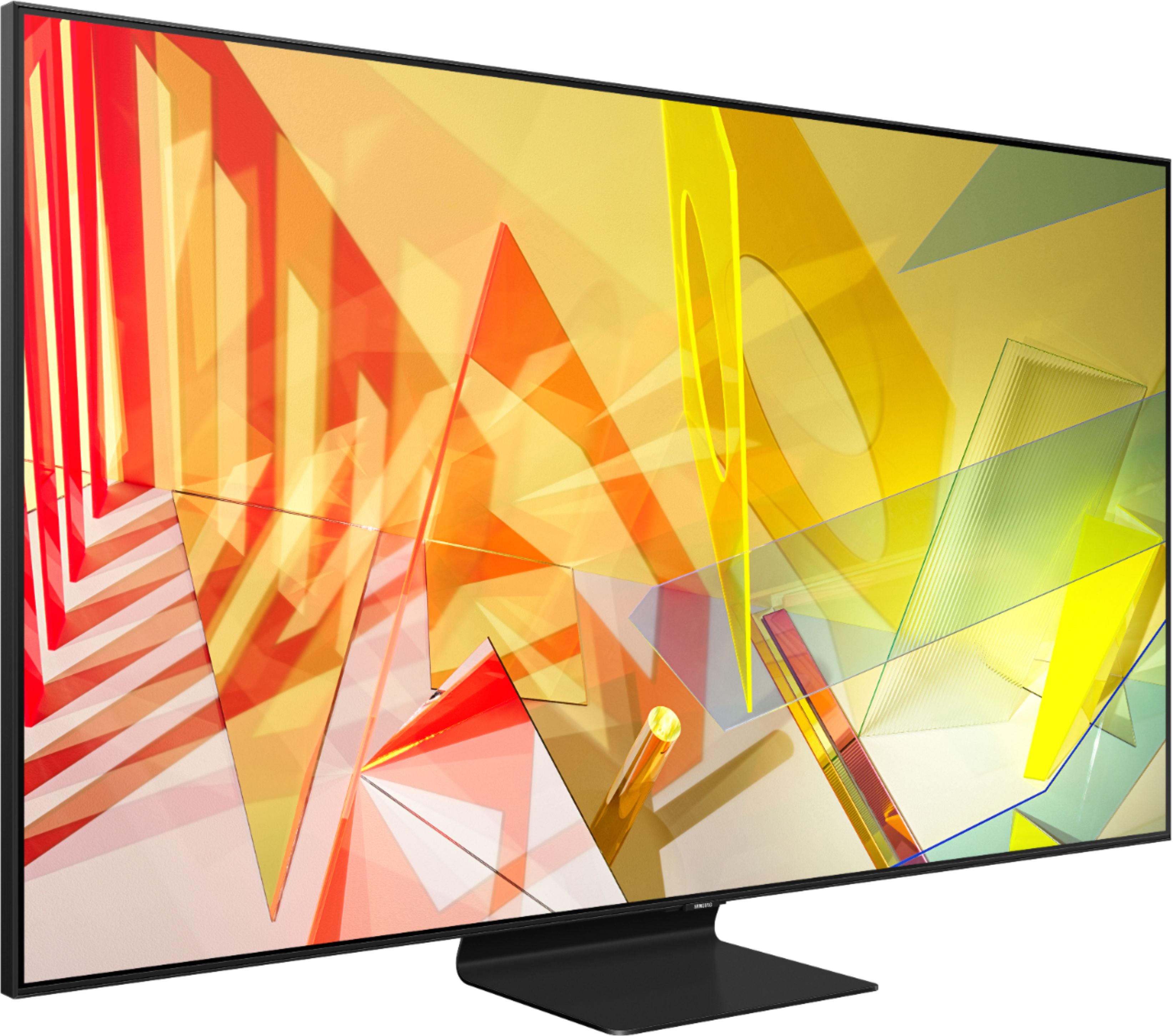
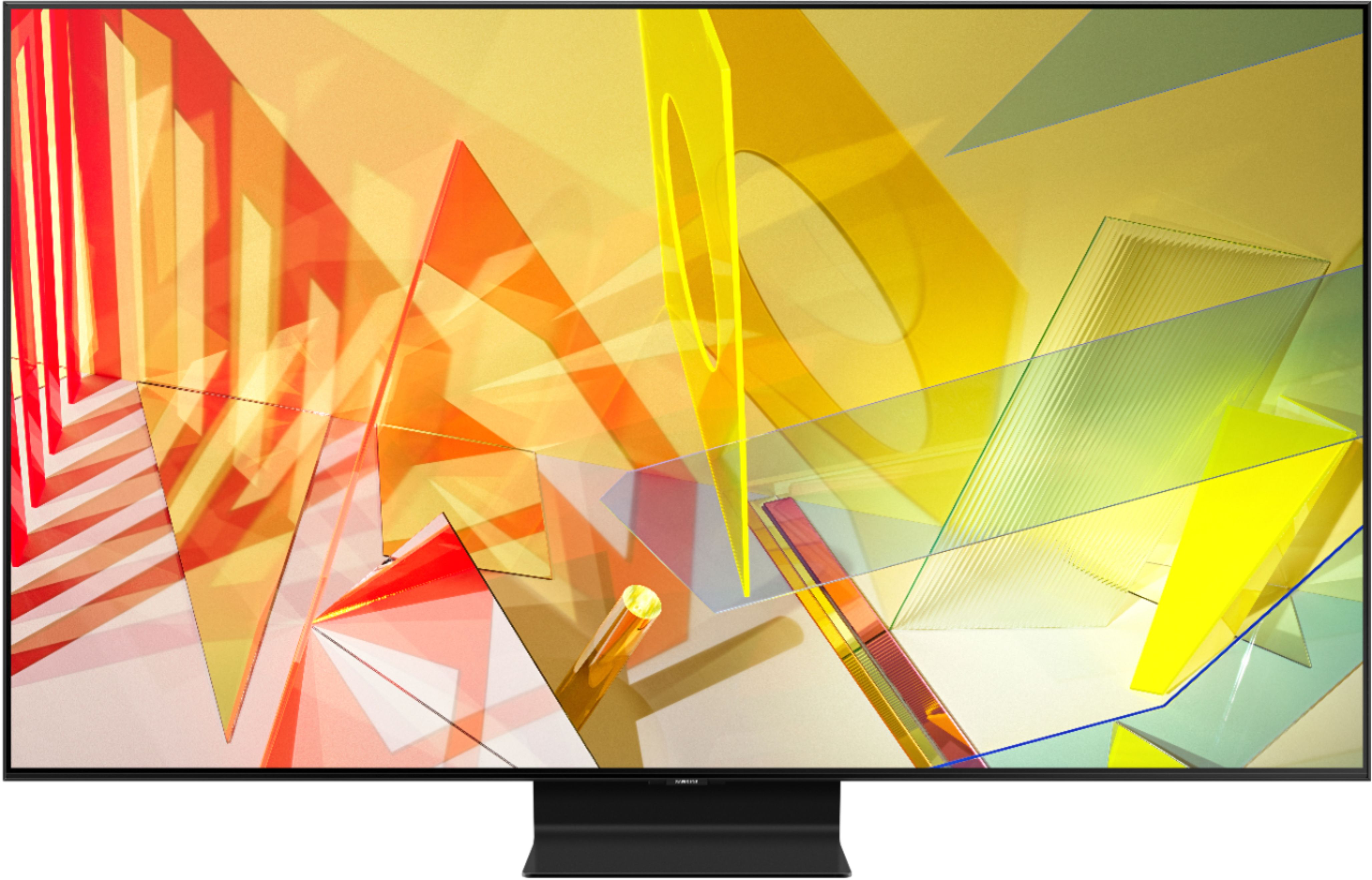
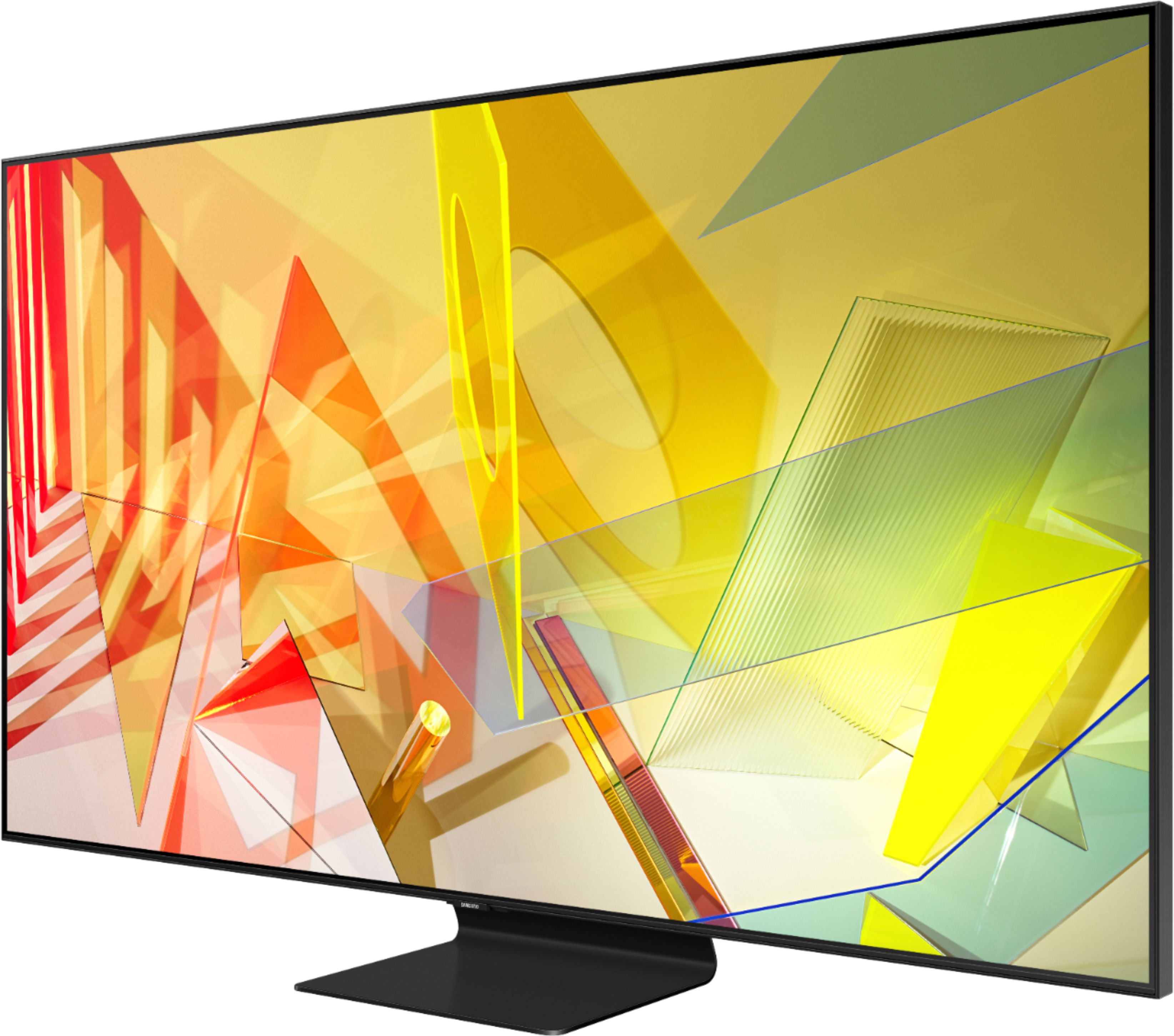
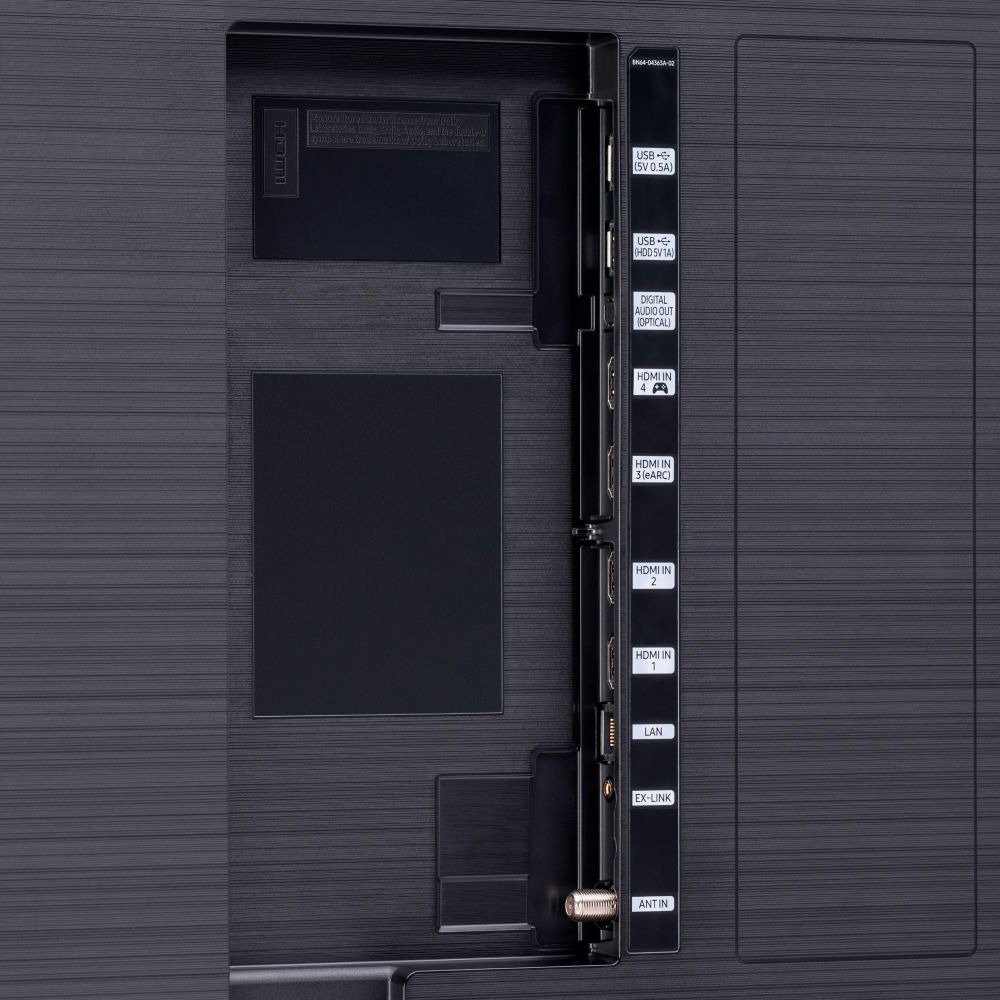
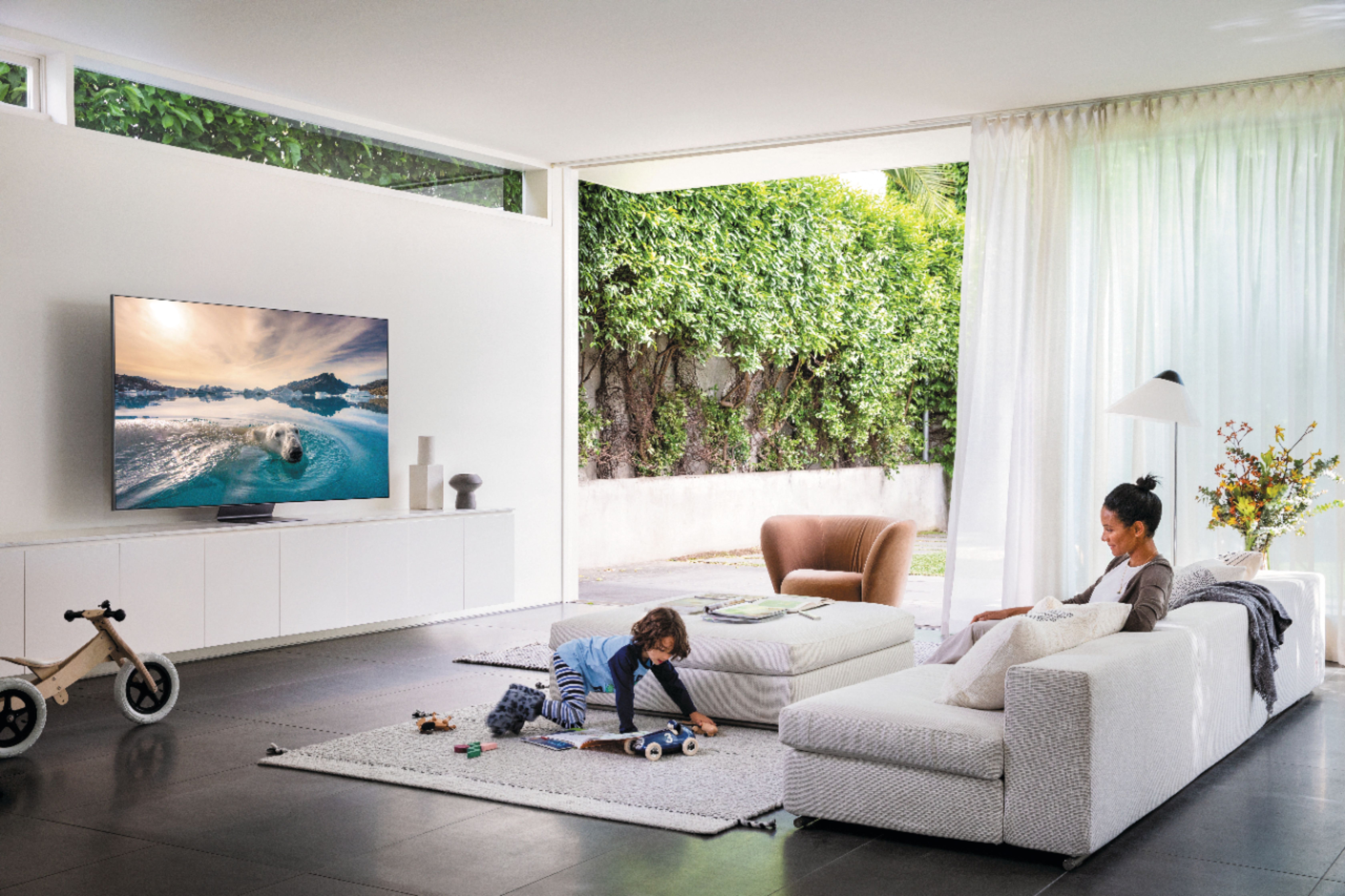






- Model:
- QN85Q90TAFXZA
- SKU:
- 6402405
Rating by feature
- Picture Quality
Rating 4.7 out of 5 stars
- Sound Quality
Rating 4.5 out of 5 stars
- Brightness
Rating 4.6 out of 5 stars
Customers are saying
Customers regard the 85" Class Q90T Series QLED 4K UHD Smart Tizen TV's picture quality as absolutely amazing, with spectacular colors and a large screen. They appreciate the easy setup and user-friendly interface. While some find the sound quality satisfactory, others consider it a drawback. The TV's weight and price are also mentioned as potential concerns, although many believe the higher price is justified by the excellent features.
This summary was generated by AI based on customer reviews.
Samsung 85”
||Posted . Owned for 3 months when reviewed.This reviewer received promo considerations or sweepstakes entry for writing a review.Great team that did installation. Highly recommend.
I would recommend this to a friendAwesome display
||Posted . Owned for 1 month when reviewed.This reviewer received promo considerations or sweepstakes entry for writing a review.Good product. Loved it. Please keep up the great work.
I would recommend this to a friendBetter picture quality than my curve TV.
||Posted . Owned for 1 month when reviewed.This reviewer received promo considerations or sweepstakes entry for writing a review.The TV is fine, however, your sales people at Winter garden, FL Best Buy were disingenuous as to the delivery date.
I would recommend this to a friendcustomer
||Posted . Owned for 1 month when reviewed.This reviewer received promo considerations or sweepstakes entry for writing a review.returning item - to large for area and bright for that room.
I would recommend this to a friendDisappointment
||Posted . Owned for 3 months when reviewed.This reviewer received promo considerations or sweepstakes entry for writing a review.Decent picture but does NOT play well with SLING TV. Can’t get the voice to sync with the picture. Contacted Samsung and got ABSOLUTELY NO HELP. You’d think at a four thousand dollar price point they’d provide a little decent help. Last Samsung I’ll ever buy.
No, I would not recommend this to a friendBrand response from Samsung
Posted .CUTTHECABLE:
Thank you for purchasing the Samsung Q90T TV. I am very sorry you are experiencing voice syne issues. It could possibly a source issue, but if you are hearing an audio delay across all sources/channels and you have a Home Theatre System or other speakers connected to your TV, you can access the Audio Delay settings to increase the audio delay. Go to: Settings > Sound > Expert Settings > Digital Output Audio Delay
Please know that our 2020 TVs do have an audio Pass-Through feature. This feature allows the audio signal to be sent out unprocessed to an external Soundbar or receiver connected to the TV. The external Soundbar or receiver then processes the audio, thereby eliminating the added step of processing by the TV, which adds delay.
On your TV go to: Settings > Audio > Expert Settings > Digital Audio Output Format > Pass-Through
If you have tried this and your issue persists, please reach out to Samsung Customer Support so that we can provide further troubleshooting.
1) Phone: 1-800-SAMSUNG (ask for TVs), available 8AM – 12AM EST 7 days a week
2) LiveChat: https://www.samsung.com/us/support/#contact_us_for_support
3) Facebook Messenger: https://www.facebook.com/samsungsupport
4) Twitter: https://twitter.com/SamsungSupport
5) The Samsung Members Community is also a great resource for getting help from Samsung moderators and customers: https://us.community.samsung.com
If you have not already done so, we invite you to register your new Samsung product at: https://www.samsung.com/us/account/signin/?redirect=https%3A%2F%2Fwww.samsung.com%2Fus%2Fsupport%2Fregister%2F
Registering your product gives you access to easy warranty support, convenient opt-in to special promos and offers, faster troubleshooting and service, and quick notification of system updates.
~ Samsung Solutions
Donettastivers
||Posted . Owned for 3 weeks when reviewed.This reviewer received promo considerations or sweepstakes entry for writing a review.This tv is nice. Not really big enough for my theater room. I should have bought a projector screen. Maybe next time.
I would recommend this to a friendBrand response from Samsung
Posted .Donettastivers:
I am very sorry to see that your Samsung Q90T TV did not meet your needs for your theater room, and you have returned it. You may want to consider our 2020 120” or 130” Premiere Smart Laser Projectors.
Should you ever decide to give Samsung TVs another try and have questions or need assistance with settings, setup, or features, please know we are always here to help.
1) Phone: 1-800-SAMSUNG (available 8AM -12AM EST, 7 days a week)
2) LiveChat: https://www.samsung.com/us/support/#contact_us_for_support
3) Facebook Messenger: https://www.facebook.com/samsungsupport
4) Twitter: https://twitter.com/SamsungSupport
5) The Samsung Members Community is also a great resource for getting help from Samsung moderators and customers: https://us.community.samsung.com
Thank you again for taking the time to share your thoughts. Your feedback helps us continuously deliver best-in-class products and service.
~ Samsung Solutions
No natural colors
||Posted . Owned for 1 month when reviewed.This reviewer received promo considerations or sweepstakes entry for writing a review.I have been waiting more than a month for technician to come over over and make the adjustments.
No, I would not recommend this to a friendBrand response from Samsung
Posted .Angel,
Thank you for sharing your thoughts.
I am sorry that you are not completely satisfied with the color performance of your Q90T QLED 4K TV, and are still waiting for a technician visit.
There are several preset picture modes and many custom settings that can optimize image quality for your viewing scenario.
Go to HOME > SETTINGS > PICTURE > PICTURE MODE and choose:
1) Dynamic: Makes the picture brighter and clearer in bright viewing environments.
2) Standard: This is the default mode suitable for general viewing environments.
3) Natural: Reduces eye strain for a comfortable viewing experience.
4) Movie: Suitable for watching TV or movies in a dark room.
5) Filmmaker: Watch the source content (e.g., movie) as it is.
Here is a link to the downloadable eManual, where you can find a detailed guide to configuring advanced picture setting (pages 92-93):
http://downloadcenter.samsung.com/content/UM/202004/20200403095308351/NIKATSCT-3.0.1_EM_NIKE_USA_ENG_200323.0.pdf
Should you have more questions about picture setting or want to know the status of your service request, please contact us via:
1) Phone: 1-800-SAMSUNG (ask for TVs), available 8AM – 12AM EST 7 days a week
2) LiveChat: https://www.samsung.com/us/support/#contact_us_for_support
3) Facebook Messenger: https://www.facebook.com/samsungsupport
4) Twitter: https://twitter.com/SamsungSupport
If you have not already done so, we invite you to register your new Samsung product at: https://www.samsung.com/us/account/signin/?redirect=https%3A%2F%2Fwww.samsung.com%2Fus%2Fsupport%2Fregister%2F
Registering your product gives you access to easy warranty support, convenient opt-in to special promos and offers, faster troubleshooting and service, and quick notification of system updates.
-Samsung Ambassador
- Pros mentioned:Picture quality
TV Died
||Posted . Owned for more than 2 years when reviewed.This reviewer received promo considerations or sweepstakes entry for writing a review.I have never had this happen to me. This TV just died after 2 years almost on the nose. The views of the screen are amazing.. such a shame that it is not a well built product.
No, I would not recommend this to a friend Samsung TV delivered in unworkable condition
||Posted . Owned for 2 weeks when reviewed.This reviewer received promo considerations or sweepstakes entry for writing a review.You delivered a broken TV to me. You then installed it because "you had to". Now, it's weeks later and I am still waiting for you to deliver and install an actual working TV. I bought this from BestBuy because I didn't want the risk of having something this large and expensive simply shipped to me. Next time, I'll use Amazon
No, I would not recommend this to a friendBrand response from Samsung
Posted .DisappointedInBestBuy
I am very sorry that you had an unfortunate delivery experience and are currently waiting for a resolution.
Should you have any questions or need assistance once you have your replacement unit, please contact Samsung TV Support at:
1) Phone: 1-800-SAMSUNG (ask for TVs), available 8AM – 12AM EST 7 days a week
2) LiveChat: https://www.samsung.com/us/support/#contact_us_for_support
3) Facebook Messenger: https://www.facebook.com/samsungsupport
4) Twitter: https://twitter.com/SamsungSupport
5) The Samsung Members Community is also a great resource for getting help from Samsung moderators and customers: https://us.community.samsung.com
If you have not already done so, we invite you to register your new Samsung product at: https://www.samsung.com/us/account/signin/?redirect=https%3A%2F%2Fwww.samsung.com%2Fus%2Fsupport%2Fregister%2F
Registering your product gives you access to easy warranty support, convenient opt-in to special promos and offers, faster troubleshooting and service, and quick notification of system updates.
~ Samsung Solutions
Not worth it at 1/2 the price
||Posted . Owned for less than 1 week when reviewed.This reviewer received promo considerations or sweepstakes entry for writing a review.Biggest purchase regret of my life. I have been a Samsung customer since the 1990’s. Every tv I have ever bought gave me an up grade wow feeling. This tv does not. It is a huge disappointment. Picture is fuzzy. Colors are off. Adjustments don’t help. 4K looks like 1080p. I could’ve had the same picture quality for thousands less from the big box membership stores. I’ve had it for a bout three weeks. If you’re in the Tampa area and want it, I’ll let it go for 2k.
No, I would not recommend this to a friendBrand response from Samsung
Posted .Gimmedap,
Thank you for sharing your review of the Samsung Q90T QLED 4K TV. I am very sorry that your experience with this TV was less than perfect, and I completely understand your disappointment.
Our Q90T Series incorporates many of our premium features and technologies, all geared towards delivering the best in viewing enjoyment. It is possible that your particular set was either defective or required adjustments in settings. Nonetheless, I do sincerely apologize for the let-down.
Please give us the opportunity to investigate the issue and provide step-by-step troubleshooting. If this TV is looking like a 1080p, something is definitely not right.
You can contact us via any of these options:
1) Phone: 1-800-SAMSUNG (ask for TVs), available 8AM – 12AM EST 7 days a week
2) LiveChat: https://www.samsung.com/us/support/#contact_us_for_support
3) Facebook Messenger: https://www.facebook.com/samsungsupport
4) Twitter: https://twitter.com/SamsungSupport
Again, my sincerest apologies. We look forward to hearing from you soon.
- Samsung Ambassador
G
||Posted . Owned for 1 month when reviewed.This reviewer received promo considerations or sweepstakes entry for writing a review.Voice lag with Bose sound bar 700 irritating. Did not have problem with previous Samsung.
No, I would not recommend this to a friendBrand response from Samsung
Posted .Voicelag:
Thank you for purchasing the Samsung Q90T TV. I am very sorry you are experiencing sound delay issues. It could possibly a source issue, but if you are hearing an audio delay across all sources/channels and you have a Home Theatre System or other speakers connected to your TV, you can access the Audio Delay settings to increase the audio delay. Go to: Settings > Sound > Expert Settings > Digital Output Audio Delay
Please know that our 2020 TVs do have an audio Pass-Through feature. This feature allows the audio signal to be sent out unprocessed to an external Soundbar or receiver connected to the TV. The external Soundbar or receiver then processes the audio, thereby eliminating the added step of processing by the TV, which adds delay.
On your TV go to: Settings > Audio > Expert Settings > Digital Audio Output Format > Pass-Through
If you have tried this and your issue persists, please reach out to Samsung Customer Support so that we can provide further troubleshooting.
1) Phone: 1-800-SAMSUNG (ask for TVs), available 8AM – 12AM EST 7 days a week
2) LiveChat: https://www.samsung.com/us/support/#contact_us_for_support
3) Facebook Messenger: https://www.facebook.com/samsungsupport
4) Twitter: https://twitter.com/SamsungSupport
5) The Samsung Members Community is also a great resource for getting help from Samsung moderators and customers: https://us.community.samsung.com
If you have not already done so, we invite you to register your new Samsung product at: https://www.samsung.com/us/account/signin/?redirect=https%3A%2F%2Fwww.samsung.com%2Fus%2Fsupport%2Fregister%2F
Registering your product gives you access to easy warranty support, convenient opt-in to special promos and offers, faster troubleshooting and service, and quick notification of system updates.
~ Samsung Solutions
Bent frame
||Posted . Owned for 3 weeks when reviewed.This reviewer received promo considerations or sweepstakes entry for writing a review.The frame is bent on the bottom. And scratch/discoloration on the screen. Have reached out to best buy/magnolia multiple times, but no response.
No, I would not recommend this to a friendBrand response from Samsung
Posted .Zamir:
I am very sorry to see that your TV exhibited damage upon opening and setup. We hope Best Buy is able to resolve your issue is resolved in a timely manner.
Should you have questions or concerns regarding the usage or setup of your TV once your issue is resolved, please contact Samsung Customer Support.
1) Phone: 1-800-SAMSUNG (ask for TVs), available 8AM – 12AM EST 7 days a week
2) LiveChat: https://www.samsung.com/us/support/#contact_us_for_support
3) Facebook Messenger: https://www.facebook.com/samsungsupport
4) Twitter: https://twitter.com/SamsungSupport
5) The Samsung Members Community is also a great resource for getting help from Samsung moderators and customers: https://us.community.samsung.com
If you have not already done so, we invite you to register your new Samsung product at: https://www.samsung.com/us/account/signin/?redirect=https%3A%2F%2Fwww.samsung.com%2Fus%2Fsupport%2Fregister%2F
Registering your product gives you access to easy warranty support, convenient opt-in to special promos and offers, faster troubleshooting and service, and quick notification of system updates.
~ Samsung Solutions
Crap
||Posted . Owned for 1 year when reviewed.This reviewer received promo considerations or sweepstakes entry for writing a review.6 days after the warranty was up 3 hdmi ports stopped working and it won’t connect to my wifi.
No, I would not recommend this to a friendBroke after 14 months
||Posted . Owned for 1 year when reviewed.This reviewer received promo considerations or sweepstakes entry for writing a review.Panel went dead after 14 months - warranty only lasts 1yr. Worked well until it didn’t.
No, I would not recommend this to a friend- Pros mentioned:Picture quality
Samasung 85" Q90T & BB CX Service
Posted .This reviewer received promo considerations or sweepstakes entry for writing a review.Samsung Q90T; The picture quality is outstanding, the speed of the processor is effortless. Best Buy Customer Service at the Macedonia Location was outstanding, friendly and knowledgeable!
I would recommend this to a friend Excellent service
Posted .This reviewer received promo considerations or sweepstakes entry for writing a review.If you want excellent service on any of your purchases from best buy. The go to person is this lovely gal named Shirley Marroquin. I had the best experience ever. And this is an understatement. I bought a samsung q90t and it was a very assuring and pleasant experience. She will go out of her way to help you out. She is a great catch for Best Buy!
I would recommend this to a friend