Customer Ratings & Reviews
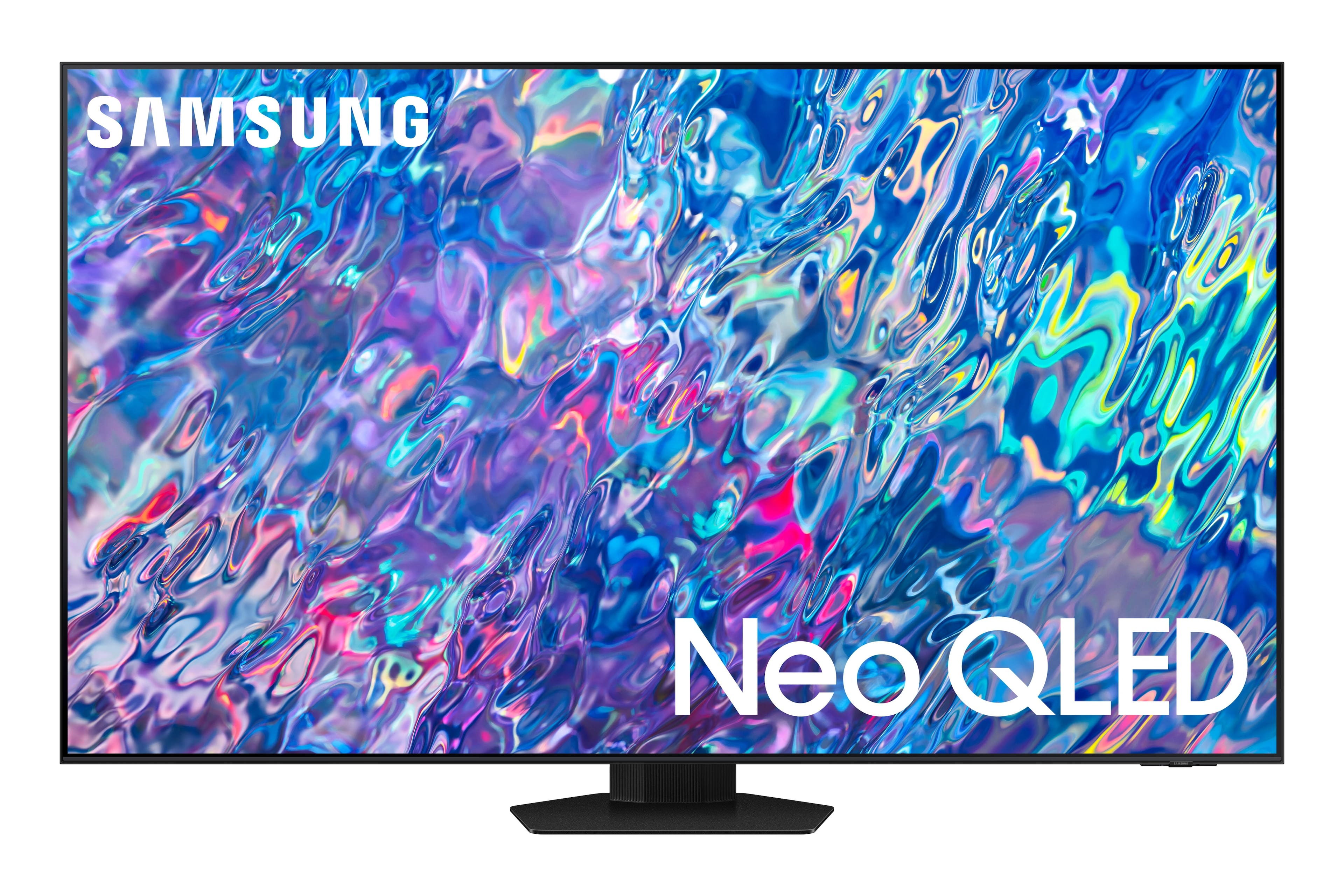
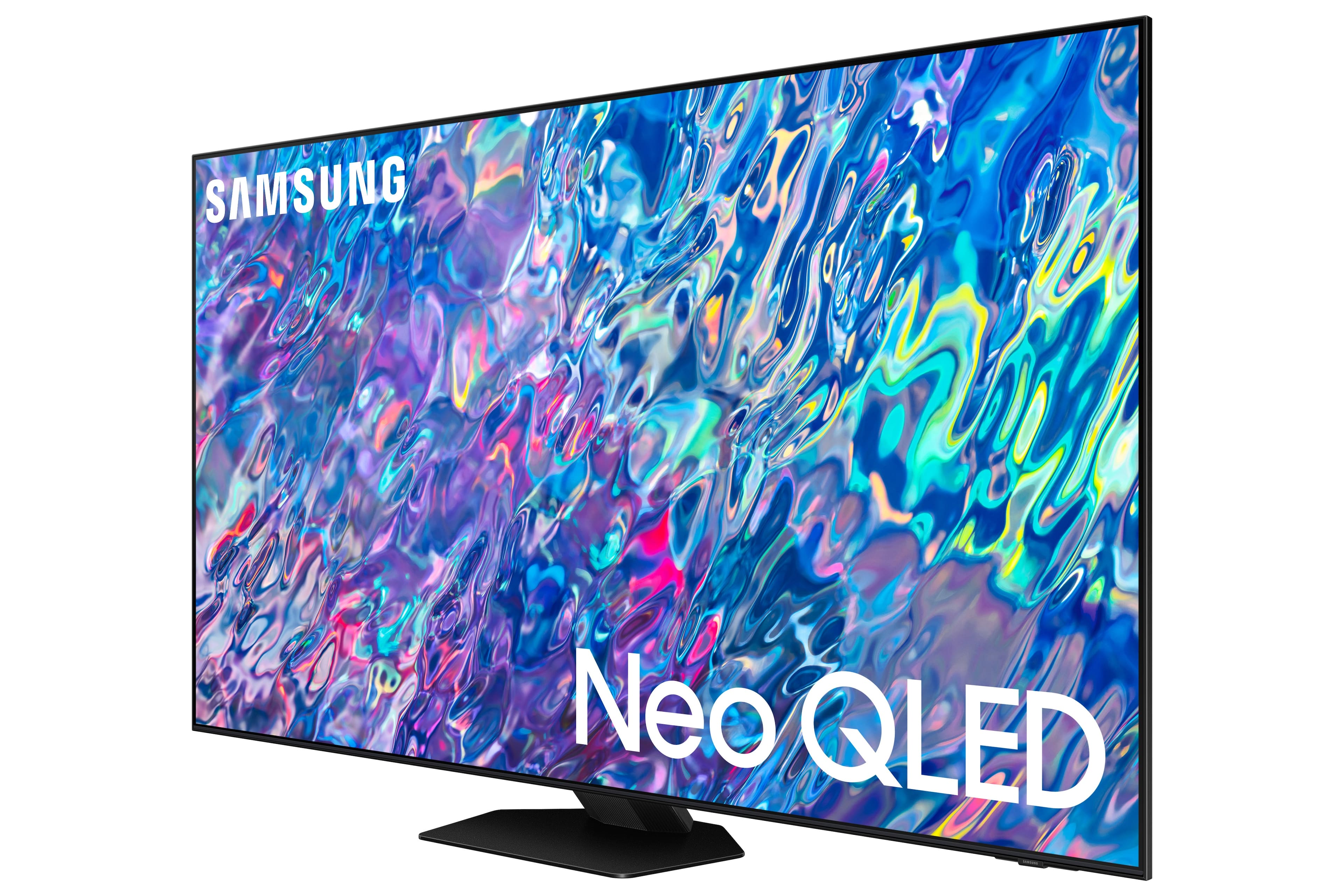
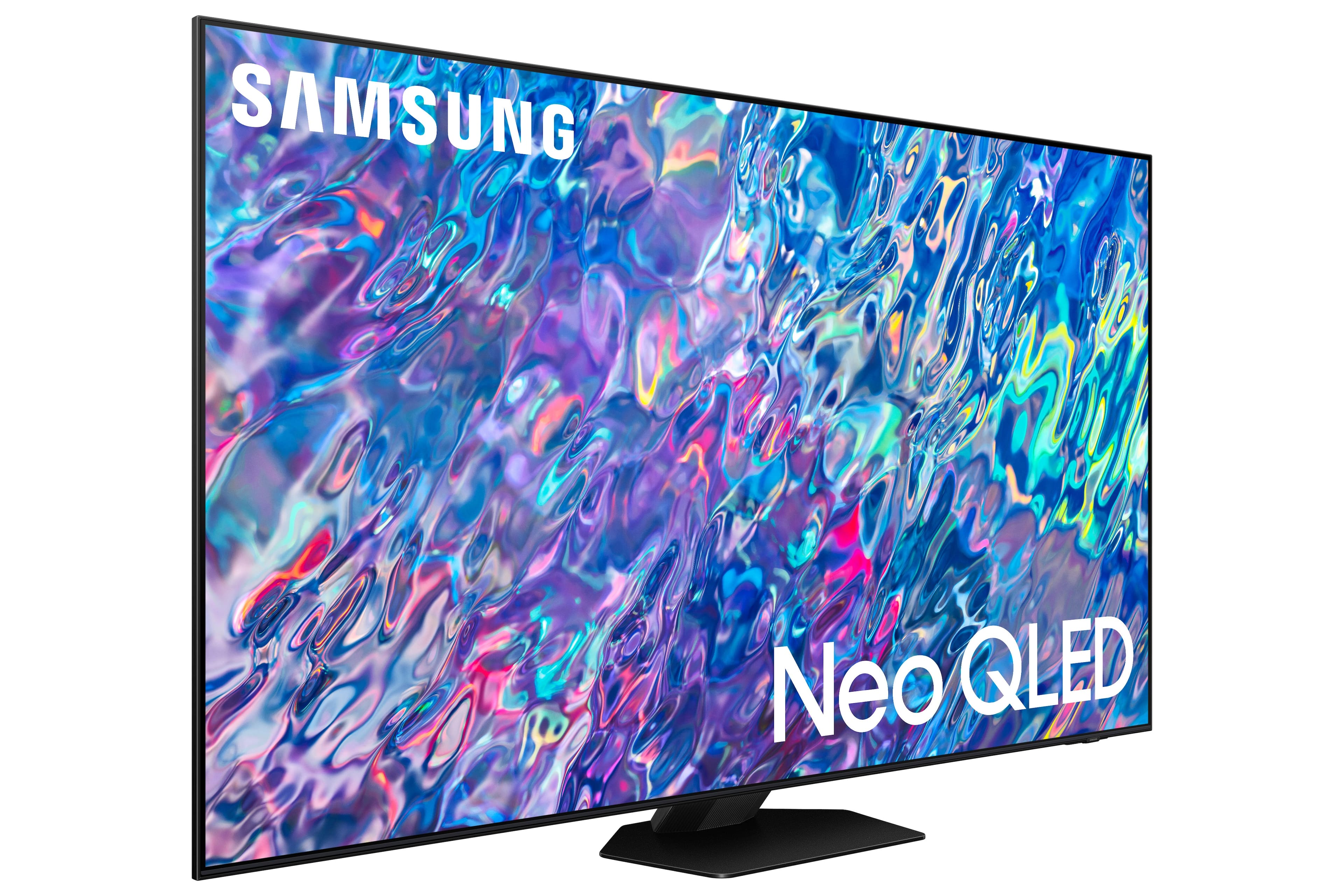
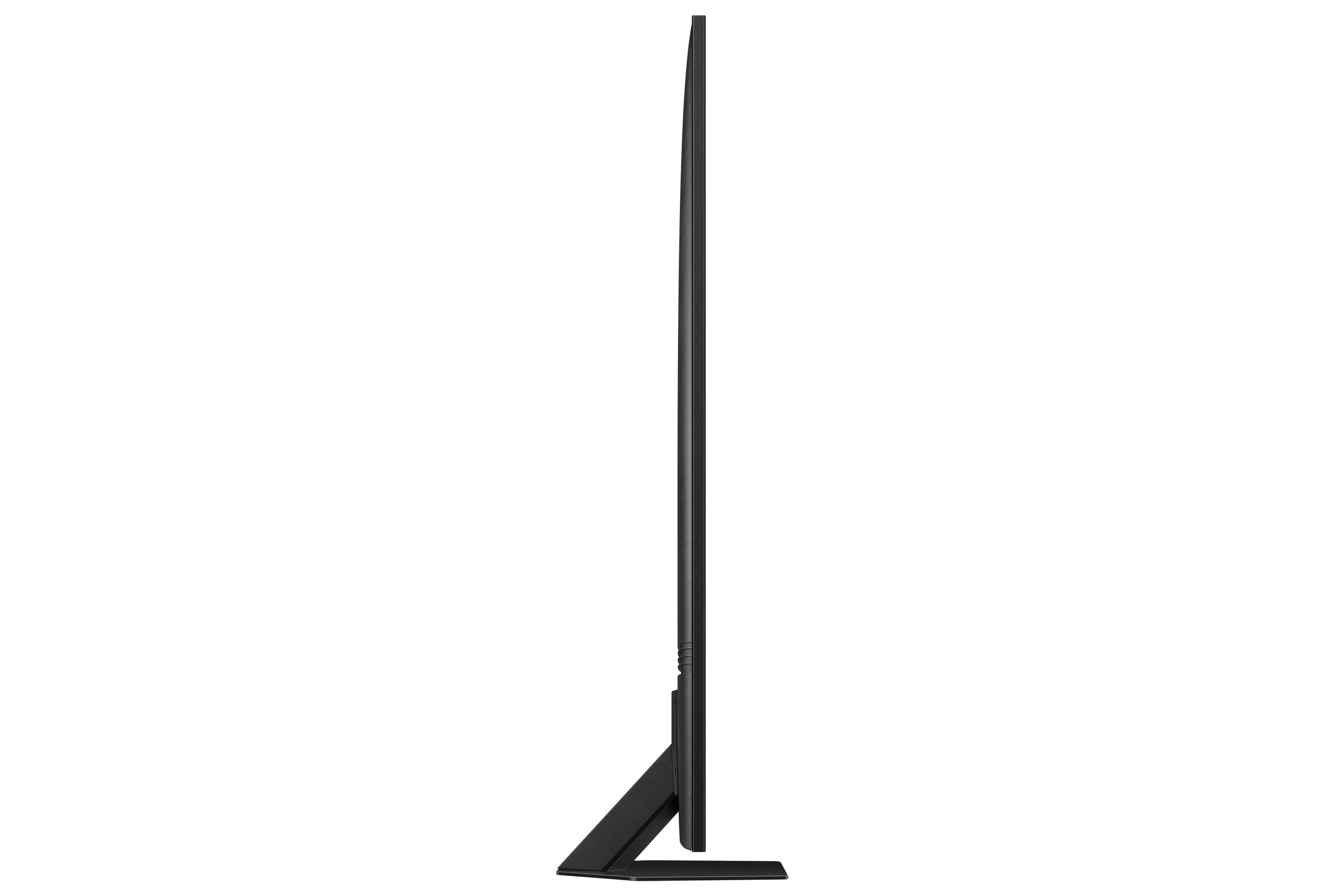
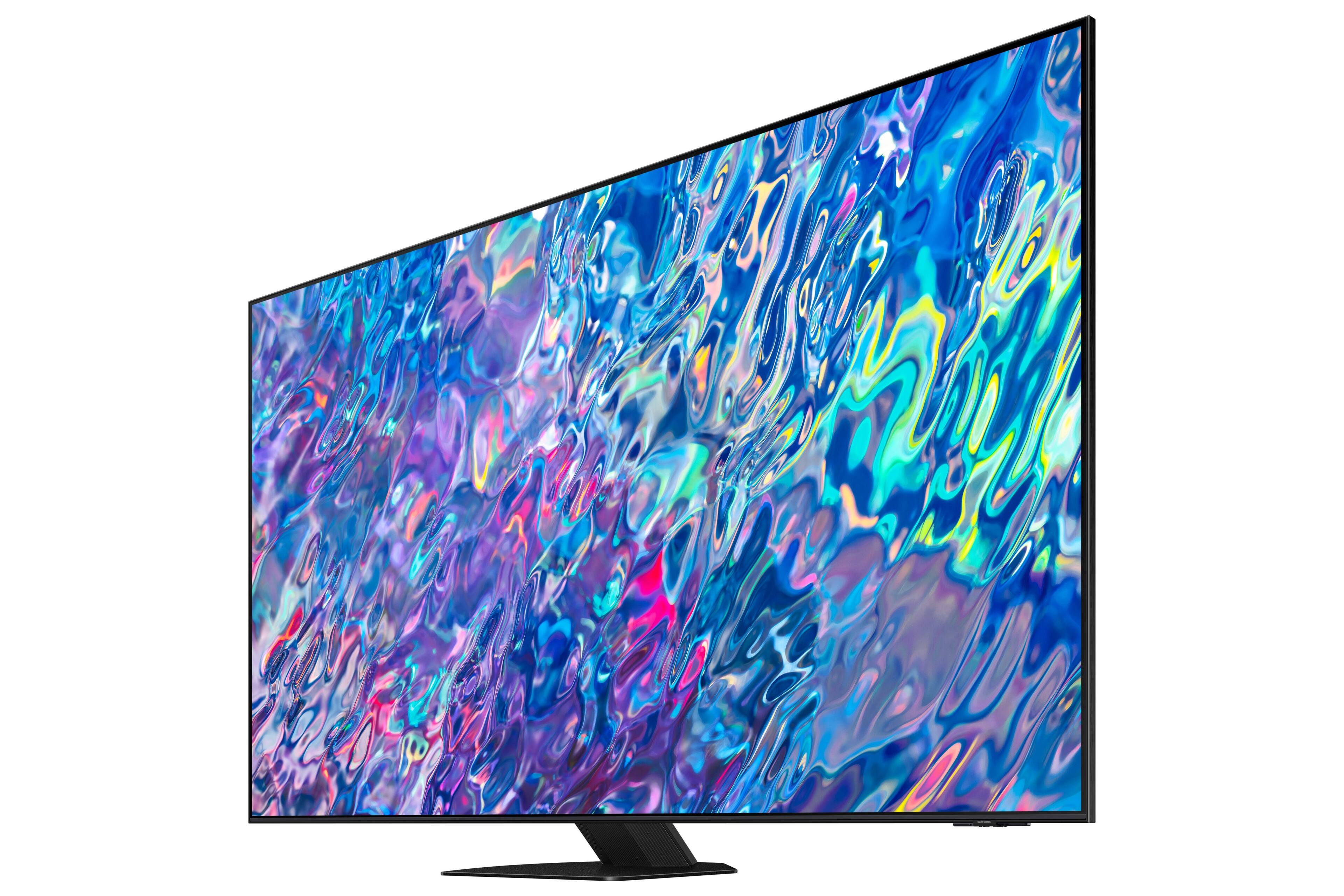
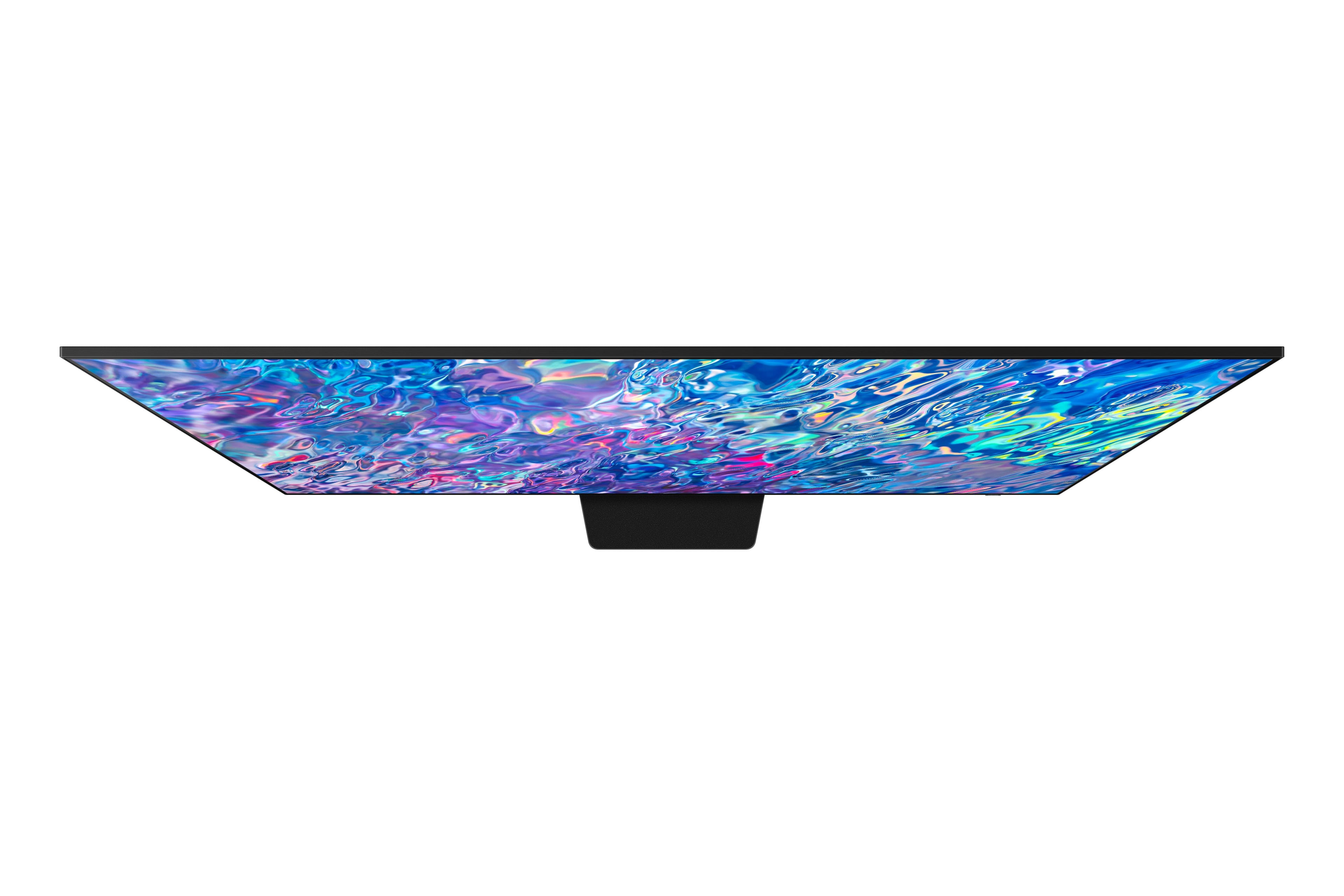
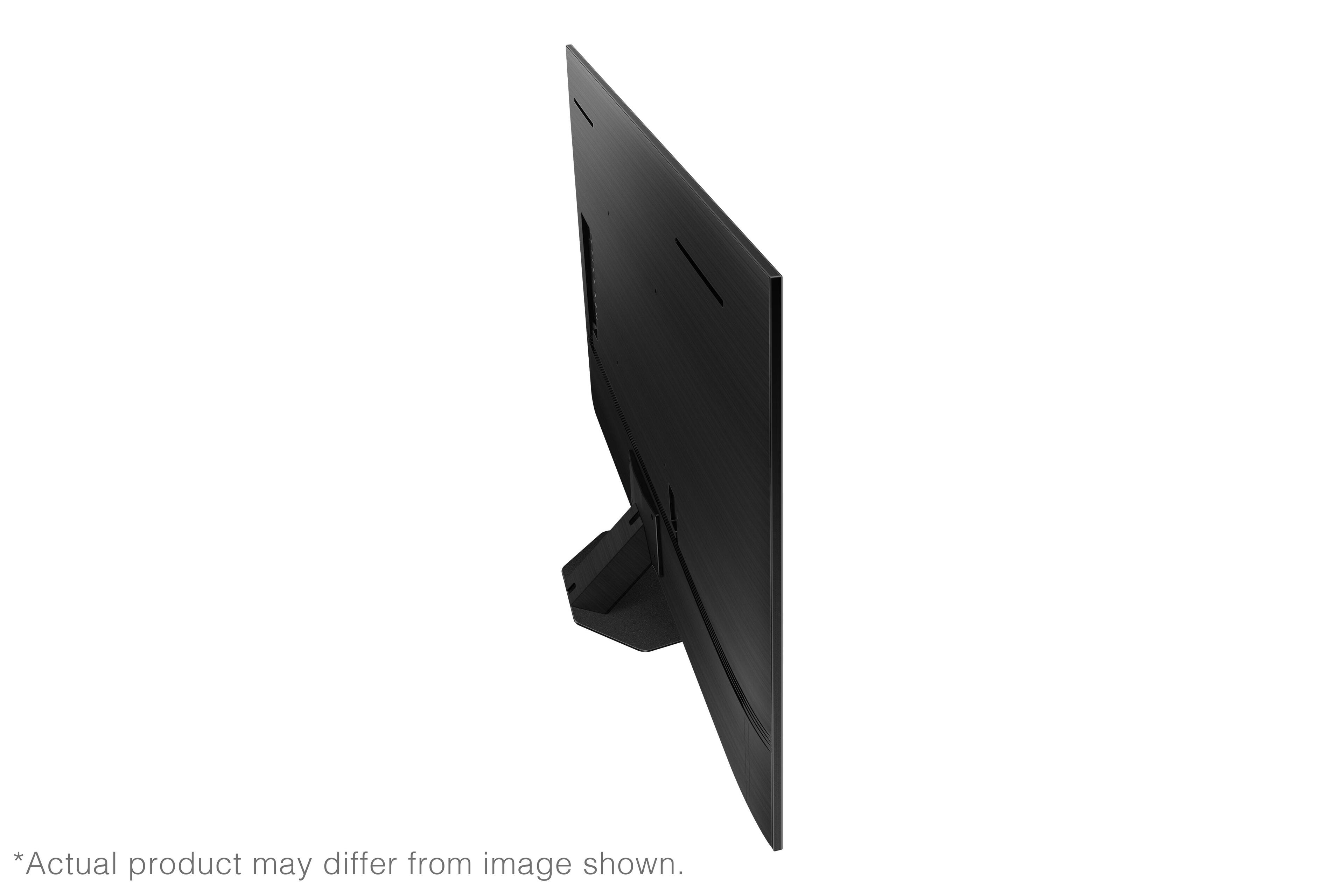
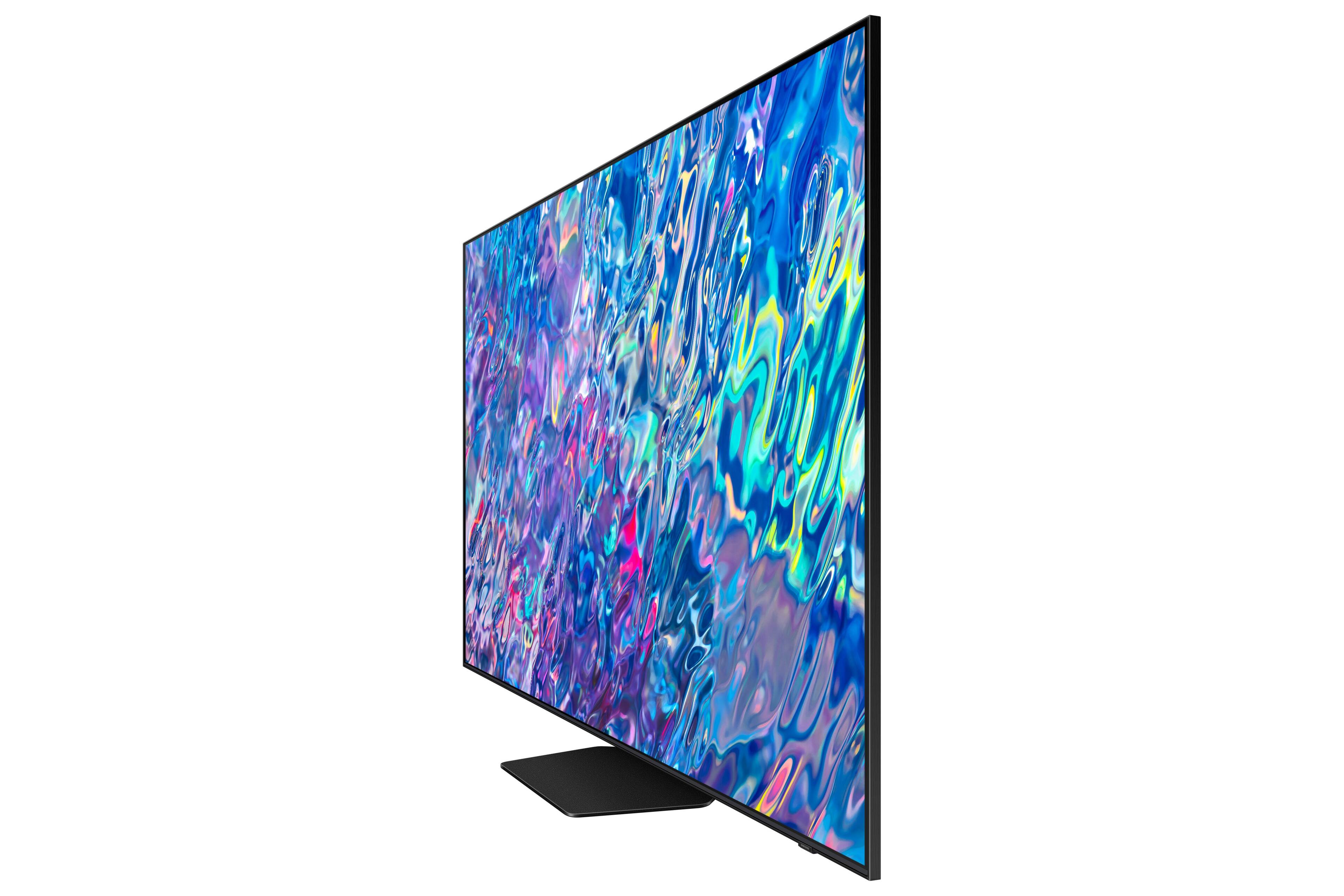










- Model:
- QN85QN85BAFXZA
- SKU:
- 6500300
Rating by feature
- Picture Quality
Rating 4.8 out of 5 stars
- Sound Quality
Rating 4.7 out of 5 stars
- Brightness
Rating 4.8 out of 5 stars
Customers are saying
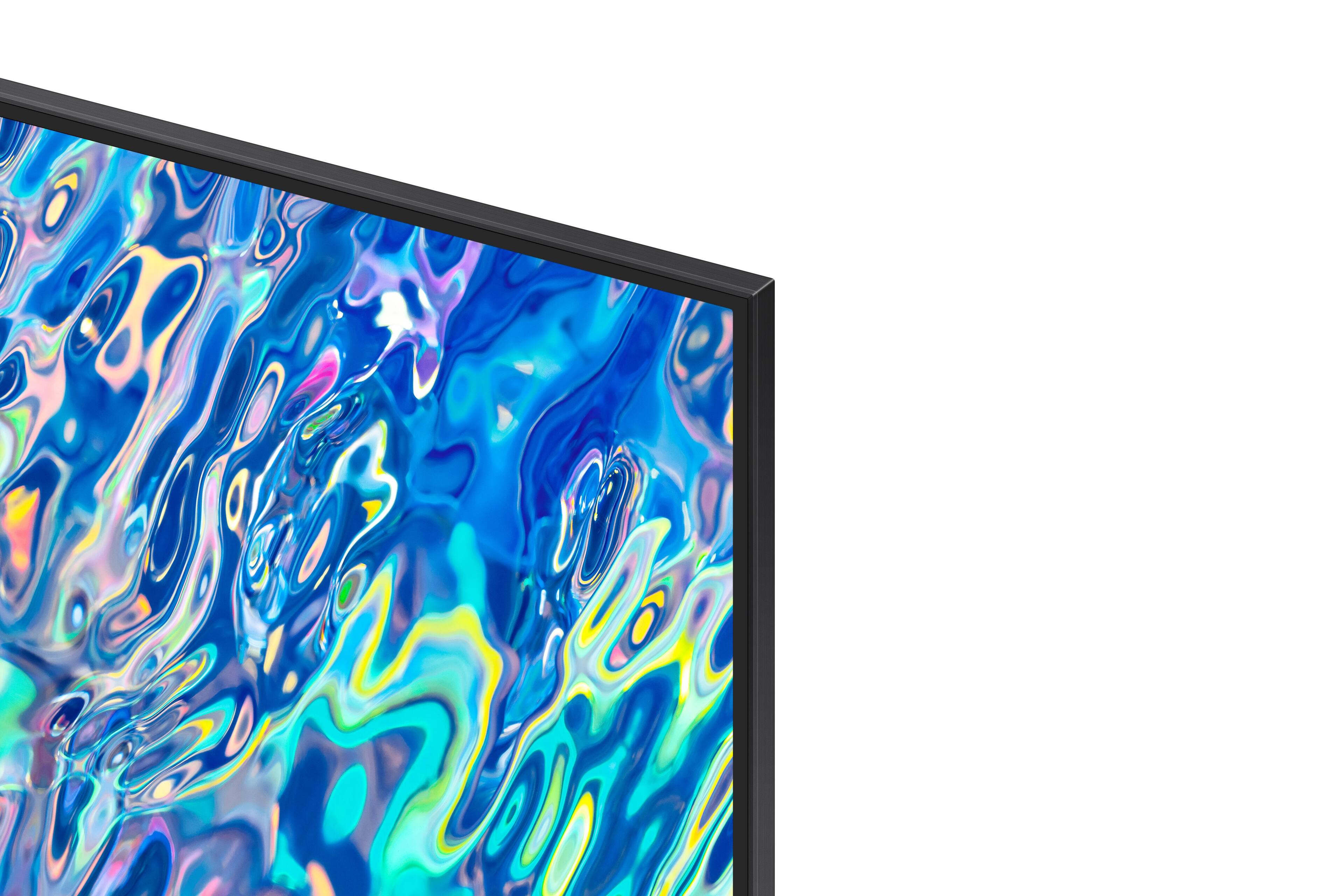
Customers find value in the 85” Class QN85B Neo QLED 4K Smart Tizen TV for its exceptional picture quality, with many praising its clarity and vibrant colors. The large screen size and smart features also impress users, while the easy setup process is appreciated. However, some customers have concerns about the weight of the TV and find the remote control to be unintuitive.
This summary was generated by AI based on customer reviews.
- Pros mentioned:Picture quality
Samsung Noe QLED
||Posted . Owned for 1 month when reviewed.This reviewer received promo considerations or sweepstakes entry for writing a review.Unbelievable picture quality! Would purchase it again...
I would recommend this to a friend - Pros mentioned:Picture quality
Tv
||Posted . Owned for 1 month when reviewed.This reviewer received promo considerations or sweepstakes entry for writing a review.Awsome TV pricy but a awsome tv. ¹111111111111111
I would recommend this to a friend - Pros mentioned:Picture quality
Love This TV
||Posted . Owned for 1 month when reviewed.This reviewer received promo considerations or sweepstakes entry for writing a review.Great 4K picture. Easy hookup. Colors are vibrant and bright
I would recommend this to a friend - Pros mentioned:Picture quality
TV
||Posted . Owned for 3 weeks when reviewed.This reviewer received promo considerations or sweepstakes entry for writing a review.Great Samsung TV! Has a great picture and sound!!
I would recommend this to a friend - Pros mentioned:Picture quality
Samsung 85” neo qled
||Posted . Owned for 1 week when reviewed.This reviewer received promo considerations or sweepstakes entry for writing a review.Tv is super clear and the siund is amazing! 10/10.
I would recommend this to a friend - Pros mentioned:Picture quality
Tv
||Posted . Owned for 3 weeks when reviewed.This reviewer received promo considerations or sweepstakes entry for writing a review.Great quality picture & awesome sound easy to work!!!
I would recommend this to a friend - Pros mentioned:Tv size
Its a good TV
||Posted . Owned for 2 weeks when reviewed.This reviewer received promo considerations or sweepstakes entry for writing a review.Its a nice size TV. Remote is solar and usb charging so that’s good. No need to keep buying batteries. Images is clear and crisp.
I would recommend this to a friend Finest TV I've purchased.
||Posted . Owned for 3 weeks when reviewed.This reviewer received promo considerations or sweepstakes entry for writing a review.This Samsung TV pretty much blew me away. But what really got my attention was the remote control. The remote control doesn't come with batteries. The remote control operates on solar energy meaning if you held it up to the sun or light, it'll program right through.
I would recommend this to a friend- Pros mentioned:Picture quality
Great so far except with its internet connection
||Posted . Owned for less than 1 week when reviewed.This reviewer received promo considerations or sweepstakes entry for writing a review.So far I enjoy the TV, the picture is great except I am having a problem with one thing. In less than a week of being setup the TV twice now stops receiving its internet connection, all other devices on my network remain connected with no issues but the TV just randomly says its not connected to the internet. It shows connected to my router but says it doesn't have a connection. I have to go through a few different things to get it to reconnect. I shouldn't have to do this with a brand new TV, esepcially one of this magnitude, tried contacting Samsung support and got the run around, if it continues to occur I will be returning the TV.
No, I would not recommend this to a friendBrand response from Samsung
Posted .Tony,
I'm sorry to hear of the internet issues you're having on your QN85B TV. Please try the below troubleshooting and check if your TV is able to detect your network after each step:
1. Make sure you have the latest firmware version installed. Go to: Home > Menu > Settings > Support > Software Update
2. To check if your network is detected, navigate to Settings > General > Network > Open Network Settings. Select Wireless to see if your network is listed.
NOTE: This step only applies if you know your network is hidden, or you aren't sure. This is not a default setting on most routers. If you know your network isn't hidden, move to the next step.
3. If your network is hidden, unhide it, or connect to it manually.
If you have marked the network as hidden, you can still try to connect to it by entering in the name of the network, instead of selecting it on the list. Scroll to the end of the list of networks and select Add.
If you are unable to connect to the hidden network, unhide the network for the purpose of troubleshooting and connecting. (After connecting you may hide it again.)
4. Check the network's signal strength.
Using a phone, connect to your home's network. Then, hold the phone next to the TV and check the signal strength. If it is only one or two bars (or doesn't appear on the phone either), the signal may be too weak for the TV to connect to.
To fix this, move the router and TV closer to each other, or use something to increase the router's signal strength, like a repeater.
5. Reduce the number of connected devices on the network.
Disconnect all other Wi-Fi devices from the network and then try to connect the TV.
If this does the trick when none of the previous steps worked, it means you have more devices connected than your router can handle. You should upgrade your router or connect fewer devices.
6. Power cycle the network.
- Unplug every network-related device (such as router, modem, etc.), as well as the TV.
- Beginning at the wall the internet signal comes from, plug in the first device and allow it to finish booting up.
- Creating a path between the internet signal and the TV, plug in the next device in the path and allow it to finish booting up. Repeat until all devices in the path are powered back on, including the TV, and try connecting to the network again.
7. If the TV does not detect any networks at all, try detecting a hotspot.
If a mobile device with hotspot functionality is available, have it create a network then and check if the TV sees it. This may not work if you have an older TV model and 5G hotspot.
I hope this helps. If you are still experiencing connectivity issues, please call Samsung Customer Support at 1-800-SAMSUNG, 8AM - 12AM EST, 7 days a week. Our LiveChat agents are also available by clicking on the ‘Support’ link on our website.
~ Samsung Specialist
Waste
||Posted . Owned for more than 2 years when reviewed.This reviewer received promo considerations or sweepstakes entry for writing a review.1.5 yrs old and died. Sound quality was terrible, but spent too much to return over that. Wish I had now since only a year and a half old and won’t turn on, just blinks. I had a Vizio prior that lasted 9 years +, sold it….should have kept with that brand.
No, I would not recommend this to a friendBig TV
||Posted . Owned for 10 months when reviewed.This reviewer received promo considerations or sweepstakes entry for writing a review.Quality of pictnot what I expected, Very disappointing
No, I would not recommend this to a friendSamsung Neo QLED 85"
||Posted . Owned for 3 weeks when reviewed.This reviewer received promo considerations or sweepstakes entry for writing a review.Awesome TV for the price value. Very glad that the sales rep at Best Buy suggested this TV over more expensive TV's. We are very happy with this purchase and would recommend this TV to others.
I would recommend this to a friend- Pros mentioned:Tv size
Big TV
||Posted . Owned for 1 month when reviewed.This reviewer received promo considerations or sweepstakes entry for writing a review.It's a nice big TV. Not cheap but pretty good. A reasonable purchase.
I would recommend this to a friend A worthy entertainment experience
||Posted . Owned for 1 month when reviewed.This reviewer received promo considerations or sweepstakes entry for writing a review.I haven't immersed myself into the full potential of what this television is capable of but I'm by far blown away by the quality.
I would recommend this to a friendHorrible remote
||Posted . Owned for 1 month when reviewed.This reviewer received promo considerations or sweepstakes entry for writing a review.Nice TV, many great features but came with horrible remote
I would recommend this to a friendBrand response from Samsung
Posted .JizoroJamiu,
It's great to hear you're enjoying Samsung's QN85B TV, and we appreciate your feedback on the Solar Cell Remote - we will be sure to share this with our design teams.
If there’s anything we can ever help with, please call us at 1-800-SAMSUNG, 8AM - 12AM EST, 7 days a week. Or visit us on the Samsung website and click on the ‘Support’ link for:
• LiveChat
• Manuals, Software, & Warranty Info
~ Samsung Specialist
Jennie52
||Posted . Owned for 1 month when reviewed.This reviewer received promo considerations or sweepstakes entry for writing a review.Love it! Both my husband and I are enjoying it! Thank you! Your young men that deliver it and set it up was amazing!
I would recommend this to a friend- Pros mentioned:Picture quality
Nice Size, but lacking in the HD department
||Posted . Owned for 1 month when reviewed.This reviewer received promo considerations or sweepstakes entry for writing a review.This is my first Samsung TV after many Vizio models. I love the 85" size, however, the Samsung HD picture isn't as immersive as a Vizio picture. Looks like I prefer a Vizio, so, so far, I wouldn't buy another Samsung.
No, I would not recommend this to a friendBrand response from Samsung
Posted .SenatorCY,
Thank you for sharing your thoughts on the picture quality of your QN85B TV. To ensure you’ve got the latest image quality updates, please confirm that your TV is up to date with the latest firmware version. You can check by going to: Home > Menu > Settings > Support > Software Update.
If the picture you’re seeing is still not to your liking after updating firmware, there are several picture settings you may want to try adjusting.
Go to Home > Menu > Settings > All Settings > Picture > Picture Mode
...and select the mode that best fits your usage:
1) Standard: Is the default mode suitable for general viewing environments.
2) Movie: Is suitable for watching TV or movies in a dark room.
3) Dynamic: Makes the picture brighter and clearer in bright viewing environments.
4) Filmmaker Mode: You can watch the source content (e.g., movie) as it is. If the image is defined as Filmmaker Mode, it will automatically switch to Filmmaker Mode while watching.
You can also go to: Home > Menu > Settings > All Settings > Picture > Expert Settings to manually fine tune your image.
For further assistance with settings adjustments, please contact Samsung Customer Support at 1-800-SAMSUNG, 8AM - 12AM EST, 7 days a week. Our LiveChat agents are also available by clicking on the ‘Support’ link on our website.
~ Samsung Specialist
Salesman created excellent review
||Posted .This reviewer received promo considerations or sweepstakes entry for writing a review.Had many problems but sales person Jonathan Grow made everything acceptable. Without him we would have had problems. He is to be commended
I would recommend this to a friendAwesome.. 85” Samsung TV!!
||Posted . Owned for 1 month when reviewed.This reviewer received promo considerations or sweepstakes entry for writing a review.Great great Samsung 85”Neo - Q tv!!! From the installation to using it.. it’s been only a great experience so far!! Love it.
I would recommend this to a friendGiant TV
||Posted . Owned for 1 month when reviewed.This reviewer received promo considerations or sweepstakes entry for writing a review.Love this TV.. it was an awesome purchase. not reflective of light. dont listen to the naysayers
I would recommend this to a friend