Customer Ratings & Reviews
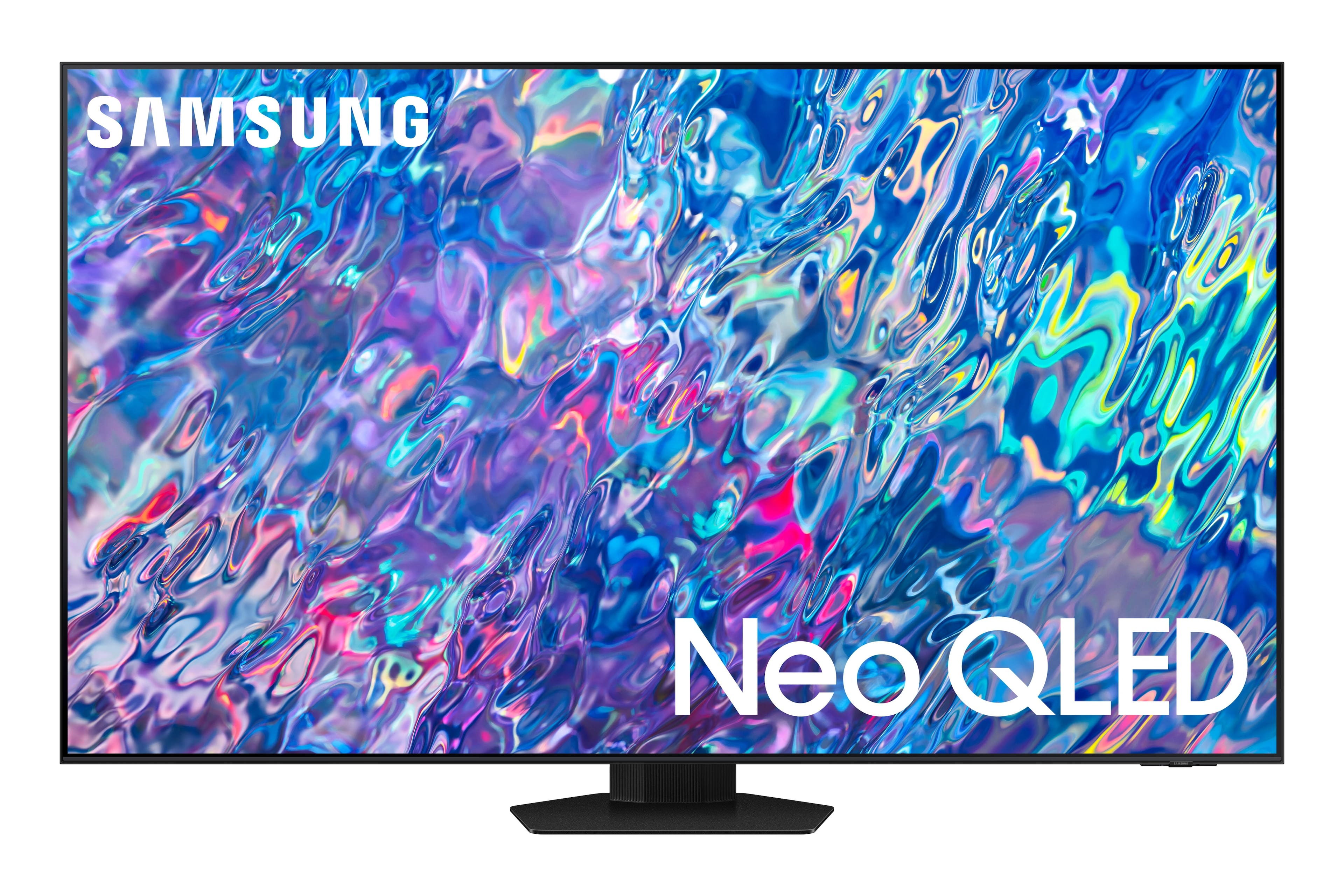
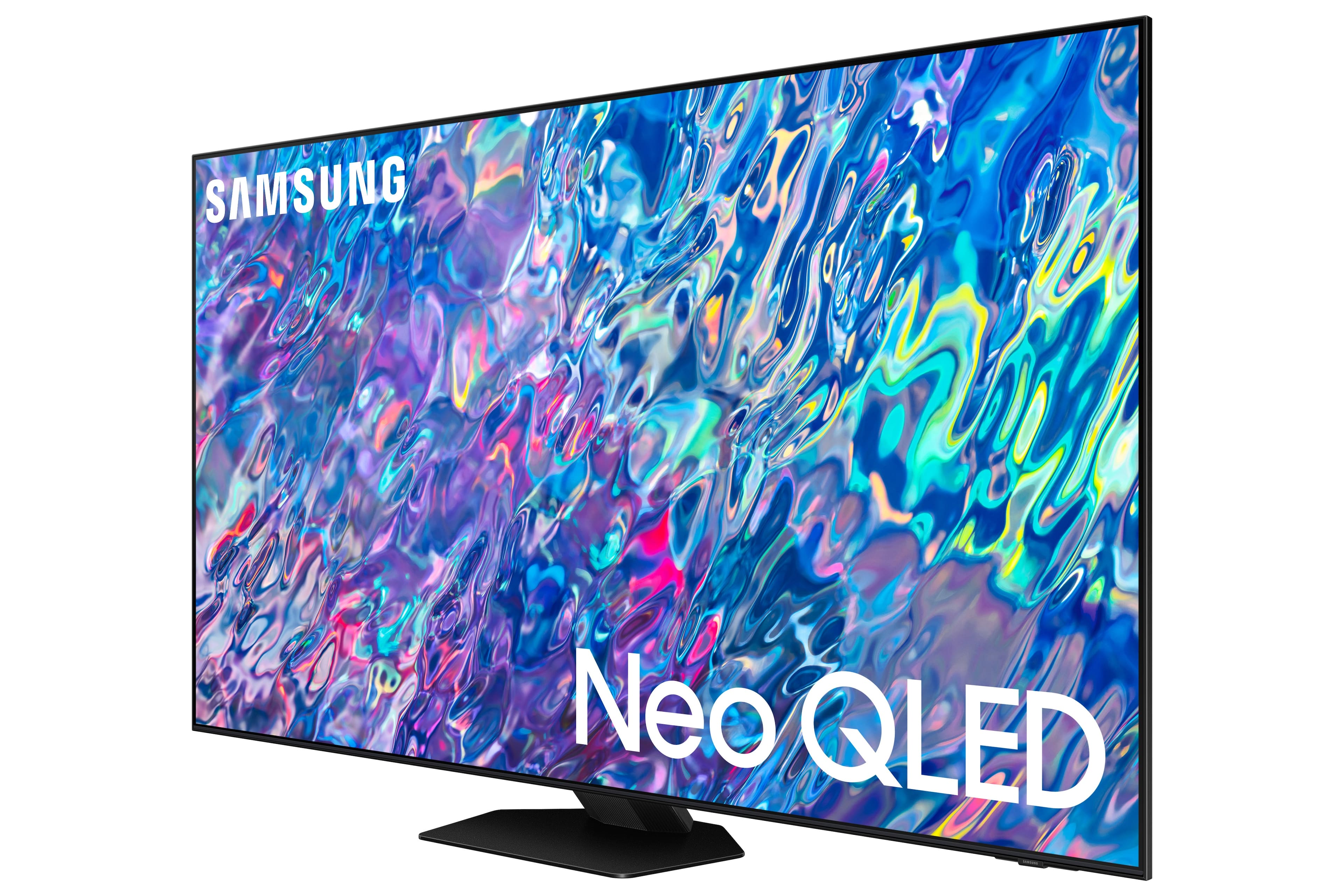
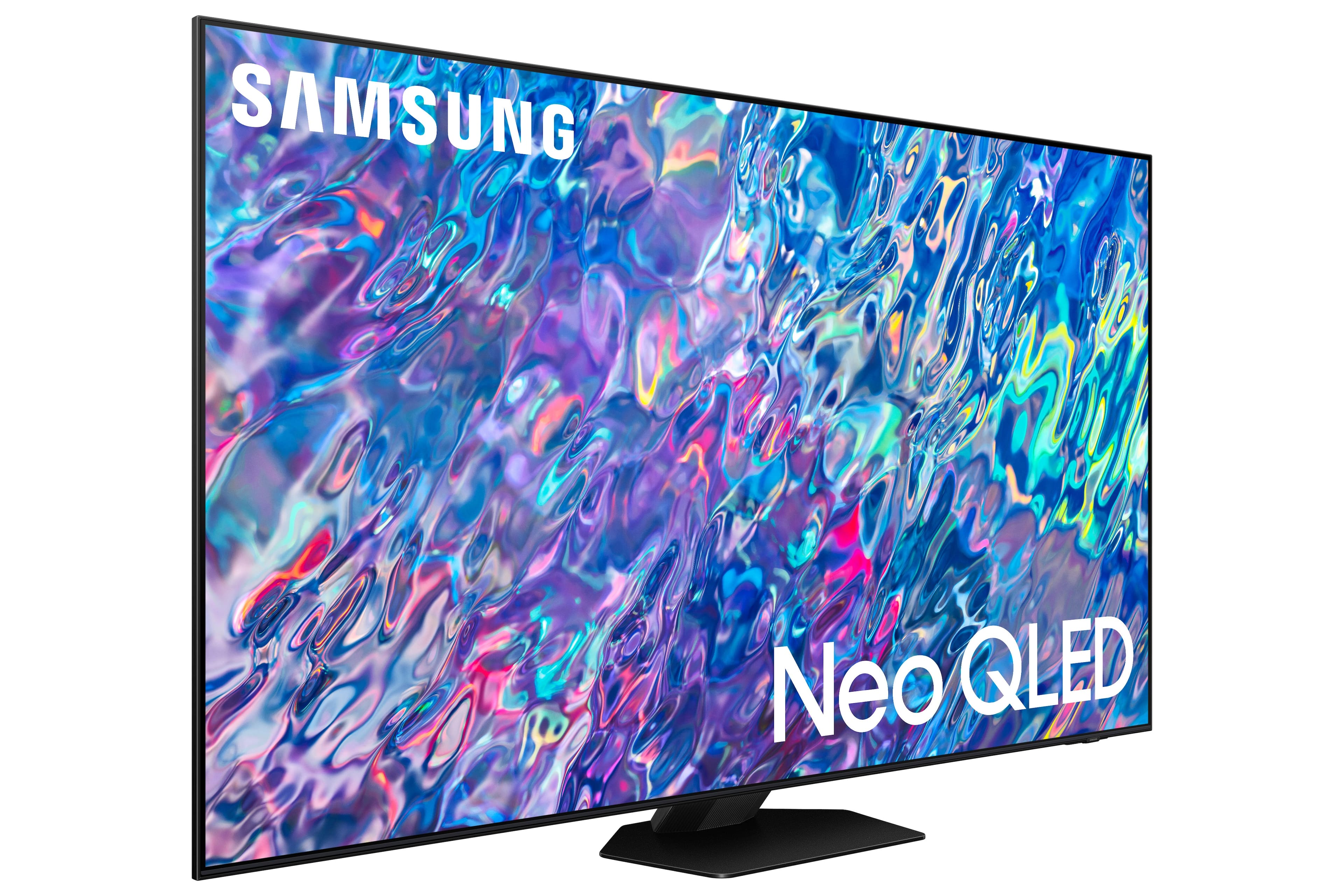
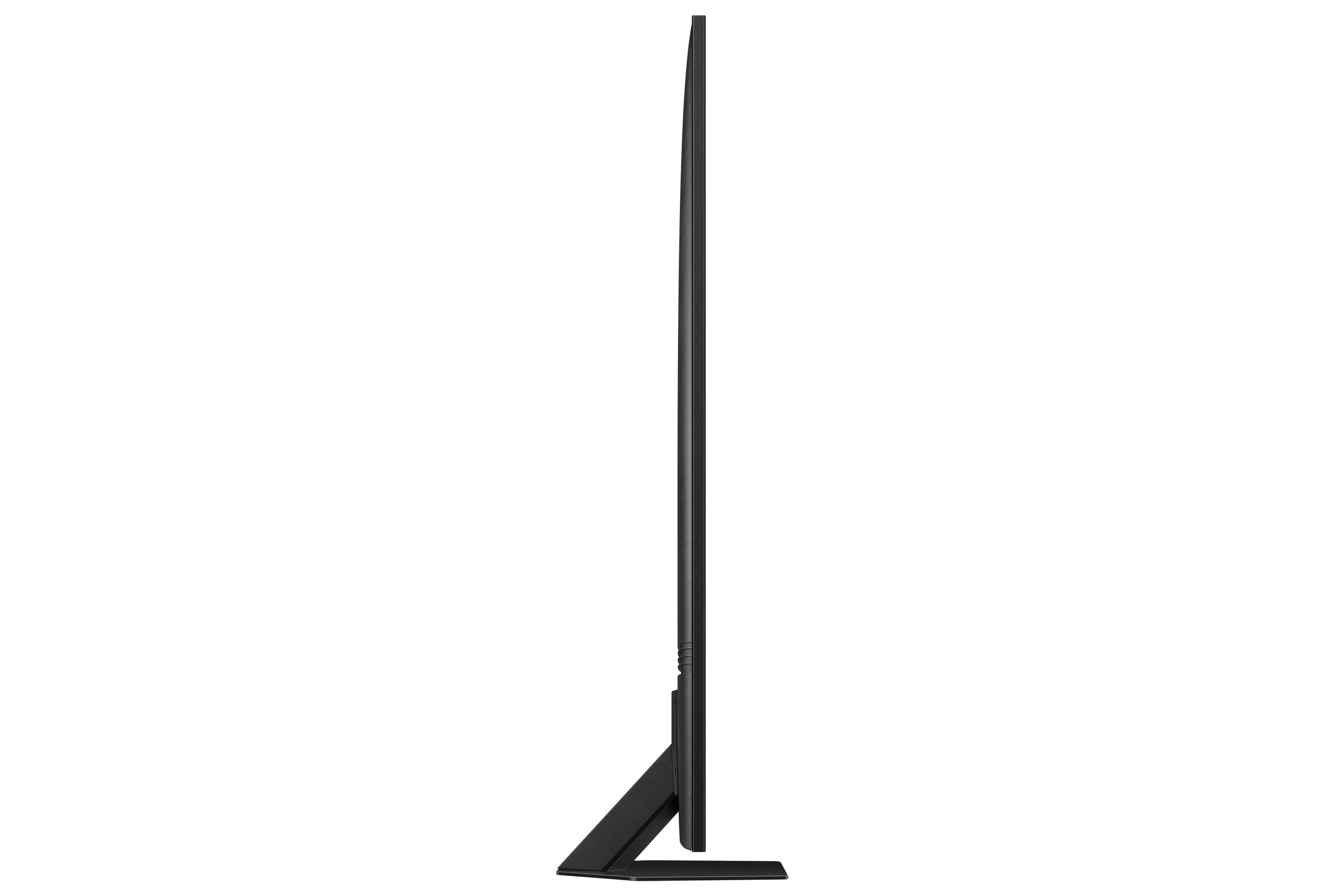
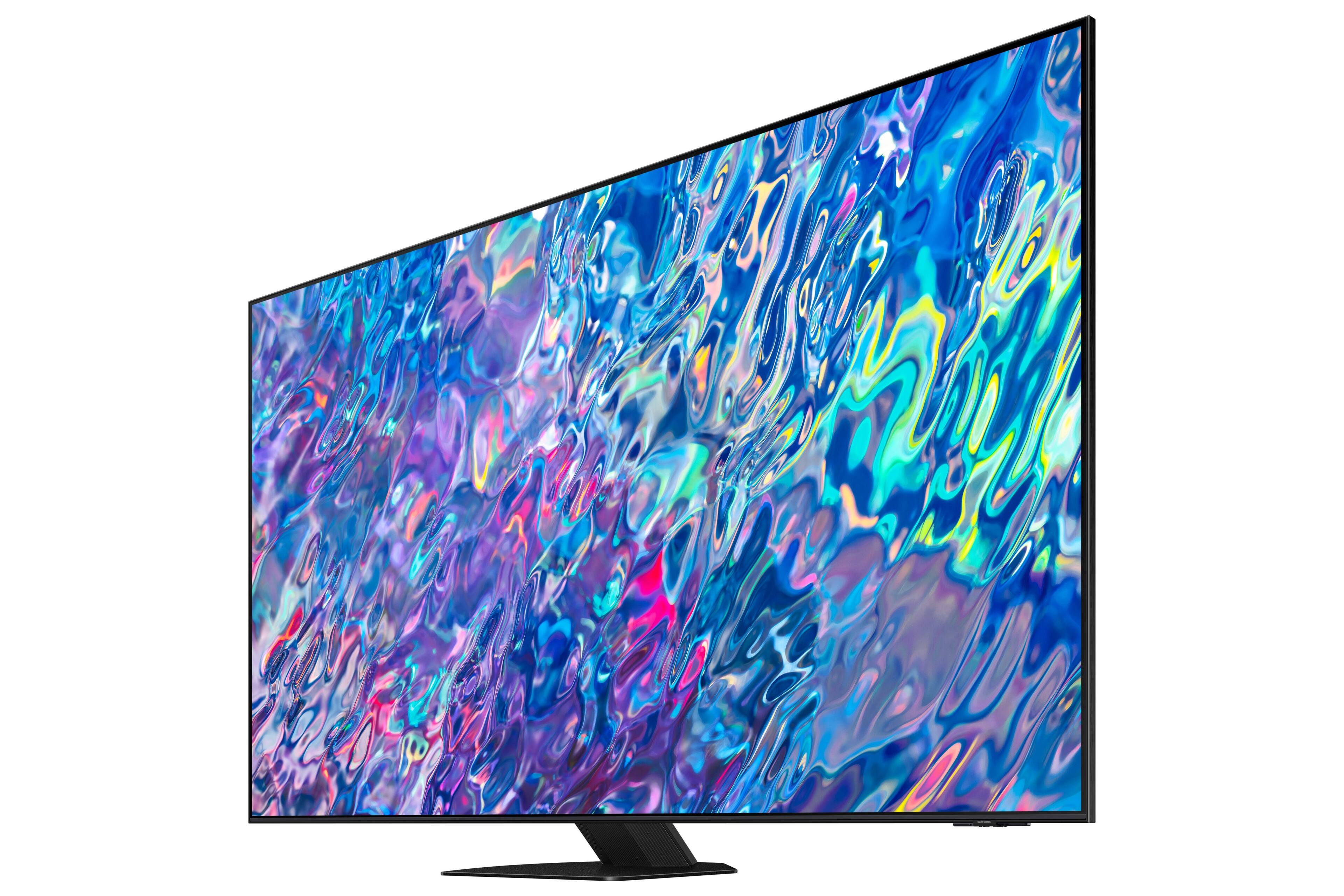
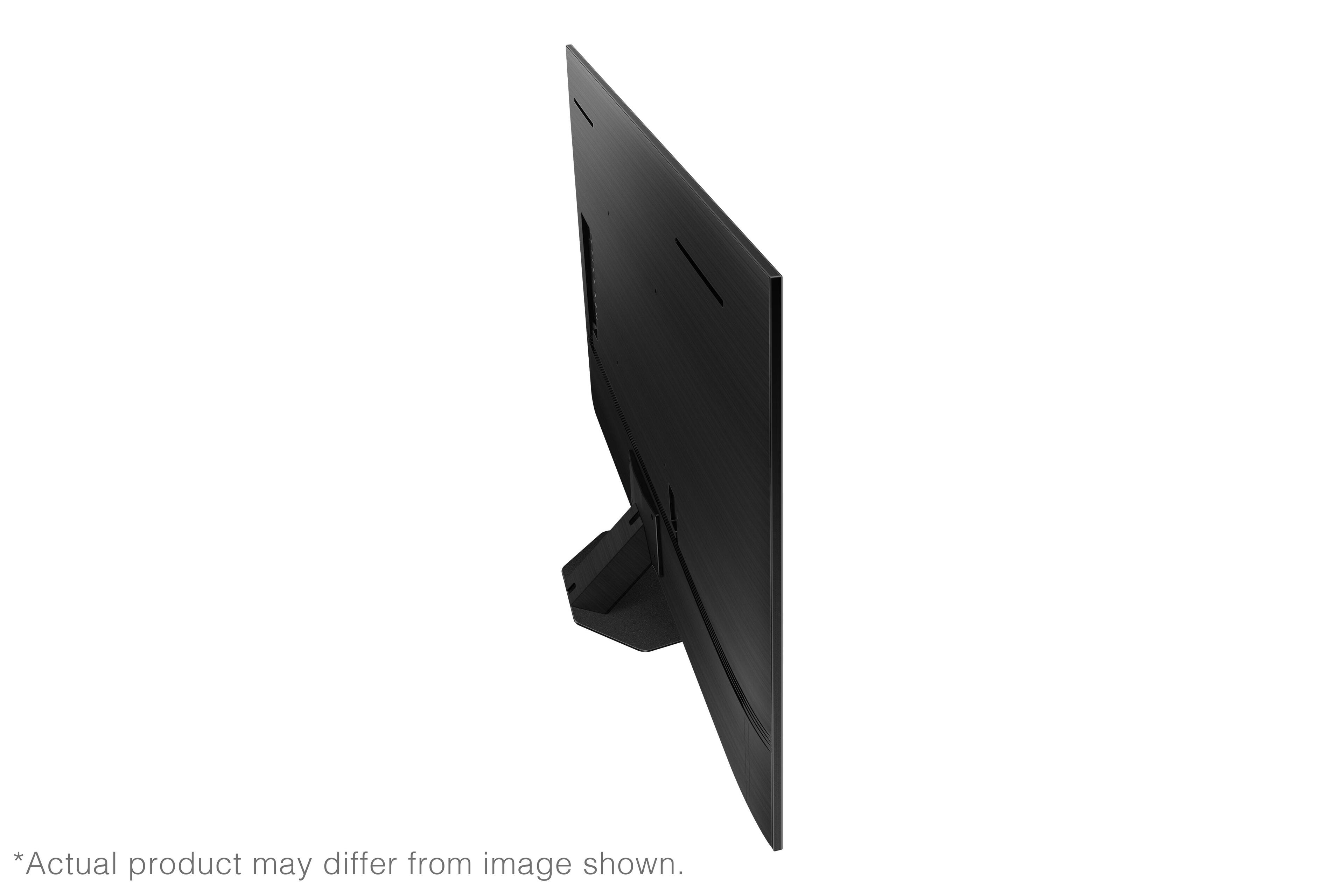
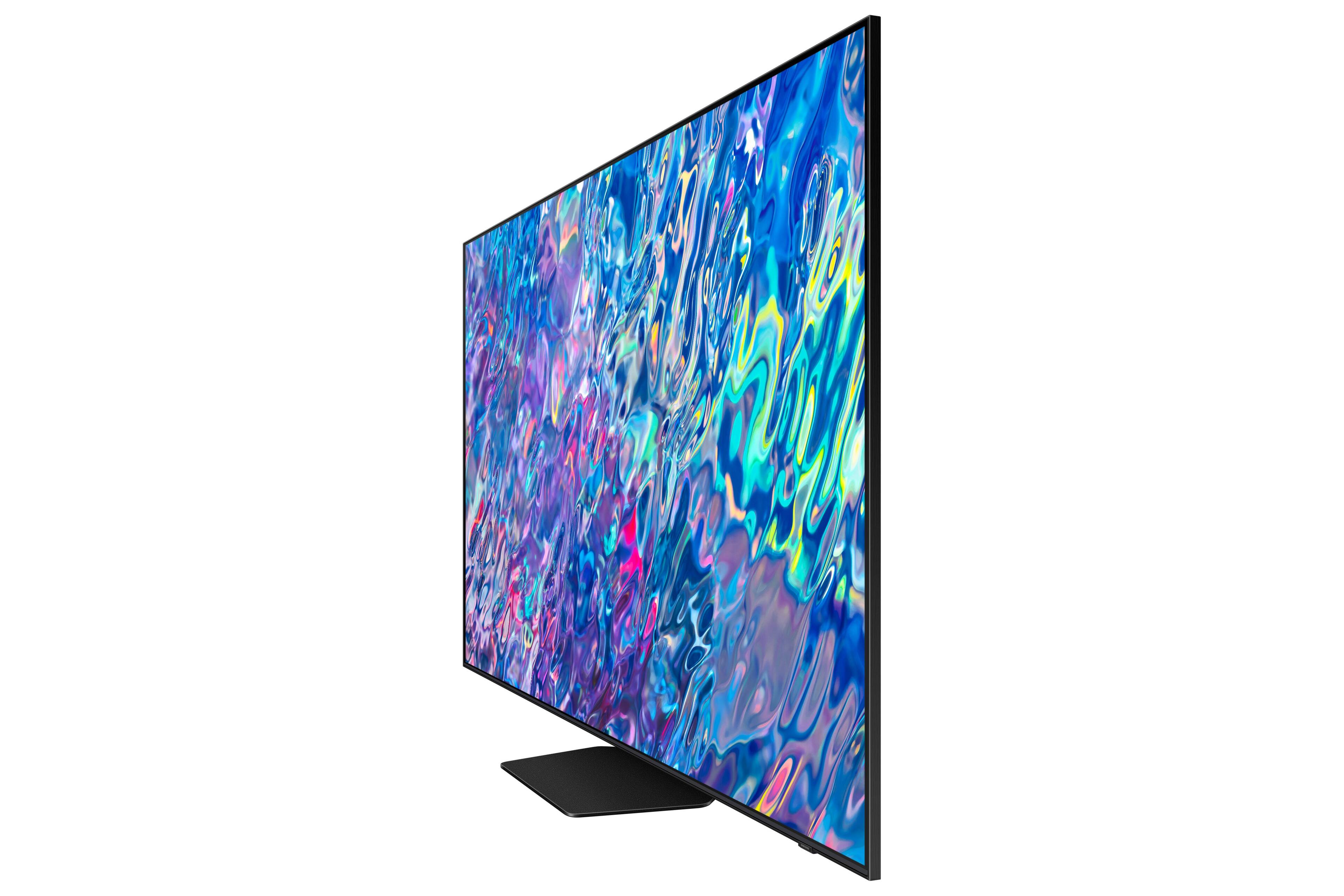










- Model:
- QN85QN85BAFXZA
- SKU:
- 6500300
Rating by feature
- Picture Quality
Rating 4.8 out of 5 stars
- Sound Quality
Rating 4.7 out of 5 stars
- Brightness
Rating 4.8 out of 5 stars
Customers are saying
Customers find value in the 85” Class QN85B Neo QLED 4K Smart Tizen TV for its exceptional picture quality, with many praising its clarity and vibrant colors. The large screen size and smart features also impress users, while the easy setup process is appreciated. However, some customers have concerns about the weight of the TV and find the remote control to be unintuitive.
This summary was generated by AI based on customer reviews.
I love my tv
||Posted . Owned for 2 months when reviewed.This reviewer received promo considerations or sweepstakes entry for writing a review.magic! it produces magic! the feeling is breath-taking.
I would recommend this to a friend85" Sanyo TV
||Posted . Owned for 3 weeks when reviewed.This reviewer received promo considerations or sweepstakes entry for writing a review.Happy with the television and also with the installation.
I would recommend this to a friendTv
||Posted . Owned for 1 month when reviewed.This reviewer received promo considerations or sweepstakes entry for writing a review.Very nice. We love samsung product's. Very reliable
I would recommend this to a friendAmazing
||Posted . Owned for 2 weeks when reviewed.This reviewer received promo considerations or sweepstakes entry for writing a review.Amazing amazing amazing! We’re so happy with this tv
I would recommend this to a friendyoung
||Posted . Owned for 1 month when reviewed.This reviewer received promo considerations or sweepstakes entry for writing a review.sam sung TV is very good!!! I like it & satisfied.
I would recommend this to a friendGreat for us
||Posted . Owned for 2 weeks when reviewed.This reviewer received promo considerations or sweepstakes entry for writing a review.Enlarged viewing area for ultimate movie experience
I would recommend this to a friendgreat TV
||Posted . Owned for 1 month when reviewed.This reviewer received promo considerations or sweepstakes entry for writing a review.very sharp image with good clarity.. lightweight for mounting
I would recommend this to a friendGreat Tv
||Posted . Owned for 1 week when reviewed.This reviewer received promo considerations or sweepstakes entry for writing a review.One word: Amazing. Excelent resolution for a big Tv.
I would recommend this to a friendTv
||Posted . Owned for 1 month when reviewed.This reviewer received promo considerations or sweepstakes entry for writing a review.Great tv. Just took awhile to get it. Once it come in they did a great job on the install.
I would recommend this to a friendTakes forveer to boot up.
||Posted . Owned for 1 month when reviewed.This reviewer received promo considerations or sweepstakes entry for writing a review.Super slow with apps takes forever to start up. Its like the processor is from the 80s. Very disappointed
No, I would not recommend this to a friendBrand response from Samsung
Posted .David,
If your TV takes a while to turn on, apps take longer to start, or the menu takes longer to load, please try discharging or cold booting your TV, as this will help it start up normally again. You can cold boot your TV 2 ways:
1. With the Samsung TV remote:
- With the TV turned on, press and hold the power button on your remote.
- Continue holding the power button while the TV powers off and back on.
2. Without the Samsung TV remote:
- With the TV turned on, unplug the TV's power cord from the power outlet and wait 30 seconds.
- Plug the TV power cord back into the power outlet and turn the TV back on.
This will clear your memory cache, and your TV should start running normally again.
Please also check to see if your TV has any software updates available, which could help it run smoother as well. You can check this by going to: Menu > Settings > Support > Software Update.
If your TV still takes a long time to turn on after performing these steps, please call Samsung Customer Support at 1-800-SAMSUNG, 8AM - 12AM EST, 7 days a week. Or visit us on the Samsung website and click on the ‘Support’ link for:
• LiveChat
• Manuals, Software, & Warranty Info
~ Samsung Specialist
Can’t review if you can’t watch it
||Posted . Owned for 3 weeks when reviewed.This reviewer received promo considerations or sweepstakes entry for writing a review.Purchased April 12 told me they would install May 13 Now the TV isn’t in stock and install date is supposed to be May 30th. Totally disappointed
No, I would not recommend this to a friendStopped turning on after only 1 year
||Posted . Owned for 1.5 years when reviewed.This reviewer received promo considerations or sweepstakes entry for writing a review.Stopped turning on after only 1 year. Unbelievable
No, I would not recommend this to a friendNot clear picture
||Posted .This reviewer received promo considerations or sweepstakes entry for writing a review.The picture was not clear had technicians four times so far .
I would recommend this to a friendBrand response from Samsung
Posted .RaxitS,
I’m sorry to hear you’re not fully satisfied with the clarity of your QN85B TV. If you’re noticing blurring or juddering on the screen, try adjusting the Picture Clarity Settings to improve your image. Go to: Menu > Settings > All Settings > Picture > Expert Settings > Picture Clarity Settings
- Off: Picture Clarity Settings will always be off
- Auto: Picture Clarity Settings will automatically activate and deactivate based on the type of program being watched
- Custom: Allows custom adjustments and settings to be used. By selecting the Custom option, you can access these advanced settings for Judder Reduction, LED Clear Motion, and Noise Reduction.
Should you need further assistance with features or other product usage, please reach out to Samsung Support at 1-800-SAMSUNG, 8AM - 12AM EST, 7 days a week. Or visit us on the Samsung website and click on the ‘Support’ link for:
• LiveChat
• Manuals, Software, & Warranty Info
~ Samsung Specialist
Awesome TB
||Posted .This reviewer received promo considerations or sweepstakes entry for writing a review.I liked my new TV. It’s just kinda complicated to operate.
I would recommend this to a friendBrand response from Samsung
Posted .darie1112,
We appreciate you sharing your experience with your QN85B TV. To assist you in learning the various features, functions, and settings of your TV and remote, you can download the QN85B TV's User Manual, e-Manual, Remote Control Leaflet, and Quick Setup Guide on Samsung's website under Support (top right corner) > Manuals & Software > TVs & Home Theater. From there, you can select the QN85B TV under Samsung Neo QLED 4K > B Model Lineup to download the guides you would like. The e-Manual is also embedded into the TV itself under Menu > Settings > Support > Open e-Manual.
If we can help with anything else, please call us at 1-800-SAMSUNG, 8AM - 12AM EST, 7 days a week. LiveChat with an agent as well as manuals, software, and warranty info can be found at the ‘Support’ link on our Samsung website.
~ Samsung Specialist
- Pros mentioned:Picture quality
Amazing
Posted .This reviewer received promo considerations or sweepstakes entry for writing a review.Good picture and great features. I like everthing about this TV.
I would recommend this to a friend Good for 4k and streaming, not for live sports or
Posted .This reviewer received promo considerations or sweepstakes entry for writing a review.Cable broadcast quality is disappointing. Colors don't look natural. My 7 year old mid grade 65" is better for this. Live sports was my #1 goal and its not as good for this. 4k broadcasts and streams are very good. Unfortunately this content is limited right now. Overall good, but fell short of expectations for my use and compared to old tech. It was better than the sony and LG I tried.
I would recommend this to a friend- Pros mentioned:Picture quality
Samsung QN85b
Posted .This reviewer received promo considerations or sweepstakes entry for writing a review.Better than I expected as far as picture quality goes. Sound is good but not as good as I expected. I have no wires showing and plan to keep it that way so no sound system will be installed. The only complaint I have is the quality of the sound.
I would recommend this to a friend