Customer Ratings & Reviews
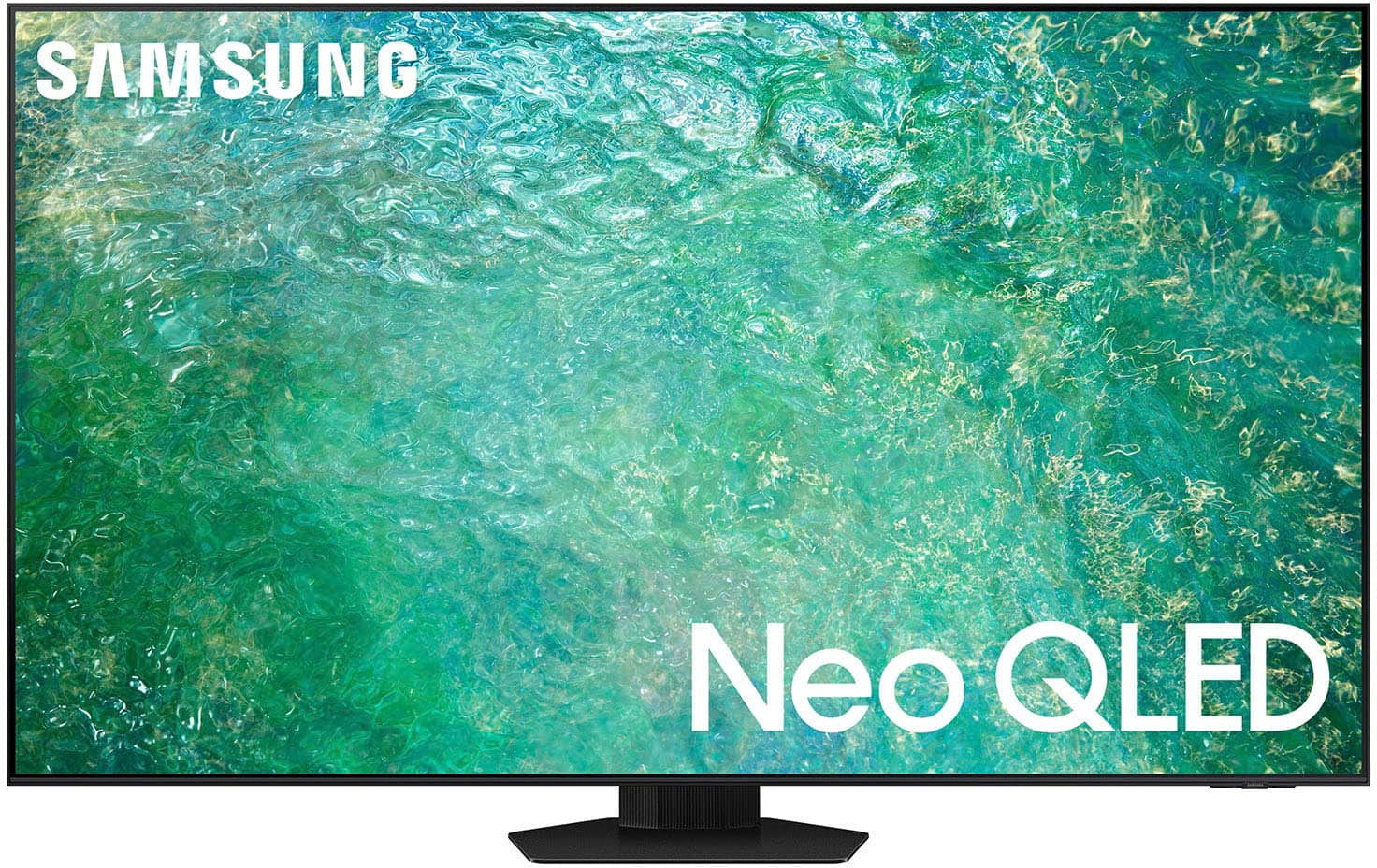
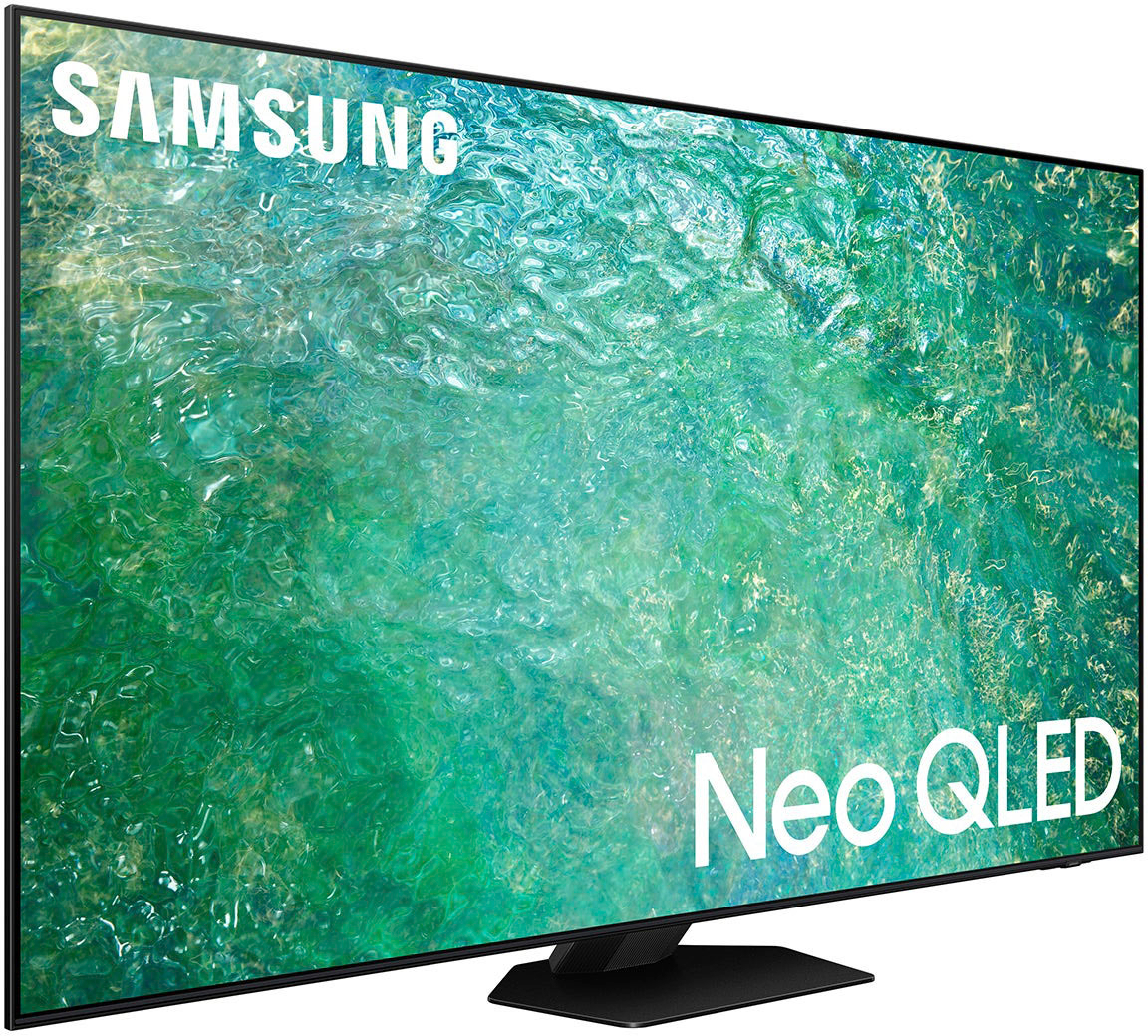
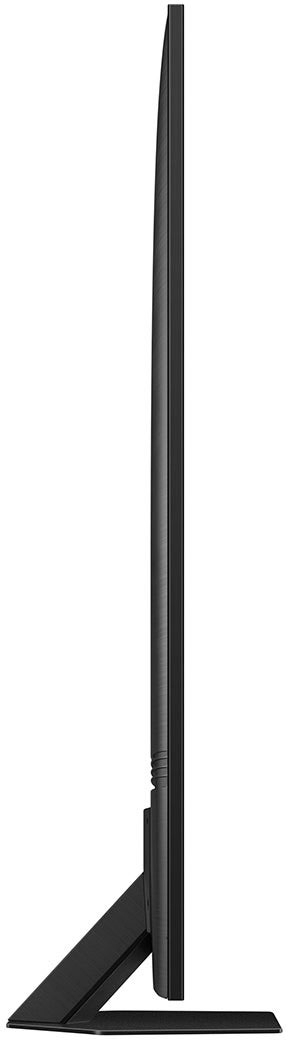
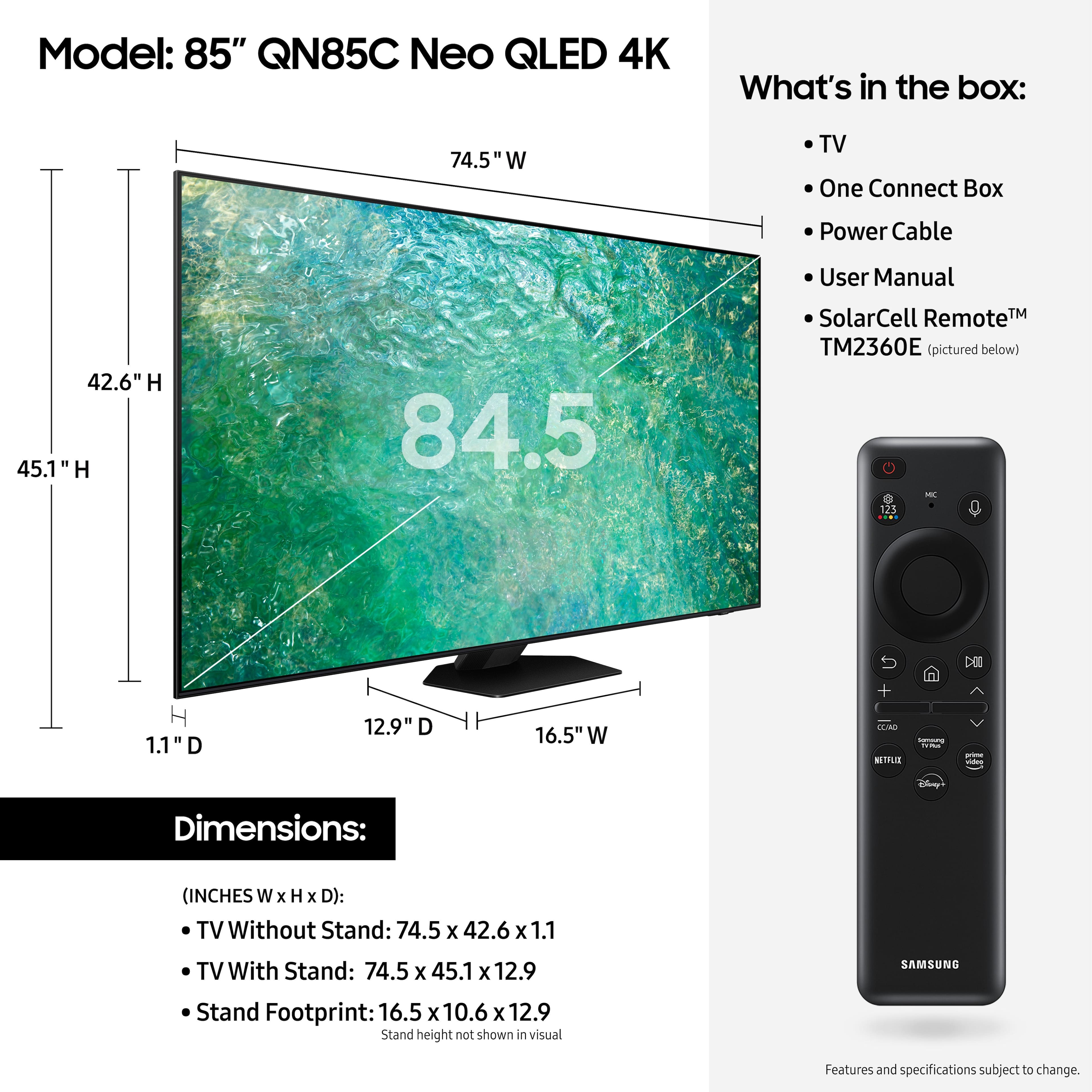




- Model:
- QN85QN85CAFXZA
- SKU:
- 6536415
Rating by feature
- Picture Quality
Rating 4.8 out of 5 stars
- Sound Quality
Rating 4.5 out of 5 stars
- Brightness
Rating 4.9 out of 5 stars
Customers are saying
Customers are enthusiastic about the 85” Class QN85C Neo QLED 4K UHD Smart Tizen TV's picture quality, vibrant colors, and ease of use. Many appreciate the TV's excellent quality and reasonable price for its size. However, some users find the remote control less than ideal and the operating system could be more intuitive. Overall, the positive feedback on picture quality and ease of setup outweighs the negative comments regarding the remote and operating system.
This summary was generated by AI based on customer reviews.
great all around
||Posted . Owned for 2 weeks when reviewed.This reviewer received promo considerations or sweepstakes entry for writing a review.Everything I wanted in an 86in TV. Like the Samsung TV operation.
I would recommend this to a friendTv
||Posted . Owned for 6 months when reviewed.This reviewer received promo considerations or sweepstakes entry for writing a review.Excellent service and product. I definitely recommend it.
I would recommend this to a friendAwesome product
||Posted . Owned for 2 months when reviewed.This reviewer received promo considerations or sweepstakes entry for writing a review.Great tv for the price. Always love samsung tvs !!!
I would recommend this to a friendAmazing rv
||Posted . Owned for 1 month when reviewed.This reviewer received promo considerations or sweepstakes entry for writing a review.A Wonderful tv and a great product from best buy..
I would recommend this to a friendNew TV for Christmas
||Posted . Owned for 1 month when reviewed.This reviewer received promo considerations or sweepstakes entry for writing a review.Great installers and very helpful in setting up unit.
I would recommend this to a friendGreat TV
||Posted . Owned for 3 weeks when reviewed.This reviewer received promo considerations or sweepstakes entry for writing a review.Great TV. Researched many, and am so happy i went with Samsung.
I would recommend this to a friendHappy with purchase
||Posted . Owned for 2 weeks when reviewed.This reviewer received promo considerations or sweepstakes entry for writing a review.Very good product. Definitely recommend to someone else
I would recommend this to a friendSamsung 85 inch TV
||Posted . Owned for 1 month when reviewed.This reviewer received promo considerations or sweepstakes entry for writing a review.Great investment, we made great decision buying this TV
I would recommend this to a friendHappy
||Posted . Owned for 1 month when reviewed.This reviewer received promo considerations or sweepstakes entry for writing a review.Best TV I have before good quality it feel like movie treats
I would recommend this to a friendTo much q 7 just as good
||Posted . Owned for 1 month when reviewed.This reviewer received promo considerations or sweepstakes entry for writing a review.Great love itb1 week latwr itndropped 500 totally bogus
No, I would not recommend this to a friendSolid TV Choice
||Posted . Owned for 1 month when reviewed.This reviewer received promo considerations or sweepstakes entry for writing a review.This product is a great option for the casual TV enthusiast.
I would recommend this to a friendTV
||Posted . Owned for 1 month when reviewed.This reviewer received promo considerations or sweepstakes entry for writing a review.The TV works great I will recommend anybody to buy this Tv
I would recommend this to a friend85' Samsung
||Posted . Owned for 3 weeks when reviewed.This reviewer received promo considerations or sweepstakes entry for writing a review.Awesome unit! I received great service! Great price too!
I would recommend this to a friendTv
||Posted . Owned for 1 month when reviewed.This reviewer received promo considerations or sweepstakes entry for writing a review.Best tv it has really the screen looks pretty clear.
I would recommend this to a friendNew TV
||Posted . Owned for 3 weeks when reviewed.This reviewer received promo considerations or sweepstakes entry for writing a review.I love my new TV.All my family love it.This is wonderful
I would recommend this to a friendGreat purchase!!!!
||Posted . Owned for 2 weeks when reviewed.This reviewer received promo considerations or sweepstakes entry for writing a review.Great tv for sports and gaming. I highly recommend
I would recommend this to a friendGreat unit
||Posted . Owned for 1 week when reviewed.This reviewer received promo considerations or sweepstakes entry for writing a review.This is a nice unite it is heavy so expect that if your going to hang it on the wall. It is exactly what I expected.
I would recommend this to a friendGood buy
||Posted . Owned for 1 month when reviewed.This reviewer received promo considerations or sweepstakes entry for writing a review.Looks nice, fits well with the mount and has good resolution
I would recommend this to a friendQUALITY
||Posted . Owned for 3 weeks when reviewed.This reviewer received promo considerations or sweepstakes entry for writing a review.NOT AS GREAT AS I THOUGHT IT WOULD BE COMPARED TO MY 75 INCH SAMSUNG 7 SERIES!
No, I would not recommend this to a friendNot as I expected from the brand.
||Posted . Owned for 3 weeks when reviewed.This reviewer received promo considerations or sweepstakes entry for writing a review.I bought this tv thinking that it will be as bright and clear as my 63” Samsung. I am disappointed that it does not have the clarity as my other tv. I should have done more research before making the purchase.
No, I would not recommend this to a friendBrand response from Samsung
Posted .BenL,
We appreciate you sharing your experience with the QN85C TV. You may want to try adjusting image settings to improve your picture.
Go to Home > Menu > Settings > All Settings > Picture > Picture Mode
...and select the mode that best fits your usage:
1. Standard: Is the default mode suitable for general viewing environments
2. Dynamic: Makes the picture brighter and clearer in bright viewing environments
3. Eco: Provided to save energy
4. Movie: Suitable for watching TV or movies in a dark room
5. Filmmaker Mode: Provides source content just as the creators intended. If the image is defined as Filmmaker Mode, it’ll automatically switch to Filmmaker Mode while watching.
Intelligent Mode enables the TV to recognize and analyze the surroundings, noise, content, and your usage patterns to provide the best viewing experience. You can enable Intelligent Mode by going to Menu > Settings > All Settings > General & Privacy > Intelligent Mode Settings > Intelligent Mode.
If adjusting image settings does not improve your picture, please contact Samsung Customer Support at 1-800-SAMSUNG, 8AM - 12AM EST, 7 days a week. Or visit us on the Samsung website and click on the ‘Support’ link for:
• LiveChat
• Manuals, Software, & Warranty Info
~ Samsung Specialist