Customer Ratings & Reviews
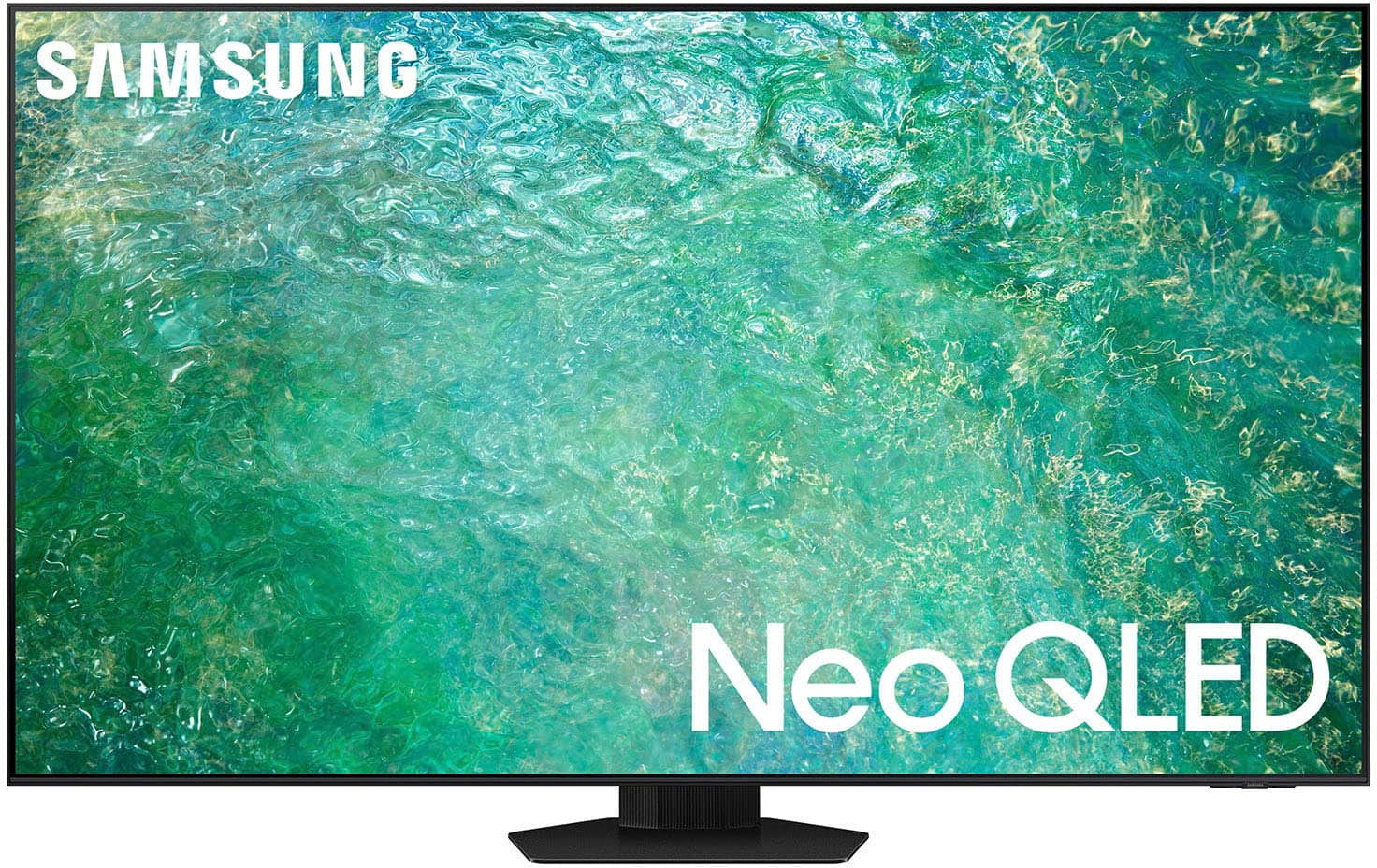
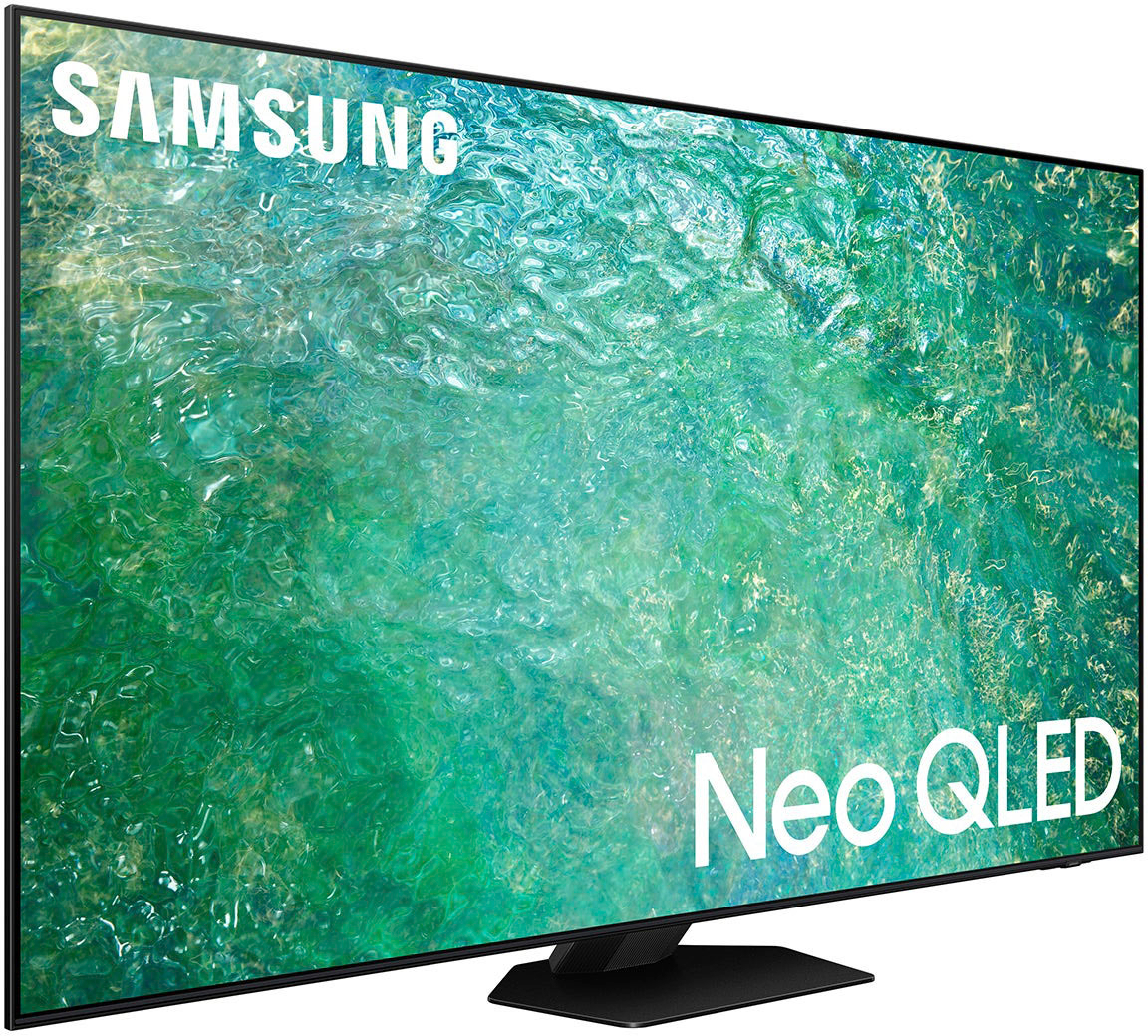
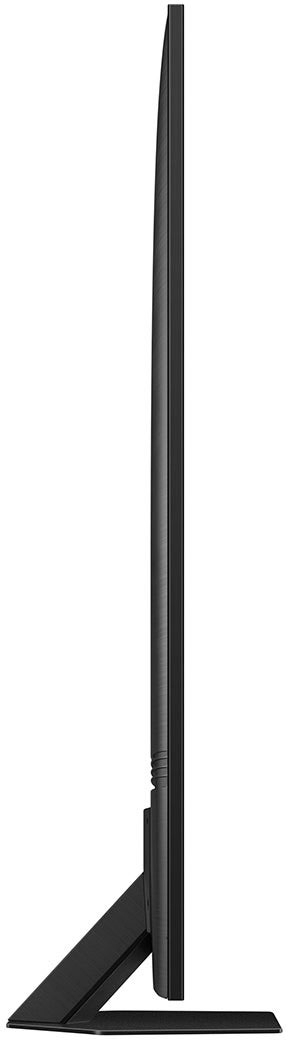
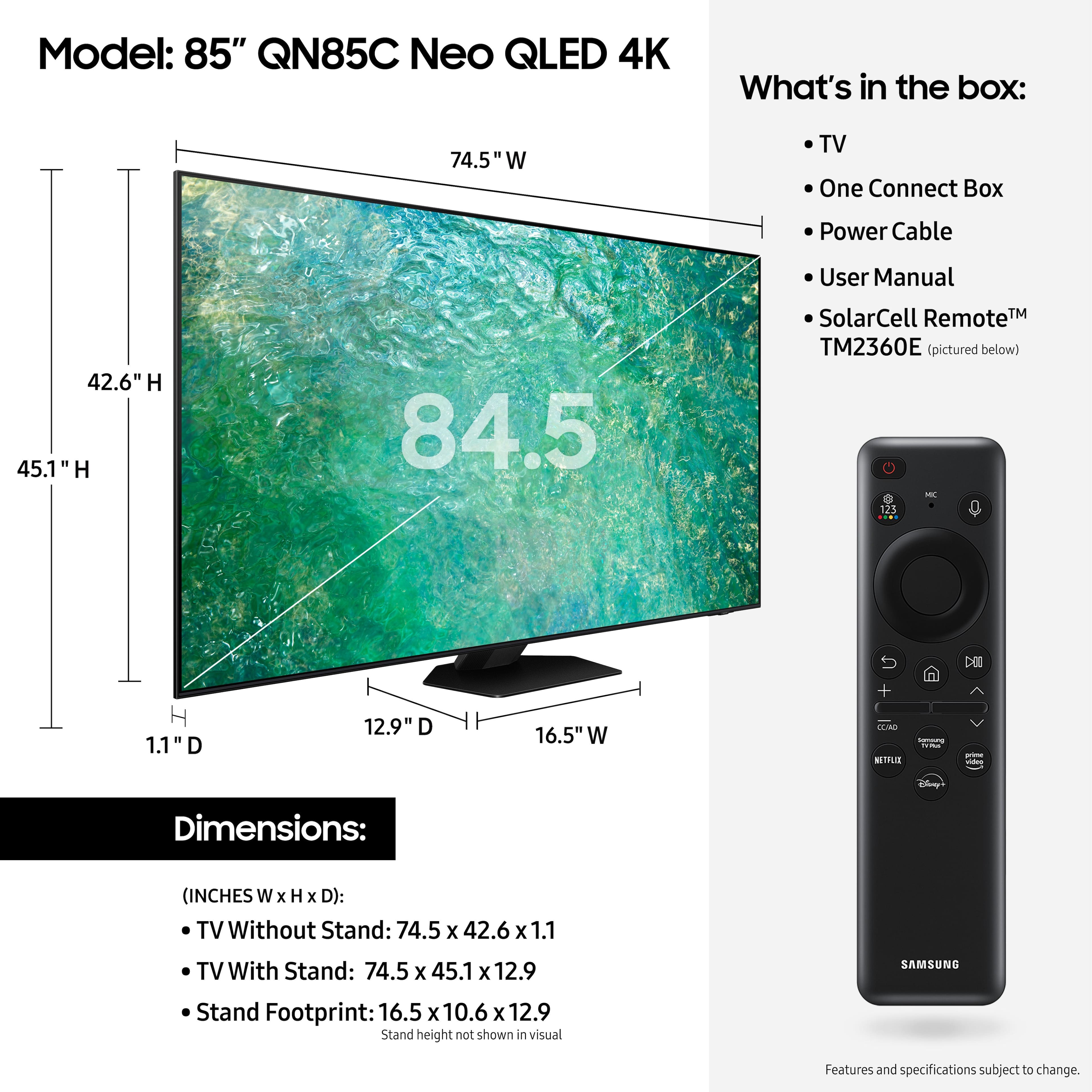




- Model:
- QN85QN85CAFXZA
- SKU:
- 6536415
Rating by feature
- Picture Quality
Rating 4.8 out of 5 stars
- Sound Quality
Rating 4.5 out of 5 stars
- Brightness
Rating 4.9 out of 5 stars
Customers are saying
Customers are enthusiastic about the 85” Class QN85C Neo QLED 4K UHD Smart Tizen TV's picture quality, vibrant colors, and ease of use. Many appreciate the TV's excellent quality and reasonable price for its size. However, some users find the remote control less than ideal and the operating system could be more intuitive. Overall, the positive feedback on picture quality and ease of setup outweighs the negative comments regarding the remote and operating system.
This summary was generated by AI based on customer reviews.
QN85C-85”
||Posted . Owned for 2 weeks when reviewed.This reviewer received promo considerations or sweepstakes entry for writing a review.I’m having a love-hate relationship with the picture. 60 % great, 25% ok, 15% terrible. To me it doesn’t upscale like it advertised. I’ll just keep playing with adjustments until I find the best settings.
I would recommend this to a friendBrand response from Samsung
Posted .BobD,
Thank you for sharing your thoughts on your QN85C TV’s image quality. The TV will upscale as best as possible any content sent to it. The closer your content is to 4K, the better the image will look on the screen.
Here are some tips to help improve the picture clarity:
1) HDMI cables are recommended for optimal HD viewing.
2) If you have an analog cable box or satellite box, upgrade to a digital cable box or satellite box.
3) Change the output resolution of your devices, such as digital broadcast receiver, IPTV, and set-top box to UHD or HD.
4) You can further adjust your sharpness, brightness, contrast, color, and more by going to Menu > Settings > All Settings > Picture > Expert Settings
5) Choose a Picture Mode by going to Menu > Settings > All Settings > Picture > Picture Mode and choose from Dynamic, Movie, or Filmmaker Mode.
Should you ever have questions or need help with TV features, specs, or operation, we are here to help. You can reach Samsung Support at 1-800-SAMSUNG, 8AM - 12AM EST, 7 days a week. Or visit us on the Samsung website and click on the ‘Support’ link for:
• LiveChat
• Manuals, Software, & Warranty Info
~ Samsung Specialist
Just OK,prefer the sony X93L
||Posted . Owned for 1 month when reviewed.This reviewer received promo considerations or sweepstakes entry for writing a review.The color was not as rich as the sony X93L and the motion was a little fuzzy. Also too many pop up ads and random voice activation
No, I would not recommend this to a friendBrand response from Samsung
Posted .EricM,
We appreciate your thoughts on the picture quality of Samsung’s QN85C TV. If the image you’re seeing isn’t to your liking, there are several picture settings you may want to adjust.
Go to Home > left direction button > Settings > All Settings > Picture > Picture Mode
...and select the mode that best fits your usage:
1. Standard: Is the default mode suitable for general viewing environments
2. Dynamic: Makes the picture brighter and clearer in bright viewing environments
3. Eco: Provided to save energy
4. Movie: Suitable for watching TV or movies in a dark room
5. Filmmaker Mode: Provides source content just as the creators intended. If the image is defined as Filmmaker Mode, it’ll automatically switch to Filmmaker Mode while watching.
You can also fine-tune your picture with expert settings such as brightness, contrast, sharpness and more (All Settings > Picture > Expert Settings).
If your TV is announcing everything you do, Voice Guide is turned on. Voice Guide is an accessibility function to assist users who are visually impaired. It’s possible you’ve accidentally turned it on by holding down the volume button on your TV remote.
To turn off Voice Guide, navigate to: Home > Menu > Settings > All Settings > General & Privacy > Accessibility > Voice Guide Settings > Voice Guide.
I hope these tips help you enjoy your new product.
You can always contact us for further help at 1-800-SAMSUNG, 8AM - 12AM EST, 7 days a week. Our LiveChat agents are also available by clicking on the ‘Support’ link on our website.
~ Samsung Specialist
Samsung fail less than a year after purchase
||Posted . Owned for 8 months when reviewed.This reviewer received promo considerations or sweepstakes entry for writing a review.Bought this tv in October, 2023. Had it installed by Best Buy. Purchased total tech support. Tv has a thin line across the bottom of the screen now…. Contacted Best Buy who says after lengthy chat that it’s not their problem… because it’s under “warranty.”(Even though I’ve got valid total tech on it). Samsung says wait 48 hours for hilljacks in western Kentucky / southwestern Indiana who have previously visited our home on a washer issue about 6 years ago and they actually broke the washer trying to fix it…..they literally have no clue what they’re doing and im stuck with them and after they screw it up im sure Best Buy will tell me again it’s not their problem because Samsung screwed it up. My point is that I’m not sure total tech support is worth the paper it’s written on. I wouldn’t buy this tv again. I’ve got a lot of tvs….. I’ve not had one go out in under a year…. Ever. And I’m an old person. With many years of tv experience. They aure don’t build them like they used to and they sure don’t provide customer service like they used to.
No, I would not recommend this to a friend- Pros mentioned:Color, Picture quality
A Colossal Leap into Immersive Viewing
Posted .This reviewer received promo considerations or sweepstakes entry for writing a review.As someone who takes their home theater experience seriously, the Samsung 85” QN85C Neo QLED TV has been nothing short of a revelation. Unboxing this behemoth was an event in itself, and its sheer size and presence transform the living space into a mini-cinema. Here’s how it fared in everyday use: Picture Quality: The quantum leap in picture quality is immediately noticeable. Samsung’s Neo QLED technology brings a stunning range of colors to life, with deep blacks and dazzling highlights courtesy of its quantum dot technology and mini-LED backlighting. The 4K resolution is impeccably sharp, and the TV upscales lower-resolution content admirably, making everything from classic sitcoms to high-octane sports look fantastic. Smart Features: Powered by Tizen, the smart platform is intuitive and responsive. Streaming apps load quickly, and navigation is a breeze. The integration with other Samsung devices and ecosystems, like SmartThings, adds to the seamless experience. Voice control with Bixby, Alexa, or Google Assistant is a neat addition, although Bixby still trails behind its competitors in terms of recognition and functionality. Design and Build: The design is sleek and minimalistic, fitting well with modern decor. Despite its size, the TV has a slim profile, and the bezels are impressively thin, ensuring that the screen commands all the attention. The build quality feels premium, as should be expected at this price point. Sound Quality: The audio performance is surprisingly good for TV speakers, with clear dialogues and a decent dynamic range. However, for an immersive audio experience to match the visual grandeur, a dedicated sound system or soundbar would be recommended. Connectivity: With ample HDMI and USB ports, connectivity is not an issue. The HDMI 2.1 support is a welcome feature for next-gen gaming consoles, ensuring smooth gameplay and quick response times. The inclusion of eARC is great for simplifying connections to an audio system. User Experience: The sheer size can be overwhelming, and the TV demands a spacious room to truly shine. It's a hub for family movie nights, and gaming sessions are intensely immersive. However, the TV's reflection handling could be better; in brightly lit rooms, glare can be noticeable. Cons: Price: It’s a significant investment, and while the quality is apparent, it’s worth considering if the size and features match your needs. Bixby: Samsung's voice assistant could use some refinement. Reflections: It's not the best choice for brightly lit environments due to some glare. Final Thoughts: Samsung’s 85” Class QN85C Neo QLED TV is for those who want to experience luxury cinema at home. It's a technological marvel that offers a stellar viewing experience, albeit with a hefty price tag. While not perfect, the pros far outweigh the cons, making it a worthy centerpiece of any home entertainment setup. Rating: 4.5/5
I would recommend this to a friend Not that good.
||Posted . Owned for less than 1 week when reviewed.This reviewer received promo considerations or sweepstakes entry for writing a review.Bought this TV a few days ago and unfortunately it didn’t meet my expectations. Very blurry picture and yes called Customer Support to troubleshoot the problem but to no avail. Also, my Sonos system sound keeps dropping out too. I think I might just return it for something else. My old Samsung LED TV has a better picture. Bummer.
No, I would not recommend this to a friendBrand response from Samsung
Posted .MGomez,
Thank you for sharing your thoughts on the picture quality of your QN85C TV. To ensure you’ve got the latest image quality updates, please confirm that your TV is up to date with the latest firmware version. You can check by going to: Home > Menu > Settings > Support > Software Update.
If the picture you’re seeing is still not to your liking after updating firmware, there are several picture settings you may want to try adjusting.
Go to Home > left direction button > Settings > All Settings > Picture > Picture Mode
...and select the mode that best fits your usage:
1. Standard: Is the default mode suitable for general viewing environments
2. Dynamic: Makes the picture brighter and clearer in bright viewing environments
3. Eco: Provided to save energy
4. Movie: Suitable for watching TV or movies in a dark room
5. Filmmaker Mode: Provides source content just as the creators intended. If the image is defined as Filmmaker Mode, it’ll automatically switch to Filmmaker Mode while watching.
You can also go to: Menu > Settings > All Settings > Picture > Expert Settings and configure the TV settings to your taste with functions such as Brightness, Contrast, Sharpness, Color, Tint (G/R), and many more.
Lastly, you may want to try adjusting the picture clarity setting by going to: Menu > Settings > All Settings > Picture > Expert Settings > Picture Clarity Settings
- Off: Picture Clarity Settings will always be off
- Auto: Picture Clarity Settings will automatically activate and deactivate based on the type of program being watched
- Custom: Allows custom adjustments and settings to be used. By selecting the Custom option, you can access these advanced settings for Judder Reduction, LED Clear Motion, and Noise Reduction.
I hope these tips help you enjoy your new product.
You can always contact us for further help at 1-800-SAMSUNG, 8AM - 12AM EST, 7 days a week. Our LiveChat agents are also available by clicking on the ‘Support’ link on our website.
~ Samsung Specialist
Very low sound quality
||Posted . Owned for 1 month when reviewed.This reviewer received promo considerations or sweepstakes entry for writing a review.Volume is very low even though we turn it up. Had to get an extra speaker to hear the tv
No, I would not recommend this to a friendBrand response from Samsung
Posted .Suzan,
Thank you for sharing your thoughts on the QN85C. There are several volume features you can enable/disable/adjust to your liking.
– Auto Volume automatically adjusts the sound to a certain level when changing channels or switching to another external input.
– Adaptive Volume automatically adjusts to a specific volume level while you are watching TV. The TV analyzes your volume usage history by time to automatically adjust the volume when you use an app or switch to an external input source.
– Several Sound Modes are likewise available to meet your personal preferences: Menu > Settings > All Settings > Sound > Sound Mode
Also, some sources have their own volume control which might be set too low. Please check the volume control of the external device (cable box or satellite box, DVD, Blu-ray, etc.) connected to your TV. Also, check the cable connection between an external device and the TV and then try cable connection again.
I hope these tips help you enjoy your new product.
You can always contact us for further help at 1-800-SAMSUNG, 8AM - 12AM EST, 7 days a week. Our LiveChat agents are also available by clicking on the ‘Support’ link on our website.
~ Samsung Specialist
Don’t buy it!!
||Posted . Owned for 2 months when reviewed.This reviewer received promo considerations or sweepstakes entry for writing a review.After four visits from the geek squad, we returned this TV. The power board was bad, they replaced the motherboard, and finally the back lighting for the screen went out. The tech said he had seen that situation before. Don’t buy it!
No, I would not recommend this to a friendBrand response from Samsung
Posted .JanD,
It’s unfortunate to hear of the issues that have caused you to return your QN85C TV. Your experience is very important to us and will be shared with our product team.
Should you ever decide to give Samsung TVs another try and have questions or need help with settings, setup, or features, please know we’re here to help. Call us at 1-800-SAMSUNG, 8AM - 12AM EST, 7 days a week.
LiveChat with an agent as well as manuals, software, and warranty info can be found at the ‘Support’ link on our Samsung website.
~ Samsung Specialist
Not great product
||Posted . Owned for 1 month when reviewed.This reviewer received promo considerations or sweepstakes entry for writing a review.Not very clear picture quality. Should be crisper resolution.
No, I would not recommend this to a friendBrand response from Samsung
Posted .DougH,
Thank you for sharing your thoughts on the picture quality of your QN85C TV. To ensure you’ve got the latest image quality updates, please confirm that your TV is up to date with the latest firmware version. You can check by going to: Home > Menu > Settings > Support > Software Update.
If the picture you’re seeing is still not to your liking after updating firmware, there are several picture settings you may want to try adjusting.
Go to Home > Menu > Settings > All Settings > Picture > Picture Mode
...and select the mode that best fits your usage:
1. Standard: Is the default mode suitable for general viewing environments
2. Dynamic: Makes the picture brighter and clearer in bright viewing environments
3. Eco: Provided to save energy
4. Movie: Suitable for watching TV or movies in a dark room
5. Filmmaker Mode: Provides source content just as the creators intended. If the image is defined as Filmmaker Mode, it’ll automatically switch to Filmmaker Mode while watching.
Intelligent Mode enables the TV to recognize and analyze the surroundings, noise, content, and your usage patterns to provide the best viewing experience. You can enable Intelligent Mode by going to Menu > Settings > All Settings > General & Privacy > Intelligent Mode Settings > Intelligent Mode.
If adjusting image settings does not improve your picture, please contact Samsung Customer Support at 1-800-SAMSUNG, 8AM - 12AM EST, 7 days a week. Our LiveChat agents are also available by clicking on the ‘Support’ link on our website.
~ Samsung Specialist
Dont buy
||Posted . Owned for 1.5 years when reviewed.This reviewer received promo considerations or sweepstakes entry for writing a review.Horrible colors & this tv keeps turning off on its own....i have called BestBuy and we have BestBuy membership but they want me to bring them this 85" TV on my own. How can i do this? This is why i paid to have installed & pay extra warranty.
No, I would not recommend this to a friendZero Accountability
||Posted . Owned for 1 month when reviewed.This reviewer received promo considerations or sweepstakes entry for writing a review.The product might be wonderful but I have no idea !! Bought on 7/4 and it is over a month later and t.v. Is literally lost and has not been delivered. I’ve had to physically go to the store 4 times and hours spent on the phone with unknowledgable people. I’ve gotten every excuse in the book but they have NOT corrected the problem.
No, I would not recommend this to a friendCustomer service
||Posted . Owned for 1 month when reviewed.This reviewer received promo considerations or sweepstakes entry for writing a review.The tv does not have the features i was told. Delivered to early had to sit in garage for weeks.
I would recommend this to a friendBrand response from Samsung
Posted .Nates,
I'm sorry to hear of this. We recommend you contact Best Buy Customer Support or your local Best Buy store directly for assistance in correcting this situation. We hope your issue is resolved in a timely manner.
Should you have questions or concerns regarding the usage or setup of your TV once your issue has been resolved, please contact Samsung Customer Support at 1-800-SAMSUNG, 8AM - 12AM EST, 7 days a week. Our LiveChat agents are also available by clicking on the ‘Support’ link on our website.
~ Samsung Specialist
Horrible horrible customer service
||Posted . Owned for 1 week when reviewed.This reviewer received promo considerations or sweepstakes entry for writing a review.I have issues with my tv. The Best Buy store GM blamed the manufacturer & never offered me a solution. The call center never offered me a solution. Will never buy from Best Buy again
No, I would not recommend this to a friendOpen box be careful
||Posted . Owned for 1 month when reviewed.This reviewer received promo considerations or sweepstakes entry for writing a review.I would like to tell you that my TV is wonderful and great but I received an open box 85" tv inside a 98" box with insufficient foam so it broke before I could ever use it. Now they refuse to refund me or replace it.
No, I would not recommend this to a friendPoor quality
||Posted . Owned for 8 months when reviewed.This reviewer received promo considerations or sweepstakes entry for writing a review.My tv started cycling on and off/ turning on and off by itself after 9 months. I called samsung to have it serviced because it is still under warranty. Will not buy it again if it needs to be replaced.
No, I would not recommend this to a friendSyreetta Melton
||Posted . Owned for 3 weeks when reviewed.This reviewer received promo considerations or sweepstakes entry for writing a review.The tv is nice but the service has been very very poor
I would recommend this to a friendBrand response from Samsung
Posted .SyreettaM,
We appreciate your review of Samsung’s QN85C TV. So we can better understand the issues you’re experiencing and provide you with troubleshooting assistance, please reach out to Samsung Customer Support at 1-800-SAMSUNG, 8AM - 12AM EST, 7 days a week.
Our LiveChat agents are also available by clicking on the ‘Support’ link on our website.
We hope to hear from you soon.
~ Samsung Specialist
Lousy picture
||Posted . Owned for 1 month when reviewed.This reviewer received promo considerations or sweepstakes entry for writing a review.Horrible picture!!!!! Looks like im watching old 16mm film recording. Terrible, terrible picture quality!!!! I am seriously thinking of returning tv. Dennis M Boehm
No, I would not recommend this to a friendBrand response from Samsung
Posted .DennismB,
Thank you for sharing your thoughts on the picture quality of your QN85C TV. To ensure you’ve got the latest image quality updates, please confirm that your TV is up to date with the latest firmware version. You can check by going to: Home > Menu > Settings > Support > Software Update.
If the picture you’re seeing is still not to your liking after updating firmware, there are several picture settings you may want to try adjusting.
Go to Home > left direction button > Settings > All Settings > Picture > Picture Mode
...and select the mode that best fits your usage:
1. Standard: Is the default mode suitable for general viewing environments
2. Dynamic: Makes the picture brighter and clearer in bright viewing environments
3. Eco: Provided to save energy
4. Movie: Suitable for watching TV or movies in a dark room
5. Filmmaker Mode: Provides source content just as the creators intended. If the image is defined as Filmmaker Mode, it’ll automatically switch to Filmmaker Mode while watching.
You can also fine-tune your picture with expert settings such as brightness, contrast, sharpness and more (All Settings > Picture > Expert Settings).
For further assistance with settings adjustments, please contact Samsung Customer Support at 1-800-SAMSUNG, 8AM - 12AM EST, 7 days a week. Or visit us on the Samsung website and click on the ‘Support’ link for:
• LiveChat
• Manuals, Software, & Warranty Info
~ Samsung Specialist
- Pros mentioned:Picture quality, Price
Samsung - 85” QN85C Neo QLED 4K UHD Smart TV
Posted .This reviewer received promo considerations or sweepstakes entry for writing a review.The Samsung 85” QN85C Neo QLED 4K UHD Smart Tizen TV is highly praised for its exceptional contrast, especially in dark rooms, and good reflection handling in bright spaces. Featuring Mini LED technology, it offers vibrant picture quality and is noted as the most affordable Mini LED model in Samsung's 2023 lineup. Positioned as an entry-level option in Samsung’s Neo QLED range, it's well-received by experts and consumers alike for its performance and value.
I would recommend this to a friend Owner
||Posted . Owned for 1 year when reviewed.This reviewer received promo considerations or sweepstakes entry for writing a review.very poor. not worth the money. you are better off buying non-NEO.
No, I would not recommend this to a friendT v does not work after a year and one month
||Posted . Owned for 9 months when reviewed.This reviewer received promo considerations or sweepstakes entry for writing a review.Have this TV for 1 year and one month.Call several times about the line across the t.V.And no help .
No, I would not recommend this to a friendSamsung Neo 85”
||Posted . Owned for 11 months when reviewed.This reviewer received promo considerations or sweepstakes entry for writing a review.Broke it 3 weeks ago still waiting for a replacement
No, I would not recommend this to a friend