Customer Ratings & Reviews
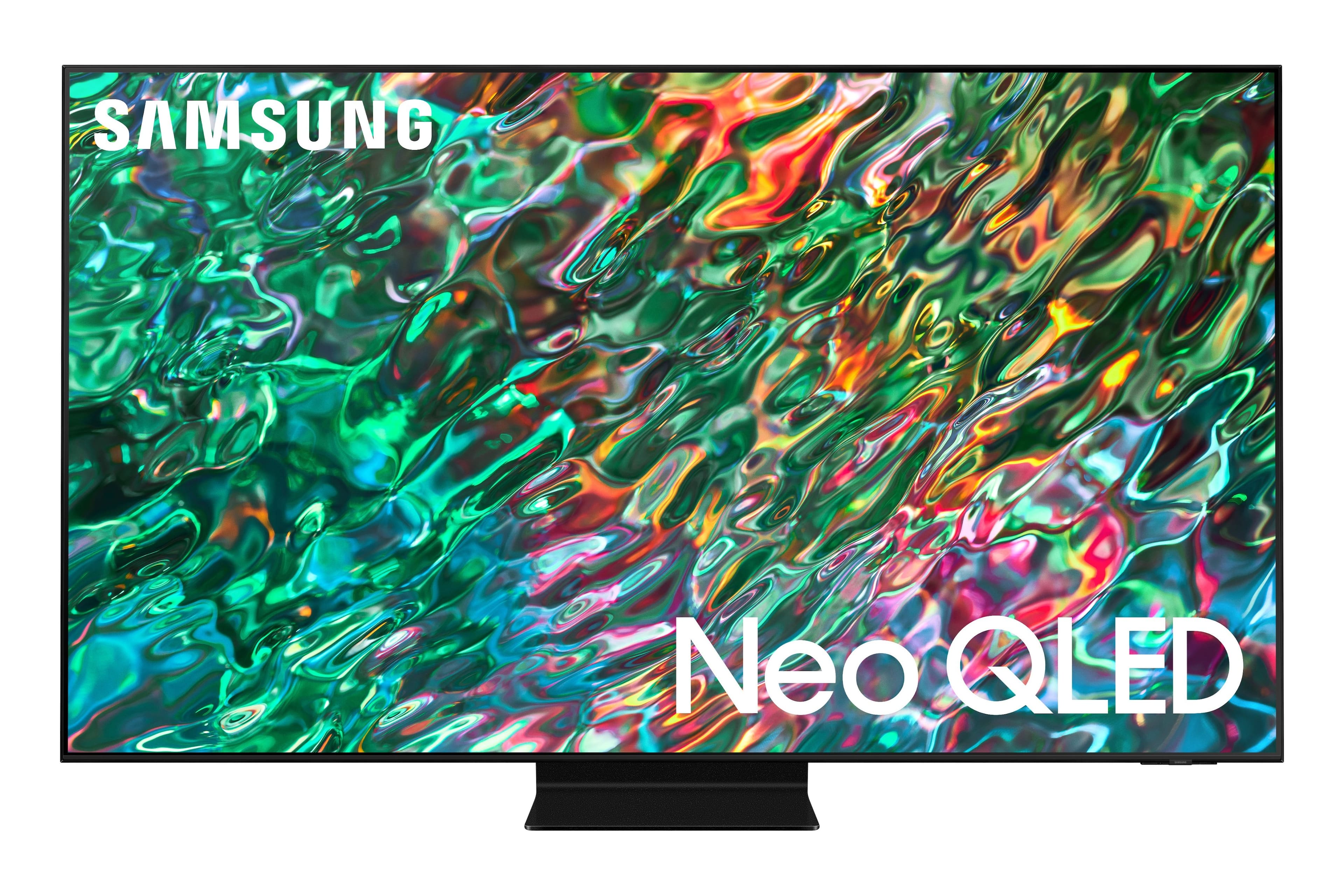
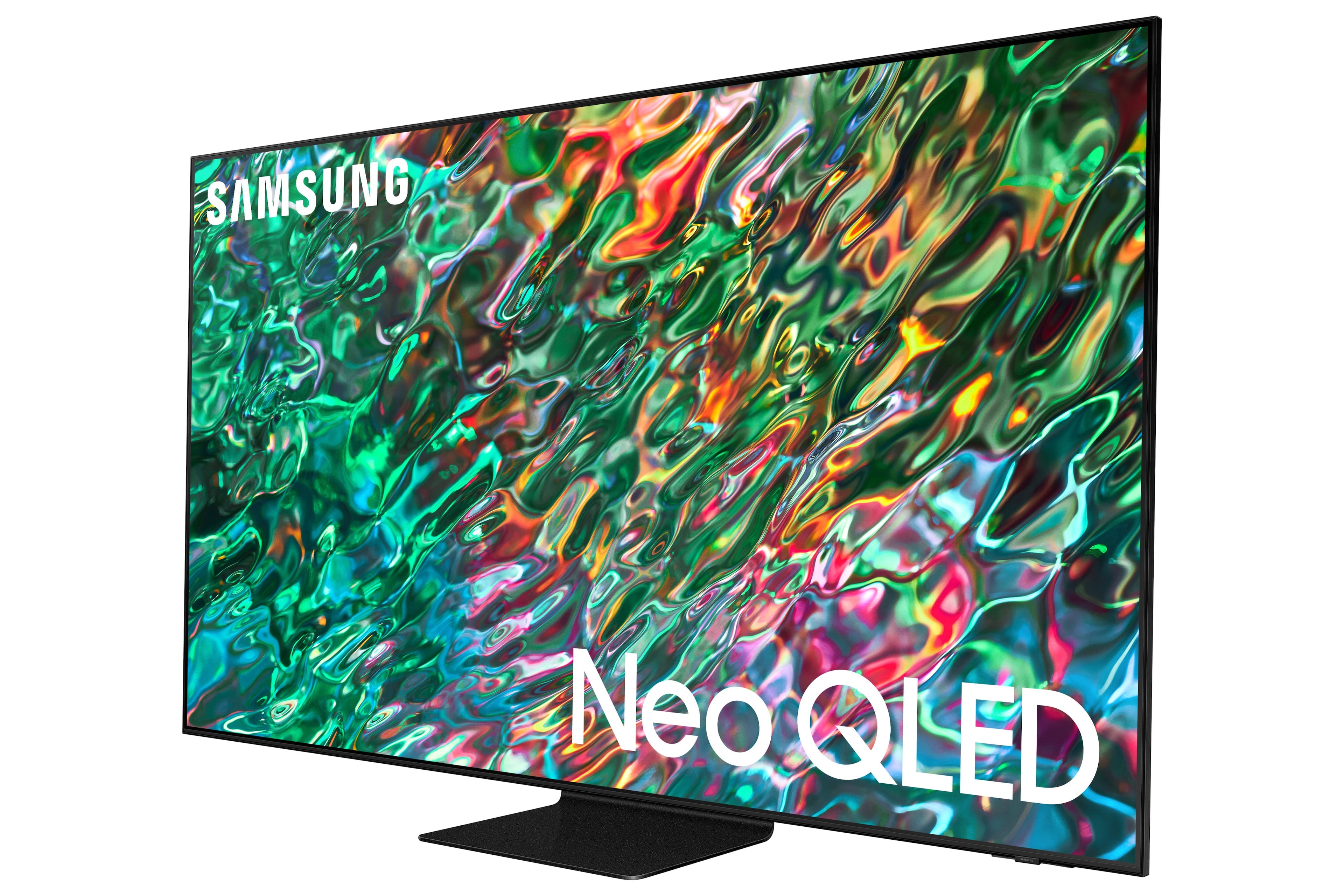
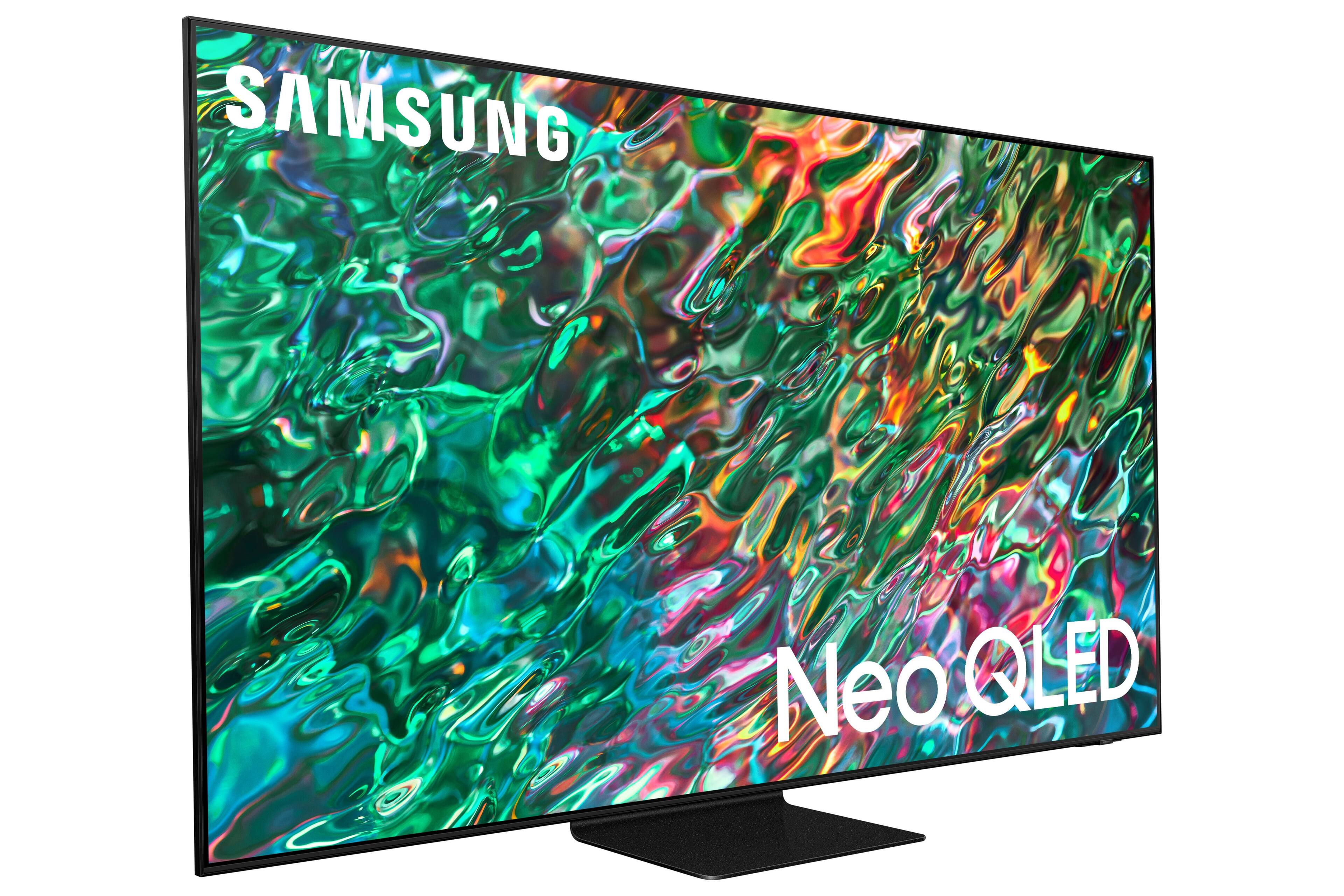
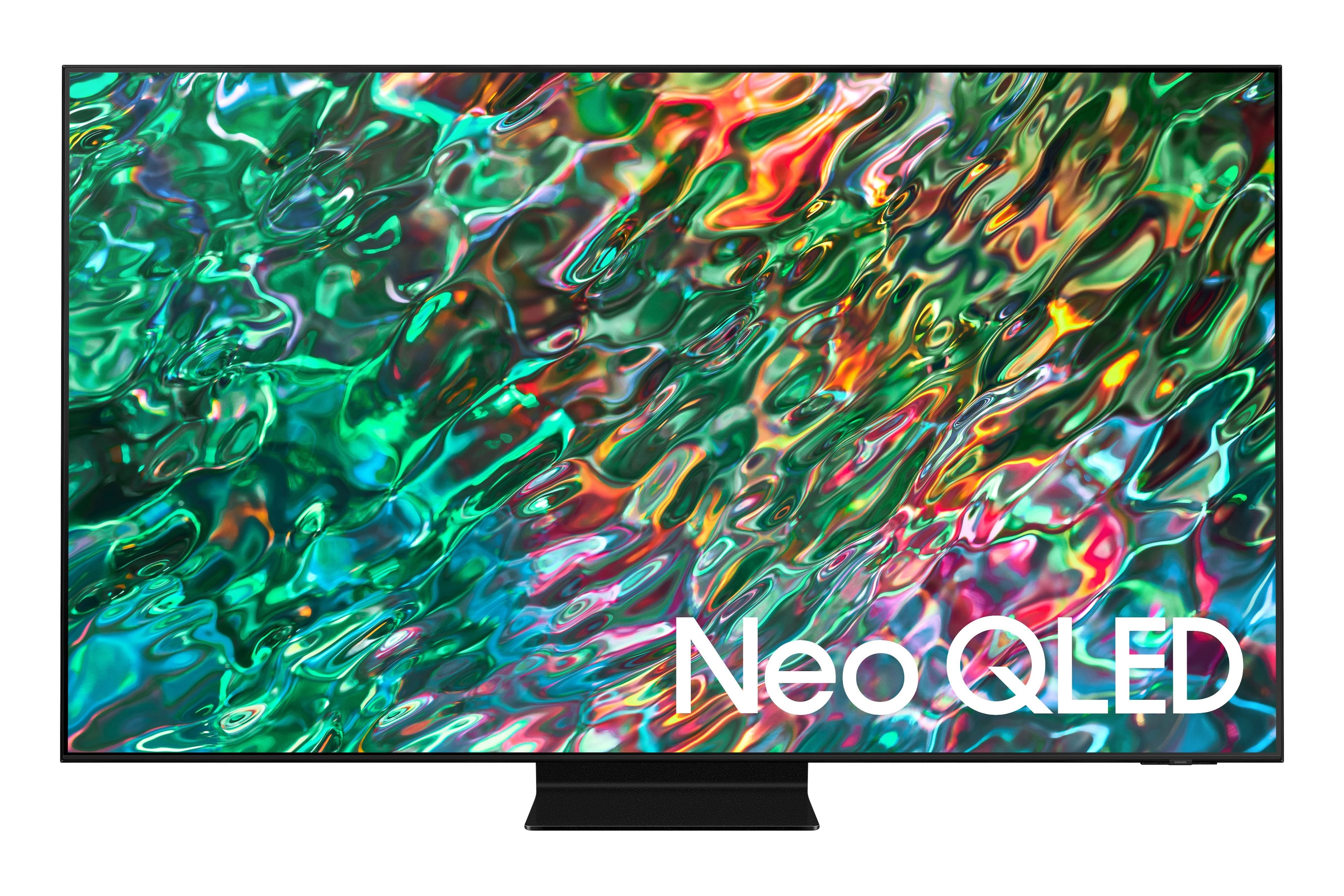
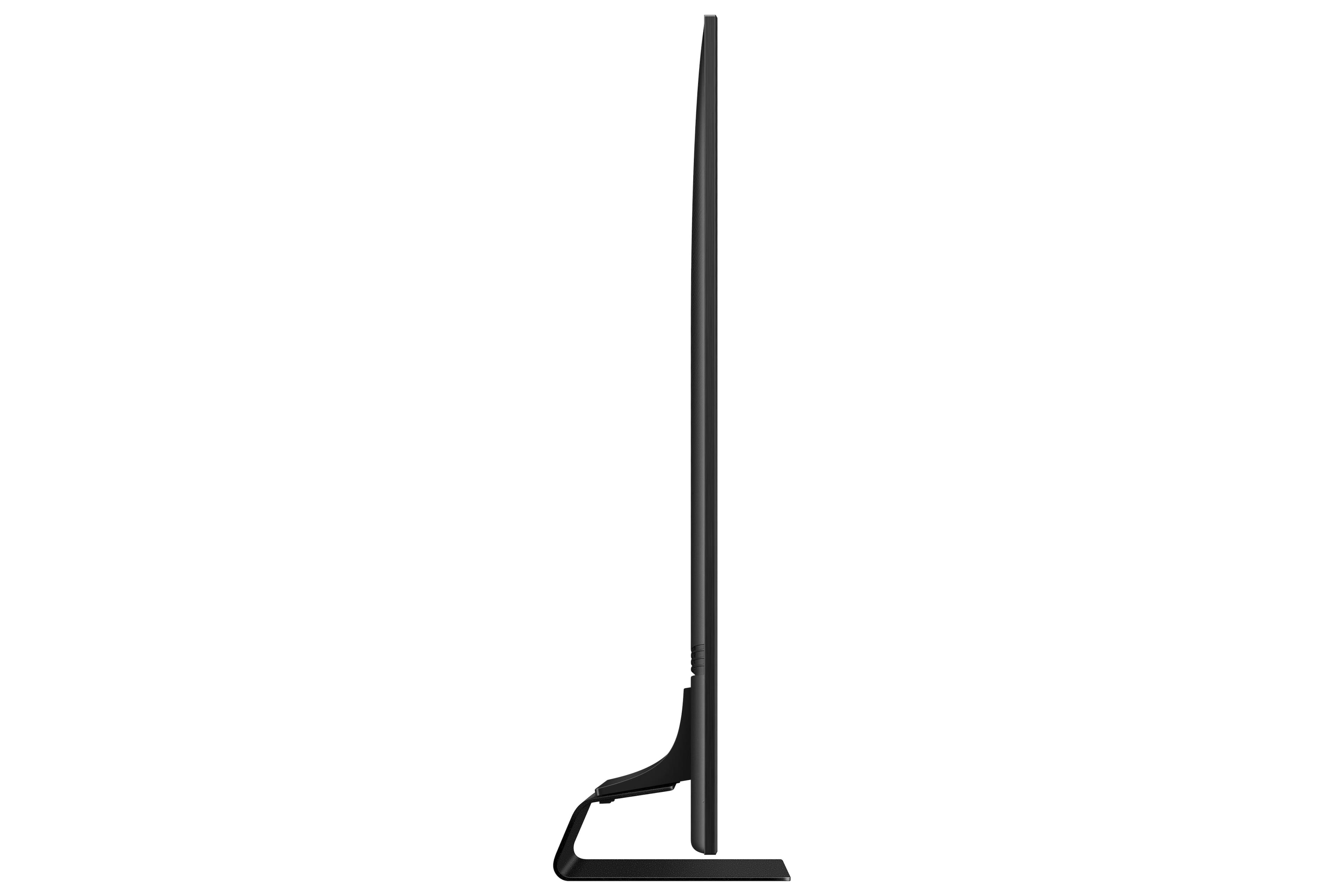
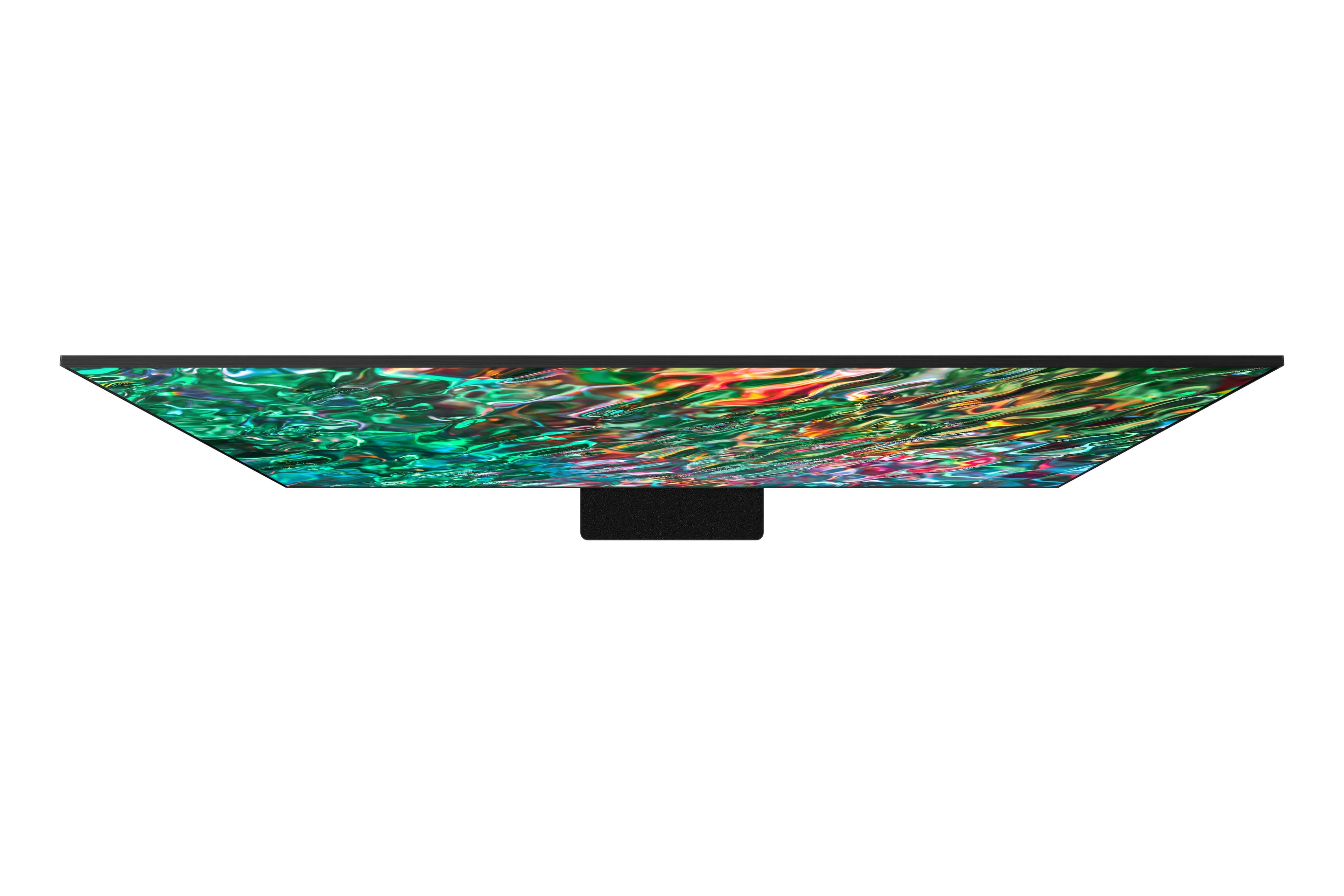
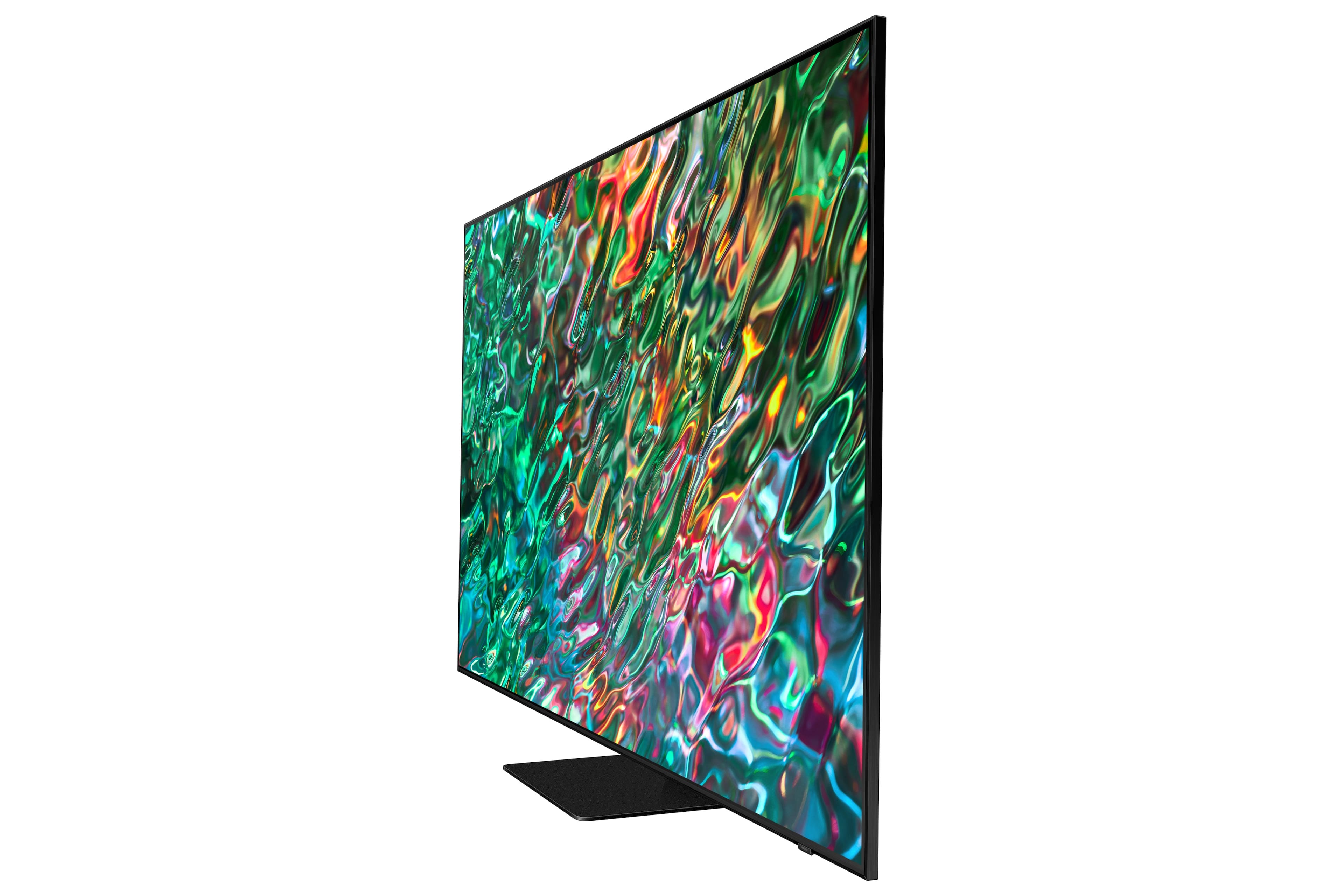
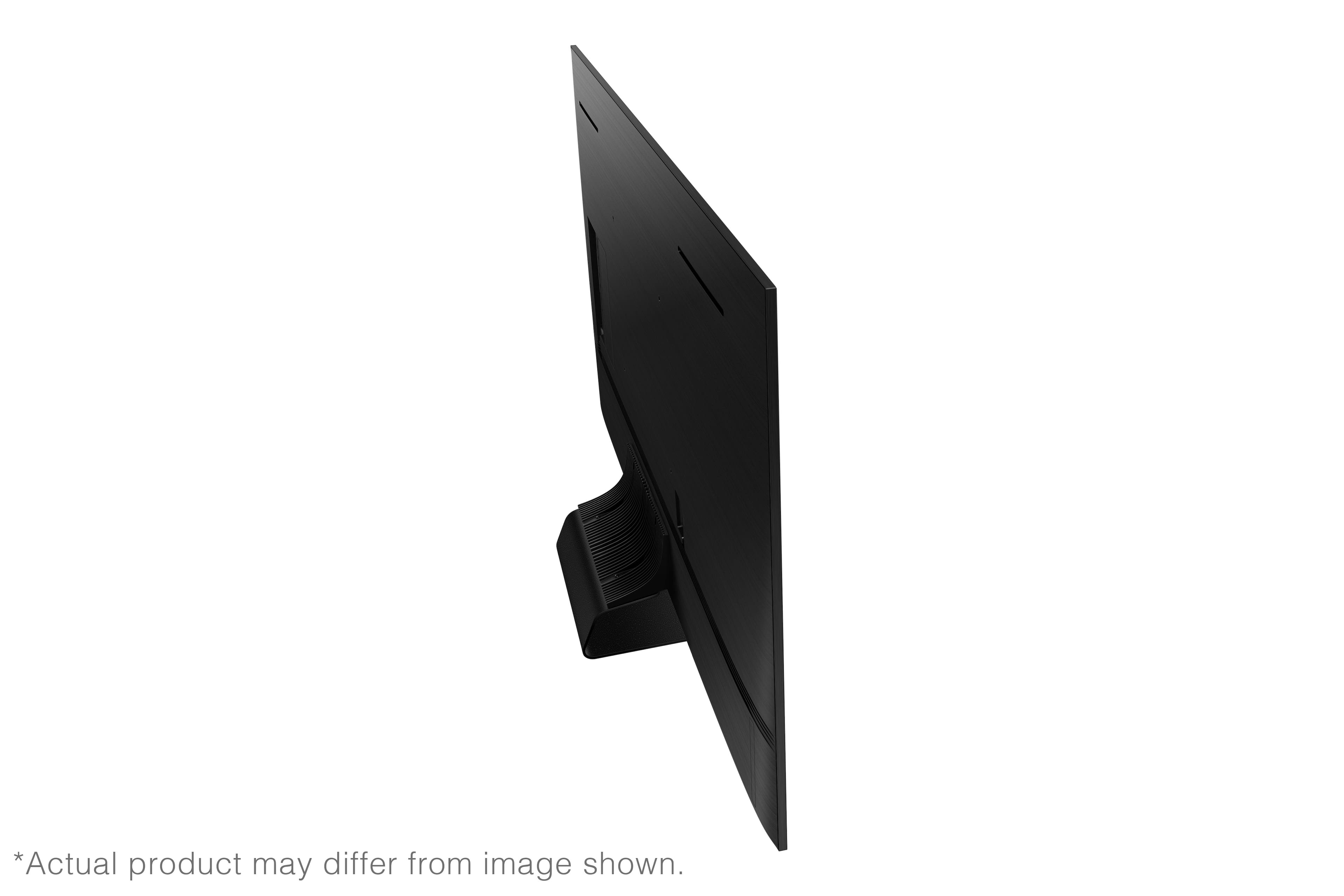
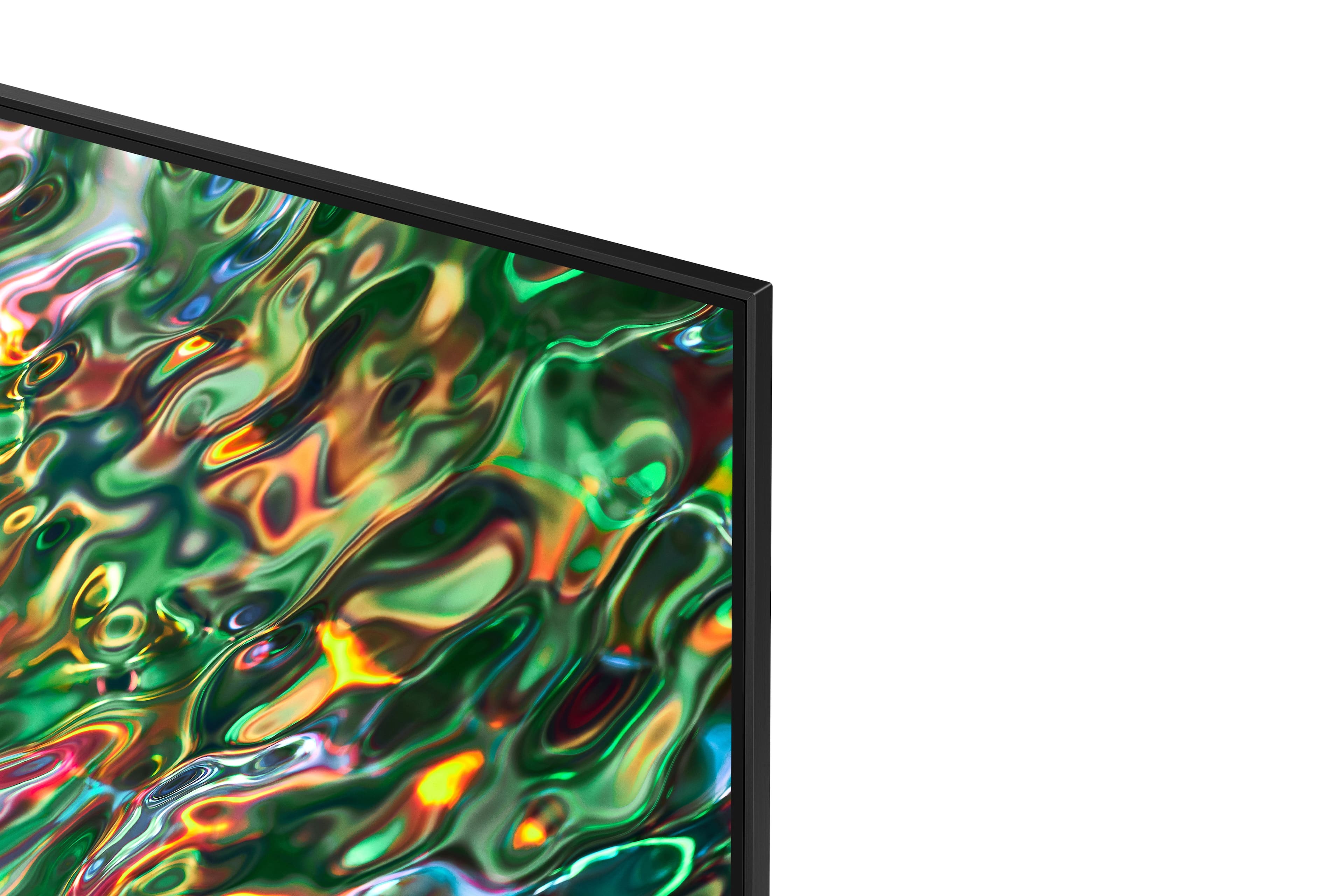
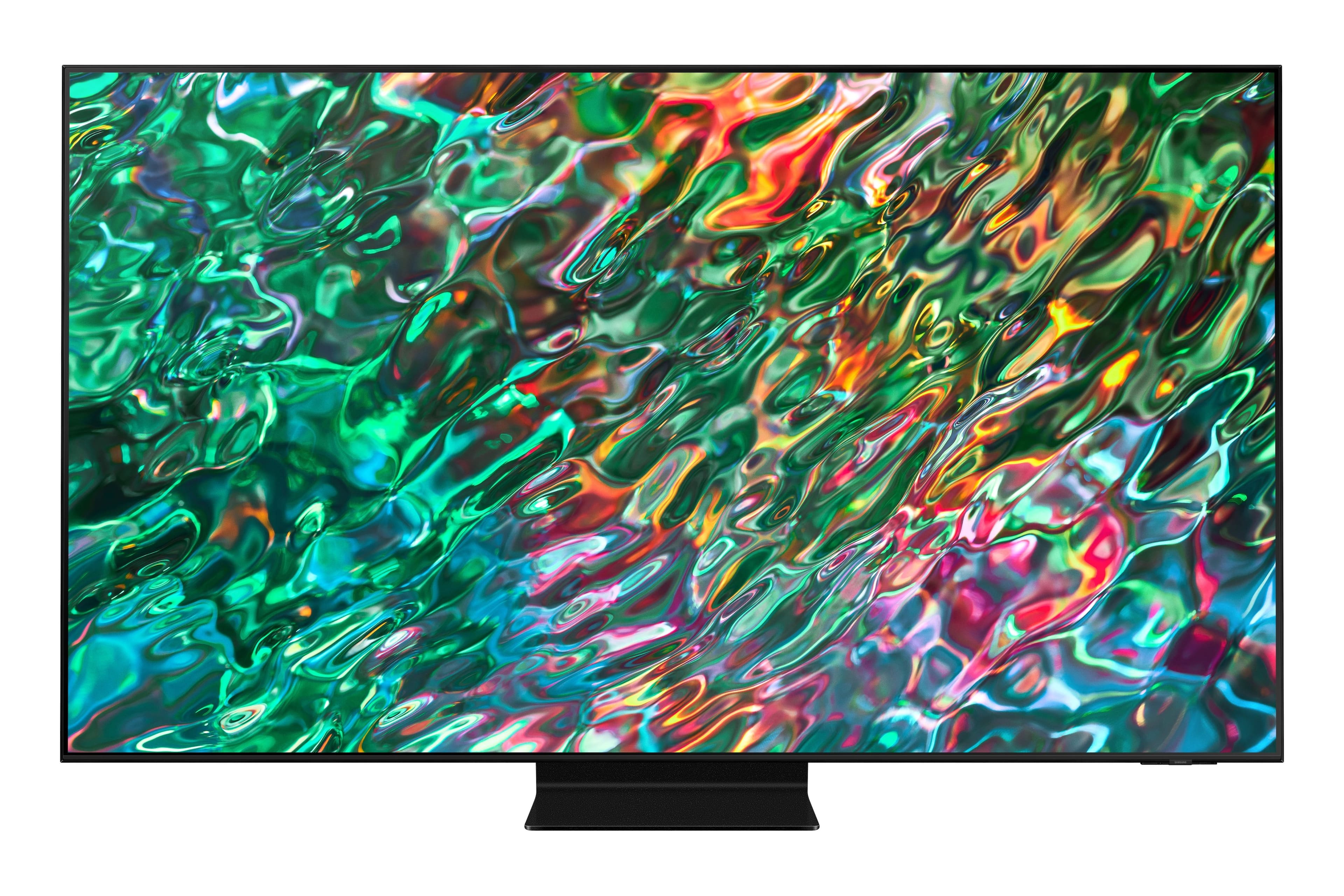
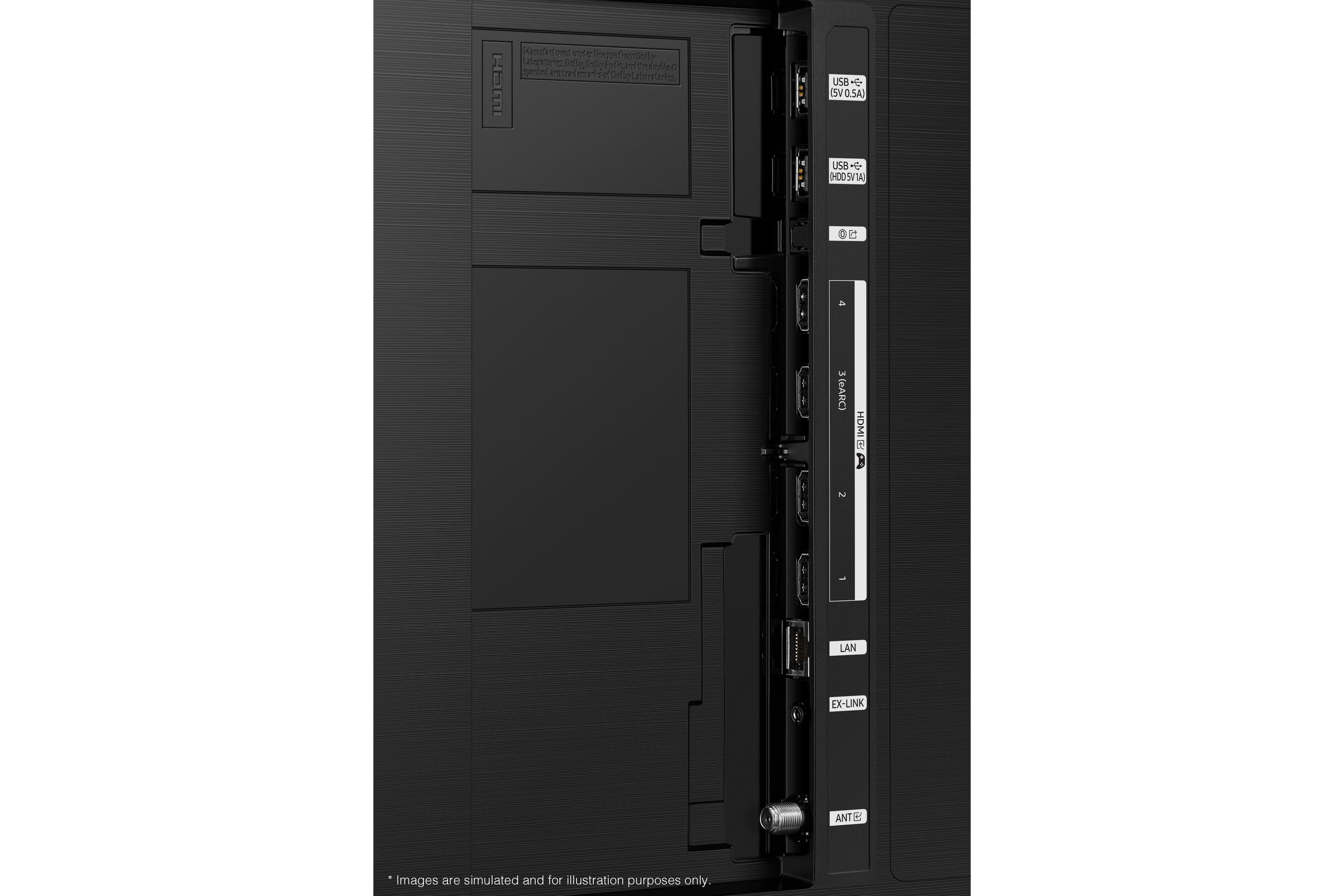

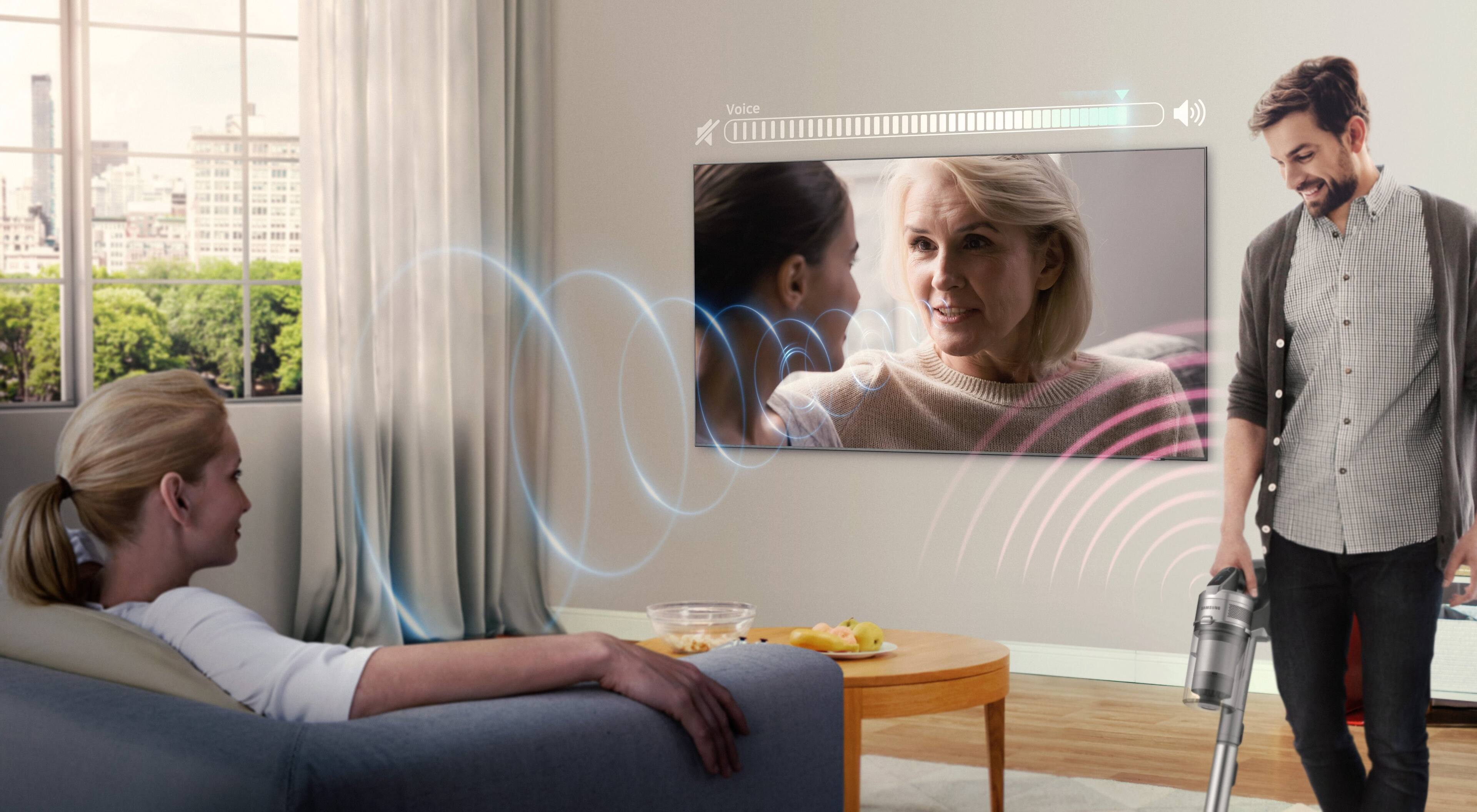











- Model:
- QN85QN90BAFXZA
- SKU:
- 6500631
Rating by feature
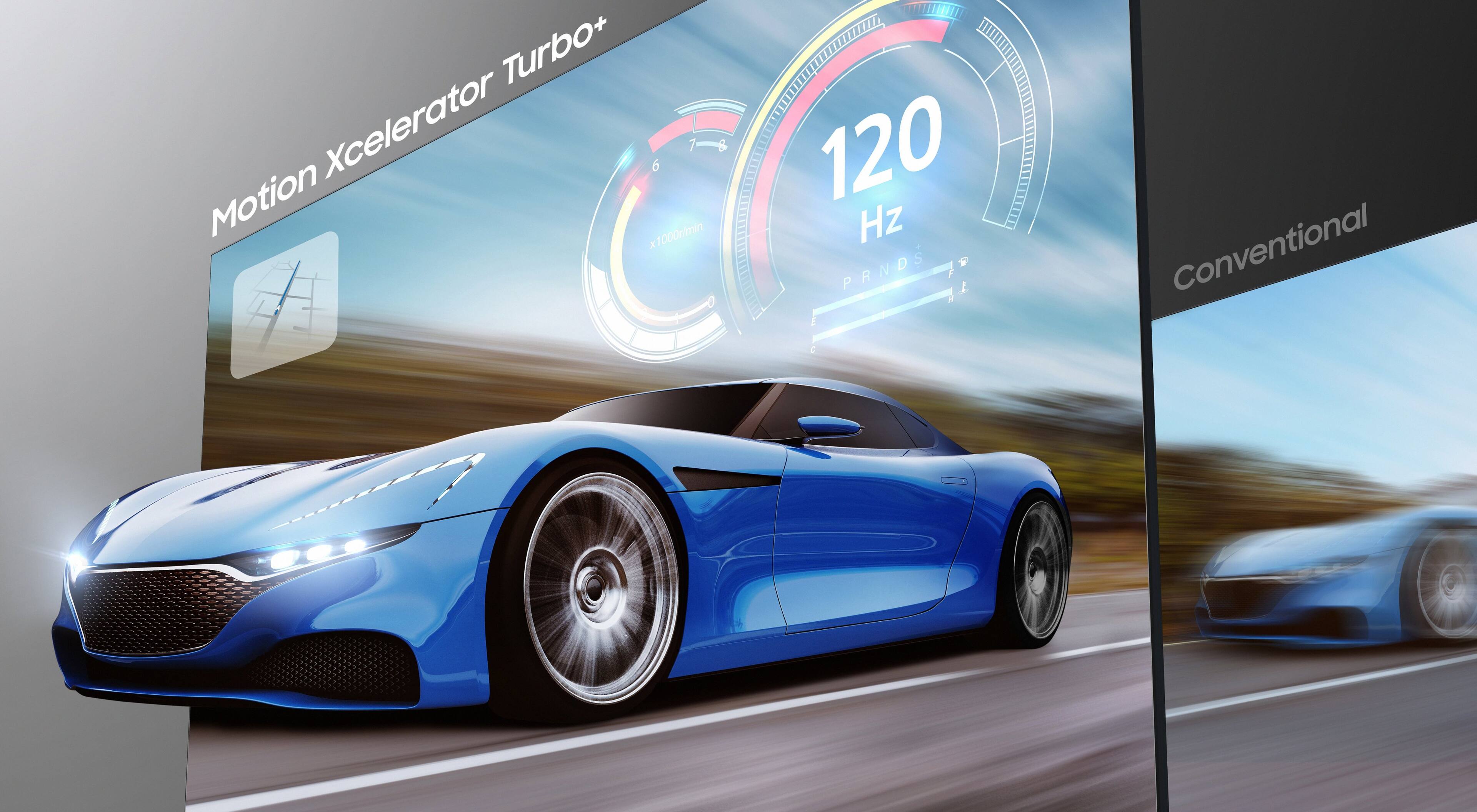
- Picture Quality
Rating 4.9 out of 5 stars
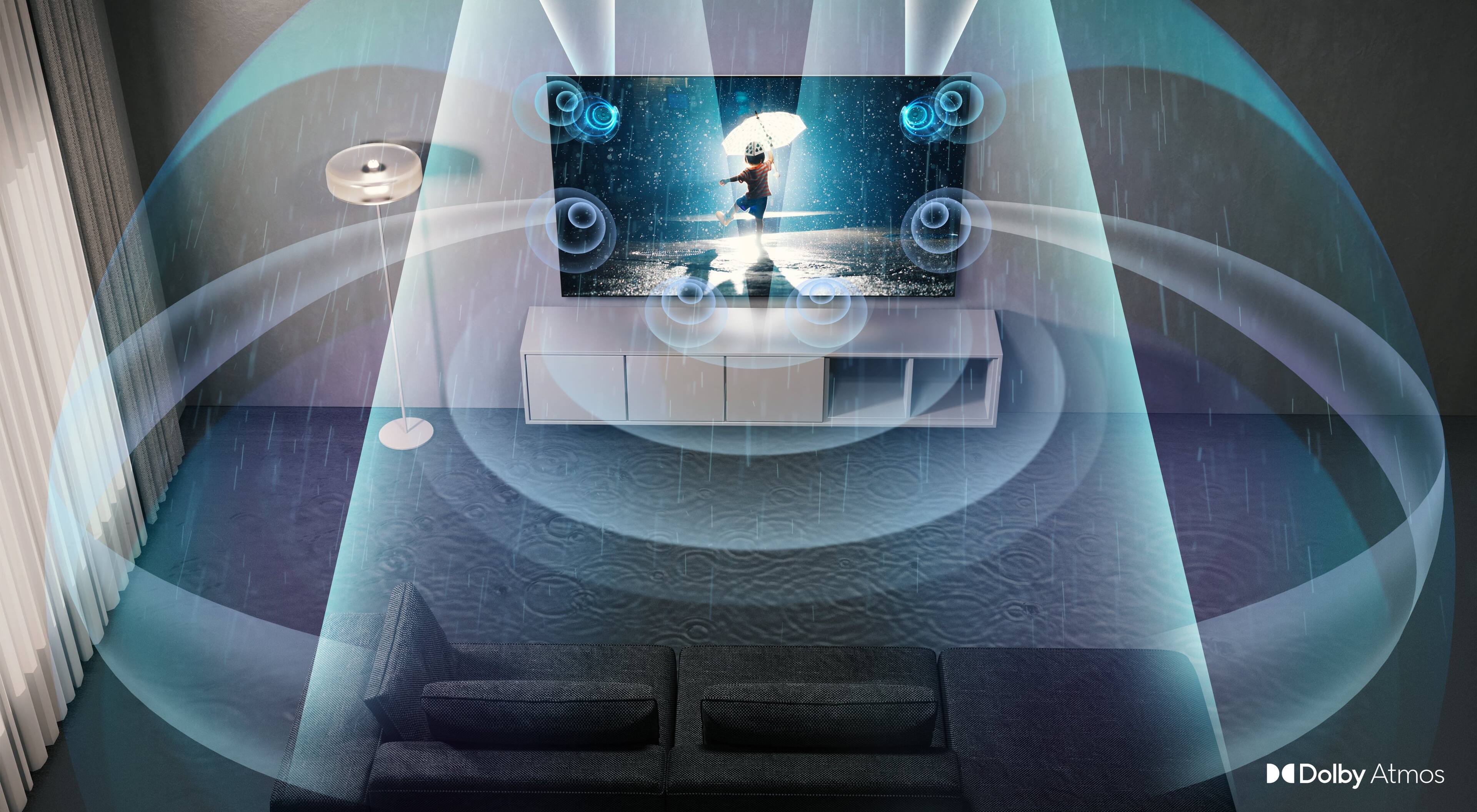
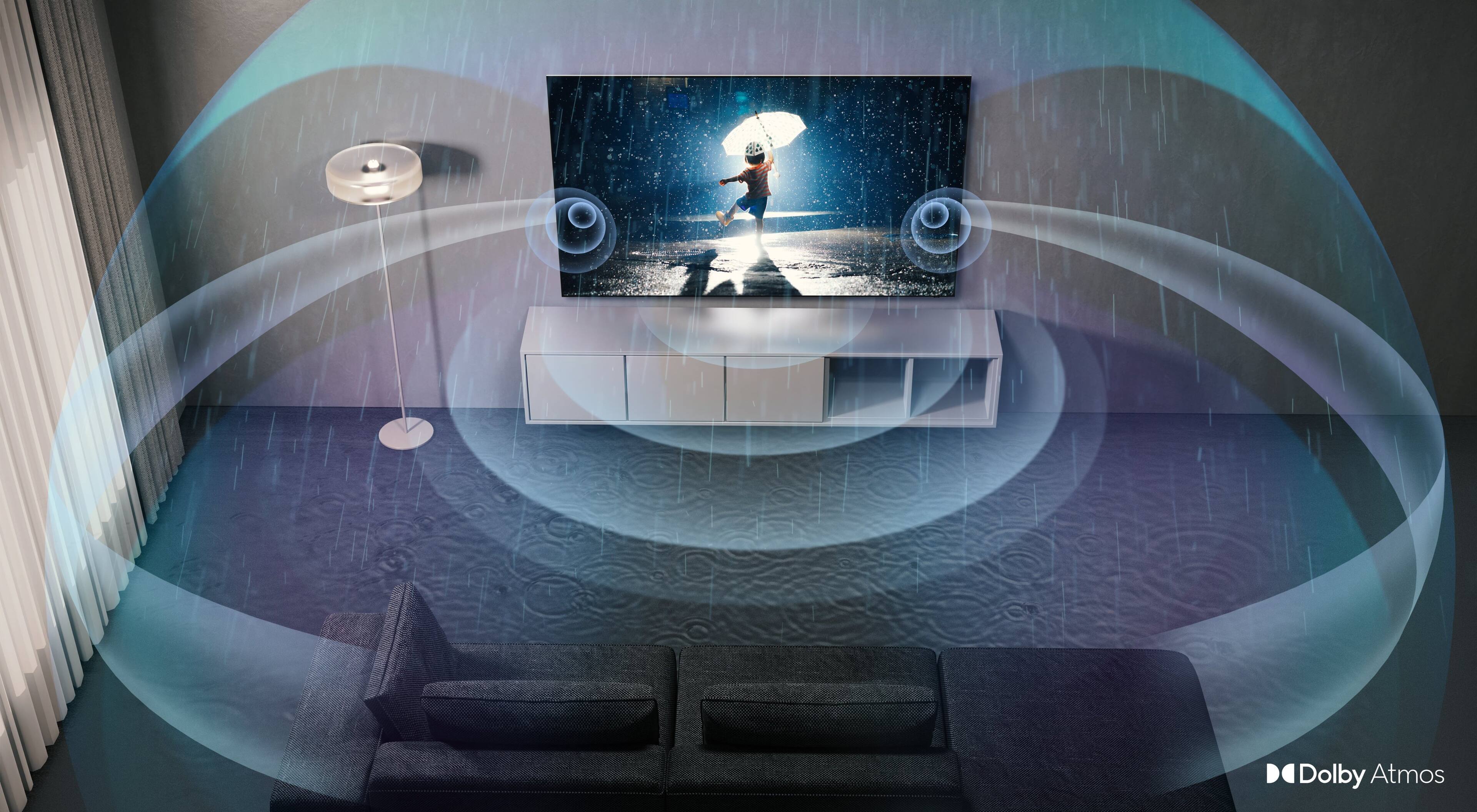
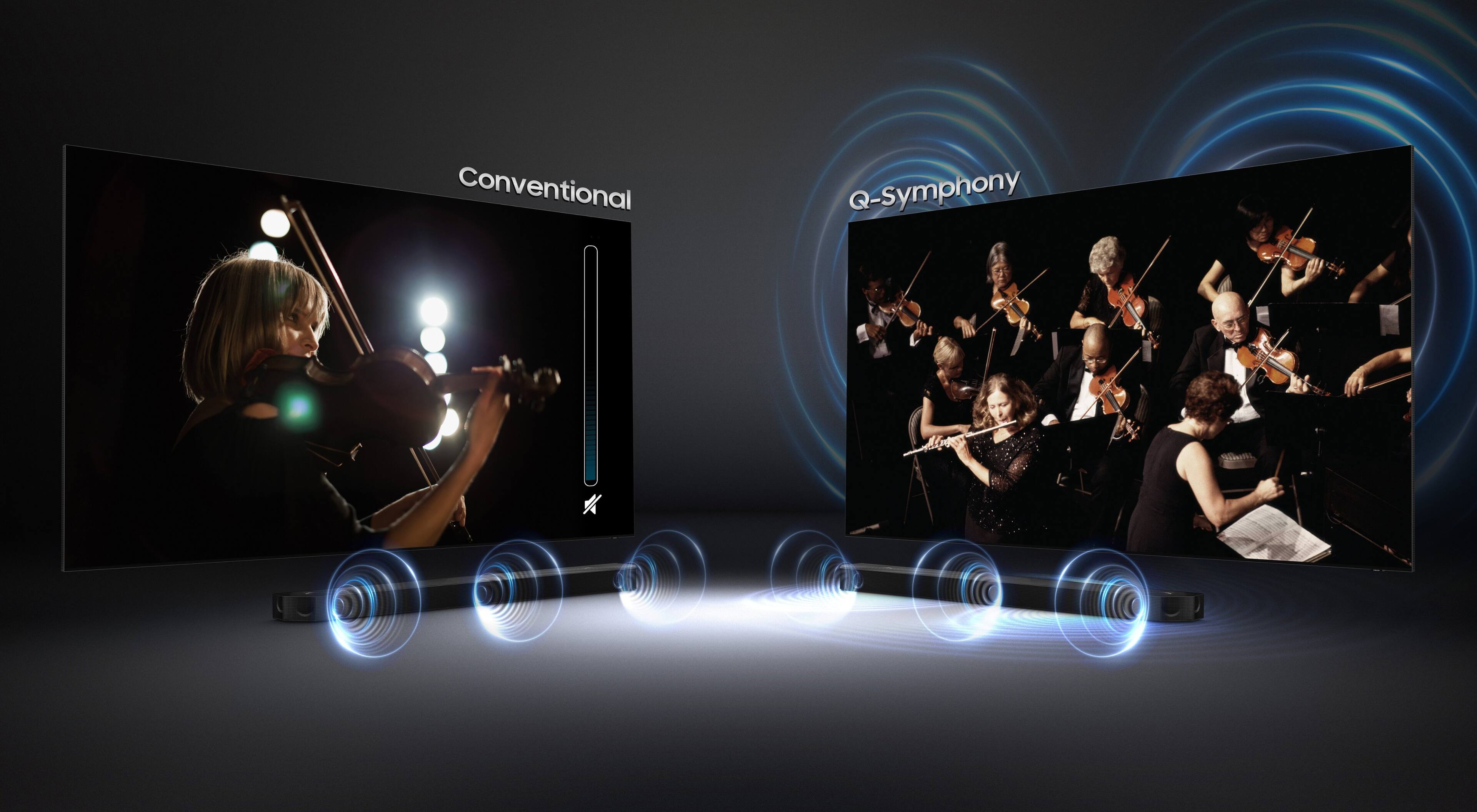
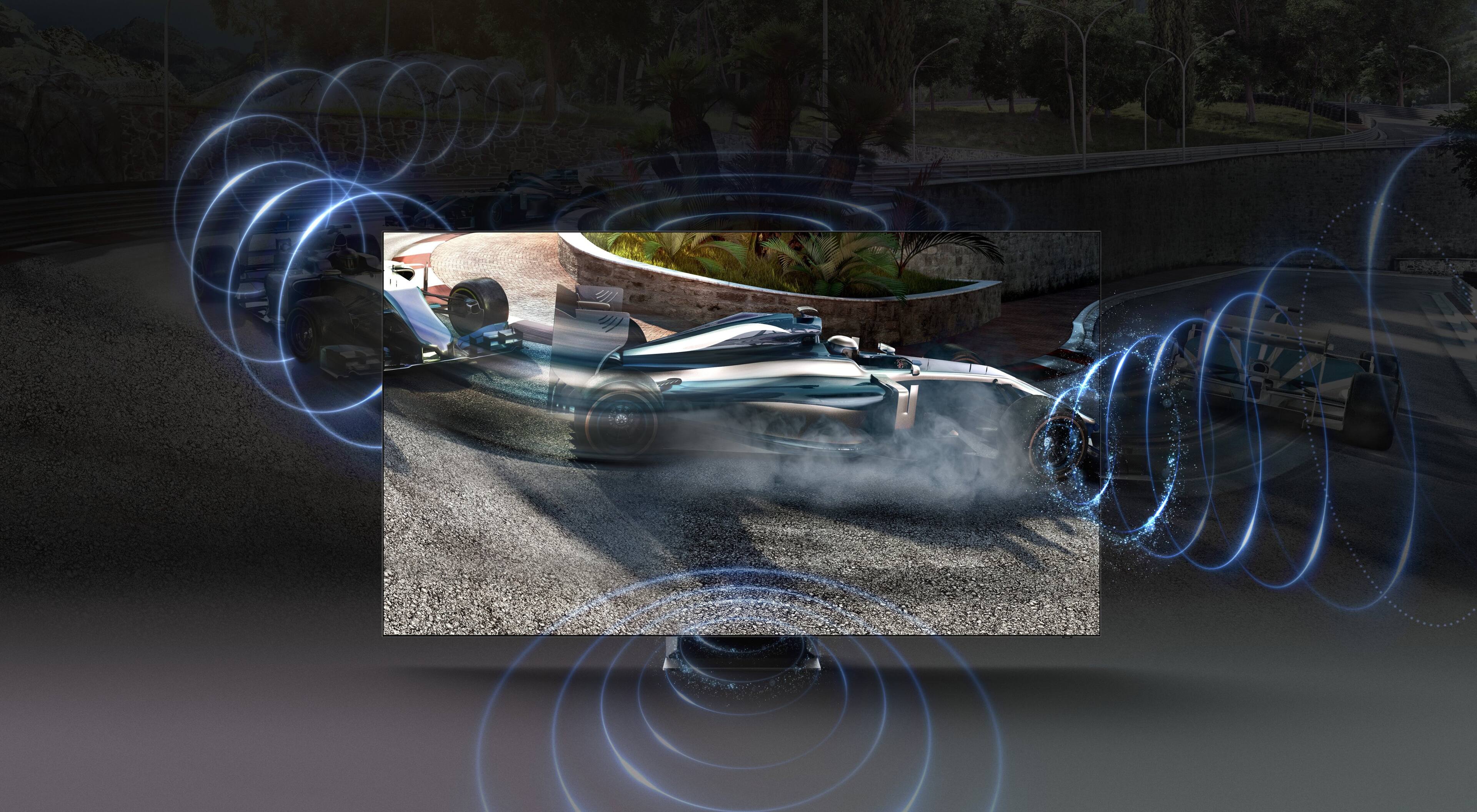
- Sound Quality
Rating 4.6 out of 5 stars
- Brightness
Rating 4.9 out of 5 stars
Customers are saying
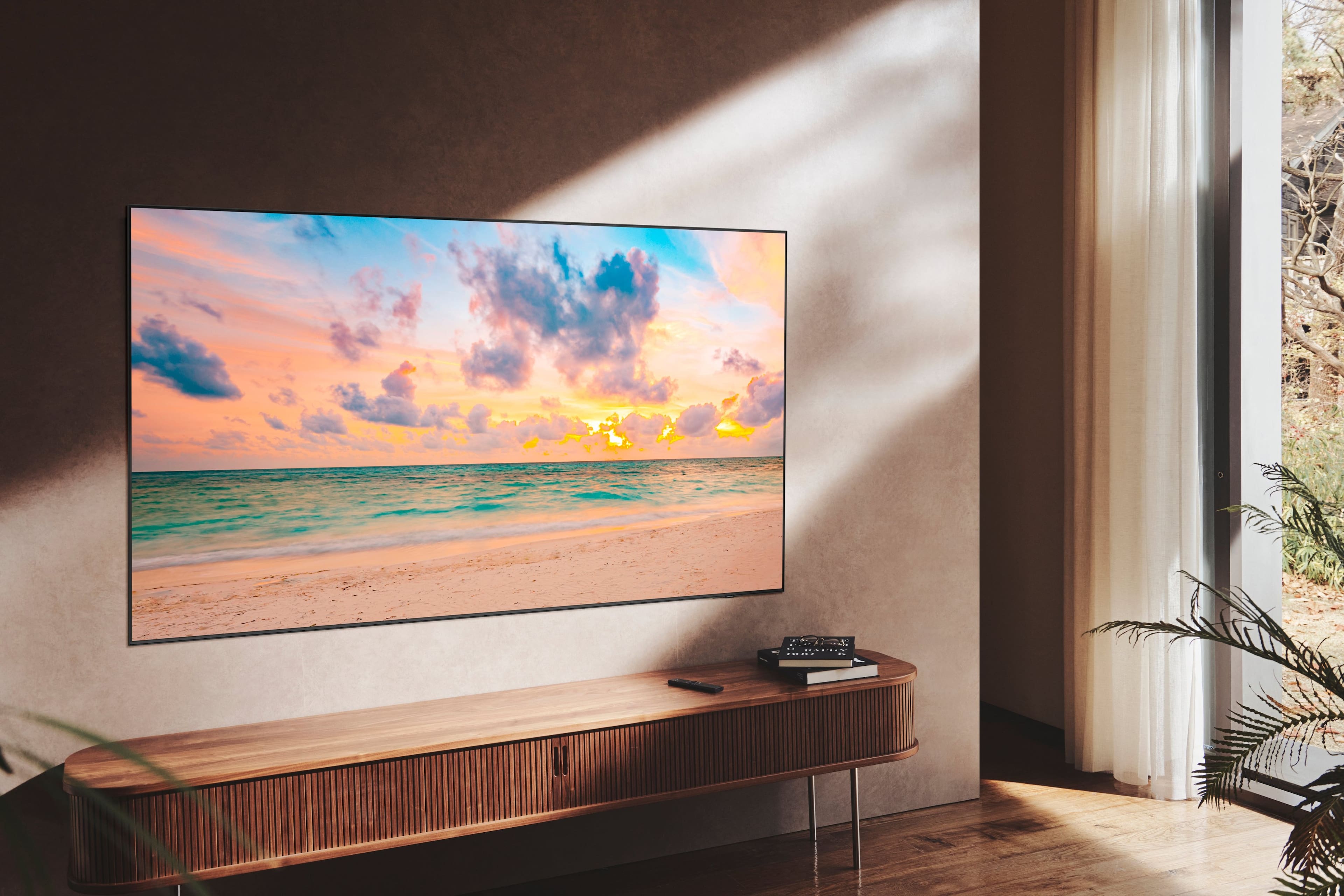
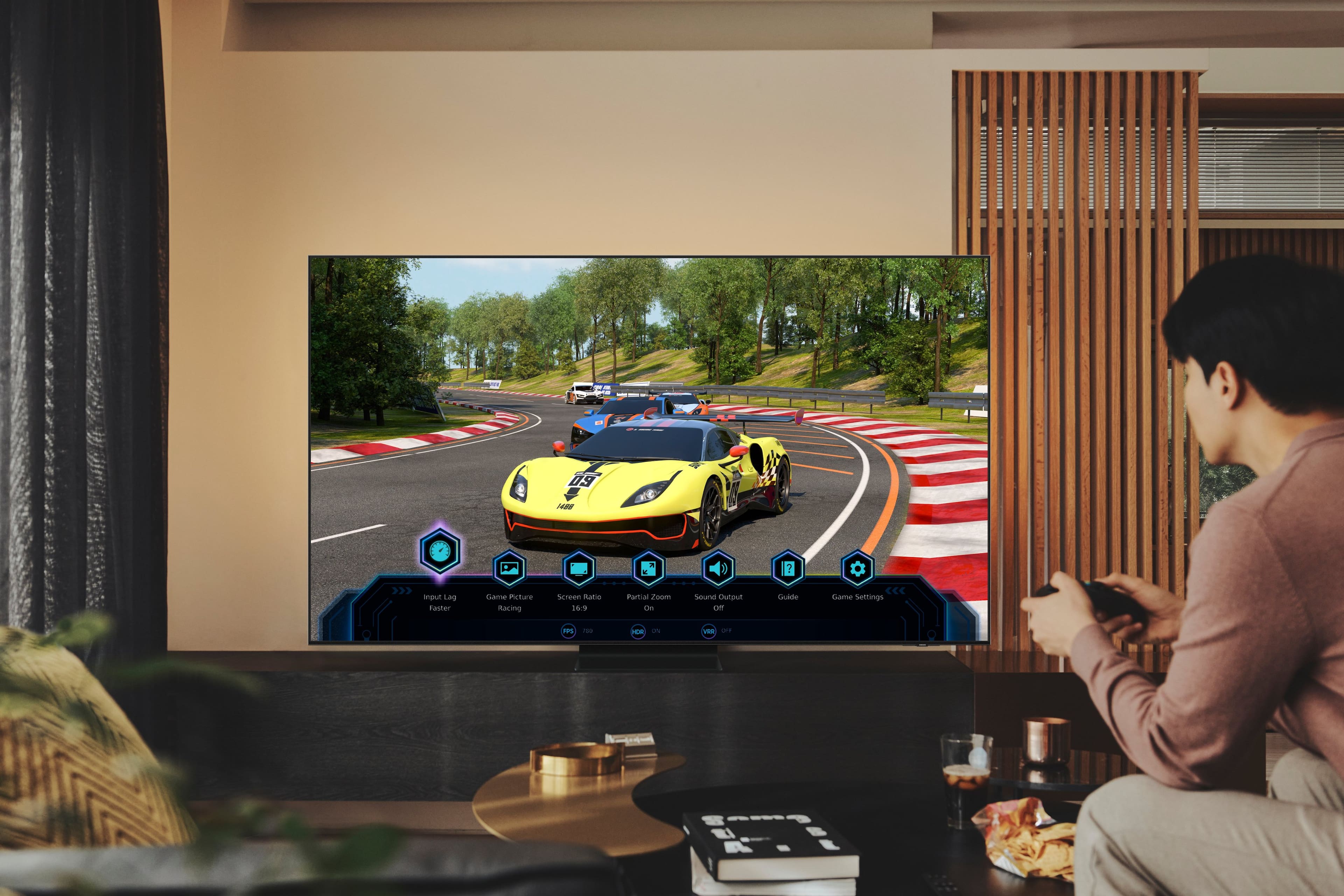
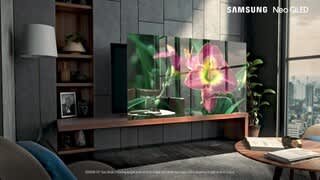
Customers praise the 85” Class QN90B Neo QLED 4K Smart Tizen TV for its exceptional picture quality, with many noting the stunning and bright display. The large screen size is also a hit, especially for gaming and immersive viewing experiences. At a reasonable price point, customers feel they are getting great value for their money. However, some users have expressed concerns about the remote's responsiveness and the TV's weight.
This summary was generated by AI based on customer reviews.
- Pros mentioned:Picture quality
Amazing
||Posted . Owned for 1 week when reviewed.This reviewer received promo considerations or sweepstakes entry for writing a review.Amazing picture. Love this tv. Amazing how far tech has come.
I would recommend this to a friend - Pros mentioned:Picture quality
Tv
||Posted . Owned for 1 week when reviewed.This reviewer received promo considerations or sweepstakes entry for writing a review.The size is perfect in the sun and pictures are great
I would recommend this to a friend - Pros mentioned:Brightness
Superb.
||Posted . Owned for 1 week when reviewed.This reviewer received promo considerations or sweepstakes entry for writing a review.Brighter than any oled. Feels like m in any theater.
I would recommend this to a friend - Pros mentioned:Picture quality
Best TV!
||Posted . Owned for 2 weeks when reviewed.This reviewer received promo considerations or sweepstakes entry for writing a review.Wow! Amazing picture! Absolutely worth it.great picture
I would recommend this to a friend - Pros mentioned:Picture quality
Awesome TV
||Posted . Owned for 1 month when reviewed.This reviewer received promo considerations or sweepstakes entry for writing a review.Awesome TV, couldn’t be happier with the picture!!
I would recommend this to a friend - Pros mentioned:Picture quality
Samsung TV Great buy
||Posted . Owned for 3 weeks when reviewed.This reviewer received promo considerations or sweepstakes entry for writing a review.Excellent TV. Great picture quality and excellent sounbd
I would recommend this to a friend - Pros mentioned:Picture quality
GREAT TV
||Posted . Owned for 3 weeks when reviewed.This reviewer received promo considerations or sweepstakes entry for writing a review.great picture, was on sale for a great price also.
I would recommend this to a friend A little overrated.
||Posted . Owned for 3 weeks when reviewed.This reviewer received promo considerations or sweepstakes entry for writing a review.Picture quality is average. You can definitely tell it’s struggling to get the right picture at times.
I would recommend this to a friendDon't use as a monitor
||Posted . Owned for 3 weeks when reviewed.This reviewer received promo considerations or sweepstakes entry for writing a review.When using as a monitor, the tv doesn't recognize the PC is connected after six hours of no use. Extremally frustrating.
No, I would not recommend this to a friendSamsung tv
||Posted . Owned for 1 week when reviewed.This reviewer received promo considerations or sweepstakes entry for writing a review.Geek squad installed tv and set everything up,left to go in town came back and couldn't get the tv to come back on.
No, I would not recommend this to a friendGood but back light failed
||Posted .This reviewer received promo considerations or sweepstakes entry for writing a review.It was a amazing tv but less than 2 years later, the back light went out
No, I would not recommend this to a friendConfusion.
||Posted . Owned for 3 weeks when reviewed.This reviewer received promo considerations or sweepstakes entry for writing a review.Cannot get Alexa to work with it. Also, must navigate to prior channel when turning on after shutdown.
No, I would not recommend this to a friendBrand response from Samsung
Posted .KevinC,
We appreciate your review of Samsung’s QN90B TV. So we can better understand the problems you’re experiencing and provide you with troubleshooting assistance or warranty service, please reach out to Samsung Customer Support at 1-800-SAMSUNG, 8AM - 12AM EST, 7 days a week. Or visit us on the Samsung website and click on the ‘Support’ link for:
• LiveChat
• Manuals, Software, & Warranty Info
~ Samsung Specialist
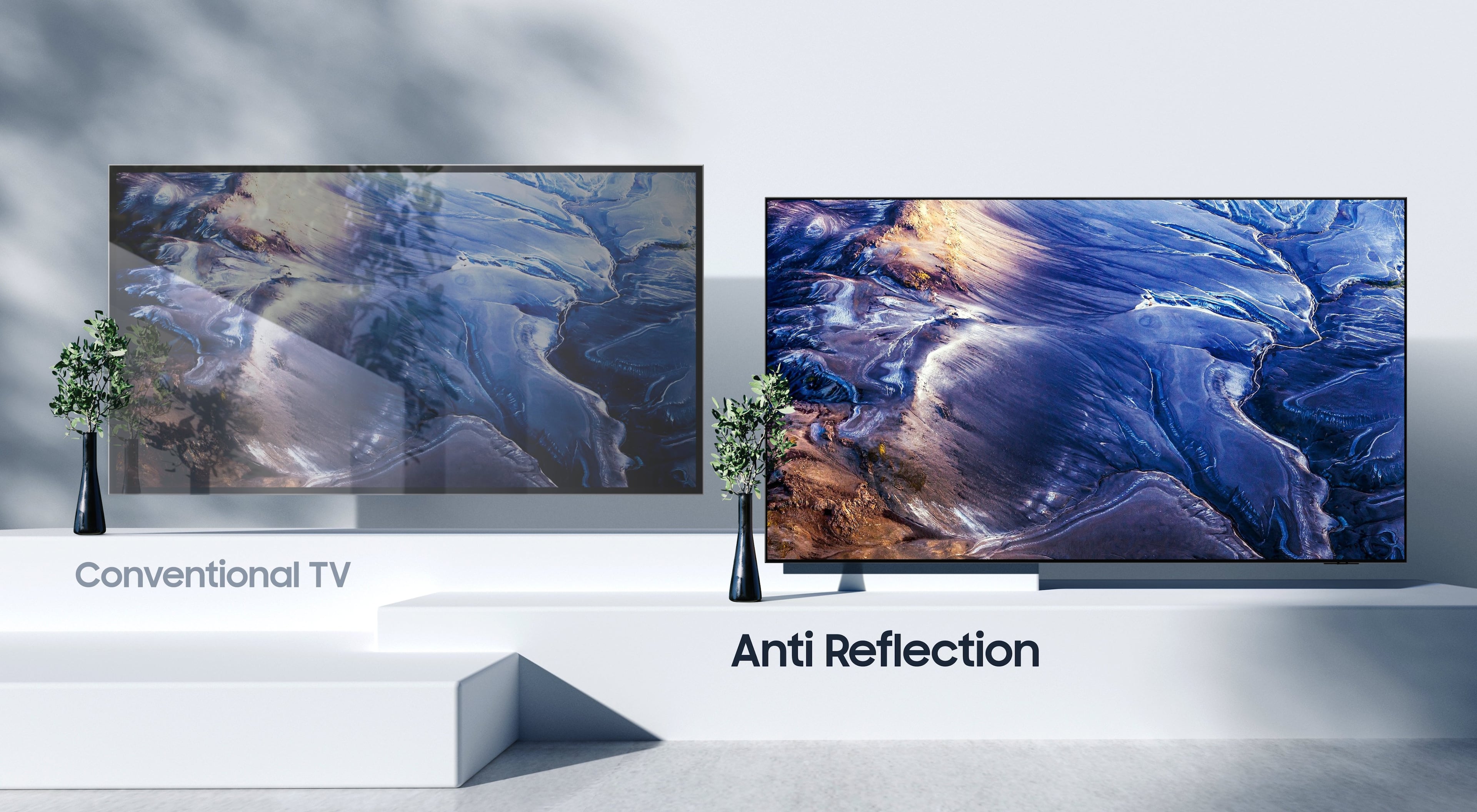
Samsung QN90B glossy screen concerns
||Posted . Owned for 3 weeks when reviewed.This reviewer received promo considerations or sweepstakes entry for writing a review.Annoying rainbows reflections in dark scenes if there is any lights in the room
I would recommend this to a friendGreat TV
||Posted . Owned for 1 year when reviewed.This reviewer received promo considerations or sweepstakes entry for writing a review.Purchase the TV and unfortunately after 16 months the screen went out (Ghosting and a horizontal line across the screen). Samsung charges over $1,500 to replace the parts needed. Unfortunately, I now question Samsung's TV quality and when searching online, I found several customers with the same problem. All Samsung representative are good at is repeating the "out of warranty line" I guess they are well trained.
No, I would not recommend this to a friendGreat TV with noisy video autopsy interface
||Posted . Owned for 1 month when reviewed.This reviewer received promo considerations or sweepstakes entry for writing a review.Lovely TV that has an irritating wrinkle in its interface. When switching it on it auto plays random videos with sound on a Samsung channel. I much prefer to select what I want to stream in silence and I cannot find a setting how to stop the auto play of random content. So I added a FireTV stick and that way can bypass the irritating Samsung interface.
No, I would not recommend this to a friendBrand response from Samsung
Posted .MSSF,
While your QN90B TV may currently default to Samsung’s TV Plus app, please know you can choose what your TV does when you turn it on by going to Menu > Settings > All Settings > General & Privacy > Start Screen Option > Autorun Smart Hub
1) Enabling Autorun Smart Hub automatically launches the Smart Hub when the TV is turned on. Navigate to this option to enable or disable the feature.
2) If Autorun Last App is set to on, the last used app is automatically run when you turn on the TV. You can turn this function on or off by pressing the Select button in the current menu.
If we can help with anything else, please call us at 1-800-SAMSUNG, 8AM - 12AM EST, 7 days a week. LiveChat with an agent as well as manuals, software, and warranty info can be found at the ‘Support’ link on our Samsung website.
~ Samsung Specialist
Doesn’t let you download some apps
||Posted . Owned for 3 weeks when reviewed.This reviewer received promo considerations or sweepstakes entry for writing a review.It’s nice work great but doesn’t let us download Univision now
No, I would not recommend this to a friendSamsung TV
||Posted . Owned for 1 month when reviewed.This reviewer received promo considerations or sweepstakes entry for writing a review.Not too good compare to other and sound is not good or compitable
No, I would not recommend this to a friendSamsung 85" TV
||Posted . Owned for 1 month when reviewed.This reviewer received promo considerations or sweepstakes entry for writing a review.poorly organized OS from Samsung. Limited picture/screen display options
No, I would not recommend this to a friendPerfect size
||Posted . Owned for 1 week when reviewed.This reviewer received promo considerations or sweepstakes entry for writing a review.Overall this product is outstanding in every aspect. Size, quality and performace are spot on. Four star because it doesnt do a great job at eliminating glare at high and low ambient light levels.
I would recommend this to a friendMr
||Posted . Owned for 3 weeks when reviewed.This reviewer received promo considerations or sweepstakes entry for writing a review.It is ok I did not notice any better than other television
No, I would not recommend this to a friend