Customer Ratings & Reviews
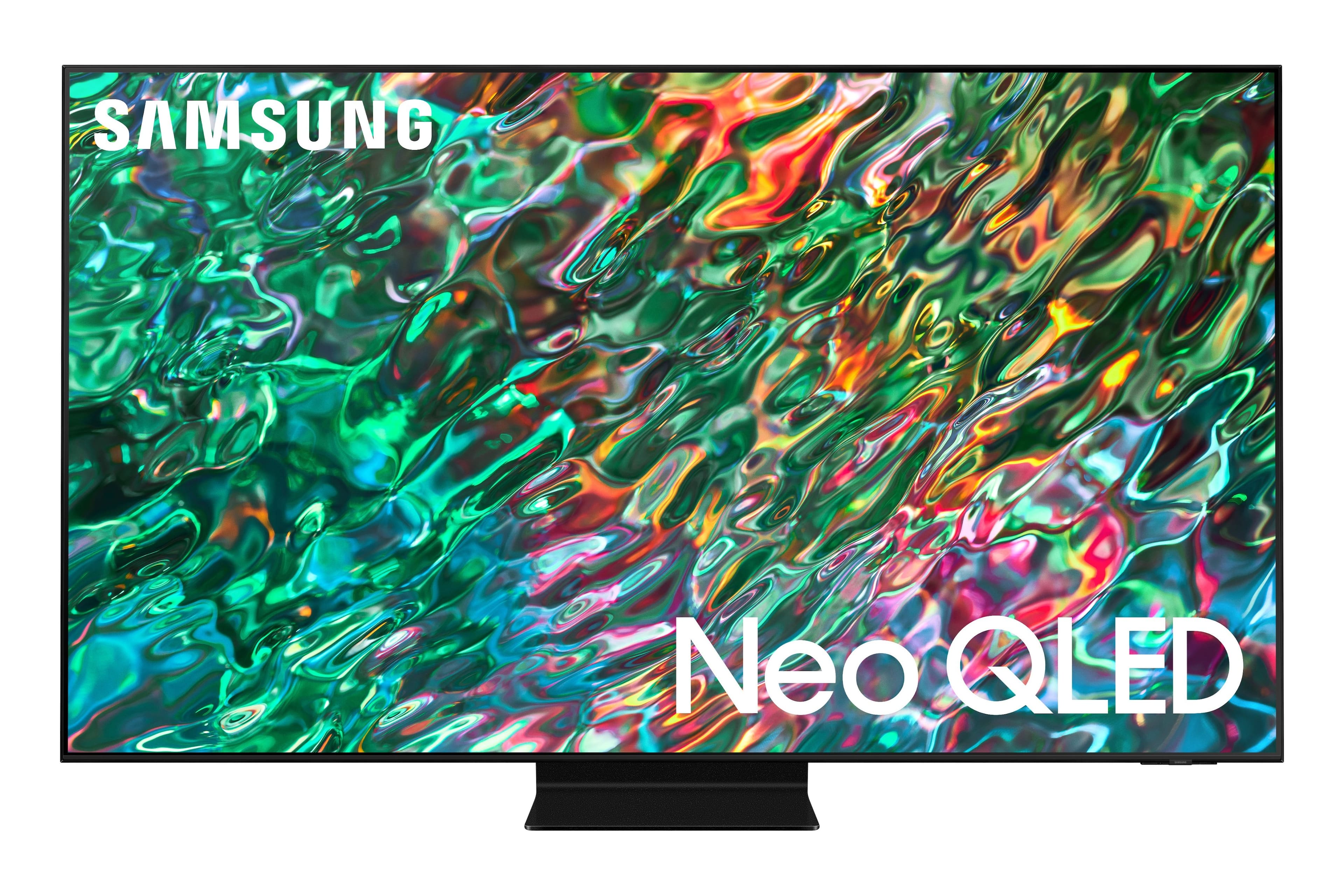
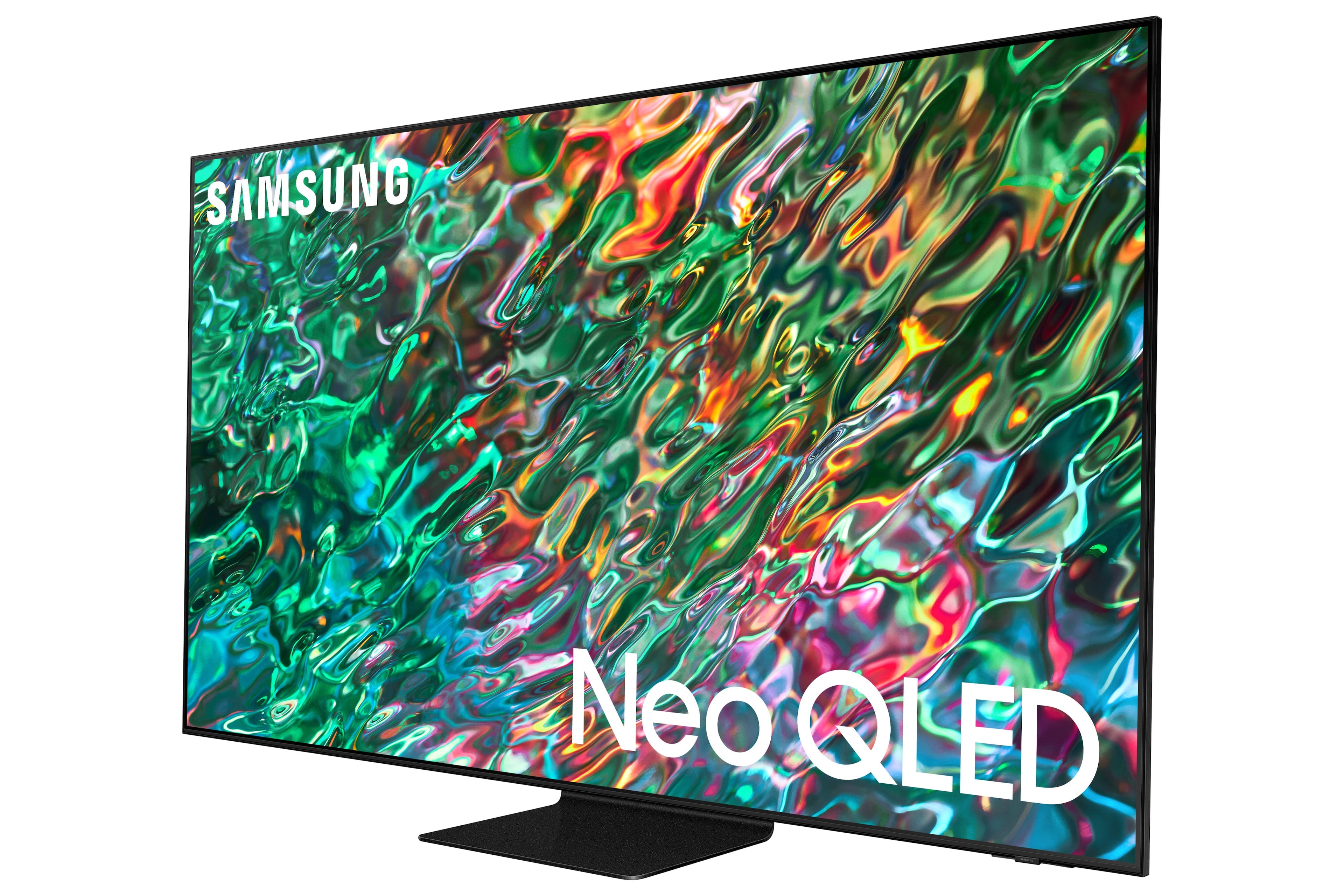
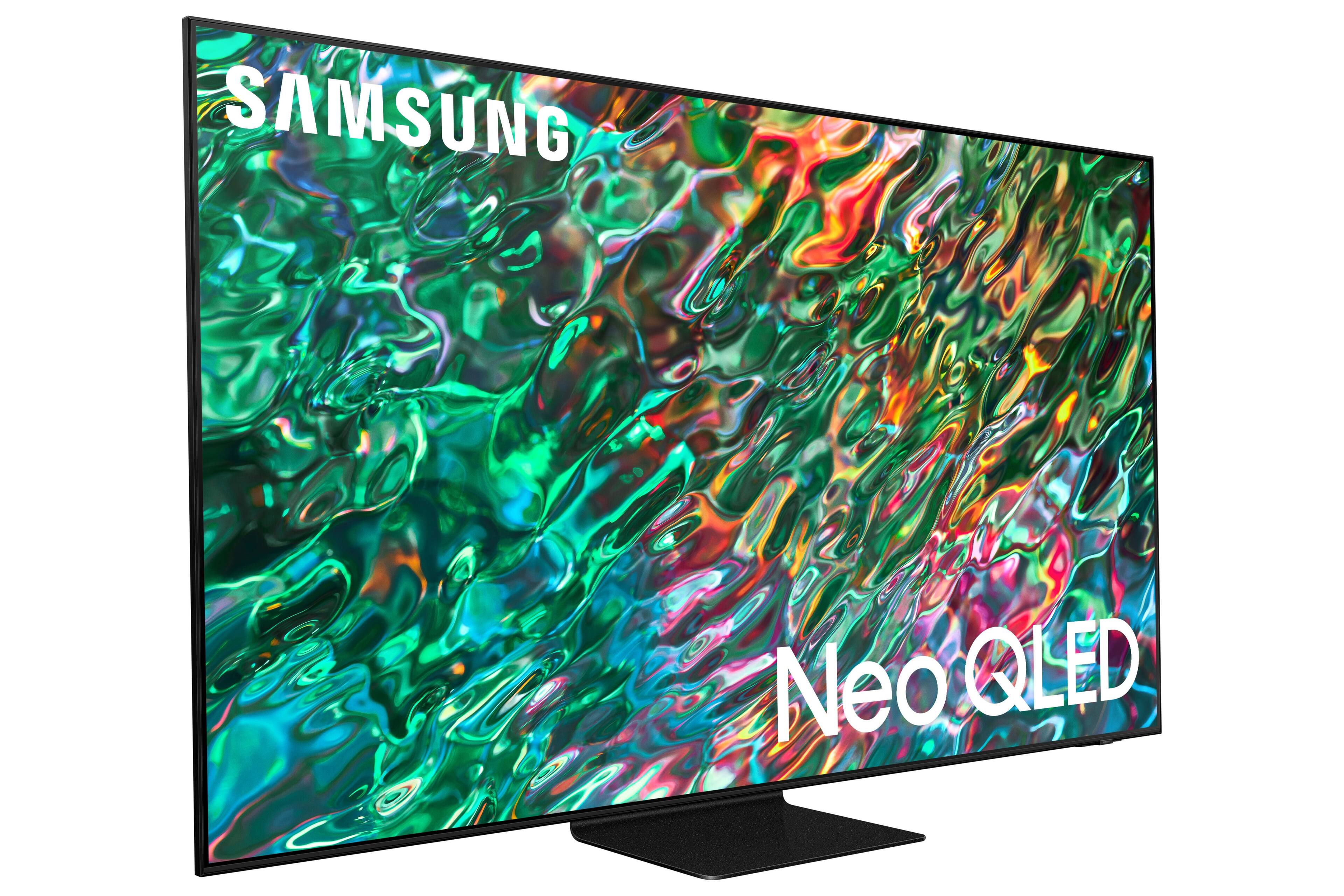
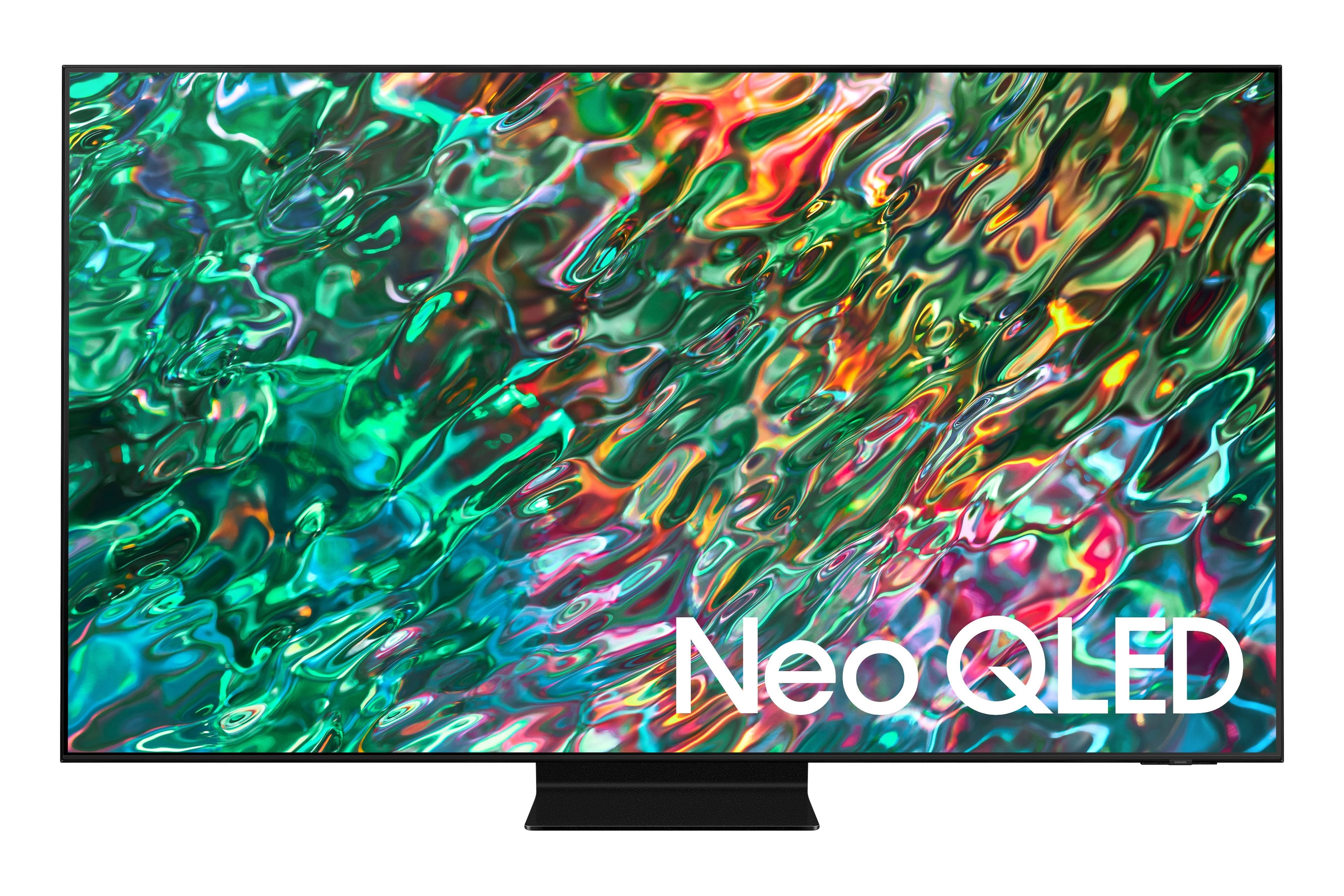
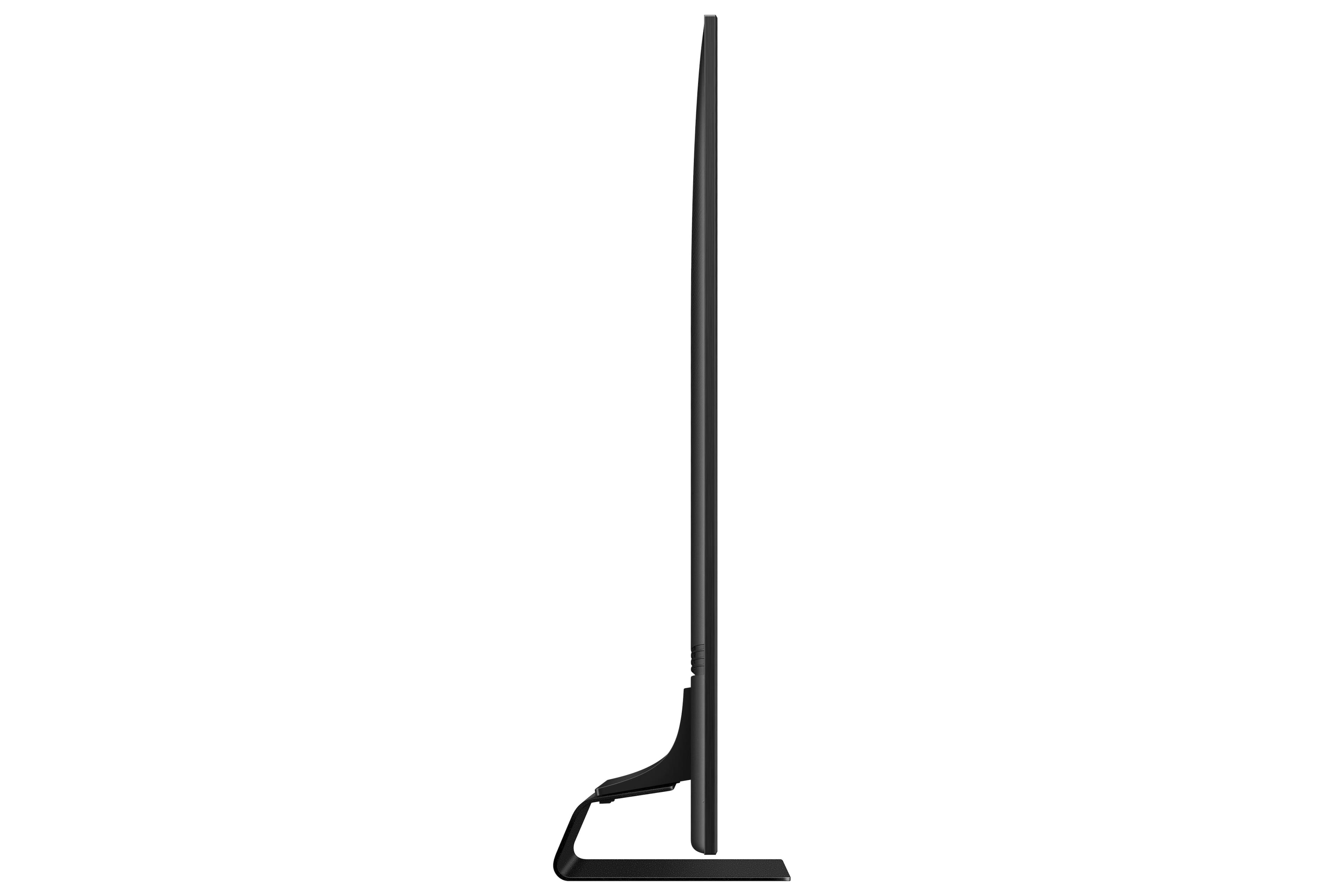
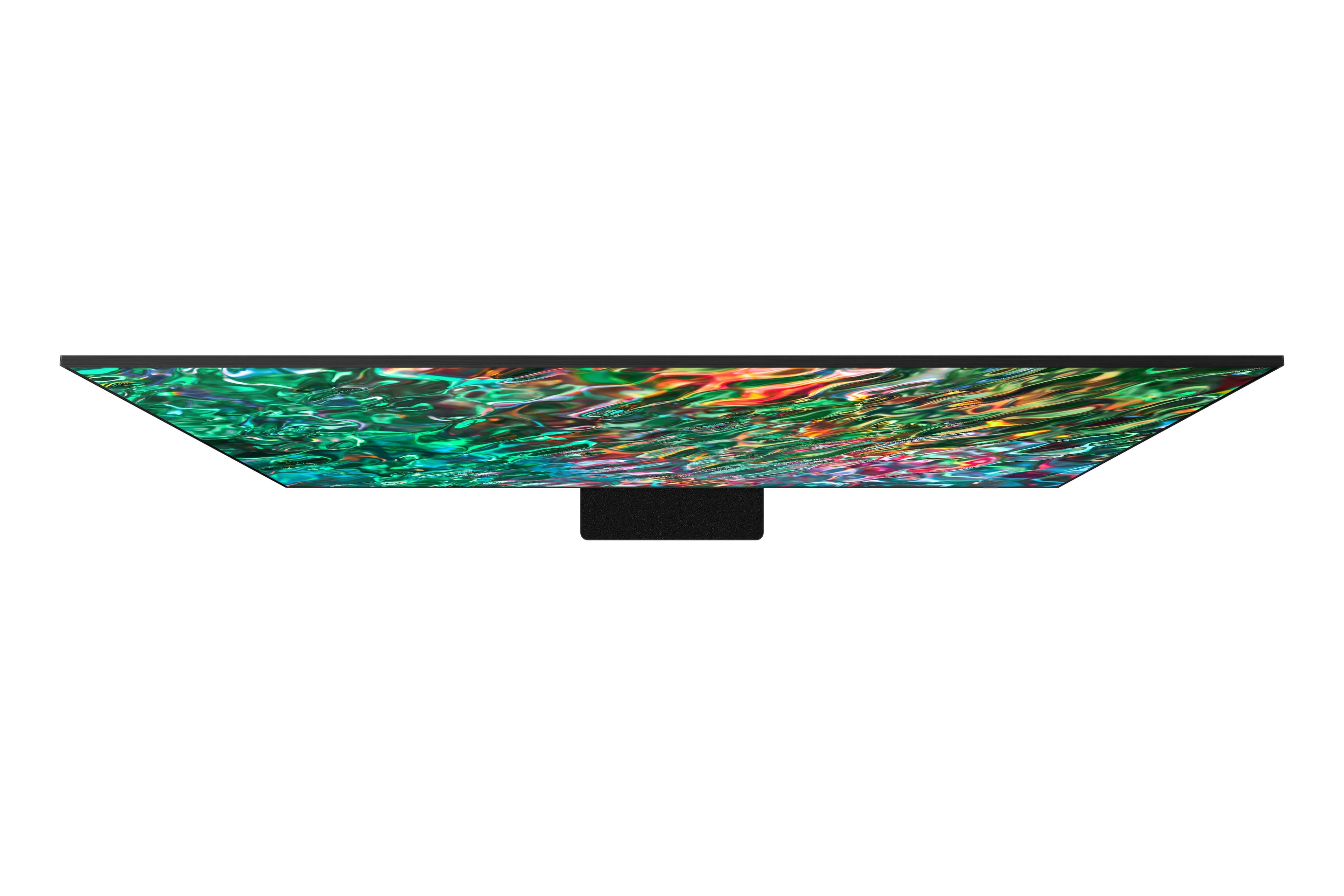
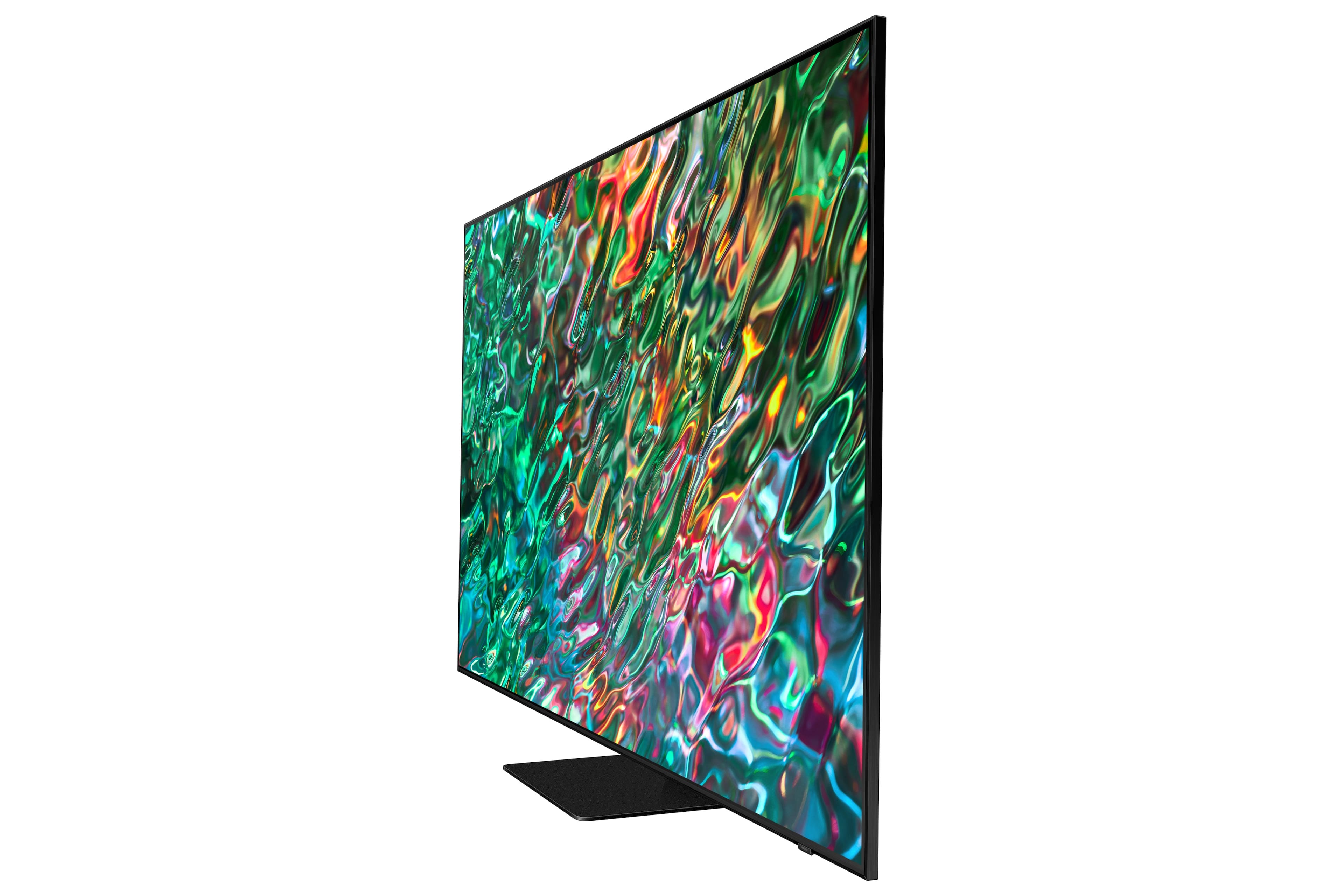
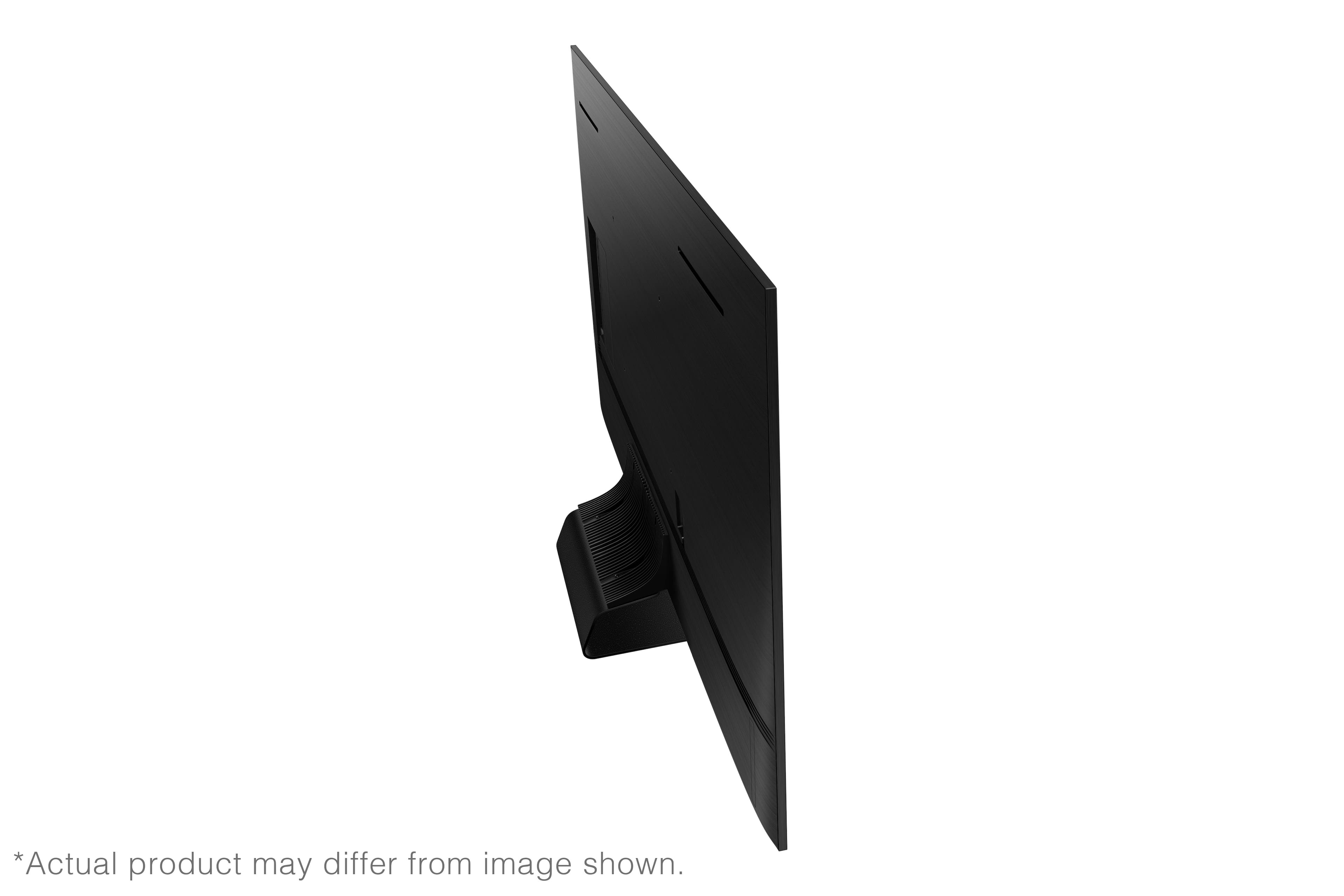
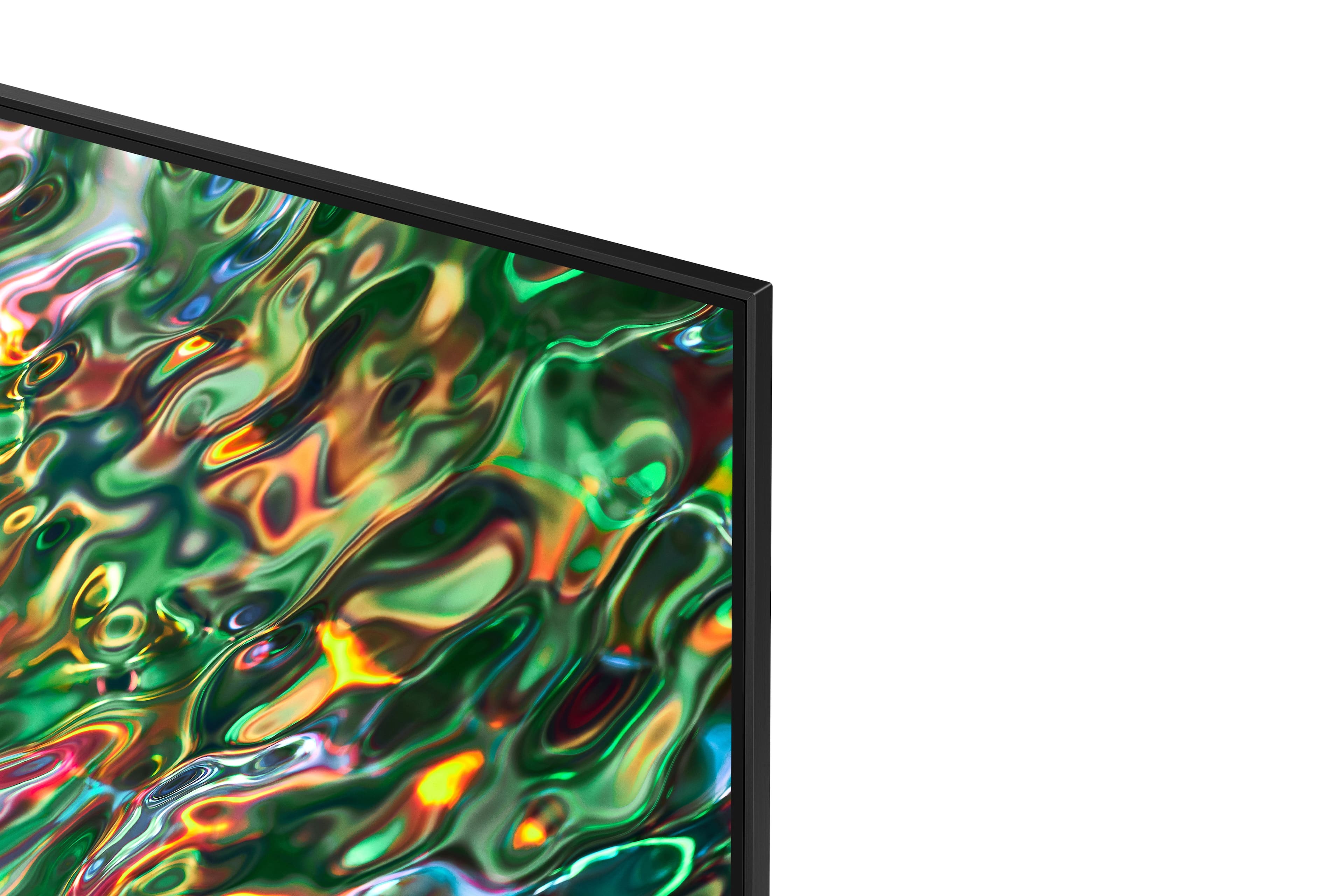
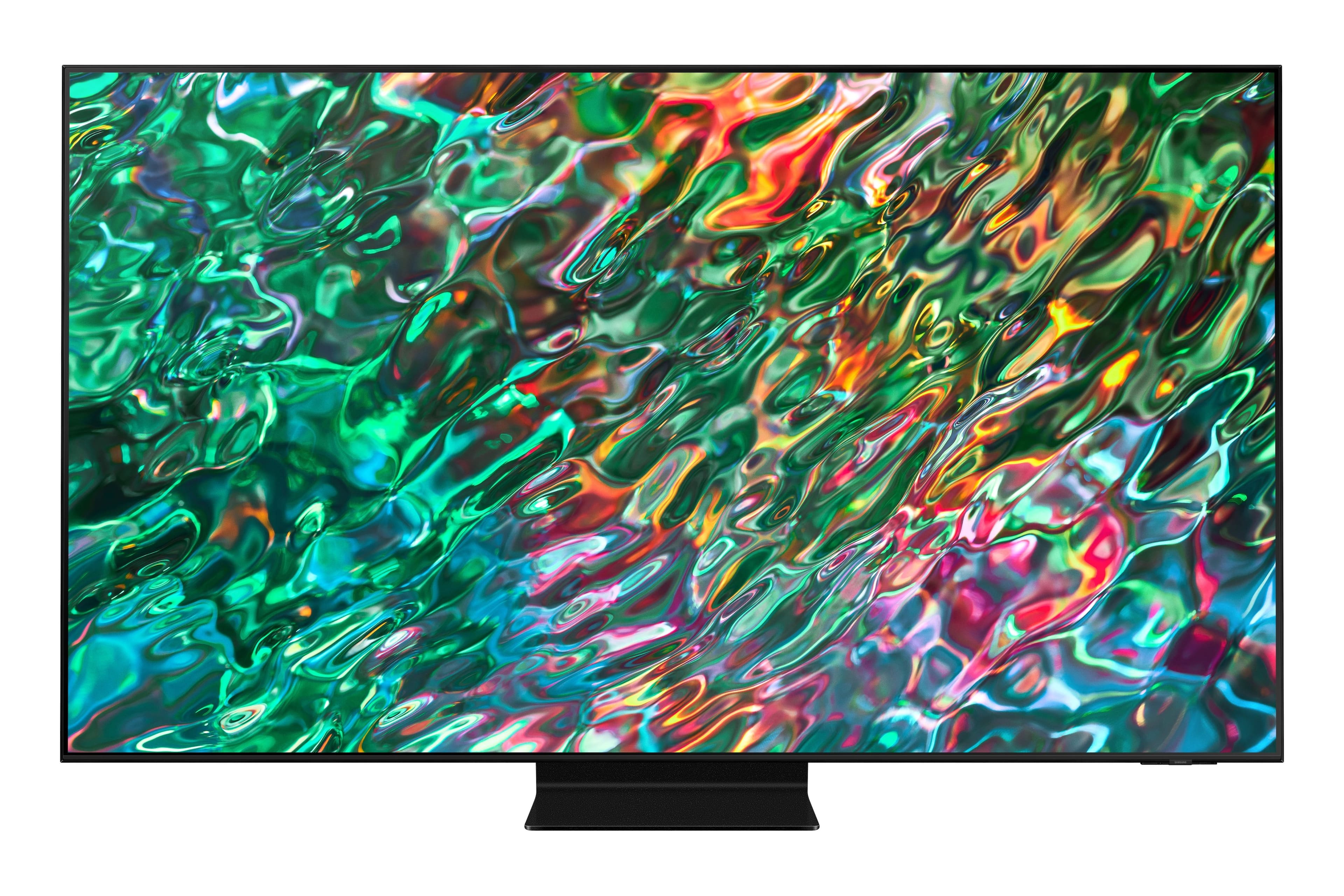
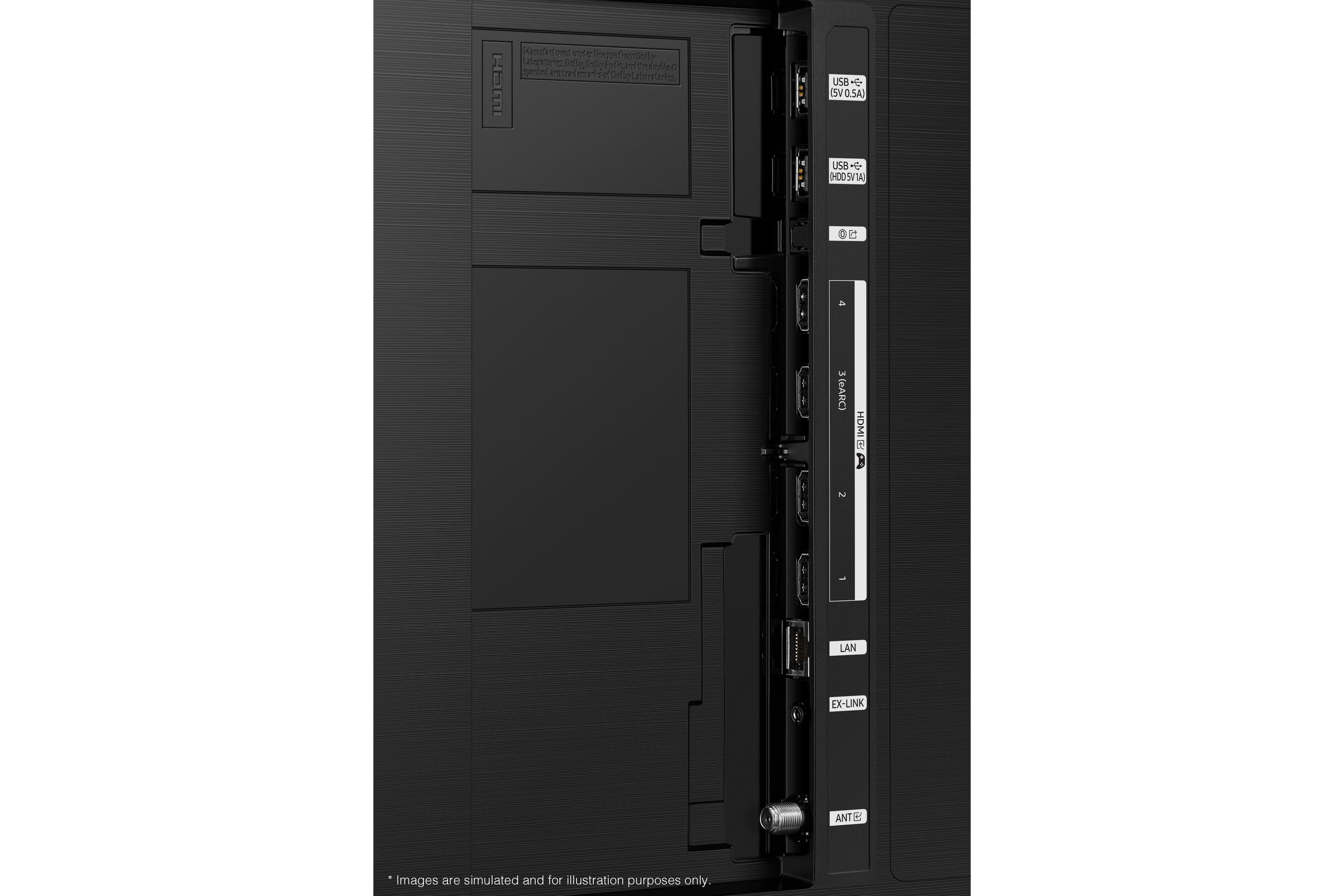

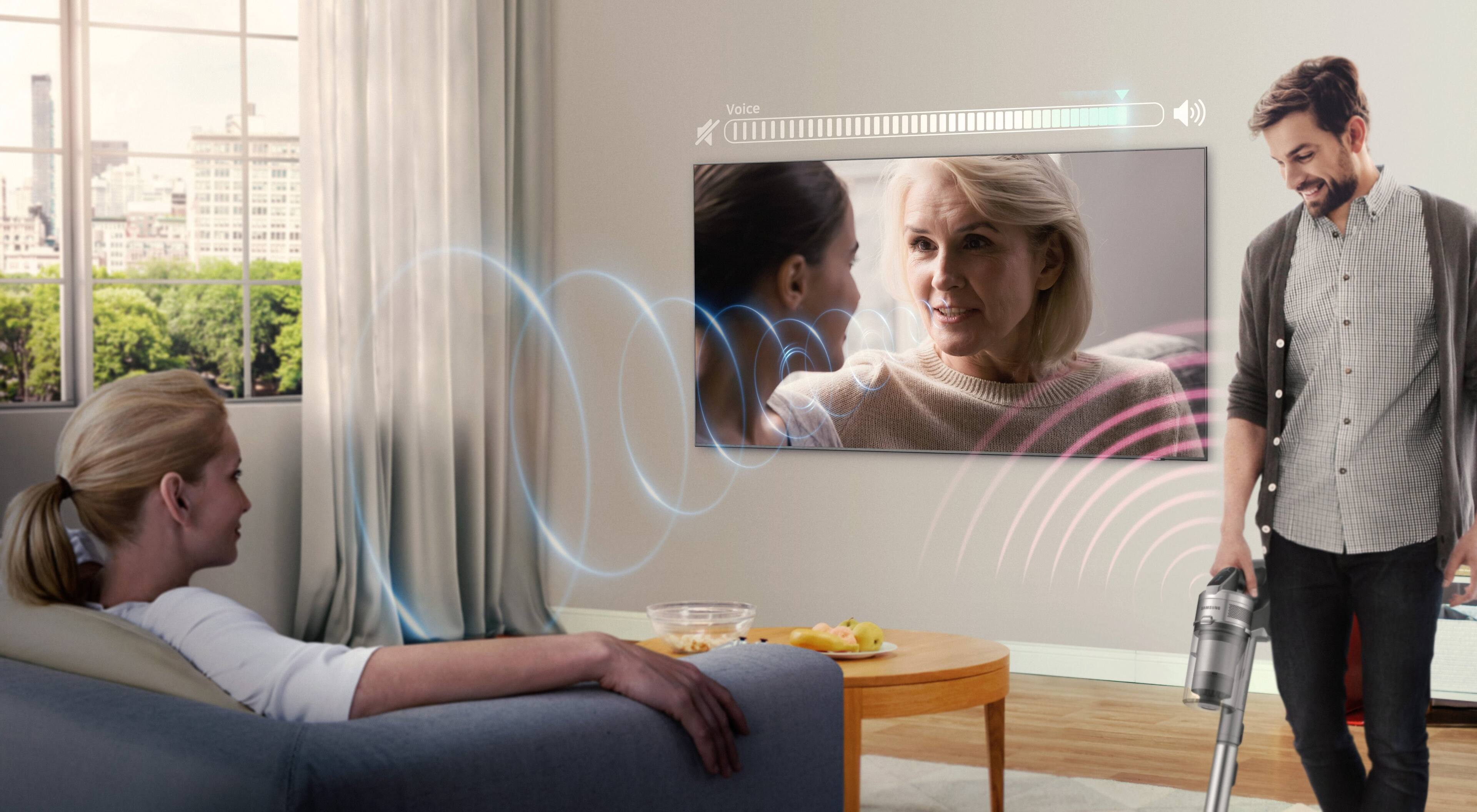
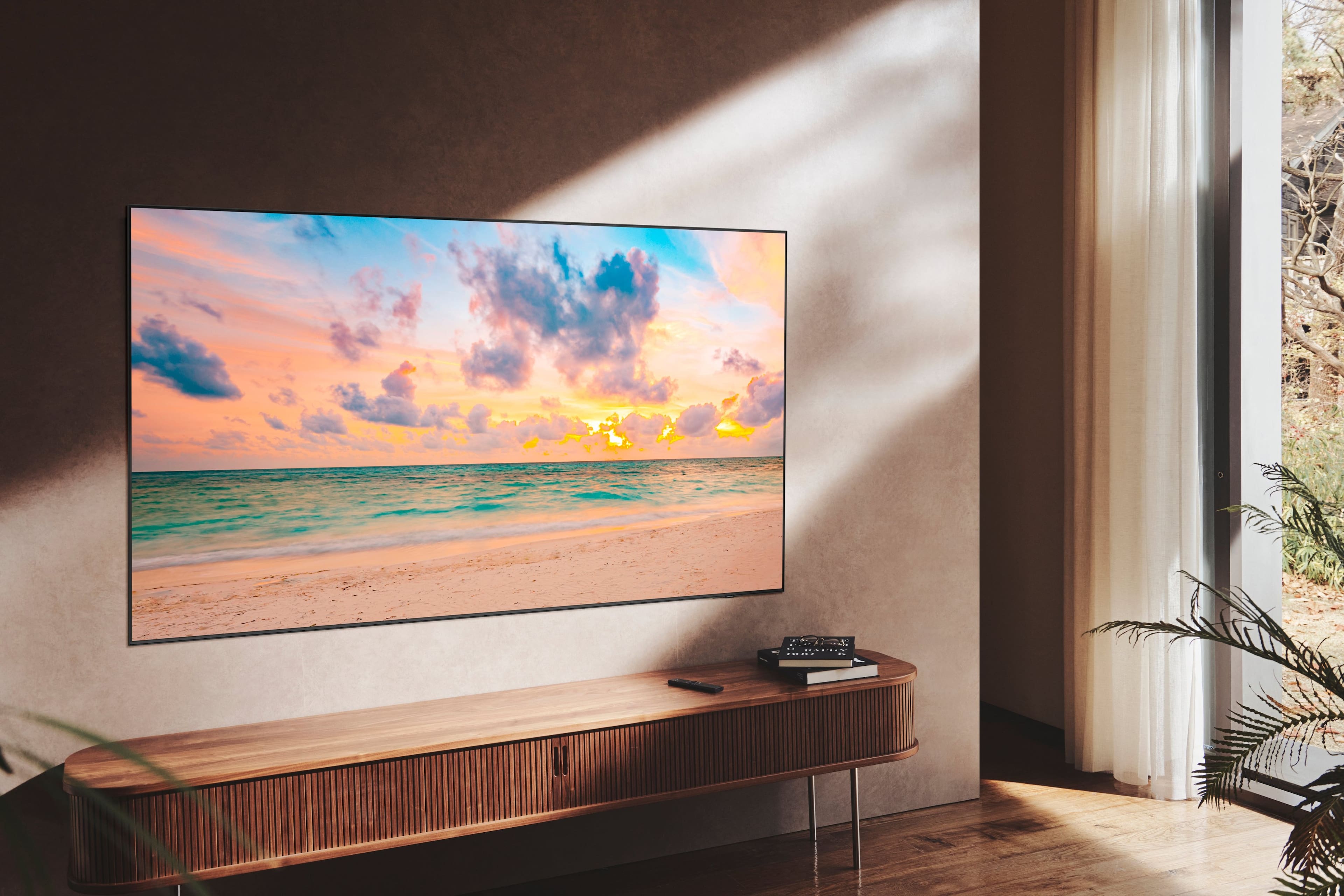
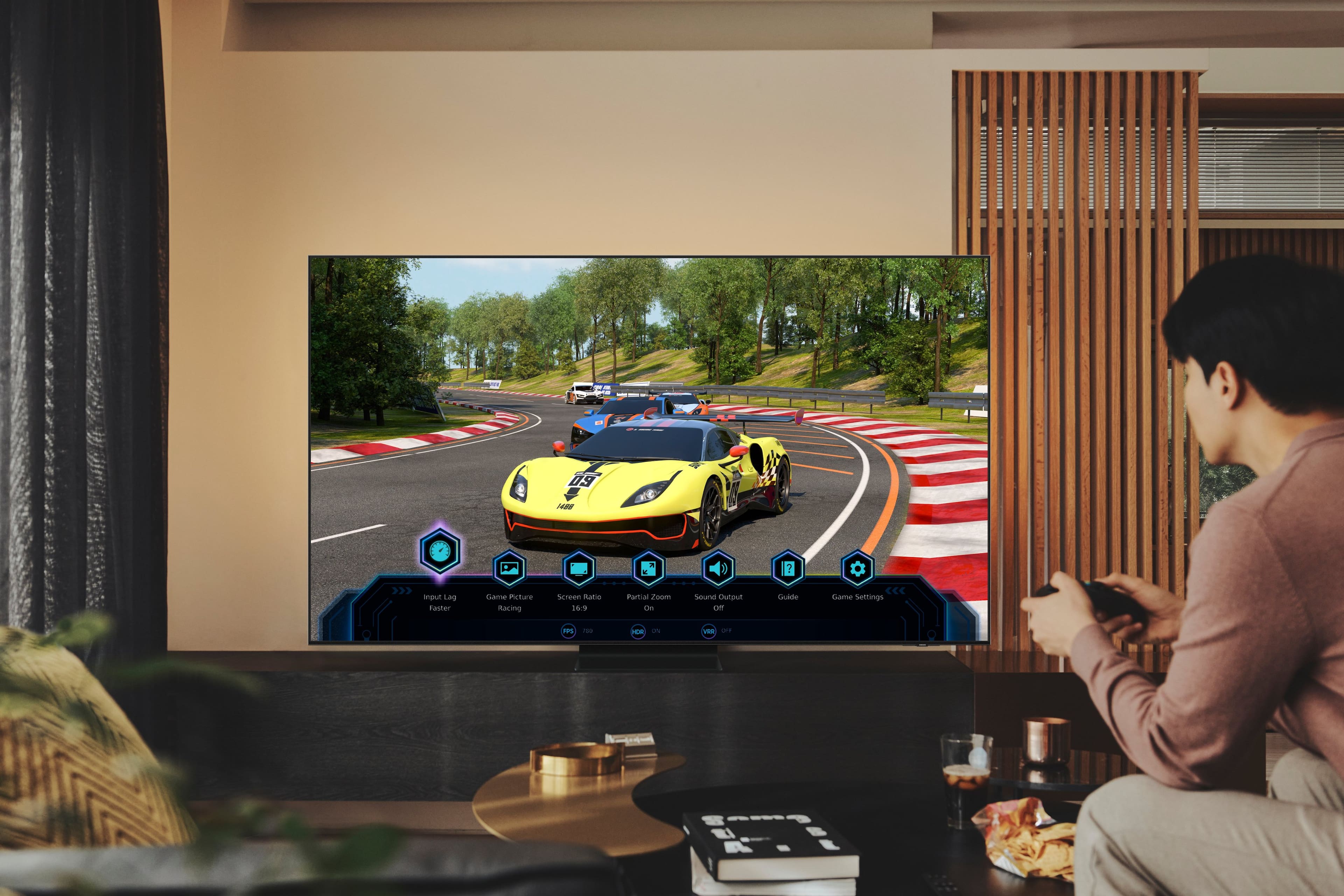









- Model:
- QN85QN90BAFXZA
- SKU:
- 6500631
Rating by feature
- Picture Quality
Rating 4.9 out of 5 stars
- Sound Quality
Rating 4.6 out of 5 stars
- Brightness
Rating 4.9 out of 5 stars
Customers are saying
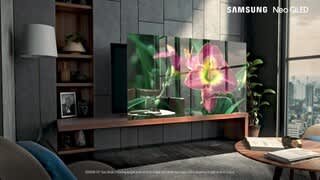
Customers praise the 85” Class QN90B Neo QLED 4K Smart Tizen TV for its exceptional picture quality, with many noting the stunning and bright display. The large screen size is also a hit, especially for gaming and immersive viewing experiences. At a reasonable price point, customers feel they are getting great value for their money. However, some users have expressed concerns about the remote's responsiveness and the TV's weight.
This summary was generated by AI based on customer reviews.
Poor quality
||Posted . Owned for 1 year when reviewed.This reviewer received promo considerations or sweepstakes entry for writing a review.Quit working in 11th month from purchase. Did not like customer service. Buy the bestbuy expensive warranty. (May not buy another Samsung product. My cheap Vizio lasted for years without problems.)
No, I would not recommend this to a friendThe HDMI-ARC doesn't work. Sound Drops
||Posted . Owned for 7 months when reviewed.This reviewer received promo considerations or sweepstakes entry for writing a review.Google: Intermittent sound drops when connected via HDMI-ARC. In summary many complaints and no support or solution from Samsung. This was a $2400 TV. I can't use the ARC connection to use my denon receiver or to turn it on when using the TV.
No, I would not recommend this to a friendTelevision
||Posted . Owned for 2 weeks when reviewed.This reviewer received promo considerations or sweepstakes entry for writing a review.Bought for Christmas so hopefully it will work and be as good as it says
I would recommend this to a friendSamsung
||Posted . Owned for less than 1 week when reviewed.This reviewer received promo considerations or sweepstakes entry for writing a review.It’s a good TV I would recommend it. The price is good as well.
I would recommend this to a friendBrett
||Posted . Owned for 1 month when reviewed.This reviewer received promo considerations or sweepstakes entry for writing a review.Great TV but doesn't sync completely with my Yamaha AV receiver
I would recommend this to a friendBrand response from Samsung
Posted .Brett,
We appreciate your review of Samsung’s QN90B TV. So we can better understand the connectivity problems you are experiencing and provide you with troubleshooting assistance, please reach out to Samsung Customer Support at 1-800-SAMSUNG, 8AM - 12AM EST, 7 days a week. Or visit us on the Samsung website and click on the ‘Support’ link for:
• LiveChat
• Manuals, Software, & Warranty Info
~ Samsung Specialist
Defective product
||Posted . Owned for 3 months when reviewed.This reviewer received promo considerations or sweepstakes entry for writing a review.I got this tv less than 6 months ago l, there are shades of white comming off the edges towards the center. Like a mixed coloration or color distortion.
No, I would not recommend this to a friendUser Manual missing!
||Posted . Owned for 1 week when reviewed.This reviewer received promo considerations or sweepstakes entry for writing a review.I did not receive my User Manual! I need it! Produce it, or come pick up your TV and put my old one back up!
No, I would not recommend this to a friend- Pros mentioned:Black levels, Picture quality
50 inch Plasma to 85 inch Qled
Posted .This reviewer received promo considerations or sweepstakes entry for writing a review.Old TV 50 inch 720p Panasonic plasma. The plasma really had nothing in the "blacks" that the Qled cannot match. I really like this picture. The 1080 OTA is better than I expected for a TV this size. I was ready to return this TV for a week, until I figured out some of the setting that are hard to find. The automatic brightness control is hidden in the general-privacy-power menu. And the sharpness control really makes a difference. First TV I noticed this on. I had it on "0", who wants to process the signal any more than necessary. But 8,9,10 really made a difference in SD antenna not being fuzzy. And 4K HDR - WOW! Never seen Star Trek look so GOOD!
I would recommend this to a friend Does Not Play Well with Others
||Posted . Owned for 2 weeks when reviewed.This reviewer received promo considerations or sweepstakes entry for writing a review.There is a serious issue with the eARC functionality on this TV. I returned the first one because I was told it was a bad unit. Second one is exactly the same. Severe audio sync issues with a Samsung Q sound bar and Denon AVR. Now I’m going to have to return the second TV. Beware!!!
No, I would not recommend this to a friendBrand response from Samsung
Posted .PeterM,
We appreciate your feedback on the issues you're experiencing, and for optimal connectivity, we ask that you please ensure you've got the latest firmware version installed on your QN90B TV. You can check this by going to: Home > Menu > Settings > Support > Software Update.
If you’re still hearing an audio delay across all sources/channels and you have a receiver, soundbar, or other speakers connected to your TV, you can access the Audio Delay settings to increase the audio delay. Go to: Menu > Settings > All Settings > Sound > Expert Settings > Digital Output Audio Delay
If you’ve tried these steps and your issue persists, please contact us for troubleshooting and a Support agent will gladly assist. You can reach us at 1-800-SAMSUNG, 8AM - 12AM EST, 7 days a week. Our LiveChat agents are also available by clicking on the ‘Support’ link on our website.
~ Samsung Specialist
Came in Defective
||Posted .This reviewer received promo considerations or sweepstakes entry for writing a review.Giving it a 1 for now. TV came in defective. Half the screen is darker than the other and I’m seeing white areas in the bottom left section. Sucks that Best Buy doesn’t offer a return pick up service. Using task rabbit. Will update once they exchange my TV.
I would recommend this to a friendBrand response from Samsung
Posted .Kkajtezovic88,
We appreciate you sharing the issues you have experienced with your QN90B TV. Thank you for your patience in having to deal with the inconvenience of an exchange.
Should you need help with your new unit, please contact Samsung Customer Support at 1-800-SAMSUNG, 8AM - 12AM EST, 7 days a week. Our LiveChat agents are also available by clicking on the ‘Support’ link on our website.
~ Samsung Specialist
- Pros mentioned:Picture quality
85” is massive
Posted .This reviewer received promo considerations or sweepstakes entry for writing a review.I got the 85” lol. You dont realize just how big that is until its actually set up in your house. The 85” uses a VN panel vs IPS of the smaller sizes. This TV is a thing of wonder. Playing PS5 on this thing is what dreams are made of. After messing with the settings for a while, which i enjoy, no matter what you watch on this thing it looks jaw dropping, and dont even get me started on UHD movies and HDR content on netflix. Its scary how good it looks, the level of detail on faces is incredible. You can literally see peoples pores on thier face it’s crazy. Back to gaming, no lag, no stutter, just super smooth its a gamers heaven. But honestly, if i had to do it over again, despite the shock and awe the 85” delivers I think it might be too big and I would have goone for the 75”. Its taken some getting used too and i just think my room isnt bog enough to do it justice.
I would recommend this to a friend So disappointed
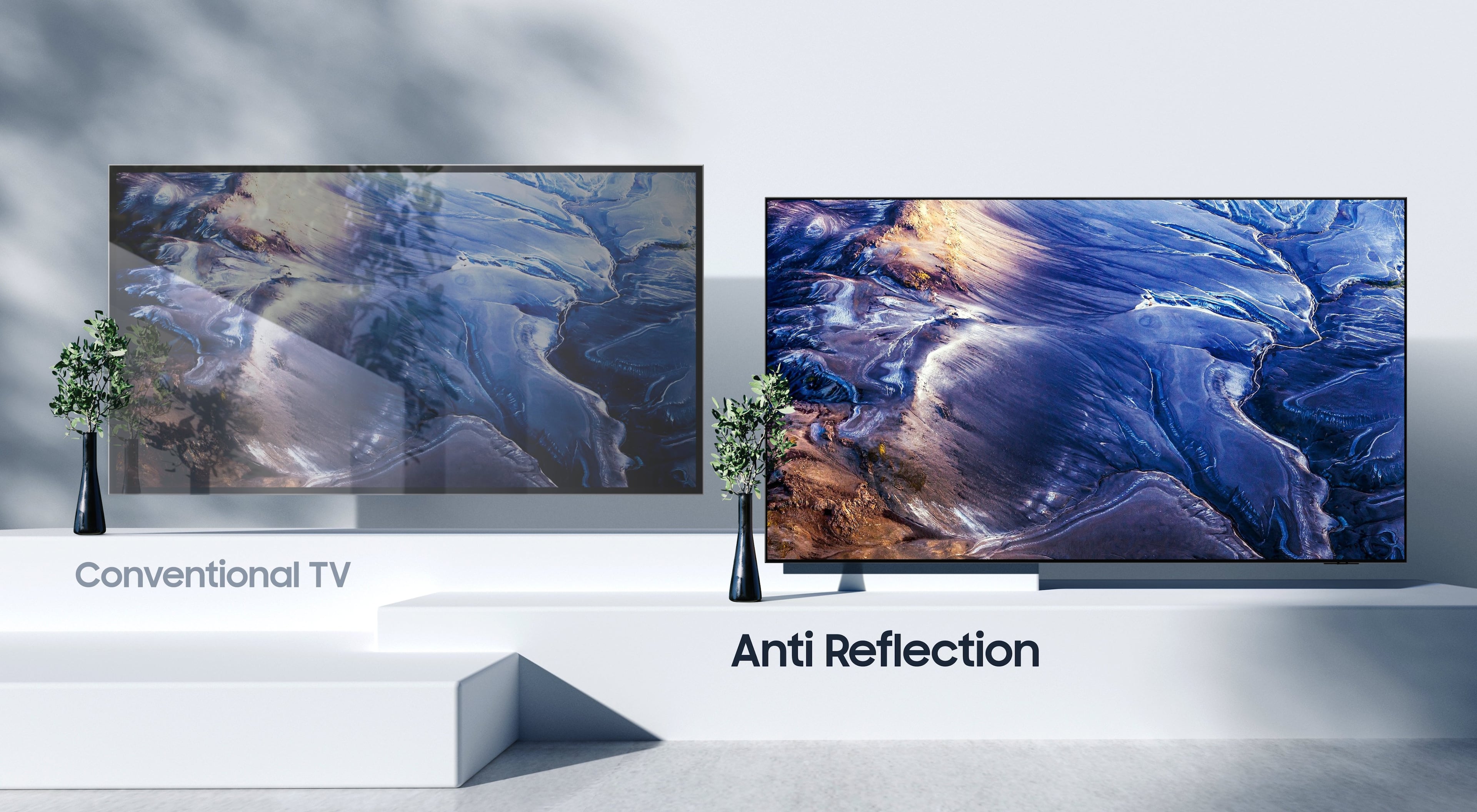
||Posted . Owned for 1 week when reviewed.This reviewer received promo considerations or sweepstakes entry for writing a review.Spent alot for the side glare feature and it's like watching TV in a mirror. It reflects everything in the room, even the dark brown colors. It doesn't help at all with the sunlight.
No, I would not recommend this to a friendBrand response from Samsung
Posted .JeffpD,
Thank you for your review of the QN90B Neo QLED TV and for sharing your feedback regarding screen glare. Please know that your TV is engineered with Anti-Reflection Technology designed to minimize ambient light reflections. We understand that light conditions of each room environment are different. For optimal glare control, we recommend repositioning the TV to minimize incident light falling on the screen or consulting a professional installer.
Should you ever have questions or need help with TV features, specs, or operation, we are here to help. You can reach us at 1-800-SAMSUNG, 8AM - 12AM EST, 7 days a week. Or visit us on the Samsung website and click on the ‘Support’ link for:
• LiveChat
• Manuals, Software, & Warranty Info
~ Samsung Specialist
- Pros mentioned:Brightness, Picture quality
Spectacular Picture
Posted .This reviewer received promo considerations or sweepstakes entry for writing a review.Superb cinema quality picture. Vivid colors and contrast. Well worth the investment in larger screen. Movies and TV shows provide awesome experience for the family. Highly recommend!
I would recommend this to a friend - Pros mentioned:Brightness, Picture quality
Clear bright picture
Posted .This reviewer received promo considerations or sweepstakes entry for writing a review.Amazed at the picture! And the brightness of it - seen other 85" sets with a barely visible picture when night time scences are being shown - you miss nothing with thisTV!
I would recommend this to a friend - Pros mentioned:BrightnessCons mentioned:Weight
Great Qled TV
Posted .This reviewer received promo considerations or sweepstakes entry for writing a review.Color is fantastic, brute TV and Crystal clear and qled is a win. Only negative is it takes two people to lift so make be careful.
I would recommend this to a friend - Pros mentioned:Picture quality
Impressed
Posted .This reviewer received promo considerations or sweepstakes entry for writing a review.This TV is extremely clear and bright. Super detailed images from light to dark. Old TV was a Sony and I thought it was a very good TV. Not even close. Super impressed. Took me a couple of hours to mount this on the wall with the sanus wall mount. I would recommend to have Best Buy install this if you are not mechanical inclined.
I would recommend this to a friend Poor refresh rate
||Posted . Owned for 1 month when reviewed.This reviewer received promo considerations or sweepstakes entry for writing a review.Picture flickers when watching high speed action scenes.
No, I would not recommend this to a friendBrand response from Samsung
Posted .Monty,
We appreciate you sharing your experience. You may want to change the dimming feature of your QN90B TV by adjusting some of the energy efficiency features designed to reduce power consumption. The ECO sensor automatically adjusts the brightness level of the TV according to the ambient light level. If the ECO Sensor has adjusted the screen’s brightness level, you can select Min. Backlight to manually adjust the minimum screen brightness. You can also disable these features for steady brightness setting.
You can adjust Brightness Optimization, Brightness Reduction, Motion Lighting, or Contrast Enhancer by going to: Menu > Settings > All Settings > General & Privacy > Power and Energy Saving.
You can also go to: Menu > Settings > All Settings > Picture > Expert Settings > Contrast Enhancer to manually adjust contrast.
For optimal motion image performance, you may also want to adjust the picture clarity setting by going to: Menu > Settings > All Settings > Picture > Expert Settings > Picture Clarity Settings
Please also be sure that your TV is up to date with the latest firmware version. You can check by going to: Home > Menu > Settings > Support > Software Update.
I hope these tips help you enjoy your new product.
You can always contact us for further help at 1-800-SAMSUNG, 8AM - 12AM EST, 7 days a week. Our LiveChat agents are also available by clicking on the ‘Support’ link on our website.
~ Samsung Specialist
- Pros mentioned:Picture quality
Happy customer.
Posted .This reviewer received promo considerations or sweepstakes entry for writing a review.Order and delivery were simple and quick. Received my QN90B just few days after I ordered it. Only delay in setting it up, was the requirement of a Samsung account. Otherwise, the set-up was easy and the quality and sharpness of the picture was amazing. So far, I'm definitely happy with my purchase,
I would recommend this to a friend - Pros mentioned:Picture quality
Must Buy
Posted .This reviewer received promo considerations or sweepstakes entry for writing a review.Excellent quality and clear picture. Must get for gaming and watching tv
I would recommend this to a friend Best TV I have bought!!
Posted .This reviewer received promo considerations or sweepstakes entry for writing a review.The Samsung 85” QN90B Neo QLED TV is a top-tier offering for those seeking an unmatched visual experience. Its combination of display technology, design aesthetics, and smart features make it a compelling choice for premium home theaters.
I would recommend this to a friend