Customer Ratings & Reviews
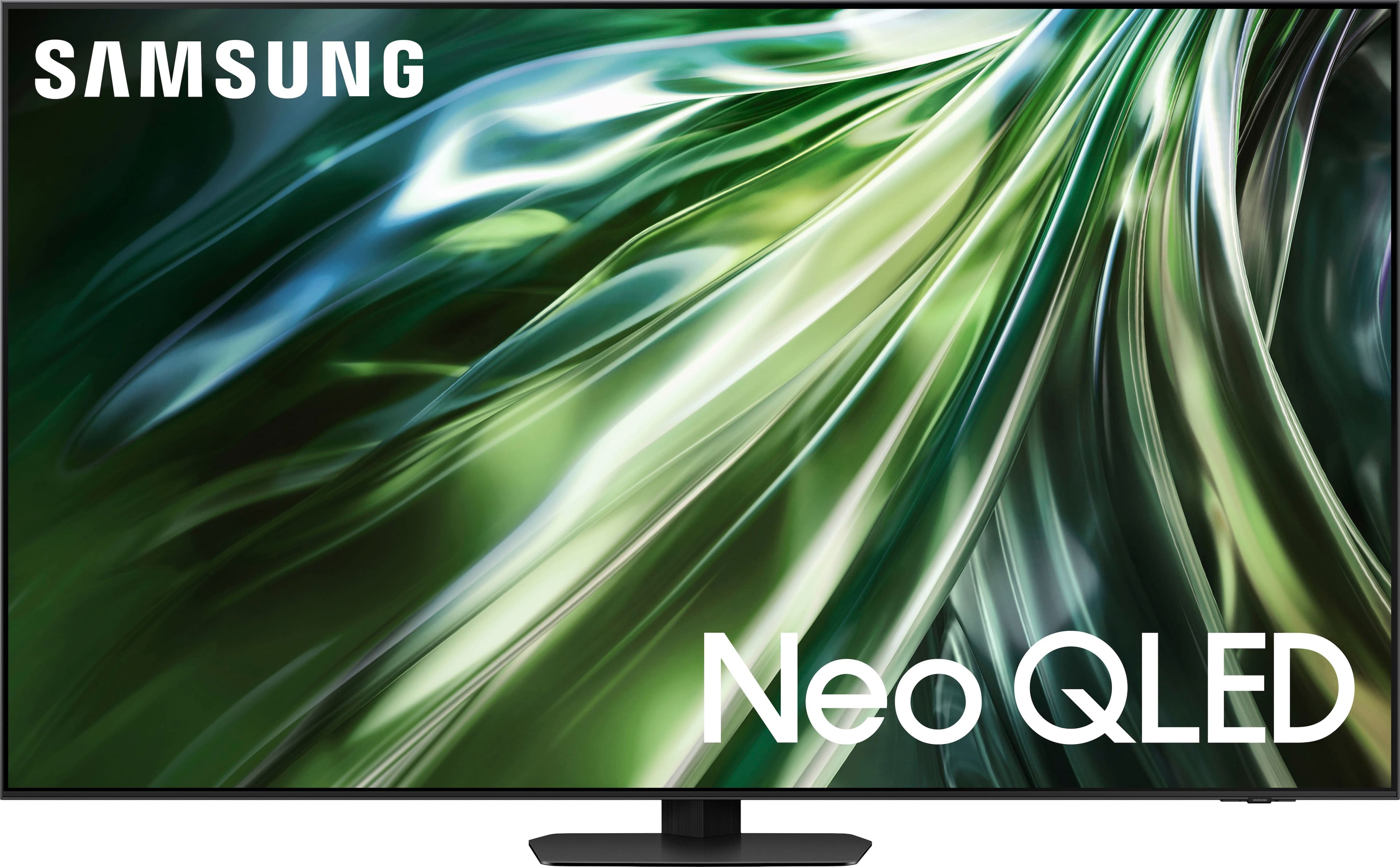

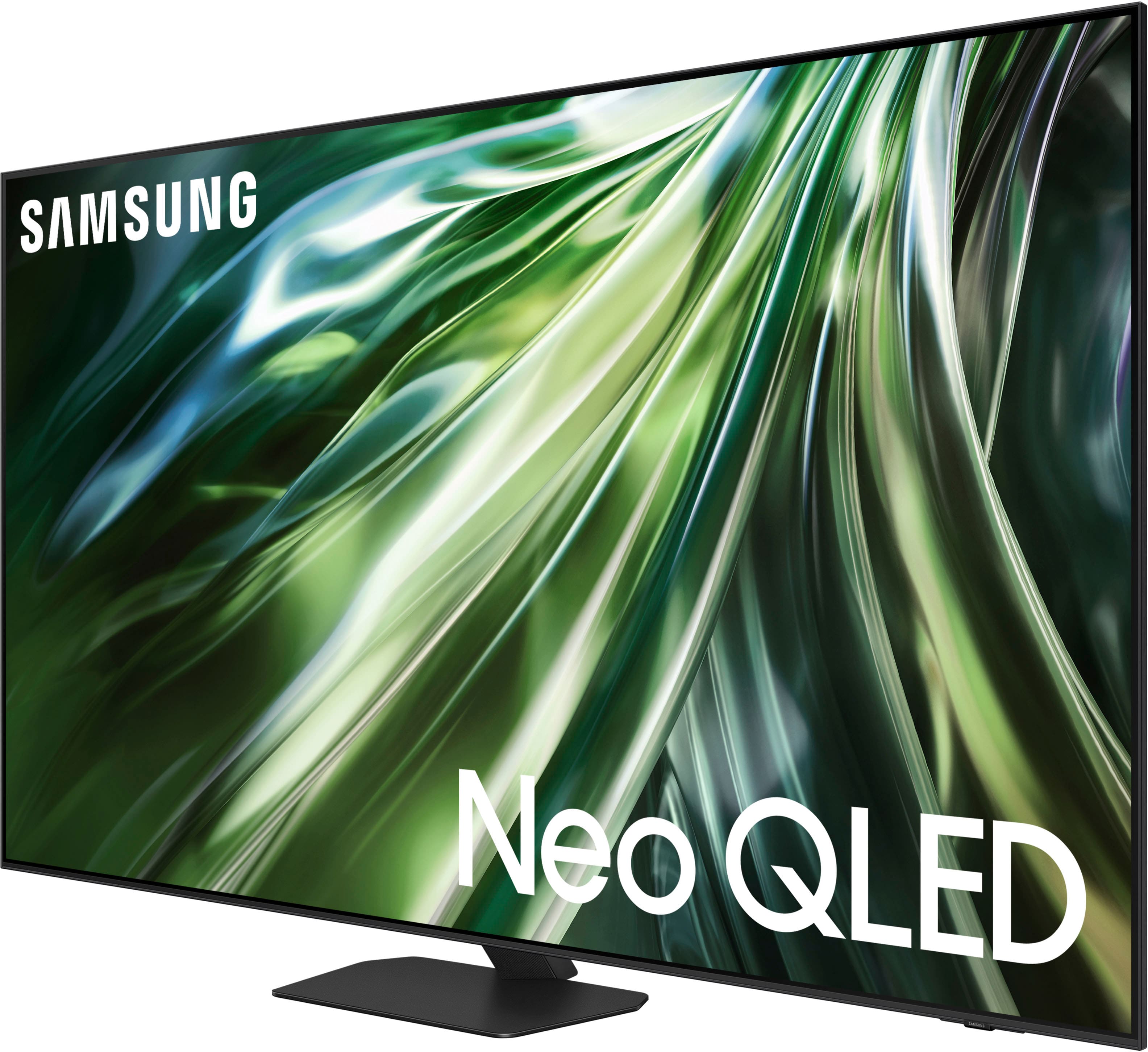
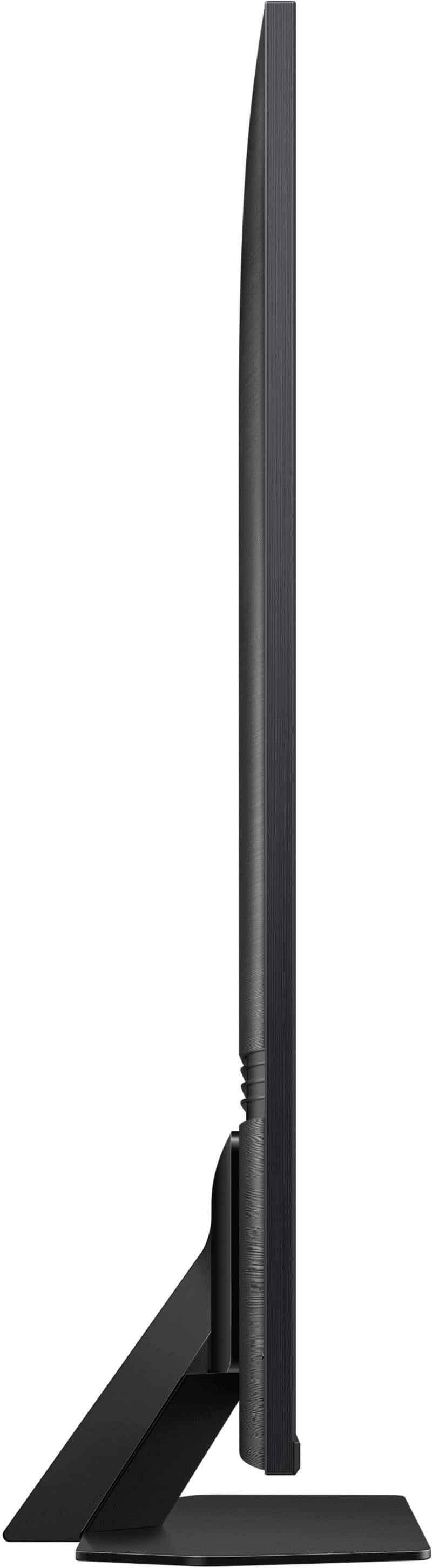
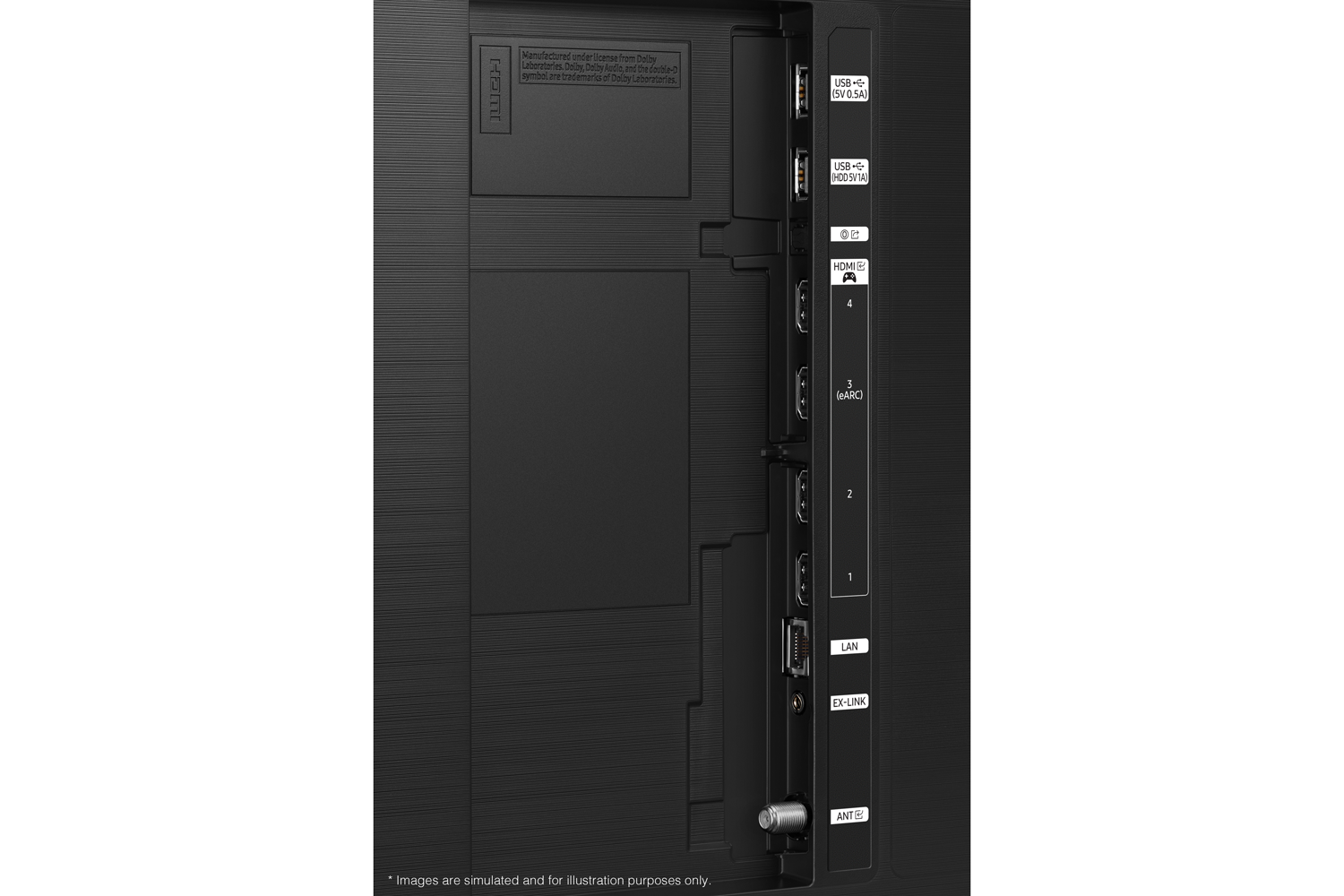
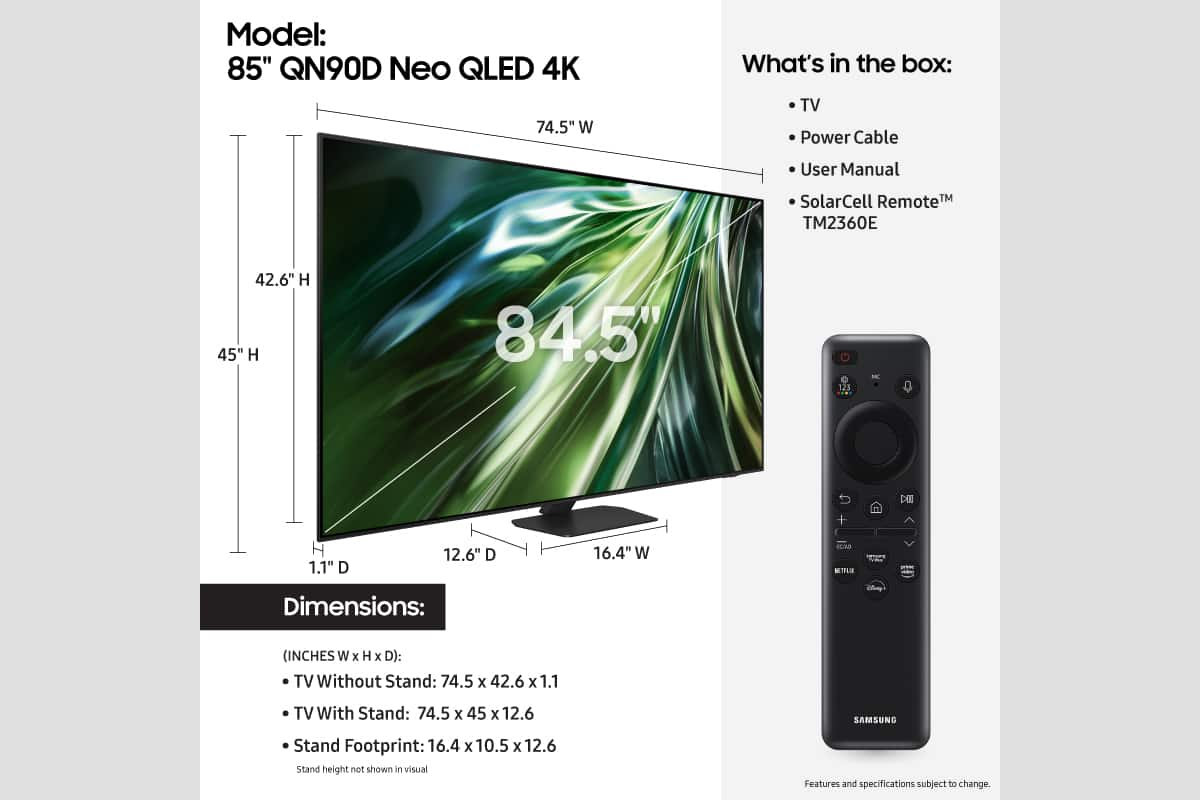
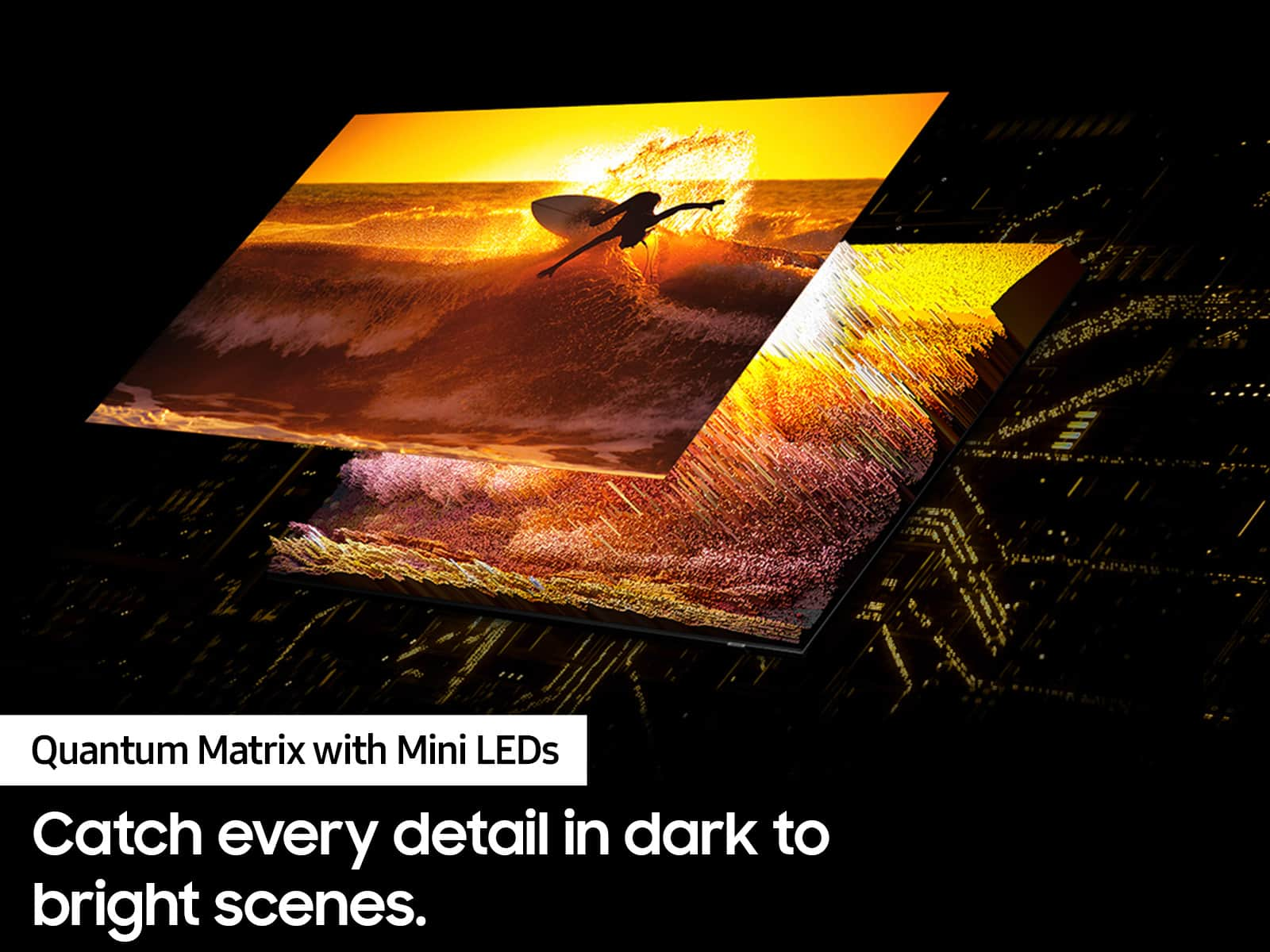
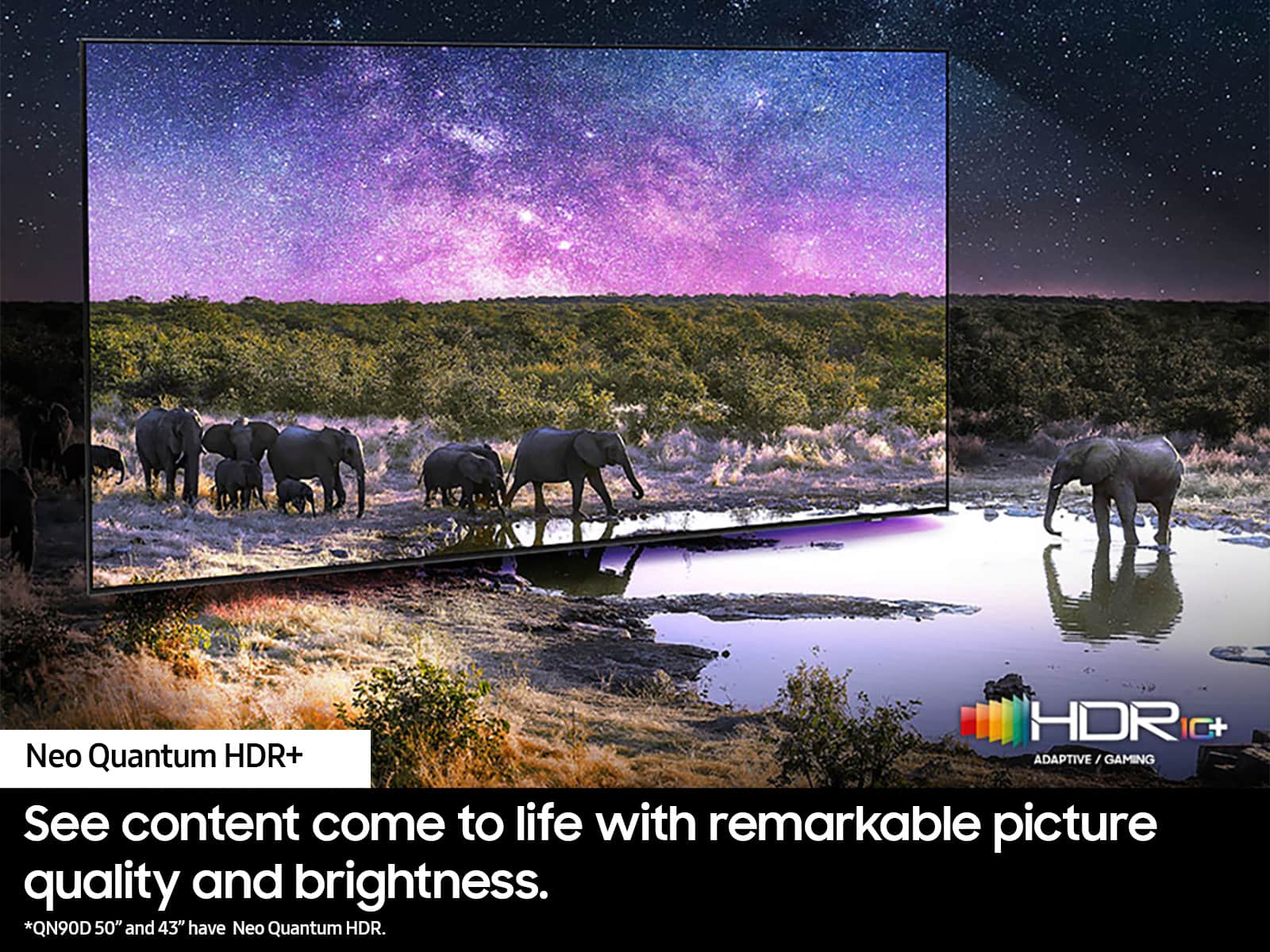
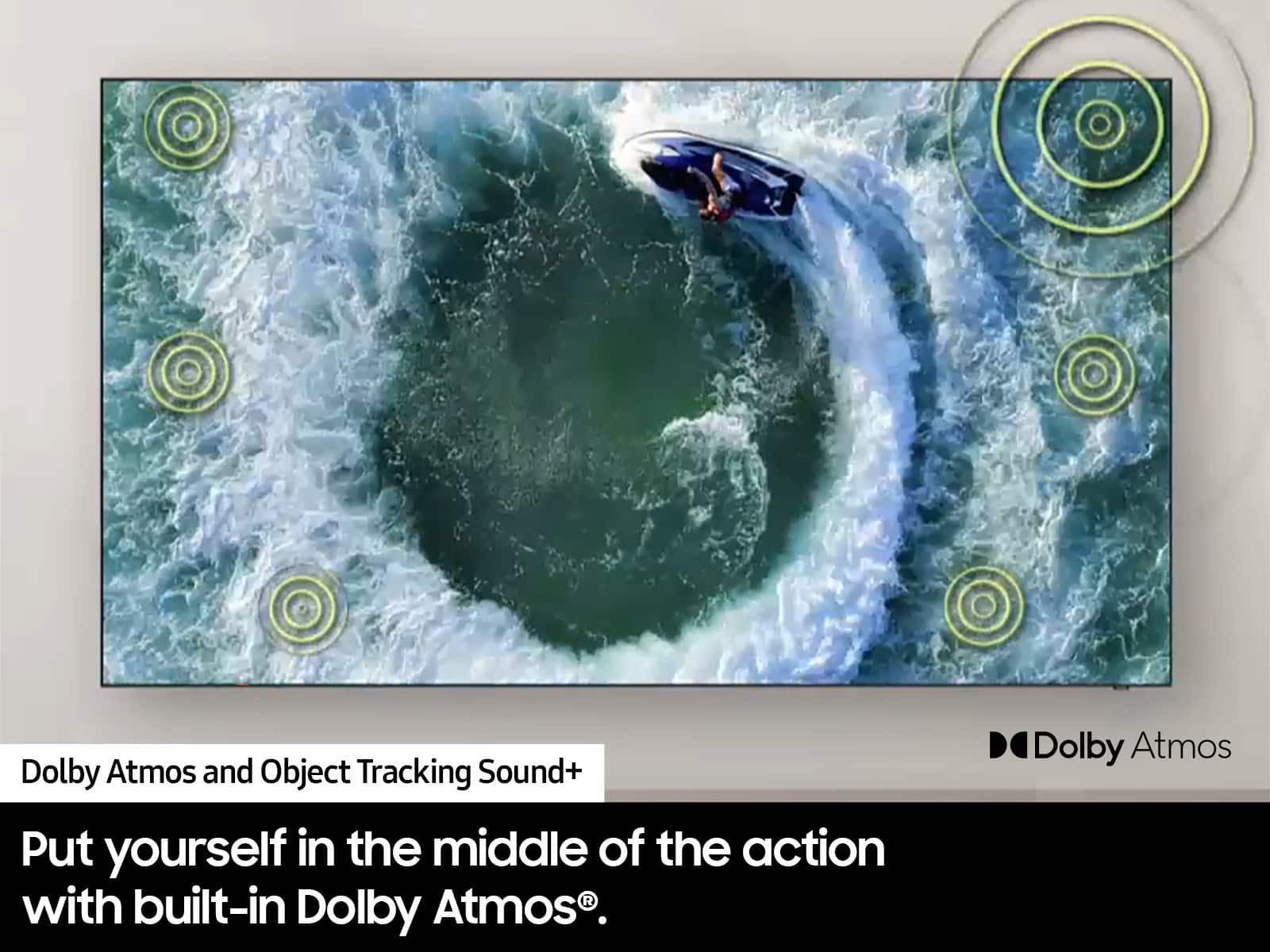










- Model:
- QN85QN90DAFXZA
- SKU:
- 10187635
Rating by feature
- Picture Quality
Rating 4.8 out of 5 stars
- Sound Quality
Rating 4.7 out of 5 stars
- Brightness
Rating 4.9 out of 5 stars
to a friend
New TV purchase and delivery
||Posted . Owned for 1 month when reviewed.This reviewer received promo considerations or sweepstakes entry for writing a review.Very happy with my new TV. The delivery folks were very professional and knowledgeable and great to work with.
I would recommend this to a friend85 Inches TV
||Posted . Owned for 2 weeks when reviewed.This reviewer received promo considerations or sweepstakes entry for writing a review.Great quality and size for a medium size room. Easy to set up!
I would recommend this to a friendFernando
||Posted . Owned for 3 weeks when reviewed.This reviewer received promo considerations or sweepstakes entry for writing a review.Excellent service all around sales person very professional
I would recommend this to a friendSwitched up from OLED
||Posted . Owned for 1 month when reviewed.This reviewer received promo considerations or sweepstakes entry for writing a review.Great TV. First bought OLED 83" but screen glare was a major issue. With the QLED not nearly as noticeable.
I would recommend this to a friendBlurry/ specially when motion
||Posted . Owned for 1 week when reviewed.This reviewer received promo considerations or sweepstakes entry for writing a review.Best Buy came in and install TV on the wall, great job. I was very excited to see my TV and then......is all blurry, especially when there is motion in sports and movies. When you do a Video test under diagnostics, the video presented is very nice and crystal clear. This TV is not what I fell in love at store with....I was between this and the Sony Bravia..............thinking about returning if I can't get it fixed.....will call Geek Squad or Samsung to see what can be done.....and Yes, already did the Picture Clarity Settings....
No, I would not recommend this to a friendBrand response from Samsung
Posted .FelixR,
We appreciate your feedback on your QN90D TV’s picture when watching fast motion. For optimal motion image performance, you may want to adjust the picture clarity setting by going to: Menu > Settings > All Settings > Picture > Expert Settings > Picture Clarity Settings
- Off: Picture Clarity Settings will always be off
- Auto: Picture Clarity Settings will automatically activate and deactivate based on the type of program being watched
- Custom: Allows custom adjustments and settings to be used. By selecting the Custom option, you can access these advanced settings for Judder Reduction, LED Clear Motion, and Noise Reduction.
Should you need further assistance with features or other product usage, please reach out to Samsung Support at 1-800-SAMSUNG, 8AM - 12AM EST, 7 days a week. Or visit us on the Samsung website and click on the ‘Support’ link for:
• LiveChat
• Manuals, Software, & Warranty Info
~ Samsung Specialist
Samsung 85" QN90D
||Posted .This reviewer received promo considerations or sweepstakes entry for writing a review.The entire staff was very knowledgeable and helpful.
I would recommend this to a friendVery impressed
||Posted . Owned for 4 months when reviewed.This reviewer received promo considerations or sweepstakes entry for writing a review.This Tv is my good purchased . Worked really good . Awesome video quality
I would recommend this to a friendTv purchase
||Posted . Owned for 3 weeks when reviewed.This reviewer received promo considerations or sweepstakes entry for writing a review.Very happy with the ordering process and the delivery. The quality of my tv is everything I expected.
I would recommend this to a friendSamsung TV
||Posted . Owned for 1 month when reviewed.This reviewer received promo considerations or sweepstakes entry for writing a review."Reliable and Quality product love Samsung ………..ll
I would recommend this to a friendExcellent
||Posted . Owned for 1 month when reviewed.This reviewer received promo considerations or sweepstakes entry for writing a review.Such a last minute purchase for an event and the Best Buy folks were so helpful! Samsung TV worked out great.
I would recommend this to a friendGreat TV picture and quality.
||Posted . Owned for 1 month when reviewed.This reviewer received promo considerations or sweepstakes entry for writing a review.I got more than I paid for by choosing this Samsung TV.
I would recommend this to a friend85' Samsung TV
||Posted . Owned for 1 month when reviewed.This reviewer received promo considerations or sweepstakes entry for writing a review.I love my new TV. I couldn't be any happier. I recommend this tv brand to anyone
I would recommend this to a friendGreat choice
||Posted . Owned for 2 months when reviewed.This reviewer received promo considerations or sweepstakes entry for writing a review.We are pleased with the television. It sits beautifully on the wall.
I would recommend this to a friendSosa
||Posted . Owned for 2 weeks when reviewed.This reviewer received promo considerations or sweepstakes entry for writing a review.The best credit card to shop and earn rewards to buy additional merchandise
I would recommend this to a friendVery knowledgable
||Posted . Owned for 2 months when reviewed.This reviewer received promo considerations or sweepstakes entry for writing a review.Quite knowledgble, althought it took some time to get the attention. However I still recommend Best
I would recommend this to a friendtv repair installation
||Posted . Owned for 1 month when reviewed.This reviewer received promo considerations or sweepstakes entry for writing a review.Quick and easy process and they set up my tv perfectly.
I would recommend this to a friendSamsung
||Posted . Owned for 2 months when reviewed.This reviewer received promo considerations or sweepstakes entry for writing a review.doesn't have non glare screen. sound is so-so. picture is not super bright.
No, I would not recommend this to a friendBrand response from Samsung
Posted .Flanders,
Thank you for your review of the QN90D Neo QLED TV and for sharing your feedback regarding screen glare. Please know that your TV is engineered with Anti-Glare Technology designed to minimize ambient light reflections. We understand that light conditions of each room environment are different. For optimal glare control, we recommend repositioning the TV to minimize incident light falling on the screen or consulting a professional installer.
If there’s anything we can ever help with, please call us at 1-800-SAMSUNG, 8AM - 12AM EST, 7 days a week. Or visit us on the Samsung website and click on the ‘Support’ link for:
• LiveChat
• Manuals, Software, & Warranty Info
~ Samsung Specialist
Q90 85in
||Posted . Owned for 3 weeks when reviewed.This reviewer received promo considerations or sweepstakes entry for writing a review.Great tv great picture and sound easy setup great features
I would recommend this to a friendNot happy
||Posted .This reviewer received promo considerations or sweepstakes entry for writing a review.My delivery of my TV was very good. They had to open the TV in the carport because it wouldn't fit in with the box. I noticed a few days later that I didn't receive a TV manual. It was probably an honest mistake because it was taken out in the carport. When I went on the best buy site and texted with customer support. I ask if they could mail me one. The answer was no. Said I could pick up a manual at the store. Are you for real just spent $3000.00 but couldn't mail me a manual. SMH. If I wanted to go to the best buy store to get my TV I would have done that instead I paid for delivery and set up. Really no one can mail me a manual.
I would recommend this to a friendBrand response from Samsung
Posted .Hi TeresaArreola,
We appreciate you sharing your user experience. To help you get the most from your TV, you can download the full e-Manual and more by visiting Samsung’s website then navigating to: Support > Manual & Software > TVs & Home Theater. From there, you can search for and select your QN90D TV model to view or download the available guides.
The e-Manual and Remote Control Guide are also conveniently built into your TV: Settings > Support > Tips and User Guides
If you need additional help, please contact Samsung Support at 1-800-SAMSUNG, 8AM – 12AM EST, 7 days a week. LiveChat agents are also available through the ‘Support’ link on our website.
~ Samsung Advisor
TV
||Posted . Owned for 1 week when reviewed.This reviewer received promo considerations or sweepstakes entry for writing a review.Great resolution and easy to navigate. We love this TV
I would recommend this to a friend