Customer Ratings & Reviews

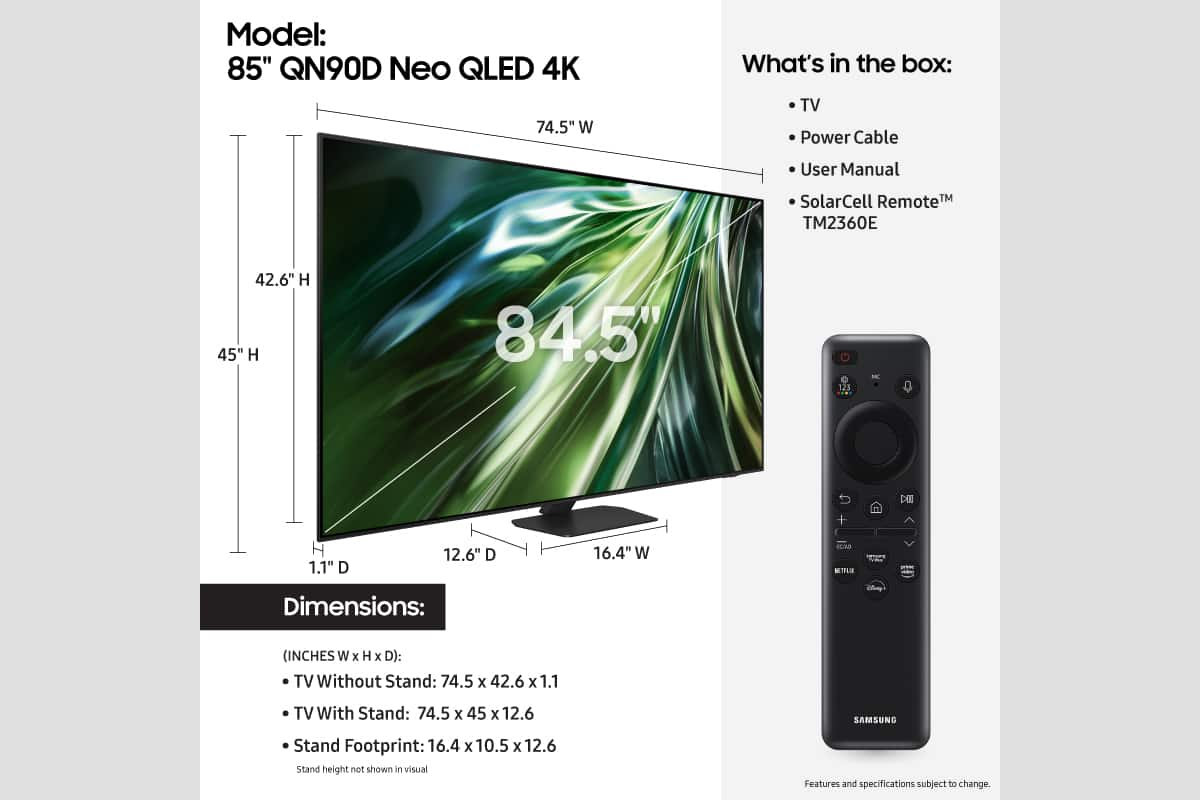
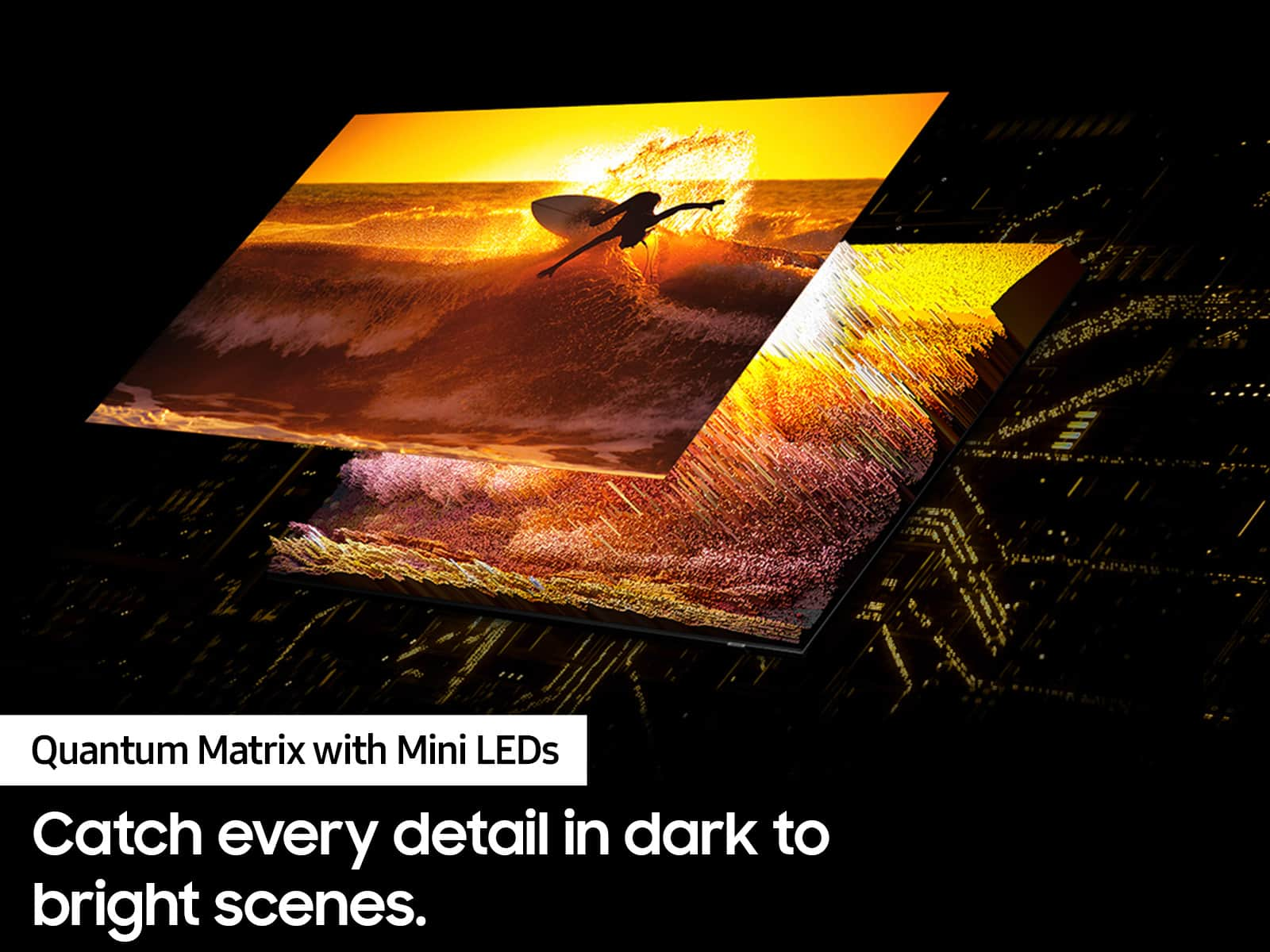
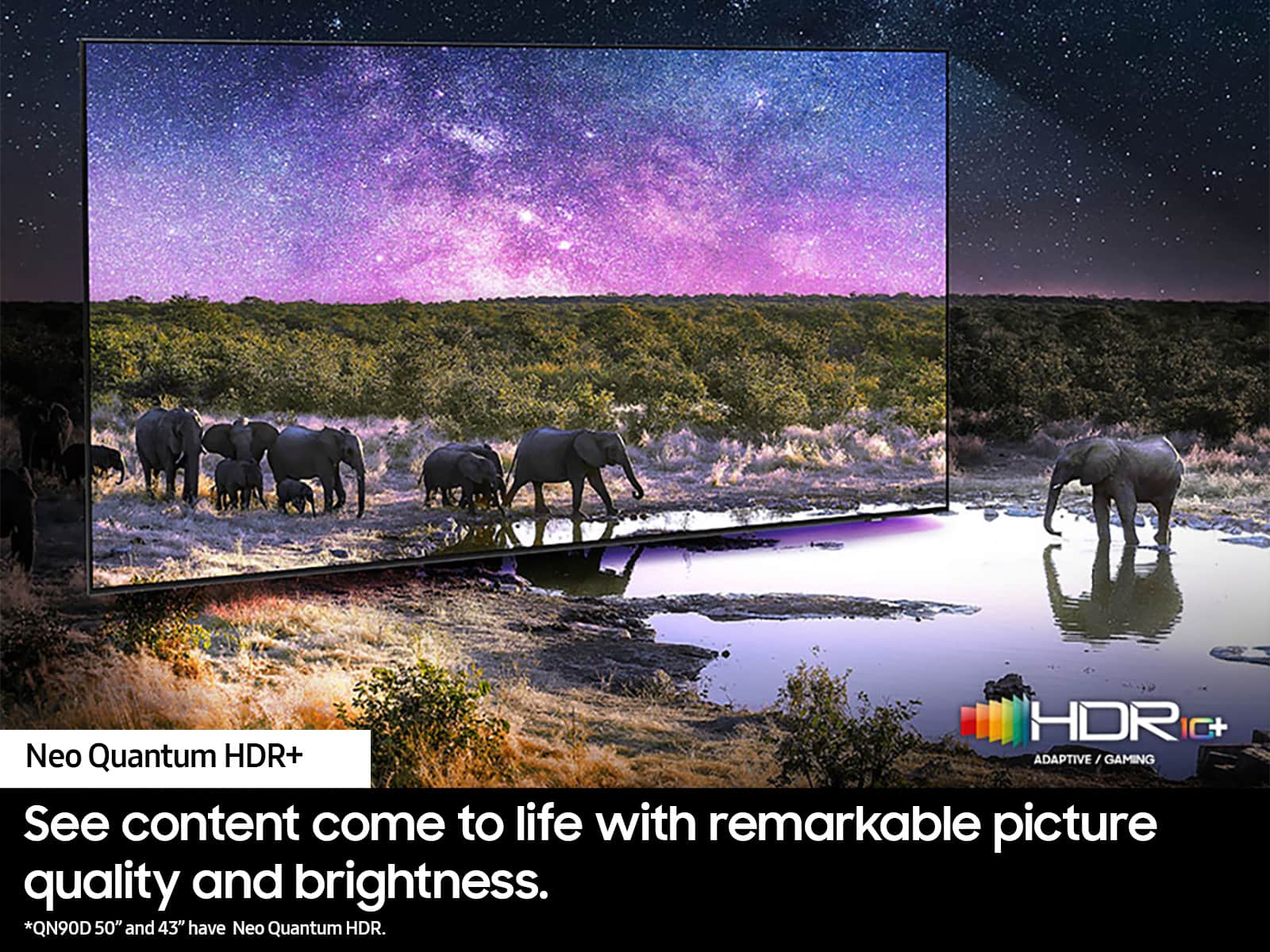
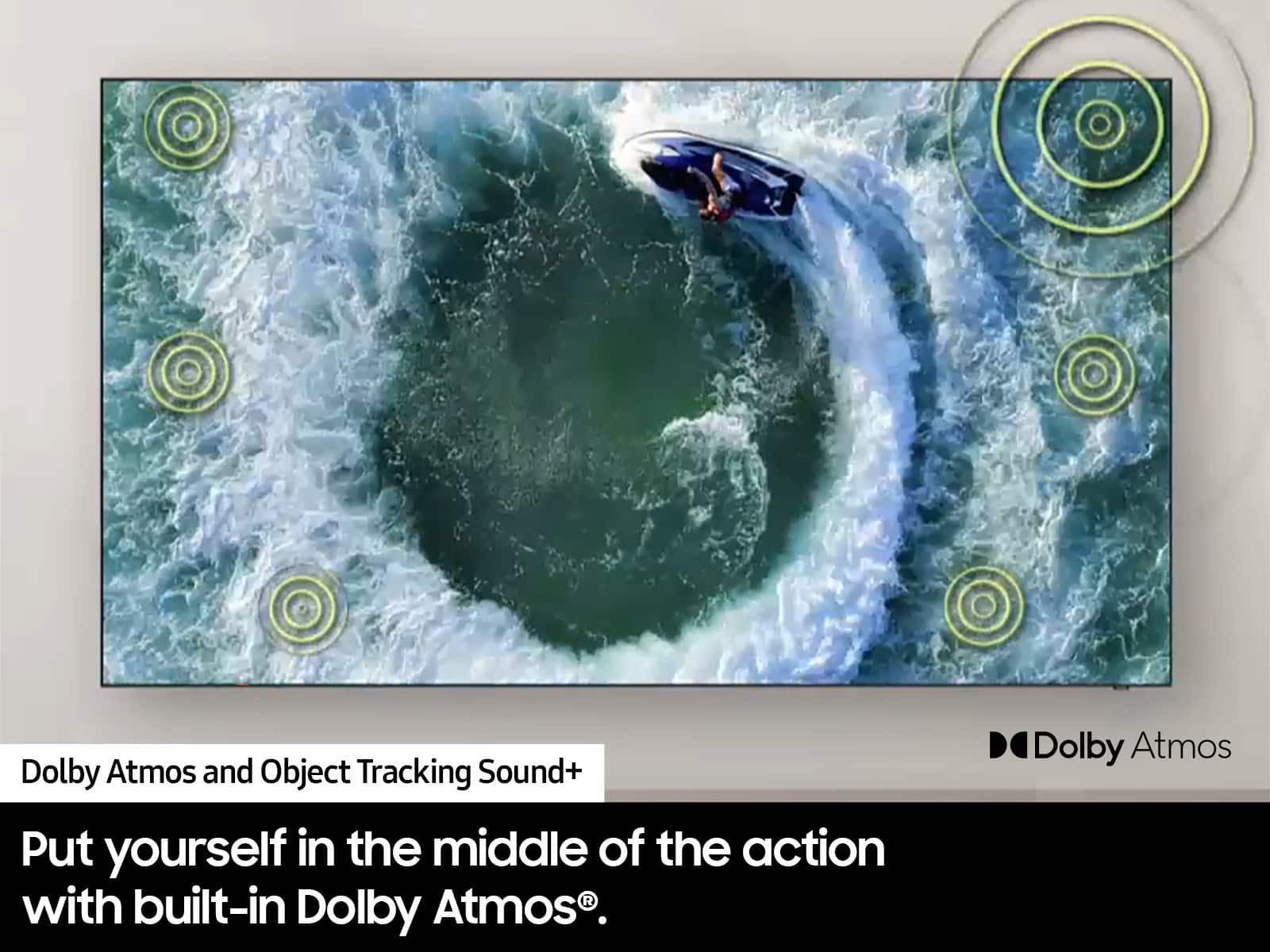










- Model:
- QN85QN90DAFXZA
- SKU:
- 10187635
Rating by feature
- Picture Quality
Rating 4.8 out of 5 stars
- Sound Quality
Rating 4.7 out of 5 stars
- Brightness
Rating 4.9 out of 5 stars
to a friend
Ok tv
||Posted .This reviewer received promo considerations or sweepstakes entry for writing a review.Imagine wasn’t as sharp as expected or advertised in store. Sound was a little weak also. Response was great and so was auto brightness adjustments based on room light.
No, I would not recommend this to a friendBrand response from Samsung
Posted .LiliaA,
We your feedback on the sound quality of your TV. Your TV features Object Tracking Sound which tracks the action with strategically placed dynamic speakers and Adaptive Sound which automatically adjusts audio to enhance everything from dialogue to music and sports.
You can select a sound mode that you prefer for a content type or your listening environment. Go to: Home > Menu > Settings > All Settings > Sound > Sound Mode
You can also customize balance and equalizer settings by going to: Home > Menu > Settings > All Settings > Sound > Expert Settings
Additionally, there are image adjustments you can make to optimize your picture to suit your preferences. Your TV has several Picture Modes to choose from allowing you to enjoy content in optimal conditions. Go to Home > Menu > Settings > All Settings > Picture > Picture Mode
You can also go to: Menu > Settings > Picture > Expert Settings > Contrast Enhancer to manually fine tune your image.
I hope these tips help.
You can always contact us for further assistance at 1-800-SAMSUNG, 8AM - 12AM EST, 7 days a week. Our LiveChat agents are also available by clicking on the ‘Support’ link on our website.
~ Samsung Specialist
Tv installation
||Posted . Owned for 1 month when reviewed.This reviewer received promo considerations or sweepstakes entry for writing a review.Good installation crew, had some issues that were resolved
I would recommend this to a friendLasted 7 months
||Posted . Owned for 7 months when reviewed.This reviewer received promo considerations or sweepstakes entry for writing a review.This wasn't my first Samsung TV but will probably be my last. It may even be my last purchase from Best Buy. Yesterday the TV wouldn't power up so I contacted Best Buy since I am (or was) a Total Tech member. After they tried walking me through several things I was told that I would have to contact Samsung since it was still under their warranty. Once I got in touch with them and gave them all the same information I had just supplied Best Buy I was told that someone would contact me within 1` to 2 days to schedule an appointment. Today I received that call and was told that the first available appointment in my area would be 8 days out and that they would contact me by 10:00 AM that morning to schedule a 2 hour window for the technician to arrive. They also asked if my TV was mounted. When I explained it was they informed me it would have to be unmounted prior to my appointment since they would not unmount or remount the TV. I guess due to liability issues. The total tech membership is not what it used to be and I am seriously contemplating whether I want to renew my subscription.
No, I would not recommend this to a friendBrand response from Samsung
Posted .DanielH,
We appreciate you sharing your experience; however, we recommend you contact Best Buy directly for assistance in correcting this situation. We hope your issue is resolved in a timely manner.
You may also want to consider providing feedback directly to the Best Buy store where you made your purchase.
Should you have any questions or need help with your TV once your issue has been resolved, please reach Samsung Support at 1-800-SAMSUNG, 8AM - 12AM EST, 7 days a week. Our LiveChat agents are also available by clicking on the ‘Support’ link on our website.
~ Samsung Specialist
Strobe-like judder
||Posted . Owned for 1 month when reviewed.This reviewer received promo considerations or sweepstakes entry for writing a review.Good picture except motion judder and stutter from well-documented bug in the software.
No, I would not recommend this to a friendBlurry/slow moving screen especially for sports
||Posted . Owned for 1 week when reviewed.This reviewer received promo considerations or sweepstakes entry for writing a review.TV is very poor for sports and mixed on other content. Disappointing because it very highly rated for sports and fast moments. Even with all anti-blur and clarity features it is still bad. Now for Best Buy… they were absolutely horrible. I purchased in store and set a delivery date 3 weeks in advance. Then on the delivery date they were a no call, no show. I called and they said they needed to reschedule without providing a real reason. Next available delivery date was another 3 weeks out. No option to speak to the store I ordered from, every call goes to a call center and they were limited in helping due to “system limitations.” Very poor experience from start to finish. Would not recommend this TV or Best Buy.
No, I would not recommend this to a friendBrand response from Samsung
Posted .RussD,
We appreciate your feedback on your QN90D TV’s picture when watching fast motion. For optimal motion image performance, you may want to adjust the picture clarity setting by going to: Menu > Settings > All Settings > Picture > Expert Settings > Picture Clarity Settings
- Off: Picture Clarity Settings will always be off
- Auto: Picture Clarity Settings will automatically activate and deactivate based on the type of program being watched
- Custom: Allows custom adjustments and settings to be used. By selecting the Custom option, you can access these advanced settings for Judder Reduction, LED Clear Motion, and Noise Reduction.
Should you need further assistance with features or other product usage, please reach out to Samsung Support at 1-800-SAMSUNG, 8AM - 12AM EST, 7 days a week. Or visit us on the Samsung website and click on the ‘Support’ link for:
• LiveChat
• Manuals, Software, & Warranty Info
~ Samsung Specialist
No Picture on Delivery.
||Posted .This reviewer received promo considerations or sweepstakes entry for writing a review.Had the TV delivered and box was in good order. Unpacked and setup. BTW, It's a monster and over 100lbs. Anyway, after getting help to lift it onto stand I turned it on and had a backlight and sound but no picture. (Maybe the T-Con PCB is bad or cable loose). Sound quality from TV alone was good. Called BB and have to wait a week for another. Will update.
I would recommend this to a friendBrand response from Samsung
Posted .RickfromVA,
It’s unfortunate to hear that your experience with Samsung’s QN90D TV fell short of expectations. I also want to thank you for giving us a chance to make things right, and we greatly appreciate your patience in having to deal with the inconvenience of an exchange.
Should you need help with your new unit, please contact Samsung Customer Support at 1-800-SAMSUNG, 8AM - 12AM EST, 7 days a week. Our LiveChat agents are also available by clicking on the ‘Support’ link on our website.
~ Samsung Specialist
Home Theatre
||Posted . Owned for 5 months when reviewed.This reviewer received promo considerations or sweepstakes entry for writing a review.TV is great but Strongly suggest avoiding BestBuy for any kind of home theatre set up. We spent several thousand dollars. The equipment got set up by BestBuy and then stopped working. We were sold an Apple TV which was slow and VERY klunky ( save your $) and eventually stopped working after 4 months. We the had to PAY to have someone come back out because we were getting no sound at all except for the TV sound. They got the sound working again but eliminated the on screen programming for the receiver ( technician told us it was an “upgrade”) and while we are getting sound again from all speakers, we are not getting surround sound. No help, no support. The salesmen who was so happy to take our multi thousand order can’t be bothered to return calls. This has been a savagely bad customer service experience and the system has worked as designed about 50% of the time since we bought it. Go to a local store which can provide some meaningful service. Beware!!
I would recommend this to a friendBrand response from Samsung
Posted .JulieC,
Please know you are leaving a review and 1-star rating for the QN90D TV, but we are sorry to hear of your Best Buy experience, nonetheless. You may want to consider providing feedback directly to the Best Buy store where you made your purchase.
Should you have questions on the QN90D TV itself, Samsung is here for you. You can reach us at 1-800-SAMSUNG, 8AM - 12AM EST, 7 days a week. Our LiveChat agents are also available by clicking on the ‘Support’ link on our website.
~ Samsung Specialist
Grainy Blurry Picture
||Posted . Owned for 3 weeks when reviewed.This reviewer received promo considerations or sweepstakes entry for writing a review.Picture quality is just bad considering what this tv costs. Extremely underwhelming. Especially sports.
No, I would not recommend this to a friendBrand response from Samsung
Posted .Nachobusiness,
We appreciate your thoughts on the picture quality of Samsung’s QN90D TV. If the image you’re seeing isn’t to your liking, there are several picture settings you may want to adjust.
Go to Home > left direction button > Settings > All Settings > Picture > Picture Mode
...and select the mode that best fits your usage:
1. Standard: Is the default mode suitable for general viewing environments
2. Dynamic: Makes the picture brighter and clearer in bright viewing environments
3. Eco: Provided to save energy
4. Movie: Suitable for watching TV or movies in a dark room
5. Filmmaker Mode: Provides source content just as the creators intended. If the image is defined as Filmmaker Mode, it’ll automatically switch to Filmmaker Mode while watching.
You can also fine-tune your picture with expert settings such as brightness, contrast, sharpness and more (All Settings > Picture > Expert Settings).
For further assistance with settings adjustments, please contact Samsung Customer Support at 1-800-SAMSUNG, 8AM - 12AM EST, 7 days a week. Or visit us on the Samsung website and click on the ‘Support’ link for:
• LiveChat
• Manuals, Software, & Warranty Info
~ Samsung Specialist
If it’s size you want
||Posted . Owned for 1 month when reviewed.This reviewer received promo considerations or sweepstakes entry for writing a review.Large tv. Decent “it’ll do” picture. Not OLED. Pay extra for Oled
I would recommend this to a friendBrand response from Samsung
Posted .Chetc,
Thank you for sharing your thoughts on Samsung's QN90D TV. If there's anything we can do to improve your experience, please let us know by reaching Samsung Support at 1-800-SAMSUNG, 8AM - 12AM EST, 7 days a week. LiveChat with an agent as well as manuals, software, and warranty info can be found at the ‘Support’ link on our Samsung website.
~ Samsung Specialist
Just OK
||Posted . Owned for 2 months when reviewed.This reviewer received promo considerations or sweepstakes entry for writing a review.Not as good as the Sony bravia. Just was not what I thought.
No, I would not recommend this to a friendtv
||Posted . Owned for 1 month when reviewed.This reviewer received promo considerations or sweepstakes entry for writing a review.in the store the tv seem a lot better than in my home
I would recommend this to a friendBrand response from Samsung
Posted .BeneditaR,
We appreciate your thoughts on the picture quality of Samsung’s QN90D TV. If the image you’re seeing isn’t to your liking, there are several picture settings you may want to adjust.
Go to Home > left direction button > Settings > All Settings > Picture > Picture Mode
...and select the mode that best fits your usage:
1. Standard: Is the default mode suitable for general viewing environments
2. Dynamic: Makes the picture brighter and clearer in bright viewing environments
3. Eco: Provided to save energy
4. Movie: Suitable for watching TV or movies in a dark room
5. Filmmaker Mode: Provides source content just as the creators intended. If the image is defined as Filmmaker Mode, it’ll automatically switch to Filmmaker Mode while watching.
You can also fine-tune your picture with expert settings such as brightness, contrast, sharpness and more (All Settings > Picture > Expert Settings).
For further assistance with settings adjustments, please contact Samsung Customer Support at 1-800-SAMSUNG, 8AM - 12AM EST, 7 days a week. Our LiveChat agents are also available by clicking on the ‘Support’ link on our website.
~ Samsung Specialist
Terrible quailty
||Posted . Owned for 1 month when reviewed.This reviewer received promo considerations or sweepstakes entry for writing a review.This is the worst TV we have ever owned...The sound it so terribel...we aew looking to see if its a defect, AWFUL! Waste of money
No, I would not recommend this to a friendBrand response from Samsung
Posted .AmyR,
Thank you for purchasing Samsung's QN90D TV and for your feedback on the sound. To ensure you’ve got the latest sound quality updates, please confirm that your TV is up to date with the latest firmware version. You can check by going to: Home > Menu > Settings > Support > Software Update.
If the sound is still not to your liking after updating firmware, there are several sound settings you can adjust to suit your personal preferences.
• Sound Modes may better meet your personal preferences. Go to: Menu > Settings > All Settings > Sound > Sound Mode, or Expert Settings to fine-tune and customize your sound.
• Adaptive Sound will also further optimize sound quality by analyzing the viewing space and the acoustic components of the content. Go to: Menu > Settings > All Settings > General & Privacy > Intelligent Mode Settings.
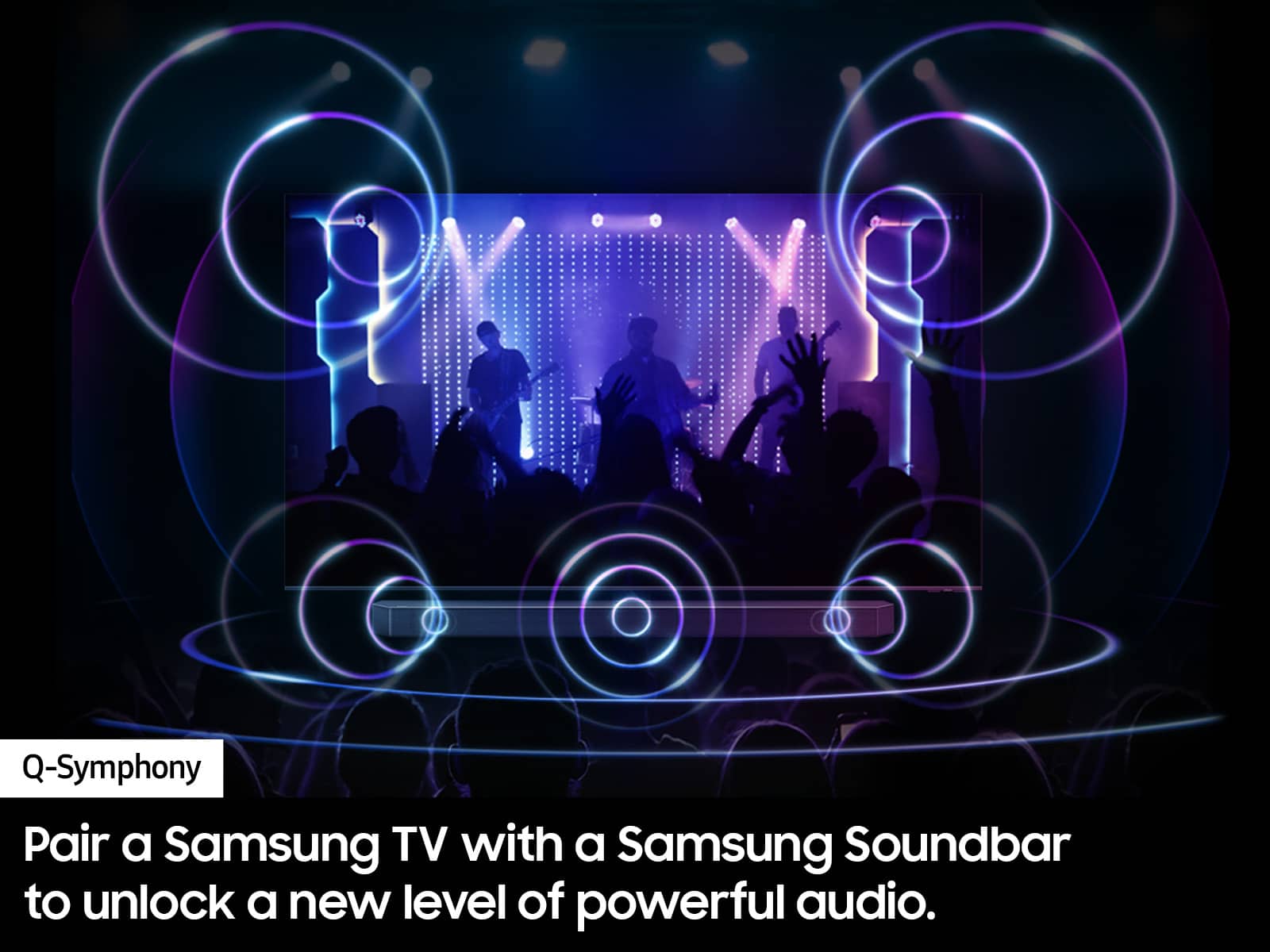
Should you choose to add a Samsung Soundbar to your TV, please know that our Q-Series Soundbars (such as the HW-Q990D) feature Q-Symphony which will synchronize with the speakers of your TV for an immersive 3D sound experience.
To assist you with possible sound settings adjustments for a better audio experience or choosing a Samsung Soundbar to complement your viewing enjoyment, please reach out to us at 1-800-SAMSUNG, 8 AM - 12 AM EST, seven days a week.
~ Samsung Specialist
Poor
||Posted . Owned for 1 week when reviewed.This reviewer received promo considerations or sweepstakes entry for writing a review.Poor quality and customer service has not been helpful to assist me with technical problems and TV replacement. Best Buy is Bad Buy. :(
No, I would not recommend this to a friendBrand response from Samsung
Posted .JonM,
We appreciate you sharing your experience. So we can understand the issues you’re experiencing and provide you with troubleshooting assistance, please reach out to Samsung Customer Support at 1-800-SAMSUNG, 8AM - 12AM EST, 7 days a week. Our LiveChat agents are also available by clicking on the ‘Support’ link on our website.
~ Samsung Specialist
Not good
||Posted . Owned for 1 month when reviewed.This reviewer received promo considerations or sweepstakes entry for writing a review.Not good............m......................mmmmmmmmm
No, I would not recommend this to a friendBrand response from Samsung
Posted .ScottB,
So we can better the issues you’re experiencing and provide you with troubleshooting assistance, please reach out to Samsung Customer Support at 1-800-SAMSUNG, 8AM - 12AM EST, 7 days a week. Our LiveChat agents are also available by clicking on the ‘Support’ link on our website.
~ Samsung Specialist
Samsung 85” QN90D Neo QLED Stunning 4K
Posted .This reviewer received promo considerations or sweepstakes entry for writing a review.Six months with the Samsung 85” QN90D Neo QLED proves it’s a top-tier 4K LED TV. The Mini LED panel delivers vibrant colors, deep blacks, and brilliant HDR: perfect for movies, sports, and gaming. Tizen OS is smooth and responsive, while HDMI 2.1 support ensures low-lag, high-refresh gaming. The built-in speakers are fine for casual viewing, but a soundbar I feel would elevate the experience. At 85”, it’s large and heavy, so plan for mounting help. Blacks aren’t quite OLED-level people say, but I am fully satisfied and brightness and clarity shine in any room. Pros: Stunning picture, excellent upscaling, smooth gaming Cons: menus slightly clunky- I do not like the menu TBH, if only it were like Roku! Verdict: A premium, bright, and immersive 4K TV that impresses months in.
I would recommend this to a friendGreat viewing experience
Posted .This reviewer received promo considerations or sweepstakes entry for writing a review.This is an upgrade to the Samsung QN80 I Replaced. Glare free screen and faster processor.
I would recommend this to a friendGreat TV
Posted .This reviewer received promo considerations or sweepstakes entry for writing a review.Great TV- large clear display color is brilliant. Thinking about buying another in smaller size for smaller room
I would recommend this to a friendBig and Beautiful!
Posted .This reviewer received promo considerations or sweepstakes entry for writing a review.We have owned Samsung TV's for over 25 years, and they are by far the best in the industry. I still own 3 at this time. Just gave our 15-year-old 65" Samsung to our daughter. Wow what a picture it still has. This new 85" Neo QLED is a fantastic product with a great picture, sound and price. Can't believe someone has a complaint about the remote? I guess the TV is okay. Geek squad was fantastic moved my old TV, installed new one, hooked up my Sonos Surround and showed us how to operate our new beautiful TV. Thank you, Best Buy, you are the greatest.
I would recommend this to a friendGood picture slowish software
Posted .This reviewer received promo considerations or sweepstakes entry for writing a review.Great picture - only thing is sometimes the apps are slow to load usually just YouTubeTV
I would recommend this to a friendStunning Picture and Features
Posted .This reviewer received promo considerations or sweepstakes entry for writing a review.Great upgrade from my LG 65" to 85QN90 - has many features - Picture is excellent - Enough channels to prompt you to be a Cord Cutter as I did - TV was so outstanding I purchased a 43QN90 series days after I purchased the 85" TV
I would recommend this to a friend