Customer Ratings & Reviews
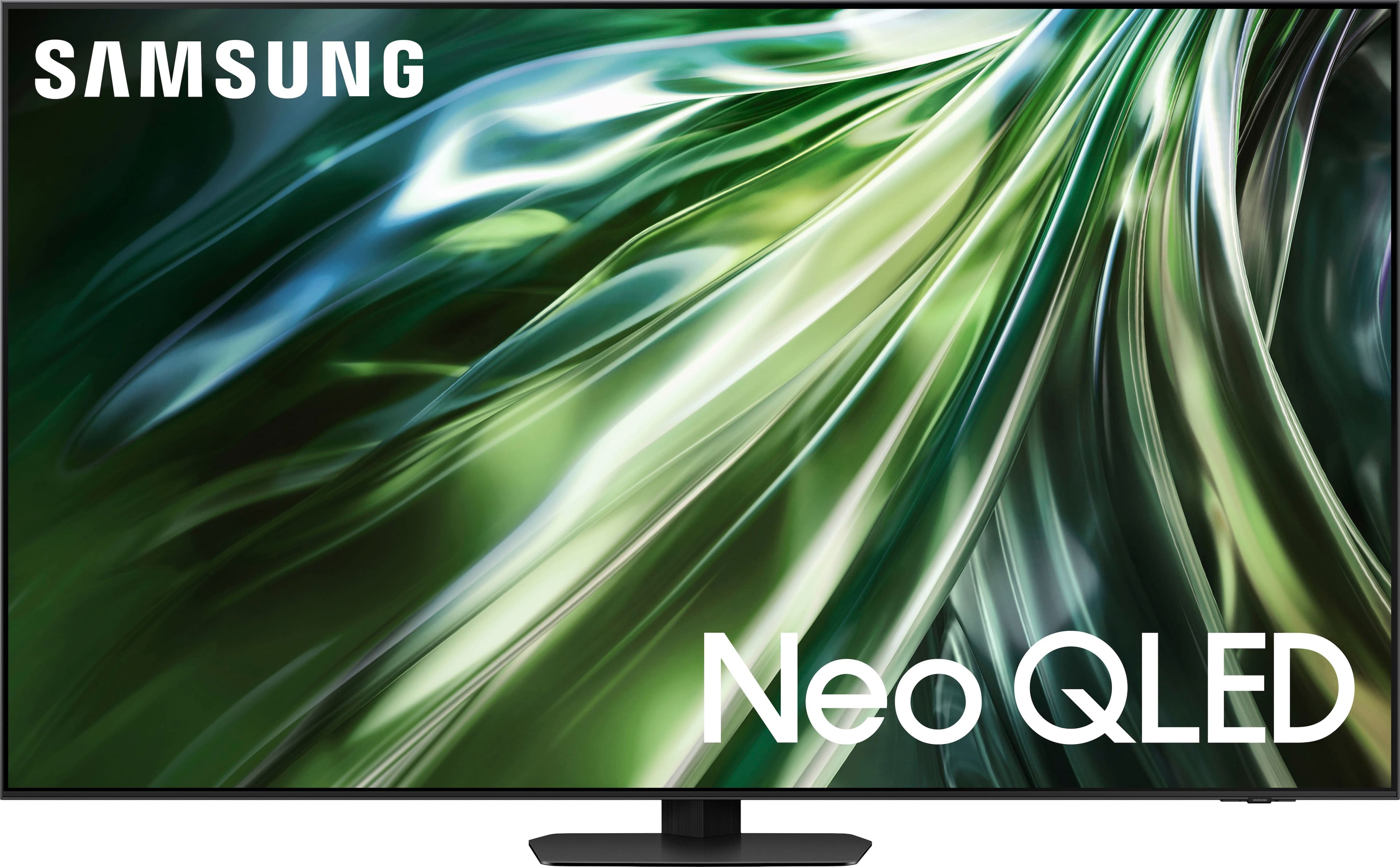

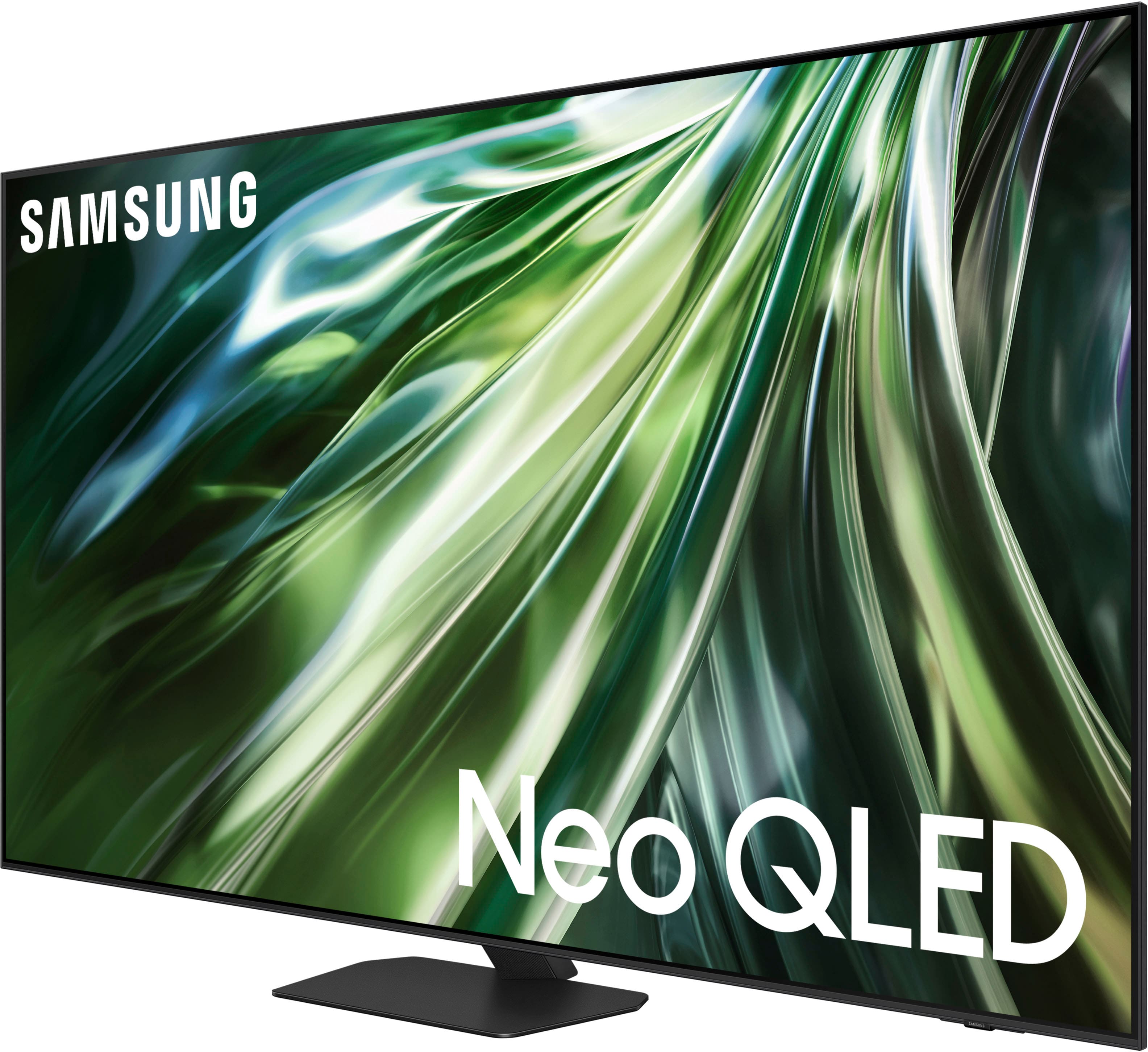
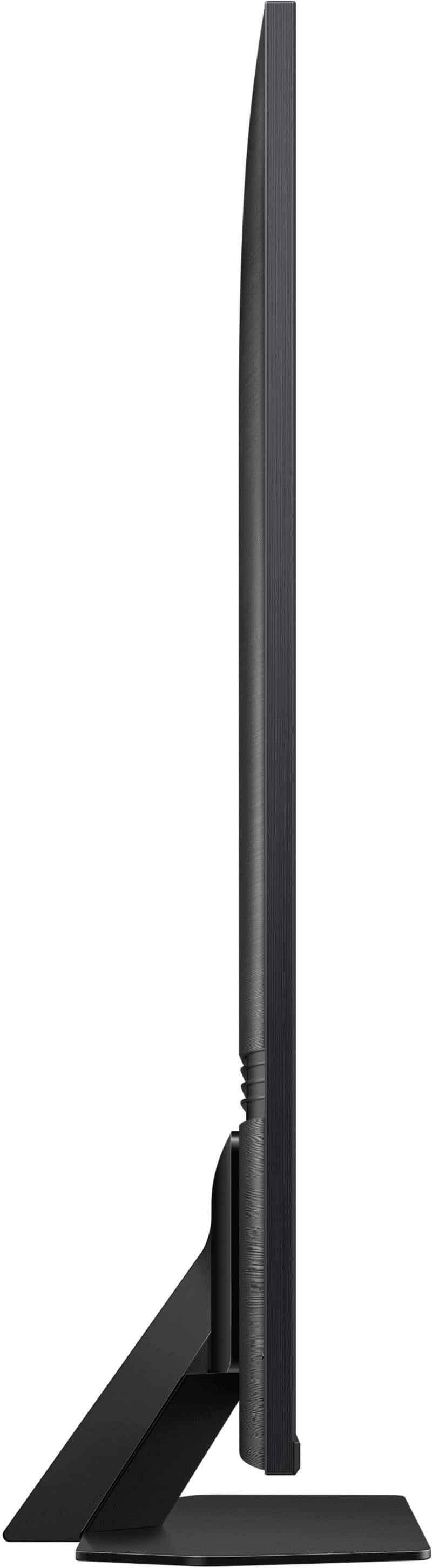
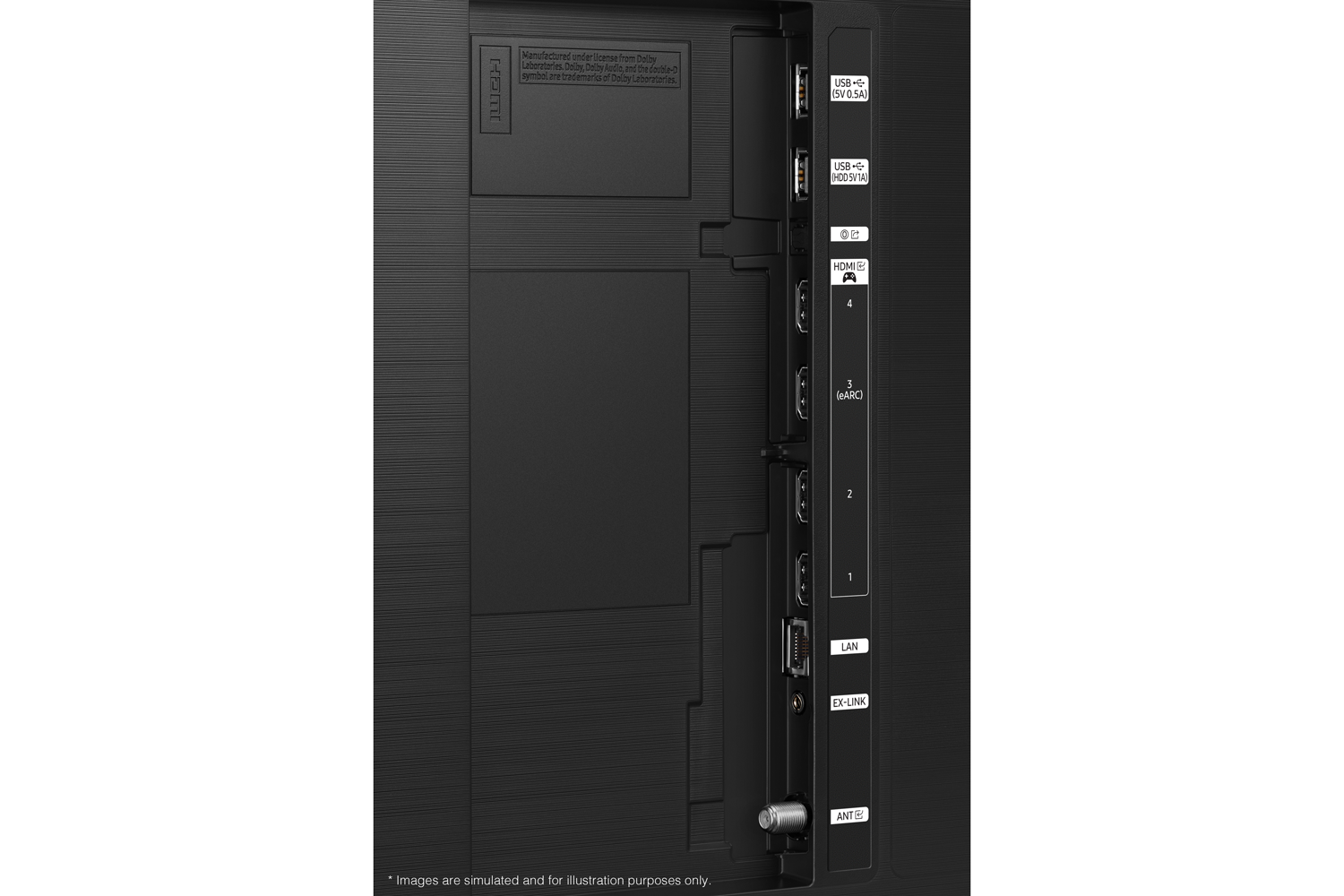
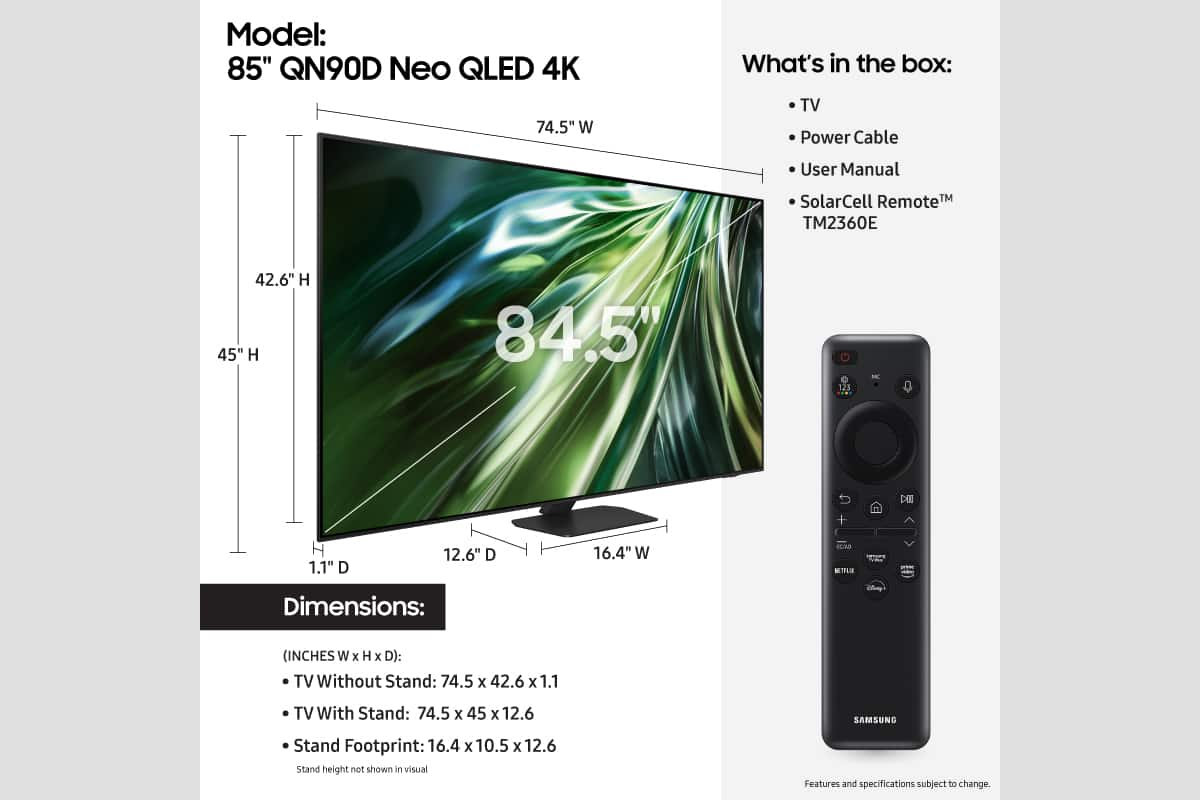











- Model:
- QN85QN90DAFXZA
- SKU:
- 6576424
Rating by feature
- Picture Quality
Rating 4.8 out of 5 stars
- Sound Quality
Rating 4.7 out of 5 stars
- Brightness
Rating 4.9 out of 5 stars
Customers are saying
Customers are positive about the 85” Class QN90D Series Neo QLED 4K Mini LED Smart Tizen TV (2024)'s picture quality, brightness, ease of use, and viewing angle. Many find the picture quality to be amazing and appreciate the AI-adjusted brightness feature. Some customers mentioned the weight of the TV as a drawback. Overall, customers seem to enjoy the TV's features and performance.
This summary was generated by AI based on customer reviews.
No longer compatible with Hulu or Sling TV
Posted .This reviewer received promo considerations or sweepstakes entry for writing a review.After a recent Samsung One UI software update, streaming services Hulu and Sling TV will no longer work. This is a major flaw for what used to be a great tv.
No, I would not recommend this to a friendBrand response from Samsung
Posted .MichaelS,
We appreciate your feedback on apps, and for optimal performance, we ask that you please ensure you've got the latest firmware version installed on your TV. You can check this by going to: Home > Menu > Settings > Support > Software Update.
You may also want to further optimize performance with the self-diagnostic tool, which checks memory, frees up unused cached memory, and closes background apps. Go to: Home > Menu > Settings > Support > Device Care > Start Device Care
I hope these tips help.
You can always contact us for further help at 1-800-SAMSUNG, 8AM - 12AM EST, 7 days a week. Our LiveChat agents are also available by clicking on the ‘Support’ link on our website.
~ Samsung Specialist