Customer Ratings & Reviews
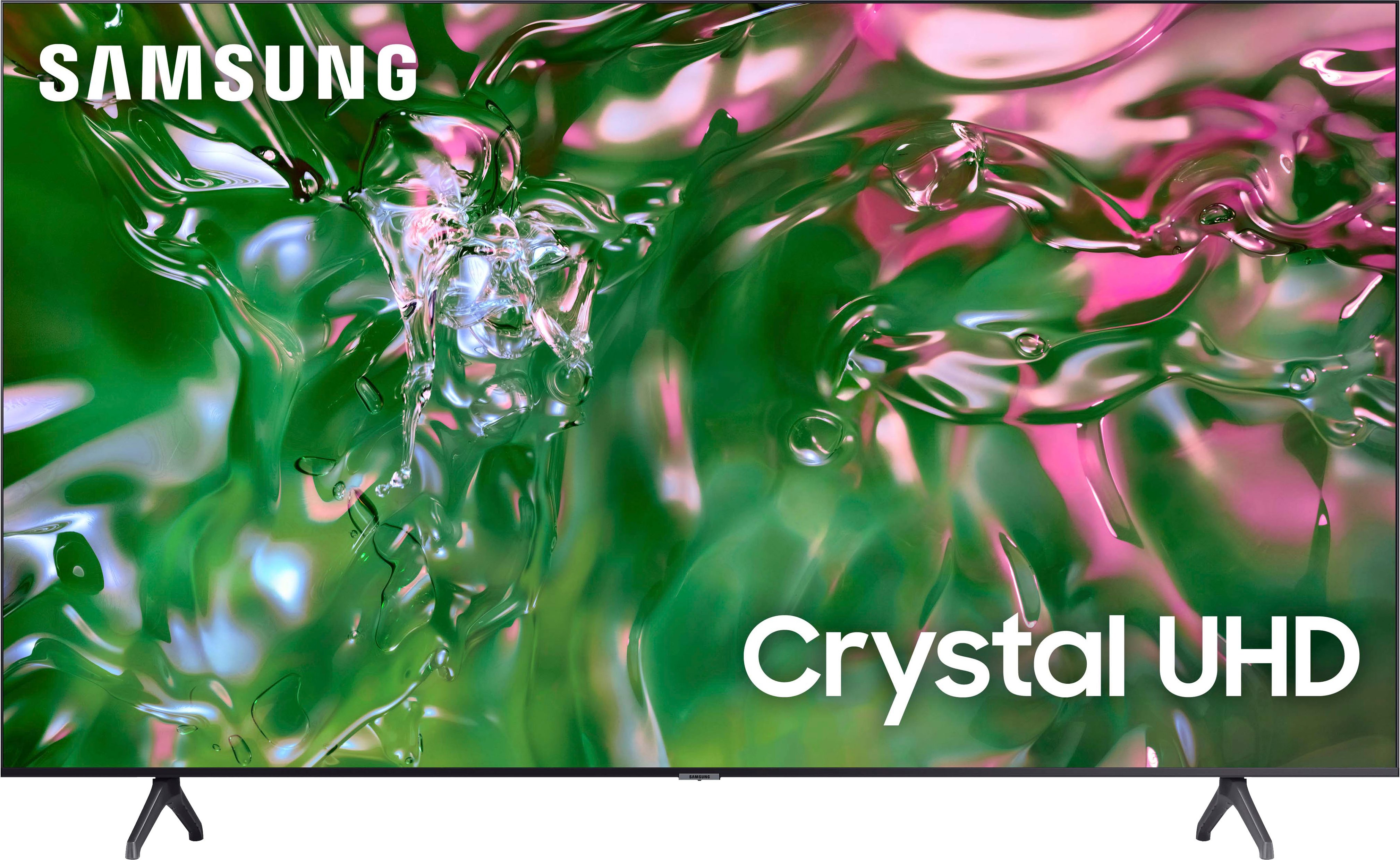
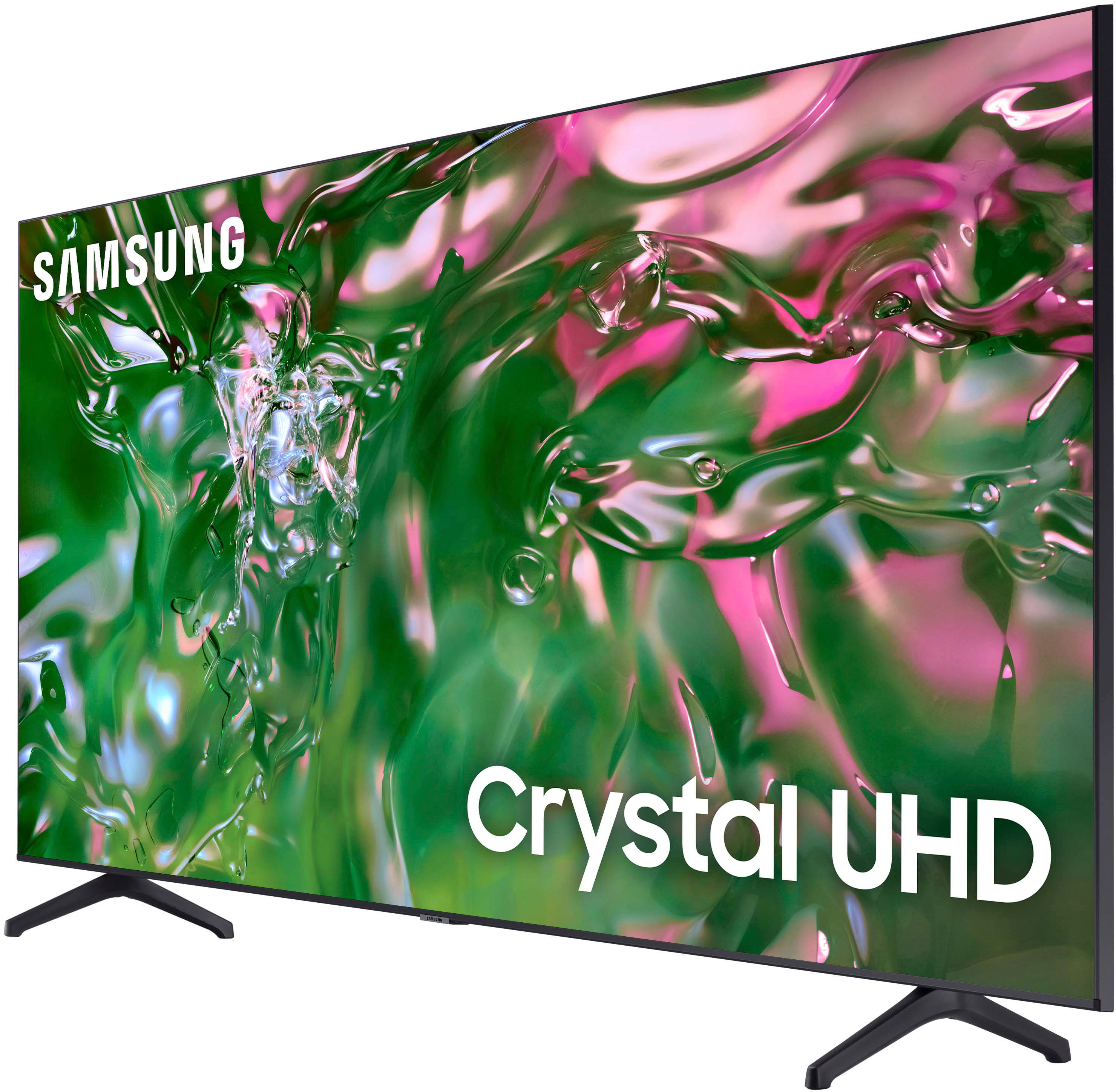
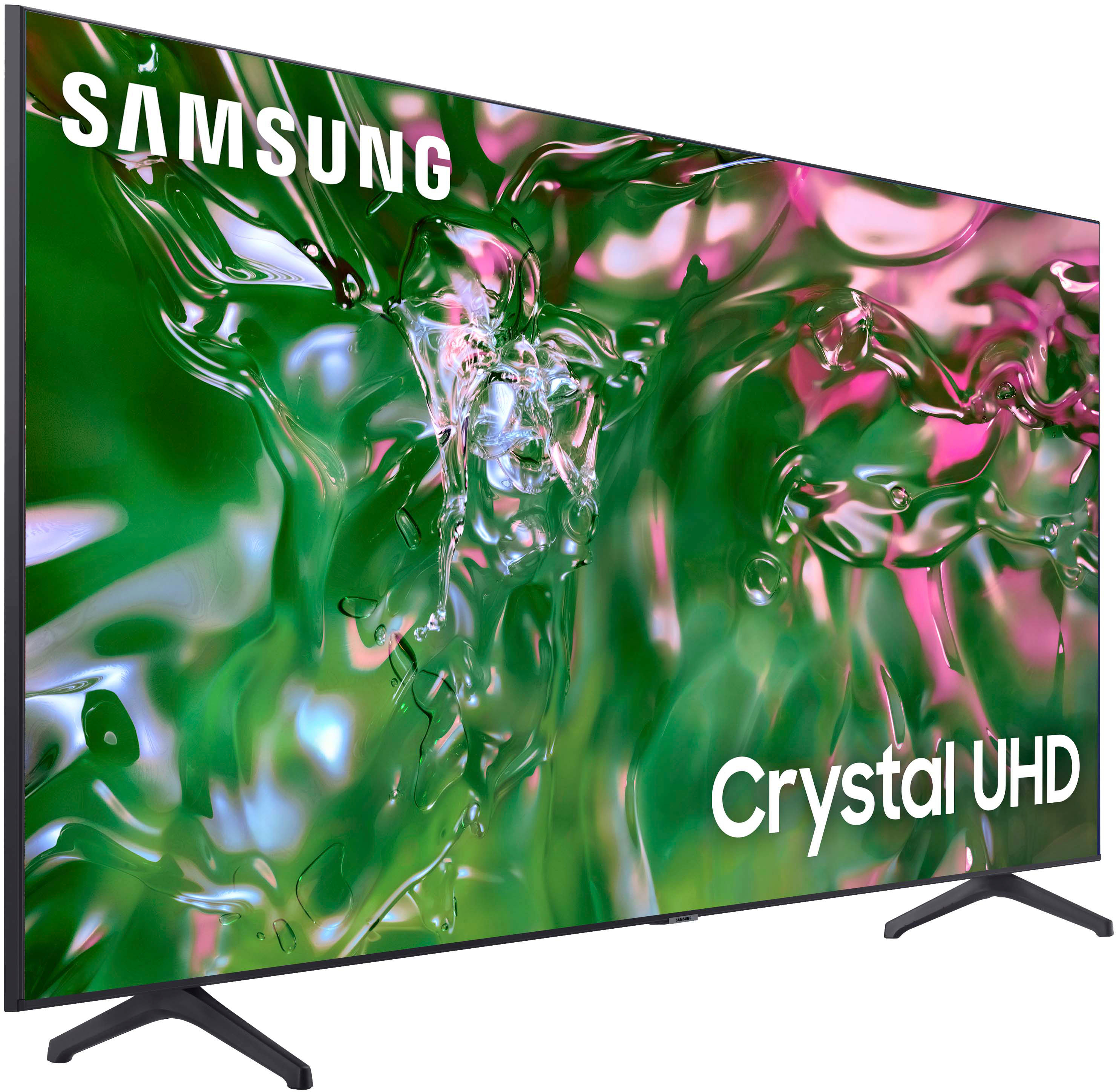
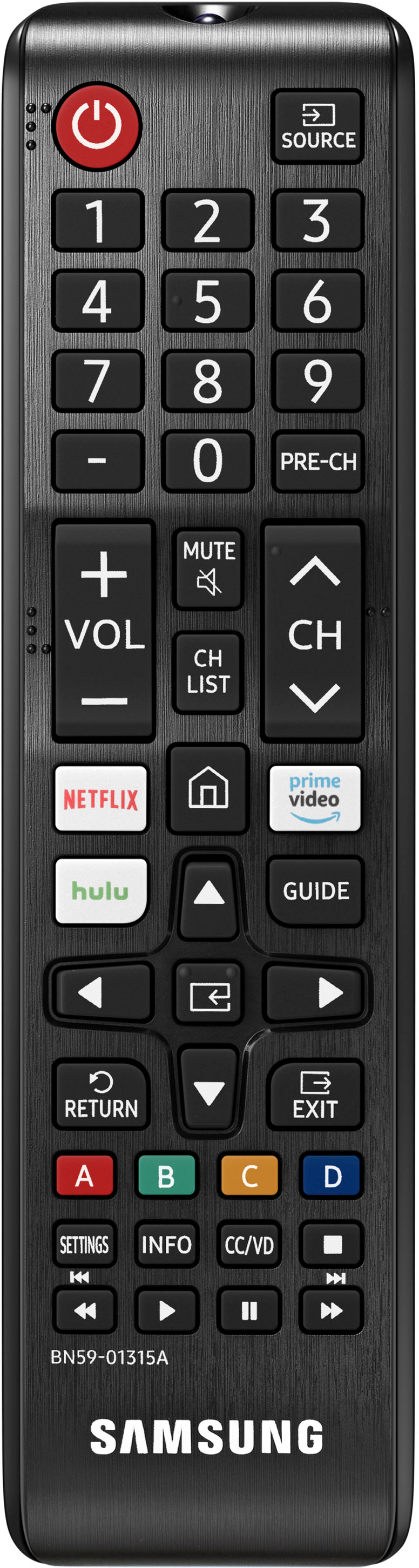



- Model:
- UN85TU690TFXZA
- SKU:
- 6527338
Rating by feature
- Picture Quality
Rating 4.8 out of 5 stars
- Sound Quality
Rating 4.6 out of 5 stars
- Brightness
Rating 4.8 out of 5 stars
Customers are saying
Customers find value in the 85" Class TU690T Crystal UHD 4K Smart Tizen TV for its exceptional picture quality, large screen size, and user-friendly interface. While some customers have expressed concerns about the volume and limited HDMI ports, the overall positive feedback highlights the TV's great price-to-quality ratio, making it a popular choice for those seeking an immersive viewing experience.
This summary was generated by AI based on customer reviews.
85 inch Samsung
||Posted . Owned for less than 1 week when reviewed.This reviewer received promo considerations or sweepstakes entry for writing a review.Love it ❤️...Price was perfect and pickup was easy.
I would recommend this to a friendALMOST perfect.
||Posted . Owned for 5 months when reviewed.This reviewer received promo considerations or sweepstakes entry for writing a review.Everything about this is great EXCEPT if you use Bluetooth instead of optic or HDMI for surround sound you have to manually connect it every time.
I would recommend this to a friendGreat product
||Posted . Owned for 1 month when reviewed.This reviewer received promo considerations or sweepstakes entry for writing a review.Exceptional visual and audio. Great product at a reasonable price
I would recommend this to a friendTv
||Posted . Owned for 7 months when reviewed.This reviewer received promo considerations or sweepstakes entry for writing a review.Works good for me, for thw application i use it for.
I would recommend this to a friend85
||Posted . Owned for 5 months when reviewed.This reviewer received promo considerations or sweepstakes entry for writing a review.I love the tv just wish the sound quality was better.
I would recommend this to a friendMy opinion
||Posted . Owned for 2 weeks when reviewed.This reviewer received promo considerations or sweepstakes entry for writing a review.Are the best seller very profesional and responsible is very good items
I would recommend this to a friendLove it
||Posted . Owned for 1 month when reviewed.This reviewer received promo considerations or sweepstakes entry for writing a review.Love it, everything I expected plus more. I'm always team Samsung!
I would recommend this to a friendNice TV
||Posted . Owned for 3 weeks when reviewed.This reviewer received promo considerations or sweepstakes entry for writing a review.Setting up the TVwas not straight forward but im satisfied
I would recommend this to a friend- Pros mentioned:Picture quality
Great Tv
||Posted . Owned for 11 months when reviewed.This reviewer received promo considerations or sweepstakes entry for writing a review.Great TV. Picture was awesome. It only worked for 2 days
I would recommend this to a friendBrand response from Samsung
Posted .ChristopherS,
It’s unfortunate to hear about your experience with Samsung’s TU690T TV. Samsung is committed to providing the best possible product experience, quality, and value. We back this Samsung TV with a 1-year limited manufacturer's warranty, including authorized repair for manufacturer defect, if purchased brand-new directly from an authorized seller. You can see the full details of your warranty here: https://www.samsung.com/us/support/service/warranty/UN43TU690TFXZA
Please give us the chance to make this right by contacting Samsung Customer Support at 1-800-SAMSUNG, 8 AM - 12 AM EST, seven days a week. Our LiveChat agents are also available by clicking on the ‘Support’ link on our website.
~ Samsung Pro
On time delivery
||Posted .This reviewer received promo considerations or sweepstakes entry for writing a review.Delivered on time haven't setup yet need geek squad
I would recommend this to a friendGreat tv, annoying apps.
||Posted . Owned for 3 weeks when reviewed.This reviewer received promo considerations or sweepstakes entry for writing a review.The tv is awesome. The Samsung tv app is so annnnnnnnoying!
I would recommend this to a friend- Pros mentioned:Picture quality
May want to consider something else
||Posted . Owned for 2 months when reviewed.This reviewer received promo considerations or sweepstakes entry for writing a review.I purchased this TV and the picture is terrible. I just purchased the 86-inch LG tv and the picture is so much clearer. I used to love Samsung but it seems as if their values in their products are decreasing
No, I would not recommend this to a friendBrand response from Samsung
Posted .ChrizB,
We appreciate you sharing your experience with the TU690T TV. Your feedback regarding image quality is essential to us and will be shared with our internal teams. Please try adjusting the below image settings to improve your picture.
Go to Home > Settings > Picture > Picture Mode and select the mode that best fits your usage:
1) Standard: Default mode suitable for general viewing environments.
2) Natural: Reduces eye strain for a comfortable viewing experience.
3) Movie: Most suitable for watching TV or movies in a dark room.
4) Dynamic: Makes the picture brighter and clearer in bright viewing environments.
You can also go to Settings > Picture > Expert Settings > to manually fine-tune your image.
If you need more help, Samsung is here for you. Call us at 1-800-SAMSUNG, 8 AM - 12 AM EST, seven days a week. Our LiveChat agents are also available by clicking on the ‘Support’ link on our website.
~ Samsung Pro
nice buy
||Posted . Owned for 2 months when reviewed.This reviewer received promo considerations or sweepstakes entry for writing a review.nice display, good enough for me only issue is that it has trouble recognizing firestick.
I would recommend this to a friendSamsung horrible customer care
||Posted . Owned for 11 months when reviewed.This reviewer received promo considerations or sweepstakes entry for writing a review.Only reason why i am leaving a 2 start review is because Samsung Customer service is terrible, I have been requested by GeekSquad to ask for RMA number in order to provide service since Samsung rejected my plea to fix my 85in television. I was rejected from getting the requested number insisting i would need to submit a fix tickets and pay out of pocket. I would no longer purchasing televisions with Samsung.
No, I would not recommend this to a friendGood until it died 1 year later.
||Posted . Owned for 1 year when reviewed.This reviewer received promo considerations or sweepstakes entry for writing a review.Worked pretty good until it died a month out of manufacture warranty. IT started one morning doing a boot loop where it starts and shuts off over and over.
No, I would not recommend this to a friendBrand response from Samsung
Posted .TimothyC,
I have a few troubleshooting steps that may help.
1. Unplug the TV from the wall outlet or surge protector and leave it unplugged for 30 seconds.
2. Check the power cord to see if there is any visible damage.
3. Plug the TV power cord back into the wall outlet. If you were using a surge protector, bypass it for now and use a wall outlet.
4. Try to update the software. In some cases, a software update can correct the problem. There is a risk, however. If the TV turns off during the software update, it could damage the TV. Updates can take up to 30 minutes, depending on network speed, so if the TV is not turning off too frequently, try updating the software.
If the TV continues to turn off by itself continuously, please contact our Samsung Customer Support at 1-800-SAMSUNG, 8 AM - 12 AM EST, seven days a week. Our LiveChat agents are also available by clicking on the ‘Support’ link on our website.
~ Samsung Pro
Okay For The Right Price
||Posted . Owned for 4 months when reviewed.This reviewer received promo considerations or sweepstakes entry for writing a review.This television was actually returned because of scratches in the screen. The picture quality was just okay. Purchased an LG after returning.
No, I would not recommend this to a friendVERY DISAPPOINTED
||Posted . Owned for 2 months when reviewed.This reviewer received promo considerations or sweepstakes entry for writing a review.Purchased this tv to replace an older tv in my bedroom that finally went out. DO NOT purchase this tv if you’re planning to watch sports on it or if you’re a gamer. The picture is horrible. The picture is very blurry and not as sharp as the picture on all of the other Samsung tvs in my home. I am highly disappointed because I have only purchased Samsung tvs for the past 13 years and couldn’t wait to get a 85”. The picture is so bad that I wanted to take it back and get another brand but it’s so big, I would have to go through too much to get it back to the store. Luckily this tv is in my bedroom and not the family room where other people can watch it. I would be so embarrassed by the picture if so, especially while watching a sports game. I watched a basketball game on it and the players were so blurry, I just turned it off. I have tried to do everything to adjust the picture to no avail. Please do not waste your money. Buy a tv with a good quality picture.
No, I would not recommend this to a friendBrand response from Samsung
Posted .GAPeach,
We appreciate your feedback on your TU690T TV’s picture when watching fast-motion. For optimal motion image performance, you may want to adjust the picture clarity setting by going to Settings > Picture > Expert Settings > Picture Clarity Settings.
- Off: Picture Clarity Settings will always be off
- Auto: Picture Clarity Settings will automatically activate and deactivate based on the type of program being watched
- Custom: Allows custom adjustments and settings to be used. By selecting the Custom option, you can access these advanced settings for Judder Reduction, LED Clear Motion, and Noise Reduction.
Should you need further assistance with features or other product usage, please reach out to Samsung Support at 1-800-SAMSUNG, 8 AM - 12 AM EST, seven days a week. Our LiveChat agents are also available by clicking on the ‘Support’ link on our website.
~ Samsung Pro
Disappointed
||Posted . Owned for 1 month when reviewed.This reviewer received promo considerations or sweepstakes entry for writing a review.Picture not bright or sharp enough. Not as good as the 12year old tv I replaced
No, I would not recommend this to a friendBrand response from Samsung
Posted .Marg,
It’s unfortunate to hear you’re not fully satisfied with your TU690T TV’s image quality. Below are a few settings that I recommend adjusting:
Go to Home > Settings > Picture > Picture Mode and select the mode that best fits your usage:
1) Standard: Default mode suitable for general viewing environments.
2) Natural: Reduces eye strain for a comfortable viewing experience.
3) Movie: Most suitable for watching TV or movies in a dark room.
4) Dynamic: Makes the picture brighter and clearer in bright viewing environments.
You can also go to Settings > Picture > Expert Settings > to manually fine-tune your image.
If you need more help, Samsung is here for you. Call us at 1-800-SAMSUNG, 8 AM - 12 AM EST, seven days a week. Our LiveChat agents are also available by clicking on the ‘Support’ link on our website.
~ Samsung Pro
Wi-Fi not working
||Posted . Owned for 3 weeks when reviewed.This reviewer received promo considerations or sweepstakes entry for writing a review.The TV will not connect to the Wi-Fi. Other than that, great.
No, I would not recommend this to a friendBrand response from Samsung
Posted .SteveB,
If your TU690T TV is having difficulties connecting to the internet, please try the following troubleshooting steps:
1) Check the network and the status of your access point.
2) On the remote control, press the button and move to Settings using the directional button.
3) Select Settings > General > Network > Network Status to check the network status.
4) If the network isn't connected, a network reset may be required.
5) Make sure that your access point is working correctly. Check the LED indicators on your access point to ensure it is operating normally.
6) Check the access point location if you use a wireless access point. If the access point is too far from the TV, move it closer.
7) Try rebooting the access point by disconnecting and reconnecting the power connector. It may take 1 to 2 minutes until the access point comes back online after a reboot.
8) If the same problem continues, select Settings > General > Network > Network Status > IP Settings to change to a different DNS server. If a test occurs, cancel it and select IP Settings.
9) Select DNS Setting Enter manually.
10) Select DNS Server, enter 8.8.8.8, and then select OK.
11) If the same problem continues, a software update or factory reset may be required.
I hope this helps. Should you need further assistance, Samsung is here for you. You can call us at 1-800-SAMSUNG, 8 AM - 12 AM EST, seven days a week. Our LiveChat agents are also available by clicking on the ‘Support’ link on our website.
~ Samsung Pro
Tv 90’’
||Posted .This reviewer received promo considerations or sweepstakes entry for writing a review.I purchased a tv under 2 years now the screen has a black spot I called them and they don’t care about it
No, I would not recommend this to a friend