Customer Ratings & Reviews
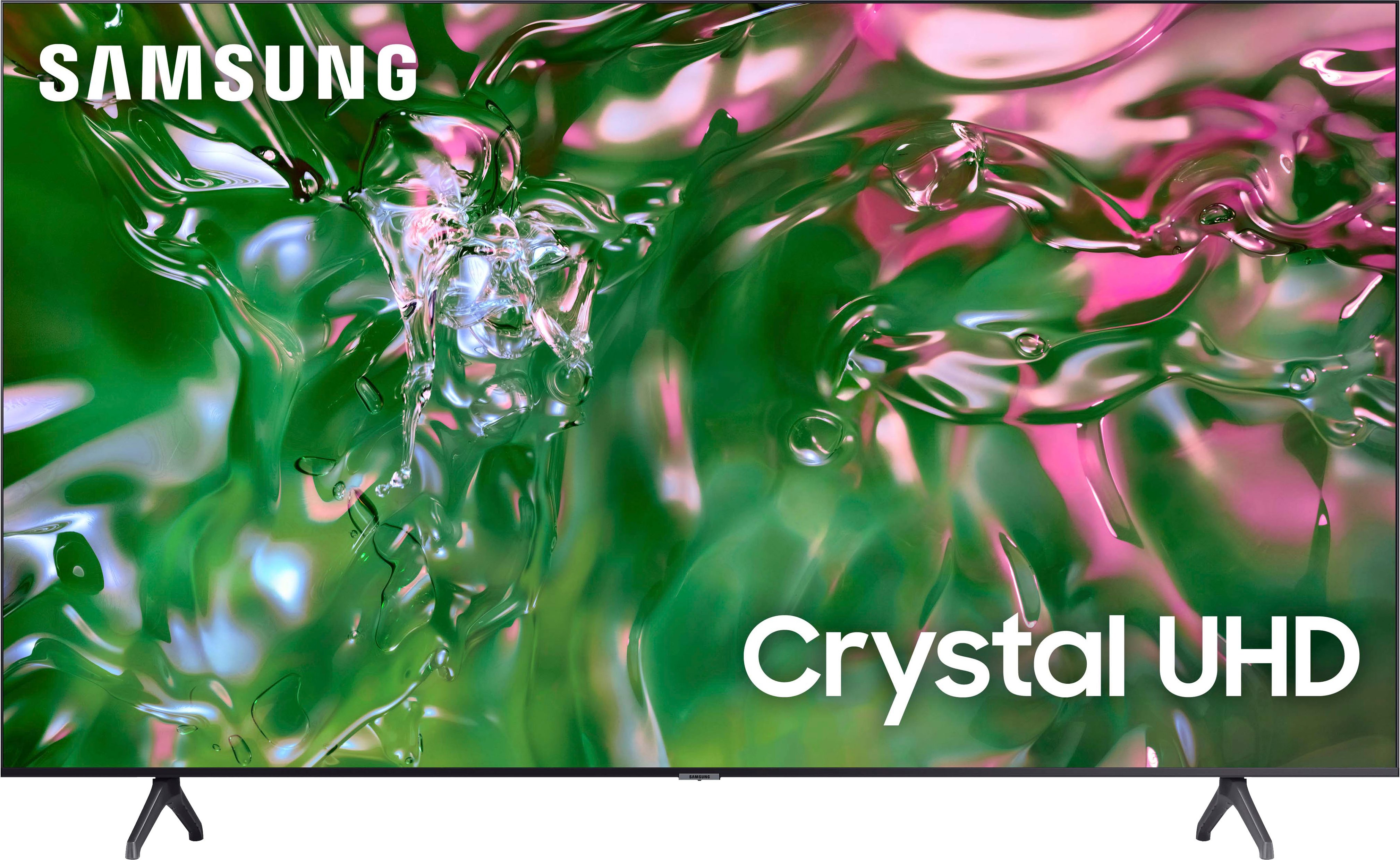
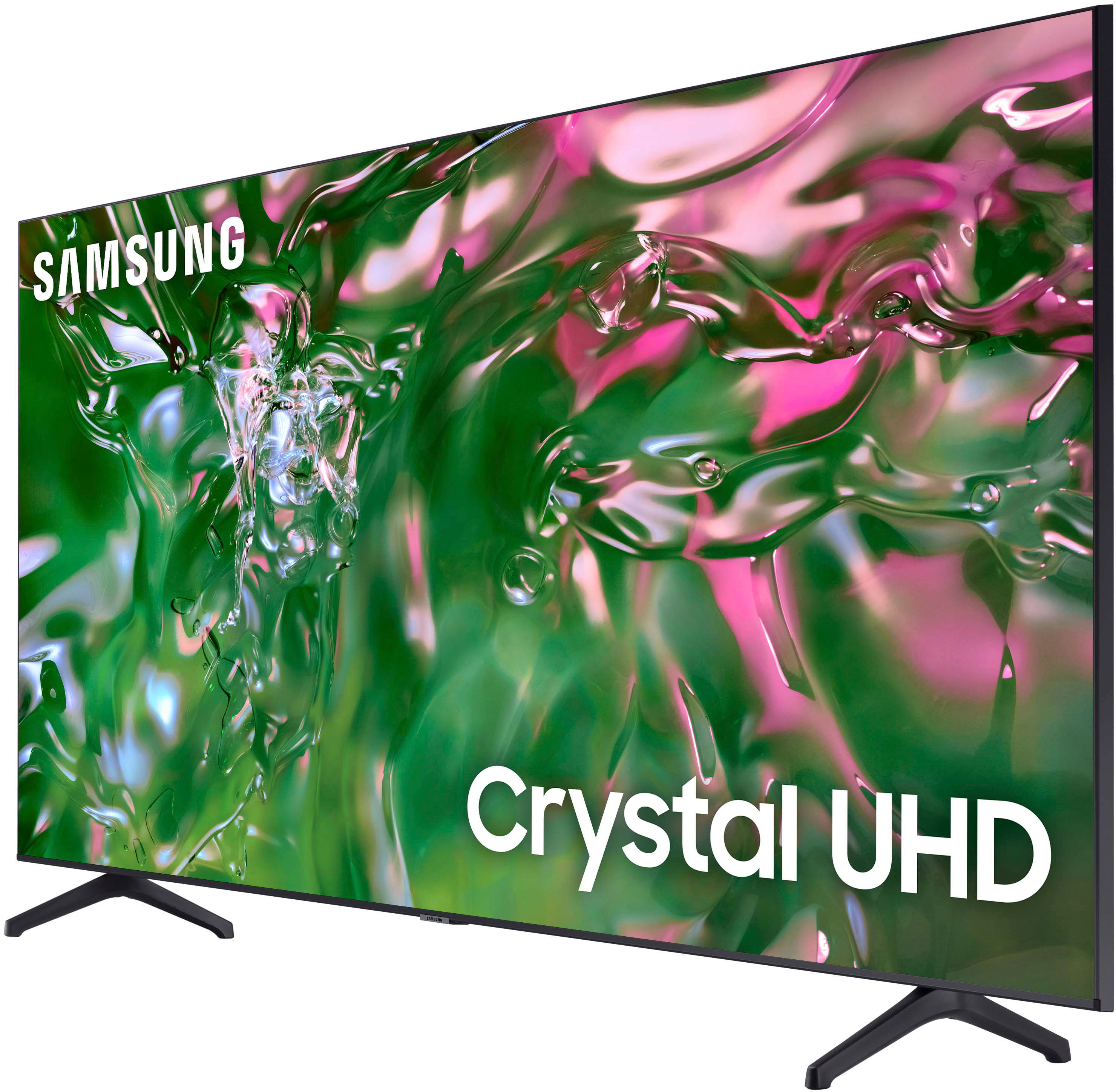
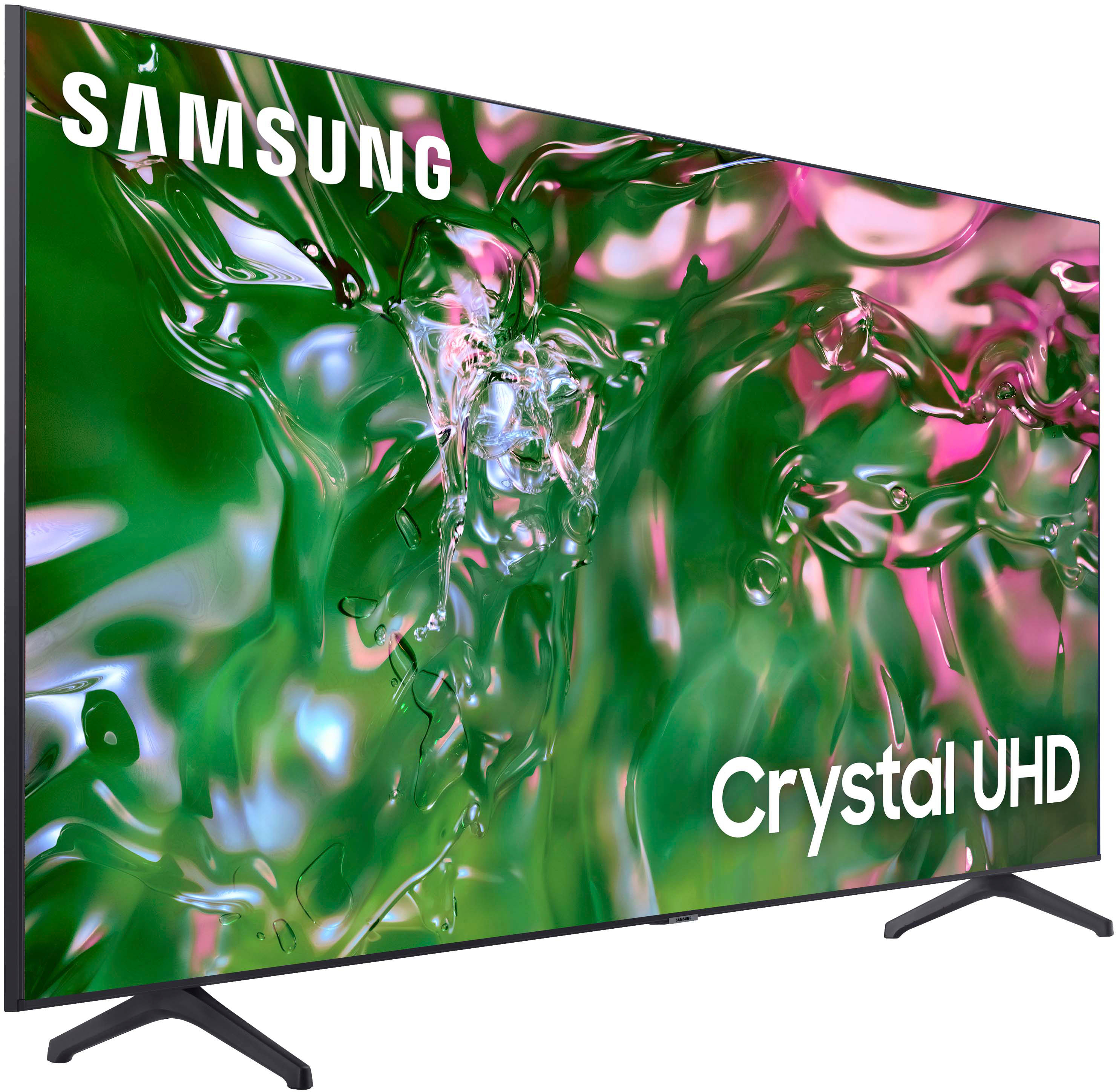
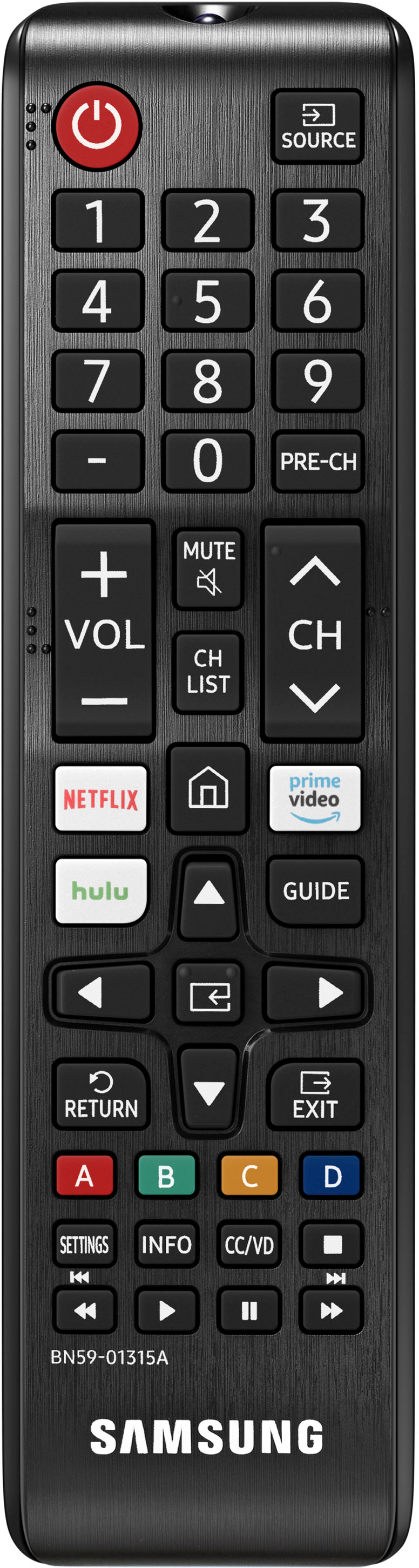



- Model:
- UN85TU690TFXZA
- SKU:
- 6527338
Rating by feature
- Picture Quality
Rating 4.8 out of 5 stars
- Sound Quality
Rating 4.6 out of 5 stars
- Brightness
Rating 4.8 out of 5 stars
Customers are saying
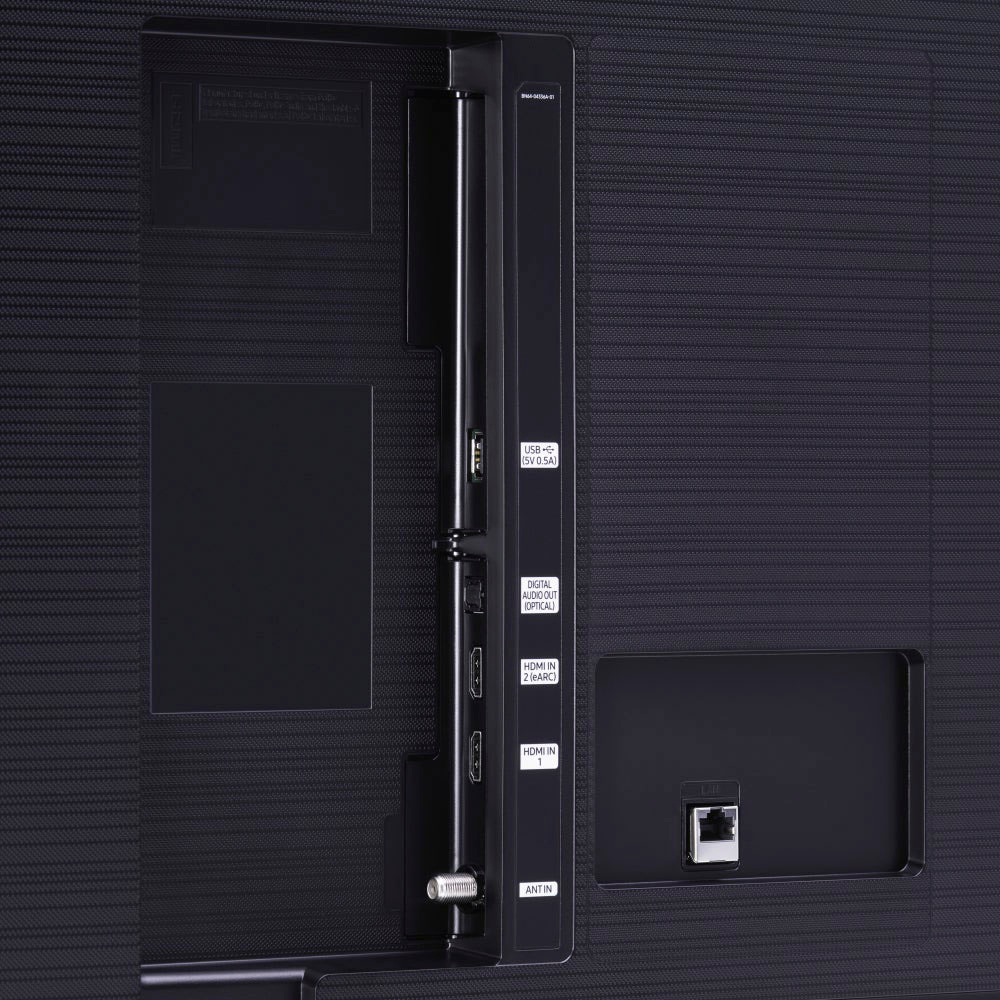
Customers find value in the 85" Class TU690T Crystal UHD 4K Smart Tizen TV for its exceptional picture quality, large screen size, and user-friendly interface. While some customers have expressed concerns about the volume and limited HDMI ports, the overall positive feedback highlights the TV's great price-to-quality ratio, making it a popular choice for those seeking an immersive viewing experience.
This summary was generated by AI based on customer reviews.
Excellent
Posted .This reviewer received promo considerations or sweepstakes entry for writing a review.It’s a perfect tv for a Family Home, it’s amazing.
I would recommend this to a friend- Pros mentioned:Picture quality
Samsung sound not great
Posted .This reviewer received promo considerations or sweepstakes entry for writing a review.Love the TV and picture, but the sound has some issues as it cuts out randomly
No, I would not recommend this to a friendBrand response from Samsung
Posted .KathyM,
Thank you for taking the time to provide feedback on your TU690T TV. Please know that your feedback will be shared with our internal product teams. We take pride in our products and are sorry to hear that your experience was not up to our high standards.
If there’s anything we can ever help with, please call us at 1-800-SAMSUNG, 8 AM - 12 AM EST, seven days a week. Or visit us on the Samsung website and click on the ‘Support’ link for:
1) LiveChat
2) Manuals, Software, & Warranty Info
~ Samsung Pro
Great deal on a fantastic TV
Posted .This reviewer received promo considerations or sweepstakes entry for writing a review.Excellent TV, great deal. Couldn't be happier with the purchase!
I would recommend this to a friendLooks better than it sounds.
Posted .This reviewer received promo considerations or sweepstakes entry for writing a review.The speakers may as well not be installed. We cranked it up to MAX for the first few days waiting on a soundbar. Now it's not clear if the soundbar is touchy, or if the TV speakers are blown as certain "sound modes" sound terrible.
No, I would not recommend this to a friendBrand response from Samsung
Posted .Shaboody,
Thank you for sharing your thoughts regarding the TU690T TV’s sound quality. We recommend adjusting the Sound Settings to improve your experience. You can change the Sound Mode by going to Settings > Sound > Sound Mode.
You can also customize the sound with Expert Settings by going to Settings > Sound > Expert Settings.
To assist you with possible sound settings adjustments for a better audio experience or choosing a Samsung Soundbar to complement your viewing enjoyment, please reach out to us at 1-800-SAMSUNG, 8 AM - 12 AM EST, seven days a week. Our LiveChat agents are also available by clicking on the ‘Support’ link on our website.
~ Samsung Pro
Customer
Posted .This reviewer received promo considerations or sweepstakes entry for writing a review.Picture not great was expecting with that size a better picture quality
No, I would not recommend this to a friendBrand response from Samsung
Posted .LybndaW,
We appreciate you sharing your experience with the TU690T TV. Your feedback regarding image quality is essential to us and will be shared with our internal teams. Please try adjusting the below image settings to improve your picture.
Go to Home > Settings > Picture > Picture Mode and select the mode that best fits your usage:
1) Standard: Default mode suitable for general viewing environments.
2) Natural: Reduces eye strain for a comfortable viewing experience.
3) Movie: Most suitable for watching TV or movies in a dark room.
4) Dynamic: Makes the picture brighter and clearer in bright viewing environments.
You can also go to Settings > Picture > Expert Settings > to manually fine-tune your image.
If you need more help, Samsung is here for you. Call us at 1-800-SAMSUNG, 8 AM - 12 AM EST, seven days a week. Our LiveChat agents are also available by clicking on the ‘Support’ link on our website.
~ Samsung Pro
Too dark
Posted .This reviewer received promo considerations or sweepstakes entry for writing a review.I really wanted to enjoy this tv but regardless of what settings I tweaked, the screen was just too dark. My 5 year old LG has a better quality picture.
No, I would not recommend this to a friendBrand response from Samsung
Posted .MrPotato,
We appreciate you sharing your experience with the TU690T TV. Your feedback regarding image quality is essential to us and will be shared with our internal teams. Please try adjusting the below image settings to improve your picture.
Go to Home > Settings > Picture > Picture Mode and select the mode that best fits your usage:
1) Standard: Default mode suitable for general viewing environments.
2) Natural: Reduces eye strain for a comfortable viewing experience.
3) Movie: Most suitable for watching TV or movies in a dark room.
4) Dynamic: Makes the picture brighter and clearer in bright viewing environments.
You can also go to Settings > Picture > Expert Settings > to manually fine-tune your image.
If you need more help, Samsung is here for you. Call us at 1-800-SAMSUNG, 8 AM - 12 AM EST, seven days a week. Our LiveChat agents are also available by clicking on the ‘Support’ link on our website.
~ Samsung Pro
Price
Posted .This reviewer received promo considerations or sweepstakes entry for writing a review.This tv was around 7 hundred and some on saturday and part of sunday now goes up to almost athounsen
No, I would not recommend this to a friendBrand response from Samsung
Posted .Donmr1990,
For information on price, please visit or contact your local Best Buy. Should you have questions regarding Samsung TVs, please contact Samsung Support at 1-800-SAMSUNG, 8 AM - 12 AM EST, seven days a week. Our LiveChat agents are also available by clicking on the ‘Support’ link on our website.
~Samsung Pro