Customer Ratings & Reviews









- Model:
- UN85U7900FFXZA
- SKU:
- 6639193
Rating by feature
- Picture Quality
Rating 4.8 out of 5 stars
- Sound Quality
Rating 4.7 out of 5 stars
- Brightness
Rating 4.8 out of 5 stars
Customers are saying
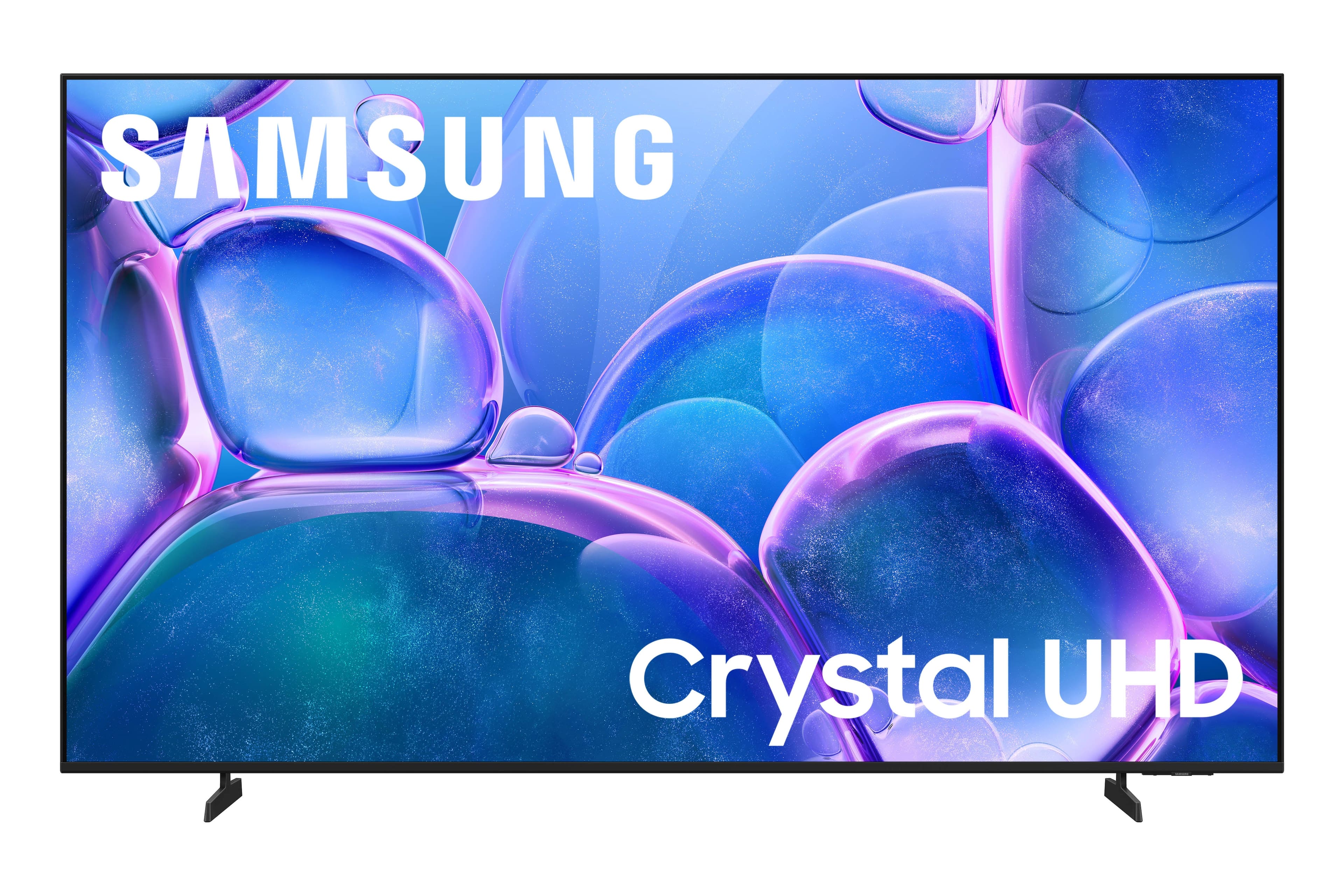
Customers highly value the spectacular picture quality of the 85" Class U7900 Series UHD 4K Smart Tizen TV (2025), and appreciate its ease of setup and nice size. The TV's sleek and modern design and overall appearance are also well-received. However, some customers have noted a lack of optical audio connectivity.
This summary was generated by AI based on customer reviews.
- Pros mentioned:Picture quality
Samsung 85” TV
||Posted . Owned for less than 1 week when reviewed.This reviewer received promo considerations or sweepstakes entry for writing a review.Very happy with my purchase, the picture quality is great!
I would recommend this to a friend - Pros mentioned:Picture quality
Great TV!
||Posted . Owned for 1 month when reviewed.This reviewer received promo considerations or sweepstakes entry for writing a review.I love it! It’s perfect for my living room in my new home!
I would recommend this to a friend - Pros mentioned:Setup ease
Home cinema
||Posted .This reviewer received promo considerations or sweepstakes entry for writing a review.The clarity is second to none . Also it was easy to set up
I would recommend this to a friend - Pros mentioned:Picture quality
Samsung tv
||Posted .This reviewer received promo considerations or sweepstakes entry for writing a review.good result of tv we love samsung product and appliances
I would recommend this to a friend Major upgrade in equipment and software
||Posted . Owned for 2 weeks when reviewed.This reviewer received promo considerations or sweepstakes entry for writing a review.Upgraded from a 2017 model Samsung 65 inch to this one. The quality is just as good. The picture is clearer despite being a larger tv. Fortnite runs smoothly with no console. The entire family loves this thing.
I would recommend this to a friend- Pros mentioned:Picture quality
Samsung 85” TV
||Posted . Owned for 1 month when reviewed.This reviewer received promo considerations or sweepstakes entry for writing a review.Great TV for the price. It has good picture quality during sports and fast paced scenes.
I would recommend this to a friend - Pros mentioned:Picture quality
Great television
||Posted . Owned for 3 weeks when reviewed.This reviewer received promo considerations or sweepstakes entry for writing a review.Great television beautiful picture. Easy setup. Great pricing.
I would recommend this to a friend - Pros mentioned:Picture quality
Samsung
||Posted . Owned for 3 weeks when reviewed.This reviewer received promo considerations or sweepstakes entry for writing a review.Exelent tv, great image and colors. The sound is super.
I would recommend this to a friend - Pros mentioned:Picture quality
Not dependable
Posted .This reviewer received promo considerations or sweepstakes entry for writing a review.First one kept inverting colors until it was unplugged multiple times within first 2 weeks. Took pictures. Less than a month later replacement is doing the same. Now is Best Buy going to free delivery a third which would be a second replacement? Good tv when working.
No, I would not recommend this to a friendBrand response from Samsung
Posted .Hi JasonS,
Thank you for your feedback regarding the screen abnormalities you're seeing on your TV. To help determine if the issue is related to the panel itself, we recommend starting with a Picture Test, which displays a high-definition image you can examine for flaws: Settings > Support > Device Care > Self Diagnosis > Picture Test.
If the issue appears during the test and across all sources (built-in apps, HDMI devices, etc.), it may indicate a panel-related concern.
You can also try displaying solid-color test videos (red, green, blue, black, white) from a USB drive or YouTube. This can help you identify whether any pixels are stuck or not functioning properly.
In some cases, unplugging the TV for a few minutes and rebooting it can help resolve stuck pixels caused by temporary display behavior.
If the problem persists after these steps, the TV may require service. To set up a service appointment, please contact Samsung Support at 1-800-SAMSUNG, 8AM – 12AM EST, 7 days a week. LiveChat and additional support resources are also available through the Support link on our website.
~ Samsung Advisor
Great size for the price
||Posted . Owned for 3 months when reviewed.This reviewer received promo considerations or sweepstakes entry for writing a review.Awesome tv does everything I need from gaming to movie night.
I would recommend this to a friend- Cons mentioned:Connectivity
to cheap.
||Posted . Owned for 3 weeks when reviewed.This reviewer received promo considerations or sweepstakes entry for writing a review.Can only plug in 2 items. Thats way it is so cheap. We upgated to 300.00 more.
No, I would not recommend this to a friend Great TV, happy with the purchase experience
||Posted .This reviewer received promo considerations or sweepstakes entry for writing a review.This TV met my needs perfectly, and the shopping experience was very good. The staff at BestBuy made sure I took it home properly and safely. Everything went fast and smooth and I'm glad there's a BestBuy close to my home.
I would recommend this to a friend- Pros mentioned:Picture quality
Samsung
||Posted .This reviewer received promo considerations or sweepstakes entry for writing a review.I think this tv is a good quality television for the price offered
I would recommend this to a friend - Pros mentioned:Picture quality
Money well spent
||Posted . Owned for 3 weeks when reviewed.This reviewer received promo considerations or sweepstakes entry for writing a review.First samsung tv purchase, & it did not disappoint.
I would recommend this to a friend Great service.
||Posted . Owned for 1 month when reviewed.This reviewer received promo considerations or sweepstakes entry for writing a review.The service i received was outstanding. They knew the product and help me to find the right assembly products.
I would recommend this to a friend- Pros mentioned:Picture quality
Greta tv and price
||Posted . Owned for 2 weeks when reviewed.This reviewer received promo considerations or sweepstakes entry for writing a review.Great picture and sound. Can`t beat the price for a samsung.
I would recommend this to a friend Great TV at a good price
||Posted .This reviewer received promo considerations or sweepstakes entry for writing a review.We are really loving this TV so far, only complaint I have is we have DTV Stream so I don't need all the tech built into the TV. I would love an option to just purchase a "dumb" TV that only operates via HDMI inputs. If Samsung or other manufacturers would offer this option it would also drive down the price point. Just my 2 cents
I would recommend this to a friend85” tv
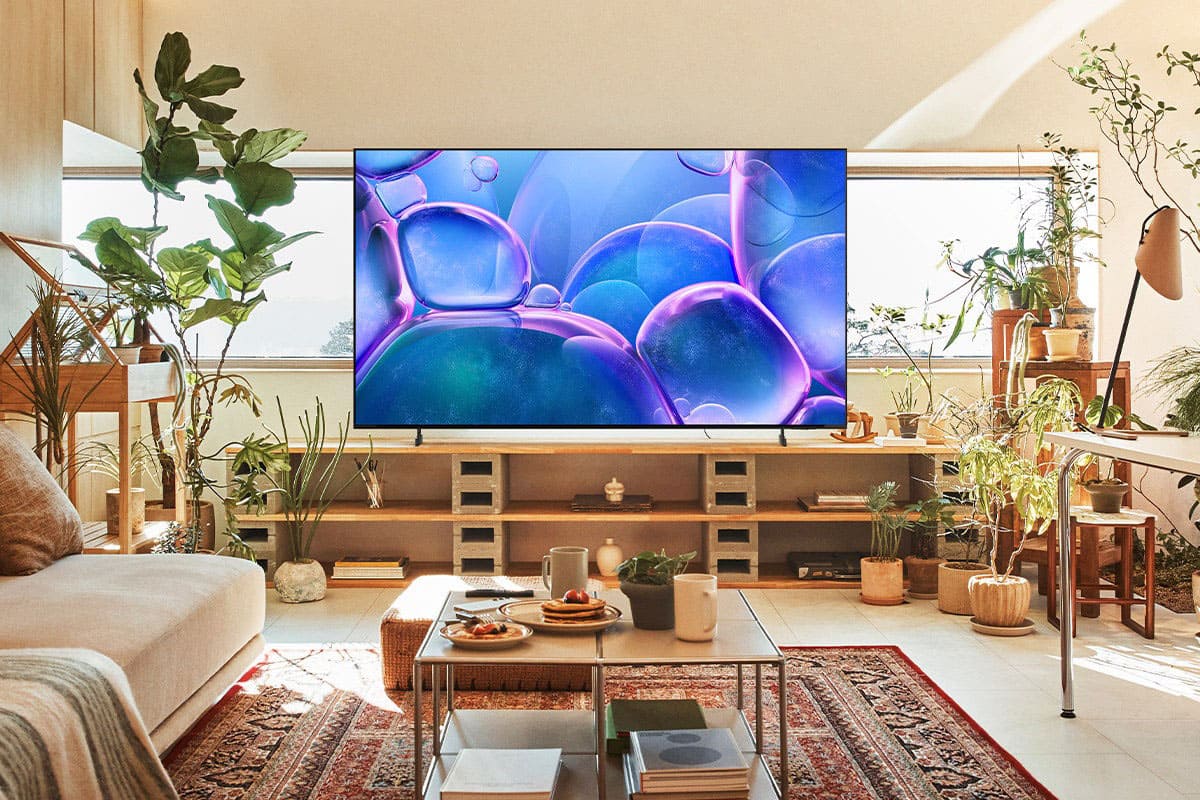
||Posted . Owned for 1 month when reviewed.This reviewer received promo considerations or sweepstakes entry for writing a review.We were looking for an 85” tv. We browsed the floor and saw the Samsung. Salesmen told us about this tv in depth. This tv meets All the needs we wanted
I would recommend this to a friendGood TV for the money!
||Posted . Owned for 1 month when reviewed.This reviewer received promo considerations or sweepstakes entry for writing a review.Great Tv for the money. The remote sucks though, just feels small and cheap.
I would recommend this to a friendI want to, but I can't
||Posted .This reviewer received promo considerations or sweepstakes entry for writing a review.I want to love this TV, but I can't. I consider myself brand loyal to Samsung and this was a natural upgrade from our 65" 4K TV of the same brand. I realize this is an economy level TV, but my 6 year old TV of the same resolution has a far superior picture, even when watching 4K programming. My wifi runs 500 Mb-1Gps, so no issue there. I frequently have a challenge with apps failing to open and kicking me back to Samsung TV. The 2 HDMI ports and no optical audio output are also challenging. I connected the soundbar with an HDMI to optical adapter, leaving 1 HDMI port available. 3 HDMI's + optical are available on the U8000 for a $100 upgrade. Overall, the TV is user friendly and intuitive as I have enjoyed with many Samsung products, but unfortunately, the resolution of this model is disappointing.
No, I would not recommend this to a friendBrand response from Samsung
Posted .Hi ILoveAZ,
Thank you for your feedback. Please ensure your U8000 TV is running the latest firmware update 1132.0. To do so, go to Settings> Support> Software Update. If that version is not available you can download the update on a USB drive and manually update your TV:
1. On Samsung's website (upper right corner), go to: Support > Manual & Software > Find your TV model, and click on the Firmware – Upgrade File.
2. When the file has finished downloading, locate it and then unzip it. There is normally one folder inside but there may be multiple files.
3. Copy or move all of the files that were included in the zip file to a USB flash drive, but do not place them inside any other folders. If you place the software folders inside a folder on the USB flash drive, the TV or monitor will not find them.
4. Connect the USB drive containing the software upgrade into a USB port on your device.
5. Using your device's remote, navigate to and select Settings, then select All Settings, and then select Support. Select Software Update, select Update Now, and then select Yes if prompted.
Your device will search the USB drive for update files. Follow the on-screen instructions to install the updated software. Updates usually take a few minutes; please do not turn off the TV until the update is complete. When the update is finished, it will restart automatically.
If you need additional support, Samsung is here to help. Please call us at 1-800-SAMSUNG, available daily from 8AM - 12AM EST. You can also chat with a LiveChat agent by clicking the ‘Support’ link on our website for:
• Live Chat
• Manuals, Software, & Warranty Info
• Creating a Service ticket
~Samsung Advisor