Customer Ratings & Reviews

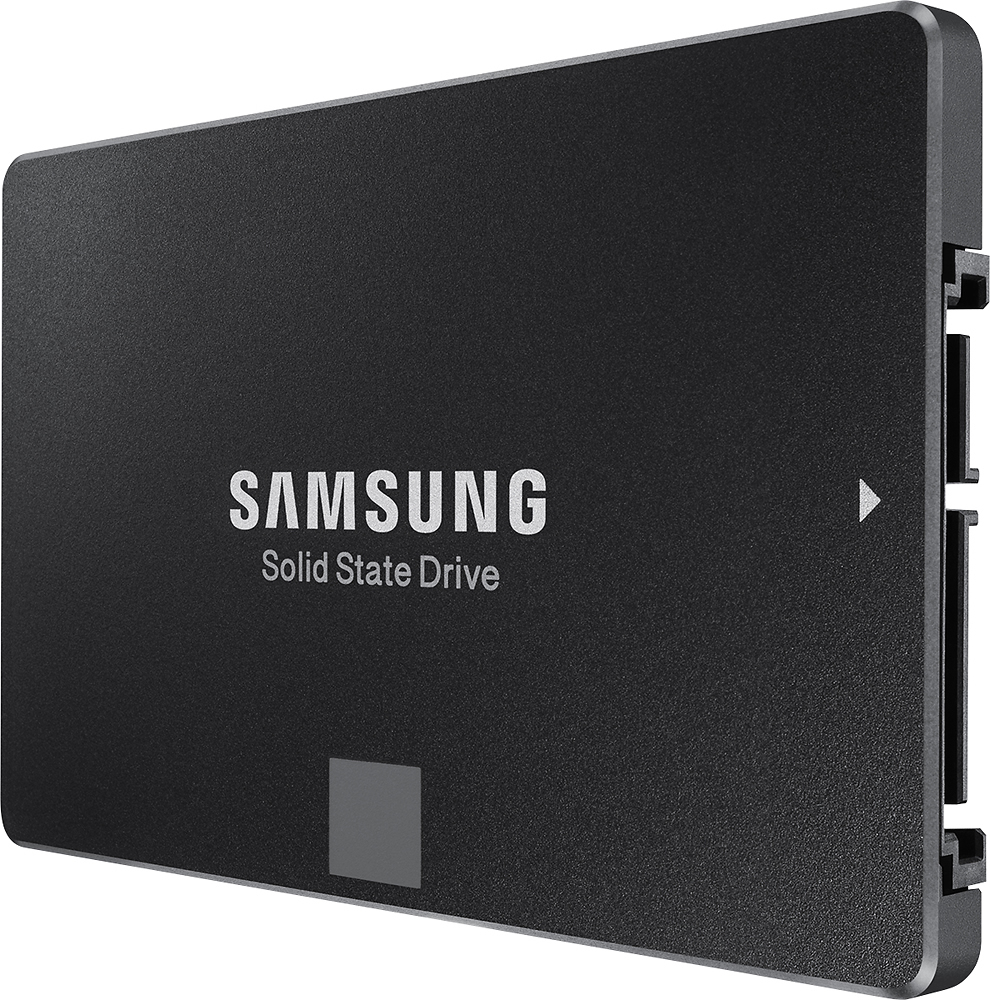
- Model:
- MZ-75E250B
- |
- SKU:
- 1661028
Customer reviews
Rating 4.9 out of 5 stars with 1368 reviews
(1,368 customer reviews)Rating by feature
- Value4.8
Rating 4.8 out of 5 stars
- Quality4.6
Rating 4.6 out of 5 stars
- Ease of Use4.6
Rating 4.6 out of 5 stars
Customers are saying
Customers are pleased with the 850 EVO 250GB SSD's performance, ease of installation, and fast boot times. Many appreciate the drive's affordability and the included warranty. Positive feedback highlights the smooth and quick operation, making it a worthwhile upgrade. The ease of setup and migration were also frequently praised.
This summary was generated by AI based on customer reviews.
Rated 4 out of 5 stars
Samgung SSD
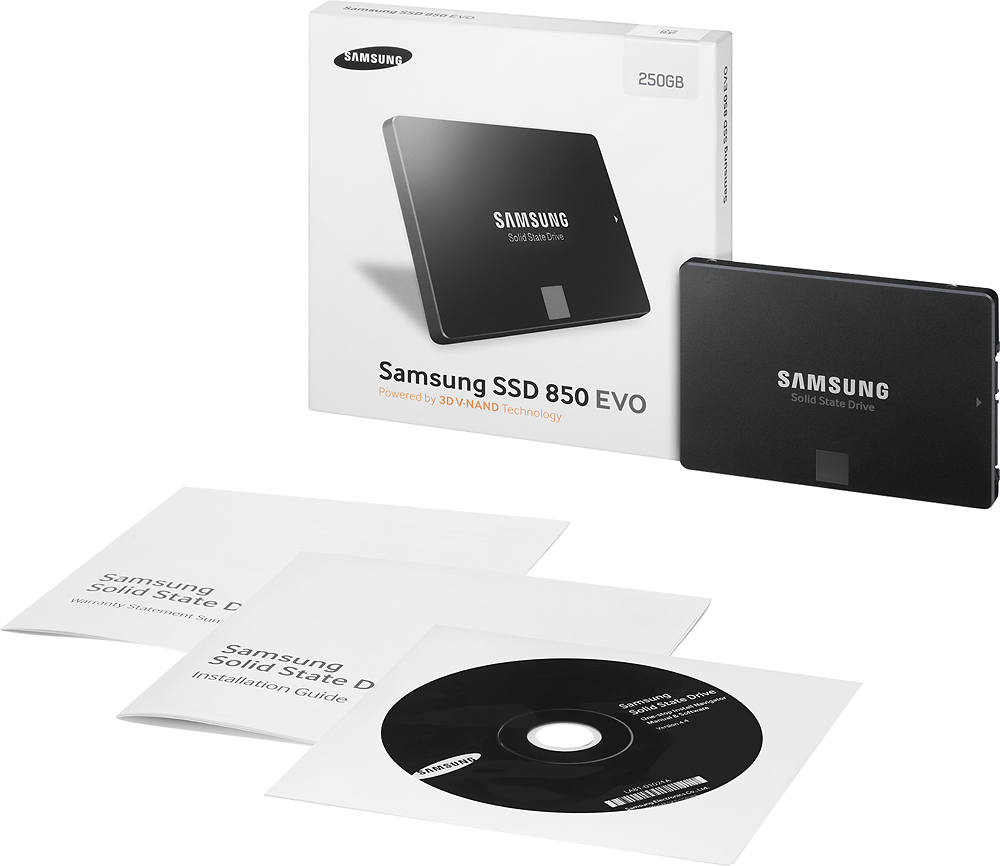
Posted .This reviewer received promo considerations or sweepstakes entry for writing a review.I bought on CSR recommendation a 250GB Samsung SSD drive & I put in HD and memory before in my different computers over the years. Reading all the different online & printed instructions took longer than the installation of this drive. Plus I watch few YouTube videos as well :) :) To migrate the drive using Samsung software once I got installed with CD that comes with it. It took about 16 minutes to do Nice :)
I would recommend this to a friendRated 2 out of 5 stars
BAD SOFTWARE causing crashes and suspected spyware
Posted .This reviewer received promo considerations or sweepstakes entry for writing a review.I am a user of this drive for 3 weeks now and I found few significant problems that caused 4 work days of troubleshooting and my system inoperable for 1 week. The cause of my problems was the Samsung Magician software that's provided with the drive. It is a bad software. Don't install it. I am not saying that it will crash your system - but I am saying that it may crash it - there are many problems with it - and you may have a problem too. It is NOT WORTH the risk to install it in my opinion. Buy the drive if you want - but do yourself a favor and first make a restore point, backup all data and expect the worst - so you don't get surprised when you get a BSOD upon startup like many people and no specific help online, because the issue is rare. The drive by itself works just fine and quite frankly - I am happy with it as-is. It's a good drive. I get a sequential read speed of 284 MB/s and write of 272 MB/s and that is sufficiently fast for me. I had a Kingston 128GB before and it was much slower - so I am actually happy that I could get this drive for under 90 bucks. But I am not utilizing its full potential because I made a decision to disable RAPID mode. So I can't run in maximum speed mode - that's the name Samsung gave it - which is an option being turned ON using the dreadful Samsung Magician software. I need to explain all that - so you can make a conscious decision about this purchase. When you get a package with this SSD - you also get a CD with a software installer consisting of two programs - one is for cloning and its called "Data Migration" and the second is Samsung Magician which is a bundle of tools to check speed, system configuration and SSD updater with this RAPID mode enable function. The "Data Migration" is not completely useless if you need to clone a drive - BUT you can only clone 1 partition with it and that's it. This software WILL NOT clone a typical system disk from a major manufacturer - like HP, Acer or any other - because all pre-installed systems come as 2 partitions "C" for a system and "D" for a System Restore pre-installed files. The "Data Migration" will only copy C - but will refuse to copy both. This is a BIG PROBLEM. There are ways around it - I used a EZ GIG IV with Apricorn adapter which I purchased separately, but not everyone has this and it is an additional cost. Because of this I think "Data Migration" is worthless. I don't recommend using it. Don't use it. The other piece "Samsung Magician" will install - but then there are crashes - which can't be easily explained, because you don't always get a small memory dump with it so it can't be easily debugged. You can follow the bugcheck code - but that won't lead you far if you get something like "KMODE_EXCEPTION_NOT_HANDLED". It is really difficult to analyze without memory dump files. People describe issues with this software and once you get to realize how bad this gets at times - you start to worry a lot. But that's not all. There are more problems. Imagine having a problem in RAPID mode - and being unable to boot you have to run it in SAFE MODE and the "Samsung Magician" is not designed to run on 1024x768 screen!!! It will then tell you - that it is not designed for this type of resolution. If that wasn't bad enough - you are going to get a prompt from it EVERY TIME you start up your PC. Yeah, you hear that right - Samsung Magician starts EVERY TIME you boot up your PC. This software is intrusive! And you can't disable that. There are no options to check - no way to stop it from doing it every reboot. Samsung wants you to see the Magician every day and they want you to keep clicking on it. It is a part of Startup and my firewall always throws a popup - to ask to give it permission to start. If you don't - it may crash the system which happened to me. If you give it permission - it will start and show itself and I don't like it. You can't disable it at the startup - because when you do - there is a problem with booting and the PC will not start. Apparently something is messed up with permissions and whoever wrote that program was an idiot. Many people have this problem - I noticed some say it is a part of the task scheduler - and they change that on their systems. Well, in my case it clearly resides in Startup. But I am leaving 1 significant piece of information for the last - you see - when I unchecked the "Samsung Magician" startup option in Msconfig and restarted - both my keyboard and my mouse stopped responding. It is very suspicious behavior and although I didn't go that far to debug the whole issue down to what caused it - but I suspect there may be something there. I don't like this. HDD software should not handle mouse and keyboard like that. Therefore I disabled the RAPID mode and uninstalled the "Samsung Magician". Once gone = no more problems. If you buy this drive - just ignore that CD, don't install any Samsung software. Put the SSD in the PC like it was just another hardware brick and let Windows install the driver. That driver is sufficient for it to run very fast. If you don't like the read speed of 284 MB/s and write of 272 MB/s - then DON'T buy this drive and buy Kingston or OCZ-Agility or any other drive that provides proper cloning and working software. I spent so much time trying to figure out the problem that it caused that I am warning you here - think about it twice before buying this product.
No, I would not recommend this to a friendRated 5 out of 5 stars
The Go To SSD
Posted .This reviewer received promo considerations or sweepstakes entry for writing a review.I use these for the office computers in the 3 stores I service and only one samsung has failed in the 5 year 24hr a day service life.
I would recommend this to a friendRated 5 out of 5 stars
Best solid state drive
Posted .This reviewer received promo considerations or sweepstakes entry for writing a review.I bought it for my friend few days ago. I really like it, it so strong, beautiful and useful. High recommend for everyone.
I would recommend this to a friendRated 5 out of 5 stars
Best ssd out there
Posted .This reviewer received promo considerations or sweepstakes entry for writing a review.For the cost and size of this ssd it is totally worth the it! I would recommend for anyone upgrading
I would recommend this to a friendRated 4 out of 5 stars
Good but need to more user friendly
Posted .This reviewer received promo considerations or sweepstakes entry for writing a review.Got this like 3 days back only had issues while setting up and installation, rest all is fine.
I would recommend this to a friendRated 1 out of 5 stars
Unable to install on desktop
Posted .This reviewer received promo considerations or sweepstakes entry for writing a review.No cable provided. Unable to install or clone windows 10. Drive not detected by the included software, even when plugged directly into serial and ata ports. Pain in the inappropriate language, and a waste of time and money for the averge person that isn't a computer tech. I will need to purchase the adapter cable (usb to serial) or hire someone to install it. Also it will hang loosely in your drive bay without a tray adapter. Fail.
No, I would not recommend this to a friend