Customer Ratings & Reviews
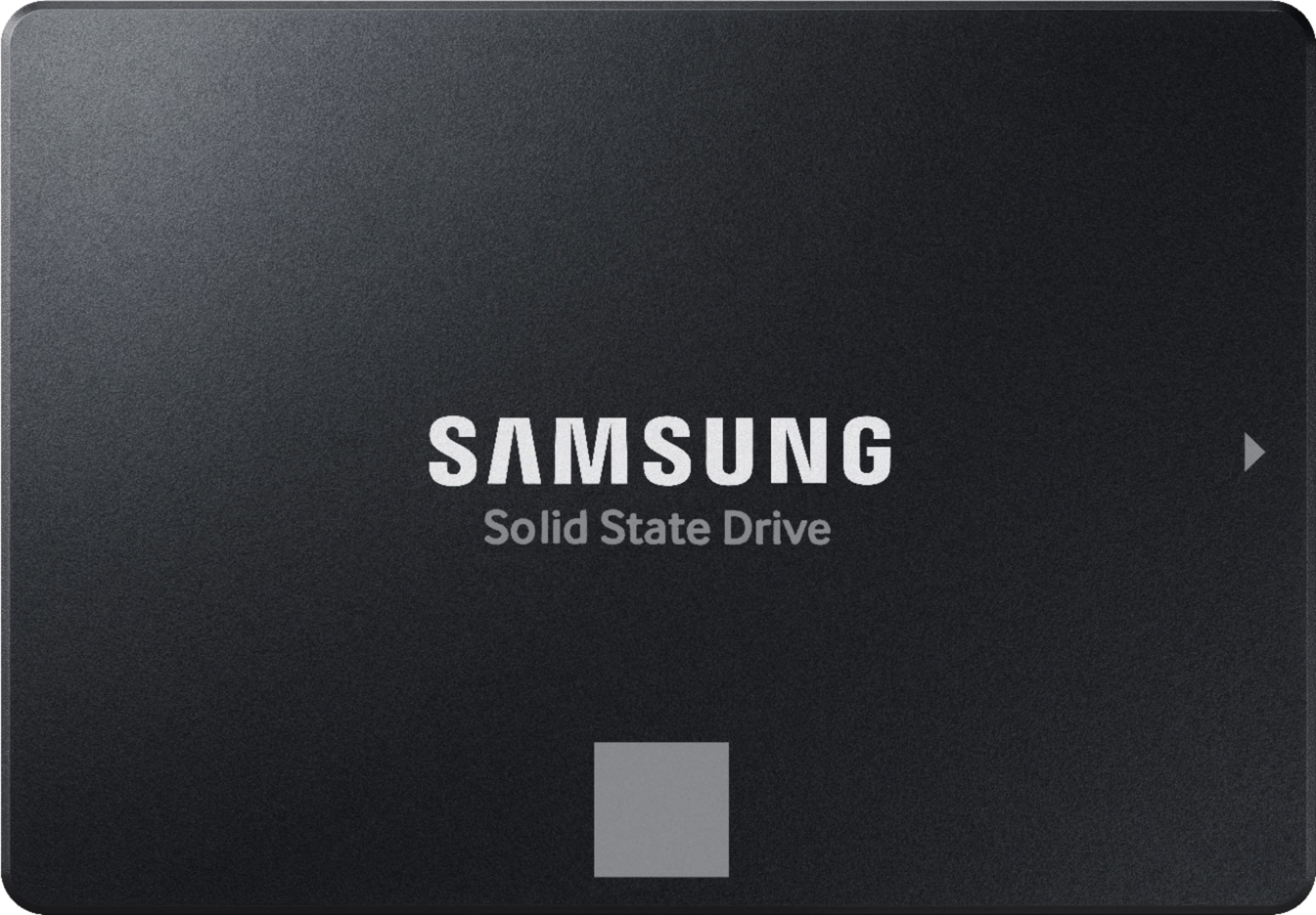
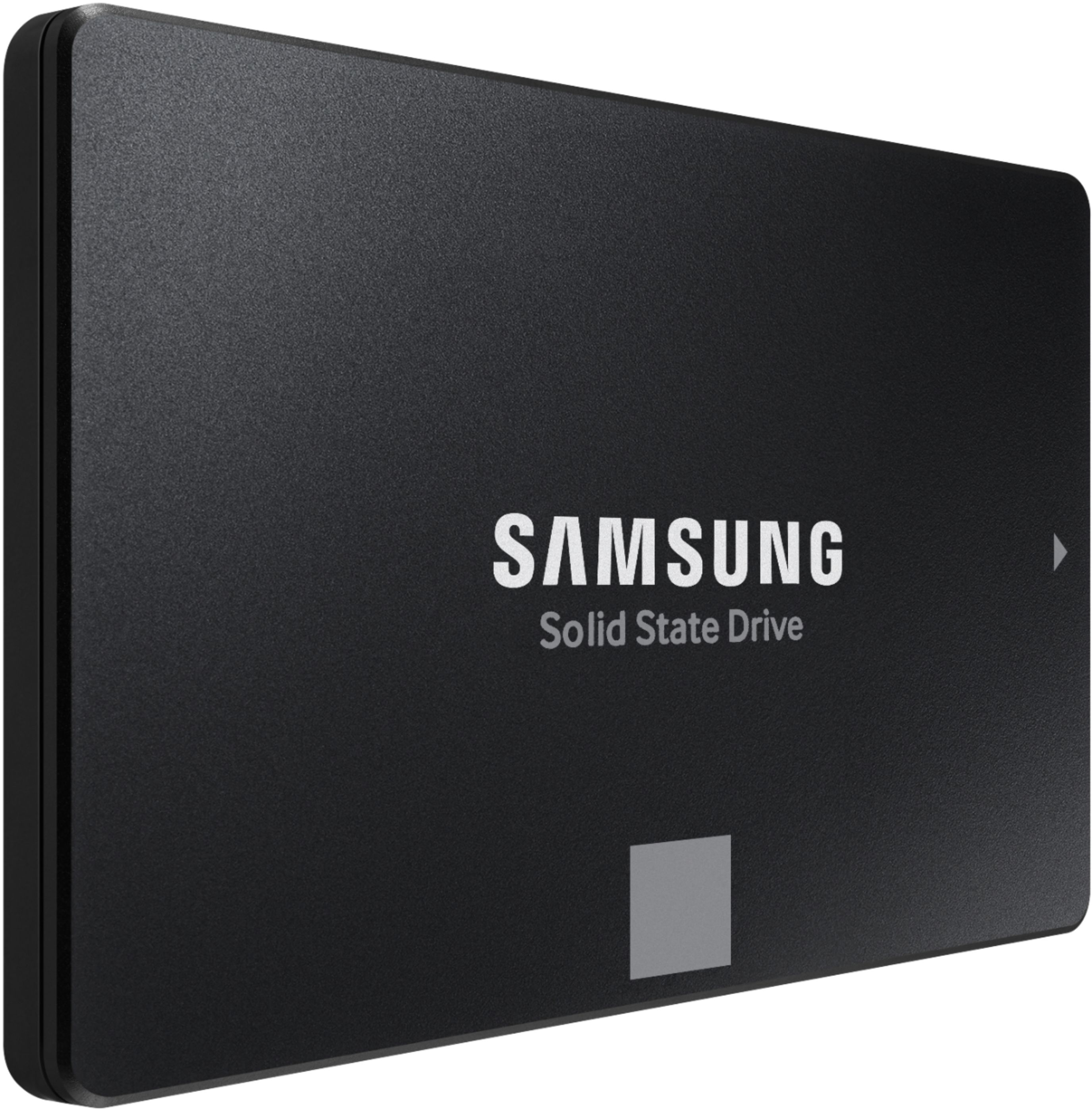
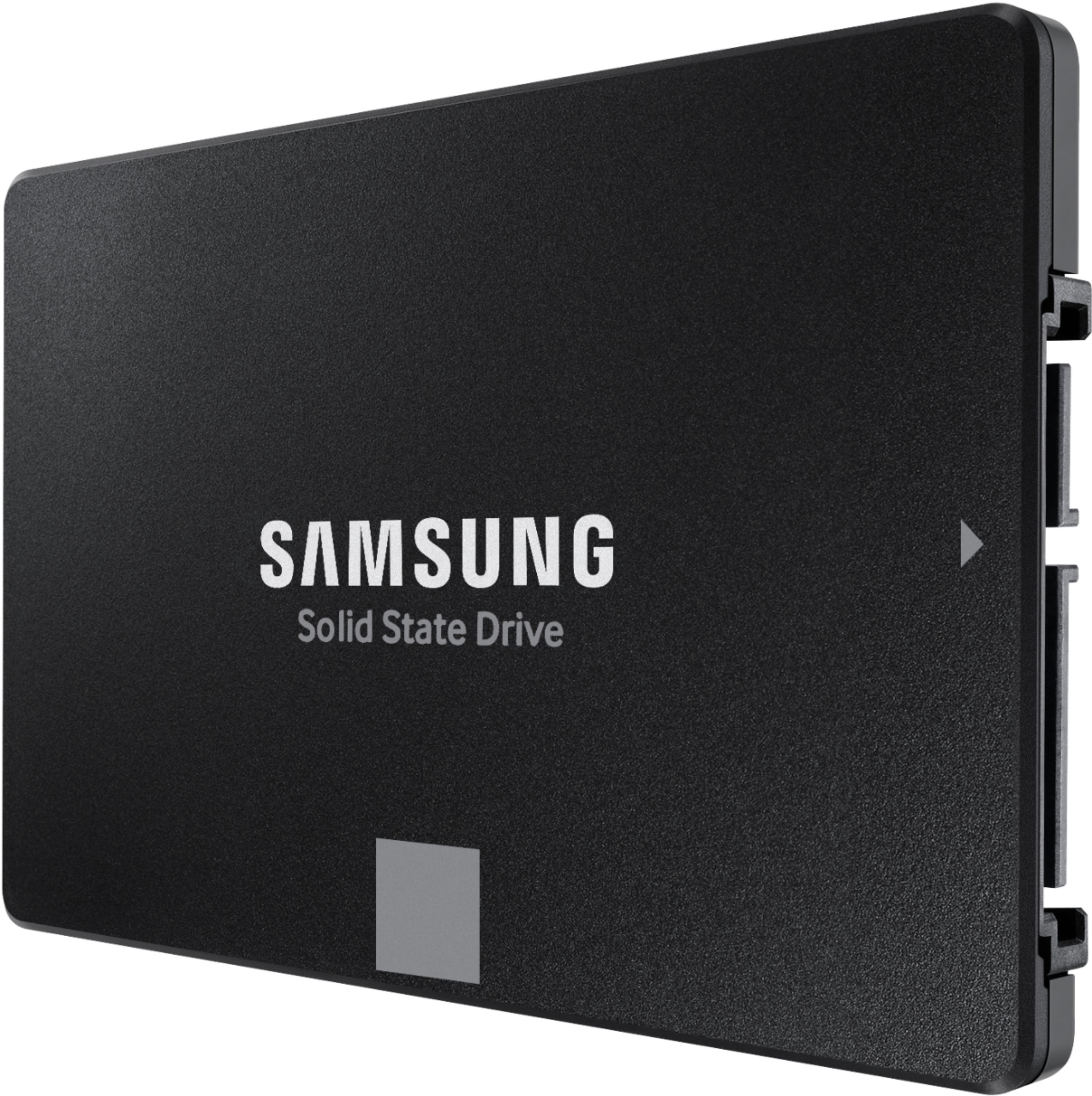

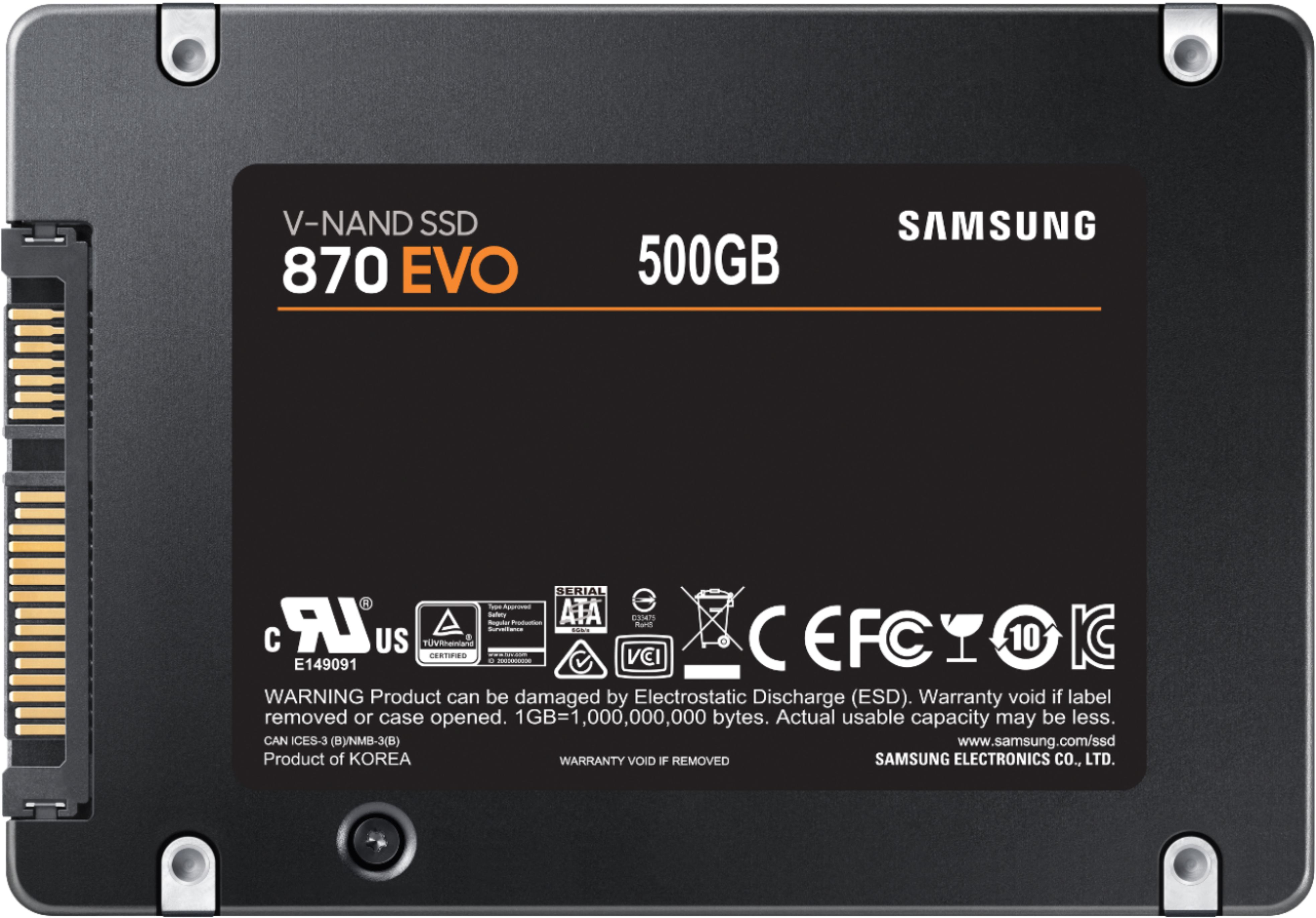
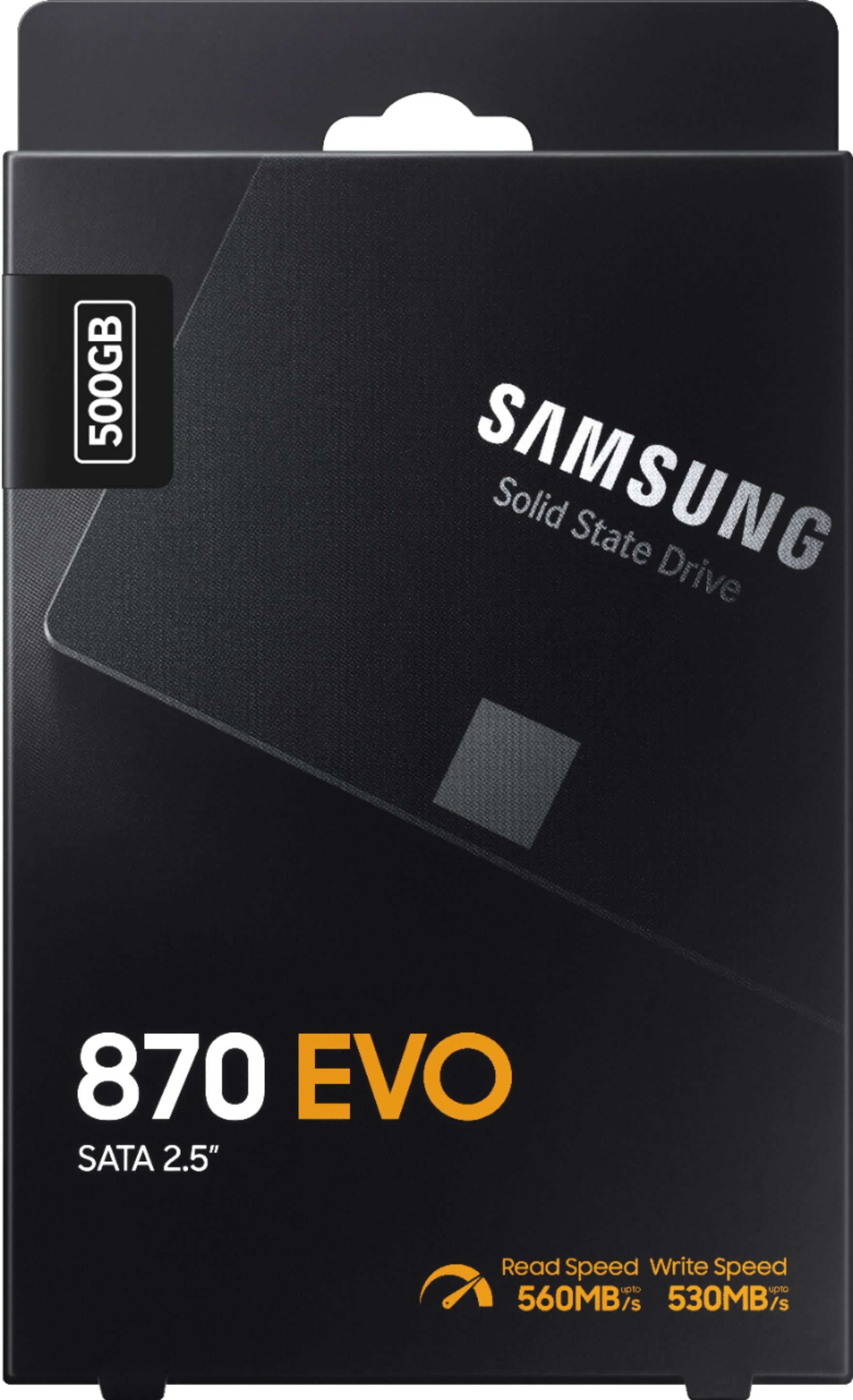
- Model:
- MZ-77E500B/AM
- |
- SKU:
- 11013123
Customer reviews
Rating 4.9 out of 5 stars with 1709 reviews
(1,709 customer reviews)Rating by feature
- Value4.8
Rating 4.8 out of 5 stars
- Quality4.9
Rating 4.9 out of 5 stars
- Ease of Use4.9
Rating 4.9 out of 5 stars
- Pros mentioned:Performance
Rated 5 out of 5 stars
Great product for the price
||Posted .This reviewer received promo considerations or sweepstakes entry for writing a review.GREAT PRODUCT, needed to do everything that I needed it to do. 10/10 would buy again!
This review is from Samsung - 870 EVO 500GB Internal SSD SATA
I would recommend this to a friend - Pros mentioned:Performance
Rated 5 out of 5 stars
Samsung SSD 870evo 500Gb
||Posted . Owned for 1 month when reviewed.This reviewer received promo considerations or sweepstakes entry for writing a review.I replased the 7 years old SSD 860evo. New 870evo running fast, 560/520, no overheat, no frozen -perfect product!
This review is from Samsung - 870 EVO 500GB Internal SSD SATA
I would recommend this to a friend - Pros mentioned:Ssd
Rated 5 out of 5 stars
Great SSD for the price
||Posted . Owned for 7 months when reviewed.This reviewer received promo considerations or sweepstakes entry for writing a review.Grabbed it on sale for a great price, good ssd for thw money and one of the best known brands for ssd storage. Quick boot times and plenty of space for the average user. Replaced a failing ssd and works as intended.
This review is from Samsung - 870 EVO 500GB Internal SSD SATA
I would recommend this to a friend - Pros mentioned:Performance
Rated 5 out of 5 stars
Samsung SSD
||Posted . Owned for 1 month when reviewed.This reviewer received promo considerations or sweepstakes entry for writing a review.Very fast. Best deal that i have bought in a while.
This review is from Samsung - 870 EVO 500GB Internal SSD SATA
I would recommend this to a friend - Pros mentioned:Speed
Rated 5 out of 5 stars
Excellent product
||Posted . Owned for 4 months when reviewed.This reviewer received promo considerations or sweepstakes entry for writing a review.Excellent product. Read/write speeds are fast. No issues with setting up the product.
This review is from Samsung - 870 EVO 500GB Internal SSD SATA
I would recommend this to a friend - Pros mentioned:Price, Speed
Rated 5 out of 5 stars
The Best Sata SSD
||Posted . Owned for 1 week when reviewed.This reviewer received promo considerations or sweepstakes entry for writing a review.Ive had one of the older versions of this ssd for several years now. Since then theyve come down in price significantly. Theyre the fastest sata SSDs I’ve used and I highly recommend this for people upgrading their older PCs.
This review is from Samsung - 870 EVO 500GB Internal SSD SATA
I would recommend this to a friend - Pros mentioned:Performance
Rated 5 out of 5 stars
Work perfect
||Posted . Owned for 2 weeks when reviewed.This reviewer received promo considerations or sweepstakes entry for writing a review.Works perfect for mi IMac late 2012, easy to install!
This review is from Samsung - 870 EVO 500GB Internal SSD SATA
I would recommend this to a friend - Pros mentioned:Performance, Speed
Rated 5 out of 5 stars
Best SSD price and quality for most users
||Posted . Owned for 5 months when reviewed.This reviewer received promo considerations or sweepstakes entry for writing a review.Very fast, quiet, cool, light hard drive replacement. Comes with free software to clone (even to a smaller drive). Very impressive and haven't (EVER) had ond fail yet. After hundreds of installs. Speeds even 10 year old PCs up giving them a few more years of use. Well worth the investment.
This review is from Samsung - 870 EVO 500GB Internal SSD SATA
I would recommend this to a friend Rated 5 out of 5 stars
High quality with high prices.
||Posted . Owned for 1.5 years when reviewed.This reviewer received promo considerations or sweepstakes entry for writing a review.Samsung makes the best SSDs out there. The only two companies that can compete are Crucial and SK Hynix. The problem with Samsung is their arrogance has caused their prices to significantly increase. You often see Samsung SSDs cost TWICE as much as competitors. This is simply not acceptable. I used a 500GB SSD from Samsung, Crucial, and SK Hynix in my laptop. Both the Crucial and the SK Hynix took exactly 18 seconds to boot up every time. The Samsung took exactly 17 seconds to boot up every time. So, the Samsung was exactly one second faster every time during a bootup and restart. I bought the Samsung, because at the time there was only a $5 difference in price. But, it isn't like that anymore. The prices are now VERY DIFFERENT. Now, you see Samsung charging between $120 to $160 for a 2TB SSD. In comparison, I saw a Crucial 2TB MX500 SSD on sale for only $80 for Black Friday on Amazon. When I saw that, I said, "Forget Samsung and their '1 second' advantage. I want to save all that money!" One thing people should know is the reviews and specifications often talk about "DRAM" and how the only SATA III SSD manufacturers that make SSDs with DRAM are Samsung, Crucial, and SK Hynix. However, one thing I've learned is I cannot even have the "DRAM" turned on in my older laptop. With that in mind, even a less expensive SSD from a company such as PNY would offer an excellent increase in performance while saving far more money compared to Samsung. Also, according to CrystalDiskInfo, the results of the Samsung compare virtually identical to the others. So, if you are transferring office files or music, you will not notice a different. The only files where you notice a difference in speed are the larger video files. I do strongly encourage people to STAY AWAY from cheap online brands seen online, though. For example, two brands I've had TERRIBLE experience with are "Silicon Power" and "Teamgroup." Even with USB flash drives, both Silicon Power and Teamgroup have been disappointing. For example, if you try to use a Silicon Power USB drive on a Hisense U8K TV set in order to watch mp4 or mkv movies, the Hisense U8K TV won't even recognize the Silicon Power USB drive and it will force you to do a "Hard Reset" of your entire U8K TV set. Hisense NEEDS to fix that with some type of Firmware Update. Similarly, when I transfer mp4 and mkv files from the computer to a Teamgroup SSD, the files will be fine on the Samsung SSD. But when the files are transferred to the Teamgroup USB flash drive, there will be pixelated video that is seen. This type of pixelization problem does not occur when the Samsung SSD transfers files to a USB flash drive from PNY, Sandisk, or Kingston. This was particularly disturbing, because when I reported the defective USB devices to both Silicon Power and Teamgroup, both of them had terrible customer service. I finally said, "Forget it" and just threw out the worthless USB flash drives. Overall, this Samsung SSD offers the highest level of quality on the market - but also has the highest price. I didn't mind paying $5 more for this 500GB SSD compared to the other brands. But, I definitely minded paying $40 more when I upgraded to a 2TB SSD. So, I recently chose NOT to buy a Samsung, because the Samsung prices are just too high now.
This review is from Samsung - 870 EVO 500GB Internal SSD SATA
I would recommend this to a friend- Pros mentioned:Price, Speed
Rated 5 out of 5 stars
RELAIBLE SSD
||Posted . Owned for 2 months when reviewed.This reviewer received promo considerations or sweepstakes entry for writing a review.I THINK THIS IS MY 7TH TIME TO GET SAMSUNG EVO SSD. WITH ALL THE LIVE PRODUCTION COMPUTER I AM REPAIRING. THIS SAMSUND EVO SSD WOULD ALWAYS SAVE MY JOB. FAST AND EFFICIENT AND VERY GOOD PRICE AS WELL.
This review is from Samsung - 870 EVO 500GB Internal SSD SATA
I would recommend this to a friend - Pros mentioned:Performance
Rated 5 out of 5 stars
good job
||Posted . Owned for more than 2 years when reviewed.This reviewer received promo considerations or sweepstakes entry for writing a review.awsome . Also good vibes when i went into store and very helpful staff
This review is from Samsung - 870 EVO 500GB Internal SSD SATA
I would recommend this to a friend - Pros mentioned:Performance, Speed
Rated 5 out of 5 stars
boost for your computer
||Posted . Owned for 1 month when reviewed.This reviewer received promo considerations or sweepstakes entry for writing a review.good performance my computer super fast now excellent speed
This review is from Samsung - 870 EVO 500GB Internal SSD SATA
I would recommend this to a friend - Pros mentioned:Ease of use, Performance
Rated 5 out of 5 stars
not hard at all even I could do it
||Posted .This reviewer received promo considerations or sweepstakes entry for writing a review.Super easy way to upgrade your older computer. It was absolutely painless and the computer runs so much better. Download the free software from Samsung, plug-in the new hard drive into your USB port and let the software do the rest. In a short period of time you'll have a perfectly cloned hard drive. (you will need a USB adapter cord.)
This review is from Samsung - 870 EVO 500GB Internal SSD SATA
I would recommend this to a friend - Pros mentioned:Speed
Rated 5 out of 5 stars
Solid-state Hard Driver Working Fine
||Posted . Owned for 1 month when reviewed.This reviewer received promo considerations or sweepstakes entry for writing a review.So far the new solid-state hard drive is working as anticipated. Boot-up and shutdown are much faster than with an electro-mechanical hard drive. The computer is ready for use in a fraction of the time versus the old hard drive. There is also plenty of storage available for my needs. Copying files is also much faster.
This review is from Samsung - 870 EVO 500GB Internal SSD SATA
I would recommend this to a friend - Pros mentioned:Speed
Rated 5 out of 5 stars
Samsung to the rescue.
||Posted . Owned for 3 weeks when reviewed.This reviewer received promo considerations or sweepstakes entry for writing a review.Excellent. With the precious SSD dying after 6 years, this is what I needed to return the computer to working order. By design, I use an SSD for operating system and programs as c: drive, and save data, photos, video and music on a larger traditional hard drive d: drive. The SSD was the boot drive and unreadable for BIOS to even identify for boot. While I had a backup, found it easier to do a new install of both Windows and the programs I actually use...eliminating a lot of the trash that accumulate over the years that the backup would have restored. And the really good news is that Microsoft recognized the computer and didn't require a new copy of Windows. It is like a new machine!
This review is from Samsung - 870 EVO 500GB Internal SSD SATA
I would recommend this to a friend - Pros mentioned:Performance, Ssd
Rated 5 out of 5 stars
A Great SSD
||Posted . Owned for 3 weeks when reviewed.This reviewer received promo considerations or sweepstakes entry for writing a review.I believe Samsung SSD's are the best SSD's made. I have several and had have several for at least 4 years with no failures yet. I use them for C: drives, for database drives, and for source code drives and have no concerns about them at all. When you can also purchase them at a competitive price, it just doesn't get any better.
This review is from Samsung - 870 EVO 500GB Internal SSD SATA
I would recommend this to a friend - Pros mentioned:Performance
Rated 5 out of 5 stars
I love Samsung SSDs
||Posted .This reviewer received promo considerations or sweepstakes entry for writing a review.Sped my pc up so much! I only use Samsung ssds now
This review is from Samsung - 870 EVO 500GB Internal SSD SATA
I would recommend this to a friend - Pros mentioned:Speed
Rated 5 out of 5 stars
Speedy SSD
||Posted . Owned for 3 weeks when reviewed.This reviewer received promo considerations or sweepstakes entry for writing a review.I replaced an older harddrive with this SSD and it was amazing how fast it is. It only took 15 minutes to install Windows 10 and it starts up in 15 seconds or so now. It used to take 5 minutes. I highly recommend it.
This review is from Samsung - 870 EVO 500GB Internal SSD SATA
I would recommend this to a friend - Pros mentioned:Ease of use, Performance, Price
Rated 5 out of 5 stars
Mechanical Drives Are Old Technology
||Posted . Owned for 3 weeks when reviewed.This reviewer received promo considerations or sweepstakes entry for writing a review.Excellent performance! Easy install!! Nice price!!
This review is from Samsung - 870 EVO 500GB Internal SSD SATA
I would recommend this to a friend - Pros mentioned:Speed
Rated 5 out of 5 stars
Great option.
||Posted . Owned for 3 weeks when reviewed.This reviewer received promo considerations or sweepstakes entry for writing a review.I just install this 870 EVO SATA 2.5 Internal SSD, and I can report that my Asus ROG G72GX a 12 year old computer bought here at Best Buy runs like it did when brand new. Shut downs and bootups are completed in 30 seconds, System run extremely fast. Great option.
This review is from Samsung - 870 EVO 500GB Internal SSD SATA
I would recommend this to a friend