Customer Ratings & Reviews
- Model:
- MZ-V7E500BW
- |
- SKU:
- 6252132
Customer reviews
Rating 4.9 out of 5 stars with 410 reviews
(410 customer reviews)Rating by feature
- Value4.6
Rating 4.6 out of 5 stars
- Quality4.8
Rating 4.8 out of 5 stars
- Ease of Use4.9
Rating 4.9 out of 5 stars
Customers are saying
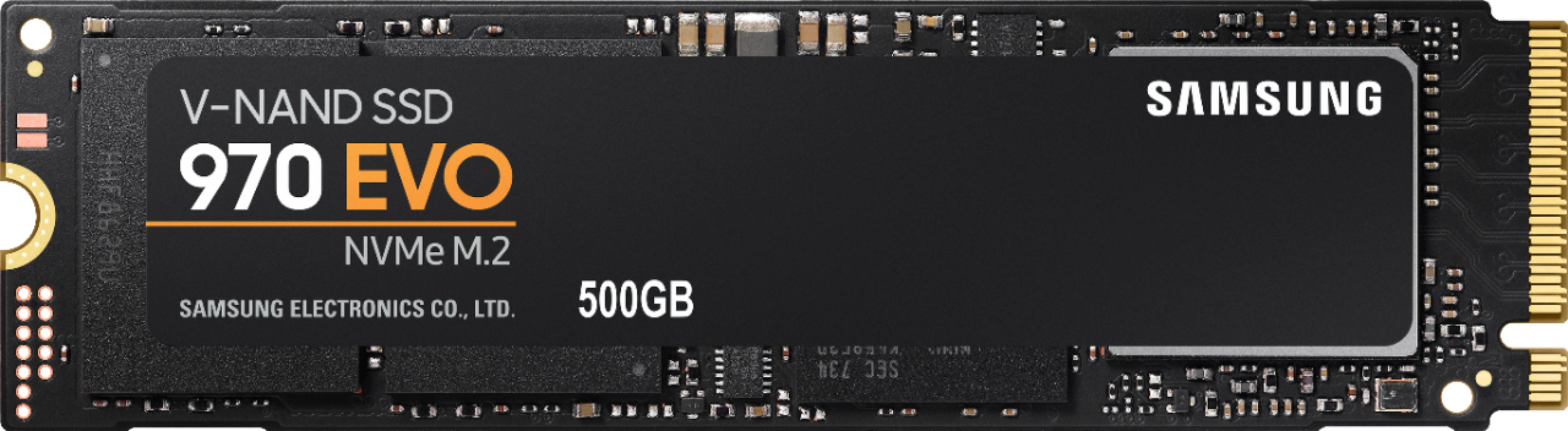
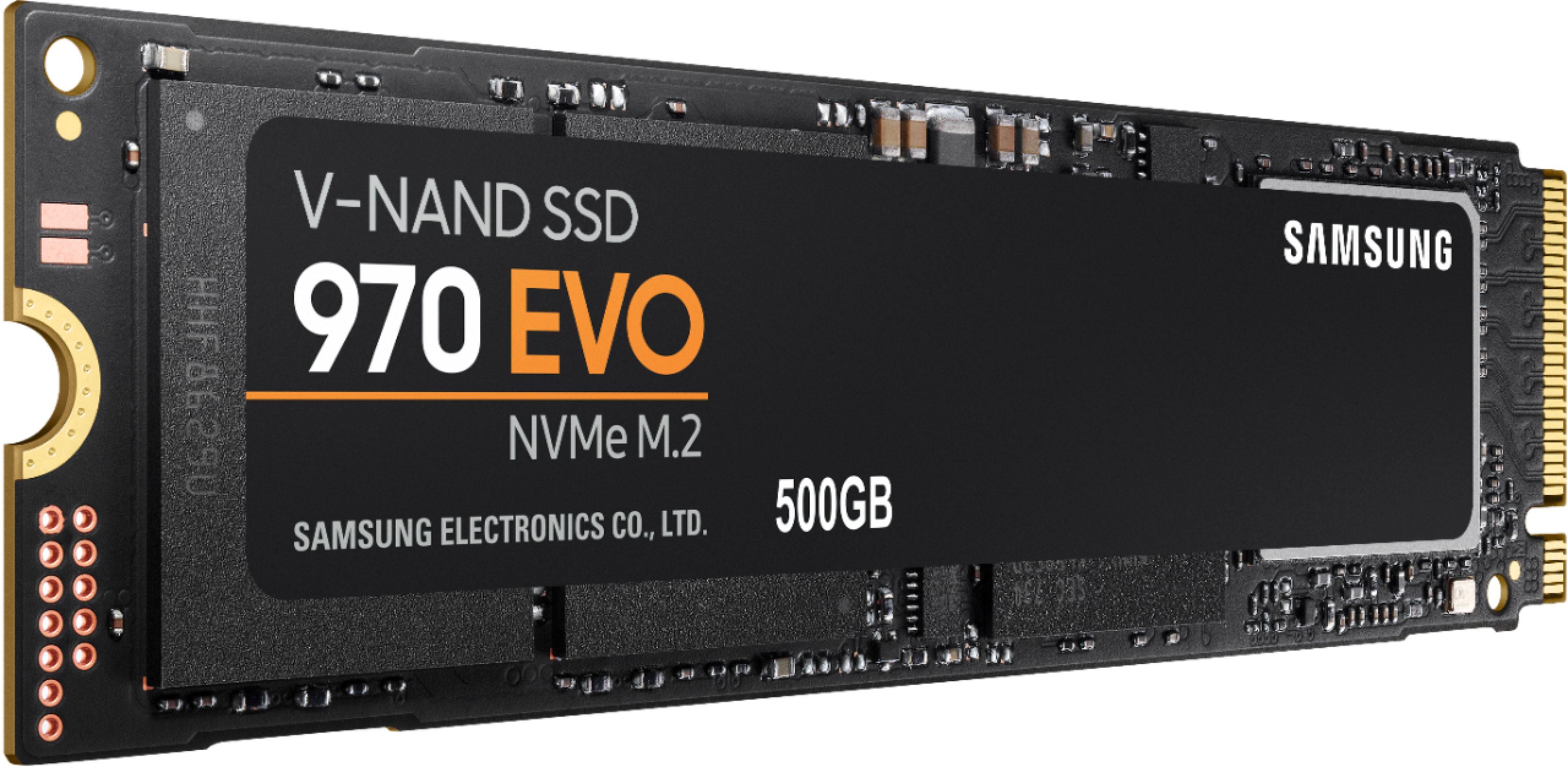
Customers are delighted by the 970 EVO 500GB SSD's impressive performance and remarkably fast boot times. Many appreciate its ease of installation and the significant storage increase it provides. While some users noted the drive can get warm under certain conditions, the positive feedback on speed and ease of use outweighs this concern for most. The price point is also frequently cited as a positive aspect.
This summary was generated by AI based on customer reviews.
Rated 1 out of 5 stars
Not for MacBooks
||Posted .This reviewer received promo considerations or sweepstakes entry for writing a review.Purchased this for a Mabook Air. And was informed that it was compatible. Not even close. Was informed when I returned it that Bestbuy does not sell drives for MacBook Airs
No, I would not recommend this to a friend- Pros mentioned:Speed
Rated 5 out of 5 stars
Super fast drive...easy install on my Alienware
Posted .This reviewer received promo considerations or sweepstakes entry for writing a review.After researching quite a bit on m.2 replacements for the 1 TB Hybrid HDD (2.5") on my Alienware m17, I settled on the Samsung 970. I saw that it had great reviews with excellent read/write speeds. Even though I had space for the original 1TB Hybrid HDD and two (2) m.2 drives, I wanted only to have the m.2 drive in there for now. I wanted all the contents to transfer over to the m.2 including the OS so that it can boot from that drive. After watching a few migration/cloning tutorials, I decided on using the Macrium Relfect Free software as opposed to the Samsung Migration software. The Macrium was free, simple and reliable. I installed the Samsung m.2 in the m.2 slot and it was immediately recognized by the pc. (as an unallocated drive) At this point, there is no need to format the m.2 drive as Macrium will format it later during the cloning process. I used the Macrium Reflect software to clone the ENTIRE 1 TB Hybrid HDD's contents onto the Samsung m.2. FYI: drag over the C; drive last as it will autofit the available space to the new drive. (Took about 1.5 hours since this was a fairly new pc and I don't have much on there - maybe about 100 GB). After the clone was complete, I shut down the laptop and physically removed the 1 TB Hybrid HDD. I restarted the laptop and it recognized and booted up from the Samsung m.2 without me having to adjust/interfere with the BIOS settings. I was a little unsure about messing around the BIOS settings so I was glad that I didn't have to fiddle around the boot order/options. I restarted it a few times since without any issues. The m.2 is partitioned just as the prior Hybrid HDD was. I would highly recommend this m.2 drive. Speeds are super fast and install was easy. Just make sure your pc's motherboard is compatible. For example, the m.2 slot on my PC was marked "...M.2 2280 NVMe PCIE3x4 only".
I would recommend this to a friend - Pros mentioned:Performance, Price
Rated 4 out of 5 stars
Great performance, but can run hot
Posted .This reviewer received promo considerations or sweepstakes entry for writing a review.Initially installed this in one of my laptops, but under sustained load temps caused it to throttle. I moved it to a desktop and the problem went away with the better cooling and environment. Used in an external case that doubles as a heatsink, sustained loads really got the case nice and toasty. Most workloads won't be sustained or heavy for most users though. Great SSD and price, but make sure you evaluate your work loads and cooling to achieve optimal performance. With prices coming down, you can't beat the price:performance of this drive.
I would recommend this to a friend - Pros mentioned:Speed
Rated 5 out of 5 stars
Five Second to Desktop!
Posted .This reviewer received promo considerations or sweepstakes entry for writing a review.The Samsung NVMe drive is FAST. I cloned my OEM drive on my Dell Inspiron 15 7570 and am now using this as my boot drive and I am looking at my desktop in 5 seconds after the Dell splash screen pops up! The speed is amazing! Samsung has cloning tools that will help you migrate, although I used another third part tool. Applications launch and load with almost no lag. I have been swapping out my mechanical drives with SSD drives but thought I would try this since it offers faster throughput and I am not disappointed. At $119 on sale it was slightly more than the 500GB SSD and it is well worth it! Now I have my 1TB drive that came with the Dell as a data drive and love running my apps and OS off of the Samsung NVMe.
I would recommend this to a friend - Pros mentioned:Speed
Rated 5 out of 5 stars
Makes my laptop run like new again.
Posted .This reviewer received promo considerations or sweepstakes entry for writing a review.I was debating buying a new laptop for college since my current one was really running slow on startup, and just in general. But i had access to the insides of my laptop and an open drive slot, so I upgraded to an SSD for my OS. It makes a world of difference, and I am never going to buy a laptop or computer that doesn't have an SSD in it in the future.
I would recommend this to a friend - Pros mentioned:Performance
Rated 5 out of 5 stars
The best drive money can buy.
Posted .This reviewer received promo considerations or sweepstakes entry for writing a review.These things are insanely fast and durable. I've had one for three years now as my main drive for 4K video editing, and it has performed flawlessly. Will be buying another one if/when my current one dies.
I would recommend this to a friend - Pros mentioned:Price
Rated 4 out of 5 stars
Value Drive
Posted .This reviewer received promo considerations or sweepstakes entry for writing a review.Is a good value drive. May be a nice upgrade for cheaper laptops, but would recommend doing a performance comparison first. Also, make sure you understand what type of functionality you need. Won't max the theoretical bandwidth, and will experience performance hits for random r/w and smaller files. Still recommend because value-to-price for SSDs doesn't scale well. 4/5 - expected more performance boost over 860 EVO SATA
I would recommend this to a friend - Pros mentioned:Speed
Rated 5 out of 5 stars
Super Fast
Posted .This reviewer received promo considerations or sweepstakes entry for writing a review.This drive is fantastic. I can load photoshop or other apps in a blink of an eye.
I would recommend this to a friend - Pros mentioned:Speed
Rated 5 out of 5 stars
great ssd
Posted .This reviewer received promo considerations or sweepstakes entry for writing a review.upgraded my toshiba m.2 to this for a boot ssd - wow does it fly, great purchase.
I would recommend this to a friend - Pros mentioned:Speed
Rated 4 out of 5 stars
More affordable than the pro
Posted .This reviewer received promo considerations or sweepstakes entry for writing a review.It’s as fast as the pro but a little bit cheaper. You won’t see significant gains from a ssd but it will eliminate the need for extra cables
I would recommend this to a friend