Customer Ratings & Reviews
- Model:
- UN98DU9000FXZA
- |
- SKU:
- 6578071
Customer reviews
Rating 4.6 out of 5 stars with 268 reviews
(268 customer reviews)Rating by feature
- Picture Quality4.7
Rating 4.7 out of 5 stars
- Sound Quality4.5
Rating 4.5 out of 5 stars
- Brightness4.7
Rating 4.7 out of 5 stars
Customers are saying
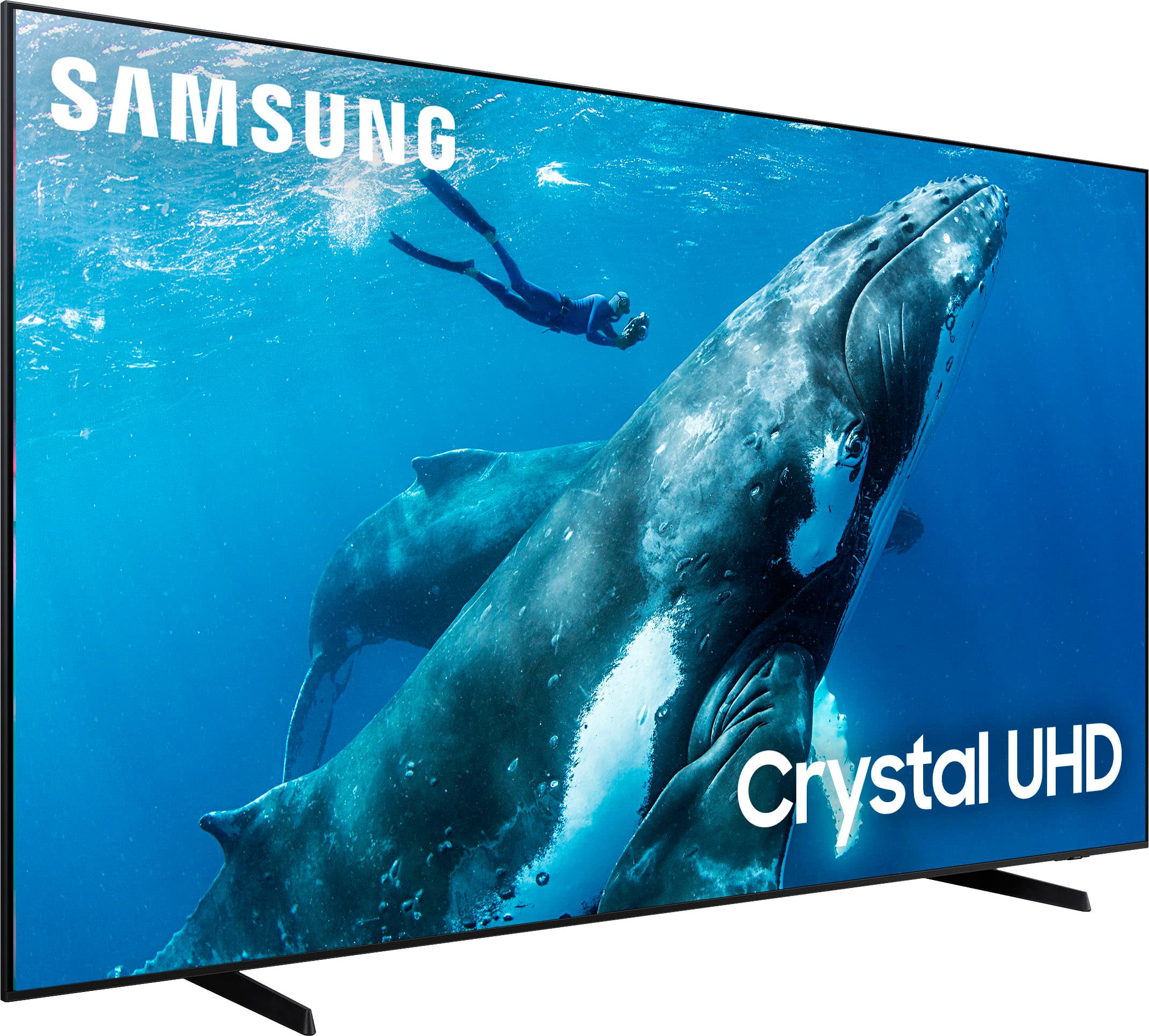
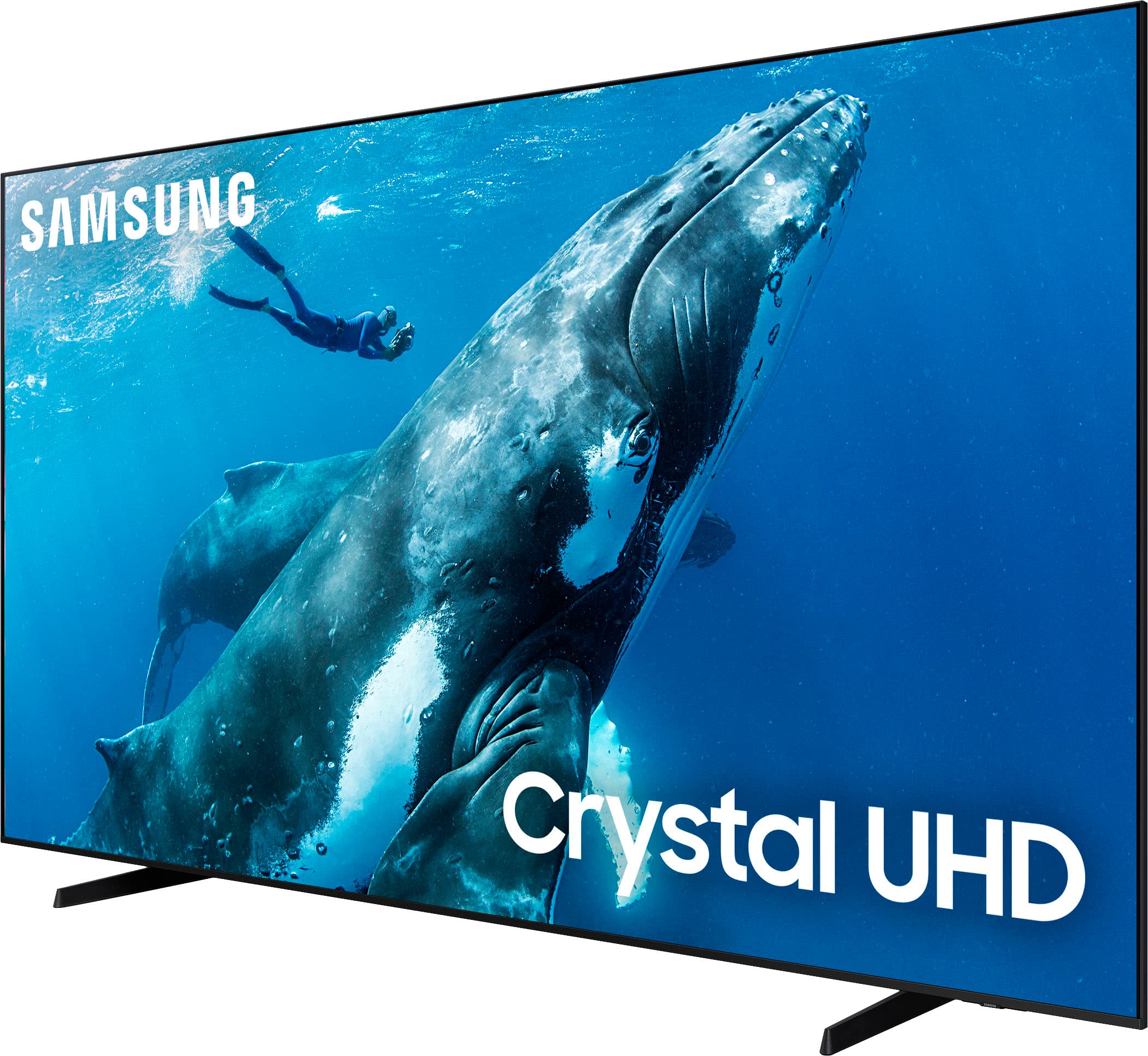
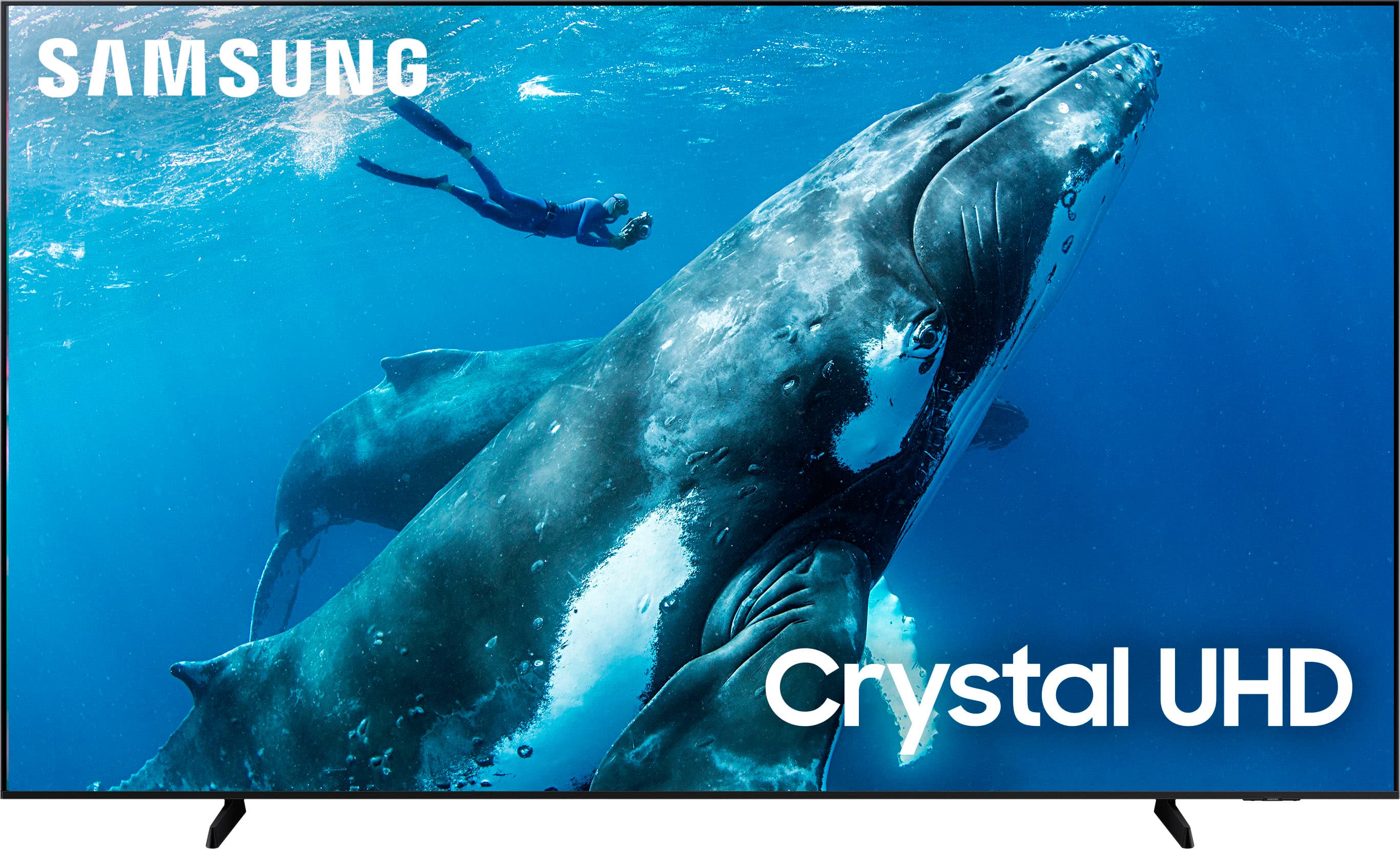
Customers commend the 98” Class DU9000 Series Crystal UHD Smart Tizen TV (2024) for its exceptional picture quality and impressive size, making it feel like a home cinema. The ease of use and built-in apps are also frequently praised. A minor drawback mentioned by some customers is the remote control, specifically its lack of illumination.
This summary was generated by AI based on customer reviews.
Rated 1 out of 5 stars
BUYER BEWARE
||Posted . Owned for 7 months when reviewed.This reviewer received promo considerations or sweepstakes entry for writing a review.I purchased this TV and it only lasted six months before it completely stopped working. Samsung sent a service tech from Barrett’s in Glendale Heights, who initially diagnosed the issue as needing a new panel (I have the invoice to prove it). After not hearing back for over a week, despite multiple emails and voicemails to Barrett’s, I contacted Samsung directly. After several frustrating conversations, I was told the tech reported “physical damage” to the TV, which voided the warranty. This is simply not true—I have clear photo evidence proving there is no physical damage. When I asked Samsung and Barrett’s to provide their supposed photo proof, neither could produce anything. Instead of honoring their warranty, Samsung chose to hide behind a false claim, leaving me with a $2,000 TV that no longer works. They have made zero effort to resolve the issue or stand by their product.
No, I would not recommend this to a friendBrand response from Samsung
Posted .Hi BRITTANY,
Thank you for sharing your experience with us. Samsung’s limited warranty covers manufacturer defects, but does not extend to damage during delivery, installation, or improper handling. You can find more details by entering your model number here:
https://www.samsung.com/us/support/legal/LGL10000312/#standard-limited-warranty
Should you have further questions or concerns, please reach Samsung Support at at 1-800-SAMSUNG, available daily from 8AM - 12AM EST. You can also visit the Samsung website and click on ‘Support’ for:
• Live Chat
• Manuals, Software, & Warranty Info
~ Samsung Advisor
Rated 5 out of 5 stars
It’s big!
||Posted . Owned for 2 weeks when reviewed.This reviewer received promo considerations or sweepstakes entry for writing a review.Love this tv! I use streaming services instead of cable and they are all on the tv, which is very convenient.
I would recommend this to a friendRated 1 out of 5 stars
Still have not received TV since
||Posted . Owned for 1 week when reviewed.This reviewer received promo considerations or sweepstakes entry for writing a review.Unfortunately, I cannot give a good review right now. My TV was supposed to arrive on the ninth. has already past 10 days and now it’s telling me that he’s gonna arrive on 17 December. He has already passed 11 days and out of nowhere they just said that my delivery was canceled on the ninth and I cannot give you a review now until I receive it. I’m hoping I can get better help but that now is a really bad experience.
No, I would not recommend this to a friendBrand response from Samsung
Posted .Hi DorisH,
I'm very sorry to hear that you have not yet received your TV. We appreciate your patience and hope that Target is quickly able to fulfill your order.
Should you ever have questions or need help, Samsung is here for you. Just give us a call at 1-800-SAMSUNG, 8AM - 12AM EST, 7 days a week. Our LiveChat agents are also available by clicking on the ‘Support’ link on our website.
~Samsung Advisor
Rated 5 out of 5 stars
Big tv
||Posted . Owned for 1 month when reviewed.This reviewer received promo considerations or sweepstakes entry for writing a review.Love the tv has made my viewing much more enjoyable
I would recommend this to a friendRated 1 out of 5 stars
Samsung 98 inch
Posted .This reviewer received promo considerations or sweepstakes entry for writing a review.Too much Glare, rainbow effects, and kitchen lights are in the background
No, I would not recommend this to a friendBrand response from Samsung
Posted .Hi MAYHEM,
Thank you for purchasing the DU9000 TV and for sharing your feedback regarding screen reflection. The light conditions of each room environment are different. For optimal glare control, we recommend positioning the TV to minimize incident light falling on the screen or consulting a professional installer.
Anti-reflection, designed to minimize ambient light reflection, is featured on our 55” QN90C series and higher.
If the colors on your TV are correct but just a little too dark or bright, you can try adjusting Picture Modes, Contrast, Brightness, or Sharpness settings.
For darker scenes, I recommend Dynamic Picture Mode, which makes pictures brighter and clearer in bright viewing environments. Go to Settings > All Settings> Picture > Picture Mode > Dynamic.
Or you can manually adjust the Brightness by pressing the HOME button on your remote, then navigating to Settings > All Settings> Picture > Expert Settings.
If you are experiencing screen issues, I recommend running a Picture Test to determine if the problem is caused by the TV. Picture Test displays a high-definition picture you can examine for flaws or faults. Go to Settings > Support > Device Care > Self Diagnosis > Picture Test.
Should you ever have questions or need help with TV features, specs, or operation, we are here to help. You can call us at 1-800-SAMSUNG, 8 AM - 12 AM EST, seven days a week. Our LiveChat agents are also available by clicking on the ‘Support’ link on our website.
~ Samsung Advisor
Rated 5 out of 5 stars
My review
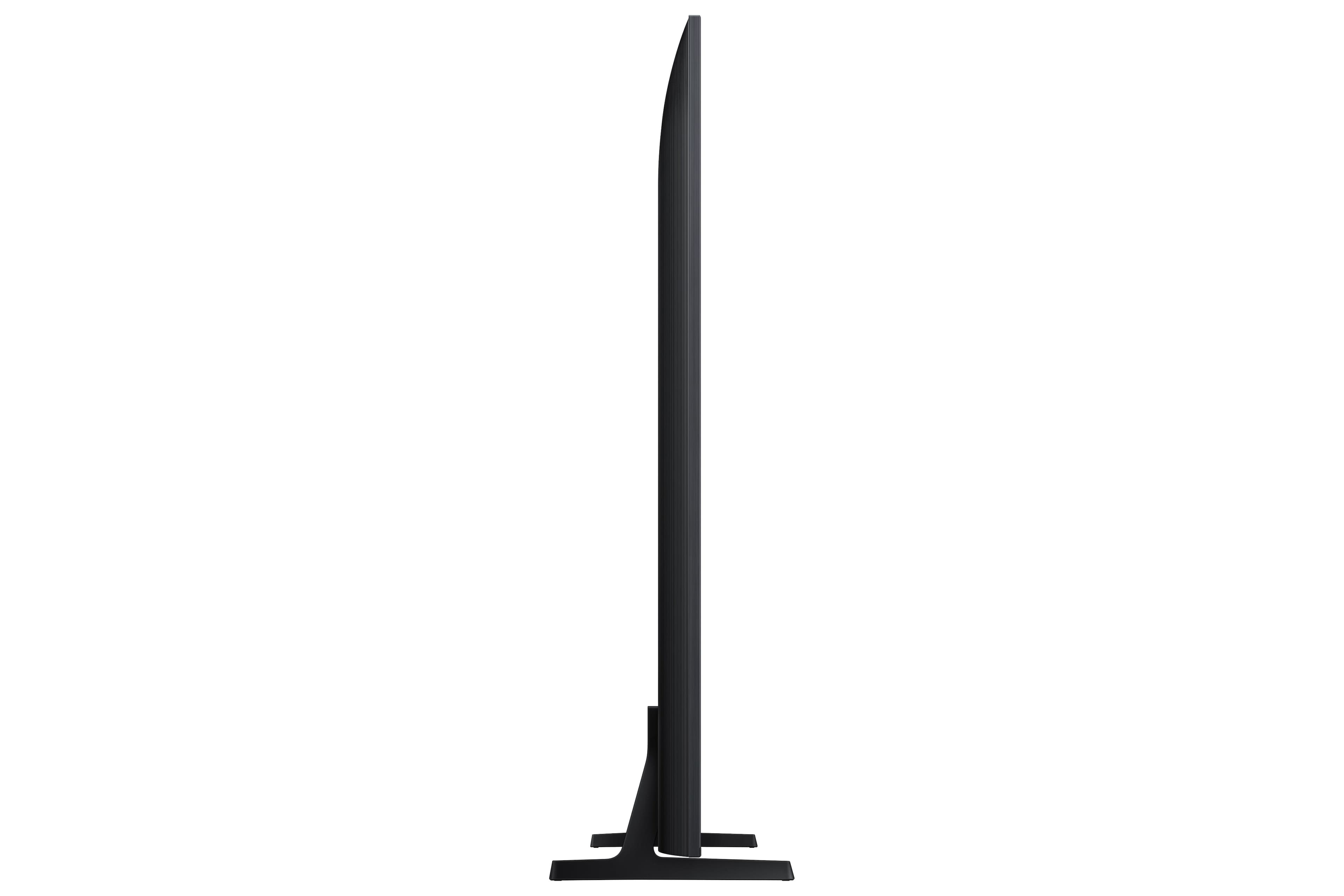
||Posted . Owned for 1 month when reviewed.This reviewer received promo considerations or sweepstakes entry for writing a review.The audio quality is good along with the stands are sturdy.
I would recommend this to a friendRated 5 out of 5 stars
Live the TV
||Posted . Owned for 1 week when reviewed.This reviewer received promo considerations or sweepstakes entry for writing a review.TV is great, installers Edward and Brendan great!!
I would recommend this to a friendRated 5 out of 5 stars
98"
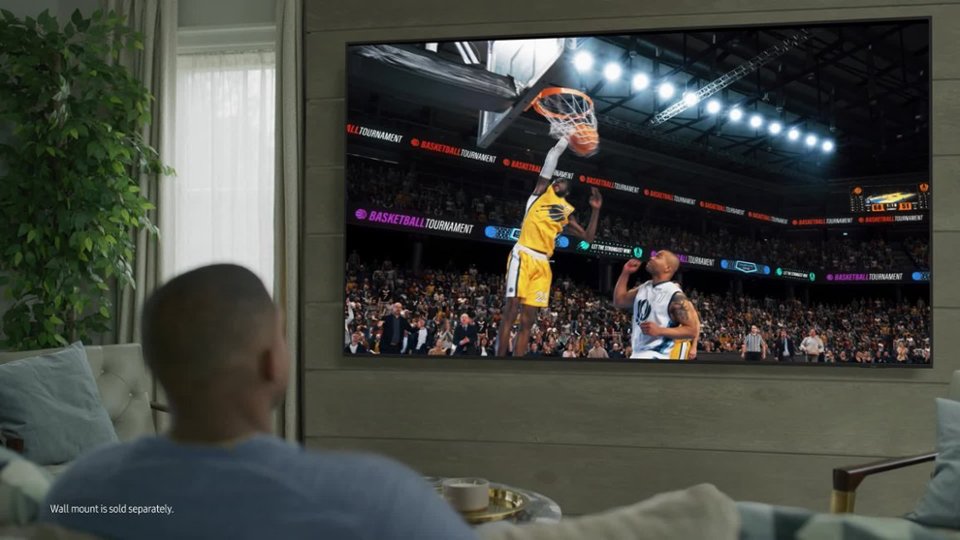
||Posted . Owned for 3 weeks when reviewed.This reviewer received promo considerations or sweepstakes entry for writing a review.Perfecto At The Basketball And Football Game Catching And Passing The Ball.
I would recommend this to a friendRated 1 out of 5 stars
Bad Review
||Posted . Owned for 1 week when reviewed.This reviewer received promo considerations or sweepstakes entry for writing a review.What I dislike is your inability to deliver our TV to his destination due to your computer, kept canceling the order. I had to have it delivered with my other two fees to my home so he had to pick up a truck to come get the TV in which we lost our schedule set up time and when we did set up the time it was not honored, we would not notify and miss the day of work, waiting for it no communication whatsoever I had to hunt it down again the reason with no explanation but one thing I did get was another eight days before they will come out and set it up. Horrible experience and a time waster and still no TV set up.
No, I would not recommend this to a friendBrand response from Samsung
Posted .Hi MARSHAS,
I'm very sorry to hear about your experience. If there's anything we can do to help, please do not hesitate to reach out to us. Call 1-800-SAMSUNG from 8AM - 12AM EST, seven days a week, or connect with a LiveChat agent anytime by selecting ‘Support’ on our website.
~ Samsung Advisor
Rated 3 out of 5 stars
Poor picture
||Posted . Owned for 3 weeks when reviewed.This reviewer received promo considerations or sweepstakes entry for writing a review.The picture is not so great but guess you get what you pay for
No, I would not recommend this to a friendBrand response from Samsung
Posted .Hi Rubbertoe,
We appreciate your feedback on the picture quality of Samsung’s DU9000 TV. If the image doesn’t quite match your preferences, there are several adjustments you can make to better suit your viewing environment and content type.
First, please ensure your TV is running the latest firmware, as updates may include important picture quality enhancements. Go to: Home > Left directional button > Settings > Support > Software Update > Update Now
To explore picture mode options, navigate to: Home > Left directional button > Settings > All Settings > Picture > Picture Mode. Options include:
• Standard – Ideal for general viewing
• Dynamic – Brighter and more vibrant for well-lit spaces
• Eco – Optimized for energy efficiency
• Movie – Best for viewing in low light
• Filmmaker Mode – Preserves the content creator’s intent and disables motion smoothing for supported content
You can further customize your image by going to: Settings > All Settings > Picture > Expert Settings, where you can adjust Brightness, Contrast, Color Tone, Sharpness, Contrast Enhancer and more.
If you’d like help finding the best picture settings for your preferences, please don’t hesitate to contact Samsung Support at 1-800-SAMSUNG, available 8AM – 12AM EST, 7 days a week. You can also LiveChat with an agent or explore additional resources on our website by clicking the ‘Support’ link.
~ Samsung Advisor
Rated 1 out of 5 stars
GeekSquadDeliveryRipoff
||Posted . Owned for 1 month when reviewed.This reviewer received promo considerations or sweepstakes entry for writing a review.Bought 98” Samsung TV. Delivery team demanded $269.99 to place on console, damaged TV during setup. Best Buy denied charging fee and refused refund. Bank disputed and resolved in my favor. Very disappointed with service and accountability.
No, I would not recommend this to a friendBrand response from Samsung
Posted .Hi GeekSquadScammerService,
We're very sorry to hear about your installation experience. You may want to contact Best Buy directly regarding your feedback.
If there’s anything we can assist with, please don’t hesitate to call us at 1-800-SAMSUNG, available daily from 8AM - 12AM EST. You can also visit the Samsung website and click on ‘Support’ for:
• Live Chat
• Manuals, Software, & Warranty Info
~ Samsung Advisor
Rated 3 out of 5 stars
Problem
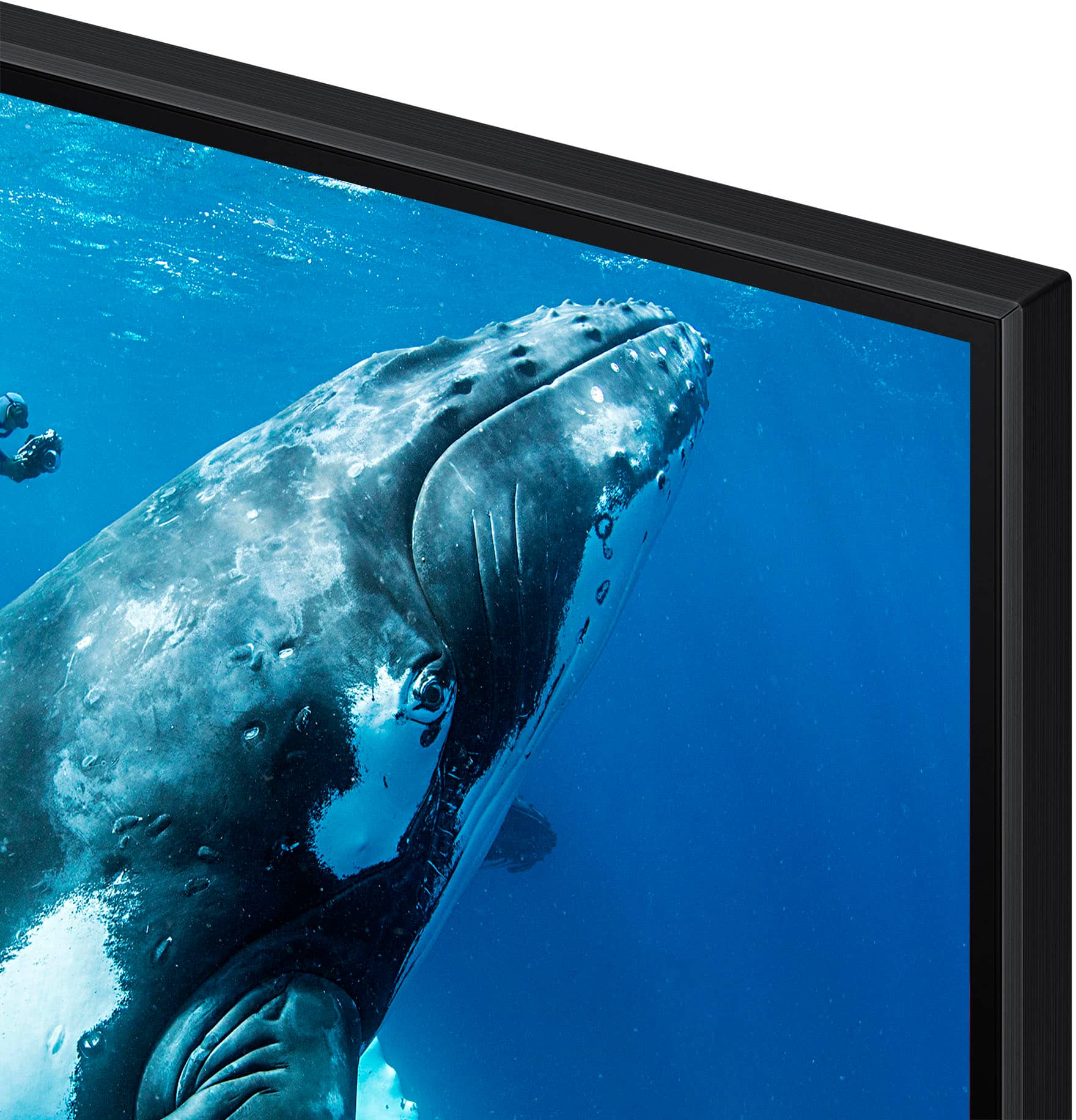
||Posted . Owned for less than 1 week when reviewed.This reviewer received promo considerations or sweepstakes entry for writing a review.Un boxed tv installed it on stand noticed small chip in frame. Called Best Buy problem was taken care of new tv will be delivered in 2 weeks not happy but cannot ask for much more
No, I would not recommend this to a friendBrand response from Samsung
Posted .Hi AnthonyW,
We appreciate your patience while waiting for a replacement TV. If you ever have questions or need help, Samsung is here for you! Give us a call at 1-800-SAMSUNG, 8 AM - 12 AM EST, seven days a week. Our LiveChat agents are also available by clicking on the ‘Support’ link on our website.
~Samsung Advisor
Rated 1 out of 5 stars
Mrs B
||Posted . Owned for 1 month when reviewed.This reviewer received promo considerations or sweepstakes entry for writing a review.Strictly due to the absolute HORRIBLE customer service that Best Buy has in place, I wouldn't purchase anything from Best Buy. Let me be clear, it is not the customer service I received in the store. It is the live agents when you call!!!
No, I would not recommend this to a friendBrand response from Samsung
Posted .Hi GlennB,
Thank you for sharing your experience with us. If there’s anything we can assist with, please don’t hesitate to call us at 1-800-SAMSUNG, available daily from 8AM - 12AM EST. You can also visit the Samsung website and click on ‘Support’ for:
• Live Chat
• Manuals, Software, & Warranty Info
~ Samsung Advisor
Rated 1 out of 5 stars
Tv purchase
||Posted . Owned for 2 weeks when reviewed.This reviewer received promo considerations or sweepstakes entry for writing a review.If you want to stay away from headaches and unprofessional service don’t buy from them. I ordered a tv at the beginning of July and still don’t have the tv I ordered. The customer services work with a poor third party service so you find yourself in a circle with so much wait time to receive your products and services you paid for. I don’t recommend it
No, I would not recommend this to a friendBrand response from Samsung
Posted .Hi JihaneM,
We're very sorry to hear you have not yet receive your TV. If there's anything we can do to help you, please do not hesitate to reach out to us at 1-800-SAMSUNG (available daily from 8 AM to 12 AM EST) or connect with us via live chat at Samsung Support: https://www.samsung.com/us/support/contact/
~ Samsung Advisor
Rated 1 out of 5 stars
Don’t do business with Best Buy
||Posted . Owned for 3 weeks when reviewed.This reviewer received promo considerations or sweepstakes entry for writing a review.Tv arrived damaged , they sent a company to pick it up , and lost it in transit and still has not been replaced or refuended for this issue
No, I would not recommend this to a friendBrand response from Samsung
Posted .Hi JustinM,
I'm very sorry to hear about your experience and hope Best Buy is able to resolve this issue quickly. If there’s anything we can assist with, please don’t hesitate to call us at 1-800-SAMSUNG, available daily from 8AM - 12AM EST. You can also visit the Samsung website and click on ‘Support’ for:
• Live Chat
• Manuals, Software, & Warranty Info
~ Samsung Advisor
Rated 2 out of 5 stars
Turns itself off all the time
||Posted .This reviewer received promo considerations or sweepstakes entry for writing a review.When it stays on everything is great, but at least once in hour it turns itself off and turns back on in about 1min to 1 min and half
No, I would not recommend this to a friendBrand response from Samsung
Posted .Hi KyleW,
It’s unfortunate to hear your DU9000 TV is turning off by itself while you're streaming apps. Please try resetting your TV's Smart Hub, as this should resolve the power off issue.
Go to: Home > Settings > Support > Device Care > Self Diagnosis > Reset Smart Hub.
I hope this tip helps. If you have any questions, please don’t hesitate to reach us at 1-800-SAMSUNG (8AM – 12AM EST, 7 days a week). You’ll also find LiveChat, manuals, software, and warranty details under the ‘Support’ section of our website.
~ Samsung Advisor
Rated 1 out of 5 stars
Glitchy, lots of problems
||Posted . Owned for 1 week when reviewed.This reviewer received promo considerations or sweepstakes entry for writing a review.Pixels around the edge went out in the first week.
No, I would not recommend this to a friendBrand response from Samsung
Posted .Hi RobertB,
Thank you for choosing Samsung and for letting us know about the screen defects you are having with your DU9000 TV. Please give us a chance to make this right by calling us at 1-800-SAMSUNG, 8 AM - 12 AM EST, seven days a week. LiveChat with an agent, as well as manuals, software, and warranty info, can be found at the ‘Support’ link on our Samsung website.
~ Samsung Advisor
Rated 1 out of 5 stars
Poor picture quality
||Posted . Owned for 3 weeks when reviewed.This reviewer received promo considerations or sweepstakes entry for writing a review.Poor picture quality I was expecting a better picture and brighter tv then what we got had to return it and hot an 83’’ oled instead
No, I would not recommend this to a friendBrand response from Samsung
Posted .Hi FranciscoC,
We’re sorry to hear you’re not fully satisfied with the picture quality on your Samsung DU9000 TV. If the image appears too dark, we suggest disabling certain energy-saving features, which can automatically adjust brightness and affect how the screen looks.
Go to: Settings > All Settings > General & Privacy > Power and Energy Saving, then turn off Brightness Optimization, Energy Saving Solution, Motion Lighting, and/or Contrast Enhancer.
You can also adjust the Picture Mode to better suit your environment: Settings > All Settings > Picture > Picture Mode
• Standard – Default mode for general viewing
• Dynamic – Brighter and clearer, ideal for well-lit rooms
• Movie – Best for dark room viewing
• Eco – Energy-saving mode
• Filmmaker Mode – Preserves content as intended by creators
To fine-tune brightness, go to: Home > left directional key > Settings > All Settings > Picture > Expert Settings, then adjust the Brightness level (0–50) to your preference.
Lastly, please make sure your TV is running the latest firmware: Home > Home > left directional key > Settings > Support > Software Update > Update Now
We hope these tips help improve your viewing experience. If you need further support, feel free to contact us at 1-800-SAMSUNG, 8AM – 12AM EST, 7 days a week. LiveChat is also available via the ‘Support’ link on our website.
~ Samsung Advisor
Rated 1 out of 5 stars
Dissatisfied to say the least
||Posted . Owned for 1 week when reviewed.This reviewer received promo considerations or sweepstakes entry for writing a review.We are STILL waiting to hear from someone as to when and why it hasnt been delivered yet!!! What a joke, to be told they would be there between 7&7...never show up and never call!!!! HORRIBLE
No, I would not recommend this to a friendBrand response from Samsung
Posted .Hi JessicaM,
I'm very sorry you have not yet received your DU9000 TV. Please reach out to Walmart directly to assist you. If you ever have questions or need help, Samsung is here for you! Give us a call at 1-800-SAMSUNG, 8 AM - 12 AM EST, seven days a week. Our LiveChat agents are also available by clicking on the ‘Support’ link on our website.
Thanks for being a part of the Samsung family!
~ Samsung Advisor
Rated 1 out of 5 stars
Didn’t get delivered. Can’t review or recommend.
||Posted . Owned for 3 weeks when reviewed.This reviewer received promo considerations or sweepstakes entry for writing a review.Unable to review yet. Purchased three weeks ago, but still not delivered. Current ETA is another day.
No, I would not recommend this to a friendBrand response from Samsung
Posted .Hi TimothyM,
I'm sorry you have not received your TV yet. Please follow up directly with Best Buy for further assistance.
If there’s anything we can ever help with, please call us at 1-800-SAMSUNG, 8 AM - 12 AM EST, seven days a week. Or visit us on the Samsung website and click on the ‘Support’ link for:
1) LiveChat
2) Manuals, Software, & Warranty Info
~ Samsung Advisor