Customer Ratings & Reviews
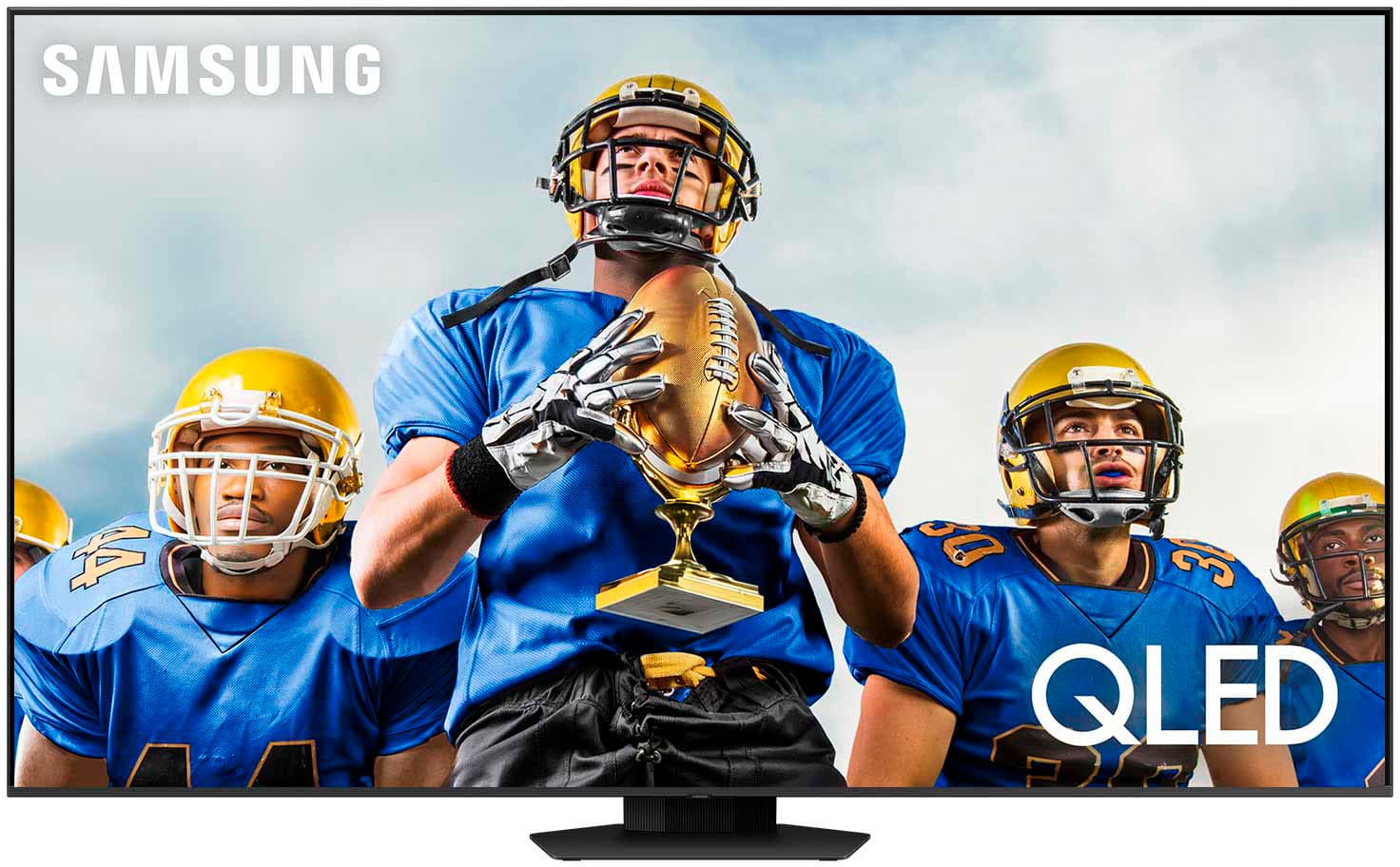
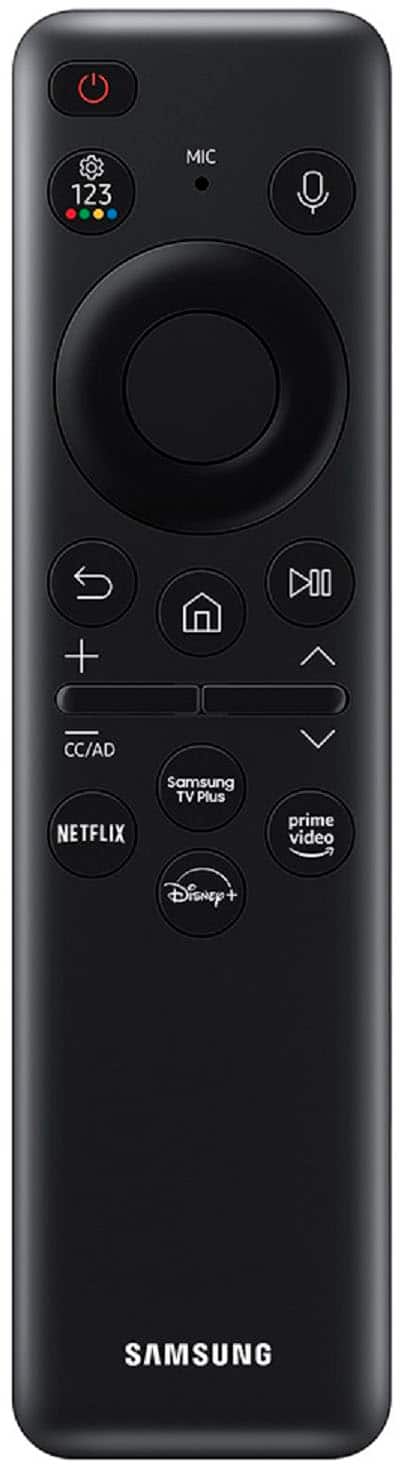
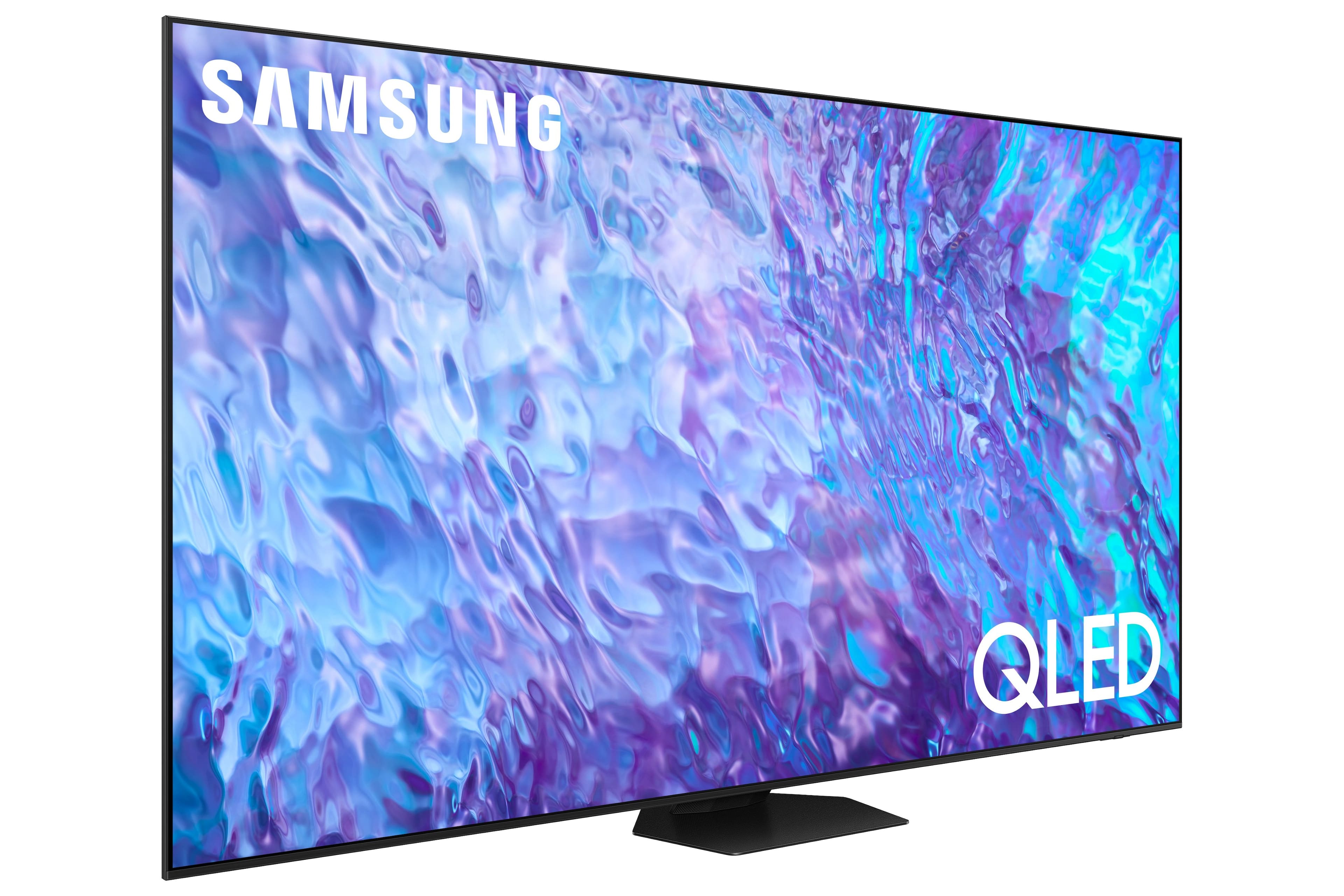
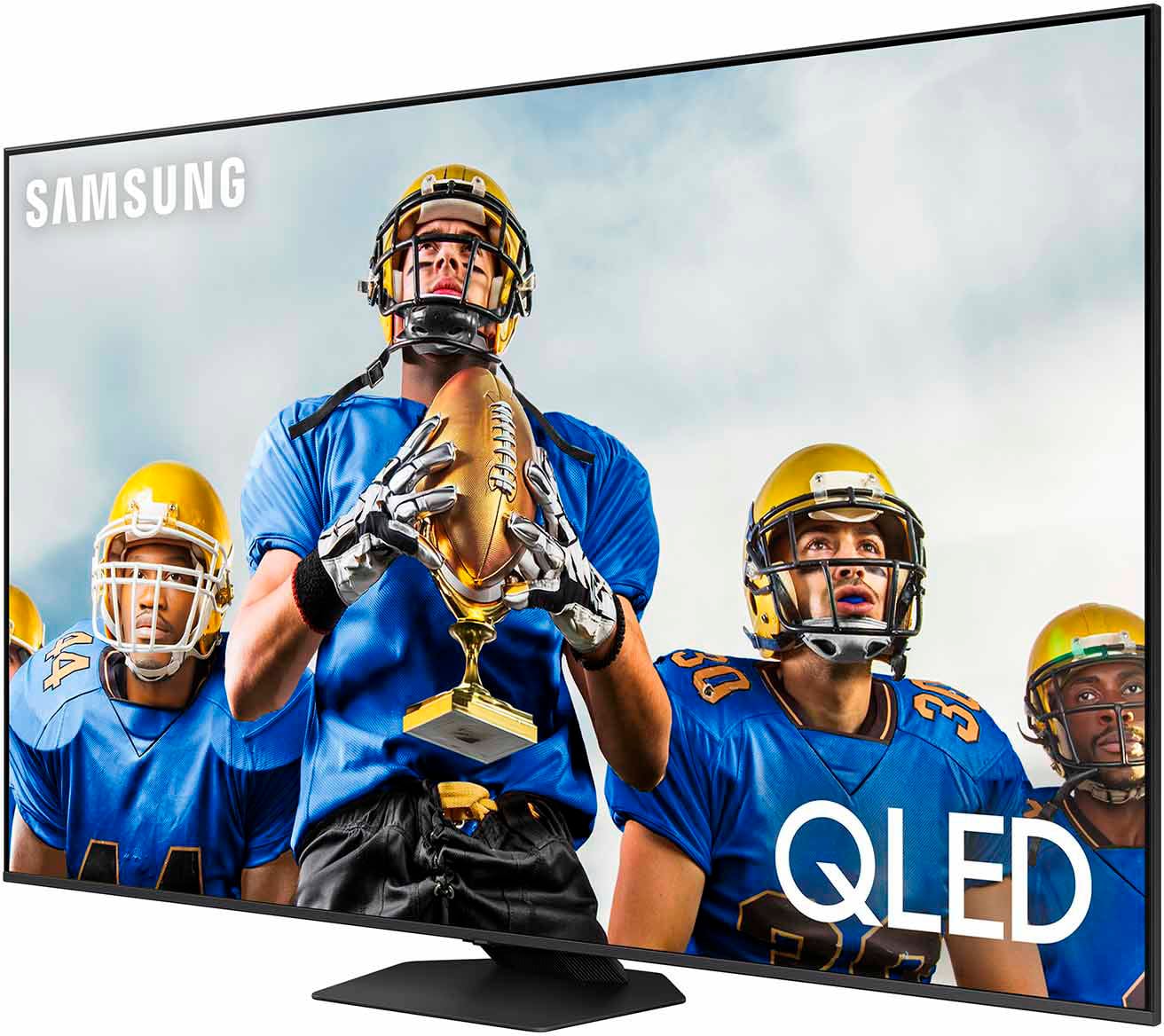
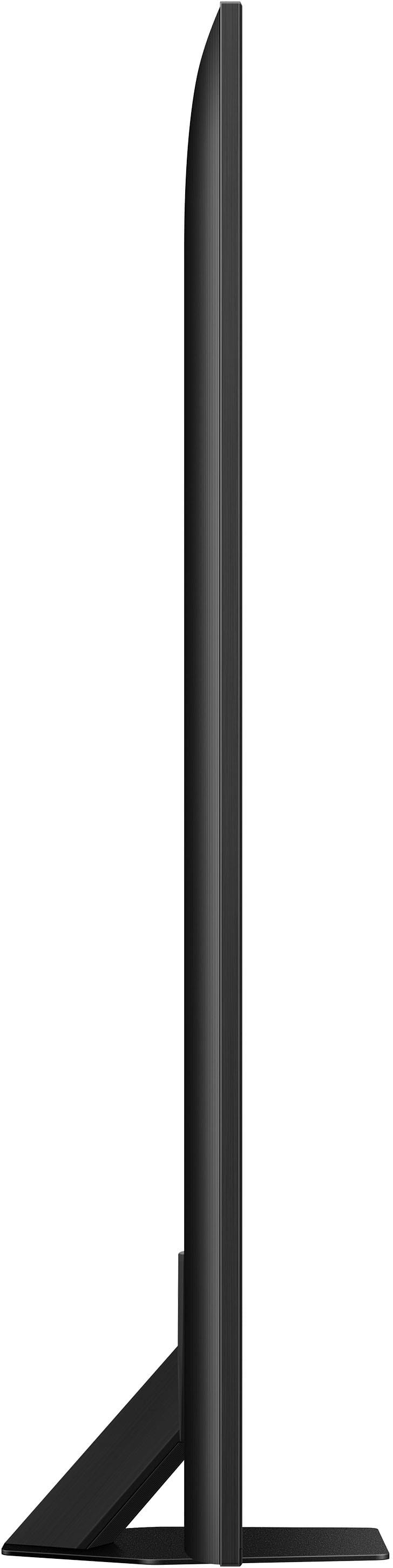
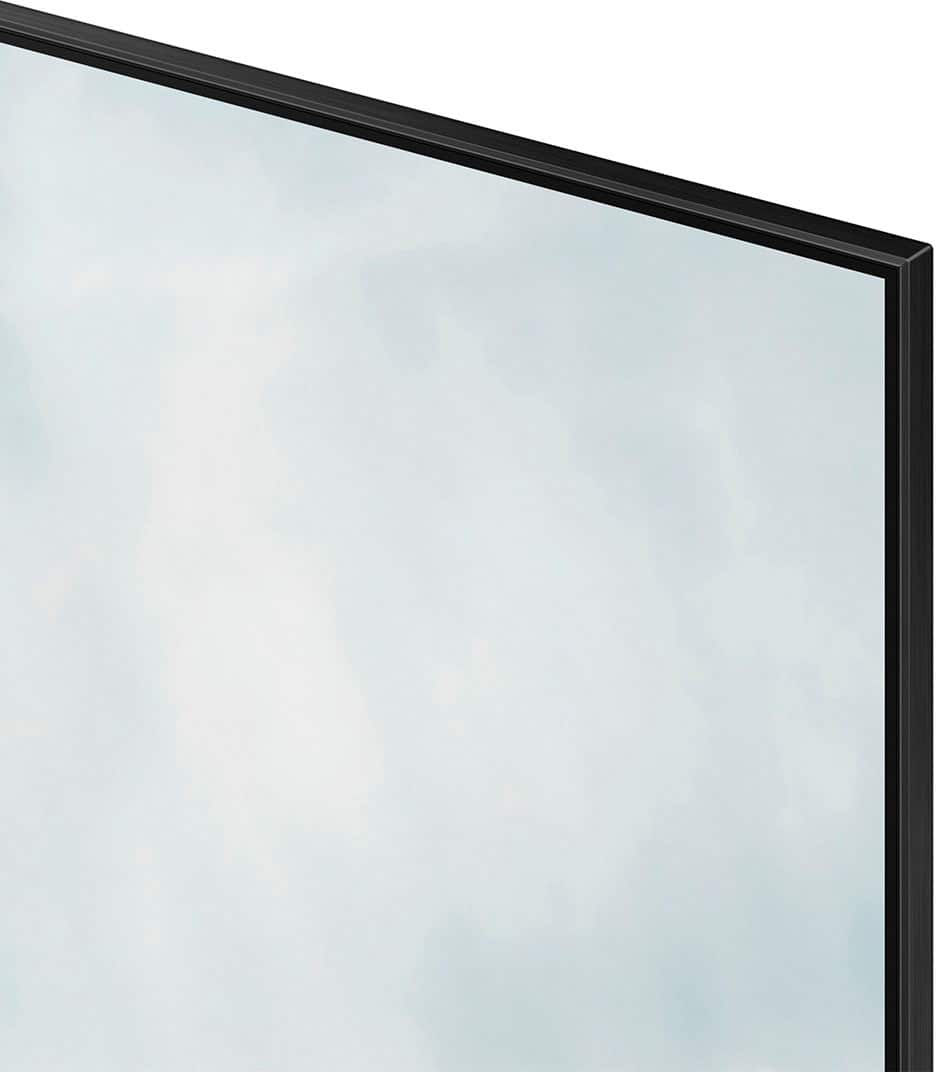
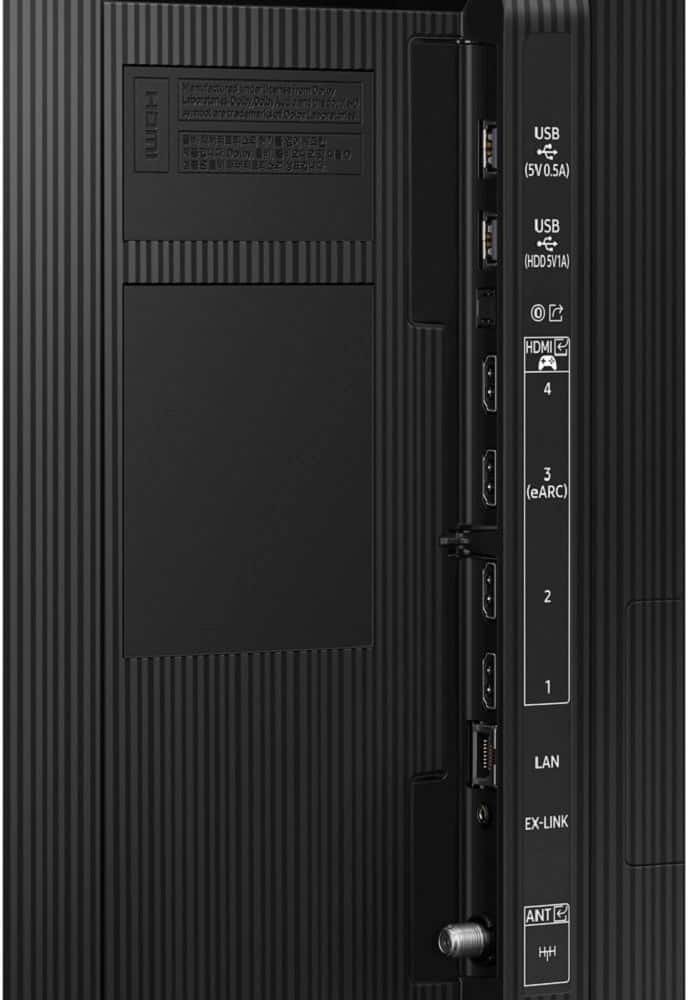
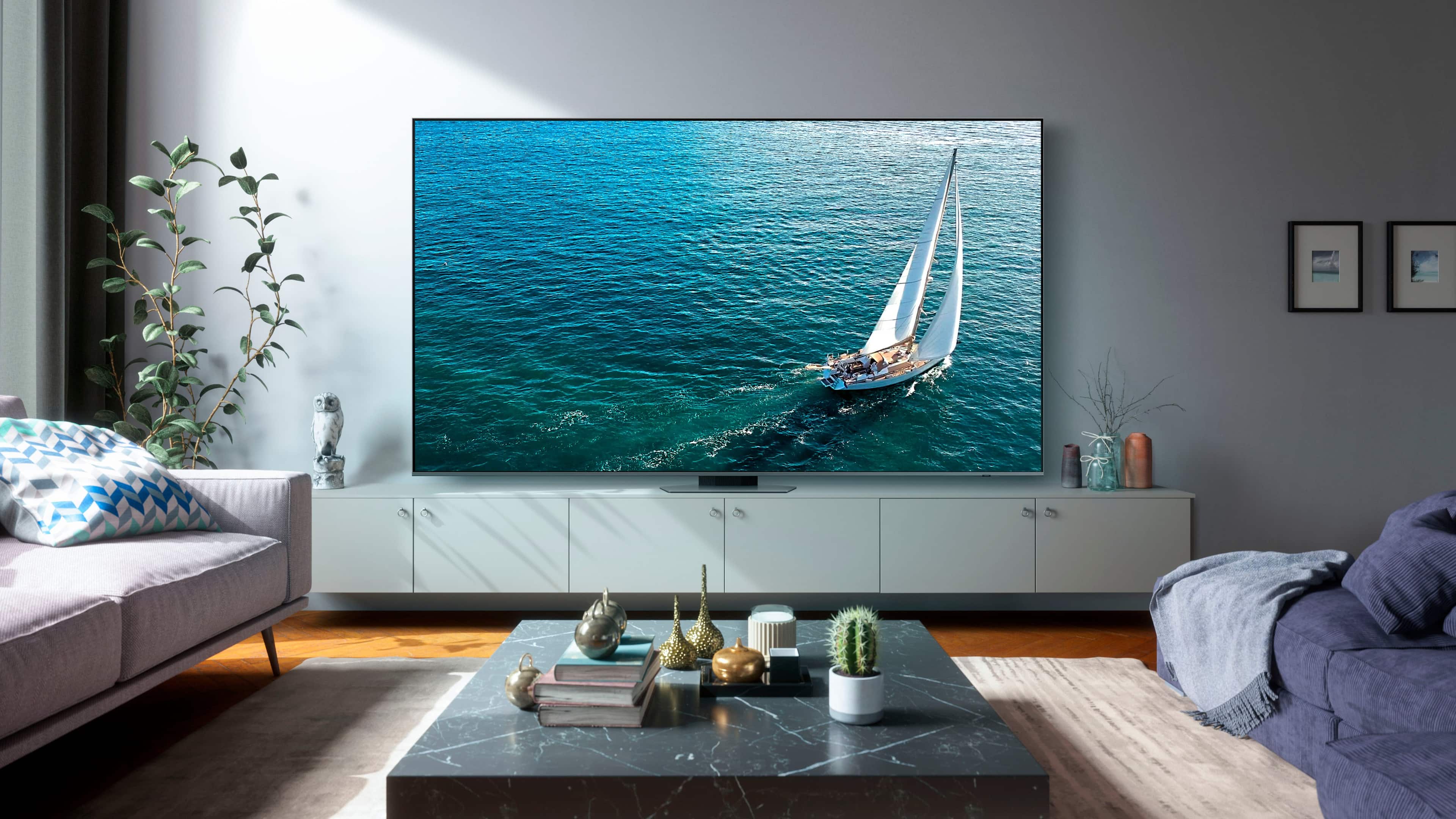
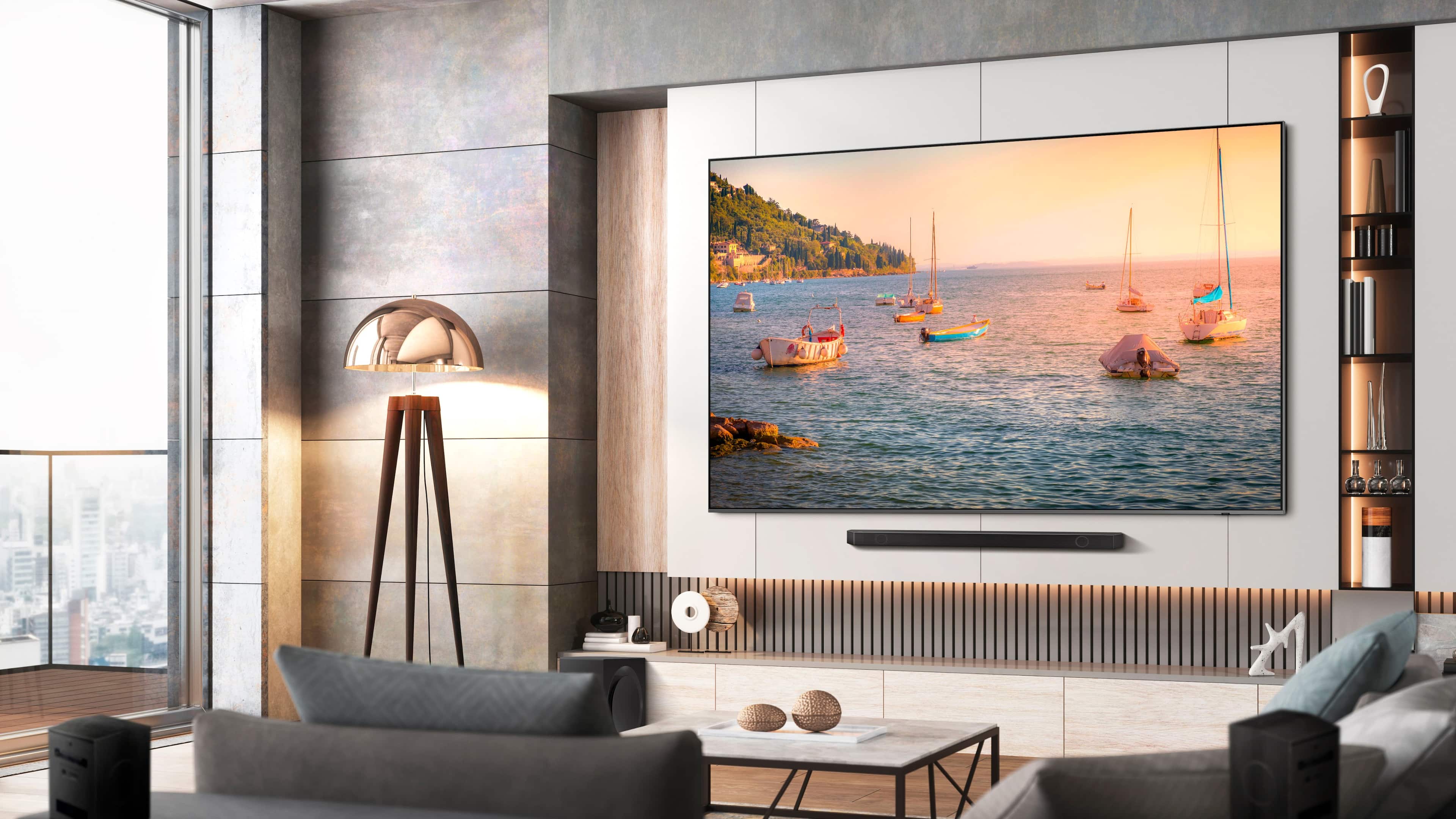




- Model:
- QN98Q80CAFXZA
- SKU:
- 6543837
Rating by feature
- Picture Quality
Rating 4.8 out of 5 stars
- Sound Quality
Rating 4.6 out of 5 stars
- Brightness
Rating 4.8 out of 5 stars
Customers are saying
Customers have good things to say about the 98” Class Q80C QLED 4K UHD Smart Tizen TV (2023), especially regarding its excellent picture quality and brightness. Many appreciate the large TV size and find it easy to use. While the installation process receives positive feedback, there are a few complaints about the delivery service.
This summary was generated by AI based on customer reviews.
Great tv!
||Posted . Owned for 3 months when reviewed.This reviewer received promo considerations or sweepstakes entry for writing a review.Highly recommended for big rooms. Picture quality is excellent for such a big tv. Bright, sharp , vivid color
I would recommend this to a friend98in
||Posted . Owned for 1 month when reviewed.This reviewer received promo considerations or sweepstakes entry for writing a review.I love the TV and the customer service was excellent.
I would recommend this to a friendSamsung 98” LED
||Posted . Owned for 1 month when reviewed.This reviewer received promo considerations or sweepstakes entry for writing a review.Awesome Samsung 98” QLED TV and Good Job Geek Squad!!!!
I would recommend this to a friendOuch!
||Posted . Owned for 2 months when reviewed.This reviewer received promo considerations or sweepstakes entry for writing a review.I purchased a Geek Squad installation, paying for it. I selected and paid for all visible installation services. As you can see, the TV has power and internet cables dangling outside. When I called to rectify this unsightly installation, I was told I should have ordered the “in wall power box” , this is not a visible option. Now they want to charge me more to fix their problem.
I would recommend this to a friendBrand response from Samsung
Posted .NotGood,
It's unfortunate to hear of your installation experience. We recommend you contact Best Buy directly for assistance. You also may want to consider providing feedback to the Best Buy store where you made your purchase. We hope your issue is resolved quickly.
Should you ever need help or have questions on your TV itself, please reach Samsung Support at 1-800-SAMSUNG, 8AM - 12AM EST, 7 days a week. Our LiveChat agents are also available by clicking on the ‘Support’ link on our website.
~ Samsung Specialist
Worth it.
||Posted . Owned for 1 month when reviewed.This reviewer received promo considerations or sweepstakes entry for writing a review.We got it at a great price!! Kids enjoyed it more than we did.
I would recommend this to a friendArrived twice with defective screen
||Posted . Owned for less than 1 week when reviewed.This reviewer received promo considerations or sweepstakes entry for writing a review.I bought this TV and when the installers turned it on for the first time, the screen was defective. There were vertical white bars running across a portion of the screen. I requested a replacement from the warehouse, which arrived a few days later. This second TV had the same issue - defective screen that was only noticeable once the power was turned on for the first time. This leads me to believe there is a quality control issue with this model and I would not recommend it.
No, I would not recommend this to a friendBrand response from Samsung
Posted .MrMorocco,
We appreciate you sharing your experience with Samsung's Q80C. We recommend you contact Best Buy Customer Support or your local Best Buy store directly for assistance in correcting this situation. We hope your issue is resolved in a timely manner.
Should you have questions or concerns regarding the usage or setup of your TV once your issue has been resolved, please contact Samsung Customer Support at 1-800-SAMSUNG, 8AM - 12AM EST, 7 days a week. Or visit us on the Samsung website and click on the ‘Support’ link for:
• LiveChat
• Manuals, Software, & Warranty Info
~ Samsung Specialist
Delivered broken
||Posted .This reviewer received promo considerations or sweepstakes entry for writing a review.Delivered broken. Have to go through the hassel of picking bad one up and setting up new one.
No, I would not recommend this to a friendBrand response from Samsung
Posted .JustinR,
We appreciate you sharing your delivery experience and having received a damaged unit. We recommend you contact Best Buy directly for assistance in correcting this situation. We hope your issue is resolved in a timely manner.
Should you have questions or concerns on usage or setup of your TV once your issue has been resolved, please call us at 1-800-SAMSUNG, 8AM - 12AM EST, 7 days a week. Our LiveChat agents are also available by clicking on the ‘Support’ link on our website.
~ Samsung Specialist
TV
||Posted . Owned for 1 month when reviewed.This reviewer received promo considerations or sweepstakes entry for writing a review.This tv picture is not up to Samsung standards.$$$$$$$$$$
No, I would not recommend this to a friendBrand response from Samsung
Posted .KevinH,
Thank you for sharing your thoughts on the picture quality of your Q80C TV. To ensure you’ve got the latest image quality updates, please confirm that your TV is up to date with the latest firmware version. You can check by going to: Home > Menu > Settings > Support > Software Update.
If the picture you’re seeing is still not to your liking after updating firmware, there are several picture settings you may want to try adjusting.
Go to Home > left direction button > Settings > All Settings > Picture > Picture Mode
...and select the mode that best fits your usage:
1. Standard: Is the default mode suitable for general viewing environments
2. Dynamic: Makes the picture brighter and clearer in bright viewing environments
3. Eco: Provided to save energy
4. Movie: Suitable for watching TV or movies in a dark room
5. Filmmaker Mode: Provides source content just as the creators intended. If the image is defined as Filmmaker Mode, it’ll automatically switch to Filmmaker Mode while watching.
You can also fine-tune your picture with expert settings such as brightness, contrast, sharpness and more (All Settings > Picture > Expert Settings).
For further assistance with settings adjustments, please contact Samsung Customer Support at 1-800-SAMSUNG, 8AM - 12AM EST, 7 days a week. Or visit us on the Samsung website and click on the ‘Support’ link for:
• LiveChat
• Manuals, Software, & Warranty Info
~ Samsung Specialist
Look what i got!
||Posted .This reviewer received promo considerations or sweepstakes entry for writing a review.This was delivered to us! Still waiting for the replacement.. Delivery for replacement will take 2 more days then someone who orders it new today! Spent hours on the phone since a dinner party was ruined and canceled because of no tv! All i got from Best Buy were people in different counties and multiple hang ups.... Im embarrassed for Best Buy at this point!
No, I would not recommend this to a friendBrand response from Samsung
Posted .Eric,
We appreciate you sharing your experience; however, we recommend you contact Best Buy directly for assistance in correcting this situation. We hope your issue is resolved in a timely manner.
You may also want to consider providing feedback directly to the Best Buy store where you made your purchase.
Should you have any questions or need help with your TV once your issue has been resolved, please reach Samsung Support at 1-800-SAMSUNG, 8AM - 12AM EST, 7 days a week. Our LiveChat agents are also available by clicking on the ‘Support’ link on our website.
~ Samsung Specialist
Someone else's hidden damage will be at your cost
||Posted . Owned for 4 months when reviewed.This reviewer received promo considerations or sweepstakes entry for writing a review.Be very cautious when unboxing. Even if the box shows no damage and the TV shows no damage, there could be damage. Don't expect warranty coverage from Samsung or Best Buy. If there is damage, that will be their out and it then is on you.
No, I would not recommend this to a friendBrand response from Samsung
Posted .TrentG,
We appreciate you sharing your delivery experience and having received a damaged unit. We recommend you contact Best Buy directly for assistance in correcting this situation. We hope your issue is resolved in a timely manner.
Should you have questions regarding the usage or setup of your TV once your issue has been resolved, please contact Samsung Support at 1-800-SAMSUNG, 8AM - 12AM EST, 7 days a week. Our LiveChat agents are also available by clicking on the ‘Support’ link on our website.
~ Samsung Specialist
- Pros mentioned:Brightness, Picture quality
Big, 4k is great, but black levels are mediocre.
||Posted . Owned for 1 week when reviewed.This reviewer received promo considerations or sweepstakes entry for writing a review.There has been very few reviews of this TV. It's huge and most consumers are not there yet with this size. The screen is massive and it looks absolutely monstrous on your wall. I purchased this TV blind, meaning I didn't get a chance to see it before it arrived. I also have a 75 Samsung which is one of the best TV panels I've ever had. This 98 Samsung gave me mixed feelings. The picture is bright, too bright. I had to reduce the brightness by 50% to get a descent start with what I was looking for. Blacks are not good which is a draw back about this unit. Whites are ok, but colors are strong. 4k content looks good to great. 720P TV broadcasting is tough on the eyes. Sports looks good when live. At first I was not happy and was about to return for the 85 4k. I decided to give it another 2 days and I must say it needed time to break in. If you like a massive screen for sports or 4k content this is worth it. What you won't get is an OLED type immage. The contrast ratio between black and white is lacking but over all for a 98 inch flat screen TV. It's an impressive crowd pleaser on your wall. As more content becomes available in 4k, you will enjoy this TV more and more. It's a keeper but not top of the line wow factor picture. More like this tv looks good when it's on but looks amazing when its off.
I would recommend this to a friendBrand response from Samsung
Posted .Audiovideo,
Thank you for sharing your thoughts on your Q80C TV’s image quality. The TV will upscale as best as possible any content sent to it. The closer your content is to 4K, the better the image will look on the screen.
Here are some tips to help improve the picture clarity:
1) HDMI cables are recommended for optimal HD viewing.
2) If you have an analog cable box or satellite box, upgrade to a digital cable box or satellite box.
3) Change the output resolution of your devices, such as digital broadcast receiver, IPTV, and set-top box to UHD or HD.
4) You can further adjust your sharpness, brightness, contrast, color, and more by going to Menu > Settings > All Settings > Picture > Expert Settings
5) Choose a Picture Mode by going to Menu > Settings > All Settings > Picture > Picture Mode and choose from Movie or Filmmaker Mode.
To ensure you have the latest image enhancements, please also be sure your TV is running the most recent firmware version. You can check this by going to: Home > Menu > Settings > Support > Software Update > Update Now
I hope these tips help you enjoy your new product.
You can always contact us for further help at 1-800-SAMSUNG, 8AM - 12AM EST, 7 days a week. Our LiveChat agents are also available by clicking on the ‘Support’ link on our website.
~ Samsung Specialist
- Pros mentioned:Brightness, Picture quality
Amazing TV and Realistic content..
||Posted . Owned for 1 month when reviewed.This reviewer received promo considerations or sweepstakes entry for writing a review.Amazing.. I had 2 of the 98" Samsung Q80c Tv's..the first one I bought had some small like dust artifacts behind the main screen which looked like tiny black dots..you could only seem them if you were right in front of the screen..they didn't affect picture quality at all.. The replacement one I got actually looks better then the 1st one i had when it came to picture quality as far colors being more vibrant and colors popping more and crisper quality when it came to Upscaling 1080/720p content from my Spectrum cable box..they both look great on 4k content.. I will also say the replacement TV must have a IPS screen because it looks WAY BETTER from wide angle viewing compare to the first one.. There is no washout in colors or picture sharpness compared to the 1st 98" Samsung I had.. This Tv looks Amazing in SDR and 4k content and gets crazy bright, and there is NO dirty screen effect with the full array panel.. It is a nice upgrade from my 5yr old 82" Samsung Qled.. I do watch all of my 4k hdr content with my Roku 4k Ultra Premium hdr box so I can zoom in on whenever there are black bars on the top and bottom of content I'm watching to take advantage of this massive full screen..( i hate the 16:9 black bars )..fyi:you can't zoom in if your streaming from the apps on the Tv..plus i don't want any updates to come in automatically on my TV.. I was impressed with the self calibration option and intelligence option for picture settings..i used my own settings in Eco mode and some settings from self calibration and intelligence to fit my needs.. Mostly everything looks amazingly realistic in SDR and Definitely in 4k.. I did have to dumb down the brightness because it can get crazy bright which i don't mind , i whether have to much brightness and have to adjust it dwon then not enough.. The wide angle viewing and the Upscaling SDR content is where the Samsung 98" Q80c out performs the TCL 98" and Hisense 100"..sure you will pay more BUT IT IS WORTH IT.. Last but not least is the sound..the built-in speaker do give a better all around sound with more bass then my previous 82" Samsung tv and gets louder but i do use my Bose surround sound system when i want more for watching sports or movies..
I would recommend this to a friend - Pros mentioned:Brightness, Picture quality
Man cave
Posted .This reviewer received promo considerations or sweepstakes entry for writing a review.Beautiful picture.color is amazing. The installation was , clean , fun and felpful. The suggested some new spearkers and it woke up my area!!! And my wife
I would recommend this to a friend - Pros mentioned:Picture quality
Best 4K 98" at a reasonable price!
||Posted . Owned for 1 year when reviewed.This reviewer received promo considerations or sweepstakes entry for writing a review.I've been a proud owner of this amazing TV since the 2023 when it came out. It was much more expensive then but even at $4,999 it was still a great deal for the sheer amount of screen space, quality of the backlight, descent blacks but not quite as good as OLED, gaming features above 60 HZ at 4K resolution. I enjoy this TV for multiple purposes at ease. For me, if you want the Cinema Experience, 98" computer monitor at 4K resolution, Crisp upscaling of 1080P content, HDR, and gaming beast of a monitor at 98" I am excited to see what 8K will doing in the future!
I would recommend this to a friend - Pros mentioned:Brightness, Picture quality
Wow Factor!!!
||Posted . Owned for 1 week when reviewed.This reviewer received promo considerations or sweepstakes entry for writing a review.I compared this picture to the 85" Samsung 8K and was hard pressed to see any difference. 4K content looks amazing on this panel. Brighter picture, deeper blacks, better backlighting and some surprising smart features not offered in older models. I'm so glad I bought this TV! I would also advise to get the Sanus mount that extends from the wall plus tilt in order to reach all the connections on the back. Older model had the one connect box this doesn't. Enjoy! You will not regret this purchase!!!
I would recommend this to a friend - Pros mentioned:Brightness, Picture quality
Mancave TV
||Posted . Owned for 1 month when reviewed.This reviewer received promo considerations or sweepstakes entry for writing a review.This is absolutely the best TV that I've ever purchased. It has a great picture quality, good sound and great color and it also came with Alexa. With Alexa, all I to do was enter my Wi-Fi info and Alexa took over and set everything up. All I had to do was enter passwords for 5 devices and we were done. Easiest set up ever. Great app store. The only app that I wasn't able to get was Vivint, but that's ok. We are glad that we made this purchase. Everyone just loves it. I have recommended this Samsung TV to everybody I talk to about TV's.
I would recommend this to a friend - Pros mentioned:Picture quality, Tv size
98" of Great Viewing
||Posted . Owned for 3 months when reviewed.This reviewer received promo considerations or sweepstakes entry for writing a review.We were building a new home with a good sized family room and I wanted a TV that was sized appropriately for the room. I've owned many Samsung TVs over the years and have always been pleased with their quality and reliability. This TV is no different.......great picture and features. Very pleased with my purchase.
I would recommend this to a friend - Pros mentioned:Brightness, Picture quality
Great
||Posted . Owned for 3 weeks when reviewed.This reviewer received promo considerations or sweepstakes entry for writing a review.Replaced my Optoma UST laser projector and 100” CLR screen with this. Had Geek Squad deliver, mount tv and run cables behind wall. Picture is awesome with some tweaking. Has great sound, but im running through Onkyo sound system. Literally day and night. Can watch this in the middle of the day with windowa open and lights on with no degradation of picture. Very happy with my purchase.
I would recommend this to a friend - Pros mentioned:Picture quality
Not the best
||Posted . Owned for 3 weeks when reviewed.This reviewer received promo considerations or sweepstakes entry for writing a review.After seeing a 80 some inch TV screen in the store I thought I would upgrade our big screen. I had a Samsung curved 78" screen and has been working since 2015 and time to upgrade. The 80 inch OLED I saw had a phenomenal picture. I order the 98" screen to be delivered. I received it ok and everything was there. I installed it to find out I assumed I was getting the most current product, nope they sent me a 2023 model which they did not inform me of and it did not say 2023 on my receipt. It is an impressive screen but no where near the quality that I saw in the store. I feel like they cheated this Total Member and this was such a chore to get, pay for and install, I'm not returning it but I CAN SAY THIS...I will be looking elsewhere for my electronics to make sure I get the correct order. Best Buy apparently has the best price but send you old or outdated, left over stock which no good customer should have top experience. I'm disappointed in this entire experience with Best Buy especially paying over $5,000.00. Best Buy you just forced one of your good customers to look at other options next time. Best Buy used to be the place to go for me but not anymore. You are a possibility now not a guarantee.
No, I would not recommend this to a friendBrand response from Samsung
Posted .KenW,
We appreciate you sharing your purchase experience with us. You may want to consider providing feedback directly to the Best Buy store where you made your purchase.
To ensure you’ve got the latest image quality updates, please confirm that your TV is up to date with the latest firmware version. You can check by going to: Home > Menu > Settings > Support > Software Update.
If the picture you’re seeing is still not to your liking after updating firmware, there are several picture settings you may want to try adjusting.
Go to Home > left direction button > Settings > All Settings > Picture > Picture Mode
...and select the mode that best fits your usage:
1. Standard: Is the default mode suitable for general viewing environments
2. Dynamic: Makes the picture brighter and clearer in bright viewing environments
3. Eco: Provided to save energy
4. Movie: Suitable for watching TV or movies in a dark room
5. Filmmaker Mode: Provides source content just as the creators intended. If the image is defined as Filmmaker Mode, it’ll automatically switch to Filmmaker Mode while watching.
You can also fine-tune your picture with expert settings such as brightness, contrast, sharpness and more (All Settings > Picture > Expert Settings).
For further assistance with settings adjustments, please contact Samsung Customer Support at 1-800-SAMSUNG, 8AM - 12AM EST, 7 days a week. Or visit us on the Samsung website and click on the ‘Support’ link for:
• LiveChat
• Manuals, Software, & Warranty Info
~ Samsung Specialist
Excellent performance, and impressive display size
||Posted . Owned for 1 month when reviewed.This reviewer received promo considerations or sweepstakes entry for writing a review.As others have stated, with the proper settings this TV delivers excellence. The only minor disappointments we have found are the less intuitive user interface system than our previous Samsung TV's, and the remote control has to be pointed directly at the display (where our previous Samsung did not require such precision when operating the remote control). Overall, this TV has been an awesome upgrade, and I would purchase another if the need were to arise.
I would recommend this to a friend