Customer Ratings & Reviews
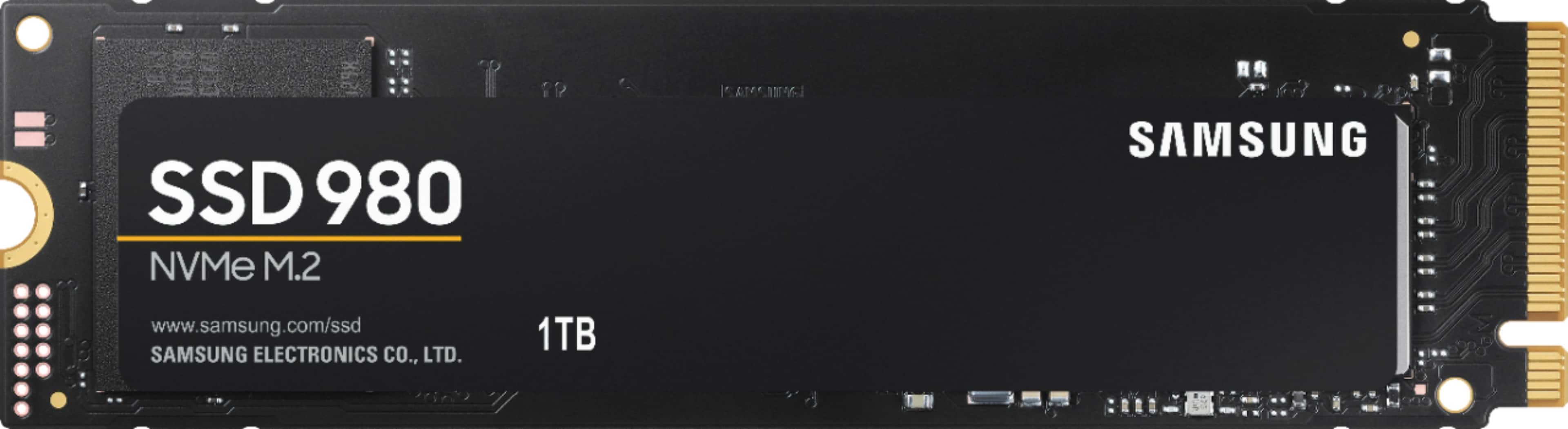
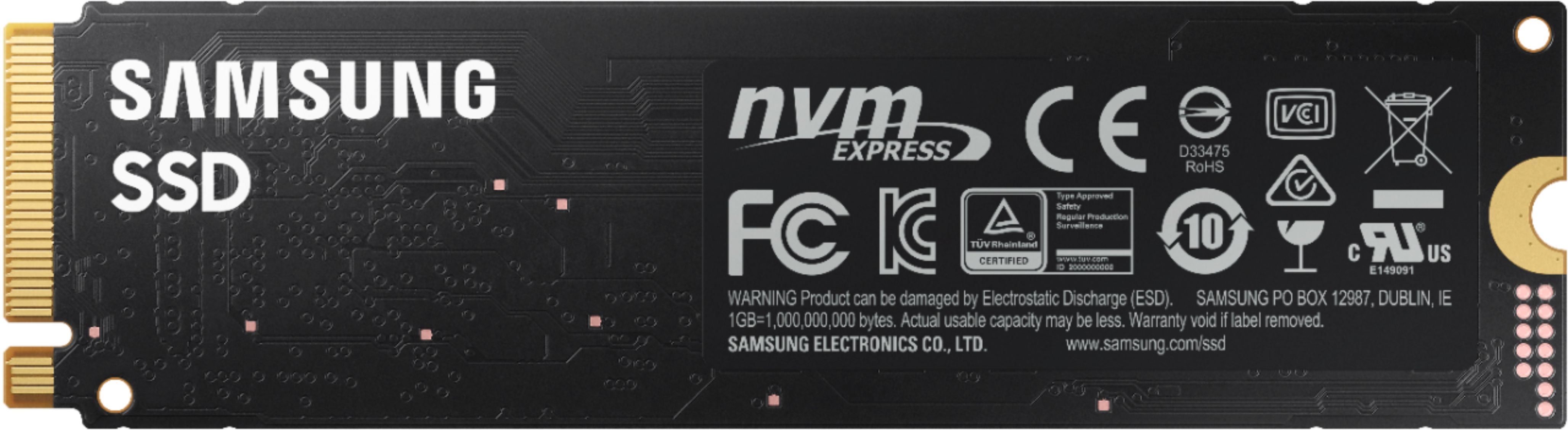
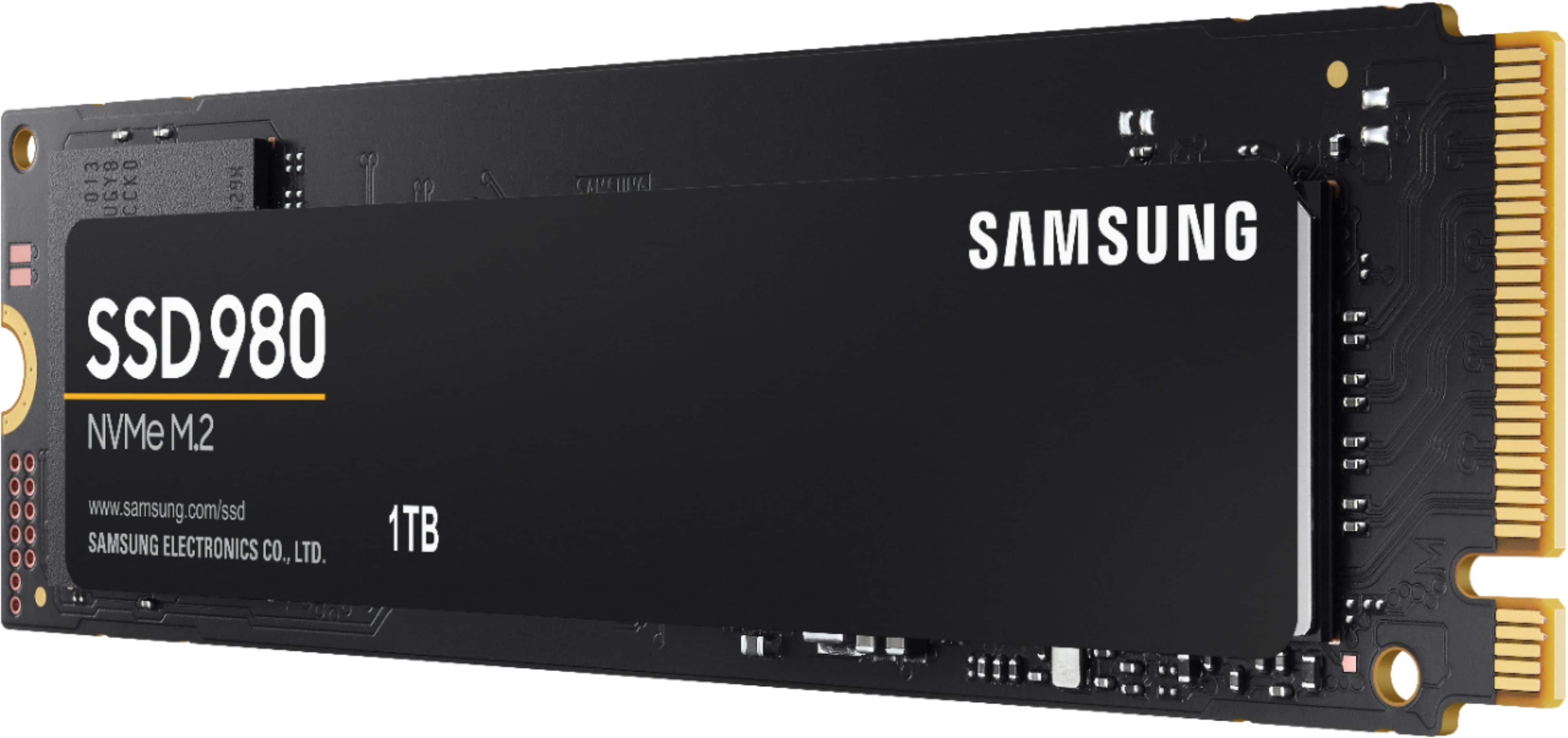
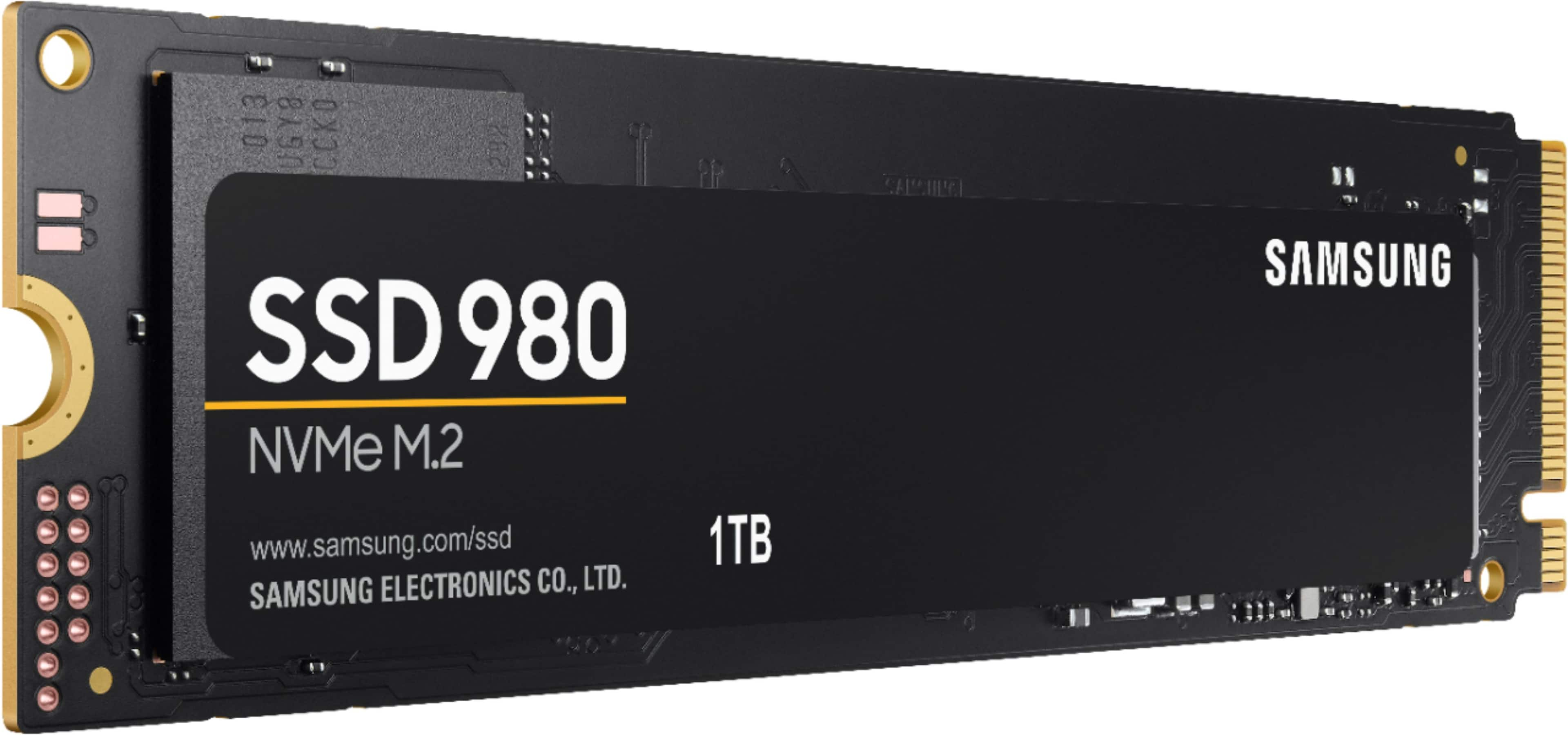
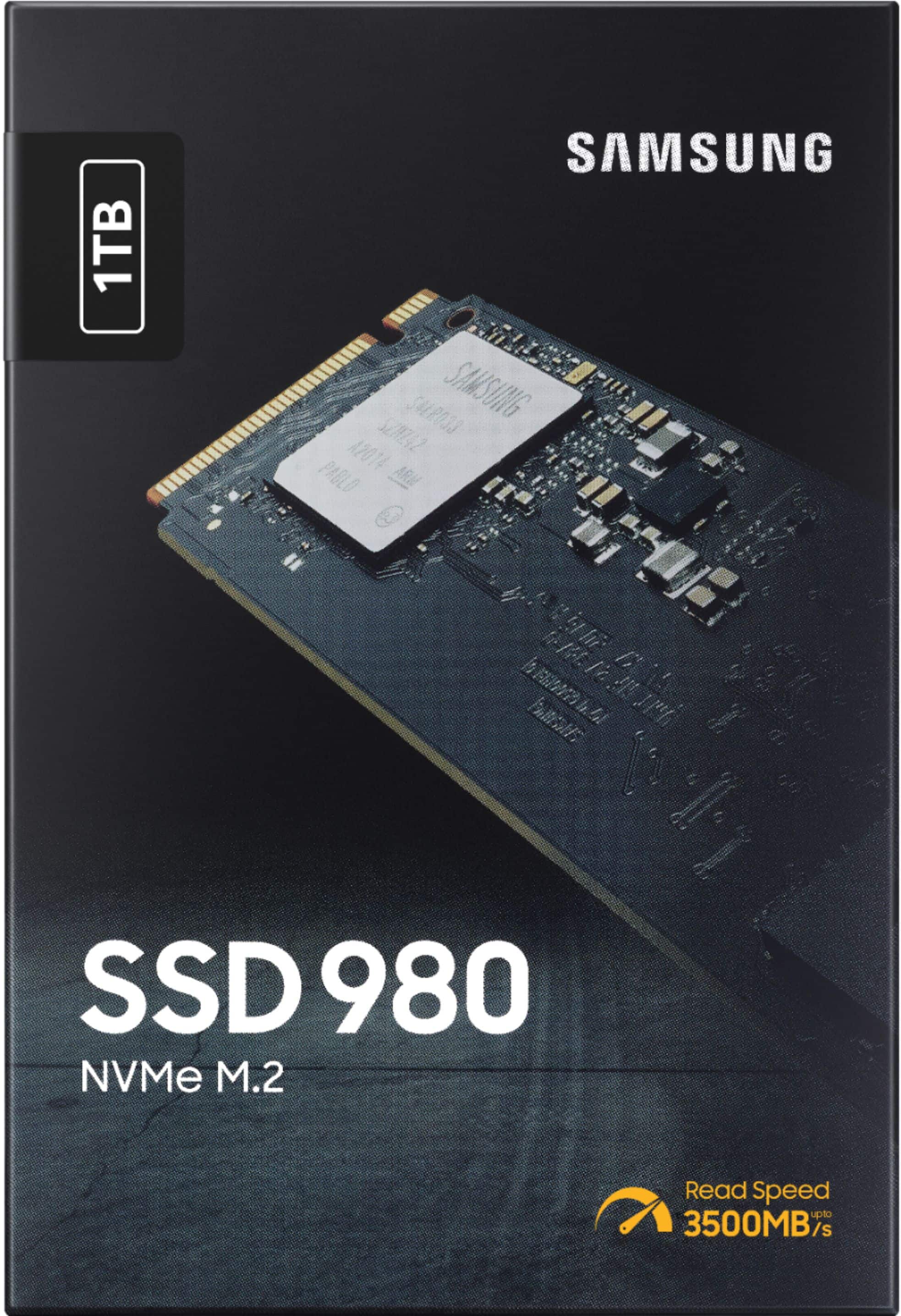
- Model:
- MZ-V8V1T0B/AM
- SKU:
- 6454198
Rating by feature
- Value
Rating 4.7 out of 5 stars
- Quality
Rating 4.8 out of 5 stars
- Ease of Use
Rating 4.8 out of 5 stars
Customers are saying
Customers frequently mention the 980 1TB Internal Gaming SSD PCIe Gen 3 x4 NVMe's excellent performance, ease of use, and great value for its price. Many appreciate the significant storage capacity and fast boot times it provides. While some users noted heat as a potential concern, the overall feedback highlights a positive user experience.
This summary was generated by AI based on customer reviews.
- Pros mentioned:Storage
Great SSD
||Posted . Owned for 1 month when reviewed.This reviewer received promo considerations or sweepstakes entry for writing a review.I might end up getting a 2TB one later on but for now the 1TB works great, great sad for the money.
I would recommend this to a friend Samsung 980 SSD 1Tb
||Posted . Owned for 1 month when reviewed.This reviewer received promo considerations or sweepstakes entry for writing a review.My Samsung 980 1Tb works great and has been for the past month that Ive had it for the download speeds are incredibly fast compared to my last SSD and I would 100% recommend this product for budget Pcs!
I would recommend this to a friendSamsung SSD’s are great
||Posted . Owned for 2 months when reviewed.This reviewer received promo considerations or sweepstakes entry for writing a review.This thing is super fast and easy install. I added it to the Lenovo Gaming Laptop
I would recommend this to a friendLove Samsung !!
||Posted . Owned for 1 year when reviewed.This reviewer received promo considerations or sweepstakes entry for writing a review.Bought this for a second ssd for my games works great
I would recommend this to a friendGreat upgrade
||Posted . Owned for less than 1 week when reviewed.This reviewer received promo considerations or sweepstakes entry for writing a review.Added as a 2nd drive to a Lenovo Legion 5 laptop. This Samsung 980 SSD is absolutely perfect for this purpose. I love the dual M.2 SSD, file transfers and backups are so fast! Samsung Magician software is pretty neat and useful as well. This is a "value" version SSD, but it's still faster than the one our laptop came with! Very easy install, laptop recognized it right away. Great job, Samsung.
I would recommend this to a friendBrand response from Samsung
Posted .XJ650Maxim:
I'm glad to see you are enjoying the performance of our new 980 Series PCIe NVMe SSD.
Unlock the full potential of 980 with Samsung Magician's advanced, yet intuitive optimization tools. Monitor drive health, optimize performance, protect valuable data, and receive important updates with Magician to ensure you're always getting the best performance out of your SSD.
Should you ever have questions or need assistance using this product, please know we’re always here to help.
1) Call: 1-800-SAMSUNG (ask for Memory or press #, then 6 for Memory products)
Available 9AM – 12AM EST (Mon-Fri)
2) Email: samsungmemorysupport@sea.samsung.com
3) LiveChat: https://www.samsung.com/us/support/contact/ Available 9AM-6PM EST (Mon-Fri)
The Samsung Members Community is also a great resource for getting help from Samsung moderators and customers: https://us.community.samsung.com/
Samsung is committed to providing the best possible product experience, quality, and value, and we are always here to help with any of your questions or concerns.
Thank you for choosing Samsung!
- Samsung Memory
- Pros mentioned:Price, Speed
Great hardware
||Posted . Owned for 1 month when reviewed.This reviewer received promo considerations or sweepstakes entry for writing a review.Super fast, stays cool. Good price. My son thought this was the best value
I would recommend this to a friend - Pros mentioned:Speed
Good
||Posted . Owned for 1 month when reviewed.This reviewer received promo considerations or sweepstakes entry for writing a review.It's is fast. Got it for strictly the OS. It's good
I would recommend this to a friend Pc build
||Posted . Owned for 1 month when reviewed.This reviewer received promo considerations or sweepstakes entry for writing a review.Recommended my windows boots up so fast and my games run quick too
I would recommend this to a friendFast
||Posted . Owned for 1 month when reviewed.This reviewer received promo considerations or sweepstakes entry for writing a review.Great kicks but fast made my hp elite book more responsive
I would recommend this to a friendGood
||Posted .This reviewer received promo considerations or sweepstakes entry for writing a review.Good Offers Samsung - 980 1TB PCIe 3.0 NVMe Internal Gaming SSD M.2
I would recommend this to a friend- Pros mentioned:Speed
Samsung rocks
||Posted . Owned for less than 1 week when reviewed.This reviewer received promo considerations or sweepstakes entry for writing a review.Works great. Very fast. While i hear it does not require a heat sink my motherboard came with one so i used.
I would recommend this to a friend Great drive with high speeds for Gen3.4
||Posted . Owned for 1 month when reviewed.This reviewer received promo considerations or sweepstakes entry for writing a review.Excellent NVMe! I'm using it on an Asus Zephyrus GA503 along with the standard NVMe that came with it.
I would recommend this to a friend- Pros mentioned:Speed
Good ssd
||Posted .This reviewer received promo considerations or sweepstakes entry for writing a review.Good memory I was looking for something much faster and I found it
I would recommend this to a friend - Pros mentioned:Price
Easy to install
||Posted . Owned for less than 1 week when reviewed.This reviewer received promo considerations or sweepstakes entry for writing a review.Great for the price compared to other off brands available
I would recommend this to a friend Fast!!! worth every penny!!!
||Posted . Owned for 3 weeks when reviewed.This reviewer received promo considerations or sweepstakes entry for writing a review.Just what I expected, quick and easy to install, worth every penny.
I would recommend this to a friend- Pros mentioned:Speed
10/10 best bang for the buck
||Posted . Owned for 6 months when reviewed.This reviewer received promo considerations or sweepstakes entry for writing a review.best on the market. no issues. super fast. no complaints
I would recommend this to a friend Good for gaming
||Posted .This reviewer received promo considerations or sweepstakes entry for writing a review.Good for gaming, installed it on my gaming laptop and works fine
I would recommend this to a friend- Pros mentioned:Performance, Speed
Super fast drive
Posted .This reviewer received promo considerations or sweepstakes entry for writing a review.The Samsung SSD 980 is a very fast and reliable drive. I currently use a 2.5 inch wide Samsung SSD from a few years ago and the difference in speed and responsiveness is absolutely noticed. I cloned over my main OS and have it running on this drive and opening programs is as fast as a blink of an eye. What I really like about Samsung is that they control the entire supply chain when building their SSD drives including their controllers which I feel helps optimize the entire SSD and also aids in Samsung's great reliability record. 3500mb/s are speeds that only a few years ago where not mass market. this kind of performance really helps especially in video editing and opening large file sizes with ease. I can finally scrub through 4k video on my computer smoothly. Great job Samsung.
I would recommend this to a friend 
Fast and Reliable NVME 3.0 Drive
|Posted .This reviewer received promo considerations or sweepstakes entry for writing a review.I should say up front that I received the Samsung 980 NVME 3.0 1TB SSD for purposes of provided an honest and unbiased review. The 980 is a fast performer. Installation was easy. And as more games and programs are written to take advantage of SSD speeds, drives like the Samsung 980 are quickly becoming a necessity. In my few weeks with the drive, it has worked extremely well. I haven't noticed performance degradation and temps have remained stable. I highly recommend the 980 1TB PCIe 3.0 NVME drive to gamers looking for a fast NVME drive that is easier on the budget. Installation: I have been building computers for over twenty-five years. I was a kid in 7th grade when I built my first computer. The process of upgrading and building computers has gotten simpler since then. Installing the Samsung 980 can be a simple task if you research your computer in advance. 1st Make sure your computer has an NVME slot. I have an Acer Nitro V laptop that did not advertise its NVME slot in advance. It took some searching online to determine that it had the slot. Also, make sure your slot is keyed for NVME and not just a SATA drive. I've attached a screenshot which shows the difference. 2nd Make sure your motherboard supports the storage size of the 980. My Lenovo computer has a NVME slot, but it does not support drives above 500GB. 3rd Make sure you have the necessary mounting hardware. There are no mounting spacers or screws included with the Samsung 980. Unfortunately, mounting requirements differ from computer to computer. My gaming motherboard included the spacer and already had the screw in place. The Nitro V had a spacer, but no screw. The Lenovo required a separate plastic mounting bracket with plastic clips. It may take some sleuthing to find what mounting hardware works best for your setup. Once your drive is in the machine and running, you can format it and give it a drive letter in Windows Disk Management. I've been using Samsung Magician to benchmark my drives. You can download the software for free from Samsung's website. The software provides tools to update the firmware on your drive. It also keeps you up to speed on temps and drive health. Unlike the software from Western Digital, I don’t see a drive toggle for a game mode currently. Perhaps that feature will be added at a later date. Performance: With the 980 NVME installed, I now have four hard drives installed in my computer. A 2 TB platter drive, an 860 EVO SATA SSD Drive, and another 500GB NVME 3.0 SSD drive. The Samsung 980 is the fastest drive in my computer based on the Samsung Magician benchmarks. I have attached photos that show the gains you get from moving from the old platter type drives to a SATA SSD to a NVME 3.0 X4. My WD Black NVME ran cooler, but the 980 bested it in sequential and IOPS benchmarks. Both the WD and the 980 were similar in terms of read speeds, but the 980 was a clear winner in writing speeds. I should note that there are faster drives. For instance, the 980 Pro is faster. Many other drives have DRAM on board. But, in my experience, most day-to-day users probably will not care about that. For me, the 980 was the fastest drive on my machine. It performed great with everything I threw at it. If you are rendering a lot of videos, are working on databases, are constantly moving files around your PC, a 980 Pro might be a better fit for you. But, I still maintain for most users, this drive is going to be way faster than anything they have had before especially if this is your first NVME drive. As said above, there is no DRAM on the 980. From my research, Samsung has gotten around the lack of DRAM on board by using a host memory buffer. Instead of utilizing onboard ram, the SSD is able to utilize the processor’s DRAM to overcome performance obstacles. And, as I said above, the performance has been great for me so far. Games installed on the drive have performed great. The 980 got a bit hot during my benchmarking. I saw it get above 60C. During gaming sessions, it tended to stay in the upper 40s. On idle, it hovers between 38C and 42C. But, temps may be different for you. If you have your drive in an area that gets good airflow with a fan close, it may stay cooler. Sony and Microsoft are developing games that utilize SSDs for the PS5 and Xbox Series X accordingly. We are now seeing games that are being optimized for NVME storage. Even now, some games are releasing with recommendations for SSD drives. The faster storage helps with game loading times and it can also help with in game performance. Many games today are constantly loading resources. A high-speed SSD can help minimize stutter in game. The 980 gave me a noticeable performance improvement in games like Jedi: Fallen Order. Cyberpunk 2077 is another game that benefits from an SSD drive. The Samsung 980 is fast. It has performed well with everything I have put it up to. It did get a bit hot during benchmarking, but it typically holds an idle temp around 40c. In games, it got warm, but still stayed below 50c for the most part. If you have been debating on installing a NVME drive in your system for games, I think the Samsung 980 is a no brainer. Very few retail drives come close to this performance for this price. I want to thank Samsung and Best Buy for letting me review the Samsung 980 NVME 3.0 1TB SSD. I hope this review and the accompanying screenshots were helpful.
I would recommend this to a friendAwesome little drive
|Posted .This reviewer received promo considerations or sweepstakes entry for writing a review.Awesome little drive. Popped this baby into my 2nd M.2 slot and fired up my computer. I noticed that it didn't show up on file explorer. I headed over to Samsung's website and downloaded the data migration software. Once I started the migration software, the new drive showed up. I simply selected my old M.2 and cloned everything to the Samsung 1TB 980. The whole process took less than 20 min. The computer now boots from the 980. This new drive definitely shaved a couple of seconds off my boot time and games load noticeably faster. I highly recommend this drive for anyone looking to add more space or upgrade, as I did, from an Gen1 M.2 drive.
I would recommend this to a friend