Customer Ratings & Reviews
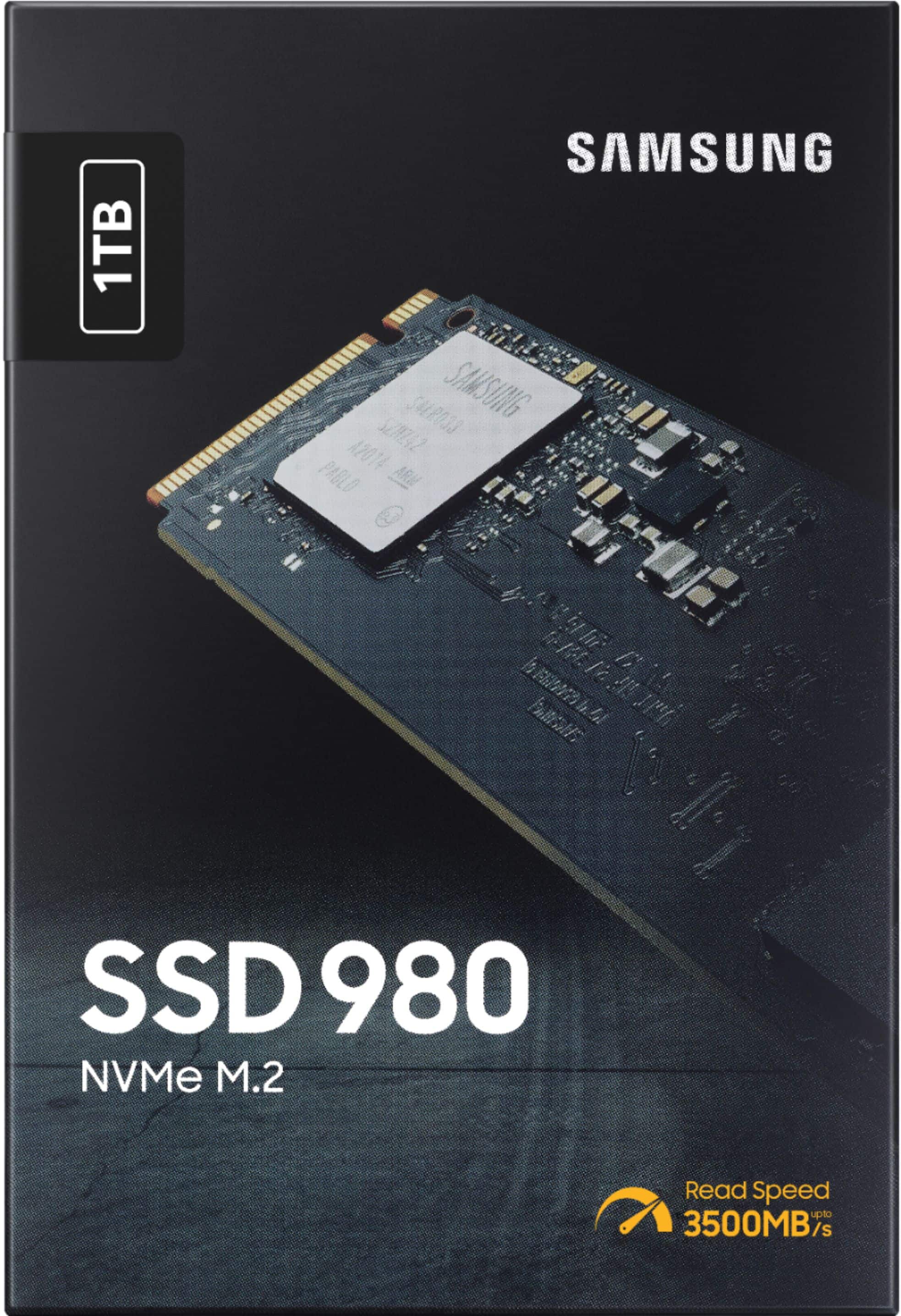
- Model:
- MZ-V8V1T0B/AM
- SKU:
- 6454198
Rating by feature
- Value
Rating 4.7 out of 5 stars
- Quality
Rating 4.8 out of 5 stars
- Ease of Use
Rating 4.8 out of 5 stars
Customers are saying
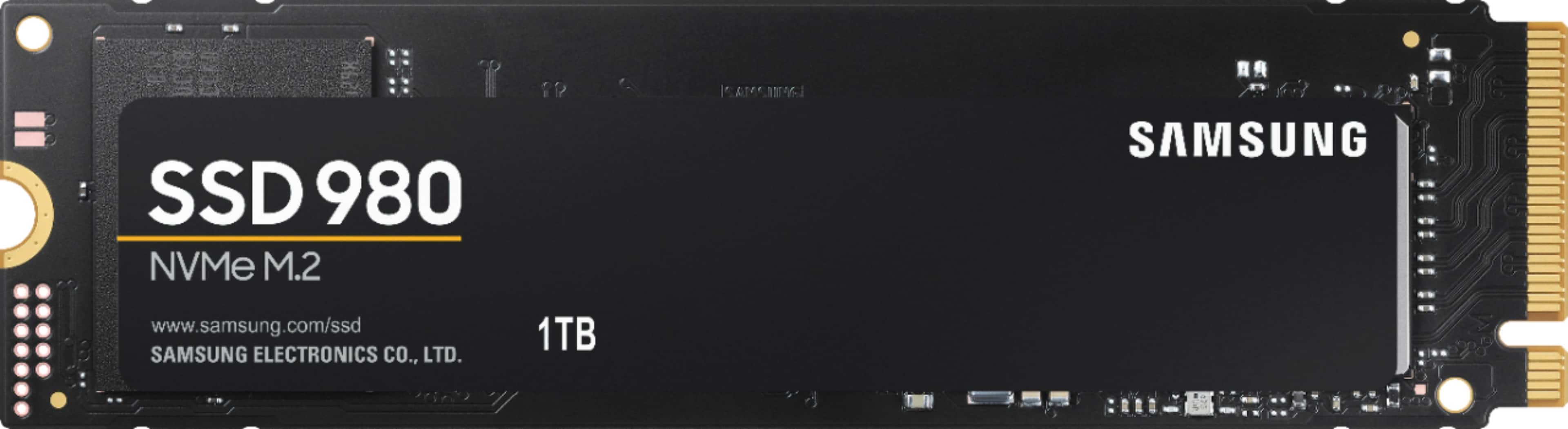
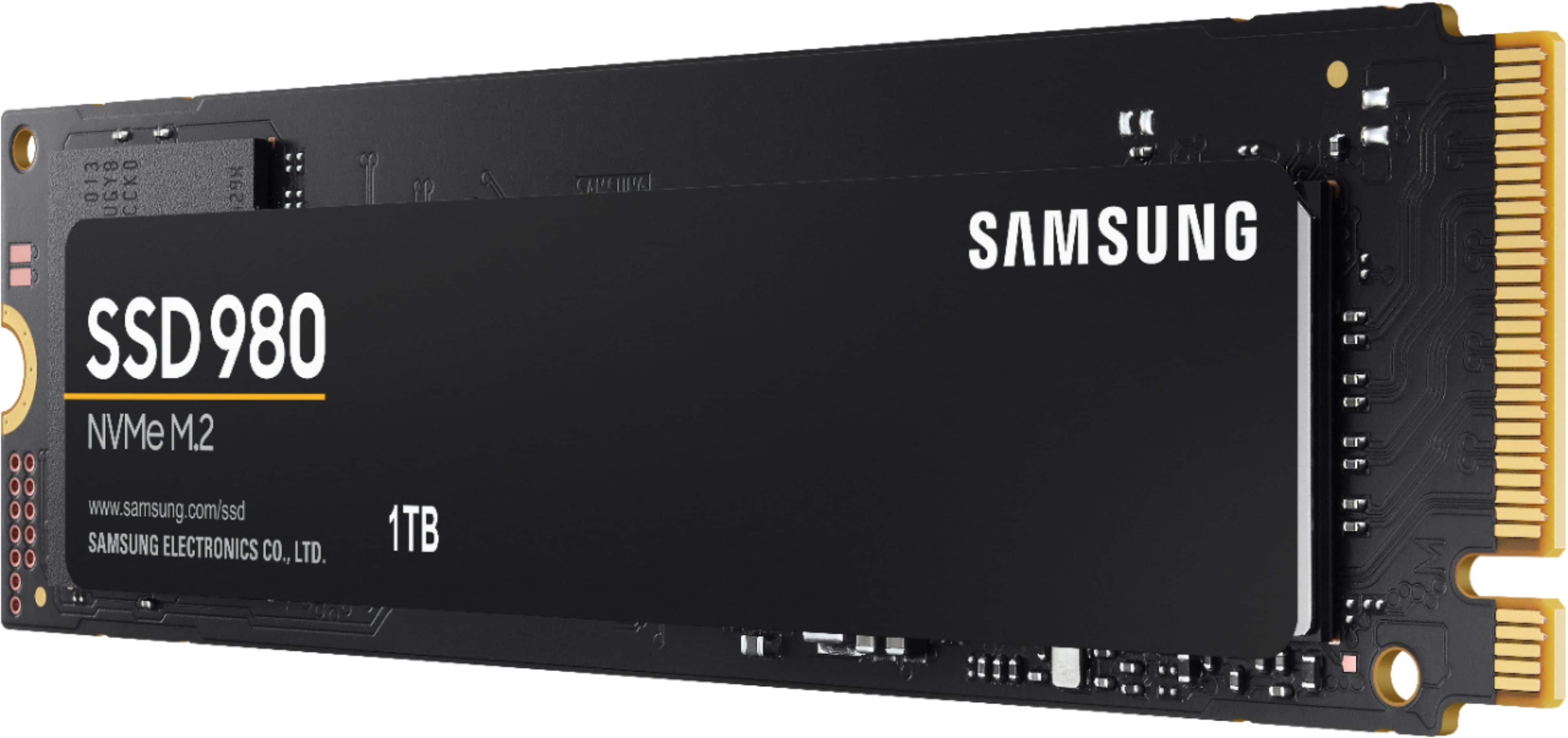
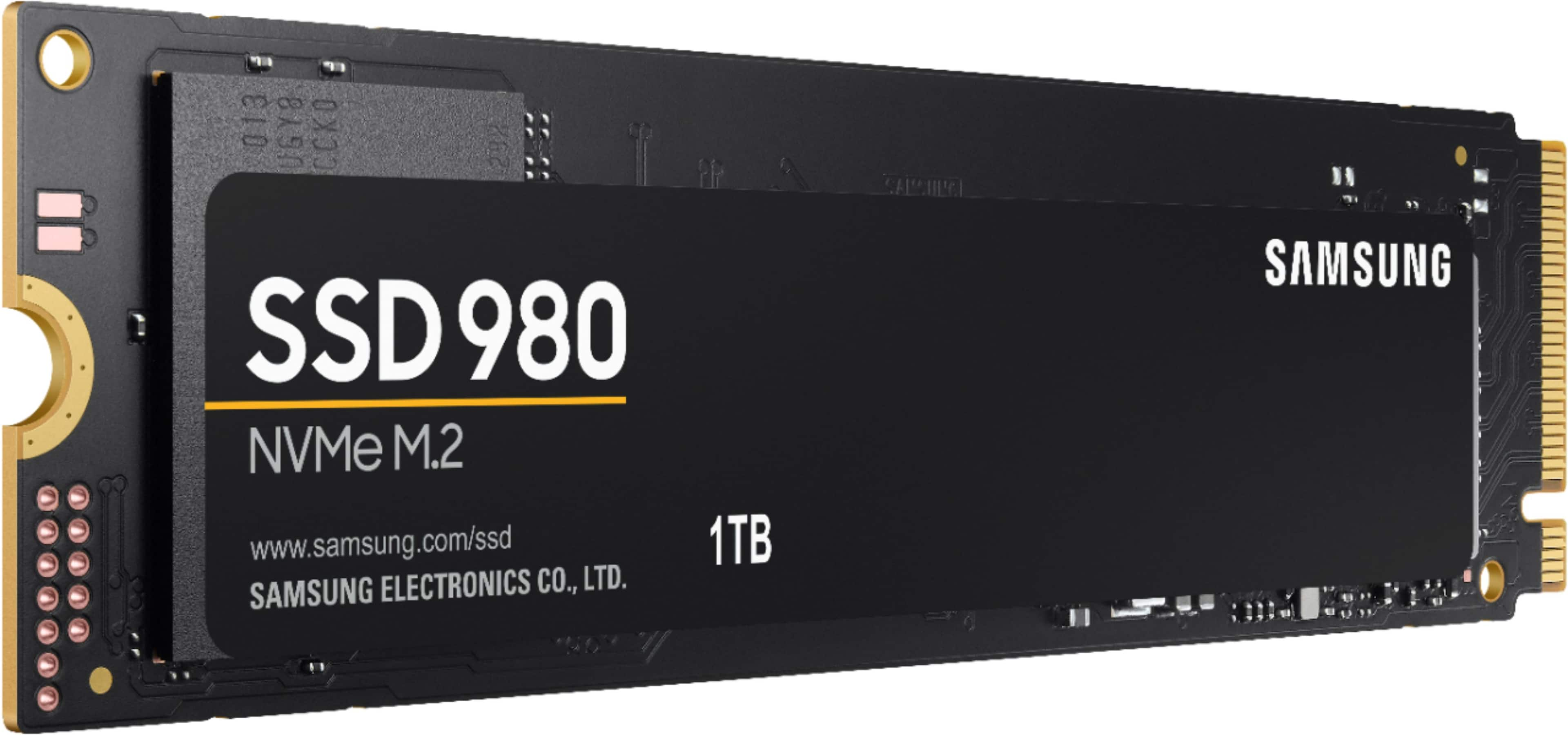
Customers frequently mention the 980 1TB Internal Gaming SSD PCIe Gen 3 x4 NVMe's excellent performance, ease of use, and great value for its price. Many appreciate the significant storage capacity and fast boot times it provides. While some users noted heat as a potential concern, the overall feedback highlights a positive user experience.
This summary was generated by AI based on customer reviews.
Good drive, easy to install
||Posted . Owned for 1 month when reviewed.This reviewer received promo considerations or sweepstakes entry for writing a review.Quick and easy to install. I purchased this to use as a system drive for a new build. Worked fine and runs at a decent speed. Next time I think I would go with the 980 Pro
I would recommend this to a friendPersuaded to buy
||Posted .This reviewer received promo considerations or sweepstakes entry for writing a review.Was sort of talked into this by the BB guy. Not sure I really needed this. I dont think this computer is particularly fast.
No, I would not recommend this to a friendDied in 3 mos
||Posted . Owned for 4 months when reviewed.This reviewer received promo considerations or sweepstakes entry for writing a review.I don't know about others but mine died in only 3 mos and I'm going to have to send it back. Probably should have gotten the geek squad on that one
No, I would not recommend this to a friendBrand response from Samsung
Posted .theewukid:
I’m very sorry for the difficulties you’ve experienced with your 980 SSD. We completely understand your frustrations, and we are here to help.
Samsung stands behind the quality and performance of every 980 SSD we manufacture with a limited 5-year manufacturer’s warranty when purchased brand-new, directly from any authorized dealer, like Best Buy.
1) Call: 1-800-SAMSUNG (ask for Memory or press #, then 6 for Memory products)
Available 9AM – 12AM EST (Mon-Fri)
2) Email: samsungmemorysupport@sea.samsung.com
3) LiveChat: https://www.samsung.com/us/support/contact/ Available 9AM-6PM EST (Mon-Fri)
The Samsung Members Community is also a great resource for getting help from Samsung moderators and customers: https://us.community.samsung.com/
We look forward to hearing from you soon.
- Samsung Memory
- Pros mentioned:SpeedCons mentioned:Heat
Fast as Lightning
Posted .This reviewer received promo considerations or sweepstakes entry for writing a review.Wasn't sure what to think of the Samsung 980 PRO, but it is fast! Easy to install and lightning fast. It has absolutely SPEED and quality that one comes to expect from Samsung. I watch my spouse spend most of my day in Adobe Programs such as Photoshop and Illustrator. She used to get frustrated at how slow the programs were, but with this all I hear is her raving about how fast everything is! I do think this gets hotter than I'd like - even with the heat spreader label to deliver effective thermal control. I feel better that they are looking at addressing that, but it misses the mark. Otherwise don't look at anything else - just trust this product to greatly increase your expectations.
I would recommend this to a friend not great
||Posted . Owned for 3 weeks when reviewed.This reviewer received promo considerations or sweepstakes entry for writing a review.did not work at all please fix problem!!!!!!!!!!!!!!!!!!!!!!
No, I would not recommend this to a friendBrand response from Samsung
Posted .mikek:
I’m very sorry for the difficulties you’ve experienced with your 980 SSD. We completely understand your frustrations, and we are here to help.
Samsung stands behind the quality and performance of every 980 SSD we manufacture with a limited 5-year manufacturer’s warranty when purchased brand-new, directly from any authorized dealer, like Best Buy.
Please contact Samsung Customer Support directly so that we can better investigate your issue and assist you towards a resolution or replacement.
1) Call: 1-800-SAMSUNG (ask for Memory or press #, then 6 for Memory products)
Available 9AM – 9PM EST (Mon-Fri)
2) Email: samsungmemorysupport@sea.samsung.com
3) Or visit us on the Samsung website and click on the SUPPORT link in the upper right corner of the homepage for:
a) Chat with Us/Product Help: To begin a chat or find solutions, choose ‘Computing – Memory & Storage’ and select your model & topic.
We hope to hear from you soon.
- Samsung Memory
Backup SSD only
||Posted . Owned for 6 months when reviewed.This reviewer received promo considerations or sweepstakes entry for writing a review.One thing to consider this does not have a cache Don't use for main hard drive only backup
I would recommend this to a friendSSD
||Posted . Owned for 6 months when reviewed.This reviewer received promo considerations or sweepstakes entry for writing a review.its in the pc i own right now and it works vary well
I would recommend this to a friendCPH dude
||Posted . Owned for 1 month when reviewed.This reviewer received promo considerations or sweepstakes entry for writing a review.Mostly solved my issues, still some speed problems
I would recommend this to a friendsolid ssd
||Posted .This reviewer received promo considerations or sweepstakes entry for writing a review.Solid budget nvme ssd especially if you can get it ar a discounted price
I would recommend this to a friendGood for the price
||Posted . Owned for 8 months when reviewed.This reviewer received promo considerations or sweepstakes entry for writing a review.High speed data transfer, good for loading large games
I would recommend this to a friendGood starter SSD
||Posted . Owned for 2 weeks when reviewed.This reviewer received promo considerations or sweepstakes entry for writing a review.Good starter SSD, but next time I'll get one with a heatsink.
I would recommend this to a friendtest it and fail
||Posted . Owned for less than 1 week when reviewed.This reviewer received promo considerations or sweepstakes entry for writing a review.after I expend countless hours trying to figero out why the OS not posting. I found out the M2. fail with only 36 hours of running. I have to got back to the old hardrive to get all my information back. thank god I did not formatted old HHD
No, I would not recommend this to a friendBrand response from Samsung
Posted .Wonders:
Thank you for purchasing the Samsung 980 SSD. We appreciate you sharing your experience with us.
Please contact Samsung Customer Support directly so that we can better investigate your issue and assist you towards a resolution or replacement.
You can reach us:
1) Call: 1-800-SAMSUNG (ask for Memory) Available 8AM – 9PM EST (Mon-Fri)
2) Email: samsungmemorysupport@sea.samsung.com
3) LiveChat: https://www.samsung.com/us/support/contact/
4) Facebook Messenger: https://www.facebook.com/samsungsupport
5) Twitter: https://twitter.com/SamsungSupport
6) Samsung Members App: offers support, news, tips, exclusive content, and diagnostic tools. Download from your mobile device app store.
The Samsung Members Community is also a great resource for getting help from Samsung moderators and customers: https://us.community.samsung.com/
Samsung stands behind the quality and performance of every 980 SSD we manufacture with a limited 5-year manufacturer’s warranty when purchased brand-new, directly from any authorized dealer, like Best Buy.
We look forward to hearing from you soon.
~ Samsung Memory
- Pros mentioned:Speed, Storage

Great drive
|Posted .This reviewer received promo considerations or sweepstakes entry for writing a review.I'm very happy with this drive. My budget, gaming laptop came with a large (but slow) mechanical hard drive and an open NVME slot. I installed this NVME drive into the open slot, cloned my hard drive onto it, went into the BIOS and changed the boot order so that it would boot from the SSD by default, removed my original hard drive to make sure that it would boot okay from the SSD, attempted to refresh my OS install to prevent any hardware glitches (and learned in the process that I couldn't have BOTH this SSD and the original hard drive installed while refreshing the OS - caused errors on my particular device - original drive reinstalled just fine after refreshing the OS), formatted my original hard drive to serve as extra storage, and then moved my library folders (documents, downloads, pictures, etc. . . .) to the original hard drive to reduce wear and tear on the SSD (SSDs can only have data added to them a limited number of times before they break down and lose the ability to have any new data added - this number is in the millions, so the laptop itself will probably die before then, but still . . .). I now have a snappy gaming laptop with just TONS of storage space. This is just awesome.
I would recommend this to a friend Need driber files loaded
||Posted . Owned for 3 weeks when reviewed.This reviewer received promo considerations or sweepstakes entry for writing a review.Still trying to get it recognized by the computer. Seems there's a driver file I must download and initiate, but there doesn't seem to be a full explanation of the process available.
No, I would not recommend this to a friendBrand response from Samsung
Posted .thequick:
Thank you for purchasing the Samsung 980 SSD.
If your drive is not being detected after installing Magician, please update the driver to the latest firmware to prevent compatibility issues. If the SSD is connected to a RAID/SCSI storage device controller, it may cause a failure to detect the SSD properly. If this is the case, please install the MS default drivers.
The latest downloadable Samsung Tools & Software can be found here:
https://www.samsung.com/semiconductor/minisite/ssd/download/tools/
Should you need assistance with troubleshooting, please contact Samsung Customer Support:
1) Call: 1-800-SAMSUNG (ask for Memory or press #, then 6 for Memory products)
Available 9AM – 12AM EST (Mon-Fri)
2) Email: samsungmemorysupport@sea.samsung.com
3) Or visit us on the Samsung website and click on the SUPPORT link in the upper right corner of the homepage for:
a) Chat with Us/Product Help: To begin a chat or find solutions, choose ‘Computing – Memory & Storage’ and select your model & topic.
b) Manuals & Software
c) Warranty Info
d) Register a Product: For access to easy warranty support, convenient opt-in to special promos and offers, faster troubleshooting and service, and quick notification of system updates
e) Contact Us
The Samsung Members Community is also a great resource for getting help from Samsung moderators and customers: https://us.community.samsung.com/
Samsung is committed to providing the best possible product experience, quality, and value, and we are always here to help with any of your questions or concerns.
- Samsung Memory
Sold Faulty Unit
||Posted . Owned for 1 week when reviewed.This reviewer received promo considerations or sweepstakes entry for writing a review.Product would have been good, if only it worked. Plugged it into the pc and it didn't show up anywhere even in bios. Possibly was sold a faulty unit, would not buy the same model again
I would recommend this to a friendBrand response from Samsung
Posted .markbortnik:
I’m very sorry for the difficulties you’ve experienced with your 980 SSD. We completely understand your frustrations, and we are here to help.
Please contact Samsung Memory Support directly so that we can better investigate your issue and assist you towards a solution or replacement.
1) Call: 1-800-SAMSUNG (ask for Memory or press #, then 6 for Memory products)
Available 9AM – 12AM EST (Mon-Fri)
2) Email: samsungmemorysupport@sea.samsung.com
3) Or visit us on the Samsung website and click on the SUPPORT link in the upper right corner of the homepage for:
a) Chat with Us/Product Help: To begin a chat or find solutions, choose ‘Computing – Memory & Storage’ and select your model & topic.
b) Manuals & Software
c) Warranty Info
d) Register a Product: For access to easy warranty support, convenient opt-in to special promos and offers, faster troubleshooting and service, and quick notification of system updates
e) Contact Us
The Samsung Members Community is also a great resource for getting help from Samsung moderators and customers: https://us.community.samsung.com/
Samsung stands behind the quality and performance of every 980SSD we manufacture with a limited 5-year manufacturer’s warranty when purchased brand-new, directly from any authorized dealer, like Best Buy.
We hope to hear from you soon.
~ Samsung Memory
- Pros mentioned:Performance, Storage
Surprisingly Fast and Easy
|Posted .This reviewer received promo considerations or sweepstakes entry for writing a review.I have used Samsung SATA SSD drives for several years, but this was my first M.2 internal drive. I like Samsung SSDs because they seem to be more trouble free and have a longer warranty than other brands. I needed more storage (who doesn't) and with the cost dropping on the M.2 drives I decided to give it a try. The Samsung 980 1TB replaced an older 250GB SATA SSD and the performance gain was quite noticeable and also quite surprising. Windows boot times and game load times both improved. I also do some video editing on this system and that also became snappier. The Samsung Magician software makes it pretty easy to install the SSD. Physically install the internal drive (make sure you have a M.2 slot available!), then run Magician. Select the new drive and either clone your boot drive, or copy anything over if it's a secondary drive. The whole process takes maybe a half an hour at most. The Magician software also provides for some performance testing and health checking of your new SSD, which is nice for continued monitoring. That's about it, you're up and running. Everything is a bit faster and you have a lot more room. What's not to like? Highly recommended for anyone looking for more storage and a performance boost at a nice price.
I would recommend this to a friendBrand response from Samsung
Posted .rtbestbuy:
Thank you for sharing your experience with the 980 SSD. I'm glad to see you are enjoying the breakthrough speeds of our new 980 Series PCIe NVMe SSD, featuring speeds of up to 3,500 MB/s.
Unlock the full potential of 980 with Samsung Magician's advanced, yet intuitive optimization tools. Monitor drive health, optimize performance, protect valuable data, and receive important updates with Magician to ensure you're always getting the best performance out of your SSD.
Should you ever have questions or need assistance using this product, please contact Samsung Customer Support.
1) Call: 1-800-SAMSUNG (ask for Memory or press #, then 6 for Memory products)
Available 9AM – 12AM EST (Mon-Fri)
2) Email: samsungmemorysupport@sea.samsung.com
3) LiveChat: https://www.samsung.com/us/support/contact/ Available 9AM-6PM EST (Mon-Fri)
The Samsung Members Community is also a great resource for getting help from Samsung moderators and customers: https://us.community.samsung.com/
Thank you for choosing Samsung!
- Samsung Memory
My first M.2
||Posted . Owned for 3 weeks when reviewed.This reviewer received promo considerations or sweepstakes entry for writing a review.It’s my first M.2 drive and I’m not used to such tech for computer’s so I really don’t have any experience with the tech
I would recommend this to a friendBrand response from Samsung
Posted .FirstM2:
Thanks for choosing the Samsung 980 SSD. I hope that your SSD is meeting your expectations, however, we are always here to help should you have any questions or concerns about this product.
1) Call: 1-800-SAMSUNG (ask for Memory or press #, then 6 for Memory products)
Available 9AM – 12AM EST (Mon-Fri)
2) Email: samsungmemorysupport@sea.samsung.com
3) Or visit us on the Samsung website and click on the SUPPORT link in the upper right corner of the homepage for:
a) Chat with Us/Product Help: To begin a chat or find solutions, choose ‘Computing – Memory & Storage’ and select your model & topic.
b) Manuals & Software
c) Warranty Info
d) Register a Product: For access to easy warranty support, convenient opt-in to special promos and offers, faster troubleshooting and service, and quick notification of system updates
e) Contact Us
The Samsung Members Community is also a great resource for getting help from Samsung moderators and customers: https://us.community.samsung.com/
Thank you for choosing Samsung!
- Samsung Memory
ok so far 2 months.
||Posted . Owned for 2 months when reviewed.This reviewer received promo considerations or sweepstakes entry for writing a review.it works after marathon install. Had to jump thru hoops to get Samsung Magician to connect with it.
I would recommend this to a friendBrand response from Samsung
Posted .pjtec4:
I’m sorry for the difficulties with your SSD’s setup. We understand your frustrations, and are here to help.
For more help, please contact Samsung Support:
1) Call: 1-800-SAMSUNG (ask for Memory or press #, then 6 for Memory products)
Available 9AM – 12AM EST (Mon-Fri)
2) Email: samsungmemorysupport@sea.samsung.com
3) Or visit us on the Samsung website and click on the SUPPORT link in the upper right corner of the homepage for:
1) Chat with Us/Product Help
2) Manuals, Software, & Warranty Info
Samsung is committed to providing the best possible product experience, quality, and value, and we are always here to help with any of your questions or concerns.
- Samsung Memory
- Pros mentioned:Performance, Speed, Storage
Excellent Speed and Reliability
|Posted .This reviewer received promo considerations or sweepstakes entry for writing a review.As with every Samsung SSD that I've used the speeds are great and I have yet to run into any reliability problems. Using this as a second drive in my laptop to store photos and videos during editing. Fast access and plenty of storage!
I would recommend this to a friendBrand response from Samsung
Posted .Sean:
I'm glad to see you are enjoying the breakthrough speeds of our new 980 Series PCIe NVMe SSD, featuring speeds of up to 3,500 MB/s.
The 980 delivers value, without sacrificing sequential read/write speeds up to 3,500/3,000 MB/s, over 6.2x the speed of SATA SSDs.
Please know we're always here to help should you ever have any questions or concerns about this SSD.
1) Call: 1-800-SAMSUNG (ask for Memory or press #, then 6 for Memory products)
Available 9AM – 12AM EST (Mon-Fri)
2) Email: samsungmemorysupport@sea.samsung.com
3) LiveChat: https://www.samsung.com/us/support/contact/ Available 9AM-6PM EST (Mon-Fri)
The Samsung Members Community is also a great resource for getting help from Samsung moderators and customers: https://us.community.samsung.com/
Thank you for sharing your experience! We greatly value your feedback and will be shared with our product team.
- Samsung Memory
- Pros mentioned:Ease of use, Speed
Easy Upgrade!
Posted .This reviewer received promo considerations or sweepstakes entry for writing a review.I bought two of these to increase the capacity of a desktop and laptop in our office. I bought the Gen 3 version, as that is all the chipset in the machines would support. In the desktop, it was a direct swap of a 250MB SSD. The Samsung cloning software made this a snap. It was clone --> swap --> power up --> done! The laptop was more complicated because it had an HDD which the coworker wanted to keep for data storage purposes. The SSD part was as easy as before, but it took a little playing around until Win 11 saw the SSD as the boot drive. I highly recommend this product.
I would recommend this to a friend