Customer Ratings & Reviews
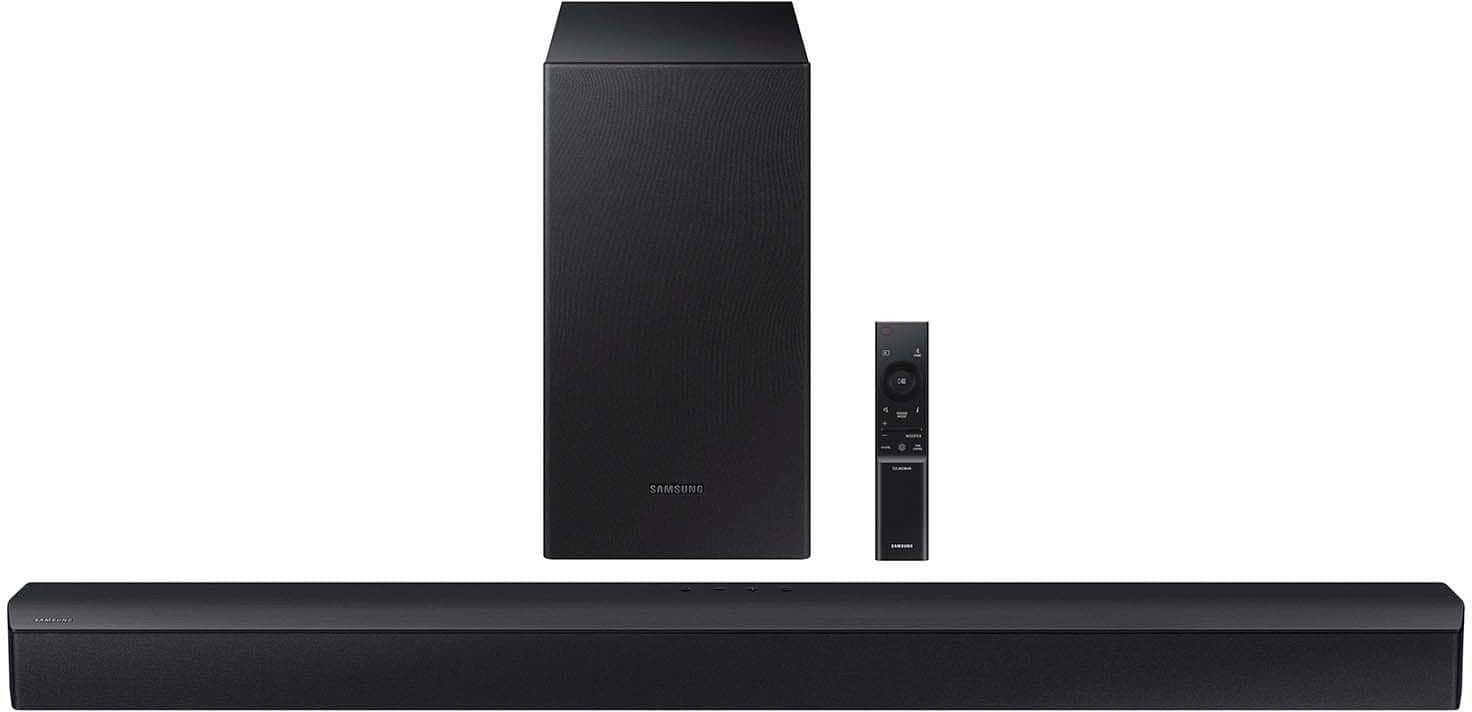
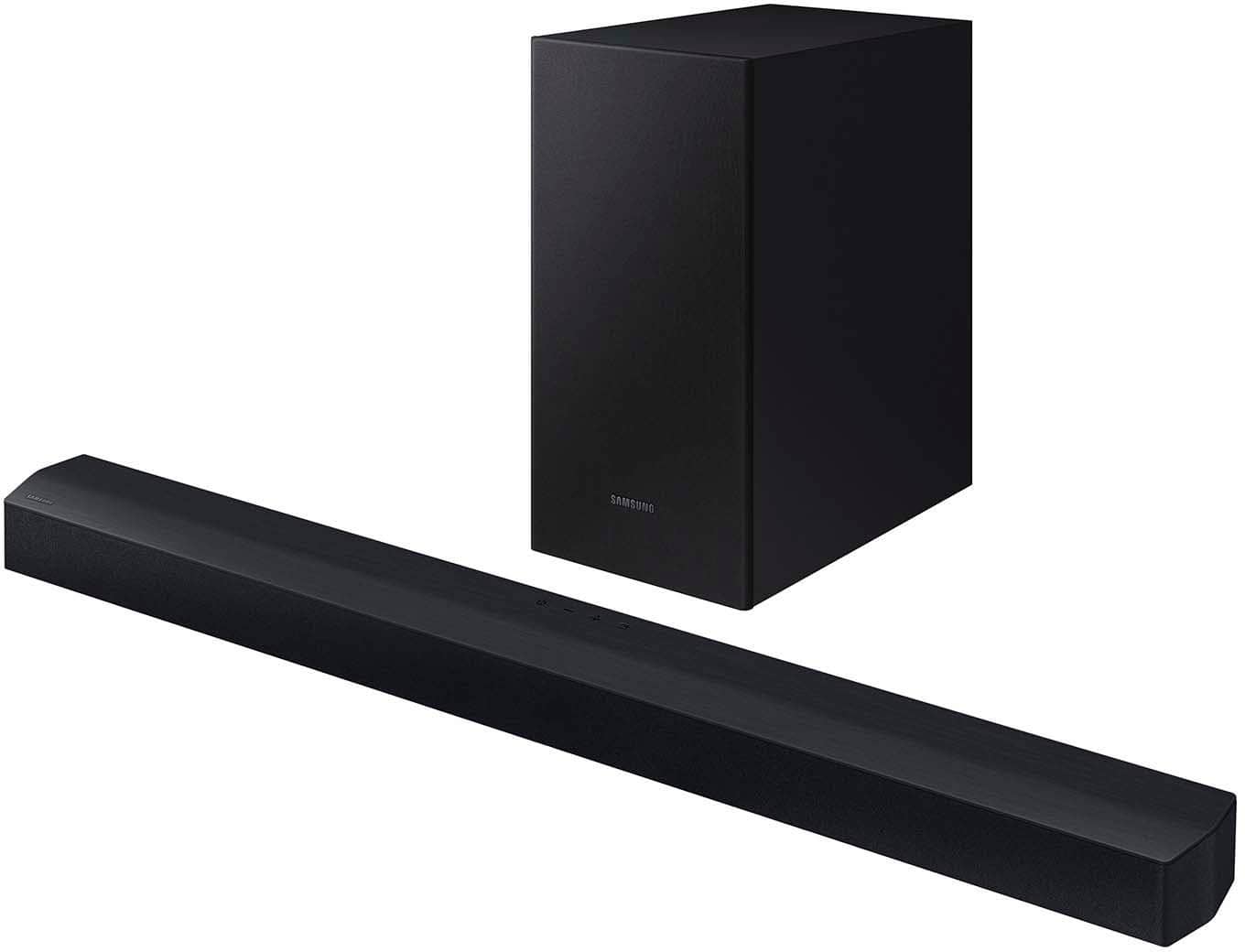
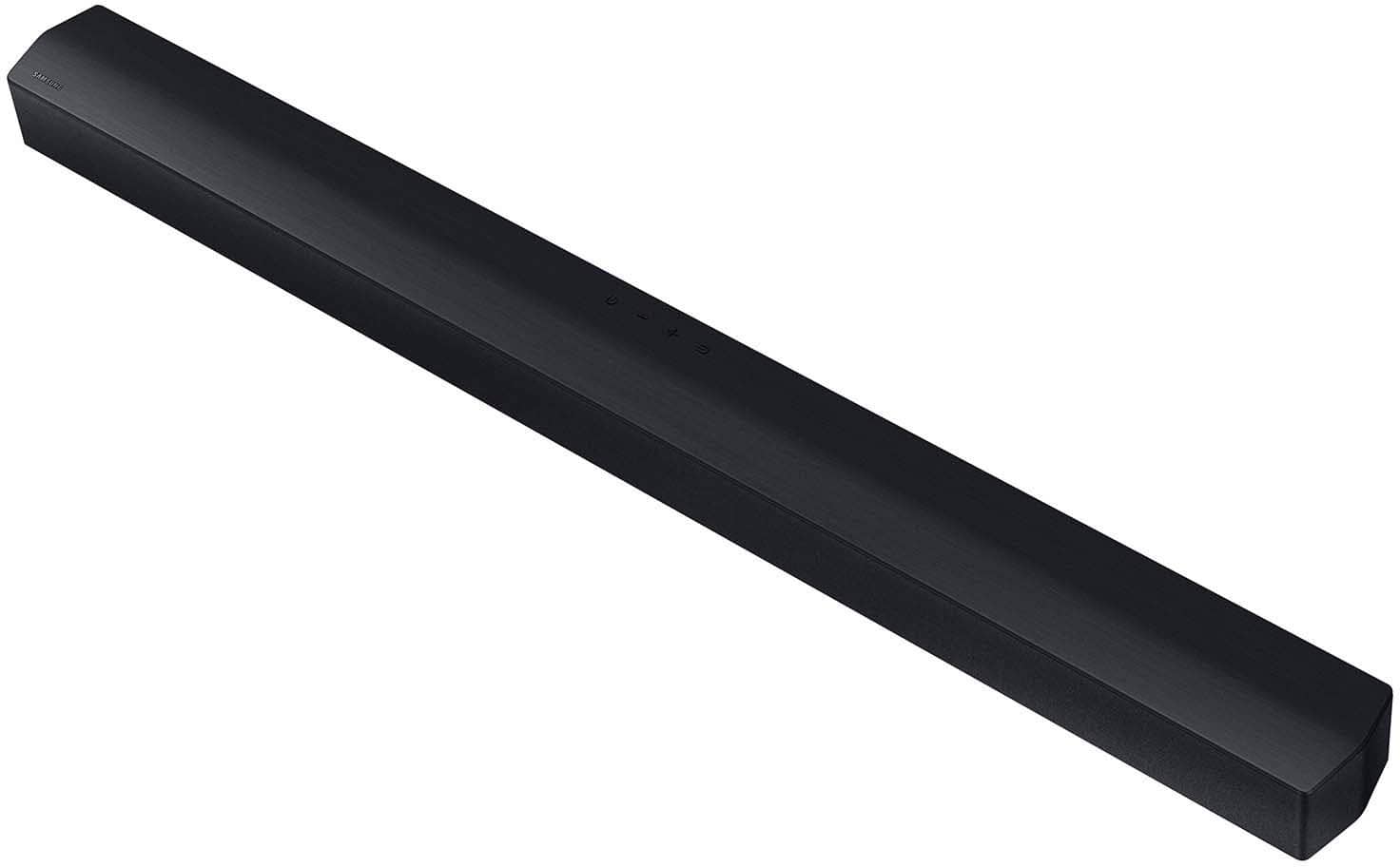
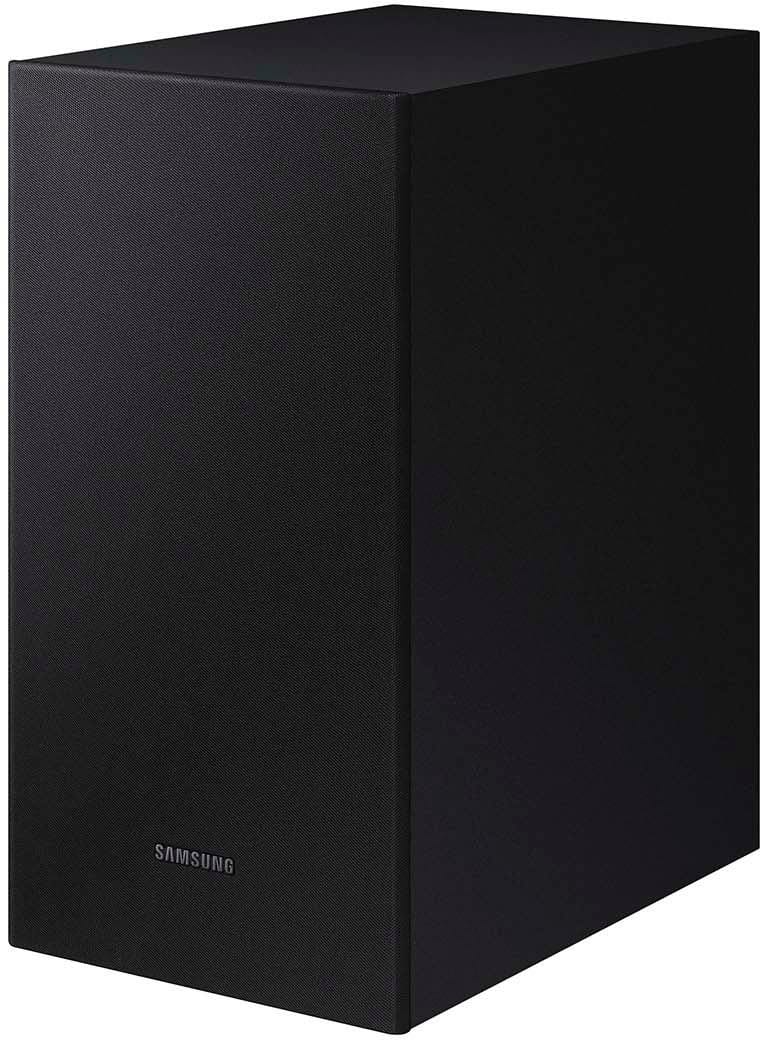
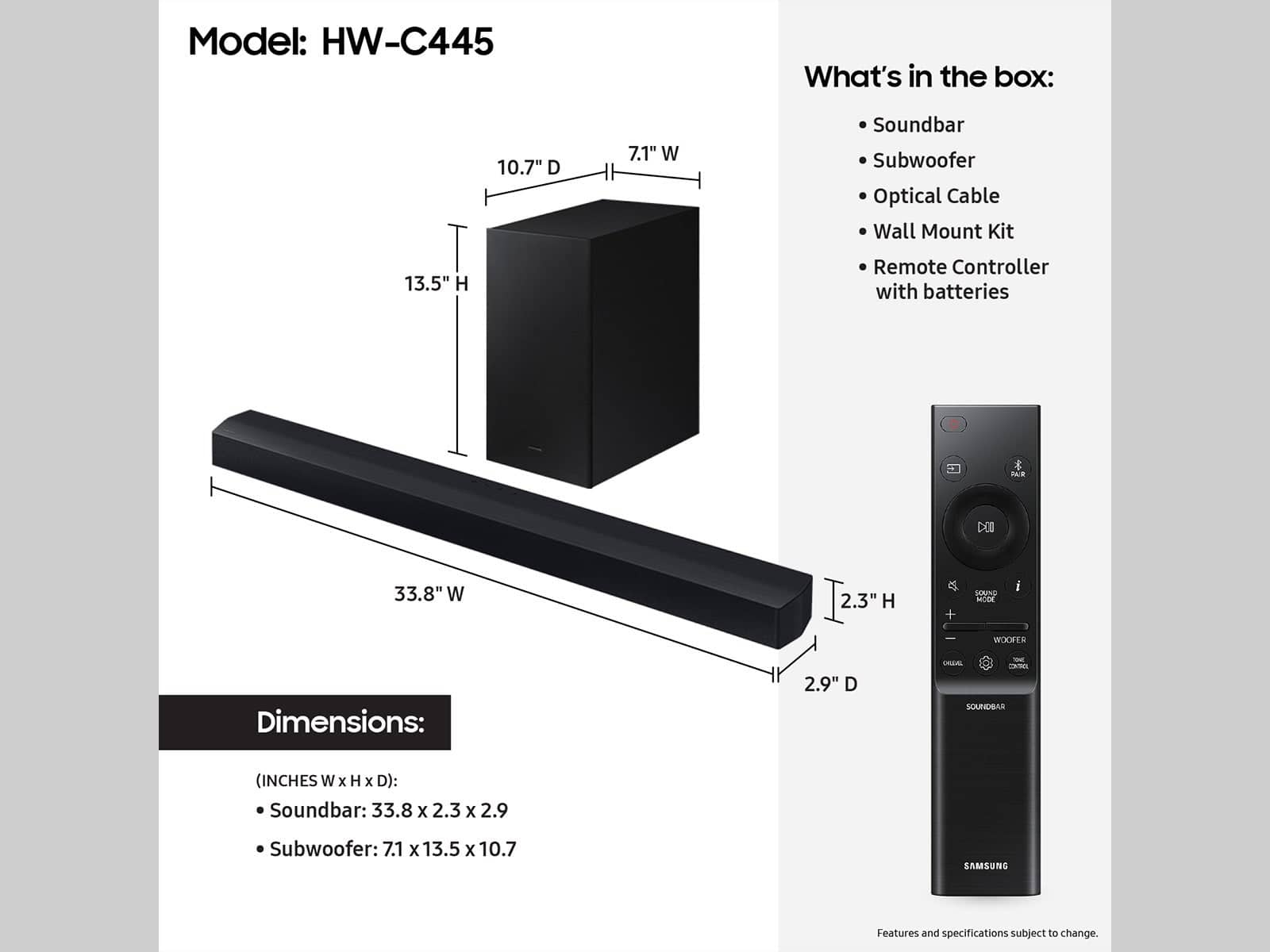


- Model:
- HW-C445/ZA
- SKU:
- 6598454
Rating by feature
- Value
Rating 4.7 out of 5 stars
- Quality
Rating 4.7 out of 5 stars
- Ease of Use
Rating 4.7 out of 5 stars
Customers are saying
Customers are positive about the sound quality, ease of setup, and bass performance of the B series 2.1 ch. DTS Virtual:X Soundbar. Many appreciate its connectivity, volume, and compact size, finding it a great value for the money. However, some customers feel the remote control could be more intuitive. Overall, the soundbar is well-received for its audio capabilities and user-friendly design.
This summary was generated by AI based on customer reviews.
For the price it was okay!
||Posted . Owned for 1 month when reviewed.This reviewer received promo considerations or sweepstakes entry for writing a review.Got it on sale for $100.... And that price is a fair deal. Not an impressive sound bar but for the price it is okay!
I would recommend this to a friendExcellent
||Posted . Owned for 1 week when reviewed.This reviewer received promo considerations or sweepstakes entry for writing a review.Perfect for what I’m looking for in a soundbar. Highly recommended
I would recommend this to a friendPerfect
||Posted . Owned for 3 weeks when reviewed.This reviewer received promo considerations or sweepstakes entry for writing a review.Purchaswd this for our living room and it serves its purpose great.
I would recommend this to a friendGreat product
||Posted . Owned for 3 weeks when reviewed.This reviewer received promo considerations or sweepstakes entry for writing a review.Works great. Samsung speaker bar works great with Samsung tv
I would recommend this to a friendSamsung soundbar
||Posted . Owned for 1 week when reviewed.This reviewer received promo considerations or sweepstakes entry for writing a review.Having a soundbar has changed the way I watch my favorite shows
I would recommend this to a friendLow price
||Posted . Owned for 1 week when reviewed.This reviewer received promo considerations or sweepstakes entry for writing a review.Good price for such equipment and speakers with a large power reserve.
I would recommend this to a friendGreat
||Posted . Owned for 3 weeks when reviewed.This reviewer received promo considerations or sweepstakes entry for writing a review.Awesome but there are no much options for voice settings. Getting high background sound dominating the movie voice.
I would recommend this to a friendGood
||Posted . Owned for 3 weeks when reviewed.This reviewer received promo considerations or sweepstakes entry for writing a review.Good customer service Last item to choose from Easy in and out
I would recommend this to a friendNice
||Posted . Owned for 1 month when reviewed.This reviewer received promo considerations or sweepstakes entry for writing a review.Was free with the 75in TV purchase well worth it.!
I would recommend this to a friendAwesome
||Posted . Owned for 2 weeks when reviewed.This reviewer received promo considerations or sweepstakes entry for writing a review.It is really nice, Best Buy is the place to buy at
I would recommend this to a friend- Pros mentioned:Sound quality
Nice sound
||Posted . Owned for 3 weeks when reviewed.This reviewer received promo considerations or sweepstakes entry for writing a review.Great sound. The price was right I would recommend it to everyone
I would recommend this to a friendBrand response from Samsung
Posted .PatriciaB,
Thank you for purchasing the Samsung HW-C445 and for your review. I am glad to hear that you are happy with the performance of your new soundbar.
If you are experiencing specific issues that caused you to give this a 3-star rating, please know Samsung Customer Support is here to help.
Call us at 1-800-SAMSUNG (ask for Soundbars), available 8 AM – 12 AM EST, 7 days a week.
LiveChat with an agent by clicking the ‘Support’ link on the Samsung website.
~Samsung Solutions
- Pros mentioned:Bass
Its okay
||Posted . Owned for 1 month when reviewed.This reviewer received promo considerations or sweepstakes entry for writing a review.Got it on sale but its not super loud. Bass is okay.
No, I would not recommend this to a friendBrand response from Samsung
Posted .Hello Alex,
Thank you for taking a few moments to review the Samsung HW-C445 Soundbar.
You can manually optimize your settings by pressing the SOUND MODE button on your remote, and then selecting the desired sound effect by choosing STANDARD, SURROUND SOUND, or BASS BOOST.
You can further adjust TREBLE via the SOUND CONTROL button (looks like a gear symbol).
There are two additional adjustments that can be made for bass and subwoofer:
1) Using the WOOFER button on the remote, you can adjust the volume of the subwoofer between -6 to +6 by toggling the button up or down. To set the subwoofer volume level to 0, press the button down
2) Adjust the bass control by pressing the SOUND CONTROL button on the remote control, then select BASS to increase the level. You can adjust the volume between -6 to +6 by using the Up/Down buttons.
For precise audio adjustments, you can use the 7-band frequency equalizer to optimize the sound for your room acoustics. With the sound mode set to Standard, press, and hold the Sound Control button for about 5 seconds. 150Hz, 300Hz, 600Hz, 1.2kHz, 2.5kHz, 5kHz, and 10kHz are selectable using the Left/Right buttons and each can be adjusted to a setting between -6 to +6 using the Up/Down buttons.
If you need more help, Samsung is here for you. Please call us at 1-800-SAMSUNG, 8AM - 12AM EST (Ask for Soundbars), 7 days a week. Our Live Chat agents are also available by clicking on the ‘Support’ link on our website.
~ Samsung Solutions
- Pros mentioned:Sound quality
Sound bar
||Posted . Owned for 1 month when reviewed.This reviewer received promo considerations or sweepstakes entry for writing a review.Sound is good, but not like movie theater sound cool
No, I would not recommend this to a friend Good Value
||Posted . Owned for 1 month when reviewed.This reviewer received promo considerations or sweepstakes entry for writing a review.For the price this works great. Sometimes voice clarity us not the best
I would recommend this to a friendGreat sound
||Posted . Owned for 1 month when reviewed.This reviewer received promo considerations or sweepstakes entry for writing a review.Great for standard size bedrooms. 1 star less bcz to use 2 remotes for sound
I would recommend this to a friendBrand response from Samsung
Posted .Hi ShalishT,
Thank you for taking a moment to review the HW-C445 Soundbar.
If your soundbar is connected to your TV with an optical cable, you can control the volume and mute the soundbar using your Samsung TV's remote.
1) Use the TV remote to navigate to Settings, select Sound, and then select Sound Output on your Samsung TV.
2) Select your Samsung soundbar, and then select Close. Now you can use your TV remote to adjust volume and mute the soundbar. The soundbar should also turn on and off with the TV.
Other manufacturers’ remotes may have to be enabled on your soundbar. First, turn Off the Soundbar. Once powered off, push up and hold the WOOFER button for 5 seconds. Each time you push the WOOFER button up and hold it for 5 seconds, the mode switches in the following order: “OFF-TV REMOTE” (Default mode), “SAMSUNG-TV REMOTE”, “ALL-TV REMOTE”. Please also make sure your speaker settings on the TV are set to External Speaker.
I hope this tip helps improve your enjoyment. For more help, please call us at 1-800-SAMSUNG (Ask for Soundbars), 8 AM – 12 AM EST, 7 days a week. Live Chat with an agent as well as manuals, software, and warranty info can be found at the ‘Support’ link on our Samsung website.
~ Samsung Solutions
Its good
||Posted . Owned for 2 months when reviewed.This reviewer received promo considerations or sweepstakes entry for writing a review.Its good but has trouble staying connected, so not bad
No, I would not recommend this to a friendSpeaker
||Posted . Owned for 1 month when reviewed.This reviewer received promo considerations or sweepstakes entry for writing a review.Hard to set up but works fine now. Adds to movie!
I would recommend this to a friendI can hear the TV now
||Posted . Owned for 1 month when reviewed.This reviewer received promo considerations or sweepstakes entry for writing a review.It took a little to figure out. It works as it supposed to.
I would recommend this to a friendWilliam
||Posted . Owned for 3 weeks when reviewed.This reviewer received promo considerations or sweepstakes entry for writing a review.Could be better.but still ok for the price.would recomend
I would recommend this to a friendGreat Buy
||Posted . Owned for 3 weeks when reviewed.This reviewer received promo considerations or sweepstakes entry for writing a review.Caught this on sale during Christmas. Made a great gift!
I would recommend this to a friend