Customer Ratings & Reviews
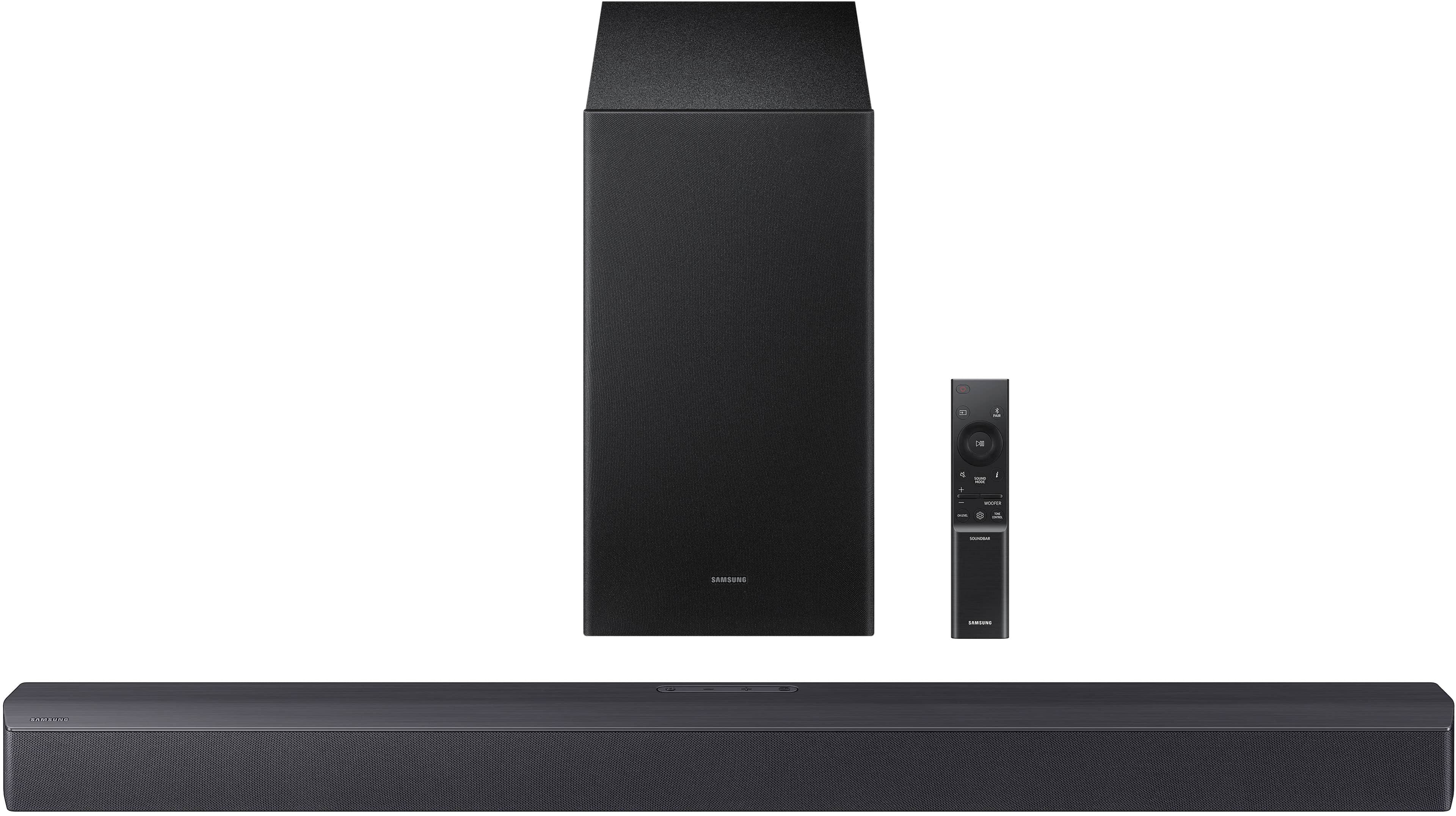
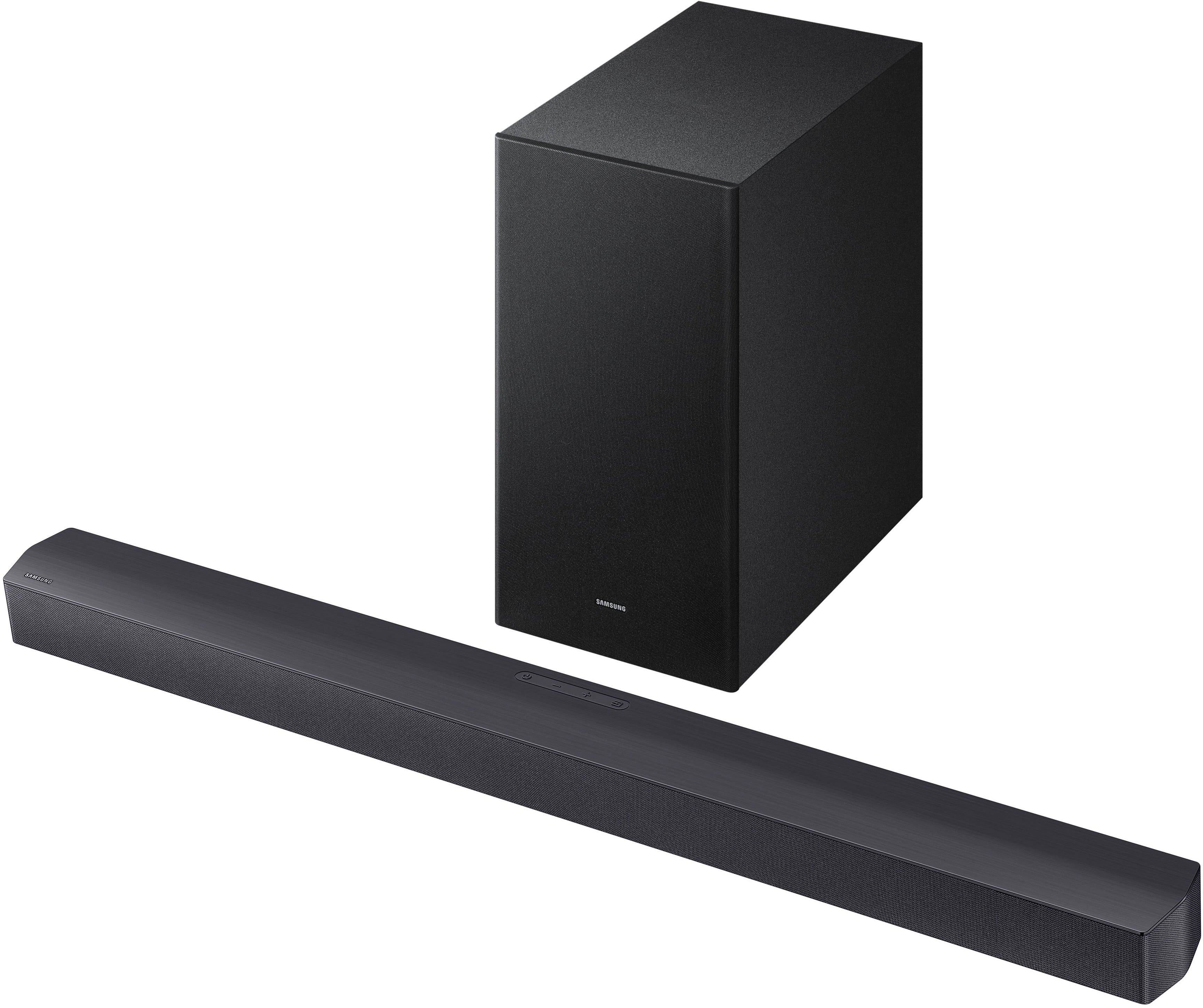
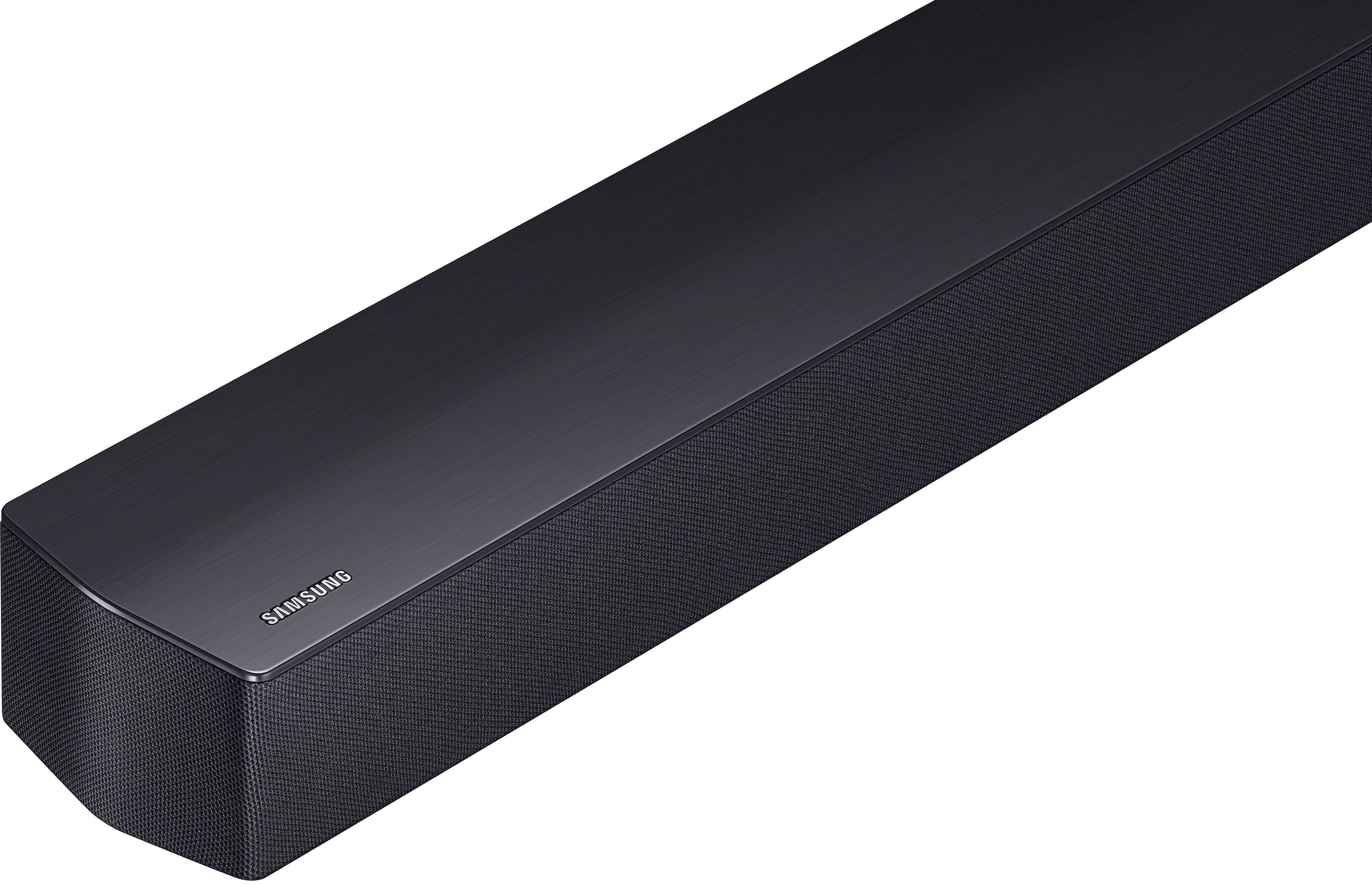
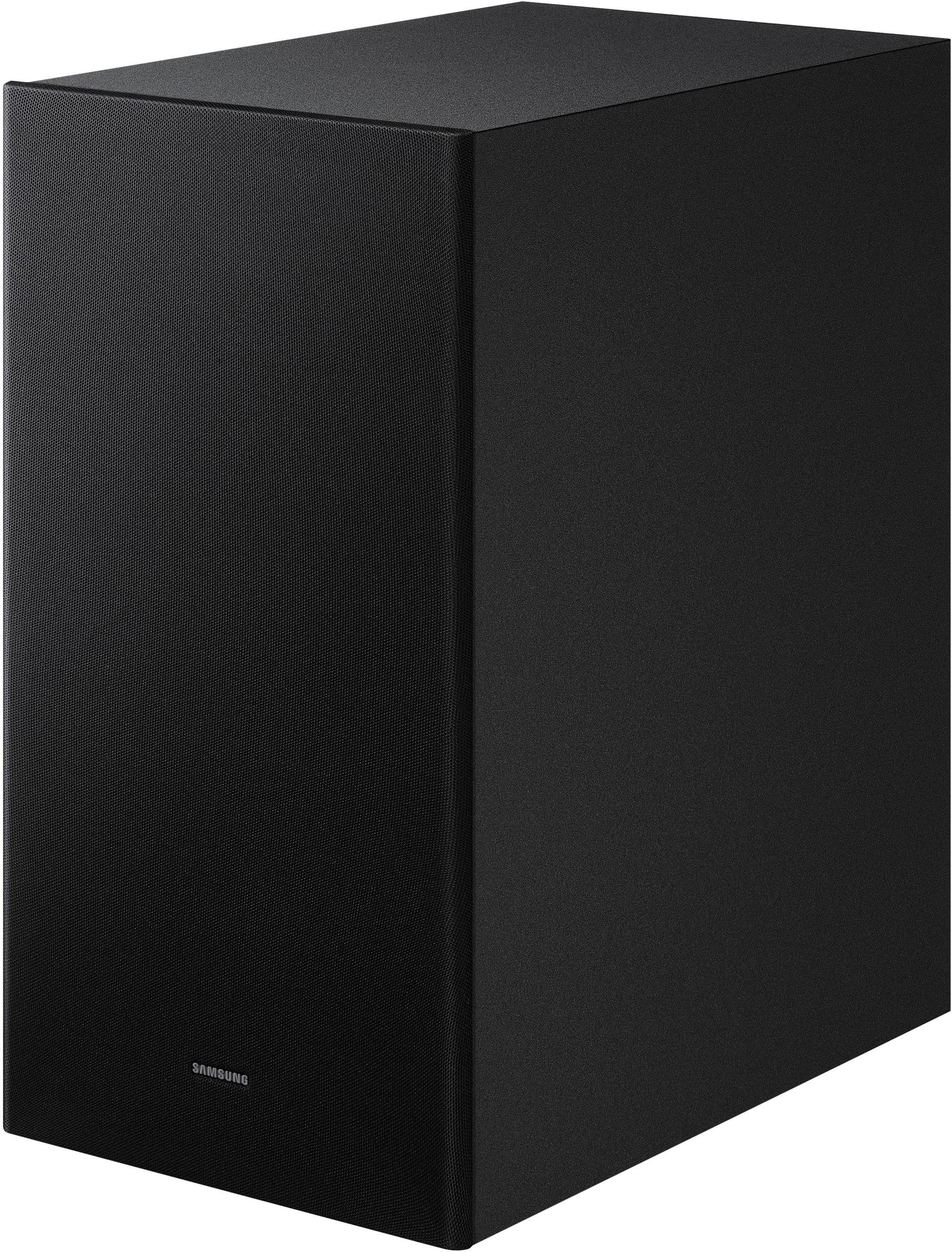
- Model:
- HW-B550F/ZA
- SKU:
- 11914113
Rating by feature
- Value
Rating 4.7 out of 5 stars
- Quality
Rating 4.7 out of 5 stars
- Ease of Use
Rating 4.7 out of 5 stars
SPEAKERS
||Posted . Owned for 3 weeks when reviewed.This reviewer received promo considerations or sweepstakes entry for writing a review.DOES NOT WORK WELL - EVEN AFTER CHANGING THE SETTINGS
No, I would not recommend this to a friendBrand response from Samsung
Posted .Hi EPPY242,
Thank you for taking a few moments to review the HW-B550F Samsung Soundbar.
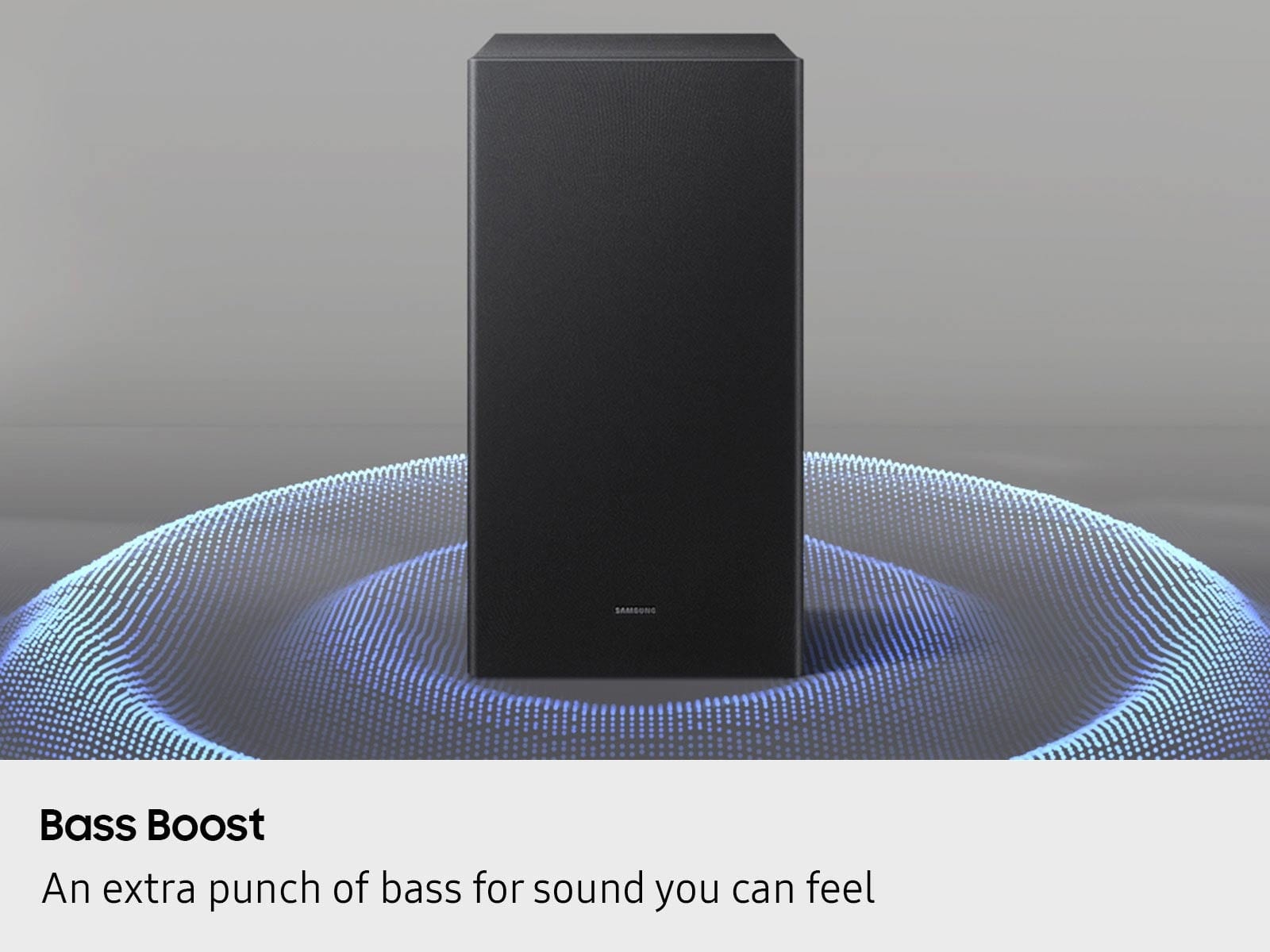
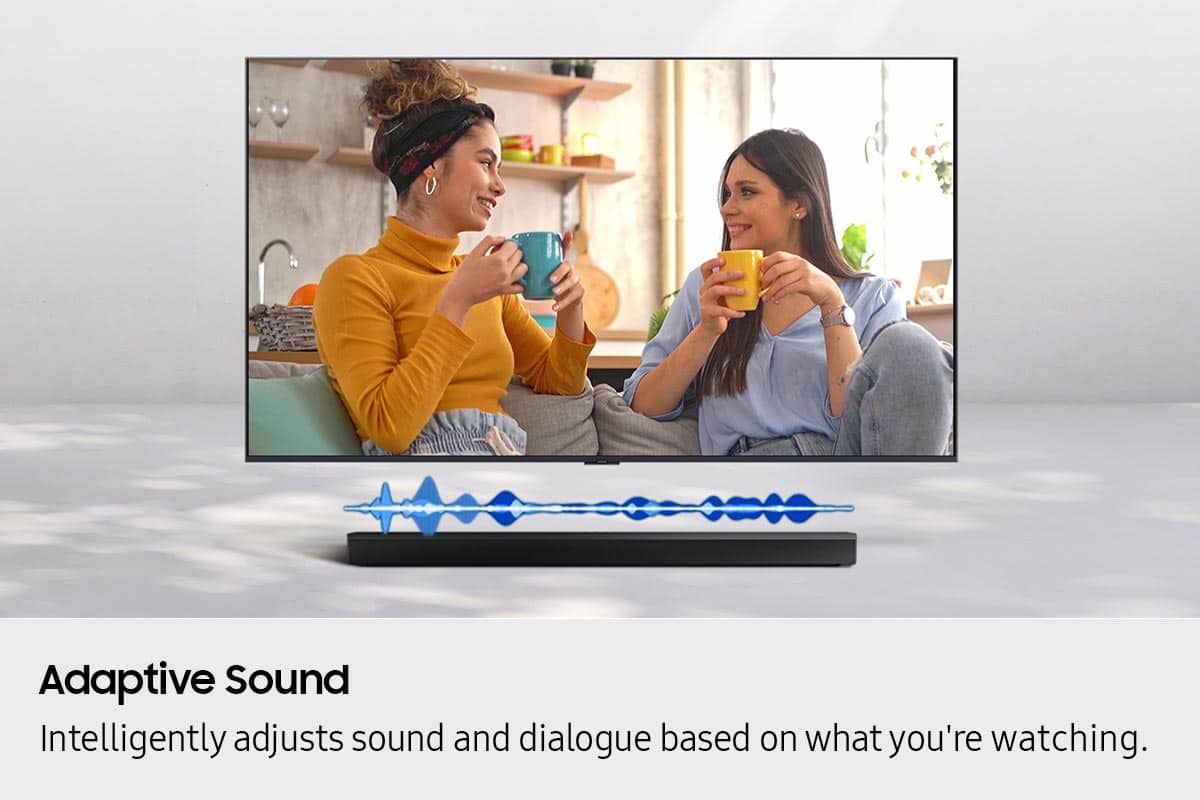
You can optimize your audio performance to your liking by pressing the SOUND MODE button on your soundbar remote, and then selecting the desired sound effect by choosing SURROUND SOUND, BASS BOOST, GAME, ADAPTIVE, DTS VIRTUAL:X, STANDARD.
By pressing the TONE CONTROL button, you can adjust the volume of the treble or bass sound. Press the button to select TREBLE or BASS and then adjust the volume between -6~+6 by using the Up/Down buttons.
Press and hold the SOUND CONTROL button for about 5 seconds to adjust the sound for each frequency band. 150Hz, 300Hz, 600Hz, 1.2kHz, 2.5kHz, 5kHz, and 10kHz are selectable using the Left/Right buttons and each can be adjusted to a setting between -6 to +6 using the Up/Down buttons. (Make sure the Sound mode is set to “STANDARD”.
Additionally, using the WOOFER button on the remote, you can adjust the subwoofer’s volume between -6 to +6 by toggling the button up or down. To set the subwoofer volume level to 0, press the button down.
With the optional SWA-9250S Wireless Rear Speaker Kit connected you can adjust the volume by using the provided Soundbar remote. Press CH LEVEL and select REAR LEVEL, then use the Up/Down buttons to adjust the volume within a -6 to +6 range.
If you need more help, Samsung is here for you. Please call us at 1-800-SAMSUNG, 8AM - 12AM EST (Ask for Soundbars), 7 days a week. Our Live Chat agents are also available by clicking on the ‘Support’ link on our website.
~ Samsung Solutions
Samsung sound bar.
||Posted . Owned for 1 month when reviewed.This reviewer received promo considerations or sweepstakes entry for writing a review.Might be OK for a very tiny room. Couldn't hear any difference from just TV.
No, I would not recommend this to a friendBrand response from Samsung
Posted .Hello BarryC,
Thank you for taking a moment to review the Samsung HW-B550F Soundbar. We value your feedback and will share it with our teams.
You can optimize your audio performance to your liking by pressing the SOUND MODE button on your soundbar remote, and then selecting the desired sound effect by choosing SURROUND SOUND, BASS BOOST, GAME, ADAPTIVE, DTS VIRTUAL:X, STANDARD.
By pressing the TONE CONTROL button, you can adjust the volume of the treble or bass sound. Press the button to select TREBLE or BASS and then adjust the volume between -6~+6 by using the Up/Down buttons.
Press and hold the SOUND CONTROL button for about 5 seconds to adjust the sound for each frequency band. 150Hz, 300Hz, 600Hz, 1.2kHz, 2.5kHz, 5kHz, and 10kHz are selectable using the Left/Right buttons and each can be adjusted to a setting between -6 to +6 using the Up/Down buttons. (Make sure the Sound mode is set to “STANDARD”.
Additionally, using the WOOFER button on the remote, you can adjust the subwoofer’s volume between -6 to +6 by toggling the button up or down. To set the subwoofer volume level to 0, press the button down.
With the optional SWA-9250S Wireless Rear Speaker Kit connected you can adjust the volume by using the provided Soundbar remote. Press CH LEVEL and select REAR LEVEL, then use the Up/Down buttons to adjust the volume within a -6 to +6 range.
If you need more help, Samsung is here for you. Please call us at 1-800-SAMSUNG, 8AM - 12AM EST (Ask for Soundbars), 7 days a week. Our Live Chat agents are also available by clicking on the ‘Support’ link on our website.
~ Samsung Solutions
- Pros mentioned:Setup ease, Sound quality
Excellent
Posted .This reviewer received promo considerations or sweepstakes entry for writing a review.This system is superb. Great sound and very user friendly
I would recommend this to a friend - Pros mentioned:Setup ease, Sound quality
Great, affordable setup
Posted .This reviewer received promo considerations or sweepstakes entry for writing a review.This is my first time buying any kind of sound upgrade for a TV and I love it. Watched a Marvel movie with the kids first thing and noticed an immediate difference. It was extremely easy to set up.
I would recommend this to a friend Good Job Best Buy, I will be back.
Posted .This reviewer received promo considerations or sweepstakes entry for writing a review.We went to Best Buy bought a new TV.The young man that helped us was helpful, Had no problem answering our questions. When We went to check out, the young lady that checked us out started a conversation with us.She was telling us that Best Buy was helping her pay for school.I am so impressed with that I will make sure I go to Best Buy first when looking for the things we need.I really believe that when you treat employees well they are happy to go the extra mile to help customers.Good Job Best Buy! I will be back.
I would recommend this to a friendIt's perfect for a bedroom
Posted .This reviewer received promo considerations or sweepstakes entry for writing a review.I absolutely love this soundbar and subwoofer. The bass is perfect for listening to music and action/horror movies. I definitely recommend this one.
I would recommend this to a friend- Pros mentioned:Sound quality
Surround
Posted .This reviewer received promo considerations or sweepstakes entry for writing a review.The Surround sound it was easy to install and everything comes out clear specially when there is big sound effect
I would recommend this to a friend Good sound.
Posted .This reviewer received promo considerations or sweepstakes entry for writing a review.Replaced my dead soundbar with this one. Its a little quiet. But once your tune it to your room. It works great. Very happy with the value.
I would recommend this to a friend