Customer Ratings & Reviews
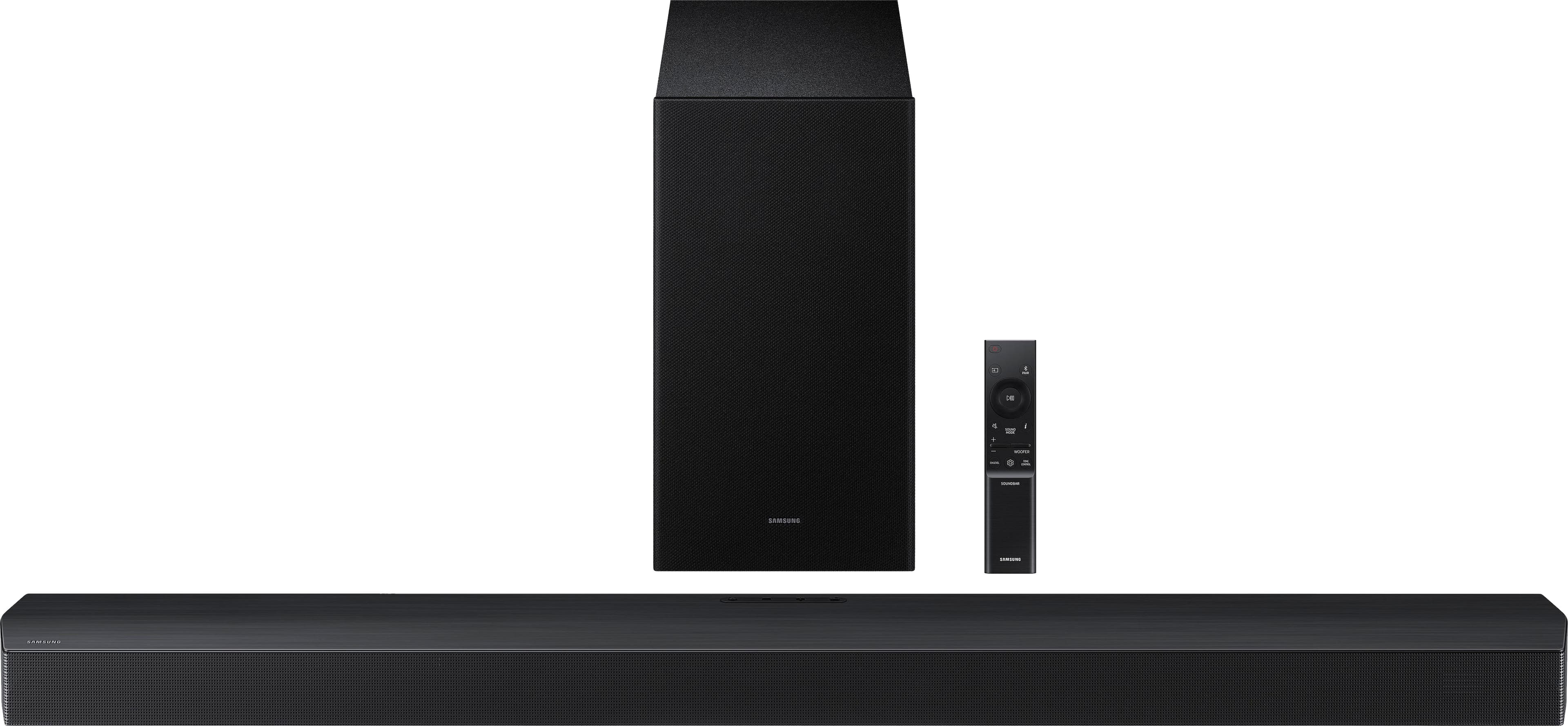
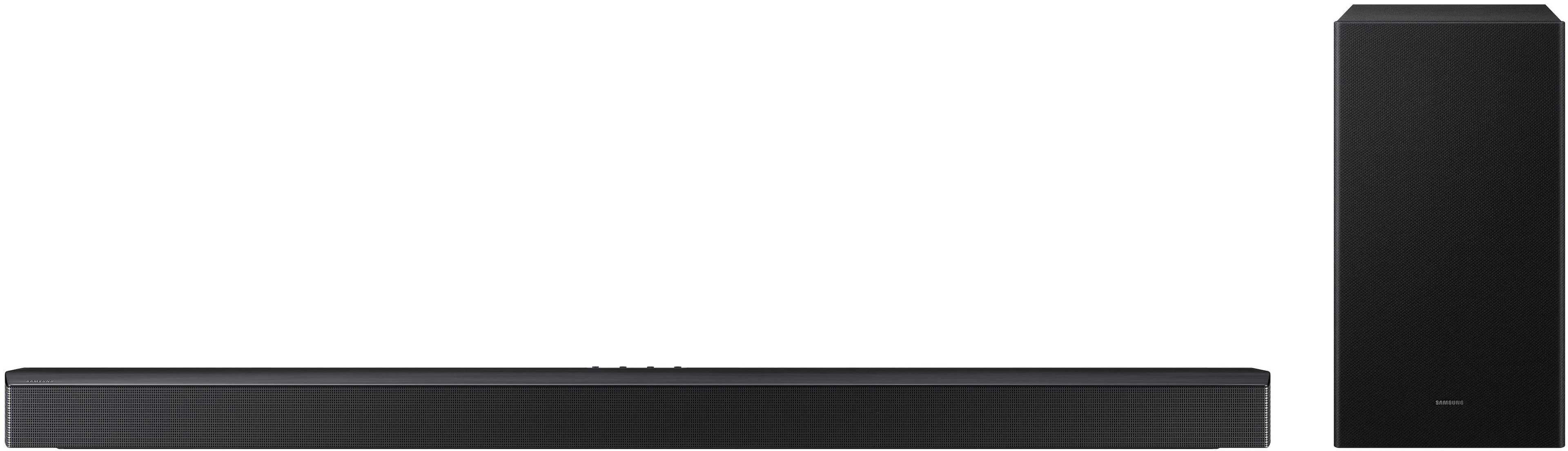
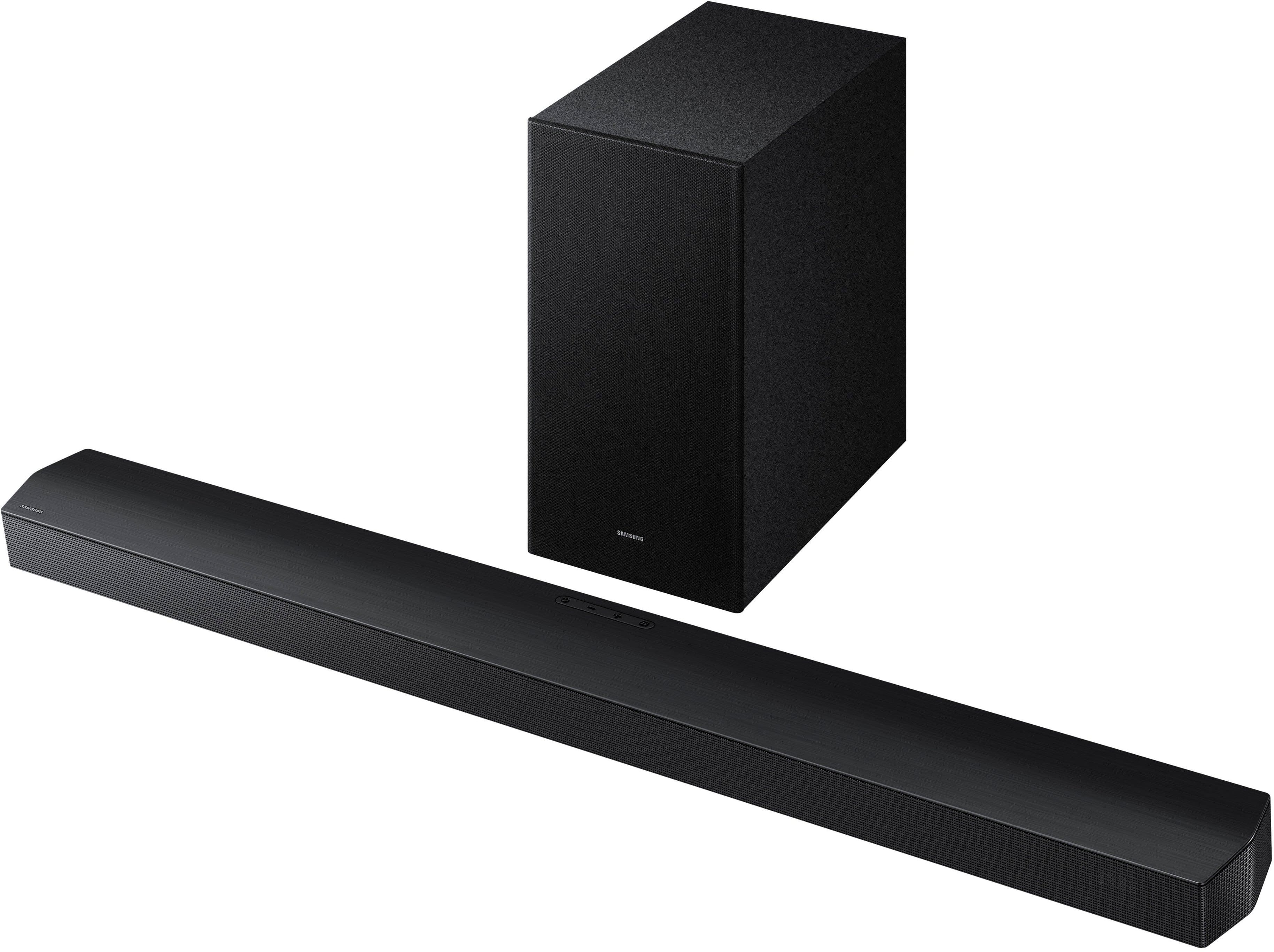
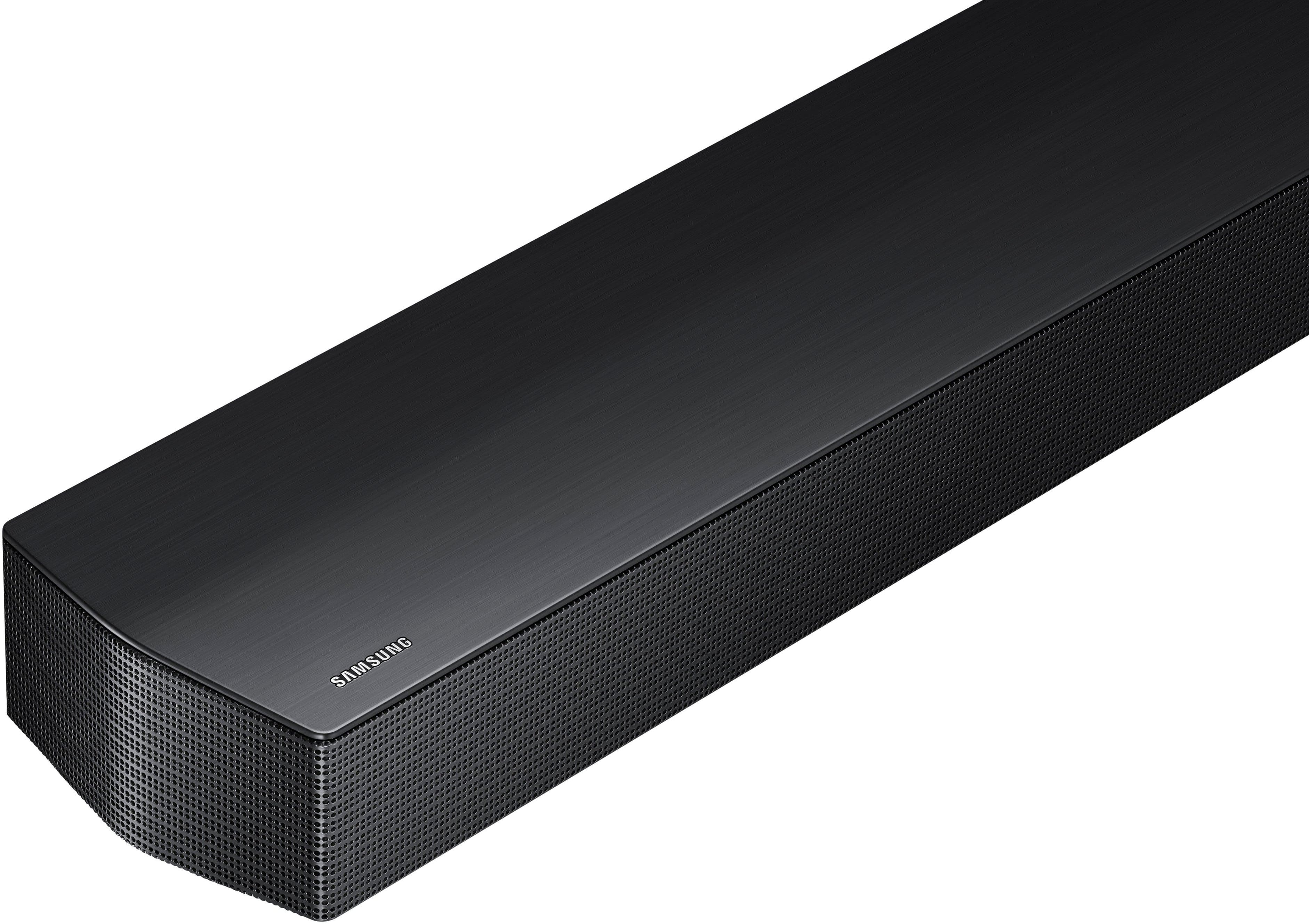

- Model:
- HW-B750F/ZA
- SKU:
- 12574209
Rating by feature
- Value
Rating 4.7 out of 5 stars
- Quality
Rating 4.7 out of 5 stars
- Ease of Use
Rating 4.8 out of 5 stars
to a friend
Must buy
||Posted .This reviewer received promo considerations or sweepstakes entry for writing a review.This soundbar makes all the difference on family movie nights! Clear sound all around.
I would recommend this to a friendWe love it
||Posted . Owned for 1 month when reviewed.This reviewer received promo considerations or sweepstakes entry for writing a review.Bought this as a Christmas gift for my boyfriend. He absolutely loves it!
I would recommend this to a friendSoundbar
||Posted .This reviewer received promo considerations or sweepstakes entry for writing a review.Sounds great and easy to set up and a great price!!
I would recommend this to a friendGreat surround sound!
||Posted .This reviewer received promo considerations or sweepstakes entry for writing a review.Everything works great, as advertised. Strongly recommend!
I would recommend this to a friendSoundbar
||Posted .This reviewer received promo considerations or sweepstakes entry for writing a review.Works well for my needs along with the samsung television.
I would recommend this to a friend3.1 surround sound system
||Posted . Owned for 1 week when reviewed.This reviewer received promo considerations or sweepstakes entry for writing a review.Excellent system,,Great price,outstanding quality.
I would recommend this to a friendBroke After 7 Months
||Posted .This reviewer received promo considerations or sweepstakes entry for writing a review.We bought this soundbar in Sept 2025 and it is April 2026 and it no longer works. This is our second Samsung soundbar and our first one worked great and lasted a long time. Very disappointed that it has already stopped working and it's been confirmed that it's an internal hardware failure.
No, I would not recommend this to a friendBrand response from Samsung
Posted .Hi DerekW,
We appreciate you taking a moment to review the HW-B750F Samsung Soundbar. We value your feedback and will share it with our teams.
First, try doing a soft reset, unplug the soundbar from the outlet for roughly 30 seconds and then plug it back in.
If this still does not correct your issue, then do a hard reset. With the Soundbar on, press the + & - Volume buttons on the body of the soundbar at the same time for at least 5 seconds. INIT OK” appears on the display and then the Soundbar is reset.
While the Soundbar is On, press both the Vol+ and Vol- buttons on the unit simultaneously until the display shows "INIT", then release. If this doesn’t work, then try using the remote control: While the Soundbar is ON, press and hold the SOUND CONTROL ("Gear") button on the Soundbar remote for 10 seconds. You will see "150HZ" on the display. Keep pressing until you see "INIT" on the display, then release.
Samsung is committed to providing the best possible product experience, quality, and value. We back this Samsung Soundbar with a 1-year limited manufacturer's warranty, including authorized repair for manufacturer defect, if purchased brand-new directly from an authorized seller.
If you need more help, Samsung is here for you. Please call us at 1-800-SAMSUNG, Mon – Fri 8 AM – 9 PM EST, Sat & Sun 8 AM – 6 PM EST. Live Chat with an agent as well as manuals, software, creating a service ticket, and warranty info can be found at the ‘Support’ link on our Samsung website.
~ Samsung Solutions
works well
||Posted . Owned for 1 month when reviewed.This reviewer received promo considerations or sweepstakes entry for writing a review.works well ***************************************
I would recommend this to a friendNeed Base
||Posted . Owned for 1 month when reviewed.This reviewer received promo considerations or sweepstakes entry for writing a review.Overall good but the base needs a-little more boom to it.
No, I would not recommend this to a friendNot Recommended
||Posted . Owned for 1 month when reviewed.This reviewer received promo considerations or sweepstakes entry for writing a review.Not as expected...................................
No, I would not recommend this to a friendBrand response from Samsung
Posted .Hello APAP,
Thank you for taking a moment to review the Samsung HW-B750F Soundbar.
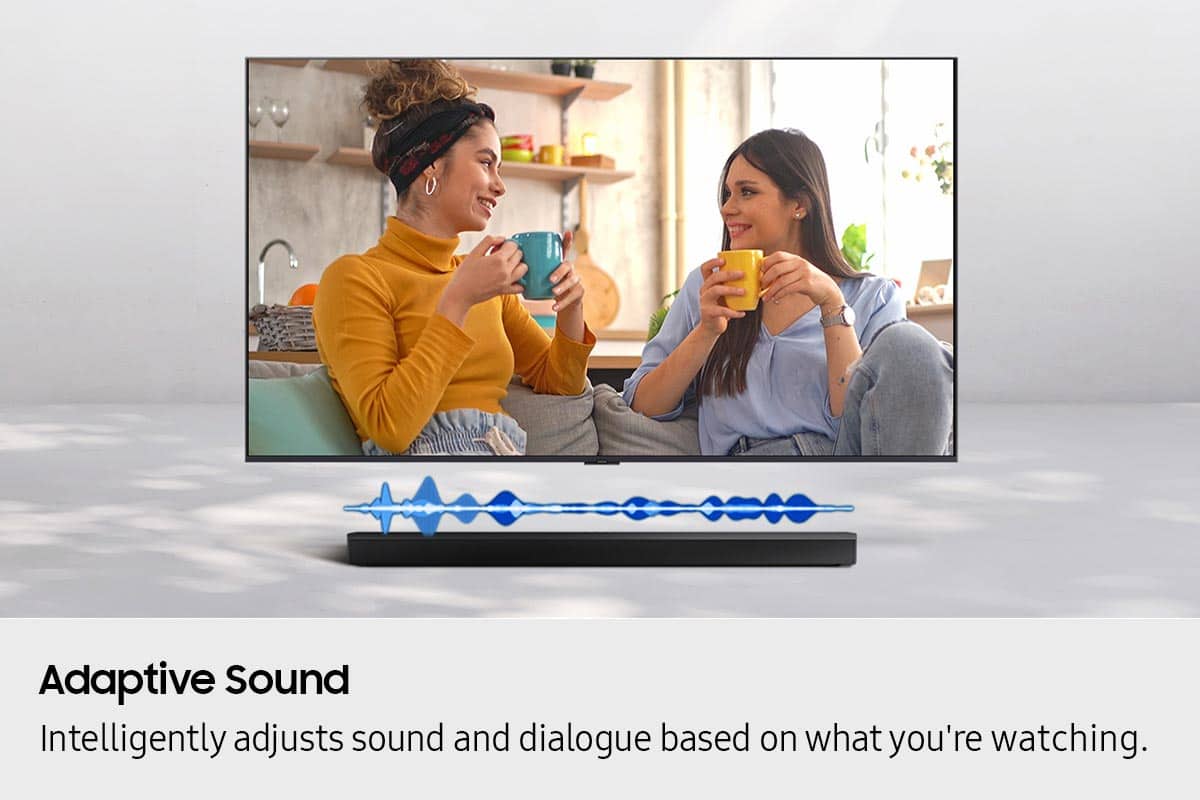
You can optimize your audio performance to your liking by pressing the SOUND MODE button on your soundbar remote, and then selecting the desired sound effect by choosing SURROUND SOUND, BASS BOOST, GAME, ADAPTIVE, DTS VIRTUAL:X, STANDARD.
By pressing the TONE CONTROL button, you can adjust the volume of the treble or bass sound. Press the button to select TREBLE or BASS and then adjust the volume between -6~+6 by using the Up/Down buttons.
Press and hold the SOUND CONTROL button for about 5 seconds to adjust the sound for each frequency band. 150Hz, 300Hz, 600Hz, 1.2kHz, 2.5kHz, 5kHz, and 10kHz are selectable using the Left/Right buttons and each can be adjusted to a setting between -6 to +6 using the Up/Down buttons. (Make sure the Sound mode is set to “STANDARD”.
Additionally, using the WOOFER button on the remote, you can adjust the subwoofer’s volume between -6 to +6 by toggling the button up or down. To set the subwoofer volume level to 0, press the button down.
With the optional SWA-9250S Wireless Rear Speaker Kit connected you can adjust the volume by using the provided Soundbar remote. Press CH LEVEL and select REAR LEVEL, then use the Up/Down buttons to adjust the volume within a -6 to +6 range.
If you need more help, Samsung is here for you. Please call us at 1-800-SAMSUNG, 8AM - 12AM EST (Ask for Soundbars), 7 days a week. Our Live Chat agents are also available by clicking on the ‘Support’ link on our website.
~ Samsung Solutions
Over priced
||Posted .This reviewer received promo considerations or sweepstakes entry for writing a review.Doesn't work as advertised for the price thought it would sound more surround sound not the case
No, I would not recommend this to a friendBrand response from Samsung
Posted .Hi RogerC,
Thank you for taking a moment to review the HW-B750F Soundbar.
By pressing the TONE CONTROL button, you can adjust the volume of the treble or bass sound. Press the button to select TREBLE or BASS and then adjust the volume between -6~+6 by using the Up/Down buttons.
Press and hold the SOUND CONTROL button for about 5 seconds to adjust the sound for each frequency band. 150Hz, 300Hz, 600Hz, 1.2kHz, 2.5kHz, 5kHz, and 10kHz are selectable using the Left/Right buttons and each can be adjusted to a setting between -6 to +6 using the Up/Down buttons. (Make sure the Sound mode is set to “STANDARD”.
Additionally, using the WOOFER button on the remote, you can adjust the subwoofer’s volume between -6 to +6 by toggling the button up or down. To set the subwoofer volume level to 0, press the button down.
With the optional SWA-9250S Wireless Rear Speaker Kit connected you can adjust the volume by using the provided Soundbar remote. Press CH LEVEL and select REAR LEVEL, then use the Up/Down buttons to adjust the volume within a -6 to +6 range.
If you need more help, Samsung is here for you. Please call us at 1-800-SAMSUNG, 8AM - 12AM EST (Ask for Soundbars), 7 days a week. Our Live Chat agents are also available by clicking on the ‘Support’ link on our website.
~ Samsung Solutions
it's ok
||Posted .This reviewer received promo considerations or sweepstakes entry for writing a review.sound is ok would not purchase a Samsung sound bar again.
No, I would not recommend this to a friendBrand response from Samsung
Posted .Hi ChristopherS,
Thank you for taking a moment to review the Samsung HW-B750F Soundbar.
By pressing the TONE CONTROL button, you can adjust the volume of the treble or bass sound. Press the button to select TREBLE or BASS and then adjust the volume between -6~+6 by using the Up/Down buttons.
Press and hold the SOUND CONTROL button for about 5 seconds to adjust the sound for each frequency band. 150Hz, 300Hz, 600Hz, 1.2kHz, 2.5kHz, 5kHz, and 10kHz are selectable using the Left/Right buttons and each can be adjusted to a setting between -6 to +6 using the Up/Down buttons. (Make sure the Sound mode is set to “STANDARD”.
Additionally, using the WOOFER button on the remote, you can adjust the subwoofer’s volume between -6 to +6 by toggling the button up or down. To set the subwoofer volume level to 0, press the button down.
With the optional SWA-9250S Wireless Rear Speaker Kit connected you can adjust the volume by using the provided Soundbar remote. Press CH LEVEL and select REAR LEVEL, then use the Up/Down buttons to adjust the volume within a -6 to +6 range.
If you need more help, Samsung is here for you. Please call us at 1-800-SAMSUNG, 8AM - 12AM EST (Ask for Soundbars), 7 days a week. Our Live Chat agents are also available by clicking on the ‘Support’ link on our website.
~ Samsung Solutions
Not Recommended
||Posted . Owned for 1 month when reviewed.This reviewer received promo considerations or sweepstakes entry for writing a review.I bought this soundbar at the end of August, and it broke (no audio) by mis Sept. I don't recommend it
No, I would not recommend this to a friendBrand response from Samsung
Posted .Hello HonestAbe,
We appreciate your feedback regarding the issues you are experiencing with your HW-B750F Soundbar.
Samsung is committed to providing the best possible product experience, quality, and value. We back this Samsung Soundbar with a 1-year limited manufacturer's warranty, including authorized repair for manufacturer defect, if purchased brand-new directly from an authorized seller.
There are a few steps you can take to troubleshoot your Soundbar.
First, you will want to download the latest software for your Soundbar. You can download the firmware directly from Samsung’s website by clicking “Support” in the top right corner. Then go to “Manuals & Software” > “TVs & Home Audio” > “Home Audio” > “Sound Bars”. From there, you can select the HW-B750F under Standard Series.
Download the update and install it via USB thumb stick to your soundbar. If you need additional help, there are how-to instructions on this page. Please know that Samsung Customer Service is here to assist as well.
Alternatively, you can download SmartThings on your iOS or Android device. This will allow you to update your Soundbar automatically or manually right from your phone or tablet.
Please verify that you are running the latest firmware on your TV. You can check to see what software version your TV is using and if there is an available update through the settings on your TV. Go to: Menu > Settings > Support > Software Update.
First, try doing a soft reset, unplug the soundbar from the outlet for roughly 30 seconds and then plug it back in.
If this still does not correct your issue, then do a hard reset. With the Soundbar on, press the + & - Volume buttons on the body of the soundbar at the same time for at least 5 seconds. INIT OK” appears on the display and then the Soundbar is reset.
While the Soundbar is On, press both the Vol+ and Vol- buttons on the unit simultaneously until the display shows "INIT", then release. If this doesn’t work, then try using the remote control: While the Soundbar is ON, press and hold the SOUND CONTROL ("Gear") button on the Soundbar remote for 10 seconds. You will see "150HZ" on the display. Keep pressing until you see "INIT" on the display, then release.
If you need more help, Samsung is here for you. Please call us at 1-800-SAMSUNG, 8AM - 12AM EST (Ask for Soundbars), 7 days a week. Our Live Chat agents are also available by clicking on the ‘Support’ link on our website.
~ Samsung Solutions
Great Soundbar
Posted .This reviewer received promo considerations or sweepstakes entry for writing a review.My husband and I were skeptical at first in getting a soundbar, but were so glad that we did. The soundbar brings the sound alive.
I would recommend this to a friendNice speaker
Posted .This reviewer received promo considerations or sweepstakes entry for writing a review.These really bring the sound home. It took a little getting used to. So much more sound
I would recommend this to a friendImpressed
Posted .This reviewer received promo considerations or sweepstakes entry for writing a review.Totally impressed with the quality of this soundbar
I would recommend this to a friendSoundbar
Posted .This reviewer received promo considerations or sweepstakes entry for writing a review.First time buying a sound bar and I just love it the sound is great
I would recommend this to a friendSamsung surround
Posted .This reviewer received promo considerations or sweepstakes entry for writing a review.Best sound bar ever out there and better yet best buy have it.
I would recommend this to a friend