Customer Ratings & Reviews

- Model:
- HW-B750F/ZA
- SKU:
- 6619388
Rating by feature
- Value
Rating 4.7 out of 5 stars
- Quality
Rating 4.7 out of 5 stars
- Ease of Use
Rating 4.8 out of 5 stars
Customers are saying
Customers are delighted by the excellent sound quality and the simple setup process. Many also appreciate the impressive bass and sleek design. However, some customers have noted limitations regarding its maximum volume and the absence of HDMI ARC/eARC support.
This summary was generated by AI based on customer reviews.
- Pros mentioned:Sound quality
wonderful soundbar
||Posted . Owned for 3 weeks when reviewed.This reviewer received promo considerations or sweepstakes entry for writing a review.Enjoying movies, the crystal clear sound from sound bar and woofer. The Bass Boost delivers punchy, clean sub-bass that enhances action sequences without muddiness. Setup and ease of use were repeatedly called “plug-and-play,” and many users noted immediate integration with Samsung TVs via HDMI ARC or Bluetooth Works best in small to mid‑sized rooms.
I would recommend this to a friend - Pros mentioned:Sound quality
Exceptional sound bar!
||Posted . Owned for 3 weeks when reviewed.This reviewer received promo considerations or sweepstakes entry for writing a review.Stellar sound !!! Far exceeds the speakers from the new TV. I would definitely recommend this sound bar system for the sheer pleasure of mini home theater!
I would recommend this to a friend - Pros mentioned:Sound quality
Great Purchase
||Posted . Owned for 3 weeks when reviewed.This reviewer received promo considerations or sweepstakes entry for writing a review.Very easy to set up and sounds great. Subwoofer adds amazing depth to sound and really fills the room.
I would recommend this to a friend - Pros mentioned:Sound quality
Great setup!
||Posted . Owned for 2 weeks when reviewed.This reviewer received promo considerations or sweepstakes entry for writing a review.Great sound quality. Really makes it sound like youre in the movie theater. Great bang for your buck!
I would recommend this to a friend - Pros mentioned:Sound quality
Perfect soundbar
||Posted . Owned for 2 weeks when reviewed.This reviewer received promo considerations or sweepstakes entry for writing a review.Very good Soundbar; easy to install with my Samsung TV; it has a nice surround sound; everything I have bought at Best Buy has worked perfectly
I would recommend this to a friend - Pros mentioned:Sound quality
Not bad for the price qualities Cell also
||Posted .This reviewer received promo considerations or sweepstakes entry for writing a review.Love it is connected to my dell computer and Samsung tv i use it on Roku and zoom stream videos on computer as well as Roku streaming very happy with the quality of the sound simple to set up also not too complicated. Good quality works well with television as well as computer.
I would recommend this to a friend - Pros mentioned:Sound quality
Great soundbar at a solid price point
||Posted . Owned for 2 weeks when reviewed.This reviewer received promo considerations or sweepstakes entry for writing a review.Really enjoying this soundbar. It replaced an older more expensive one and i actually prefer it.
I would recommend this to a friend - Pros mentioned:Sound quality
Samsung sound bar
||Posted . Owned for 1 month when reviewed.This reviewer received promo considerations or sweepstakes entry for writing a review.Great sound, we love it!! Great to watch sporting events, You Tube concert videos that i just blast the sound !!
I would recommend this to a friend - Pros mentioned:Sound quality
Sound is great
||Posted . Owned for 2 weeks when reviewed.This reviewer received promo considerations or sweepstakes entry for writing a review.Great bass, really fills the livingroom if you dont have a soundbar already this is an excellent choice
I would recommend this to a friend - Pros mentioned:Sound qualityCons mentioned:Volume
Not Loud@
||Posted . Owned for 1 month when reviewed.This reviewer received promo considerations or sweepstakes entry for writing a review.Sound is fine but its not very loud at full volume. Its in the basement mostly for sports and movies. However, if your like me and just want to listen to loud music once in a while buy something else.
No, I would not recommend this to a friendBrand response from Samsung
Posted .Hi Trash33,
Thank you for taking a few moments to review the HW-B750F Samsung Soundbar. I am sorry to hear that you are not completely satisfied with the overall volume of the soundbar.
If you don't have a surround system, you will probably want to select PCM audio on your TV. You'll get much louder volume that way, and potentially better sound quality.
If your Digital Output Audio Format isn't set to PCM, for instance if you have a Dolby option selected, then you will likely notice decreased maximum volume. Dolby options are designed for surround systems (like 3.1.2 or 7.1), whereas PCM provides great sound quality for stereo speakers.
On a Samsung TV this can be found at Home > Settings > Sound > Expert Settings. (It can also be found in the Quick Settings.)
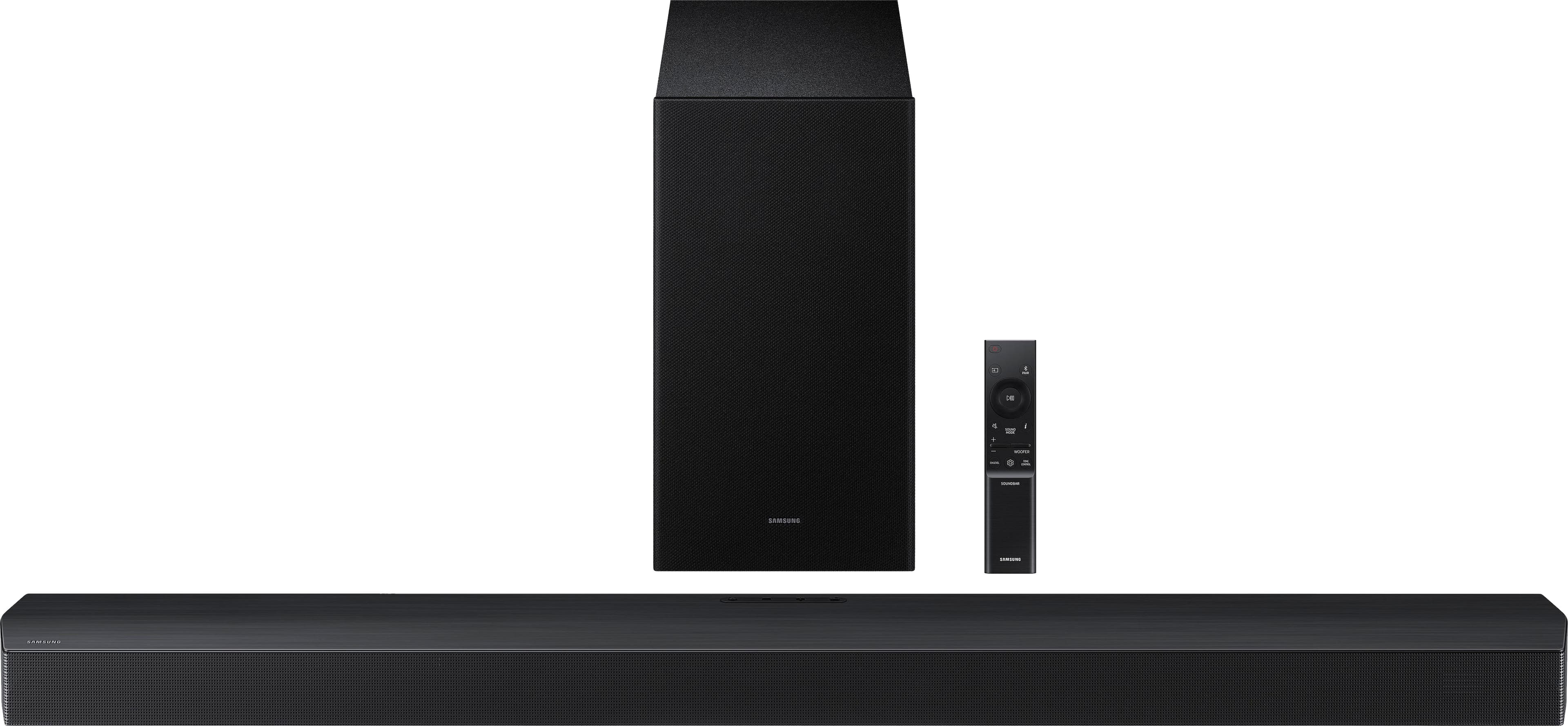
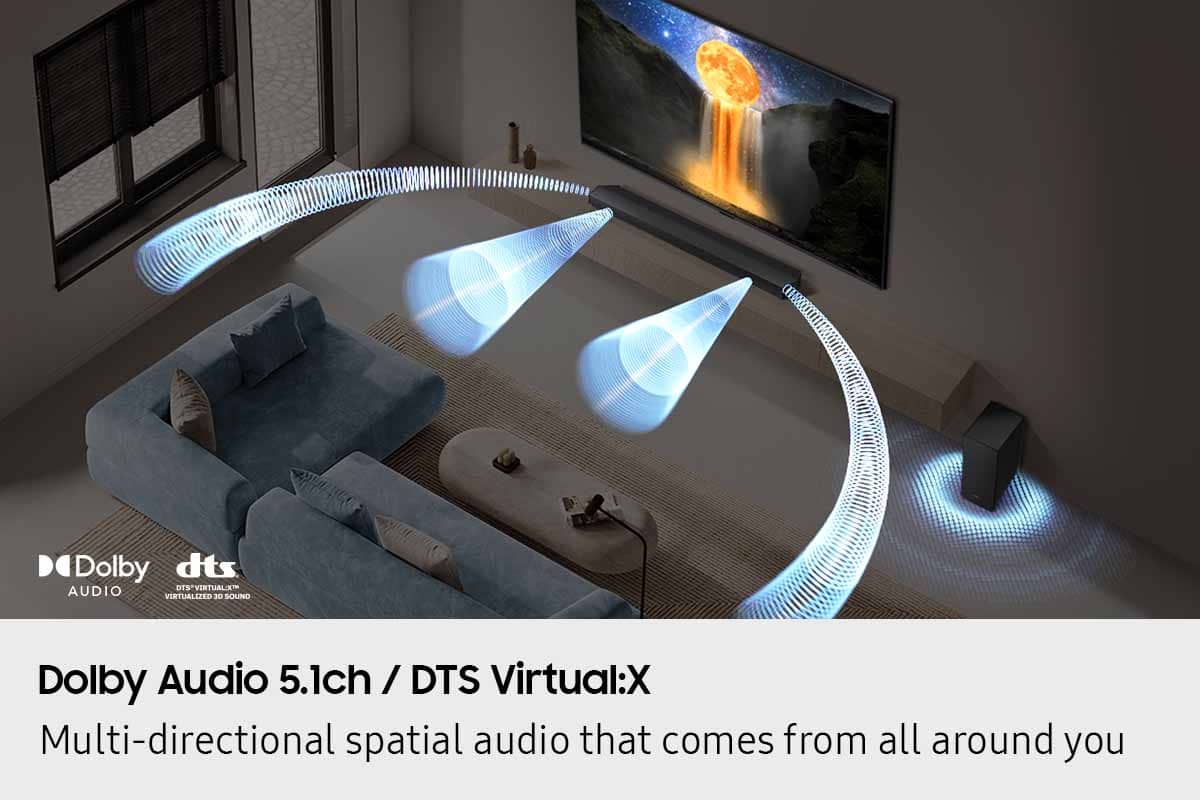
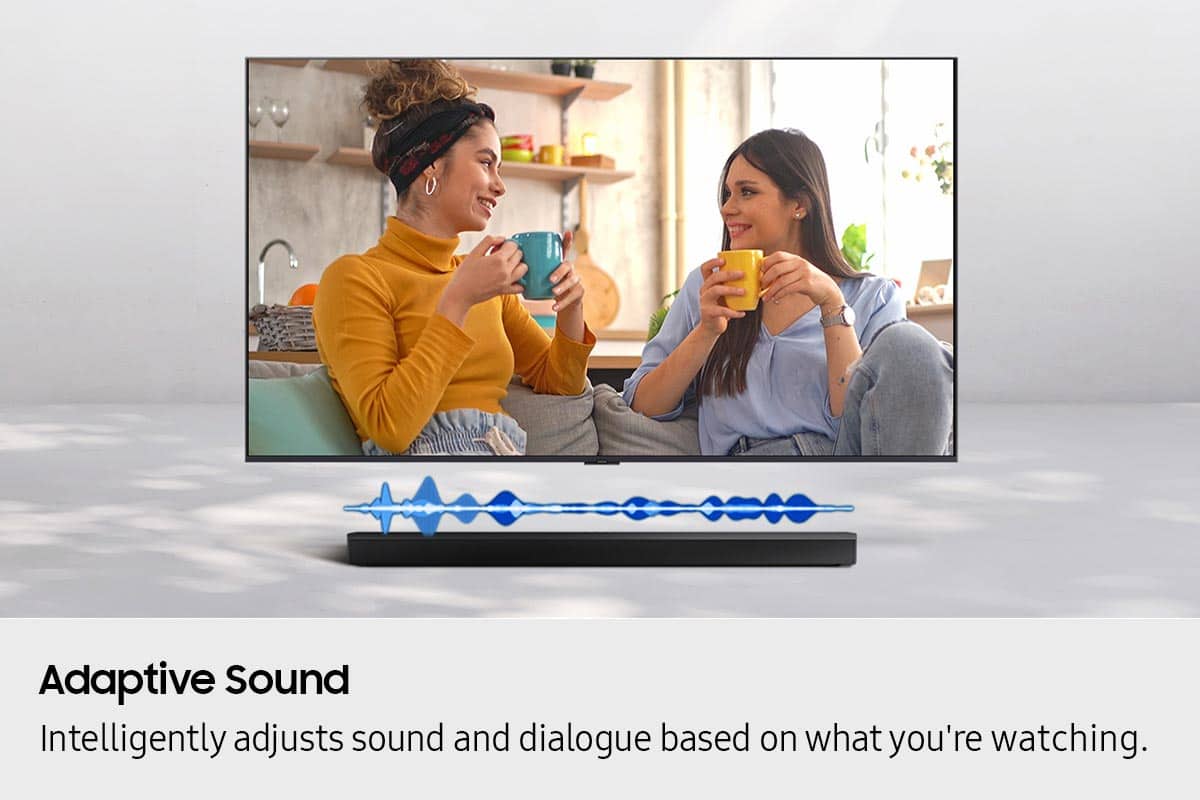
You can optimize your audio performance to your liking by pressing the SOUND MODE button on your soundbar remote, and then selecting the desired sound effect by choosing SURROUND SOUND, BASS BOOST, GAME, ADAPTIVE, DTS VIRTUAL:X, STANDARD.
By pressing the TONE CONTROL button, you can adjust the volume of the treble or bass sound. Press the button to select TREBLE or BASS and then adjust the volume between -6~+6 by using the Up/Down buttons.
Press and hold the SOUND CONTROL button for about 5 seconds to adjust the sound for each frequency band. 150Hz, 300Hz, 600Hz, 1.2kHz, 2.5kHz, 5kHz, and 10kHz are selectable using the Left/Right buttons and each can be adjusted to a setting between -6 to +6 using the Up/Down buttons. (Make sure the Sound mode is set to “STANDARD”.
Additionally, using the WOOFER button on the remote, you can adjust the subwoofer’s volume between -6 to +6 by toggling the button up or down. To set the subwoofer volume level to 0, press the button down.
With the optional SWA-9250S Wireless Rear Speaker Kit connected you can adjust the volume by using the provided Soundbar remote. Press CH LEVEL and select REAR LEVEL, then use the Up/Down buttons to adjust the volume within a -6 to +6 range.
If you need more help, Samsung is here for you. Please call us at 1-800-SAMSUNG, 8AM - 12AM EST (Ask for Soundbars), 7 days a week. Our Live Chat agents are also available by clicking on the ‘Support’ link on our website.
~ Samsung Solutions
Not as easy as it said
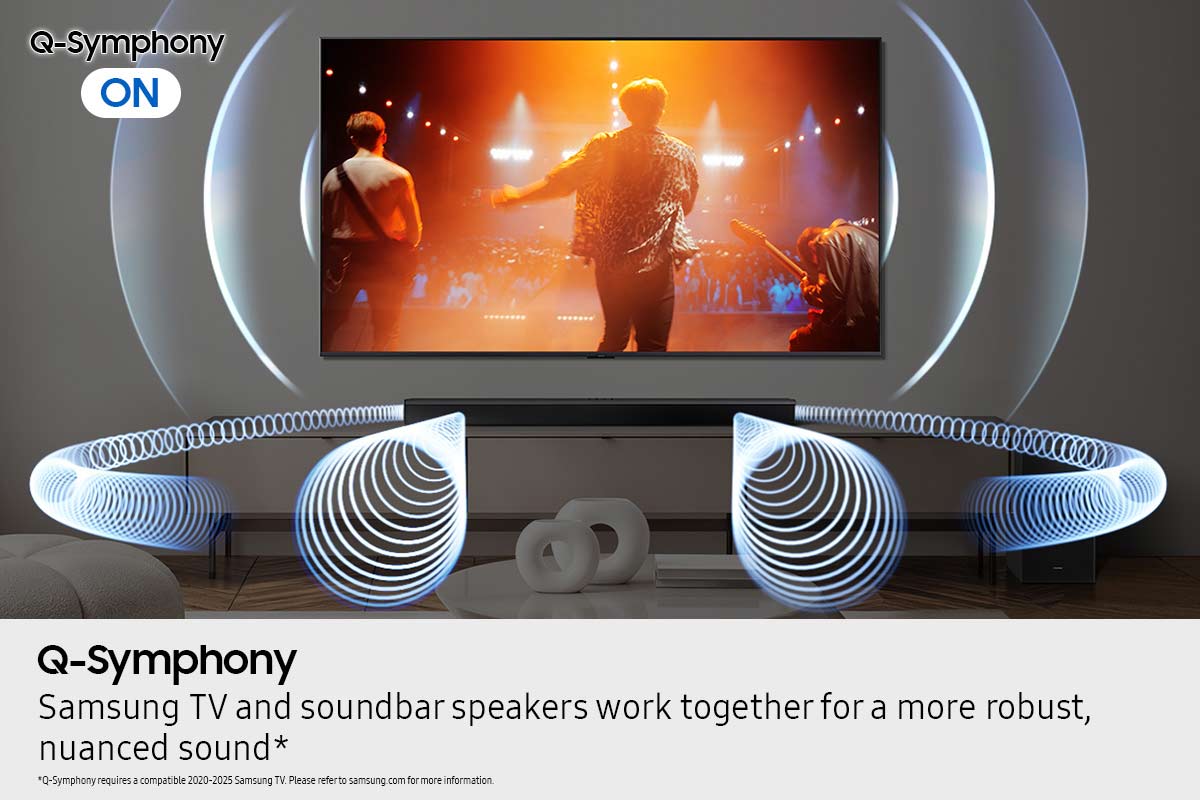
||Posted . Owned for 1 month when reviewed.This reviewer received promo considerations or sweepstakes entry for writing a review.So far so good. The only frustrating part was that I could not get the Q Symphony feature set up even though this sound bar and my new Samsung TV both had it. Things did not connect as smoothly as it said that it would.
I would recommend this to a friend- Pros mentioned:Sound quality
Overall Sound Quality
||Posted . Owned for 3 months when reviewed.This reviewer received promo considerations or sweepstakes entry for writing a review.Sounds like a full 180 wide experience with the most soujd coming from the middle. Bass is awesome for the size.
I would recommend this to a friend - Pros mentioned:Sound quality
Samsung Sound Bar
||Posted . Owned for 3 weeks when reviewed.This reviewer received promo considerations or sweepstakes entry for writing a review.The soundbar works miraculously.It adds tremendous sound to my living room.
I would recommend this to a friend - Pros mentioned:Sound quality
Great Soundbar
||Posted .This reviewer received promo considerations or sweepstakes entry for writing a review.This soundbar delivers excellent sound. It's much better that our previous Samsung sound bar that had the 2 wireless speakers. The bass is very nice as well.
I would recommend this to a friend - Pros mentioned:Sound quality
Awesome sound bar system
||Posted .This reviewer received promo considerations or sweepstakes entry for writing a review.Clean crisp sound and a great value for the price. Wish it was a bit louder, but the bass makes up for it, you feel it. We love using it with our Samsung TV adds another speaker to the system with the Q Symphony feature. Surround works perfect when you sit in the sweet spot.
I would recommend this to a friend - Pros mentioned:Sound quality
Highly recommend
||Posted . Owned for 1 month when reviewed.This reviewer received promo considerations or sweepstakes entry for writing a review.The sound in phenomenal. Perfect compliment with new tv.
I would recommend this to a friend - Pros mentioned:Sound quality
Good Deal
||Posted . Owned for 4 months when reviewed.This reviewer received promo considerations or sweepstakes entry for writing a review.I recently bought this soundbar for my bedroom, and I couldn’t be happier with my purchase! The sound quality is excellent — clear vocals, deep bass, and perfect balance even at low volumes.
I would recommend this to a friend Sound bar
||Posted . Owned for 1 month when reviewed.This reviewer received promo considerations or sweepstakes entry for writing a review.Amazing depth of sound loud bass and speakers blast through the room. Amazing for my home theater.
I would recommend this to a friend- Pros mentioned:Sound quality
Soundbar
||Posted . Owned for 2 weeks when reviewed.This reviewer received promo considerations or sweepstakes entry for writing a review.Love the sound. Great bass and clarity. Would recommend at this price point.
I would recommend this to a friend - Pros mentioned:Sound quality
The Samsung HW-B750F soundbar delivers performance
||Posted .This reviewer received promo considerations or sweepstakes entry for writing a review.The Samsung HW-B750F soundbar is a great addition to our Samsung 75 inch tv. It performs well and delivers impressive sound. I recommend this product.
I would recommend this to a friend