Customer Ratings & Reviews


- Model:
- ME21DG6700MTAA
- SKU:
- 6568545
Rating by feature
- Performance
Rating 4.7 out of 5 stars
- Cook Settings
Rating 4.7 out of 5 stars
- Quality
Rating 4.6 out of 5 stars
Customers are saying
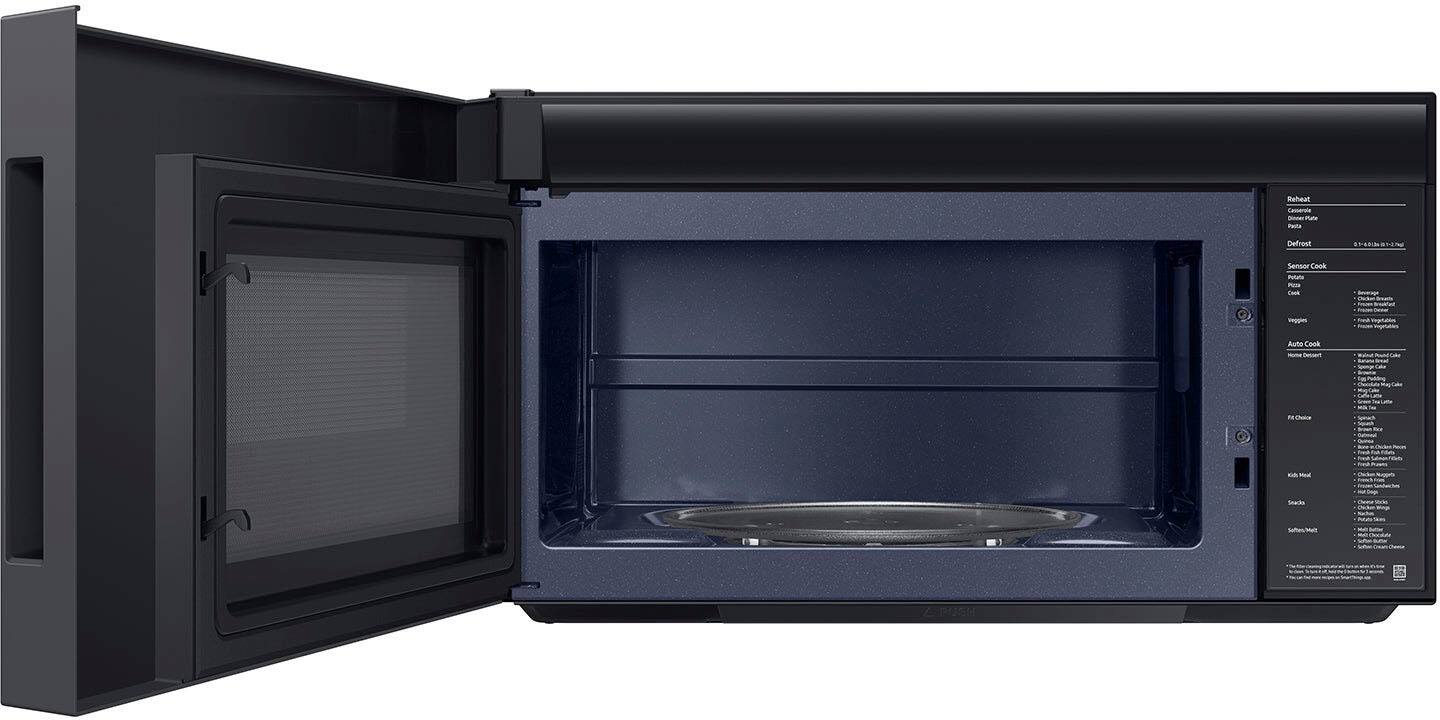
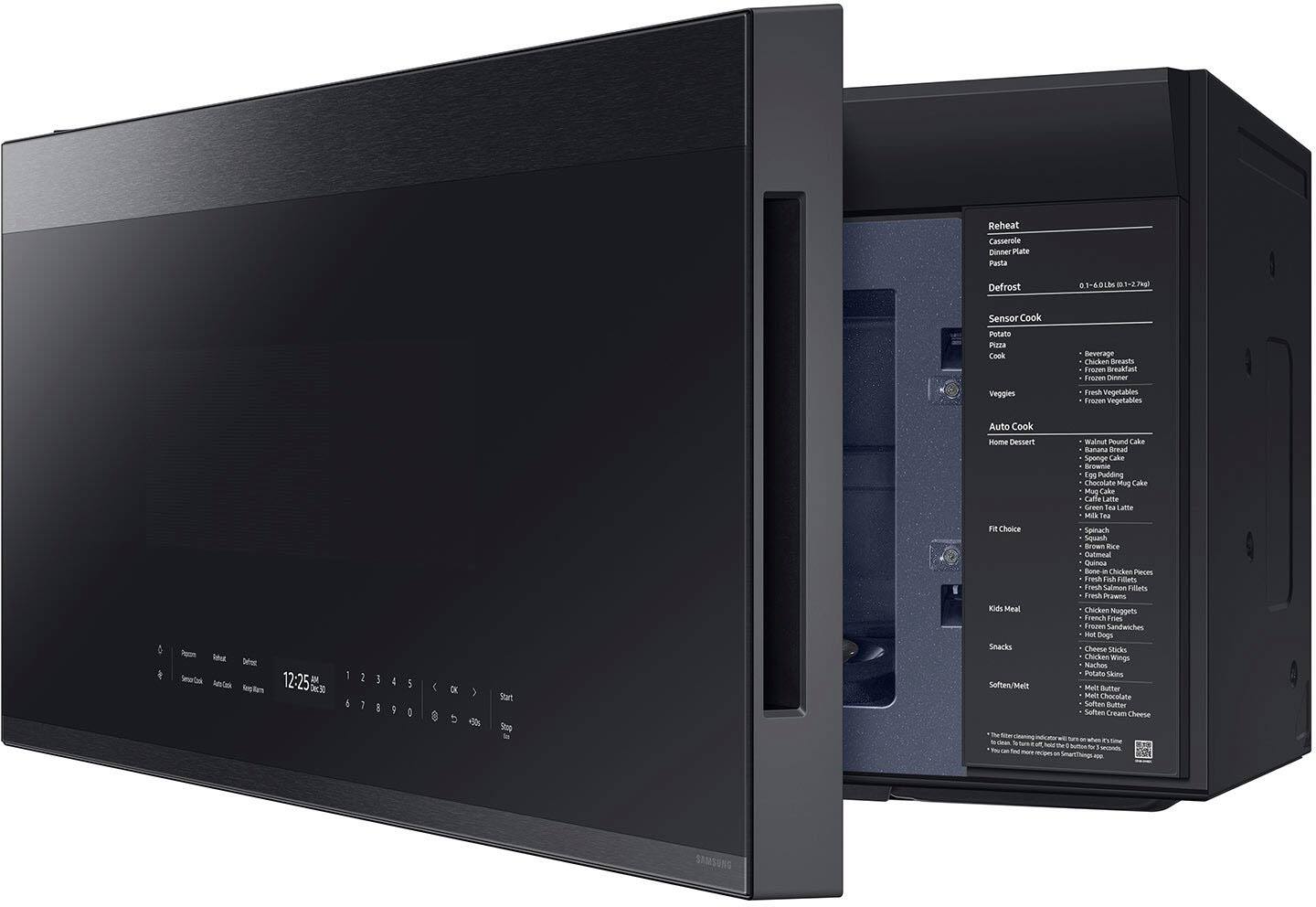
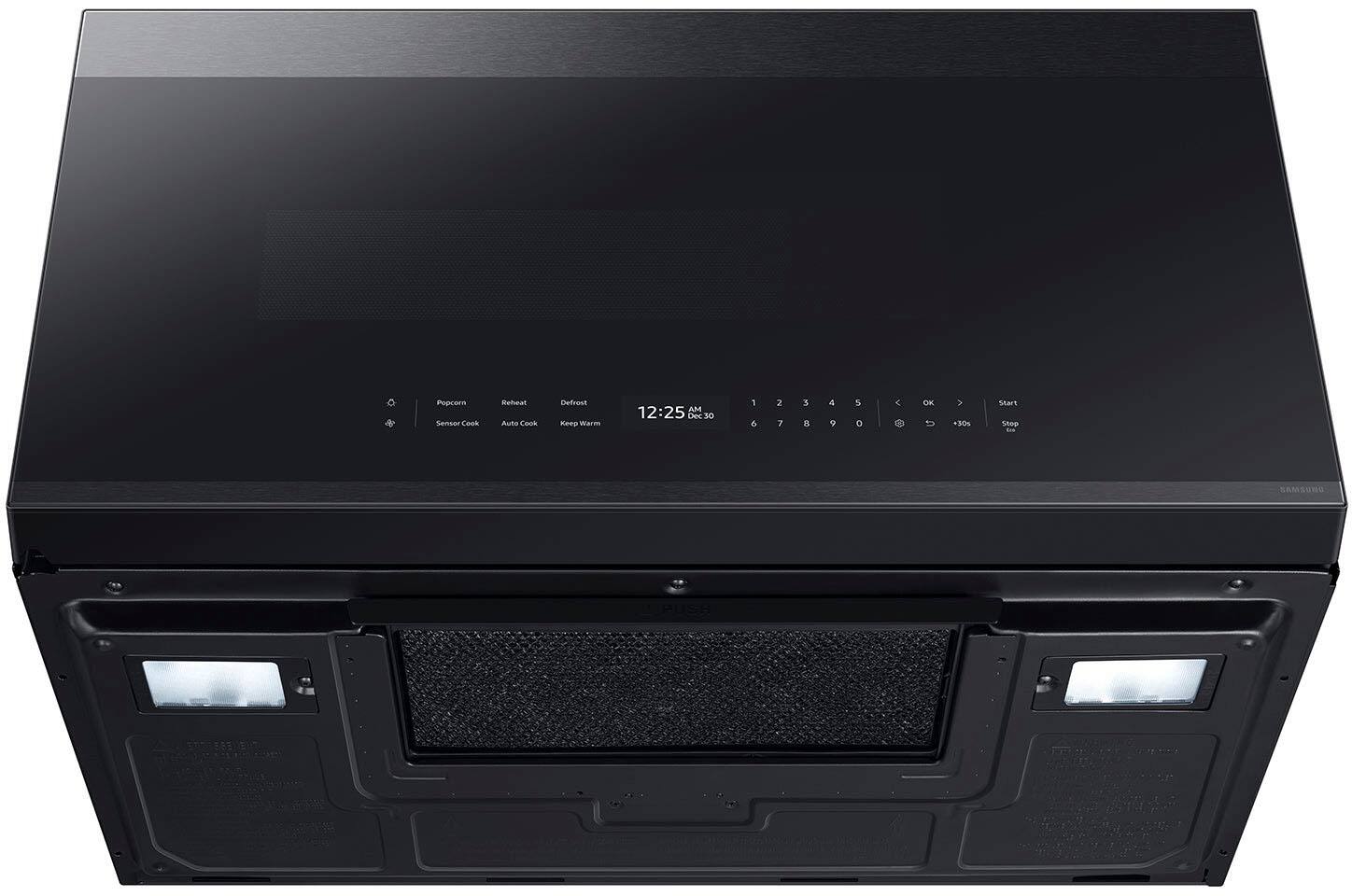
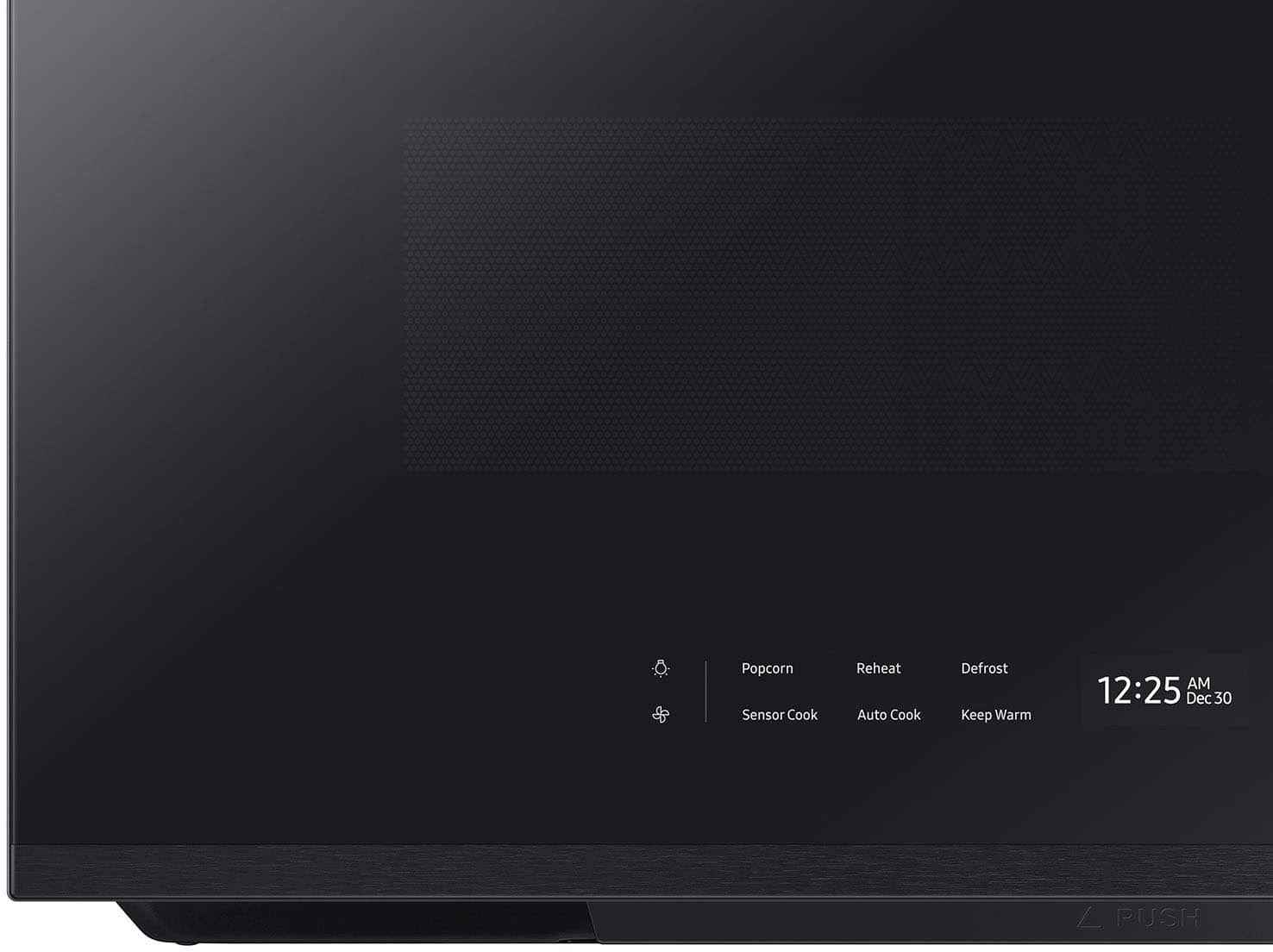
Customers regard the Bespoke 2.1 Cu. Ft. Over-the-Range Microwave highly for its design, appearance, and ease of use. Many appreciate its performance, stylish looks, and relatively quiet operation. However, some customers have expressed concerns about the timer functionality, the responsiveness of the glass touch controls, and its susceptibility to fingerprints.
This summary was generated by AI based on customer reviews.
- Pros mentioned:Ease of use
Microwave
||Posted . Owned for 1 week when reviewed.This reviewer received promo considerations or sweepstakes entry for writing a review.It’s so easy to use and so modern! I love the look!!
I would recommend this to a friend Love the look be careful will dent easy
||Posted . Owned for 2 months when reviewed.This reviewer received promo considerations or sweepstakes entry for writing a review.Awesome microwave but dents super easy. Put some sugar above the cabinet and it hit the stainless steel trim on top and dented badly the paper thin stainless steel
I would recommend this to a friendSolid
||Posted . Owned for 9 months when reviewed.This reviewer received promo considerations or sweepstakes entry for writing a review.We have put this bad boy in and it will heat up everything nicely.
I would recommend this to a friendGreat Microwave
||Posted . Owned for 9 months when reviewed.This reviewer received promo considerations or sweepstakes entry for writing a review.Love my microwave! It is spacious and user friendly. Great settings to choose from. I highly recommend this brand and model.
I would recommend this to a friendMicrowave
||Posted . Owned for 1 month when reviewed.This reviewer received promo considerations or sweepstakes entry for writing a review.Excellent microwave does everything and has WiFi connectivity with the app
I would recommend this to a friendOwner
||Posted . Owned for 1 month when reviewed.This reviewer received promo considerations or sweepstakes entry for writing a review.Excellent microwave my wife and I we are very happy thank you
I would recommend this to a friendLose screws
||Posted . Owned for 1 week when reviewed.This reviewer received promo considerations or sweepstakes entry for writing a review.If you buy this, make surw yoy check ALL their screws. They had a lose screw on the back and on the side and it ruined my cabinet we just installed.
No, I would not recommend this to a friendBrand response from Samsung
Posted .Dear Valued Best Buy Client,
Thank you for bringing this to our attention. We apologize for any inconvenience this may have caused you. The experience is not what we expect from our customers. To better assist you with this issue, please contact the Best Buy customer service department at P. (888) 237-8289 H.24 Hours a Day. They can either answer your question or transfer you to your local store to answer your specific concerns.
Have a great day.
^Camille
- Pros mentioned:DesignCons mentioned:Clock, Glass touch controls
Ok purchase except for deficiencies.
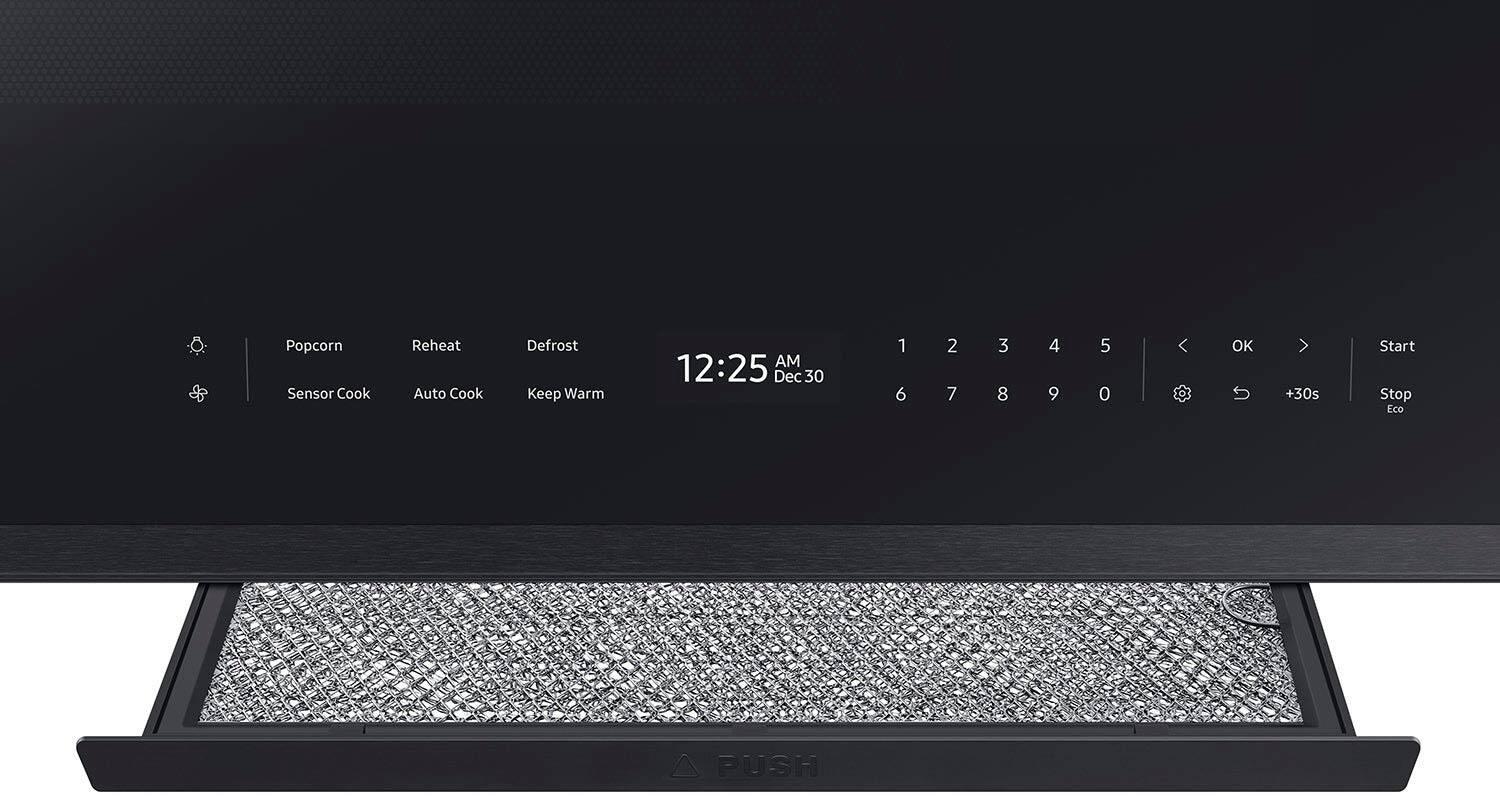
||Posted . Owned for 1 month when reviewed.This reviewer received promo considerations or sweepstakes entry for writing a review.The microwave is sleek, modern and spacious. But three deficiencies: 1. The touch control buttons especially for the timer are hard to press - have to use my thumb with very firm pressure. 2. you cannot use the microwave to microwave and use the timer function at the same time and finally, 3. You have to open and shut the microwave to see the control panel - I tried pressing hard on the dark screen but it usually doesn't work. Never had these problems with the Samsung microwave we replaced. Bummer!
I would recommend this to a friend - Pros mentioned:DesignCons mentioned:Clock
Disappointment, Regret, and Loathing
||Posted . Owned for 1 month when reviewed.This reviewer received promo considerations or sweepstakes entry for writing a review.Wish I could give 1.5 stars, and that’s only for the interior size and overall white bespoke design that matches my Samsung range and fridge. Otherwise, I hate this microwave. It’s an instant regret purchase. I wish I could turn back time or go back in time to tell myself to never buy this heap. Problems: It is only 1,000watts vs my old 1,100watt GE. It’s only 100 watt difference right? That’s what I thought. The problem is that it feels like this is an 800watt oven. 2:30 for popcorn on my GE. Now it takes almost 4 minutes. I hate having to relearn all my normal cook times for things. Even with its internal fan, steam pours out of the front below the door and covers the control panel unless you all turn on the hood ventilation fans. Never an issue on my far cheaper GE microwave. You want to set a timer? No you don’t. There is no button on the control panel to activate a timer. You have to go through the microwave’s menu system to get to a timer. Wow. Brilliant F U move by Samsung to customers. The overall responsiveness of the menu bar absolutely sucks when the microwave goes into sleep mode. Getting it to come alive takes so many presses all over the nenu are or you can open and close the door so that mechanism wears out prematurely. Brilliant Samsung. Cooking overall is inconsistent. Sometimes heating up 1 cup of milk takes 15 seconds. Yet other times the same cup of milk takes 20. Overall I loathe this microwave ESPECIALLY considering its ridiculous price. DON’T BUY THIS! Even if you are desperate to match your other Samsung appliances, it’s not worth it. Just run away. Buy ANY other microwave brand.
No, I would not recommend this to a friendBrand response from Samsung
Posted .Greetings,
We don't want any customer to regret their purchase. I can understand how difficult this must be for you. We are here to assist you.
With the Eco Mode feature, this microwave uses less electricity when on standby. The microwave enters a power-saving mode, and the display goes out once you press the Stop Eco button. Press any button to cancel the Eco mode.
On page 14 of the model's user manual link below, you can check the steps to manually set the timer of your Samsung microwave.
https://downloadcenter.samsung.com/content/UM/202402/20240227134323926/O_01._IB_FULL_ME7500D_ME21DG6700SR_AA_AC_EN.pdf
Please feel free to reach us via the options below, as we look forward to assisting you in the best possible way.
1. Facebook Messenger: http://m.me/samsungsupport
2. Twitter: https://twitter.com/messages/compose?recipient_id=18768513
3. Samsung Community: https://us.community.samsung.com/t5/Samsung-Community/ct-p/us
When you message us, please provide us with this reference number 1147436686, which will help our team pull up your information.
^Rainly
- Pros mentioned:Design, Ease of use
Bespoke glass white microwave with WiFi features
||Posted . Owned for 1 month when reviewed.This reviewer received promo considerations or sweepstakes entry for writing a review.This is by far the easiest microwave to use. I love the WiFi features! It looks great with the coordinates of range and fridge and dishwasher
I would recommend this to a friend - Pros mentioned:Ease of use, Noise level, Overall performance
Silent and nice looking
||Posted . Owned for 1 month when reviewed.This reviewer received promo considerations or sweepstakes entry for writing a review.Very silent beautiful outside and eaay to clean easy to connect to my smart things
I would recommend this to a friend - Pros mentioned:Ease of use, Overall performance
My new over the range microwave
||Posted . Owned for 3 weeks when reviewed.This reviewer received promo considerations or sweepstakes entry for writing a review.Great over the range microwave! Easy to use and very easy to clean.
I would recommend this to a friend - Pros mentioned:DesignCons mentioned:Fingerprint resistance
My recent purchase
||Posted . Owned for less than 1 week when reviewed.This reviewer received promo considerations or sweepstakes entry for writing a review.new Samsung Bespoke microwave looks great and runs great. My only reservations are that it is prone to showing fingerprints on the glass controls and it is difficult to wipe clean without streaks. Also, the auto-dimming controls is not the greatest feature since it requires you to swap your fingers across the panel to light-up again and the clock does not stay on.
I would recommend this to a friend - Pros mentioned:Design, Ease of use
i love it
||Posted .This reviewer received promo considerations or sweepstakes entry for writing a review.great microwave is a minimalist design the match kitchen contemporary also easy to use
I would recommend this to a friend - Pros mentioned:Design, Ease of use, Noise level
Microwave
||Posted . Owned for 1 week when reviewed.This reviewer received promo considerations or sweepstakes entry for writing a review.Beautiful design. Quiet and very easy for the children to use
I would recommend this to a friend - Pros mentioned:Overall performanceCons mentioned:Clock
Looks nice, that's IT. SO ANNOYING TO USE
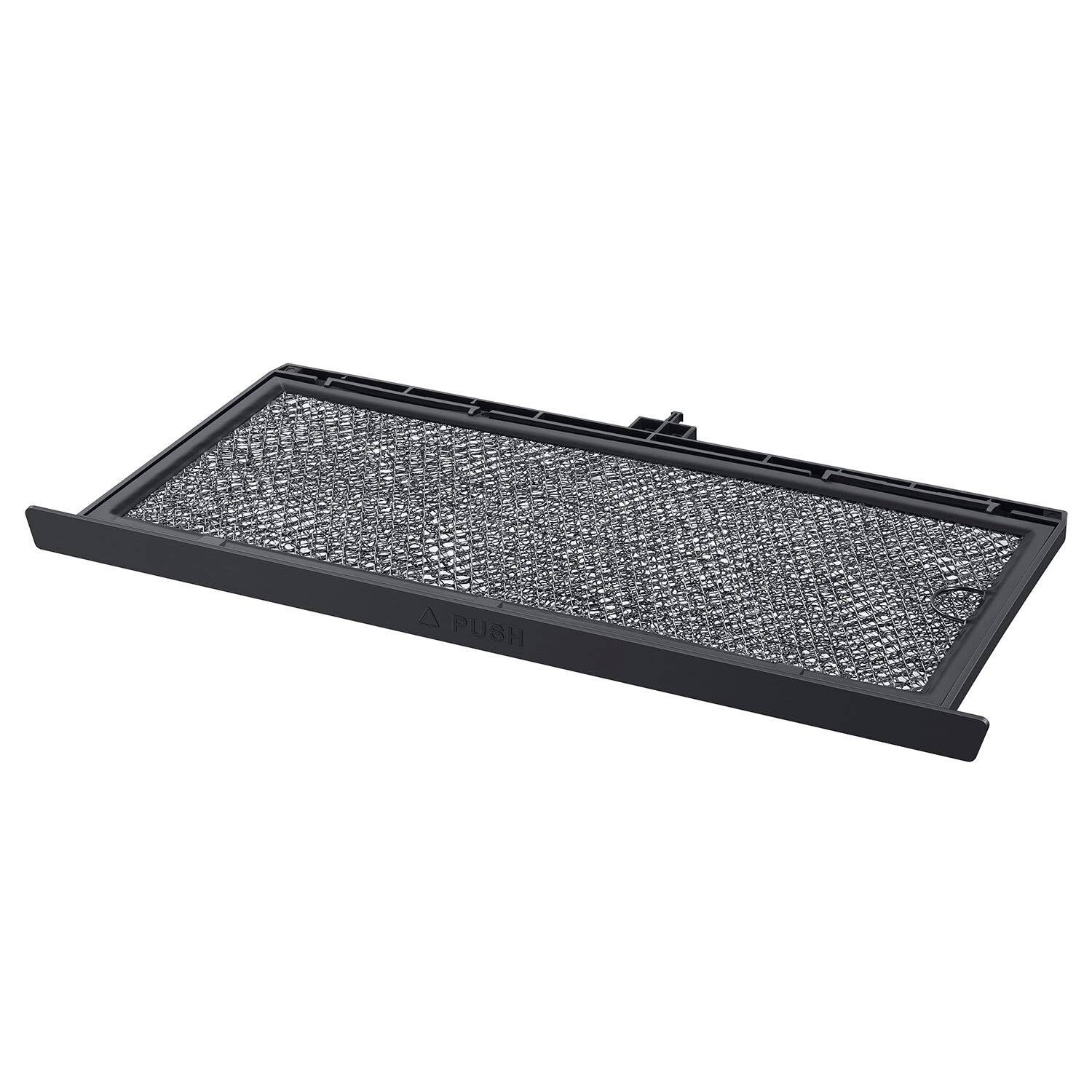
||Posted . Owned for 1 month when reviewed.This reviewer received promo considerations or sweepstakes entry for writing a review.I'm starting to realize this about all Samsung appliances: They are made to look nice, and the people who made them NEVER USED THEM FOR AN EXTENDED PERIOD. But of all their products I have (fridge, washing machine, dishwasher, microwave) this is BY FAR the worst. It looks nice. Everything else is negative. You have to click SO many times to do ANYTHING. When using the timer (which is what I use most, as I use it while cooking) you have to first wake up the stupid glass "buttons" by swiping your finger about 50 times until you're recognized, then click the "Settings" for some ungodly reason, then scroll to "Timer" which is the SECOND setting, not even the first! Then click OK then type in the full amount of time, (no, the +30s buttons does NOT work for the timer, so you have to type '3' and then '0' for 30s) and then click OK again. And Zeus help you if you mistype something because once you mess up the timer you have all those button clicks plus another 5 to fix your mistake so you can do it all over again. Was trying to time flipping steaks, literally took 1 minute and 30 seconds to enter the time I wanted to get it started. AND the timer can't run while it's doing anything else. AND when you just go to cook something all this happens too. Wake up the interface, type in each number individually, click OK, then click OK to confirm "yes, I want 100% power". WHY?? And then it wants to connect to my wifi? To get RECIPES? Bro you can't even help me keep track of steak flipping every 30 seconds. And this thing is flimsy. If you're installing this yourself (or swapping the charcoal filter later) then good freaking luck pulling out the top and reinstalling it without snapping at least one tab. Worst Samsung product so far by far, do not recommend. But hey my wife likes how they look so I'll probably be back to review another one when my stove dies -___-
No, I would not recommend this to a friendBrand response from Samsung
Posted .Hello there,
We understand how challenging it can be when everyday functions like setting a kitchen timer or maintaining filters feel more complicated than expected, and we’re here to help guide you through the correct steps using the user manual.
To help with using the kitchen timer and the +30 sec function, please proceed as outlined in the user manual below and review the specified sections carefully for proper operation. Proceed to page 14 under the subtopic Kitchen Timer. Additionally, for the +30 sec function, please review page 15 under the +30 sec subtopic.
For concerns related to filter maintenance, including cleaning and replacement, please follow the instructions provided in the same manual to ensure the filters are handled and reinstalled correctly. Proceed to pages 33 to 34 under the subtopics Cleaning the grease filter and Replacing the charcoal filter.
User manual
https://downloadcenter.samsung.com/content/UM/202502/20250214160424159/O_01._IB_FULL_ME7500D_ME21DG6700SR_AA_AC_EN.pdf
Samsung continuously updates and refines appliance designs and features, and we appreciate your feedback and your continued support in choosing Samsung.
Should you need further assistance, you may contact us at the following channels:
1. Facebook Messenger: http://m.me/samsungsupport
2. Twitter: https://twitter.com/messages/compose?recipient_id=18768513
3. Samsung Community: https://us.commuity.samsung.com/t5/Samsung-Community/ct-p/us
When you message us, please provide us with this reference number (1151721154) to help our team pull up your information.
Thank you!
^Joshua
- Cons mentioned:Glass touch controls
Samsung Microwave
||Posted . Owned for 1 month when reviewed.This reviewer received promo considerations or sweepstakes entry for writing a review.Have not had very long. I like it, yet you can not see the buttons to choose options for using. You have to open the microwave door and close to make them visible on the glass door. Only time and date show up on front of the door (unless the door is opened and closed. Also the whole surface of the door is glass, so there are constant finger prints on the surface where you touch the option. Pressing the options on the glass surface had a learning curve and was frustrating at first! You have to VERY LIGHTLY touch the options for them to work. Also this was the only white Samsung microwave I could find with sensor cook. I was very limited in wanting white appliances! The fingerprints and having to open the door to use the microwave are my dislikes. (Unless I am missing some information to have the options be visible all the time.
I would recommend this to a friend - Pros mentioned:Design
Sleek and Beautiful!
||Posted . Owned for 1 month when reviewed.This reviewer received promo considerations or sweepstakes entry for writing a review.We absolutely love everything about this microwave. The sleek design, and the fact that the controls are not always lit, really enhances the look in the kitchen. It has the biggest capacity out there from what we found. We love the entire Bespoke Line!
I would recommend this to a friend - Pros mentioned:Overall performance
Microwave
||Posted . Owned for 2 months when reviewed.This reviewer received promo considerations or sweepstakes entry for writing a review.Me encantó, funciona pefecto, es hermoso, gran tamaño, se ve elegante, le dió un toque genial a mi cocina.
I would recommend this to a friend - Pros mentioned:Ease of use
Sleek look
||Posted . Owned for 3 weeks when reviewed.This reviewer received promo considerations or sweepstakes entry for writing a review.We were wanting a sleek look with no handles and this met that requirement. It is a also a nice size and easy to clean if there are splatters. Still learning all the components (there are a lot of options).
I would recommend this to a friend