Customer Ratings & Reviews

- Model:
- EE-M5100TBEGUS
- |
- SKU:
- 6186006
Customer reviews
Rating 4.5 out of 5 stars with 165 reviews
(165 customer reviews)Rating by feature
- Value4.2
Rating 4.2 out of 5 stars
- Quality4.3
Rating 4.3 out of 5 stars
- Ease of Use4.2
Rating 4.2 out of 5 stars
Customers are saying
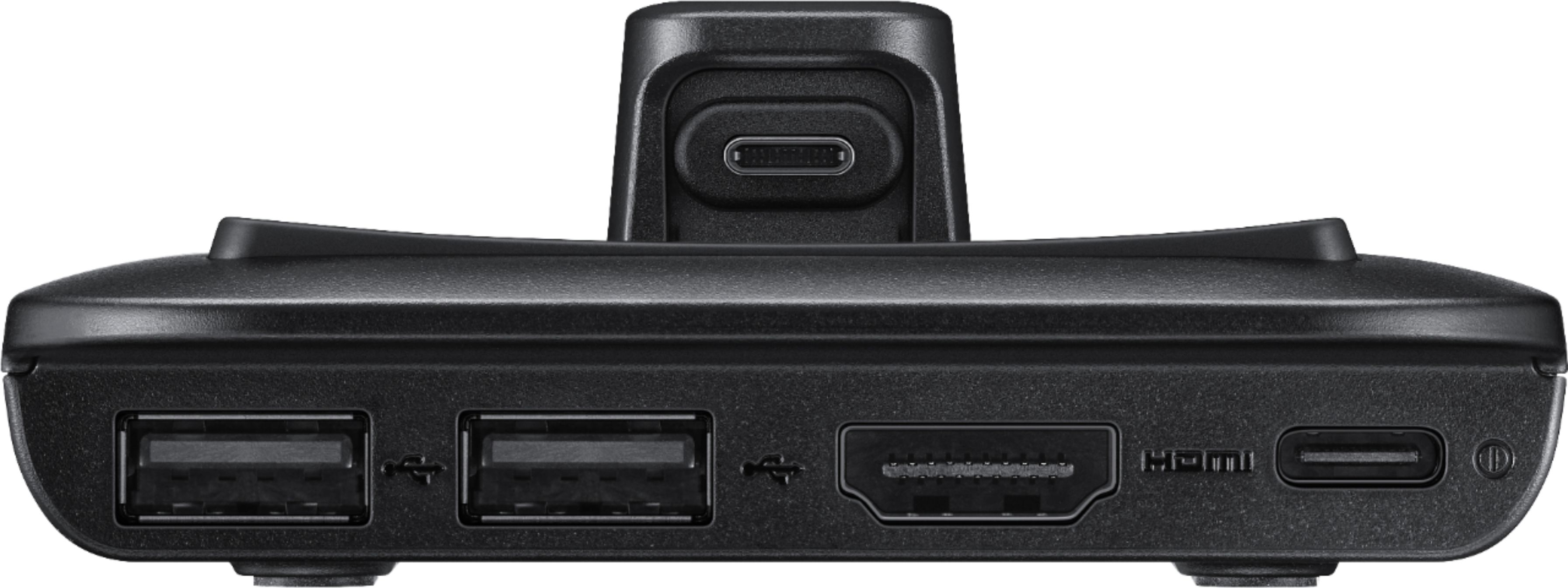
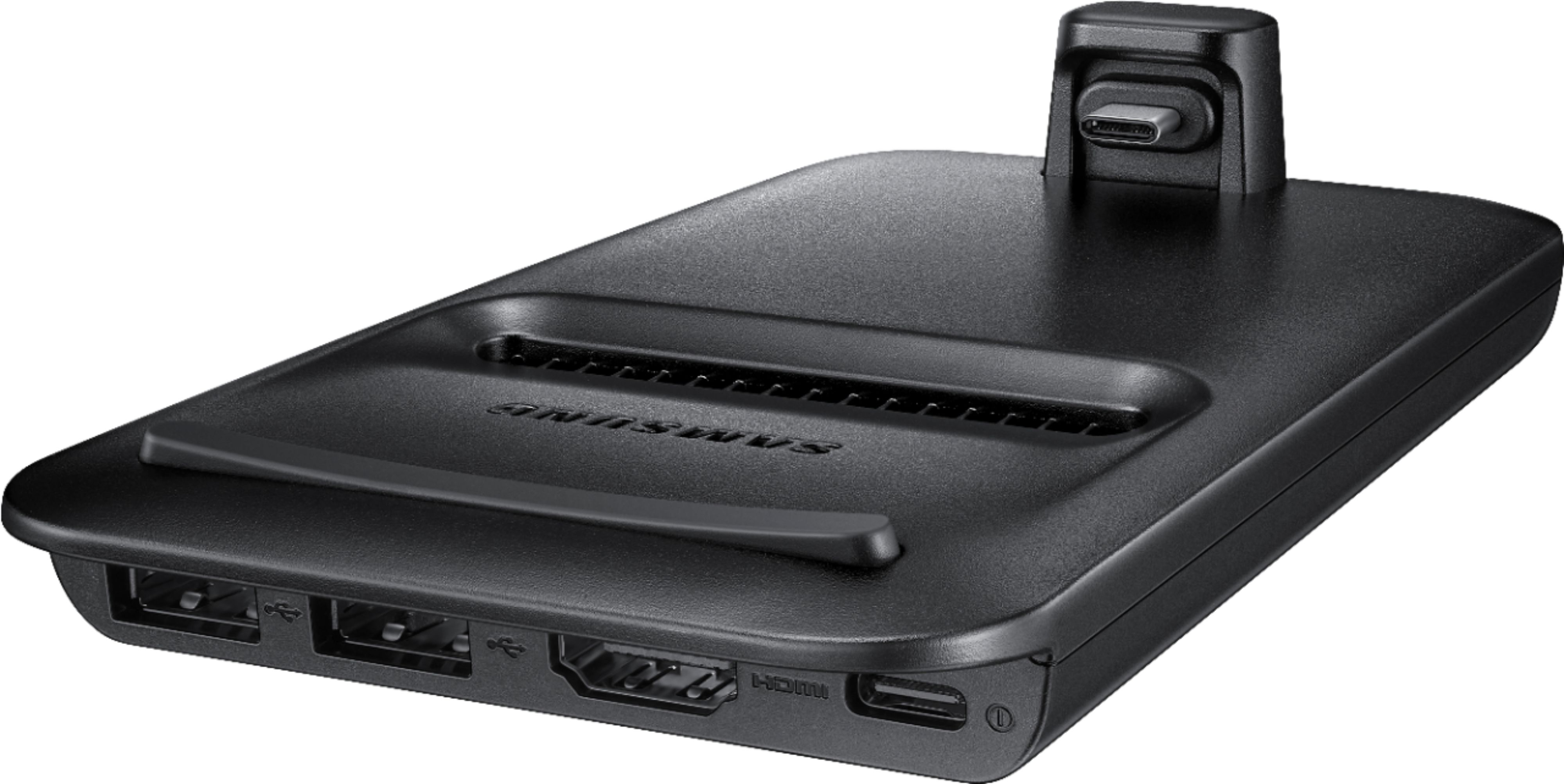
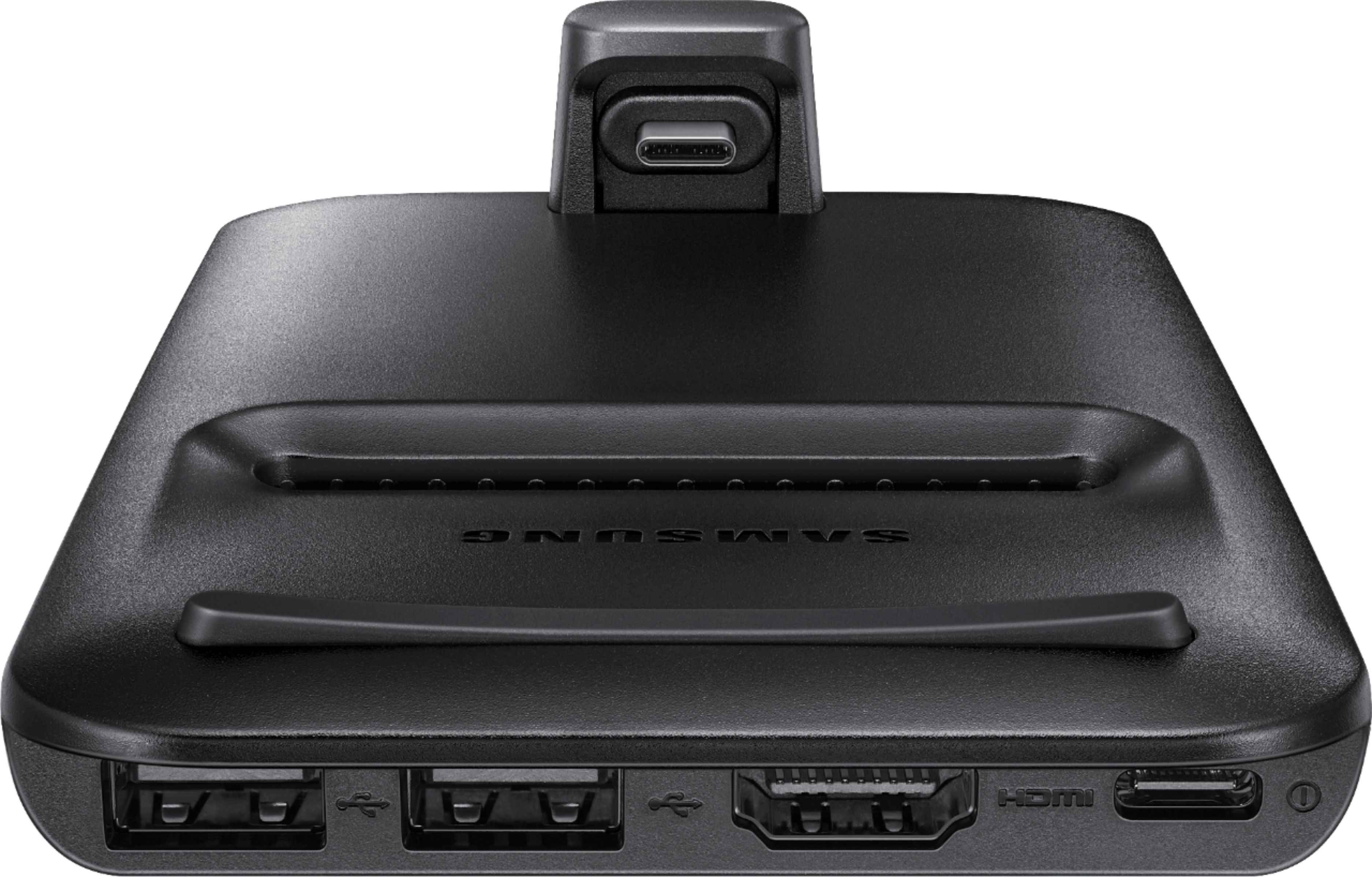
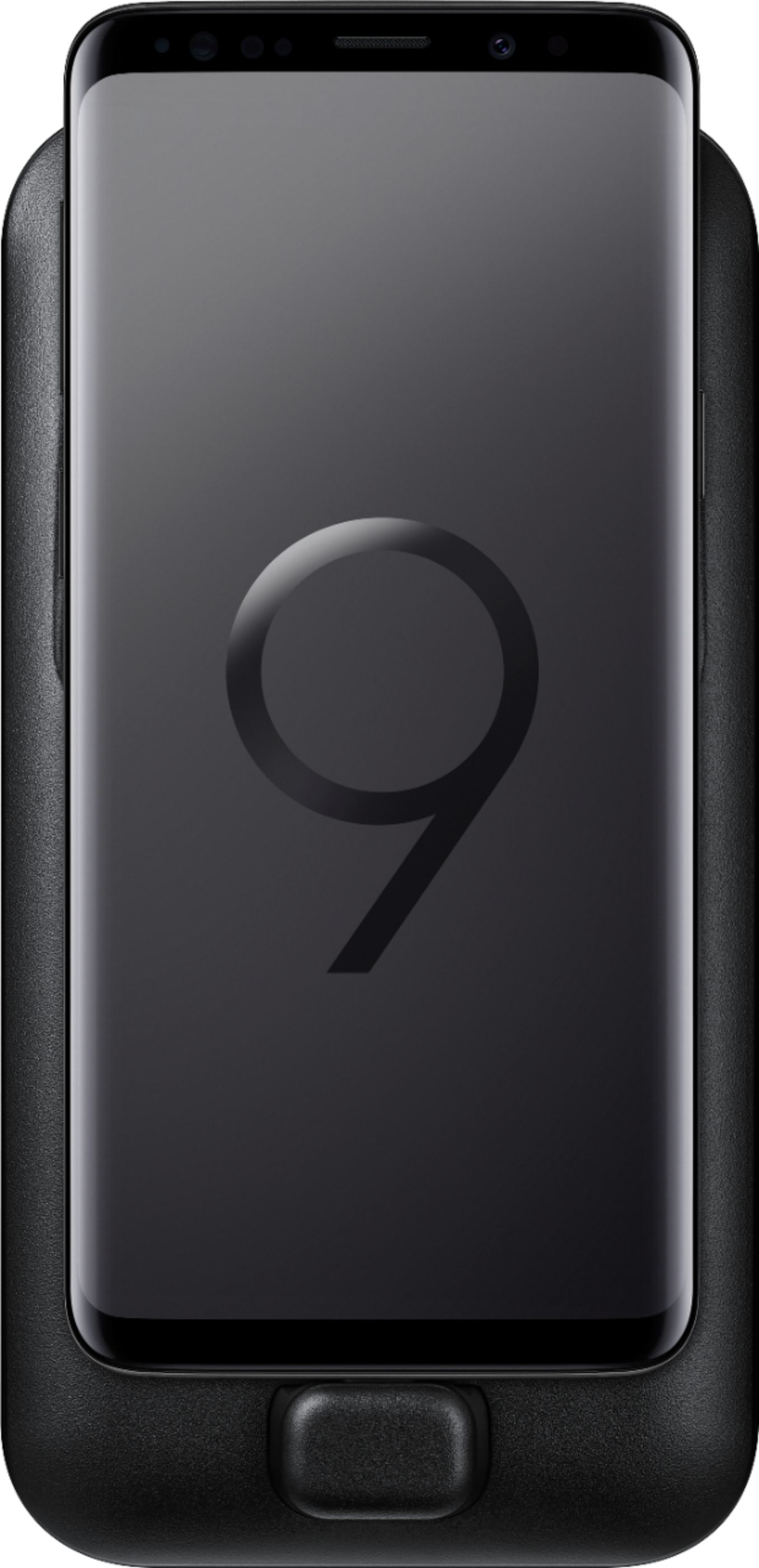
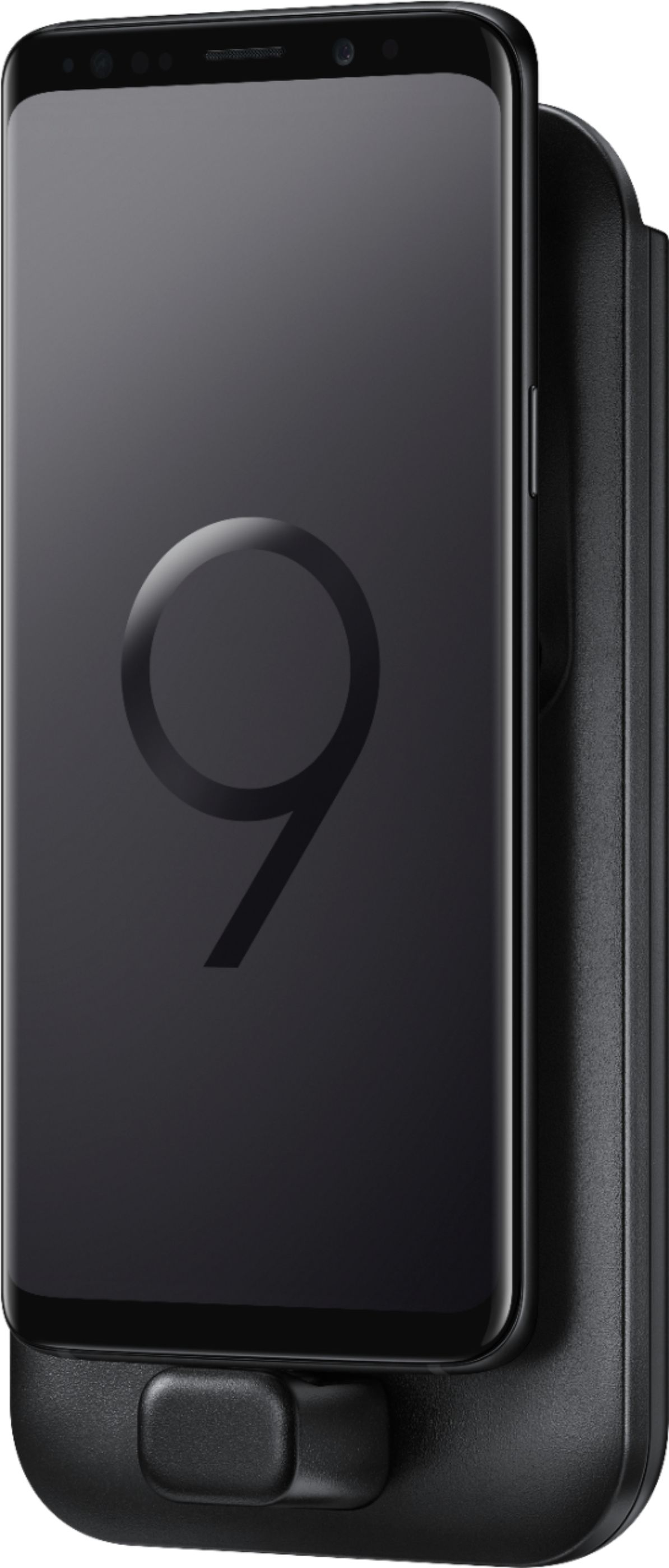
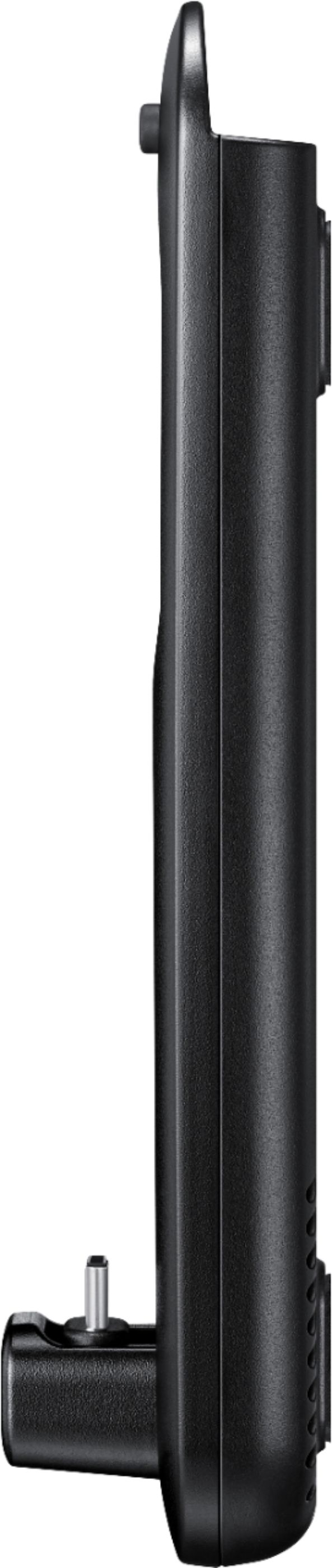
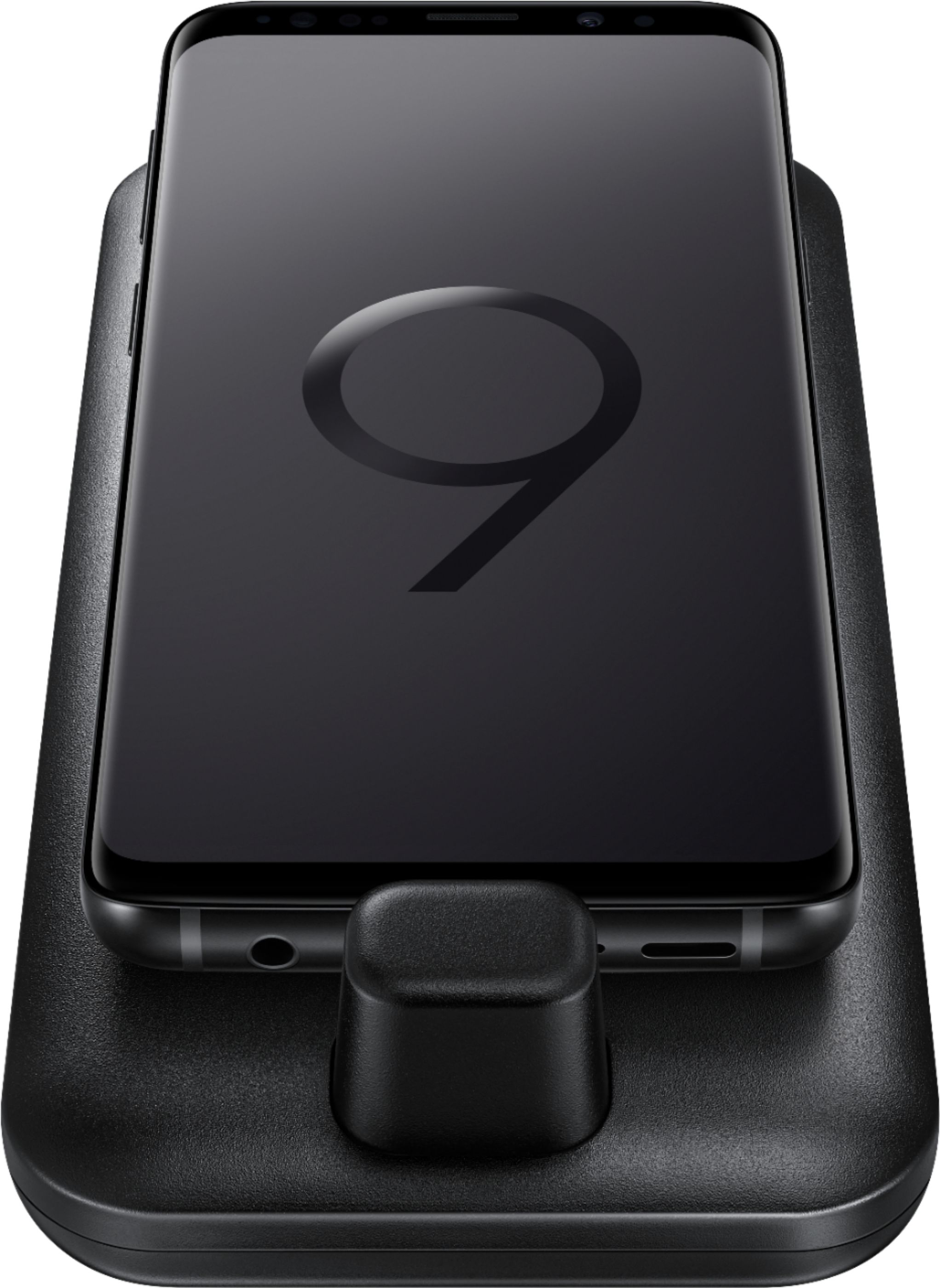
Customers are positive about the DeX Pad Dock's portability, easy setup, desktop mode, compatibility, cooling, productivity, charging, and gaming capabilities. They appreciate the convenience of taking it with them when they travel and the ability to use their phone as a computer. The desktop mode allows them to watch streaming services in full screen and the cooling feature helps to keep their phone from overheating. Customers are also positive about the connectivity options, saying it gives them all the essentials to stay connected.However, some customers are negative about the HDMI and USB-C connector. They mention that they already have an HDMI adapter and hub, and that the USB-C connector is too tall for the phone without a case.
This summary was generated by AI based on customer reviews.
- Pros mentioned:Cooling, HdmiCons mentioned:Resolution
Rated 3 out of 5 stars
Four star product with two star ads and support
Posted .This reviewer received promo considerations or sweepstakes entry for writing a review.The Note 9 can run Dex with any HDMI adapted, but locked at 1080p. Samsung advertised this as the way to bump that up to 1440p because the dock's special cooling would keep it safe. The box also says "UHD 4K" and underneath in much smaller font "HDMI Cable included". Dex is wonderful and part of why I bought my phone, but this was useless since I already had an HDMI adapter and hub. I'd keep it hoping it was still something in the works, but their support doesn't even call it a bug or a change, they now say thiat running at 1080p is working as intended Try a cheap USB-C to HDMI adapter first and you might be happily surprised. Add in a cheap hub and a power cable you likely already have laying around and you may have a "Dex Dock" you can use with a case.
No, I would not recommend this to a friend Rated 5 out of 5 stars
Samsung - DeX Pad Dock for Galaxy S9/S9+ Mobile Ph
Posted .This reviewer received promo considerations or sweepstakes entry for writing a review.Connect your Galaxy S9 or S9+ to an external monitor with this Samsung DeX Pad dock. It turns your phone into a computer and touch pad, letting you open business apps an
I would recommend this to a friendRated 1 out of 5 stars
Less versatile than you imagine...
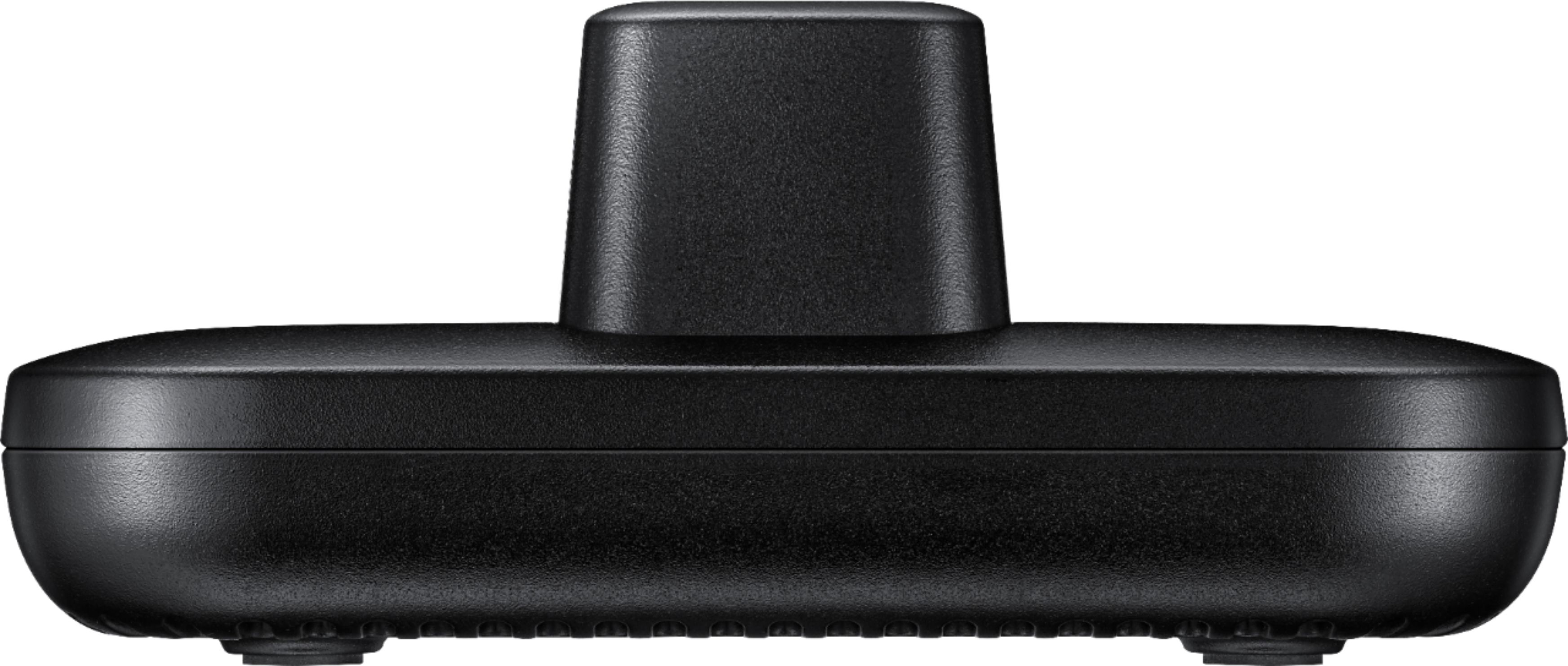
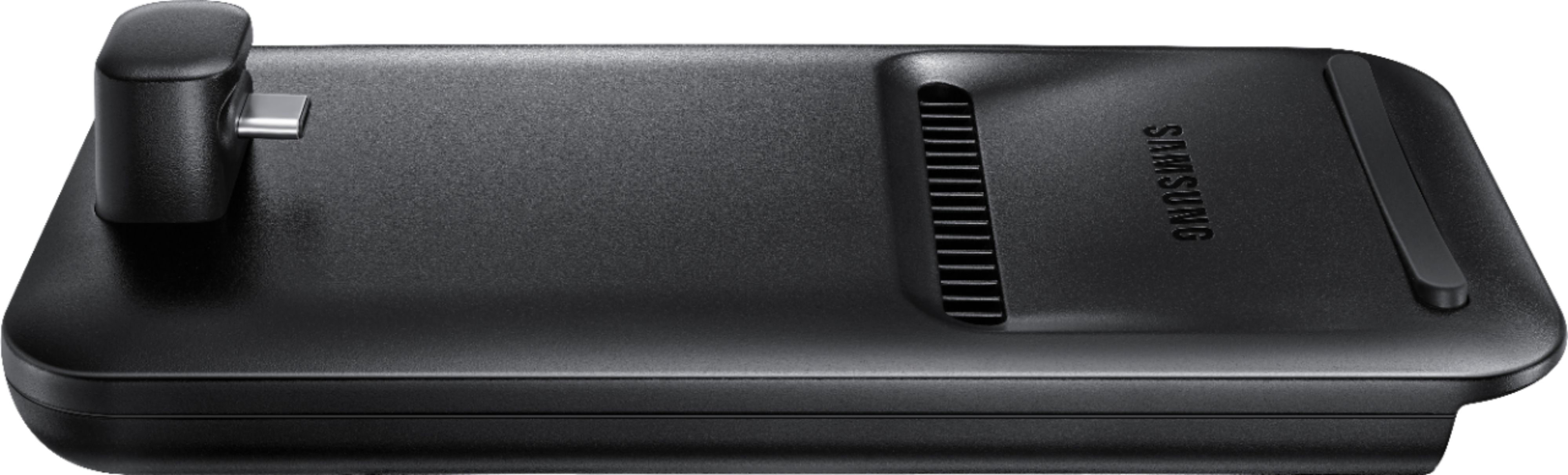
Posted .This reviewer received promo considerations or sweepstakes entry for writing a review.I was actually told this by BestBuy reps who I didn't completely trust, as they had no personal experience with the Pad when I bought it, but they were right whether they knew it or not. Sadly, I was taken in by the touted functionality, and had to learn the lesson that all that glitters is not gold. Firstly, like the Dex Station, the Dex Pad CANNOT be used with some of the most common Note9 phone cases; most especially the Otterbox Defender which BestBuy and Samsung reps in-store recommended as the most protective in stock. So, with that in mind, I actually went to eBay to get a USB-C port extender to use with this. A stupid design flaw on Samsung's part, of course. A retractable port is quite feasible to allow compliance with many a case, and they knew Otterbox has cornered the market on the rugged case for years of Galaxy phones. Whether all Samsung-branded cases comply, I don't know, but I wouldn't be surprised. (Unfortunately, this is also a flaw that exists on the Dex Station) The lack of an added Ethernet port (found on the older Dex Station) aside, the most attractive aspect of the Dex Pad, the "selling point", is that your phone lays flat on the newer Pad in case you might want to use the phone as a Wacom tablet with the pen, or just as a mouse and keyboard while in Dex mode. The thinking being this being it can remain on the desk connected to a monitor or output to a secondary HDMI port on a TV as well as charge a phone going forward. Other than that and the ethernet, the Dex Station is essentially the same as the Dex Pad with the same amount of ports, and a fan, but the Station holds the phone vertically. However, in use, my biggest complaint was that the Dex Pad doesn't seem to allow Adaptive Fast Charge (the charger type that comes with the phone) even when you're not using the other functions; not even if you connect the chunkier more powerful three-mode Samsung fast charger (that comes with tablets or the Wireless Duo Charging Station). At first, I'd guessed this is because of the fan always being on, but Samsung saying it turns off automatically when cool. Well, even when the phone is cool, and Dex mode is not being used, Adaptive Fast Charge is impossible. What is crazier, is that the above happens with Samsung's proprietary Adaptive Fast Charge system, but Qualcomm's QuickCharge 3.0 (which the Note9 also supports directly) DOESN'T WORK AT ALL when connected to the Dex Pad, but does when a charger is directly connected to the phone. What's craziest? USB-PD fast charging DOES WORK via the Dex Pad. Still, that means having to buy a MacBook Thunderbolt or other USB-C PD charger to maintain fast charging through the Dex Pad, and that reduces the usefulness to the average buyer quite a bit using supplied Samsung charging via cable. It means unplugging the charging cable from the Pad to use with the phone, or obtaining another charger altogether. In choosing the Pad I really wanted one interface, in part to reduce the amount of times I have to plug and unplug the phone (jacks do wear out), and fast charging was not a tradeoff I expected here; at least from Samsung. While stated, it's still surprising that no USB 3.0/1 ports exist on this or the Dex Station, and the USB 2.0 ports present CANNOT support an external HDD. Not even that PD charger will help. The Dex Pad won't utilize the added power through the ports it provides. Plus no data passthrough of any kind is possible via USB-C through the Dex Pad jack. It's power only. Don't expect to use this as a data dock to upload music or movies via your PC. Again, you have to unplug the cable from the Pad to connect a phone to PC. It was a surprising limitation. For all I know, both this and the fast charge limitation exist on the Dex Station too, but I don't have one. (I do want to recommend obtaining a USB-C 3.1 Gen2 or Thunderbolt 3 cable for blazing transfer speeds with an actual USB 3.0/1 or Thunderbolt 3 port-enabled tablet or computer. It's stunningly fast on the Note9!) I did expect other natural limitations, like the Dex functionality cannot run off the phone without being plugged into a charger. However, I find some of the third party manufactured USB-C dongle-style docks which have Ethernet, HDMI, Cardreaders etc can still be run off the phone for all or some functionality. Even a passive unpowered USB-C to HDMI or USB adapter will work, while neither of these will work on the Dex Pad without the added power from a connected fast charger. That's just sad. Lastly, one would expect this to have the heft of some dock or base to keep the phone stationary even with some weight to the cables you attach, but it's quite light in comparison to the phone itself, and can be dragged along if that wired keyboard or mouse falls off the table. I expected some kind of metal plate within to give it staying power, but no. Altogether, the Dex Pad was one of the items, along with the Wireless Charging Dock, and AKG headphones that had me get the Note9 earlier than I might have. Now that decision to adopt the Note9 is tinged with regret (especially seeig the current prices). The Dex Pad is not the selling point I had believed it was. Barring some specific Wacom pad need, if you need a Dex dock get something else, and f it MUST be from Samsung, go with the Dex Station. Skip the Dex Pad.
No, I would not recommend this to a friendRated 5 out of 5 stars
Excellent
Posted .This reviewer received promo considerations or sweepstakes entry for writing a review.Excellent quality samsung adapter to use in my work
I would recommend this to a friendRated 2 out of 5 stars
Will not work with phone with cover.
Posted .This reviewer received promo considerations or sweepstakes entry for writing a review.Unable to use when phone has protective cover in place. The charging USB C probe is not long enough. Purchased on clearance, unable to return. Very disappointed.
No, I would not recommend this to a friend