Customer Ratings & Reviews
- Model:
- SM-A166UZKAXAA
- SKU:
- 10961289
Rating by feature
- Display Quality
Rating 4.6 out of 5 stars
- Camera
Rating 4.5 out of 5 stars
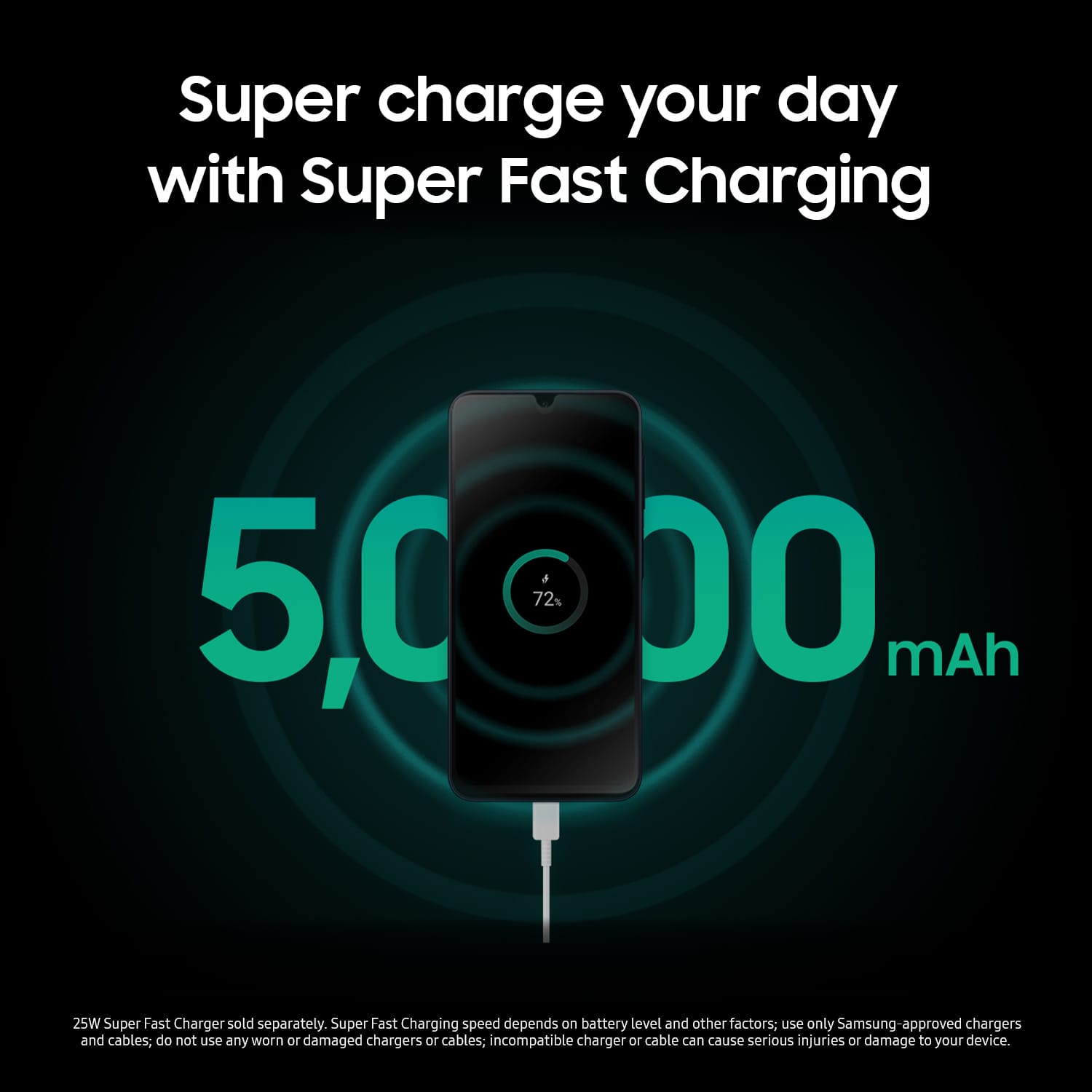
- Battery Life
Rating 4.5 out of 5 stars
Customers are saying
Customers enjoy the overall performance, camera quality, and battery life of the phone. Many also appreciate its ease of use, design, storage capacity, screen size, and features. Some customers have expressed concerns about the processor speed, RAM, heat dissipation, and connectivity.
This summary was generated by AI based on customer reviews.
- Pros mentioned:Camera quality
Let down
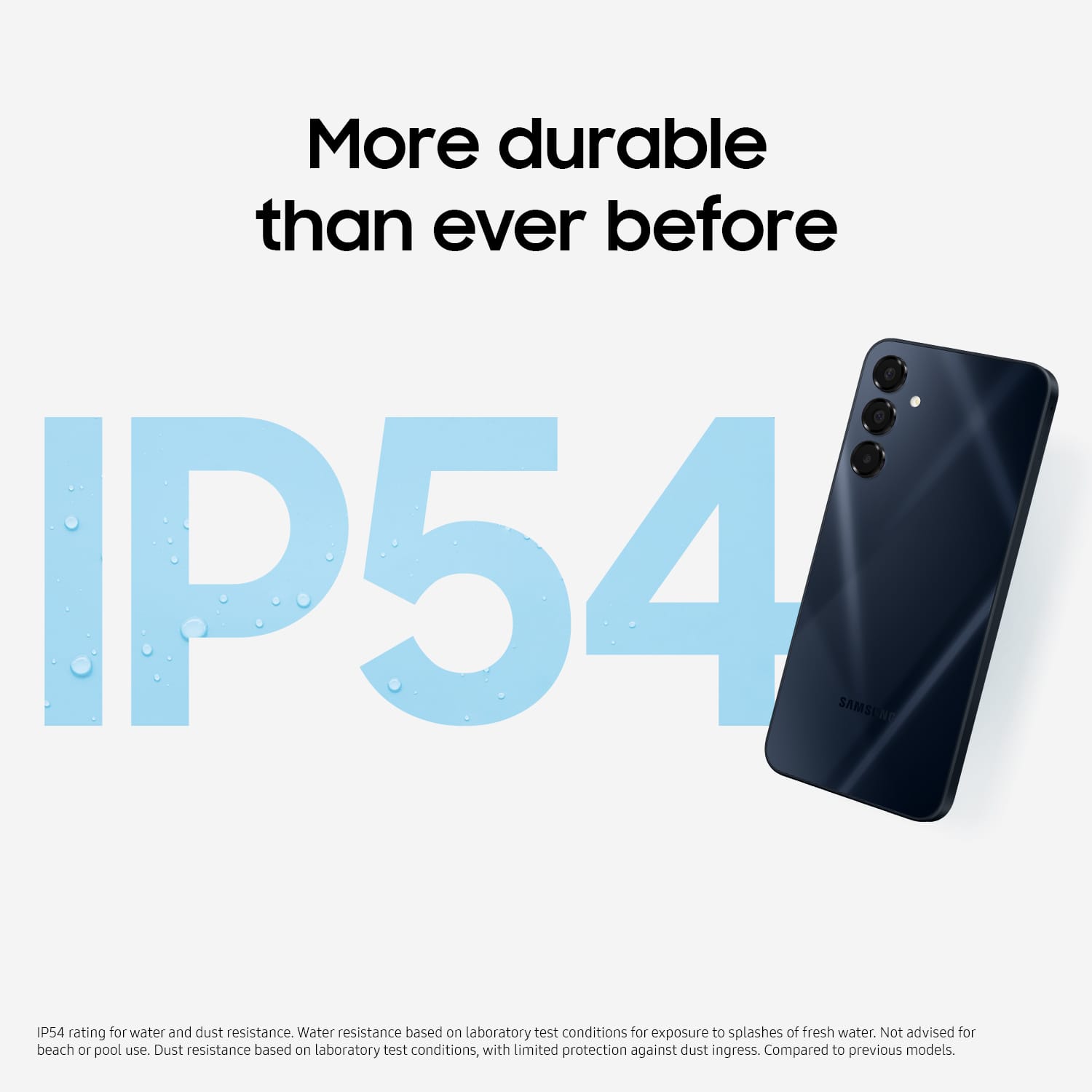
||Posted . Owned for 3 weeks when reviewed.This reviewer received promo considerations or sweepstakes entry for writing a review.This has a fairly good screen. It has a lot of Samsung bloat, more than my previous Samsung A13, and none of the Samsung apps can be disabled or uninstalled from the Android "apps" settings. Phone sizes in general keep getting bigger and this one jumped the shark, for me it's just too bulky to carry comfortably in my pocket and the awkward squared edges make it harder to handle. Performance isn't any better than my old phone, I often have to tap something twice to get it to respond. Fingerprint sensor works well so far. Old phone camera had PDAF, this one steps back to AF, pictures are good enough & I'm glad they kept the macro lens. No FM radio or headphone jack, but better water resistance if you drop it in the sanitary facility.
No, I would not recommend this to a friendBrand response from Samsung
Posted .Greetings Knukleur, thank you for taking the opportunity to share your feedback with us about your experience using the Samsung Galaxy A16 5G. We value your candor as we improve the functionality and design of our product line. Samsung offers a 12-month warranty for manufacturing defects in materials and workmanship. We would love to be able to assist you with whatever you may be experiencing with your device but without having more information available and without being able to ask you any follow up questions to probe further, I suggest reaching out to Support if you would like any further assistance. Thanks for being a faithful Samsung customer. - Debra

Great phone
||Posted . Owned for 2 weeks when reviewed.This reviewer received promo considerations or sweepstakes entry for writing a review.Great phone for the value! I bought it as a gift for my mom, and she is really happy with the phone. It's a fantastic Christmas gift for loved ones.
I would recommend this to a friend- Pros mentioned:Overall performance
A16
||Posted . Owned for 1 week when reviewed.This reviewer received promo considerations or sweepstakes entry for writing a review.Slight difference from the A15 but not much. I would recommend this over the A15
I would recommend this to a friend - Pros mentioned:Overall performance
MD
||Posted . Owned for 1 week when reviewed.This reviewer received promo considerations or sweepstakes entry for writing a review.Excellent Samsung phone, highly recommend this model
I would recommend this to a friend - Pros mentioned:Ease of use
Samsung Galaxy
||Posted . Owned for 3 weeks when reviewed.This reviewer received promo considerations or sweepstakes entry for writing a review.Love this phone very easy to use and has all the Apps i need
I would recommend this to a friend - Pros mentioned:Overall performance
Good product Good product Good product Good produc
||Posted .This reviewer received promo considerations or sweepstakes entry for writing a review.Good product Good product Good product Good product Good product Good product
I would recommend this to a friend Thank you best buy.
||Posted .This reviewer received promo considerations or sweepstakes entry for writing a review.Best ever phone I have had in awhile. But best of all was the crew. They helped one another. And my phone was up and working when I left.
I would recommend this to a friendOnly one Physcial SIM
||Posted . Owned for 1 month when reviewed.This reviewer received promo considerations or sweepstakes entry for writing a review.This phone does not support two physical SIM cards: Only one physical SIM and the other is an eSIM. The bigger slot is for memory card. International versions support dual physical SIMs.
I would recommend this to a friendReplacement A16
||Posted . Owned for 9 months when reviewed.This reviewer received promo considerations or sweepstakes entry for writing a review.Replacement for same model (under warranty). Power plug point on bottom of first unit failed.
I would recommend this to a friendSamsung Galaxy a16 phone
||Posted . Owned for 3 weeks when reviewed.This reviewer received promo considerations or sweepstakes entry for writing a review.Great buy and awesome customer service and support! Set up phone was good to go when left store! In and out within 30 minutes!
I would recommend this to a friend- Pros mentioned:Overall performance
Great Phone
||Posted . Owned for 2 months when reviewed.This reviewer received promo considerations or sweepstakes entry for writing a review.Excellent phone for everyone and every day use. I love it.
I would recommend this to a friend Good purchase
||Posted . Owned for 2 weeks when reviewed.This reviewer received promo considerations or sweepstakes entry for writing a review.This was a much needed upgrade for my current phone. Seamless transition of data. Similar setup of icons, etc. And the price couldn't be beat!
I would recommend this to a friendBest Place
||Posted . Owned for 3 weeks when reviewed.This reviewer received promo considerations or sweepstakes entry for writing a review.Great service and very good prices. From the minute we walked in to the sale was completed we were treated very well. Knowledgeable and professional service.
I would recommend this to a friendSlow not worth
||Posted . Owned for 1 year when reviewed.This reviewer received promo considerations or sweepstakes entry for writing a review.really slow. better buy a good used phone unless you don't care.
No, I would not recommend this to a friendGreat Gift for any occasions!
||Posted . Owned for 1 month when reviewed.This reviewer received promo considerations or sweepstakes entry for writing a review.I brought this phone for my Mother to replace her old Samsung phone and she loves it!
I would recommend this to a friendPhone
||Posted .This reviewer received promo considerations or sweepstakes entry for writing a review.I purchased this phone as a gift they loved it i am about to buy 2 more.
I would recommend this to a friend- Cons mentioned:Heat dissipation
Gahhhhh, it's not a vibe at all.
||Posted .This reviewer received promo considerations or sweepstakes entry for writing a review.I’m literally crying. My parents got me the Samsung A16 thinking they were doing something, but this phone is a straight-up disaster. If you actually use your phone for more than just checking the weather, DO NOT GET THIS. The Lag is Insane: I try to open TikTok and the whole screen just freezes for like 5 seconds. By the time the video loads, the trend is probably already over. Scrolling is so glitchy it makes my eyes hurt.Multitasking is a Joke: If I’m on a video call and try to open Instagram, the phone starts heating up like a space heater and then just crashes both apps. 4GB of RAM in 2025? Samsung, be for real right nowThe "Wait" Screen: I spend half my life looking at loading circles. Even the keyboard takes a second to pop up sometimes. I literally have to type slow so the phone can keep up with me.
No, I would not recommend this to a friendBrand response from Samsung
Posted .Greetings DVSNF, thank you for sharing your sentiments with us about your experience using the Samsung Galaxy A16 5G. We value your candor as we continue to make improvements on the functionality and performance of our product line. Samsung provides a 12-month warranty for manufacturing defects in materials and workmanship. Please take a moment to review, "Keep your Galaxy phone or tablet from slowing down with Device Care" to learn how to optimize the performance of your device. If you are having issues with any apps freezing or crashing, even after updates, there are a few things you can try to resolve your problem. Clearing the app cache, checking if the app is compatible with your device, rebooting your device, optimizing your device, uninstalling and reinstalling the app, and even checking for additional updates are all things that may help. Also check out, "App is crashing or not working on Samsung phone or tablet" to help resolve what you've described. Let us know if you have any questions or if you would like any further assistance, please feel free to reach out to Support. Thanks for choosing Samsung! - Debra
$40 cheaper than metro
||Posted .This reviewer received promo considerations or sweepstakes entry for writing a review.bought this for my husband to replace his cell phone. has better reception and easier to navigate than his old one plus $40 cheaper than metro.
I would recommend this to a friendPhone
||Posted . Owned for 1 month when reviewed.This reviewer received promo considerations or sweepstakes entry for writing a review.The camera needs to have a better quality. Overall it's good.
I would recommend this to a friendGood deal
||Posted . Owned for 3 weeks when reviewed.This reviewer received promo considerations or sweepstakes entry for writing a review.I was looking for a phone that had large storage and affordable price and this turned out to be a great deal
I would recommend this to a friend