Customer Ratings & Reviews
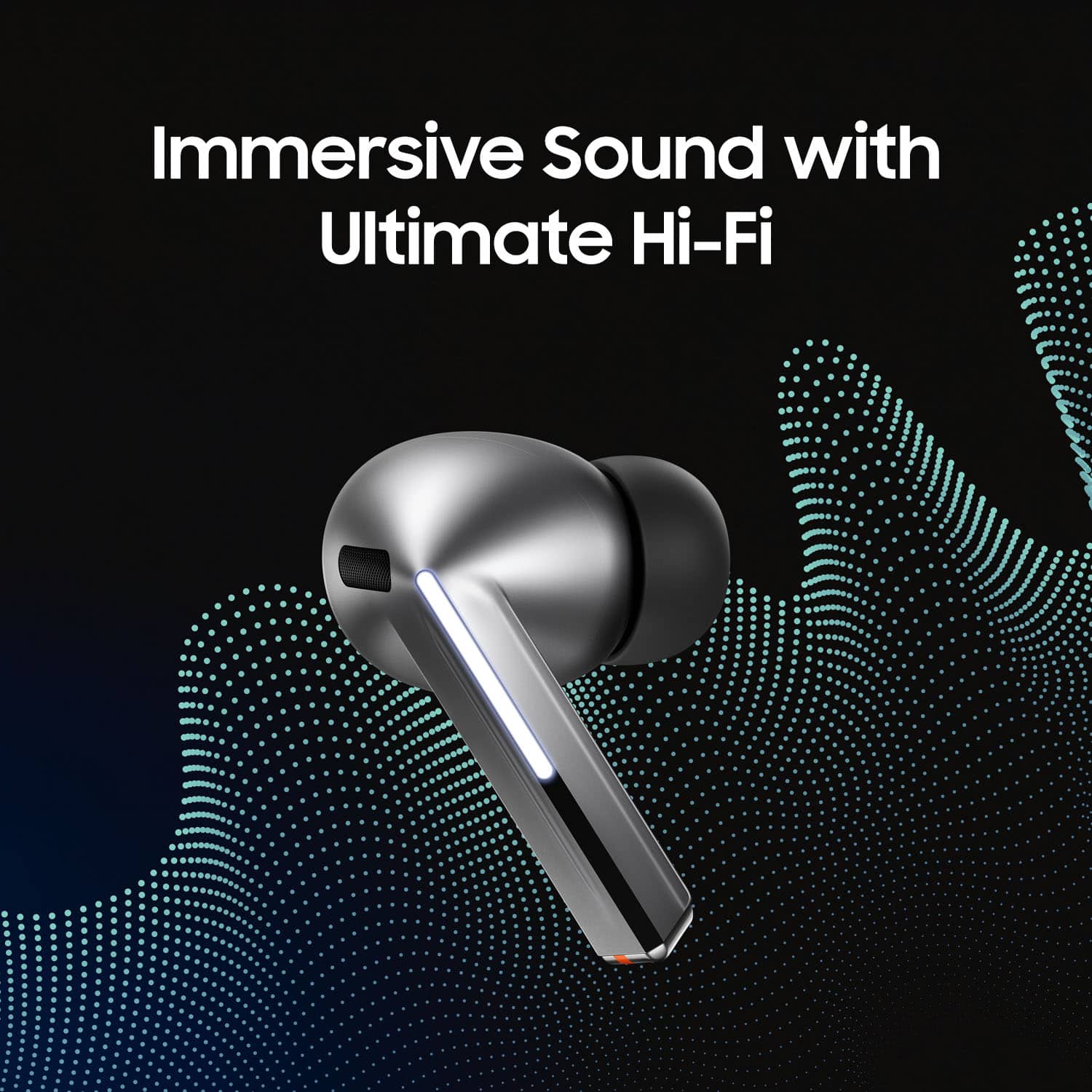
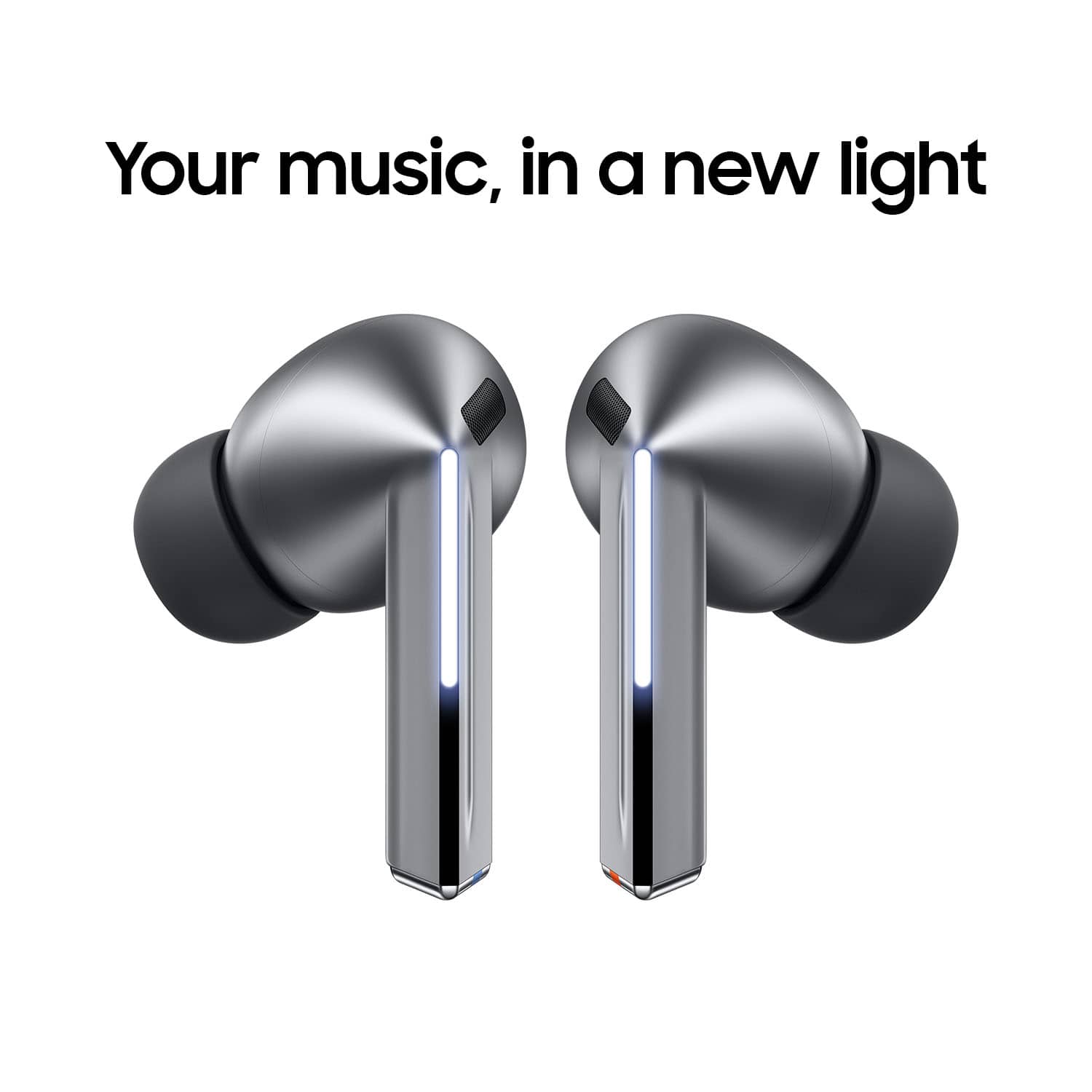
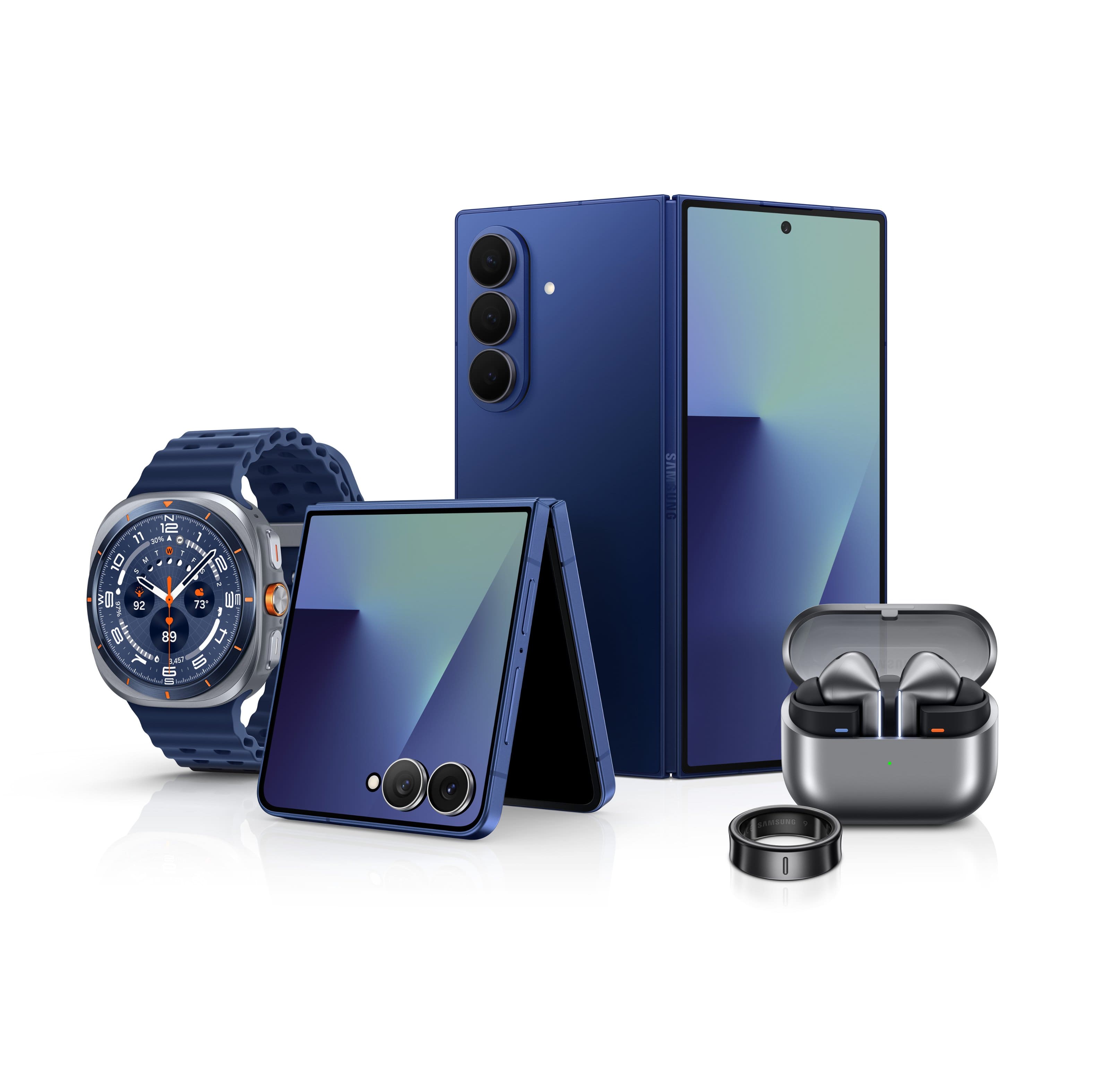


- Model:
- SM-R630NZAAXAR
- SKU:
- 12558964
Rating by feature
- Sound Quality
Rating 4.8 out of 5 stars
- Battery Life
Rating 4.6 out of 5 stars
- Connectivity
Rating 4.8 out of 5 stars
Customers are saying
Customers commend the excellent sound quality and comfortable fit of these earbuds, which are frequently highlighted as standout features. Users also appreciate the impressive battery life, sleek design, and seamless connectivity with other devices. While the product is highly regarded, some users have noted that the touch controls and maximum volume levels could be improved for a better experience.
This summary was generated by AI based on customer reviews.
Good upgrade
||Posted .This reviewer received promo considerations or sweepstakes entry for writing a review.Definitely an upgrade from the buds pro 2 I was using before. The only gripe I have is that sometimes I get that feedback noise when removing them, but other than that, 10/10 recommend
I would recommend this to a friend- Pros mentioned:Sound quality
Excelent
||Posted . Owned for 1 month when reviewed.This reviewer received promo considerations or sweepstakes entry for writing a review.Exelent you can hear everything with a loudest noises
I would recommend this to a friend - Pros mentioned:Fit
Good earbuds
||Posted . Owned for 2 months when reviewed.This reviewer received promo considerations or sweepstakes entry for writing a review.They have a good fit and the noise canceling works good enough. I used them daily at the gym and at home.
I would recommend this to a friend Best earbuds.
||Posted .This reviewer received promo considerations or sweepstakes entry for writing a review.Great earbuds love all the features use it everywhere.
I would recommend this to a friend- Pros mentioned:Sound quality
Best ear pods
||Posted . Owned for 1 month when reviewed.This reviewer received promo considerations or sweepstakes entry for writing a review.I work near trucking logistic and these noise canceling helps me concentrate from all those large trucks.
I would recommend this to a friend - Pros mentioned:Sound quality
Great headphones
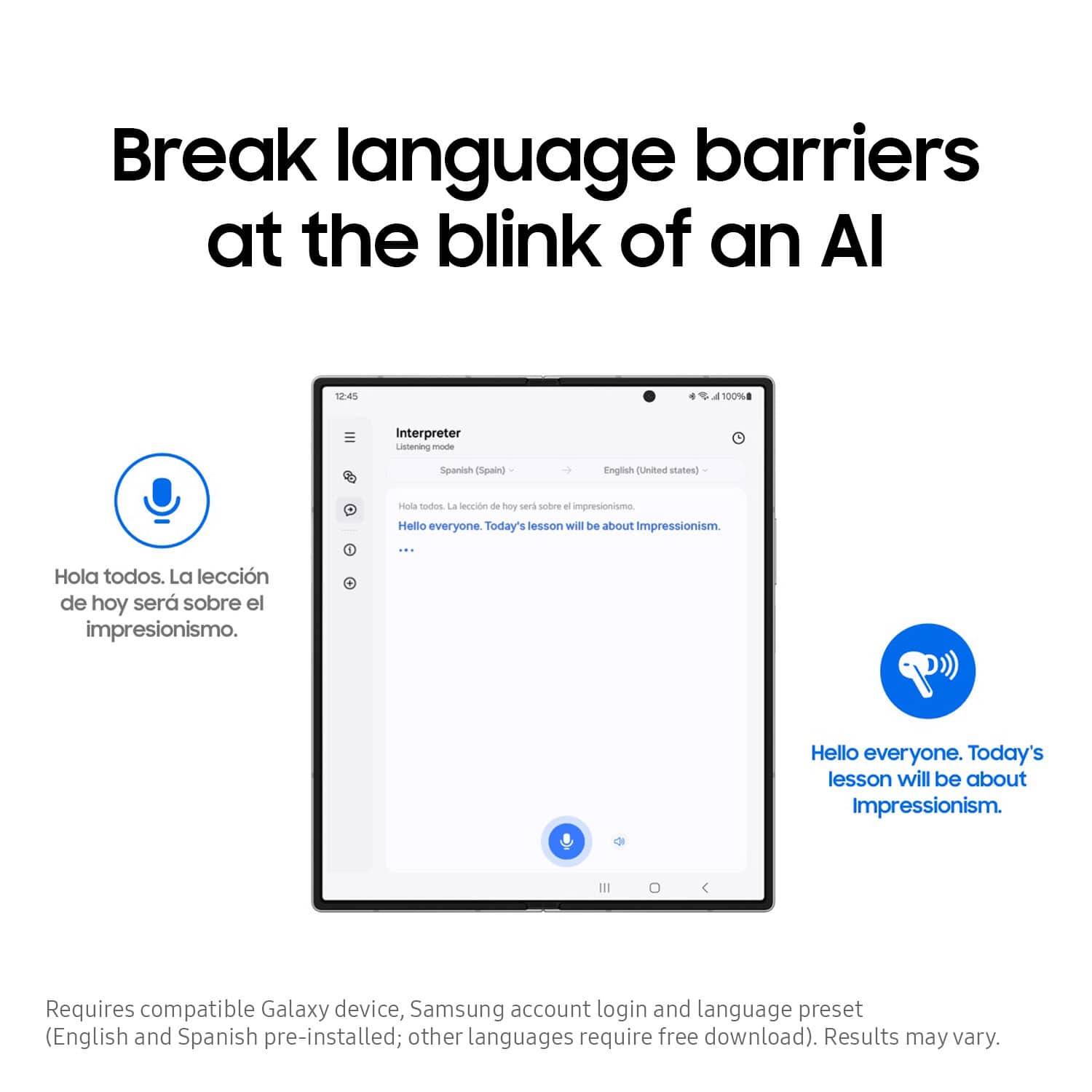
||Posted . Owned for 1 month when reviewed.This reviewer received promo considerations or sweepstakes entry for writing a review.These headphones are a must have especially for the translator. Noise cancelation on these are great.
I would recommend this to a friend Could have brought something better
||Posted .This reviewer received promo considerations or sweepstakes entry for writing a review.Brought them for language translation don't really work i say one thing and it does not translate to what i say. But the eye buds work fine but I could have brought some other type for less.
I would recommend this to a friend- Pros mentioned:Fit
Headphones
||Posted . Owned for 3 weeks when reviewed.This reviewer received promo considerations or sweepstakes entry for writing a review.They fit perfectly. They are the best headphones I’ve had in a while
I would recommend this to a friend - Pros mentioned:Battery life
Great product
||Posted . Owned for 2 months when reviewed.This reviewer received promo considerations or sweepstakes entry for writing a review.These are the absolute best!!!! The battery life is amazing i truly charge them maybe once a week.
I would recommend this to a friend Could be a lot better
||Posted . Owned for 1 month when reviewed.This reviewer received promo considerations or sweepstakes entry for writing a review.Plays music really good... But for phone calls the other person can't hear me and battery only last a little over an hour for phone calls... I also don't like that it doesn't charge very fast when put back in the case. And it doesn't have a way to beep individual ear piece if dropped and lost
No, I would not recommend this to a friendBrand response from Samsung
Posted .Salutations MikeR, thank you for taking the time to share your feedback with us about your experience using the Samsung Galaxy Buds3 Pro. We value your sentiments as we continue to improve the functionality and performance of our product line. Samsung offers a 12-month warranty on your device for manufacturing defects in materials and workmanship. Please take a moment to review, "No, low, or poor audio quality on Samsung earbuds" and "All about your Samsung earbuds’ battery life" to help resolve what you've described to be experiencing with your device. If you would like further assistance afterward, please feel free to contact Support. Thank you for being a devoted Samsung customer. - Debra

- Pros mentioned:Sound quality
Earbuds 3 Pro
||Posted .This reviewer received promo considerations or sweepstakes entry for writing a review.They work good, they sound good. Noise cancelling is wonderful. One of them just doesn't stay in my right ear that good and I've tried all sizes.
I would recommend this to a friendBrand response from Samsung
Posted .Aloha Deedee, thank you for taking the time to share your sentiments with us about your experience using the Samsung Galaxy Buds3 Pro. It's important to wear your earbuds properly for many reasons. You'll get better sound quality from them, they'll fit more comfortably, and they'll stay in your ears. Wearing them improperly can cause discomfort, sound leaks, and makes them more likely to fall out. The Galaxy Buds3 Pro come with different sized ear tips. The first thing you want to do is make sure they have the right size tips for your ears. You want them to fit so that there isn't a gap between your ear and the ear tip. This helps to avoid sound leaks and ensure optimal audio. Once you have the right tips on your buds: 1. Check the bottom of the earbuds for directional marks. You will see an L and an R. 2. Insert the R bud into your right ear with the R facing you. 3. Insert the L bud into your left ear with the L facing you. 4. Angle the blade slightly so that the microphone on the bottom is pointing towards your mouth rather than straight down. 5. You can adjust the buds by rotating them forwards and backwards until the fit feels right. You can also run an earbud fit test in the Galaxy Wearable app to ensure you have the proper fit. To run an Earbud fit test, 1. Open the Galaxy Wearable app on your connected phone. 2. From the Buds3 Pro screen, tap Sound quality and effects. 3. Tap Earbud fit test. 4. The screen will display either In ear or Not in ear. Make sure both buds are in your ears, and then tap Start. 5. The buds will chime for a few seconds, and then the app will display your results. It may say Poor fit or Good fit. If the fit is poor, make small adjustments and then tap Try again. 6. Continue running the fit test and making adjustments until you get a good fit result for both buds. If you would like more information regarding fit, feel free to review "How to wear your Samsung Galaxy Buds3 and 3 Pro." If you would like any further assistance afterward, please feel free to reach out to Support. Thanks for being a devoted Samsung customer. - Debra
- Pros mentioned:Sound quality
Amazing sound quality
||Posted . Owned for 2 months when reviewed.This reviewer received promo considerations or sweepstakes entry for writing a review.Great earbuds when it comes to sound control but they do fall out easily for me no matter what size tips i put on them
I would recommend this to a friend - Pros mentioned:Sound quality
Disappointed
||Posted . Owned for 3 weeks when reviewed.This reviewer received promo considerations or sweepstakes entry for writing a review.Disappointed because the ability to turn off the buds like my older Samsung Earbuds is gone. Similarly I can't turn off noise cancelation with a bud touch. I wanted ones that are easier to keep looking clean, so that works better with metallic finish. They also don't seem to fit my ear as well.
No, I would not recommend this to a friendBrand response from Samsung
Posted .Hi Samm, thanks for taking the time out of your day to share your thoughts with us about your Samsung Galaxy Buds3 Pro. As we strive to be innovative and make improvements on the design and functionality of our products, your feedback is invaluable. The Galaxy Buds3 Pro utilize a pinch and swipe gesture system on the blade of the device for touch controls. Pinching the blade controls music playback (play/pause, skip), call management (answer/end/decline), and can be customized to activate other features like noise control or Bixby. Swiping up and down on the blade adjusts the volume. It's important to wear your earbuds properly for many reasons. You'll get better sound quality from them, they'll fit more comfortably, and they'll stay in your ears. Wearing them improperly can cause discomfort, sound leaks, and makes them more likely to fall out. As you know, the Galaxy Buds3 Pro come with different sized ear tips. The first thing you want to do is make sure they have the right size tips for your ears. You want them to fit so that there isn't a gap between your ear and the ear tip. This helps to avoid sound leaks and ensure optimal audio. Once you have the right tips on your buds: 1. Check the bottom of the earbuds for directional marks. You will see an L and an R. 2. Insert the R bud into your right ear with the R facing you. 3. Insert the L bud into your left ear with the L facing you. 4. Angle the blade slightly so that the microphone on the bottom is pointing towards your mouth rather than straight down. 5. You can adjust the buds by rotating them forwards and backwards until the fit feels right. You can also run an earbud fit test in the Galaxy Wearable app to ensure you have the proper fit. To run an Earbud fit test, 1. Open the Galaxy Wearable app on your connected phone. 2. From the Buds3 Pro screen, tap Sound quality and effects. 3. Tap Earbud fit test. 4. The screen will display either In ear or Not in ear. Make sure both buds are in your ears, and then tap Start. 5. The buds will chime for a few seconds, and then the app will display your results. It may say Poor fit or Good fit. If the fit is poor, make small adjustments and then tap Try again. 6. Continue running the fit test and making adjustments until you get a good fit result for both buds. If you would like more information regarding fit, feel free to check out "How to wear your Samsung Galaxy Buds3 and 3 Pro." If you would like to share any other feedback with us or if you would like any further assistance, please feel free to reach out to Support. Thanks for being a staunch Samsung customer. - Debra
- Pros mentioned:Sound quality
Galaxy Buds 3 Pro Earbud Review
||Posted . Owned for 1 month when reviewed.This reviewer received promo considerations or sweepstakes entry for writing a review.The earbuds sound wonderful! Use them while driving and the other person cannot even tell I am in a vehicle.
I would recommend this to a friend - Pros mentioned:Sound quality
Airpods for Android for better or worse.
||Posted . Owned for 1 week when reviewed.This reviewer received promo considerations or sweepstakes entry for writing a review.Overall an improvement over the previous buds pro, but if you sweaty person they will come out while jogging or a hard workout. Phone calls and transparency mode are stellar.
I would recommend this to a friend - Pros mentioned:Comfort
Good ear buds
||Posted . Owned for 1 month when reviewed.This reviewer received promo considerations or sweepstakes entry for writing a review.Very comfortable. Controls on buds are easy to use.
I would recommend this to a friend - Pros mentioned:Sound quality
Nice
||Posted .This reviewer received promo considerations or sweepstakes entry for writing a review.These ear buds definitely a step up from Jabras. The sound is excellent and the ANC is good.
I would recommend this to a friend Great volume but not secure
||Posted . Owned for 3 weeks when reviewed.This reviewer received promo considerations or sweepstakes entry for writing a review.The samsug earbuds offer a quality sound and deflects 90% of the external noise when in operation. I do have a problem with the earbuds staying secure in my ear. The various ear fitting peices were tried to no avail so, I am constantly adjusting the earbuds to ensure they are secure.
No, I would not recommend this to a friendBrand response from Samsung
Posted .Howdy Great, thanks for sharing your feedback with us about your experience using the Samsung Galaxy Buds3 Pro. We appreciate your constructive input as we improve our product line. Wearing your earbuds properly is very important for many reasons. You'll get better sound quality from them, they'll fit more comfortably, and they'll stay in your ears. Wearing them improperly can cause discomfort, sound leaks, and makes them more likely to fall out. As you know, the Galaxy Buds3 Pro come with different sized ear tips. The first thing you want to do is make sure they have the right size tips for your ears. You want them to fit so that there isn't a gap between your ear and the ear tip. This helps to avoid sound leaks and ensure optimal audio. Once you have the right tips on your buds: 1. Check the bottom of the earbuds for directional marks. You will see an L and an R. 2. Insert the R bud into your right ear with the R facing you. 3. Insert the L bud into your left ear with the L facing you. 4. Angle the blade slightly so that the microphone on the bottom is pointing towards your mouth rather than straight down. 5. You can adjust the buds by rotating them forwards and backwards until the fit feels right. You can also run an earbud fit test in the Galaxy Wearable app to ensure you have the proper fit. To run an Earbud fit test, 1. Open the Galaxy Wearable app on your connected phone. 2. From the Buds3 Pro screen, tap Sound quality and effects. 3. Tap Earbud fit test. 4. The screen will display either In ear or Not in ear. Make sure both buds are in your ears, and then tap Start. 5. The buds will chime for a few seconds, and then the app will display your results. It may say Poor fit or Good fit. If the fit is poor, make small adjustments and then tap Try again. 6. Continue running the fit test and making adjustments until you get a good fit result for both buds. If you would like more information regarding fit, feel free to check out "How to wear your Samsung Galaxy Buds3 and 3 Pro." If you would like further assistance after checking out the resource shared, please feel free to contact Support at your leisure. Thank you for being a faithful Samsung customer. - Debra
Love these headphones
||Posted . Owned for 8 months when reviewed.This reviewer received promo considerations or sweepstakes entry for writing a review.I hate the look of these compared to the old style but the functionality is alot better
I would recommend this to a friend- Pros mentioned:Sound quality
galaxy buds 3 pro
||Posted . Owned for 4 months when reviewed.This reviewer received promo considerations or sweepstakes entry for writing a review.galaxy buds 3 pro is best sound quality best mic best noise cancelling and best place to buy electronic devices is best buy
I would recommend this to a friend