Customer Ratings & Reviews




- Model:
- SM-R530NZAAXAR
- SKU:
- 10517789
Rating by feature
- Sound Quality
Rating 4.5 out of 5 stars
- Battery Life
Rating 4.5 out of 5 stars
- Connectivity
Rating 4.6 out of 5 stars
Earbuds
||Posted . Owned for 1 month when reviewed.This reviewer received promo considerations or sweepstakes entry for writing a review.Very good quality.. nice pair.. hold charge for long time
I would recommend this to a friend- Pros mentioned:Sound qualityCons mentioned:Fit
Noise cancelation doesnt work sound is low fit is
||Posted . Owned for less than 1 week when reviewed.This reviewer received promo considerations or sweepstakes entry for writing a review.Noise cancelation isnt good because the fit is terrible. They fall out they hurt my ears thay are bad at noise canceling and i cant hear what im trying to watch If samsung spend half the time improving their product as they did stealing from apple we might have a good product. But this is unusable bad i just tryied to watch a movie on a flight full volume and i cant hear the movie. 200 really samsung my cheep apple knockoffs are way better. The last gen of galaxy pods are like an 8/10 theese are 1/10 hands down avoid
No, I would not recommend this to a friend Samsung the best
||Posted .This reviewer received promo considerations or sweepstakes entry for writing a review.This is a good price ...and the quality .... what can I say, another level... I bought for my husband, and he love it so now I am planing to buy one for myself... highly recomended
I would recommend this to a friend- Pros mentioned:Sound quality
Great Headphones
||Posted . Owned for 6 months when reviewed.This reviewer received promo considerations or sweepstakes entry for writing a review.Could not ask for a better set of headphones. Noise canceling included. Bluetooth capable.
I would recommend this to a friend - Cons mentioned:Fit
Blah
||Posted . Owned for 4 months when reviewed.This reviewer received promo considerations or sweepstakes entry for writing a review.Loved the original Galaxy Buds. The Samsung Galaxy Bud3 does not stay in your ear. They fall out all the time
No, I would not recommend this to a friendBrand response from Samsung
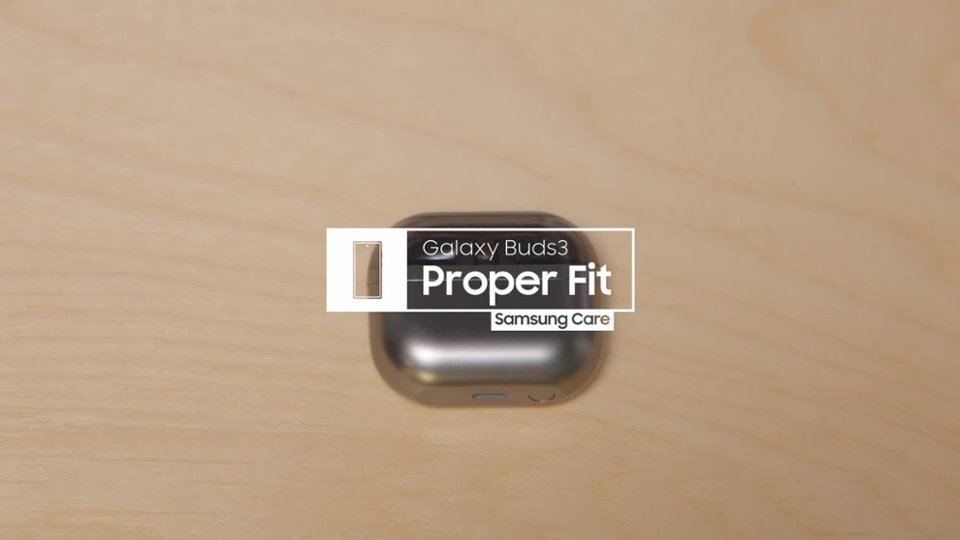
Posted .Hi RobynS, thanks for taking the time out of your day to share your thoughts with us about your Samsung Galaxy Buds3. As we strive to be innovative and make improvements on the design and functionality of our products, your feedback is invaluable. Samsung provides a 12-month warranty for manufacturing defects in materials and workmanship. If you're wearing your earbuds properly, you'll get better sound quality from them, they'll fit more comfortably, and they'll stay in your ears. Wearing them improperly can cause discomfort, sound leaks, and makes them more likely to fall out. No one wants to lose an earbud, especially while out jogging, so be sure to wear them with the proper fit. Being that the Galaxy Buds3 are open-type buds rather than canal types, so they do not have earbud tips. All you have to do to get started is simply place them in your ears. 1. Check the bottom of the earbuds for directional marks. You will see an L and an R. 2. Insert the R bud into your right ear with the R facing you. 3. Insert the L bud into your left ear with the L facing you. 4. Angle the blade slightly so that the microphone on the bottom is pointing towards your mouth rather than straight down. 5. You can adjust the buds by rotating them forwards and backwards until the fit feels right. Feel free to check out, "How to wear your Samsung Galaxy Buds3 and 3 Pro" if you would like more information. Let us know if you have any other feedback with us or if you would like any further assistance, do not hesitate to contact Support. Thank you for being a cherished Samsung customer. - Debra

- Pros mentioned:Sound quality
Great sound
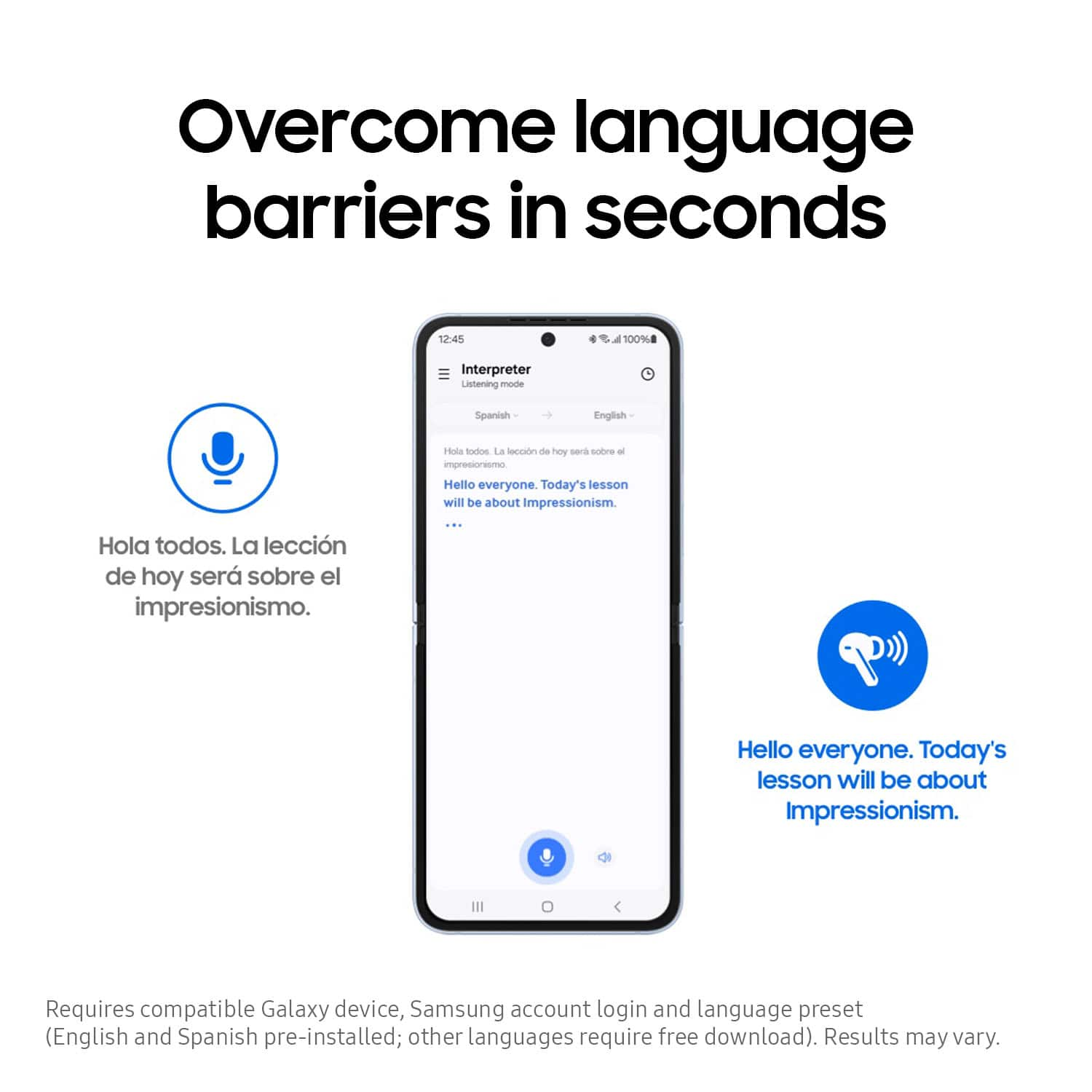
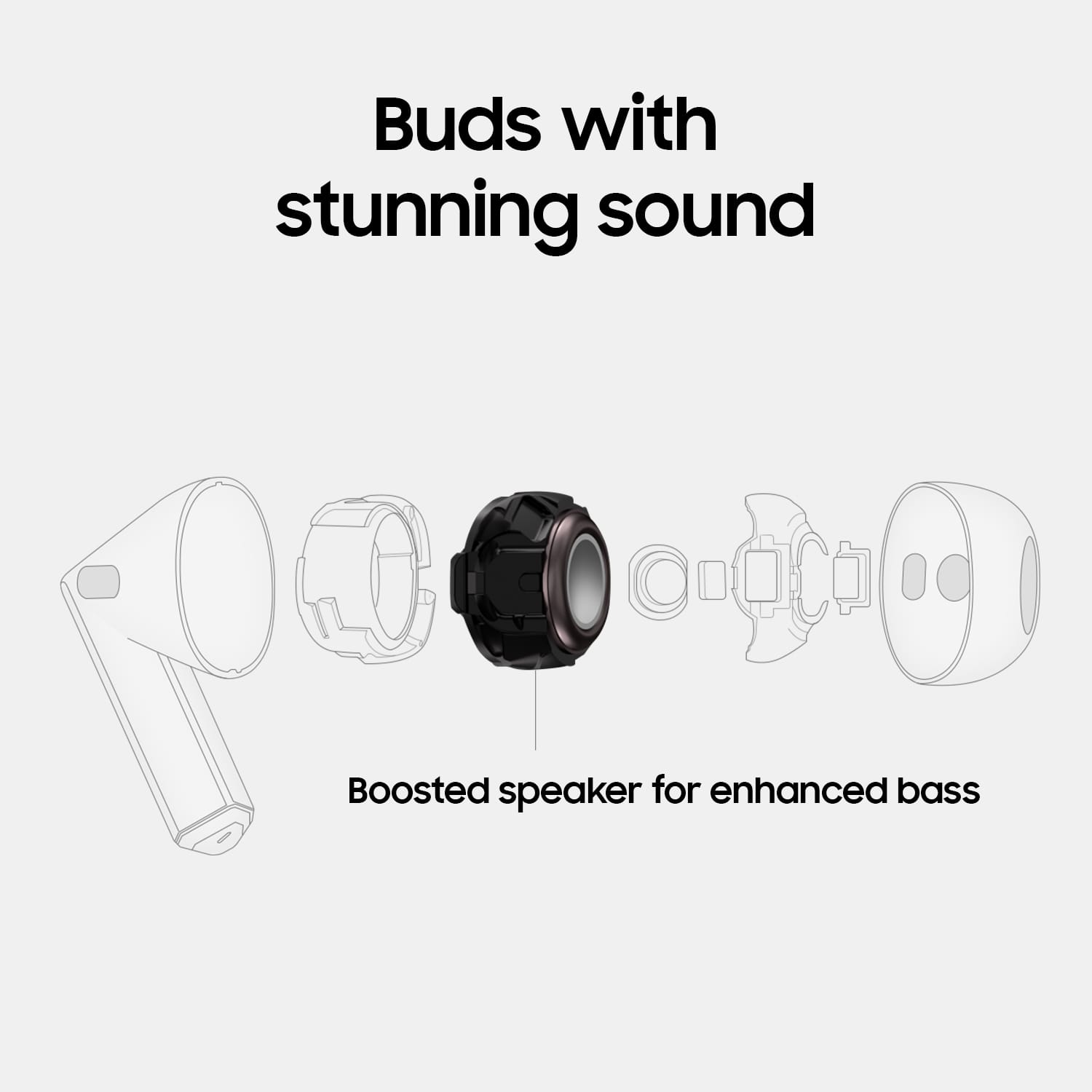
||Posted . Owned for 3 weeks when reviewed.This reviewer received promo considerations or sweepstakes entry for writing a review.These headphones are great they are loud and you can actually hear the bass very good. I like the fact that they also have the translated ability so I can understand what is being said to me.
I would recommend this to a friend - Pros mentioned:Sound quality
This is the only earbuds you will ever need!
||Posted . Owned for 3 weeks when reviewed.This reviewer received promo considerations or sweepstakes entry for writing a review.Awesome earbuds and definitely my most favourite thus far. The sound quality is awesome, it's very responsive and the noise cancelling is way better than I thought. Definitely a must have!
I would recommend this to a friend - Pros mentioned:Comfort
Amazing
||Posted . Owned for 1 month when reviewed.This reviewer received promo considerations or sweepstakes entry for writing a review.I really like these new ear buds from samsung at first i thought i was gonna like them because mostly all my previously earbuds came with the rubber piece.
I would recommend this to a friend - Cons mentioned:Fit
Samsung Galaxy Buds3 Review
||Posted . Owned for 3 weeks when reviewed.This reviewer received promo considerations or sweepstakes entry for writing a review.Excellet wireless near headphones, my only issue is that it docent fit snuggly and it Kees falling or slipping out of my ear. Very annoying. Other than that, excellent headphones
I would recommend this to a friend - Pros mentioned:Sound quality
Earbuds
||Posted . Owned for 3 months when reviewed.This reviewer received promo considerations or sweepstakes entry for writing a review.Excellent product, sound and very nice looking. Samsung always has the best products. I am very happy and I will be buying more items from best buy!!!
I would recommend this to a friend - Pros mentioned:Sound quality
Airpods
||Posted . Owned for 7 months when reviewed.This reviewer received promo considerations or sweepstakes entry for writing a review.Love the size and sound quality. Blocks out all the noise.
I would recommend this to a friend - Pros mentioned:Battery life
Great Buy
||Posted . Owned for 6 months when reviewed.This reviewer received promo considerations or sweepstakes entry for writing a review.Love these ear buds. I came from a set on apple gen 2 and these have a better battery life and are more comfortable to wear all day.
I would recommend this to a friend Very Good
||Posted . Owned for 1 week when reviewed.This reviewer received promo considerations or sweepstakes entry for writing a review.Excellent and works very well. Thank you from the bottom of my heart.
I would recommend this to a friend- Pros mentioned:Comfort
Galaxy buds 3
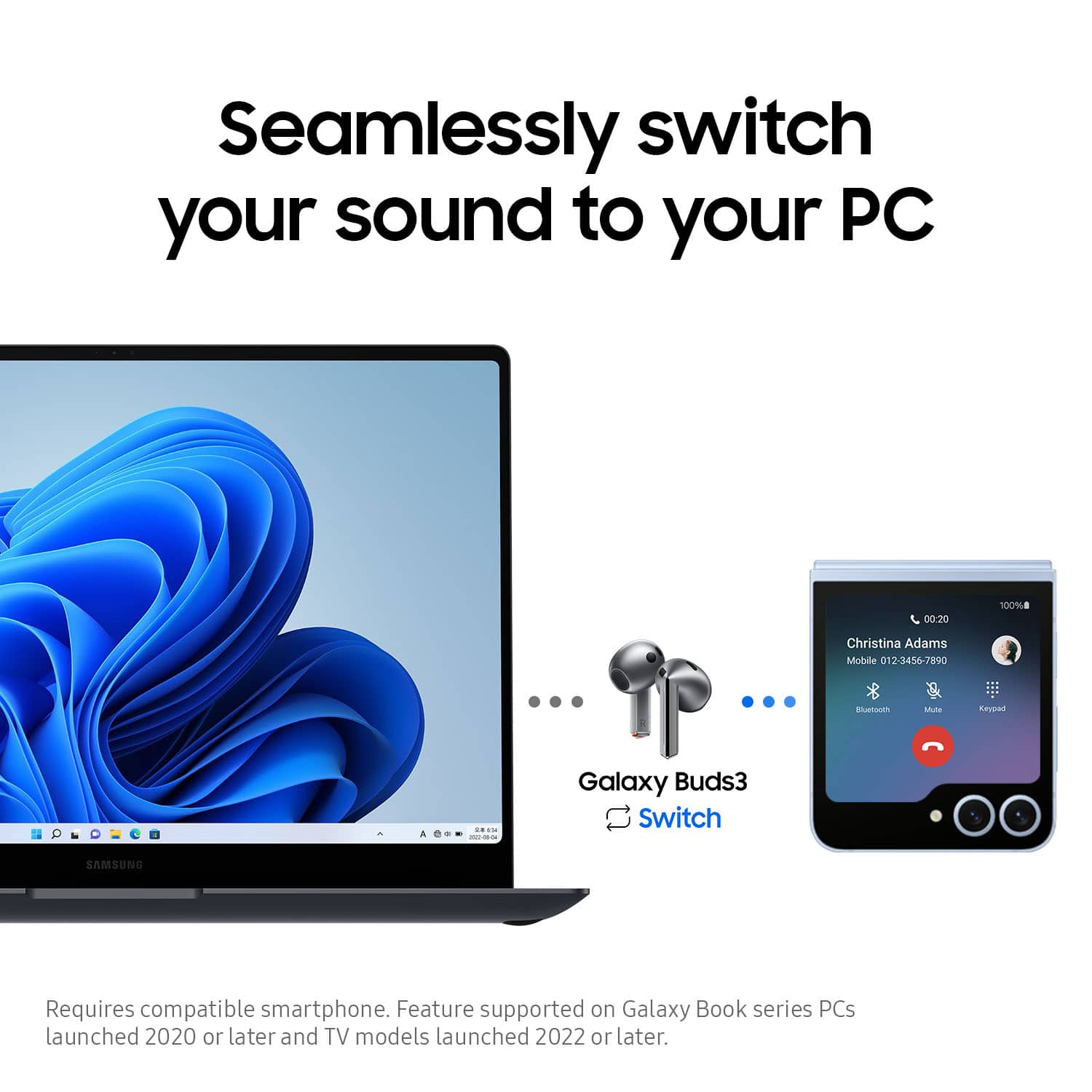
||Posted . Owned for 3 weeks when reviewed.This reviewer received promo considerations or sweepstakes entry for writing a review.These buds worked perfectly. Very ready to connect. Once you open the case the phone reads it effortlessly. There are very comfortable too. Only thing is i forget they are there sometimes.
I would recommend this to a friend - Cons mentioned:Volume
Buy the pro version
||Posted . Owned for 2 weeks when reviewed.This reviewer received promo considerations or sweepstakes entry for writing a review.These earbuds are nice but there is a lower volume due to the design without the tips. But I am sure if you get the pro version then you will be able to hear a whole lot clearer.
I would recommend this to a friendBrand response from Samsung
Posted .Hello RDan, we appreciate you sharing your experience with your Samsung Galaxy Buds3 with us. We completely understand how important the volume and immersive listening experience of your earbuds are to you. We have a great article available online to help you troubleshoot this matter at your convenience titled "No, low, or poor audio quality on Samsung earbuds". We also have the Samsung Support Team available to help troubleshoot any aspect of your device you believe may not be operating as intended. Thank you for being a Samsung customer. -Elizabeth
- Pros mentioned:Sound quality
Great gift
||Posted . Owned for 2 months when reviewed.This reviewer received promo considerations or sweepstakes entry for writing a review.Bought this as a gift for my boyfriend and he loves them. The noise cancellation and overall quaility is superb!
I would recommend this to a friend - Pros mentioned:Sound quality
good sound but they didn't fit me
||Posted . Owned for 1 month when reviewed.This reviewer received promo considerations or sweepstakes entry for writing a review.I really liked it, the only thing is that my ear is a little small and for the same reason they fell out easily, the sound is excellent.
I would recommend this to a friend - Pros mentioned:Sound quality
Get them, upgrade your sound
||Posted . Owned for 7 months when reviewed.This reviewer received promo considerations or sweepstakes entry for writing a review.Love my new buds. The sound quality is great compared to previous model.
I would recommend this to a friend Galaxy buds
||Posted .This reviewer received promo considerations or sweepstakes entry for writing a review.Very good,headphones. Will be getting the new pair,soon
I would recommend this to a friend- Pros mentioned:Battery life
The best earbuds.
||Posted . Owned for 7 months when reviewed.This reviewer received promo considerations or sweepstakes entry for writing a review.I love my earbuds. I have to have them with me all the time. The charge is great.
I would recommend this to a friend