Customer Ratings & Reviews



- Model:
- SM-R530NZAAXAR
- SKU:
- 10517789
Rating by feature
- Sound Quality
Rating 4.5 out of 5 stars
- Battery Life
Rating 4.5 out of 5 stars
- Connectivity
Rating 4.6 out of 5 stars
Headphones
||Posted .This reviewer received promo considerations or sweepstakes entry for writing a review.I am really happy with my purchase, they work great, it was good pricing, and the shipping was very fast (about 2-3 days)
I would recommend this to a friend- Pros mentioned:Comfort
Great buds!!
||Posted . Owned for 2 weeks when reviewed.This reviewer received promo considerations or sweepstakes entry for writing a review.These headphones are great. I would say if you want a little more comfort get the pros. Overall these are great though.
I would recommend this to a friend - Cons mentioned:Volume
Garbaggio
||Posted . Owned for 3 weeks when reviewed.This reviewer received promo considerations or sweepstakes entry for writing a review.After using airpods forever and switching my entire life to samsung, I got these expecting the same or better. Nah. They're mid at best and if you like to listen to anything loud definitely spend your money on something else. The max volume in any setting is a joke. Oh and so is the noice cancelation. I hope samsung makes progress in the future but these definitely are not it.
No, I would not recommend this to a friend Review by AJ
||Posted . Owned for 1 month when reviewed.This reviewer received promo considerations or sweepstakes entry for writing a review.I am pleased with these ear buds. I greatly encourage others to give them a try.
I would recommend this to a friend- Pros mentioned:Sound quality
Awesome...Perfect!!
||Posted . Owned for 3 weeks when reviewed.This reviewer received promo considerations or sweepstakes entry for writing a review.I love my new ear buds...sounds awesome and work well. They paired easy with my Samsung Galaxy S24 ultra!!!!
I would recommend this to a friend - Pros mentioned:Sound quality
My Review.
||Posted . Owned for 1 week when reviewed.This reviewer received promo considerations or sweepstakes entry for writing a review.I love and hate these earbuds; I am not sure exactly where the improvement was made regarding the sound and how well others on the receiving end can hear me, but the improvement is significant. However, they do not feel comfortable one bit, fall out easily, and I think its started giving me a little welt. I think, in this regard, where they went wrong was that they tried changing the presentation of it to have more of a diamond cut.
I would recommend this to a friendBrand response from Samsung
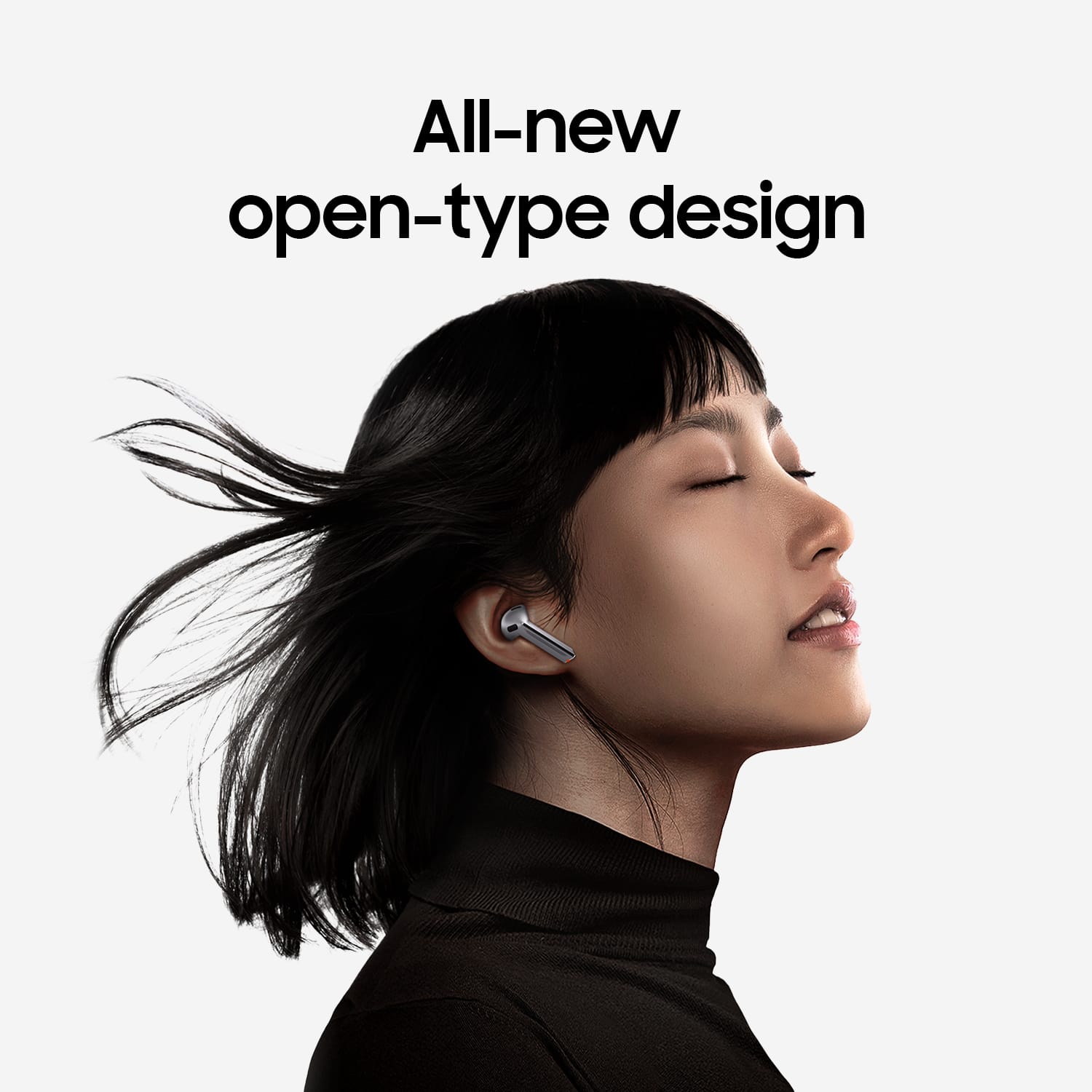
Posted .Greetings Benjamin1313, thank you for finding the opportunity to share your sentiments with us about your Samsung Galaxy Buds3. We appreciate your feedback as it provides us the opportunity to remain innovative while improving the functionality of our product line as well as the design. Our goal is for our customers to feel like they are having the most incredible experiences while using our products. Samsung provides a 12-month warranty on our products for manufacturing defects in materials and workmanship. It's important to wear your earbuds properly for many reasons. You'll get better sound quality from them, they'll fit more comfortably, and they'll stay in your ears. Wearing them improperly can cause discomfort, sound leaks, and makes them more likely to fall out. The Galaxy Buds3 are open-type buds rather than canal types, so they do not have earbud tips. All you have to do to get started is simply place them in your ears. 1. Check the bottom of the earbuds for directional marks. You will see an L and an R. 2. Insert the R bud into your right ear with the R facing you. 3. Insert the L bud into your left ear with the L facing you. 4. Angle the blade slightly so that the microphone on the bottom is pointing towards your mouth rather than straight down. 5. You can adjust the buds by rotating them forwards and backwards until the fit feels right. Feel free to check out, "How to wear your Samsung Galaxy Buds3 and 3 Pro" if you would like more information. Let us know if you have any questions for us or if you would like any further assistance by contacting Samsung Support. Thank you for being a trustworthy Samsung customer. - Debra

- Cons mentioned:Fit
Beware
||Posted . Owned for less than 1 week when reviewed.This reviewer received promo considerations or sweepstakes entry for writing a review.Wanted to love these, but the fit and quality were not there. Only the left earbud felt secured. The right earbud felt loose and had had a little rattle inside them while the left earbud had no rattle. The ergonomics of using the blade often made the earbuds come loose or fall out. Had to return them and will go back to using my Galaxy Buds 2. Maybe in the future, I'll give the Buds 3 Pro a chance after they go on sale and quality control.
No, I would not recommend this to a friendBrand response from Samsung
Posted .Howdy Mike, thanks for taking the available time out of your day to share your thoughts with us about your Samsung Galaxy Buds3. We appreciate your candor as we make every effort to improve the design and functionality of our product line. Our goal is for our customers to feel like they are having the most ideal experiences while using our products. Samsung provides a 12-month warranty on our products for manufacturing defects in materials and workmanship. If you're wearing your earbuds properly, you'll get better sound quality from them, they'll fit more comfortably, and they'll stay in your ears. Wearing them improperly can cause discomfort, sound leaks, and makes them more likely to fall out. No one wants to lose an earbud, especially while out jogging, so be sure to wear them with the proper fit. Being that the Galaxy Buds3 are open-type buds rather than canal types, so they do not have earbud tips. All you have to do to get started is simply place them in your ears. 1. Check the bottom of the earbuds for directional marks. You will see an L and an R. 2. Insert the R bud into your right ear with the R facing you. 3. Insert the L bud into your left ear with the L facing you. 4. Angle the blade slightly so that the microphone on the bottom is pointing towards your mouth rather than straight down. 5. You can adjust the buds by rotating them forwards and backwards until the fit feels right. Feel free to check out, "How to wear your Samsung Galaxy Buds3 and 3 Pro" if you would like more information. Let us know if you have any questions for us or if you would like any further assistance by contacting Support. Thank you for being a valued Samsung customer. - Debra
Samsung
||Posted .This reviewer received promo considerations or sweepstakes entry for writing a review.I using this product from 10 days those product is good.i am satisfied
I would recommend this to a friend- Cons mentioned:Fit
Earbuds
||Posted . Owned for 3 months when reviewed.This reviewer received promo considerations or sweepstakes entry for writing a review.They're ok but tend to not fit snug and disconnect and fall off
No, I would not recommend this to a friendBrand response from Samsung
Posted .Hello TeodoroM, thank you for sharing your experience with using the Samsung Galaxy Buds3. We value your honesty as we improve the design and functionality of our product line. If you're wearing your earbuds properly, you'll get better sound quality from them, they'll fit more comfortably, and they'll stay in your ears. Wearing them improperly can cause discomfort, sound leaks, and makes them more likely to fall out. No one wants to lose an earbud, especially while out jogging, so be sure to wear them with the proper fit. Being that the Galaxy Buds3 are open-type buds rather than canal types, so they do not have earbud tips. All you have to do to get started is simply place them in your ears. 1. Check the bottom of the earbuds for directional marks. You will see an L and an R. 2. Insert the R bud into your right ear with the R facing you. 3. Insert the L bud into your left ear with the L facing you. 4. Angle the blade slightly so that the microphone on the bottom is pointing towards your mouth rather than straight down. 5. You can adjust the buds by rotating them forwards and backwards until the fit feels right. Feel free to check out, "How to wear your Samsung Galaxy Buds3 and 3 Pro" if you would like more information. Also check out, "Connection issues with Samsung earbuds" to help resolve what you may be experiencing with your connectivity. If you have any questions or if you would like further assistance afterward, please feel free to contact Support. Thank you for choosing Samsung! - Debra
- Pros mentioned:Sound quality
Great gift!
||Posted . Owned for 1 week when reviewed.This reviewer received promo considerations or sweepstakes entry for writing a review.Was a gift for my son. He has a galaxy phone so works for him! Great sound
I would recommend this to a friend Samsung earbuds
||Posted . Owned for 2 weeks when reviewed.This reviewer received promo considerations or sweepstakes entry for writing a review.I love my samsung earbuds. Samsung is my go to product.
I would recommend this to a friendGreat gift for Samsung User
||Posted . Owned for 2 months when reviewed.This reviewer received promo considerations or sweepstakes entry for writing a review.Easy to Sync and wireless charging is nice to have so you can easily set the case in the pad and get it later.
I would recommend this to a friendGreat
||Posted .This reviewer received promo considerations or sweepstakes entry for writing a review.Great product and fits perfectly in ear. I saw a lot of reviews saying it falls out but it fits in my ear without falling
I would recommend this to a friend- Pros mentioned:Sound quality
Galaxy buds 3
||Posted . Owned for 1 week when reviewed.This reviewer received promo considerations or sweepstakes entry for writing a review.I rated them 3 stars because of the difficulty of getting them in and out of the case. Other than that, they're awesome!
I would recommend this to a friendBrand response from Samsung
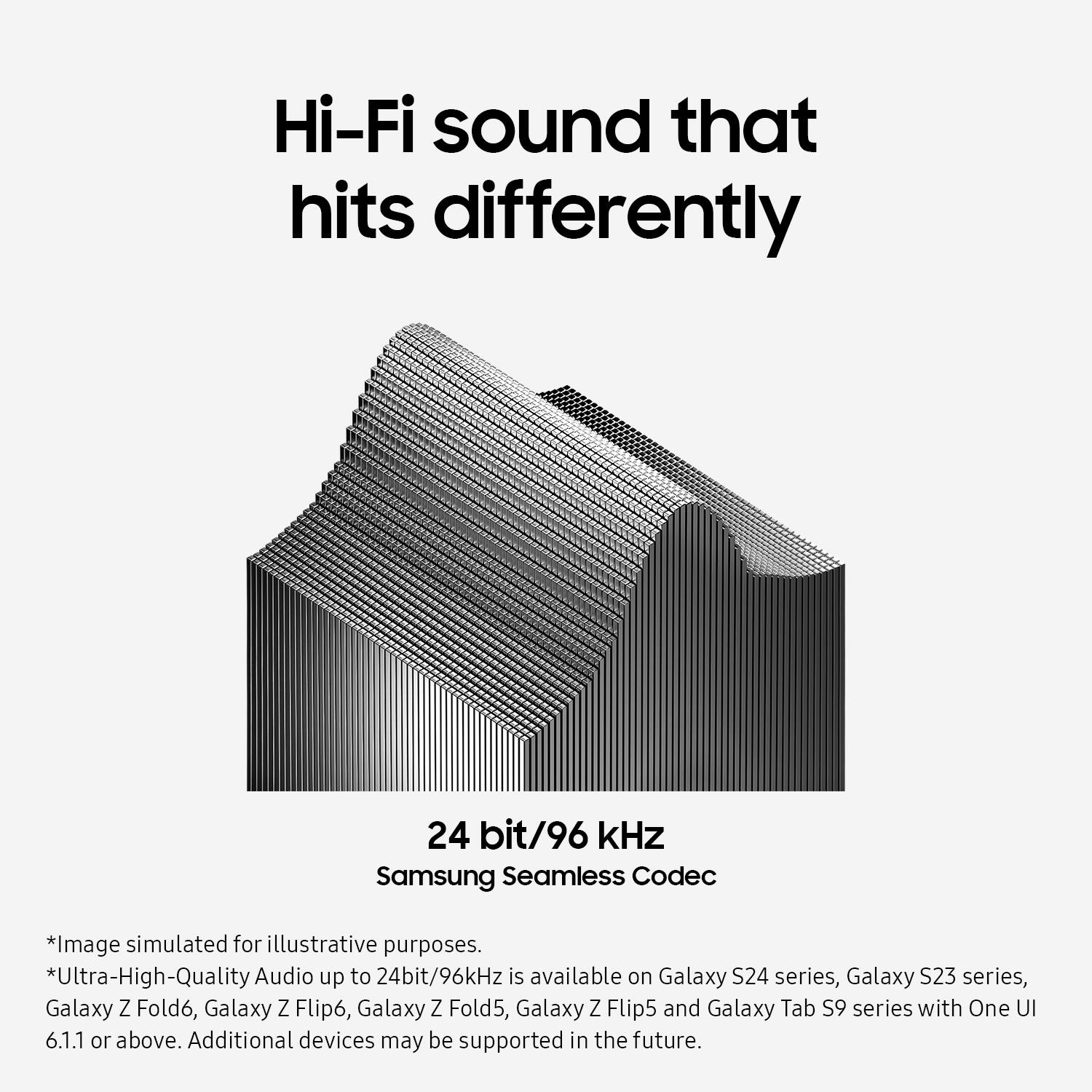
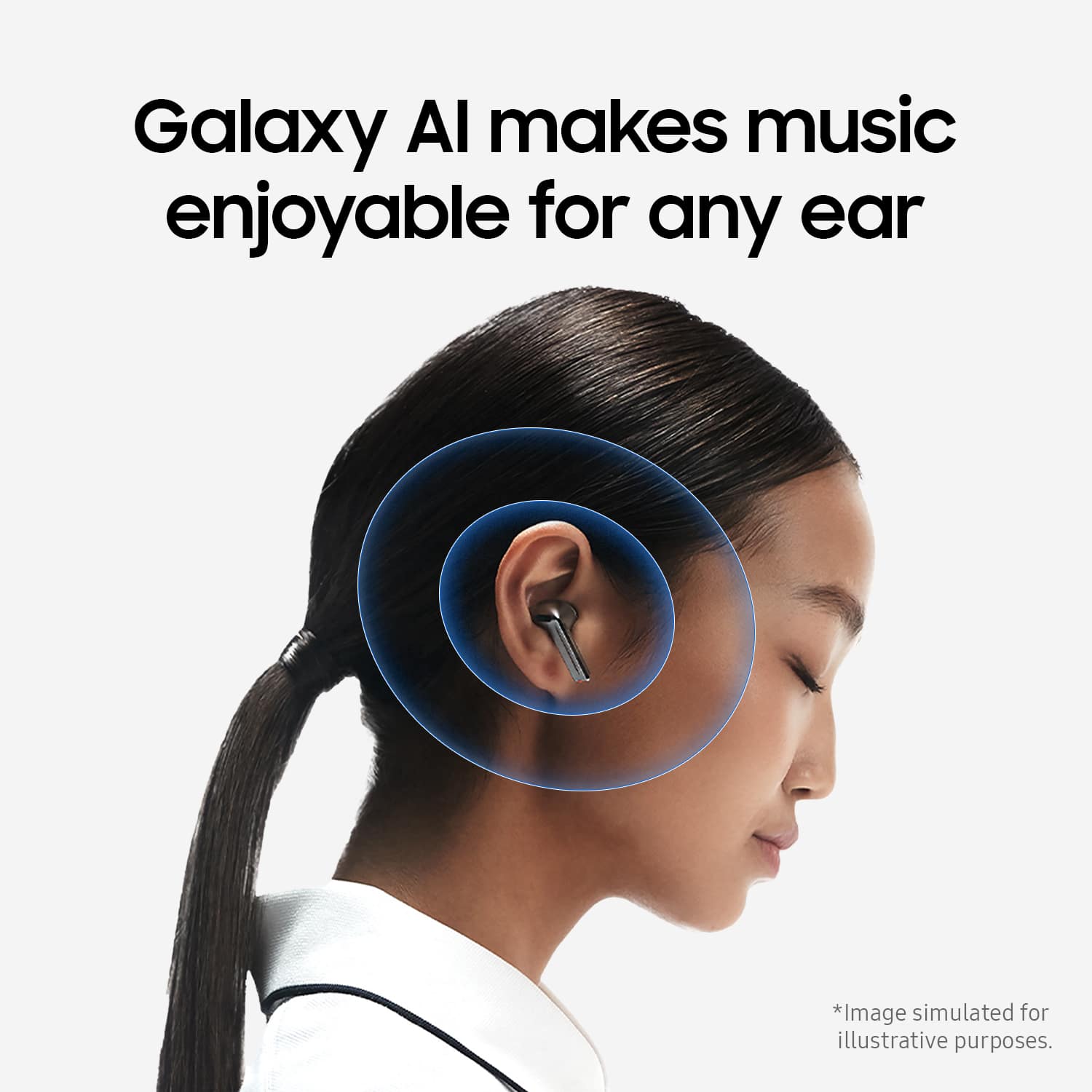
Posted .Thank you for sharing your honest feedback on the Galaxy Buds3, Kevin. We always appreciate insights from our customers. The Buds3 delivers high-quality streaming across devices, whether you're making phone calls or enjoying a new playlist during your morning workout. With the Samsung Seamless Codec, you can enjoy audio quality of up to 24-bit/96kHz. Experience outstanding sound regardless of how your earbuds are positioned in your ears. The Adaptive Equalizer, powered by Galaxy AI, adjusts your audio based on how you wear your earbuds, allowing you to enjoy immersive sound while on the go. We noted your concerns about placing your earbuds in and out of the case. Please contact us at Support so we can gather more information and look into a resolution. -Kelvin
Great
||Posted .This reviewer received promo considerations or sweepstakes entry for writing a review.Great gift for any android user my dad loves it! Lol
I would recommend this to a friendMy Buds
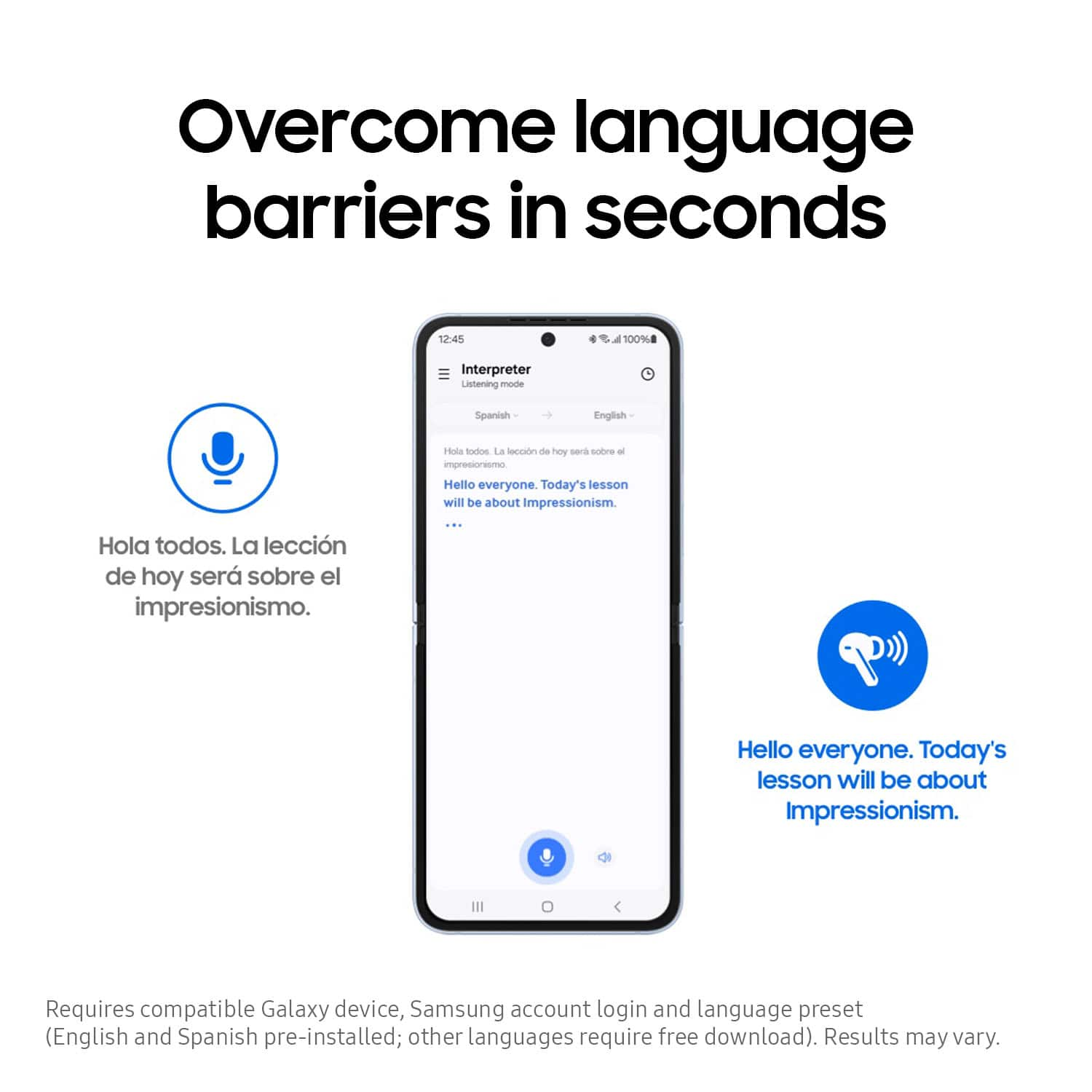
||Posted .This reviewer received promo considerations or sweepstakes entry for writing a review.So happy with my buds and the translation on them is 100%
I would recommend this to a friend- Pros mentioned:Sound quality
Sounds good but...
||Posted . Owned for less than 1 week when reviewed.This reviewer received promo considerations or sweepstakes entry for writing a review.They look good you hear well but they feel low quality I had AirPods 2 and they felt much better than these new Galaxy.
No, I would not recommend this to a friend Great Gift
||Posted .This reviewer received promo considerations or sweepstakes entry for writing a review.Made a Great Gift for Christmas. They really liked them.
I would recommend this to a friendGalaxy buds
||Posted . Owned for 1 year when reviewed.This reviewer received promo considerations or sweepstakes entry for writing a review.I had to exchange the first pair for new then the new ones did the same thing
No, I would not recommend this to a friend- Pros mentioned:Sound quality
Ear buds
||Posted . Owned for 1 month when reviewed.This reviewer received promo considerations or sweepstakes entry for writing a review.Excellent look and sound. Was a gift! Better than the previous verssion
I would recommend this to a friend