Customer Ratings & Reviews

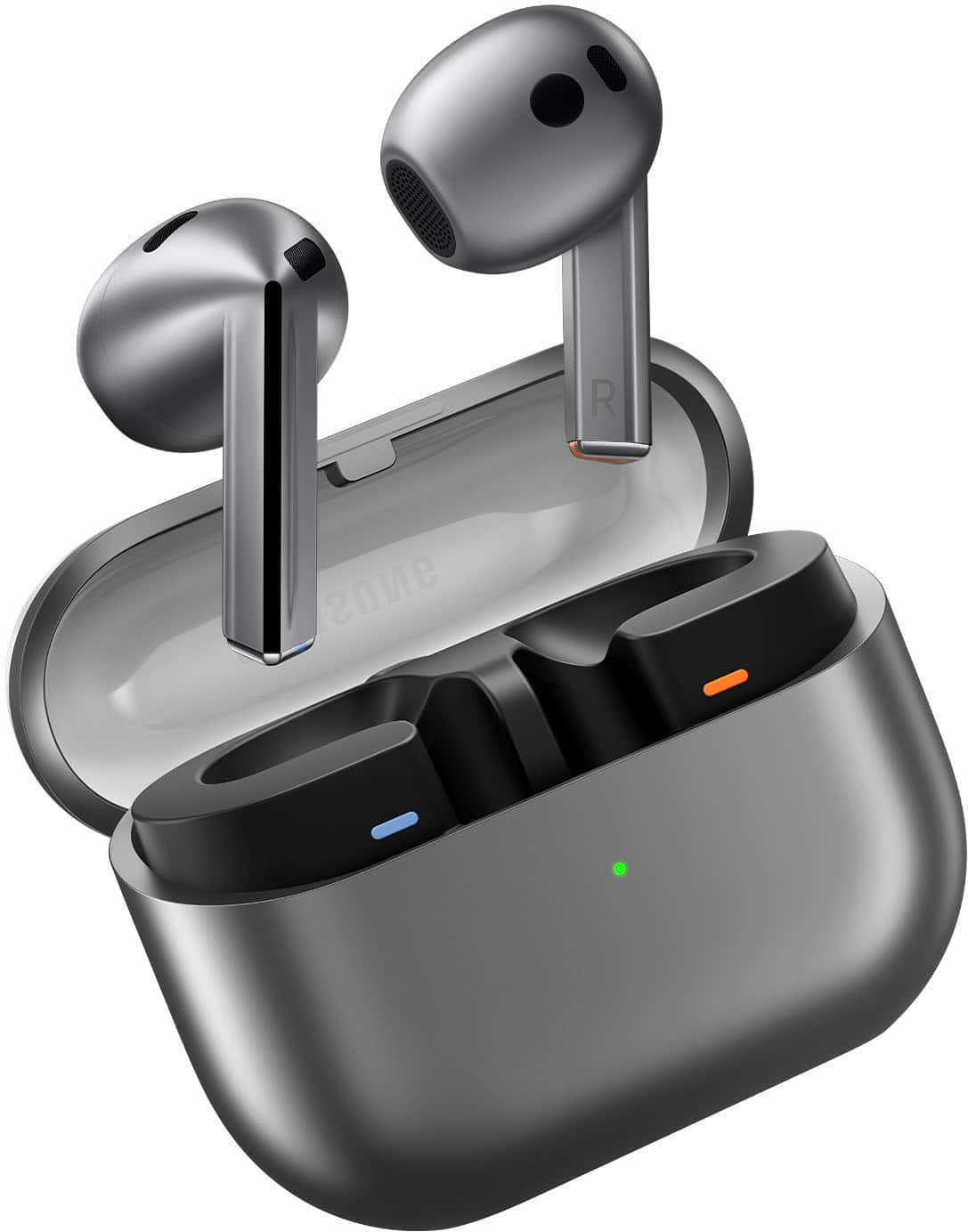


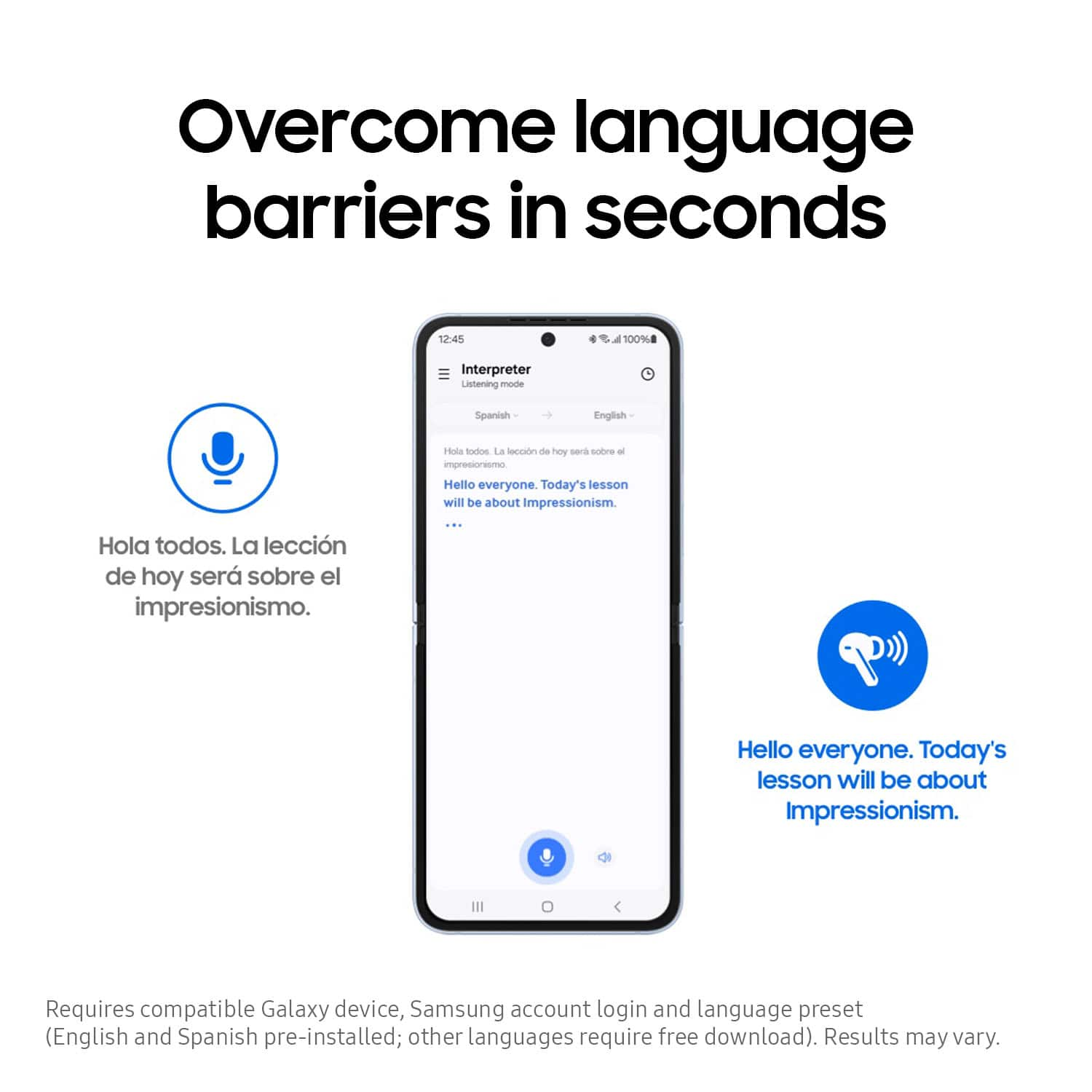
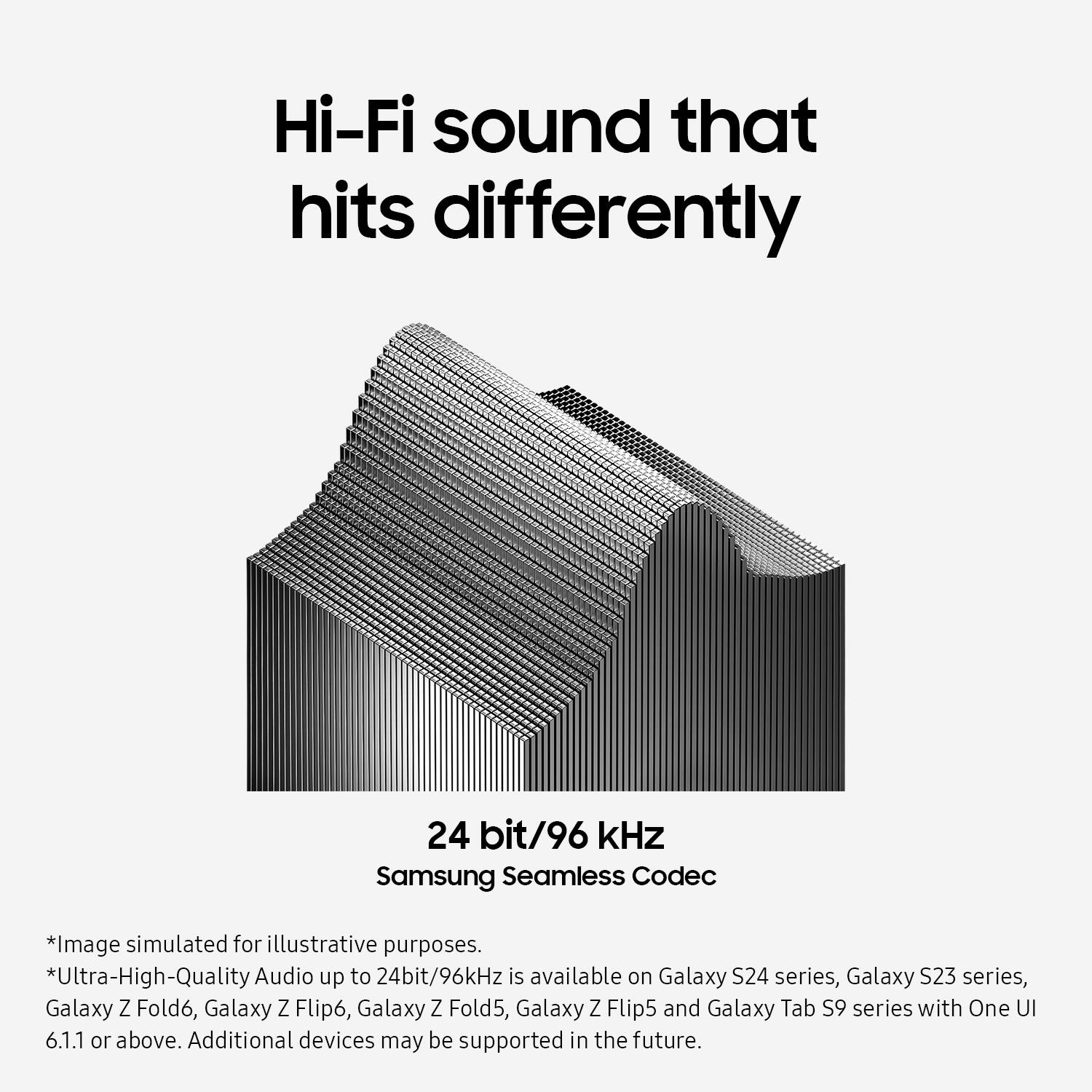
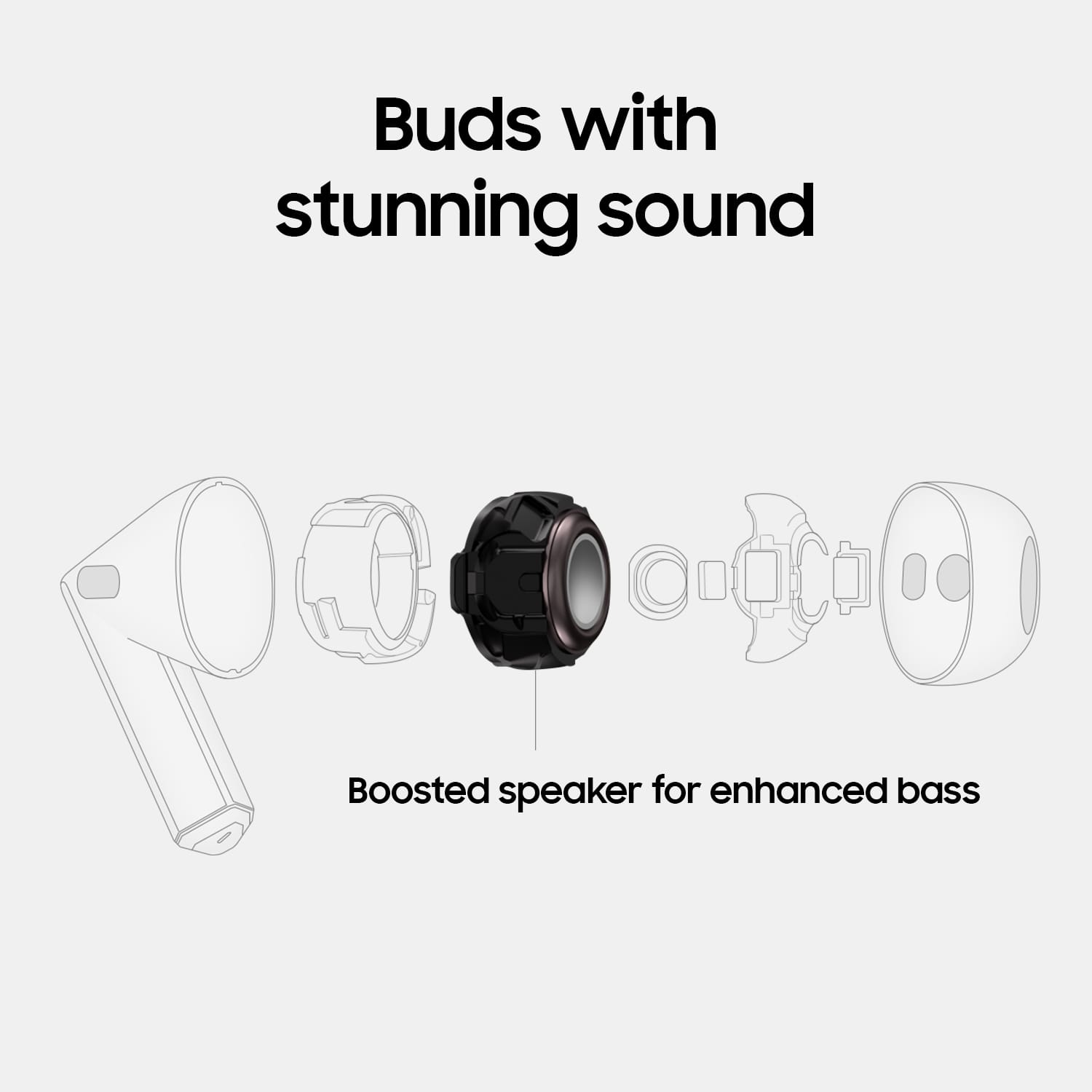

- Model:
- SM-R530NZAAXAR
- SKU:
- 10517789
Rating by feature
- Sound Quality
Rating 4.5 out of 5 stars
- Battery Life
Rating 4.5 out of 5 stars
- Connectivity
Rating 4.6 out of 5 stars
- Pros mentioned:Sound quality
Headphones
||Posted . Owned for 3 weeks when reviewed.This reviewer received promo considerations or sweepstakes entry for writing a review.The sound quality is great, they are just as good if not better than my apple beats.
I would recommend this to a friend - Pros mentioned:Sound quality
Best ear buds!
||Posted . Owned for 5 months when reviewed.This reviewer received promo considerations or sweepstakes entry for writing a review.Has the best sound quality and also the best price for ear buds!
I would recommend this to a friend - Cons mentioned:Fit
Ok
||Posted . Owned for less than 1 week when reviewed.This reviewer received promo considerations or sweepstakes entry for writing a review.The 3s don't come with ear grips like the 3 pro. Im returning. They don't fit very good either. Get the 2s pro
No, I would not recommend this to a friendBrand response from Samsung
Posted .Hi there DanielH, thanks for taking the time out of your day to share your thoughts with us about your Samsung Galaxy Buds3. Your feedback allows us to continue to strive in providing the best products with superior functionality on the market to our customers. If you're wearing your earbuds properly, you'll get better sound quality from them, they'll fit more comfortably, and they'll stay in your ears. Wearing them improperly can cause discomfort, sound leaks, and makes them more likely to fall out. No one wants to lose an earbud, especially while out jogging, so be sure to wear them with the proper fit. Being that the Galaxy Buds3 are open-type buds rather than canal types, so they do not have earbud tips. All you have to do to get started is simply place them in your ears. 1. Check the bottom of the earbuds for directional marks. You will see an L and an R. 2. Insert the R bud into your right ear with the R facing you. 3. Insert the L bud into your left ear with the L facing you. 4. Angle the blade slightly so that the microphone on the bottom is pointing towards your mouth rather than straight down. 5. You can adjust the buds by rotating them forwards and backwards until the fit feels right. Feel free to check out, "How to wear your Samsung Galaxy Buds3 and 3 Pro" if you would like more information about getting that perfect fit. Feel free to contact Samsung Support if you would like any further assistance. Thank you for being a faithful Samsung customer. - Debra

- Pros mentioned:Sound quality
Listening
||Posted . Owned for 5 months when reviewed.This reviewer received promo considerations or sweepstakes entry for writing a review.Great for everyday use. Clear and awsome clearity.
I would recommend this to a friend - Pros mentioned:Comfort
High quality
||Posted . Owned for 5 months when reviewed.This reviewer received promo considerations or sweepstakes entry for writing a review.High quality advance technology, it is comfortable to use
I would recommend this to a friend samsung headphones
||Posted . Owned for 1 week when reviewed.This reviewer received promo considerations or sweepstakes entry for writing a review.awesome headphones! I have been a Samsung user for 5 years now and these headphones are great. I was hesitant at first but am glad I decided to purchase.
I would recommend this to a friend- Cons mentioned:Fit, Volume
Just okay
||Posted . Owned for 3 weeks when reviewed.This reviewer received promo considerations or sweepstakes entry for writing a review.Headphones are Not loud enough,I don't feel they fit in the ear right.
No, I would not recommend this to a friendBrand response from Samsung
Posted .Greetings Keesha22, thank you for finding the opportunity to share your sentiments with us about your Samsung Galaxy Buds3. We appreciate your feedback as it provides us the opportunity to remain innovative while improving the functionality of our product line as well as the design. Samsung provides a 12-month warranty on our products for manufacturing defects in materials and workmanship. Check out, "No, low, or poor audio quality on Samsung earbuds" and "How to wear your Samsung Galaxy Buds3 and 3 Pro" to help resolve what you may be experiencing with your Galaxy Buds3. If you have any questions for us afterward, please do not hesitate to contact Samsung Support. Thank you for being a trustworthy Samsung customer. - Debra
- Pros mentioned:Battery life
Good product
||Posted . Owned for 1 month when reviewed.This reviewer received promo considerations or sweepstakes entry for writing a review.Working perfectly and the battery life is long while using and it is noise reduction.
I would recommend this to a friend - Pros mentioned:Sound quality
Sound
||Posted . Owned for 1 month when reviewed.This reviewer received promo considerations or sweepstakes entry for writing a review.We love this product and sound clear we decent and clear volume we like this product
I would recommend this to a friend Bass and treble
||Posted . Owned for 4 months when reviewed.This reviewer received promo considerations or sweepstakes entry for writing a review.The bass and the treble sounds perfect! At least in my opinion!!
I would recommend this to a friend- Pros mentioned:Sound quality
Headphones
||Posted . Owned for less than 1 week when reviewed.This reviewer received promo considerations or sweepstakes entry for writing a review.These headphones have the best sound quality and fit perfect in my ear love them paired with my 23 ultra!!
I would recommend this to a friend - Pros mentioned:Sound quality
great headphones!
||Posted . Owned for 1 month when reviewed.This reviewer received promo considerations or sweepstakes entry for writing a review.really good sound quality. Fits really good and won't fall out while working out, I recommend this.
I would recommend this to a friend - Pros mentioned:Sound quality
Samsung Galaxy Buds 3
||Posted . Owned for 1 month when reviewed.This reviewer received promo considerations or sweepstakes entry for writing a review.These Earbuds are really good. The sounds quality is amazing.
I would recommend this to a friend - Pros mentioned:Sound quality
Great earbuds
||Posted . Owned for 5 months when reviewed.This reviewer received promo considerations or sweepstakes entry for writing a review.Best earbuds Samsung has made yet. Great sound and a great mic
I would recommend this to a friend - Pros mentioned:Sound quality
Samsung - Galaxy Buds3 Wireless Earbud
||Posted . Owned for 2 weeks when reviewed.This reviewer received promo considerations or sweepstakes entry for writing a review.I have had these ear bud for a couple of weeks. Great sound, lightweight and comfortable in ears.
I would recommend this to a friend - Pros mentioned:Sound quality
Earbuds
||Posted . Owned for 3 weeks when reviewed.This reviewer received promo considerations or sweepstakes entry for writing a review.Me encanta, se escuchan super clarito y tu voz super claro al hablar en una llamada.
I would recommend this to a friend - Pros mentioned:Battery life
Earphones
||Posted . Owned for 1 month when reviewed.This reviewer received promo considerations or sweepstakes entry for writing a review.Great quality! Charge last a long time my son loves them!
I would recommend this to a friend - Cons mentioned:Fit
not what I expected
||Posted . Owned for 3 weeks when reviewed.This reviewer received promo considerations or sweepstakes entry for writing a review.They don't fit my ears and fall out no matter how I adjust them.
No, I would not recommend this to a friendBrand response from Samsung
Posted .Salutations LisaJ, thanks for taking the opportunity to review your Samsung Galaxy Buds3. Your feedback allows us to remain committed to constant innovation as we strive to improve the design and functionality of our product line. If you're wearing your earbuds properly, you'll get better sound quality from them, they'll fit more comfortably, and they'll stay in your ears. Wearing them improperly can cause discomfort, sound leaks, and makes them more likely to fall out. No one wants to lose an earbud, especially while out jogging, so be sure to wear them with the proper fit. Being that the Galaxy Buds3 are open-type buds rather than canal types, so they do not have earbud tips. All you have to do to get started is simply place them in your ears. 1. Check the bottom of the earbuds for directional marks. You will see an L and an R. 2. Insert the R bud into your right ear with the R facing you. 3. Insert the L bud into your left ear with the L facing you. 4. Angle the blade slightly so that the microphone on the bottom is pointing towards your mouth rather than straight down. 5. You can adjust the buds by rotating them forwards and backwards until the fit feels right. Feel free to check out, "How to wear your Samsung Galaxy Buds3 and 3 Pro" if you would like more information. Let us know if you would like further assistance afterward by reaching out to Support. Thank you for being a dedicated Samsung customer. - Debra

Decent
|Posted . Owned for 1 week when reviewed.This reviewer received promo considerations or sweepstakes entry for writing a review.[Employee of bestbuy] These are alright, they fit my ears okay. Definitely good for people with bigger ears.
I would recommend this to a friend- Pros mentioned:Sound quality
Good quality
||Posted . Owned for 1 month when reviewed.This reviewer received promo considerations or sweepstakes entry for writing a review.Bought for son he loves them better than the air pods
I would recommend this to a friend