Customer Ratings & Reviews



- Model:
- SM-R530NZAAXAR
- SKU:
- 12161470
Rating by feature
- Sound Quality
Rating 4.5 out of 5 stars
- Battery Life
Rating 4.5 out of 5 stars
- Connectivity
Rating 4.6 out of 5 stars
to a friend
bad fit
Posted .This reviewer received promo considerations or sweepstakes entry for writing a review.Only use them to watch TV thru bluethooth, when sitting on couch. Very uncomfortable & don't fit right. Could never use if exercising or running.
No, I would not recommend this to a friendBrand response from Samsung
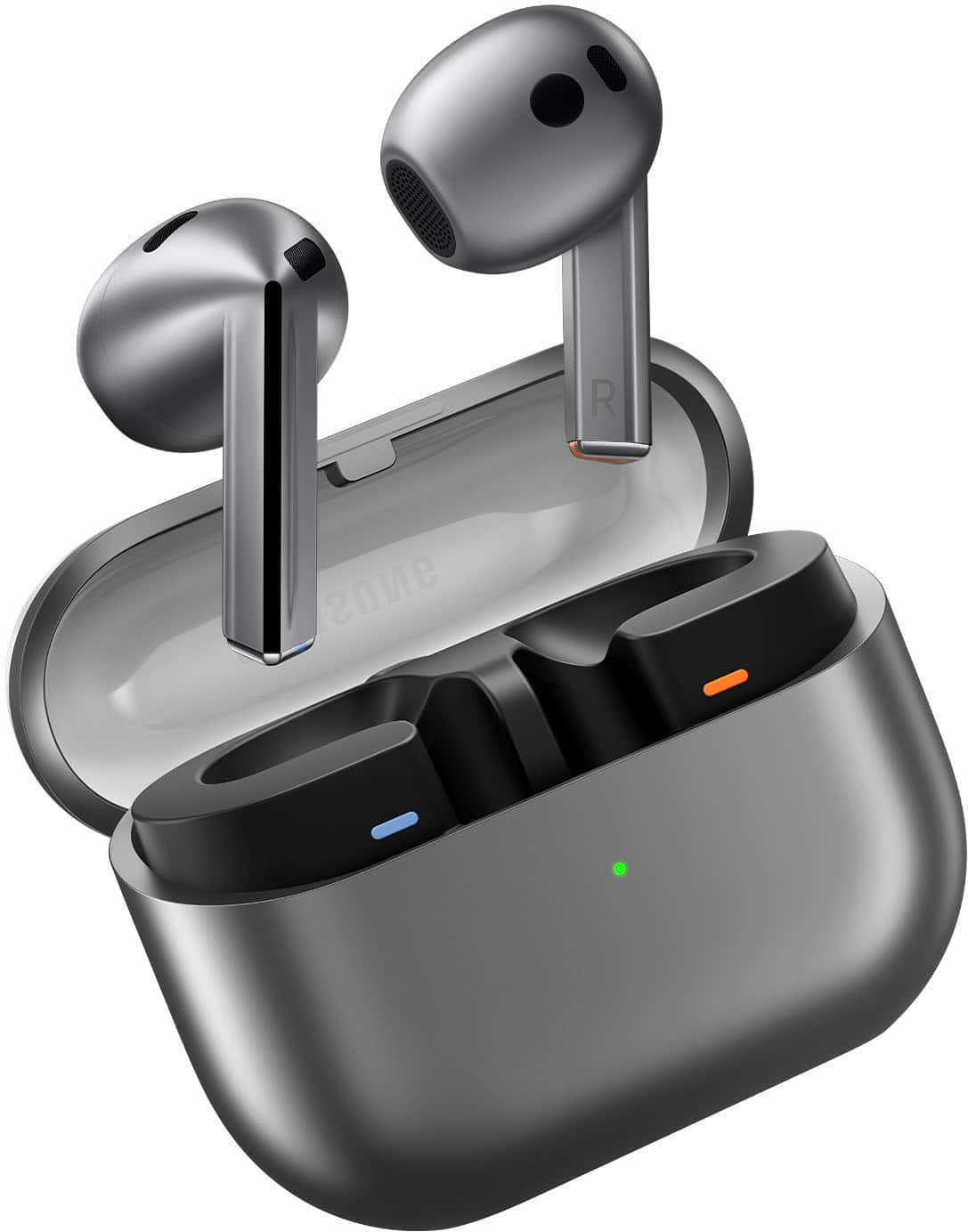
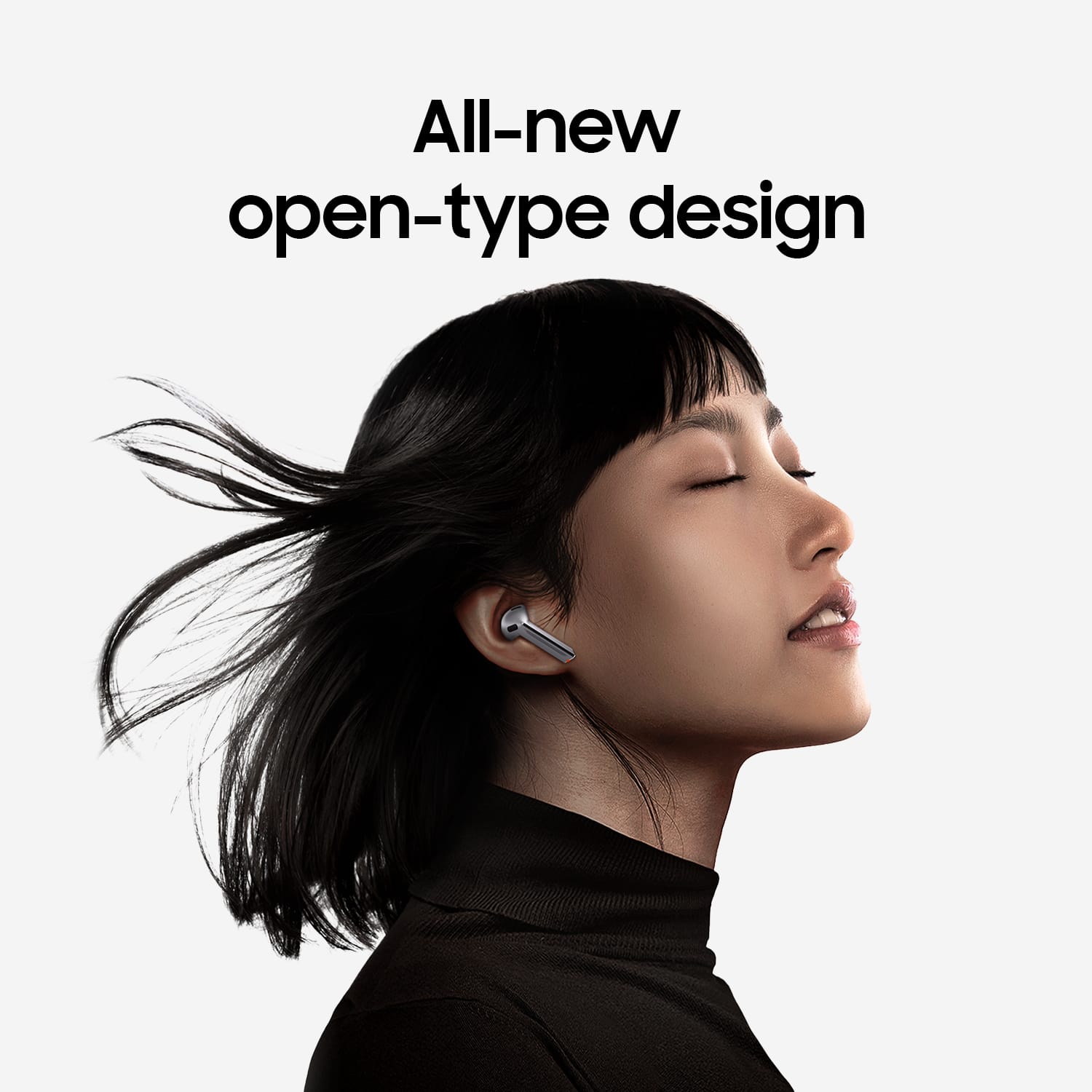
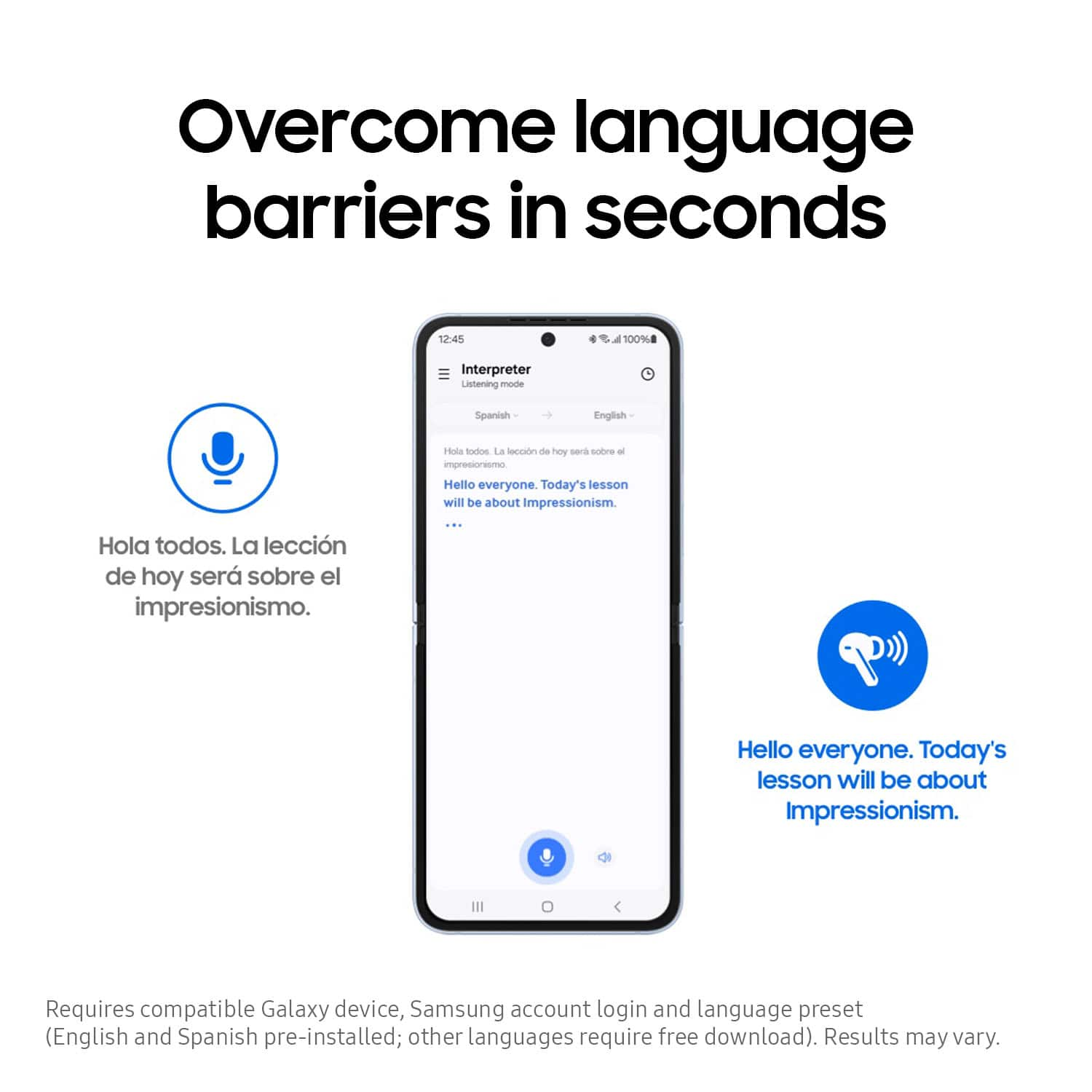
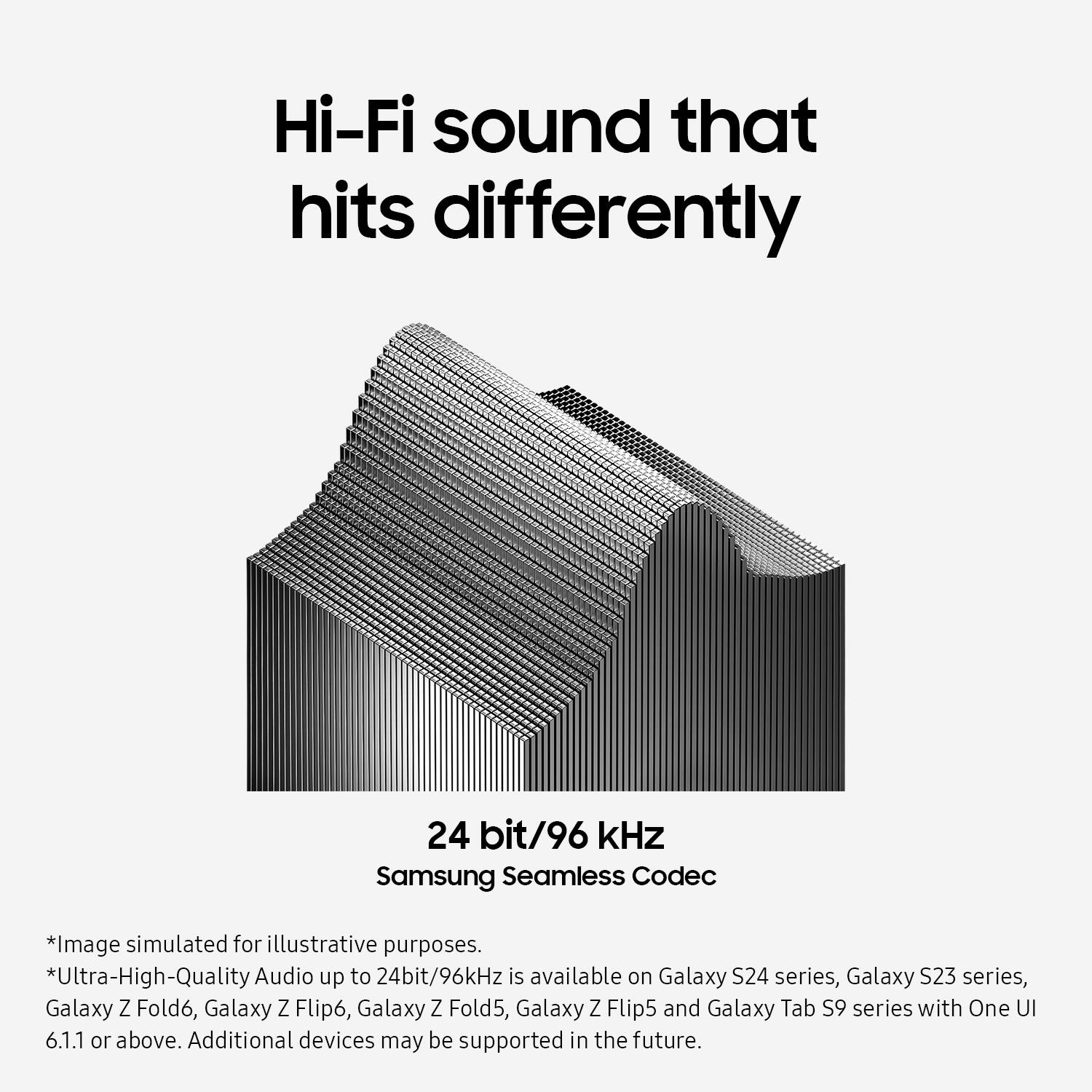
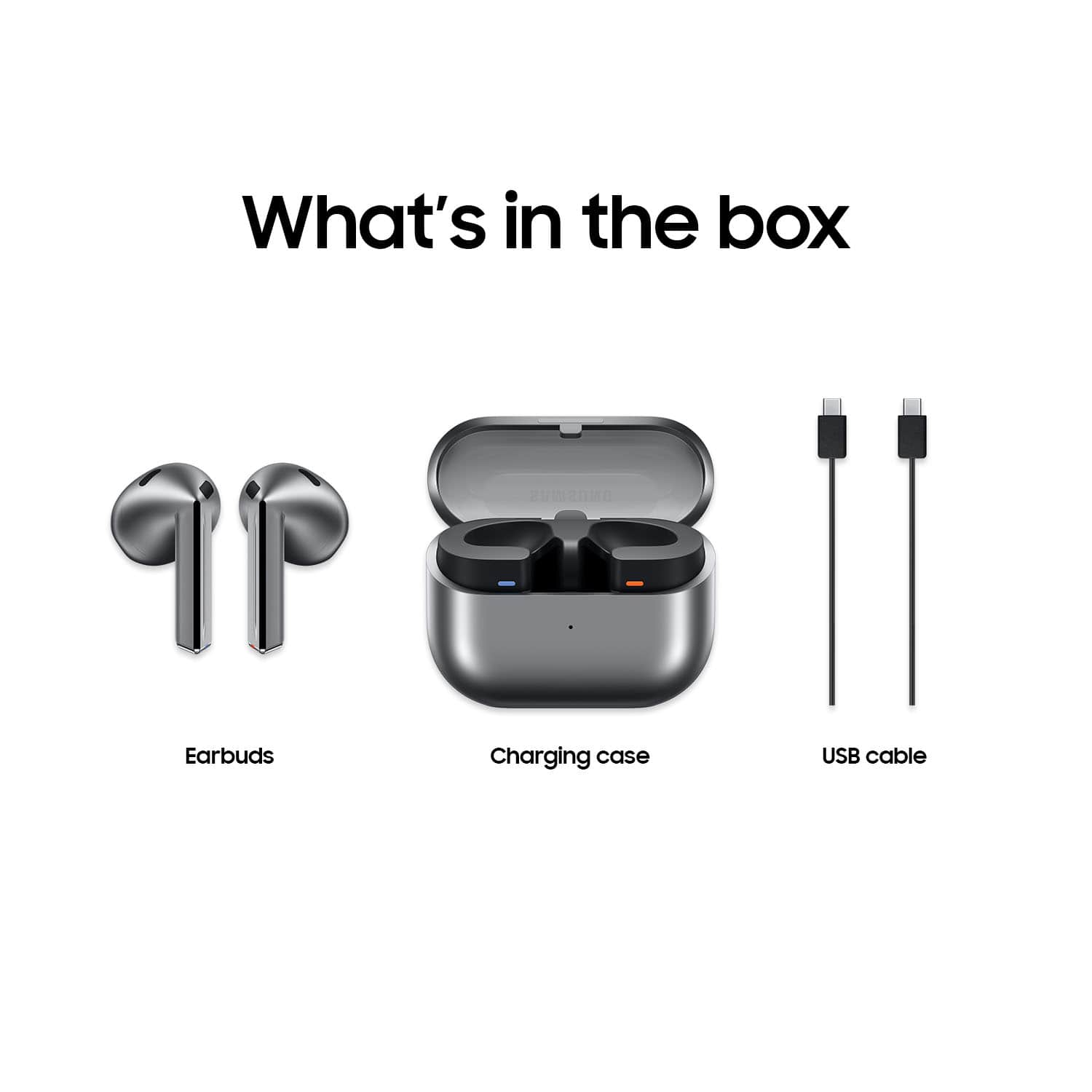
Posted .Thank you for contacting us! We appreciate your feedback on the Galaxy Buds3. The Galaxy Buds3 is designed to offer an immersive audio experience with an adaptive equalizer that adjusts the sound based on your surroundings. These buds also feature Live Translate, allowing real-time translations during conversations in different languages. Whether you are taking phone calls or enjoying your favorite playlist during your morning workout, the Samsung Seamless Codec ensures high-quality streaming across devices with support for up to 24-bit/96kHz audio. This means you can experience clear and detailed sound reproduction, making your listening experience more enjoyable. The Buds3 are designed to provide a comfortable and secure fit for extended wear. If you experience discomfort while wearing your buds, try these tips to get a better fit. The Galaxy Buds3 are open-type buds, so they do not have earbud tips. To get started, simply place them in your ears and check the bottom of the earbuds for directional marks. You will see an L and an R. Insert the R bud into your right ear with the R facing you, and insert the L bud into your left ear with the L facing you. Angle the blade slightly so that the microphone on the bottom is pointing towards your mouth rather than straight down. You can adjust the buds by rotating them forwards and backwards until the fit feels right. If you have any further concerns or inquiries, please do not hesitate to reach out to us at Support. -Kelvin

Wind noise overpowers noise cancelation
Posted .This reviewer received promo considerations or sweepstakes entry for writing a review.Wind noise, even during a gentle breeze, is not handled by noise cancelization. Annoying when outdoors.
No, I would not recommend this to a friendBrand response from Samsung
Posted .Hi JPofGTOWN. We appreciate you taking the time to share your honest feedback about the Galaxy Buds3. To ensure that Active Noise Cancelling functions properly with your Galaxy Buds Pro, it’s important to wear the earbuds correctly. If they do not fit snugly in your ears, their effectiveness may be reduced. Make sure the earbuds fit tightly without any gaps. Additionally, verify that the ear tips are properly installed. The latch at the bottom of each earbud should align with the groove of the ear tip, and the tip should completely cover the latch. If you’re still looking for an improved fit, consider trying larger ear tips. Samsung products are covered by a 12-month limited warranty against manufacturing defects in material and workmanship. You also have the option to purchase additional coverage with Samsung Care+ for eligible devices, which provides extended protection and extra support. If this continues to be your experience, please be sure to reach out to us at Support so that we can further assist you. -Kelvin