Customer Ratings & Reviews



- Model:
- SM-R530NZAAXAR
- SKU:
- 12901715
Rating by feature
- Sound Quality
Rating 4.5 out of 5 stars
- Battery Life
Rating 4.5 out of 5 stars
- Connectivity
Rating 4.6 out of 5 stars
to a friend
Poor Mic Quality
Posted .This reviewer received promo considerations or sweepstakes entry for writing a review.Sound quality is good.... bass sounds unnatural.... but the microphone quality is awful.... i couldnt even have a decent conversation with my friends without them saying i sound muffled.... not worth $180
No, I would not recommend this to a friendBrand response from Samsung
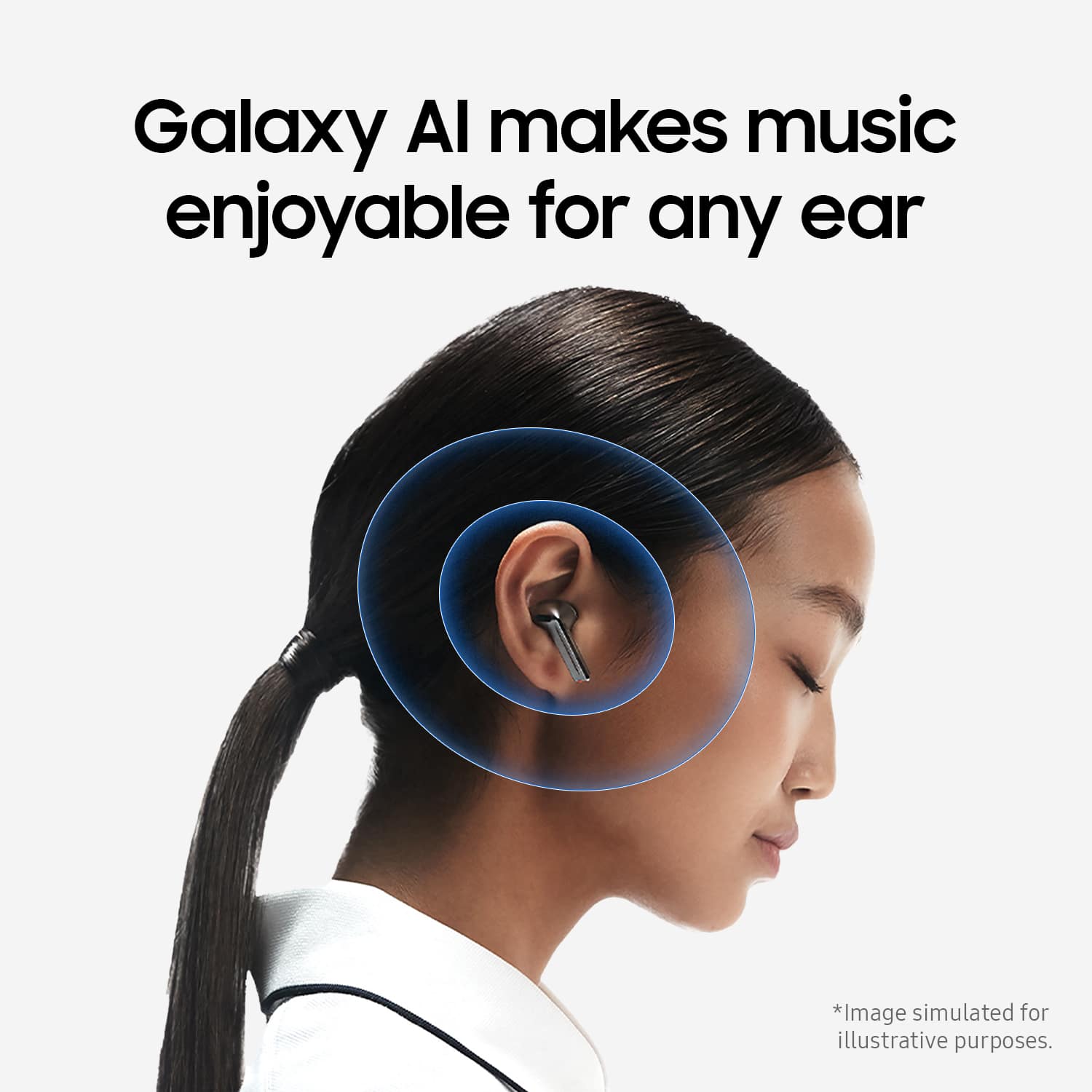
Posted .Thanks for sharing your honest review of the Galaxy Buds3, Eric. Enjoy amazing audio quality no matter how your Buds sit in your ears. Adaptive Equalizer with Galaxy AI tailors your sound based on how you wear your Buds so you can enjoy immersive audio while on the go. We always appreciate hearing how our customers feel about our products. If your buds have no or low volume and poor sound quality on one or both buds, there may be a couple of reasons why. You might be wearing the earbuds incorrectly, or the buds could have accumulated dust or debris. Additionally, the audio quality could be affected by outdated software, a low battery, and several other things. Samsung offers a 12-month limited warranty for manufacturer defects. We also provide the option to add additional coverage with Samsung Care+ on eligible devices, which offers extended protection and additional support. Check out the link attached for options to help troubleshoot this. If this persists after doing so, please reach out to us at Support so that we can take a further look into what could be causing this. -Kelvin

GARBAGE
Posted .This reviewer received promo considerations or sweepstakes entry for writing a review.I bought them today and returned them today they're horrible they keep falling out my ear .. you cant turn head without them falling out.
No, I would not recommend this to a friendBrand response from Samsung
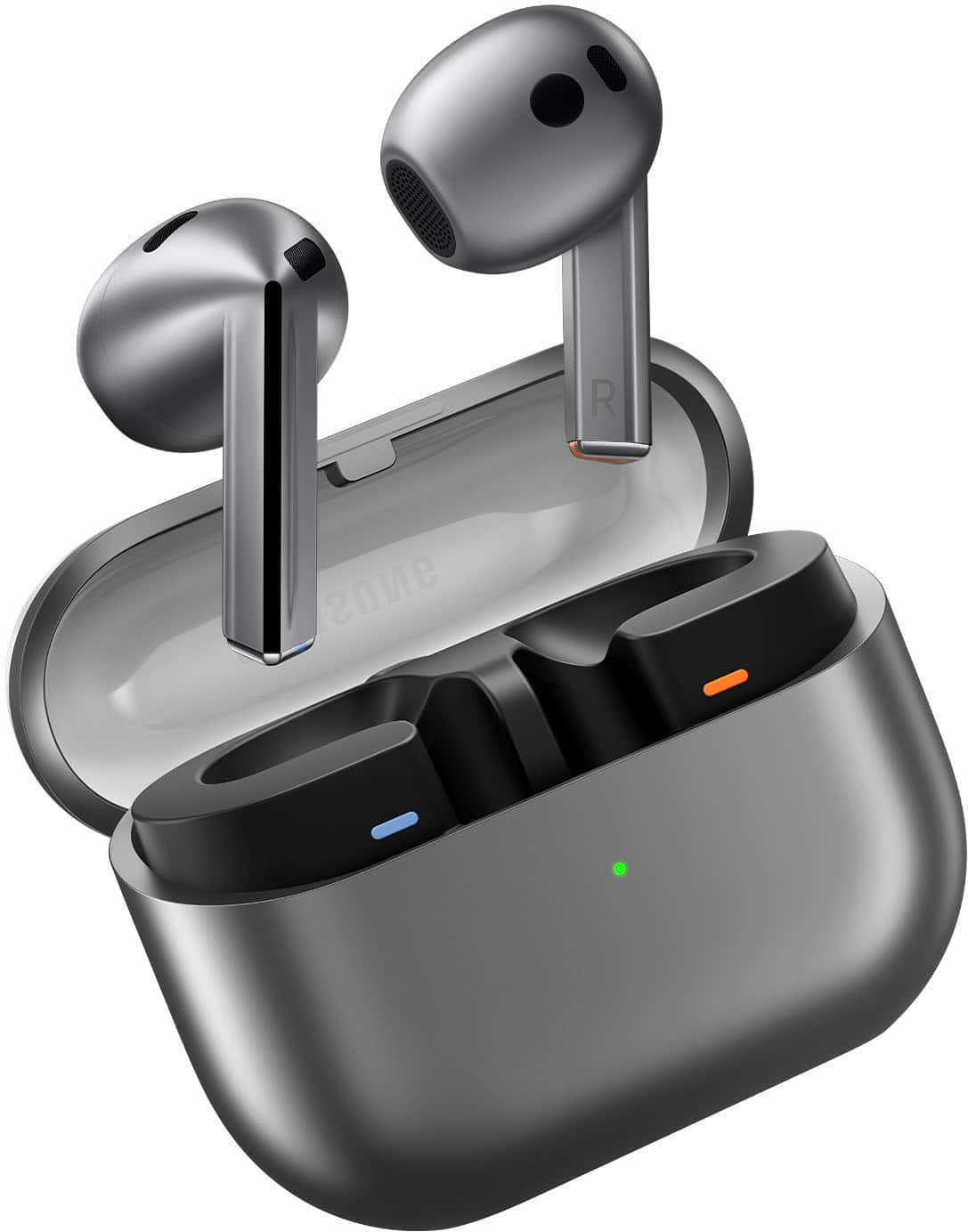
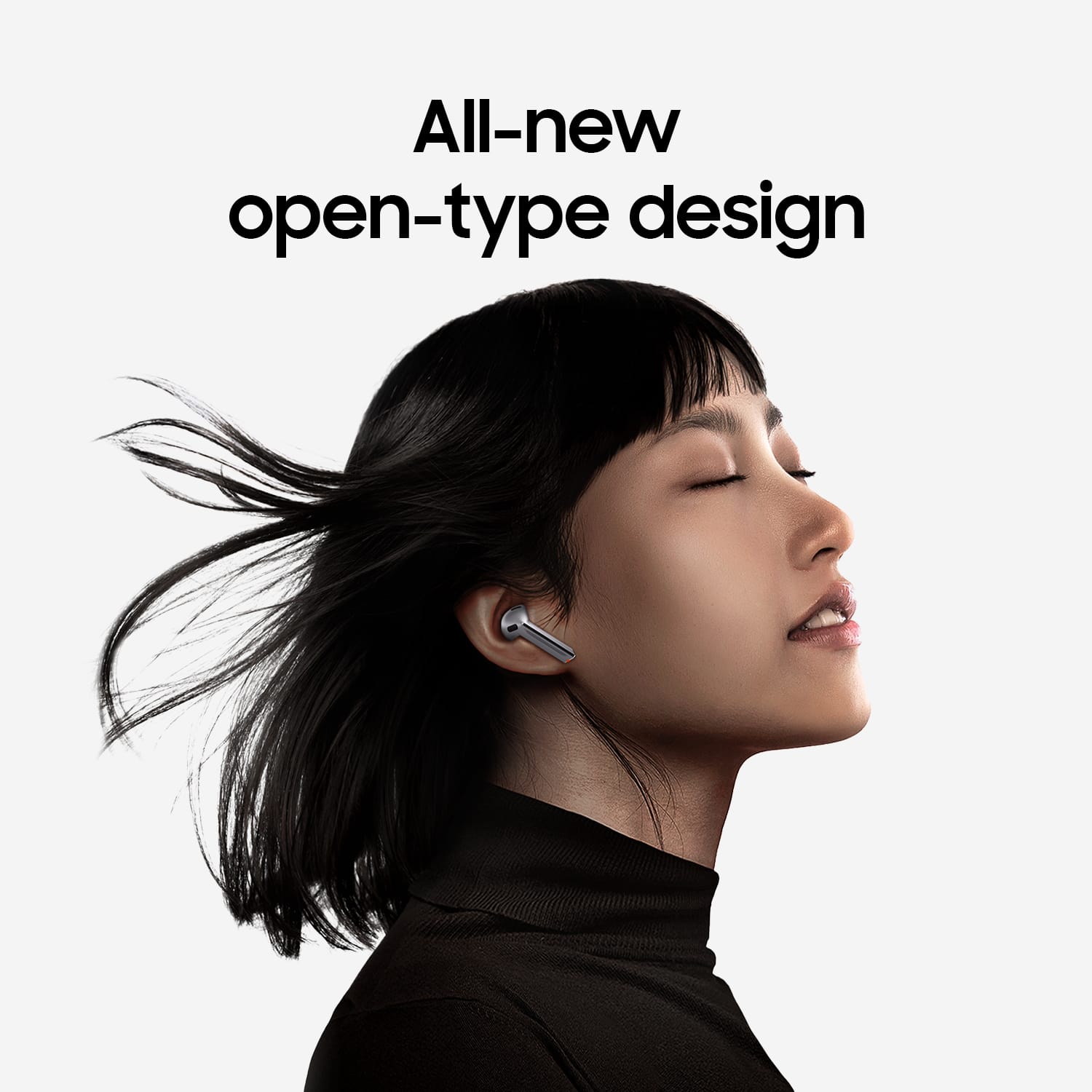
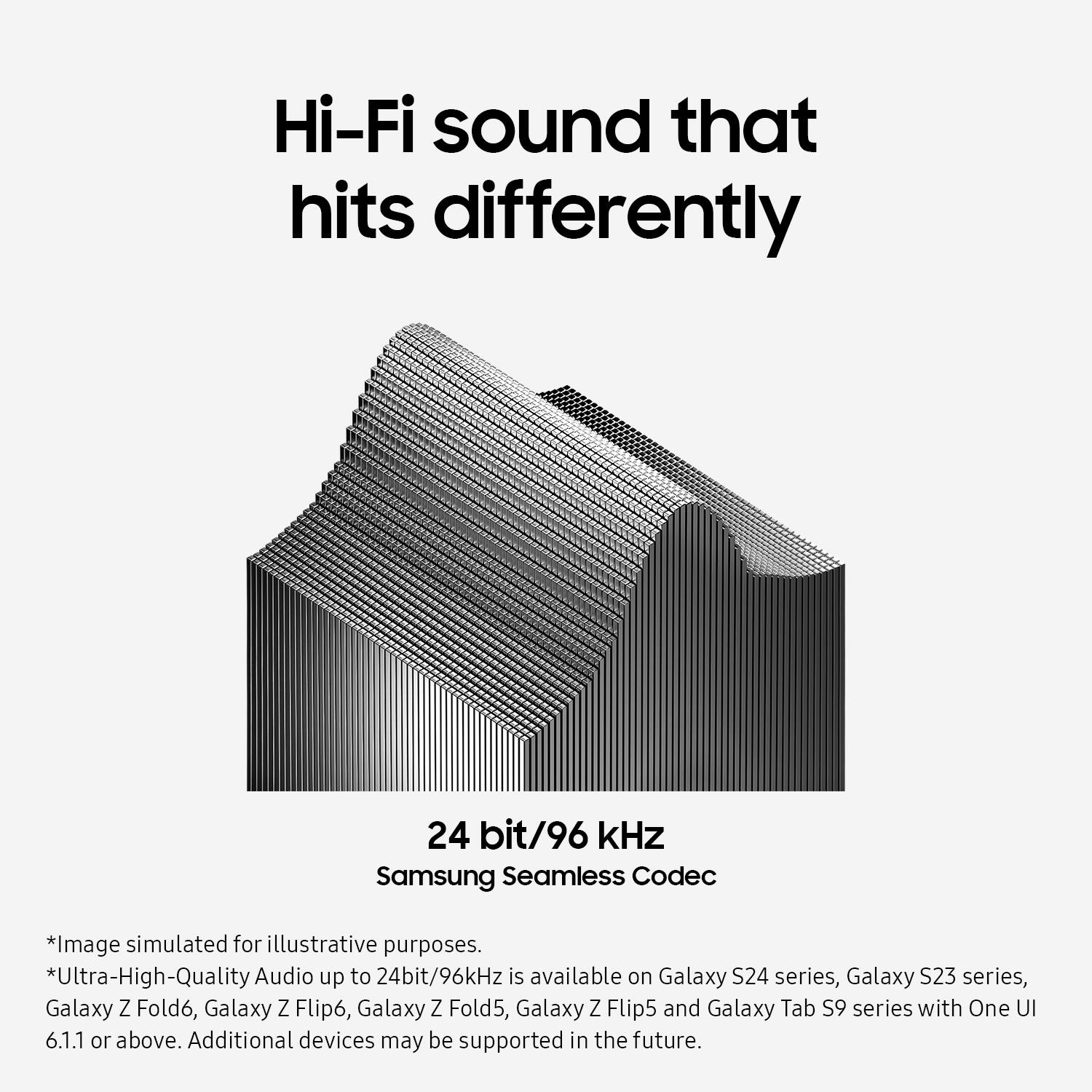
Posted .Thanks for sharing your feedback of the Galaxy Buds3, Kevin. Your feedback is invaluable as we continue to make changes and improvements. The Galaxy Buds3 offer an impressive audio experience with several standout features. They provide immersive sound quality, enhanced by an Adaptive Equalizer that adjusts audio settings for optimal listening. The new design not only looks appealing but also supports high-resolution audio streaming, ensuring clarity and depth in sound. Wearing earbuds correctly is essential for several reasons. Proper usage enhances sound quality, ensuring a better listening experience. It also contributes to a more comfortable fit, allowing for extended use without discomfort. Additionally, correctly fitted earbuds are less likely to fall out, which is particularly important during activities like jogging. On the other hand, improper wear can lead to discomfort, sound leakage, and an increased risk of losing an earbud. Therefore, achieving the right fit is crucial for both enjoyment and practicality. The Galaxy Buds3 are designed as open-type earbuds, which means they do not include traditional ear tips. To use them, simply place the buds in your ears without any additional setup. Each earbud is marked with directional indicators, L for the left and R for the right, ensuring correct placement. When inserting the earbuds, make sure the R bud is positioned in your right ear and the L bud in your left, both facing towards you. For optimal microphone performance, angle the earbuds slightly so that the microphone points towards your mouth. You can further adjust the fit by rotating the buds until they feel comfortable. Again, we appreciate your candid feedback and hope this helps! If you have any further concerns or questions, please be sure to reach out to us at Support. -Kelvin
Wind noise overpowers noise cancelation
Posted .This reviewer received promo considerations or sweepstakes entry for writing a review.Wind noise, even during a gentle breeze, is not handled by noise cancelization. Annoying when outdoors.
No, I would not recommend this to a friendBrand response from Samsung
Posted .Hi JPofGTOWN. We appreciate you taking the time to share your honest feedback about the Galaxy Buds3. To ensure that Active Noise Cancelling functions properly with your Galaxy Buds Pro, it’s important to wear the earbuds correctly. If they do not fit snugly in your ears, their effectiveness may be reduced. Make sure the earbuds fit tightly without any gaps. Additionally, verify that the ear tips are properly installed. The latch at the bottom of each earbud should align with the groove of the ear tip, and the tip should completely cover the latch. If you’re still looking for an improved fit, consider trying larger ear tips. Samsung products are covered by a 12-month limited warranty against manufacturing defects in material and workmanship. You also have the option to purchase additional coverage with Samsung Care+ for eligible devices, which provides extended protection and extra support. If this continues to be your experience, please be sure to reach out to us at Support so that we can further assist you. -Kelvin