Customer Ratings & Reviews
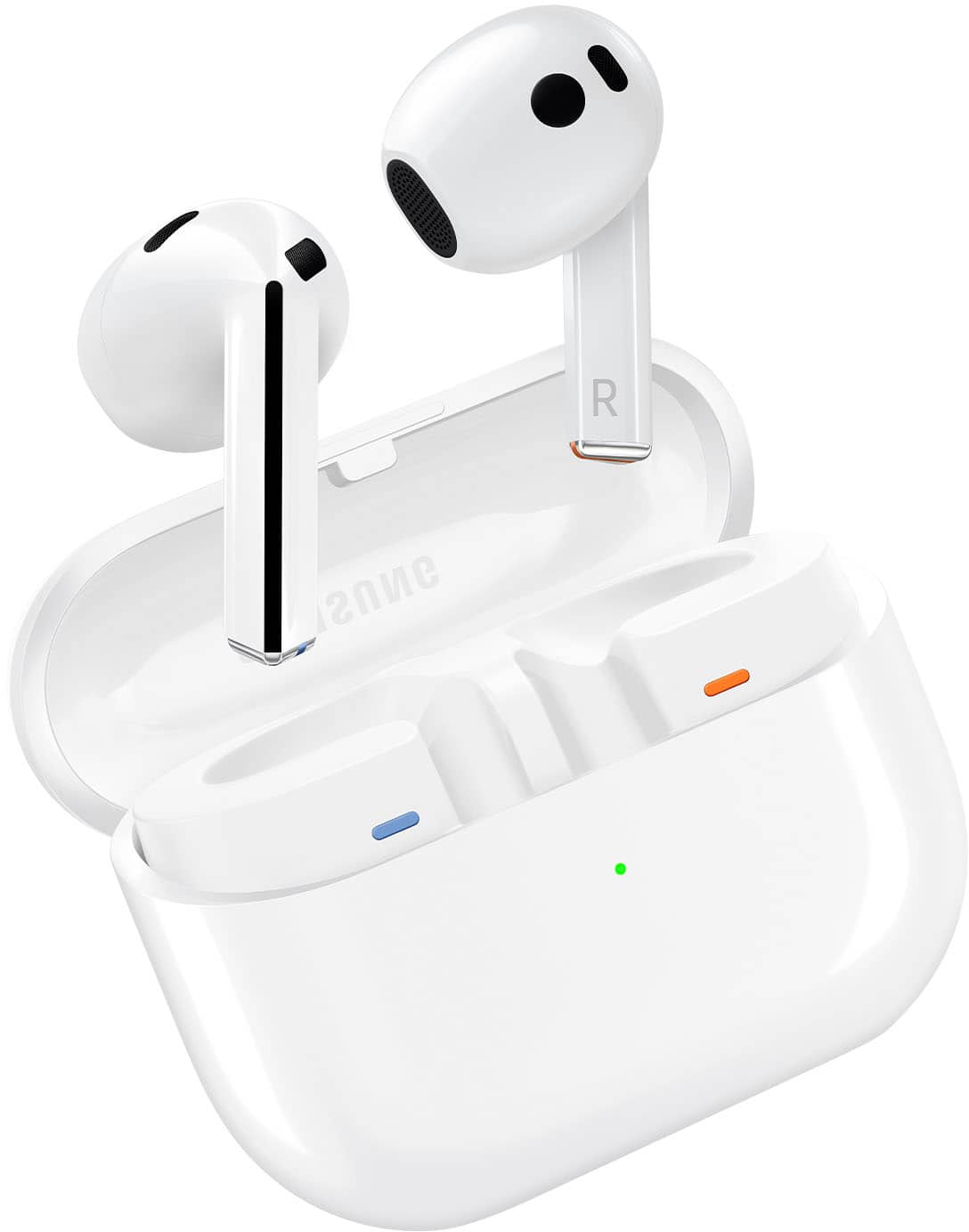
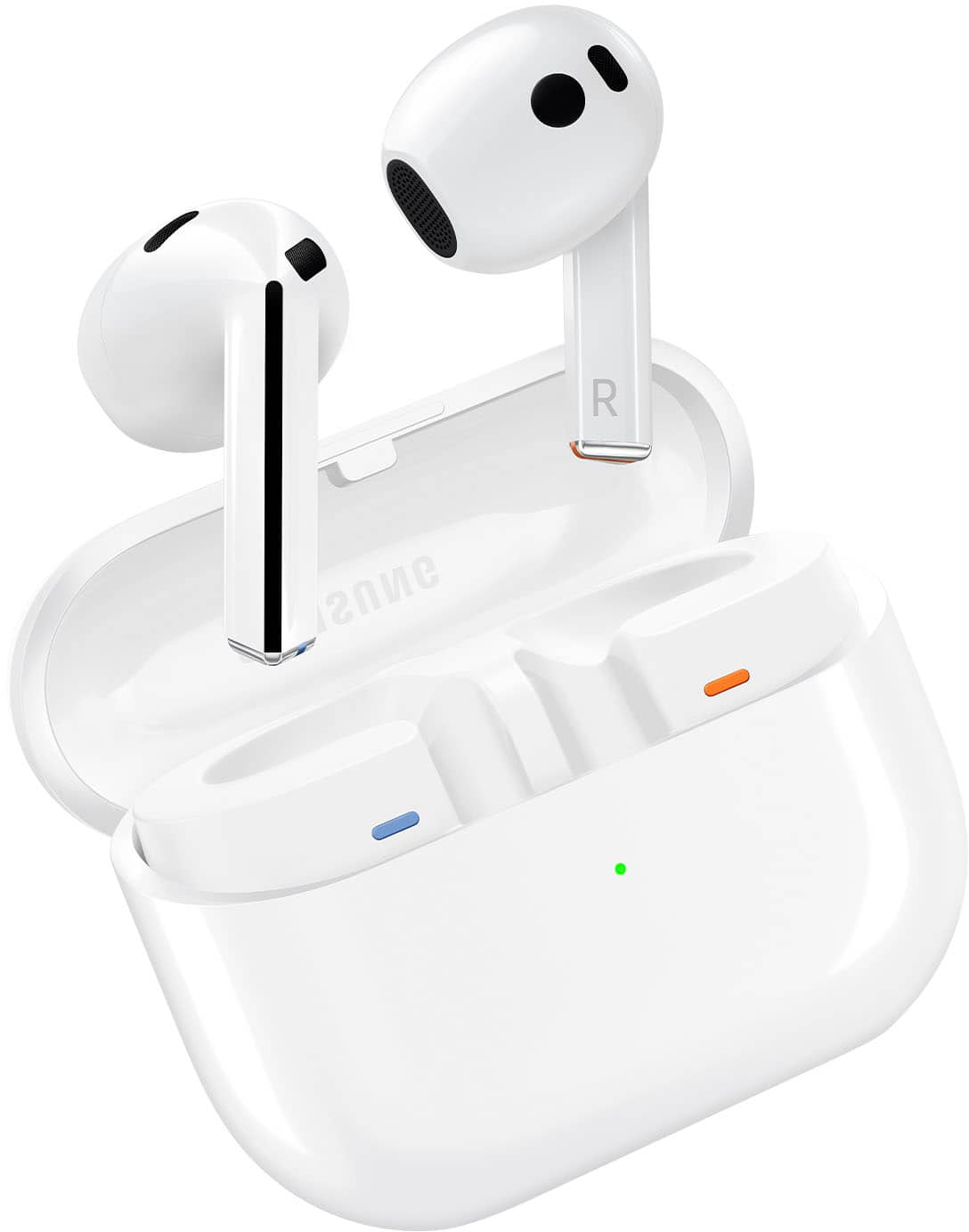


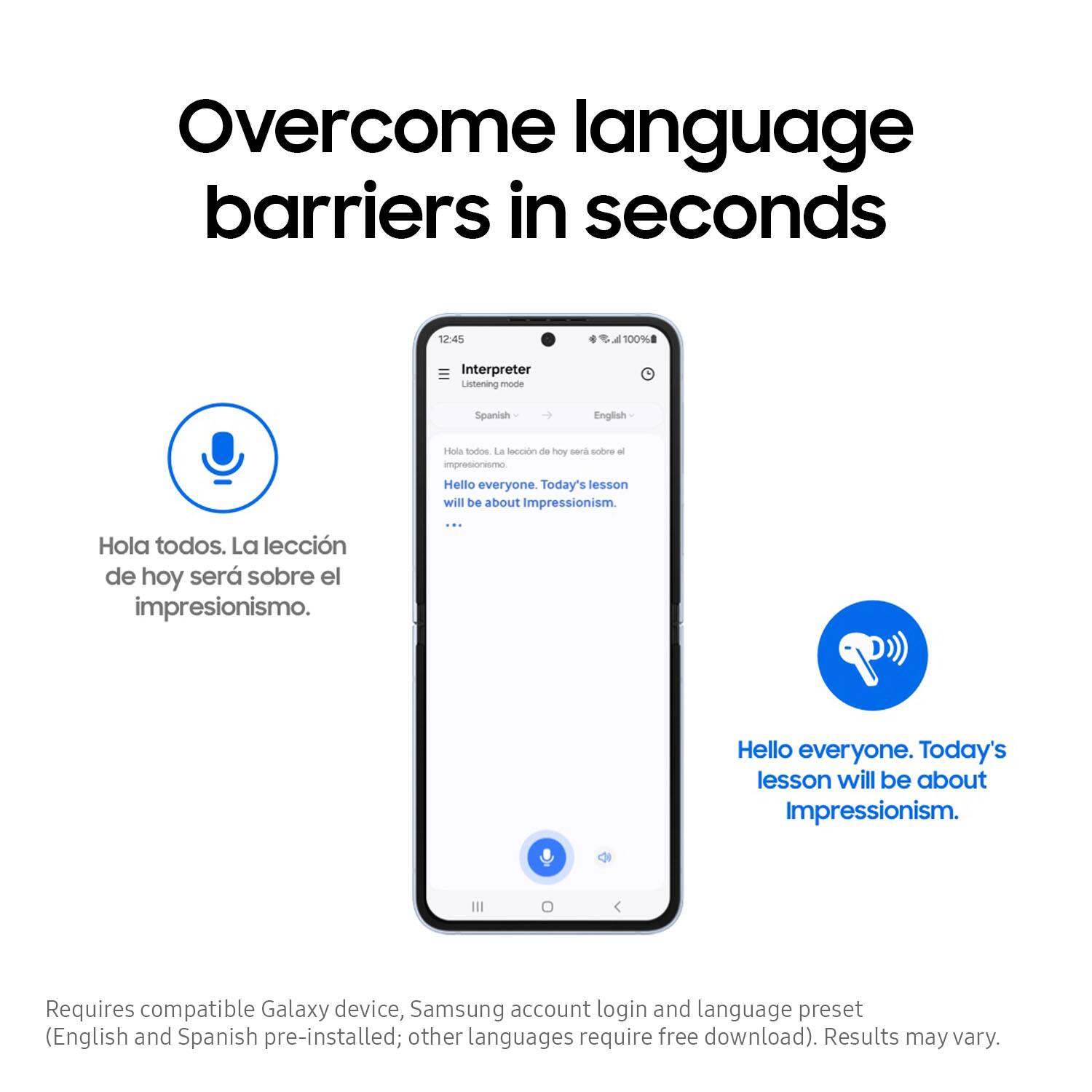

- Model:
- SM-R530NZWAXAR
- SKU:
- 11446136
Rating by feature
- Sound Quality
Rating 4.5 out of 5 stars
- Battery Life
Rating 4.5 out of 5 stars
- Connectivity
Rating 4.6 out of 5 stars
Buds pro 3
||Posted . Owned for 6 months when reviewed.This reviewer received promo considerations or sweepstakes entry for writing a review.Excellent fit and sound. The look is also incredible. Very satisfied with buds.
I would recommend this to a friendEarbuds
||Posted . Owned for 3 weeks when reviewed.This reviewer received promo considerations or sweepstakes entry for writing a review.Nice. Do not have anymore to say. I do not need a minimum 50 chacters to write a review.
I would recommend this to a friendLove them
||Posted . Owned for 4 months when reviewed.This reviewer received promo considerations or sweepstakes entry for writing a review.Love them.they really stay in my ear. They change so much samsung really did there bug 1 with these
I would recommend this to a friendEarbuds
||Posted . Owned for 3 weeks when reviewed.This reviewer received promo considerations or sweepstakes entry for writing a review.Best earbuds that money could buy with the technology that comes with it, just talking about voice control.
I would recommend this to a friendBest buy ever
||Posted . Owned for 2 months when reviewed.This reviewer received promo considerations or sweepstakes entry for writing a review.The product and the staff are very good must recommend to all of my families and friends
No, I would not recommend this to a friendSamsung galaxy buds 3
||Posted . Owned for 2 months when reviewed.This reviewer received promo considerations or sweepstakes entry for writing a review.Literally took 1 minute to connect and go. Easy set up and clarity is worth it.
I would recommend this to a friend- Pros mentioned:Sound quality
Save Your Money for the Galaxy Bud 3 Pros
||Posted . Owned for 1 week when reviewed.This reviewer received promo considerations or sweepstakes entry for writing a review.Save your money and pay the extra for thr pro 3s. If you're like me and had the pro 2s you got use to the ear bud tips. The 3s don't have ear bud tips so it can be an uncomfortable fit if they sit in your ears to long, if you ca. Even get them to fit right at all. Save your money and spend a little extra on the Galaxy Bud 3 pros
No, I would not recommend this to a friendBrand response from Samsung
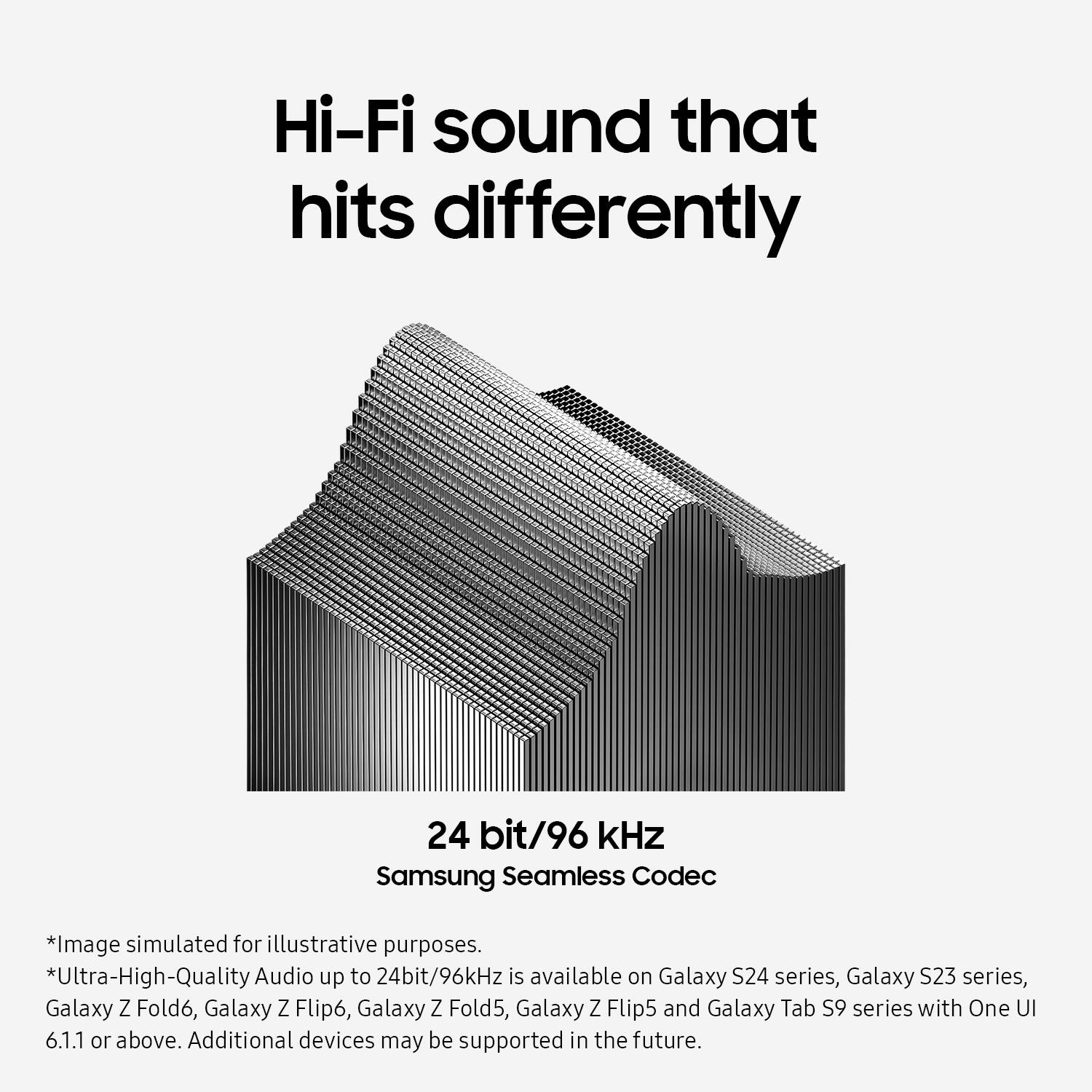
Posted .It's great to hear from you, Tony! We always look forward to receiving insights from our customers, and we appreciate you reaching out to share your feedback on the Galaxy Buds3. Your candor is truly valued. The Buds3 comes equipped with several impressive features, including Active Noise Cancellation, AuraCast, 24-bit Hi-Fi Sound Quality with a 96 kHz sampling rate, and enhanced 360 Audio with multichannel support. As open-type earbuds, they do not have ear tips; simply place them in your ears by checking the bottom for directional markings—L for left and R for right. Insert the R bud with the R facing you into your right ear and the L bud with the L facing you into your left ear. Angle the bud slightly so that the microphone is pointing toward your mouth, and you can adjust the fit by rotating the buds forward and backward as needed. Thank you for sharing your thoughts, and if you have any further questions or concerns, please feel free to reach out to us at Support. -Kelvin

- Cons mentioned:Fit
Worst buds yet
||Posted . Owned for 1 week when reviewed.This reviewer received promo considerations or sweepstakes entry for writing a review.I've had all 3 versions of the galaxy buds and these are by far the worst. They did not fit in my ear nicely and kept falling out. Followed directions to twist and spin until secure, they never stayed. Sound was up and down all the time between calls and media. Product was returned and now waiting for the pros to drop to give them a try.
No, I would not recommend this to a friendBrand response from Samsung
Posted .Salutations Ryan, thanks for taking the time out of your busy schedule to share your thoughts with us about your Samsung Galaxy Buds3. We appreciate your candor as we make every effort to improve the design and functionality of our product line. By wearing your earbuds properly, you'll get better sound quality from them, they'll fit more comfortably, and they'll stay in your ears. Wearing them improperly can cause discomfort, sound leaks, and makes them more likely to fall out. No one wants to lose an earbud, especially while out jogging, so be sure to wear them with the proper fit. Being that the Galaxy Buds3 are open-type buds rather than canal types, so they do not have earbud tips. All you have to do to get started is simply place them in your ears. 1. Check the bottom of the earbuds for directional marks. You will see an L and an R. 2. Insert the R bud into your right ear with the R facing you. 3. Insert the L bud into your left ear with the L facing you. 4. Angle the blade slightly so that the microphone on the bottom is pointing towards your mouth rather than straight down. 5. You can adjust the buds by rotating them forwards and backwards until the fit feels right. Feel free to check out, "How to wear your Samsung Galaxy Buds3 and 3 Pro" if you would like to learn more. Feel free to reach back out if you would like any further assistance. Thank you for being a faithful Samsung customer. - Debra
- Cons mentioned:Fit
Decent
||Posted . Owned for 2 weeks when reviewed.This reviewer received promo considerations or sweepstakes entry for writing a review.The earbud quality itself is great, its just mid movement that it starts to fall off.
No, I would not recommend this to a friendBrand response from Samsung
Posted .Hi there Villarroel, thanks for taking the time to review your Samsung Galaxy Buds3. We appreciate your honesty as we strive to provide the very best products with superior functionality on the market to our customers while we remain committed to constant innovation. Our goal is for our customers to feel like they are having the most unforgettable experiences while using our products. Samsung provides a 12-month warranty on our products for manufacturing defects in materials and workmanship. Wearing your Galaxy Buds3 improperly can cause discomfort, sound leaks, and makes them more likely to fall out. Being that the Galaxy Buds3 are open-type buds rather than canal types, so they do not have earbud tips. All you have to do to get started is simply place them in your ears. 1. Check the bottom of the earbuds for directional marks. You will see an L and an R. 2. Insert the R bud into your right ear with the R facing you. 3. Insert the L bud into your left ear with the L facing you. 4. Angle the blade slightly so that the microphone on the bottom is pointing towards your mouth rather than straight down. 5. You can adjust the buds by rotating them forwards and backwards until the fit feels right. Feel free to check out, "How to wear your Samsung Galaxy Buds3 and 3 Pro" if you would like more information. Let us know if you have any questions for us or if you would like any further assistance after reviewing the resource shared by reaching out to Samsung Support at your leisure. Thank you for being a loyal Samsung customer. - Debra
Great Investment
||Posted . Owned for 1 month when reviewed.This reviewer received promo considerations or sweepstakes entry for writing a review.These are the kooliest thing since peanut butter. I love the way the ear buds lock intoi place in your ear.
I would recommend this to a friend- Cons mentioned:Fit
Great quality and value but bigger than expected
||Posted . Owned for 1 week when reviewed.This reviewer received promo considerations or sweepstakes entry for writing a review.Loved them but the size hurt my ears. The upgrade to pro is definitely worth it.
I would recommend this to a friendBrand response from Samsung
Posted .Greetings StarPowerBrax, thank you for finding the unobstructed time out of your bustling day to share your sentiments with us about your Samsung Galaxy Buds3. Your feedback is appreciated as we strive to be innovative and improve the design and functionality of our products. Our goal is for our customers to feel like they are having the most ideal experiences while using our products. Samsung provides a 12-month warranty on our products for manufacturing defects in materials and workmanship. If you're wearing your Galaxy Buds3 improperly, they can cause discomfort, sound leaks, as well as making them more likely to fall out. Being that the Galaxy Buds3 are open-type buds rather than canal types, so they do not have earbud tips. All you have to do to get started is simply place them in your ears. 1. Check the bottom of the earbuds for directional marks. You will see an L and an R. 2. Insert the R bud into your right ear with the R facing you. 3. Insert the L bud into your left ear with the L facing you. 4. Angle the blade slightly so that the microphone on the bottom is pointing towards your mouth rather than straight down. 5. You can adjust the buds by rotating them forwards and backwards until the fit feels right. Please take a moment to review, "How to wear your Samsung Galaxy Buds3 and 3 Pro" to learn more about obtaining the perfect fit. Let us know if you have any questions or if you would like any further assistance by reaching out to Samsung Support. Thank you for being a dedicated Samsung customer. - Debra
- Cons mentioned:Fit
Size
||Posted . Owned for 1 week when reviewed.This reviewer received promo considerations or sweepstakes entry for writing a review.Fitting isnt the best. Falls out ears easy and cant hear the sound too properly.
No, I would not recommend this to a friendBrand response from Samsung
Posted .Hi there IsaacG, thanks for taking the time out of your day to share your thoughts with us about your Samsung Galaxy Buds3. Your feedback allows us to continue to strive in providing the best products with superior functionality on the market to our customers while we remain committed to constant innovation. Our goal is for our customers to feel like they are having the most enlightening experiences while using our products. Samsung provides a 12-month warranty on our products for manufacturing defects in materials and workmanship. It's important to wear your earbuds properly for several reasons. You'll get better sound quality from them, they'll fit more comfortably, and they'll stay in your ears. Wearing them incorrectly can cause discomfort, sound leaks, and makes them more likely to fall out. The Galaxy Buds3 are open-type buds rather than canal types, so they do not have earbud tips. All you have to do to get started is simply place them in your ears. 1. Check the bottom of the earbuds for directional marks. You will see an L and an R. 2. Insert the R bud into your right ear with the R facing you. 3. Insert the L bud into your left ear with the L facing you. 4. Angle the blade slightly so that the microphone on the bottom is pointing towards your mouth rather than straight down. 5. You can adjust the buds by rotating them forwards and backwards until the fit feels right. Please take a moment to review, "How to wear your Samsung Galaxy Buds3 and 3 Pro" if you would like more information about achieving a more comfortable fit. If you have any questions for us or if you would like to share any other feedback with us, do not hesitate to contact Samsung Support at your leisure. Thank you for being a faithful Samsung customer. - Debra
Good Buds 3 :)
||Posted . Owned for less than 1 week when reviewed.This reviewer received promo considerations or sweepstakes entry for writing a review.These just remind me of airpods 3, but the noise canceling isn't really useful, good part it comes with a free case :)
I would recommend this to a friendLove them!
||Posted . Owned for 2 weeks when reviewed.This reviewer received promo considerations or sweepstakes entry for writing a review.Great quality, controls are easy to use. Enjoying my headphones
I would recommend this to a friendVery nice headphones
||Posted . Owned for 1 month when reviewed.This reviewer received promo considerations or sweepstakes entry for writing a review.Bought these for my husband and he enjoys them very much.
I would recommend this to a friendGood buy
||Posted . Owned for 3 weeks when reviewed.This reviewer received promo considerations or sweepstakes entry for writing a review.Great earbuds once you get the fit right. Can't tell the difference between these and my pros
I would recommend this to a friendMy order never arrived
||Posted . Owned for 1 month when reviewed.This reviewer received promo considerations or sweepstakes entry for writing a review.My order never arrived and so far they didn’t give me the credit
I would recommend this to a friend- Pros mentioned:Sound quality
Sound is amazing
||Posted . Owned for 1 week when reviewed.This reviewer received promo considerations or sweepstakes entry for writing a review.Ear bud is to big.and they keep falling out. Sound is amazing
I would recommend this to a friendBrand response from Samsung
Posted .Aloha Jess, thanks for taking the time out of your busy day to share your thoughts with us about your Samsung Galaxy Buds3. As we strive to be innovative and make improvements on the design and functionality of our product line, your feedback is invaluable. If you're wearing your earbuds properly, you'll get better sound quality from them, they'll fit more comfortably, and they'll stay in your ears. Wearing them improperly can cause discomfort, sound leaks, and makes them more likely to fall out. No one wants to lose an earbud, especially while out jogging, so be sure to wear them with the proper fit. Being that the Galaxy Buds3 are open-type buds rather than canal types, so they do not have earbud tips. All you have to do to get started is simply place them in your ears. 1. Check the bottom of the earbuds for directional marks. You will see an L and an R. 2. Insert the R bud into your right ear with the R facing you. 3. Insert the L bud into your left ear with the L facing you. 4. Angle the blade slightly so that the microphone on the bottom is pointing towards your mouth rather than straight down. 5. You can adjust the buds by rotating them forwards and backwards until the fit feels right. Feel free to check out, "How to wear your Samsung Galaxy Buds3 and 3 Pro" if you would like more information. If you have any questions for us after, feel free to contact Samsung Support at your leisure. Thank you for being a steadfast Samsung customer. - Debra
Amazing
||Posted . Owned for 1 month when reviewed.This reviewer received promo considerations or sweepstakes entry for writing a review.Very nice, they work well with my samsung s23 ultra!
I would recommend this to a friendSamsung buds 3 case
||Posted . Owned for 1 week when reviewed.This reviewer received promo considerations or sweepstakes entry for writing a review.I have bought a few cases tried it dont like it but this is exactly what i wanted, very easy to use
I would recommend this to a friend