Customer Ratings & Reviews


- Model:
- SM-R530NZWAXAR
- SKU:
- 6585615
Rating by feature
- Sound Quality
Rating 4.5 out of 5 stars
- Battery Life
Rating 4.5 out of 5 stars
- Connectivity
Rating 4.6 out of 5 stars
Customers are saying
Customers appreciate the Galaxy Buds3 Wireless Earbud Headphones for their clear sound quality, satisfactory battery life, and comfortable design. Many users have issues with the fit of the earbuds. Some find the touch controls to be unintuitive, and others have to increase the volume to a high level.
This summary was generated by AI based on customer reviews.
- Pros mentioned:Comfort
Extremely recommended
||Posted . Owned for 2 months when reviewed.This reviewer received promo considerations or sweepstakes entry for writing a review.Excellent product. 100 % satisfied with galaxy buds 3. Comfortable, look nice in my ears. Fits good. Excellent purchase.
I would recommend this to a friend - Pros mentioned:Battery life
The best earbuds.
||Posted . Owned for 7 months when reviewed.This reviewer received promo considerations or sweepstakes entry for writing a review.I love my earbuds. I have to have them with me all the time. The charge is great.
I would recommend this to a friend - Pros mentioned:Sound quality
Amazing Earbuds!
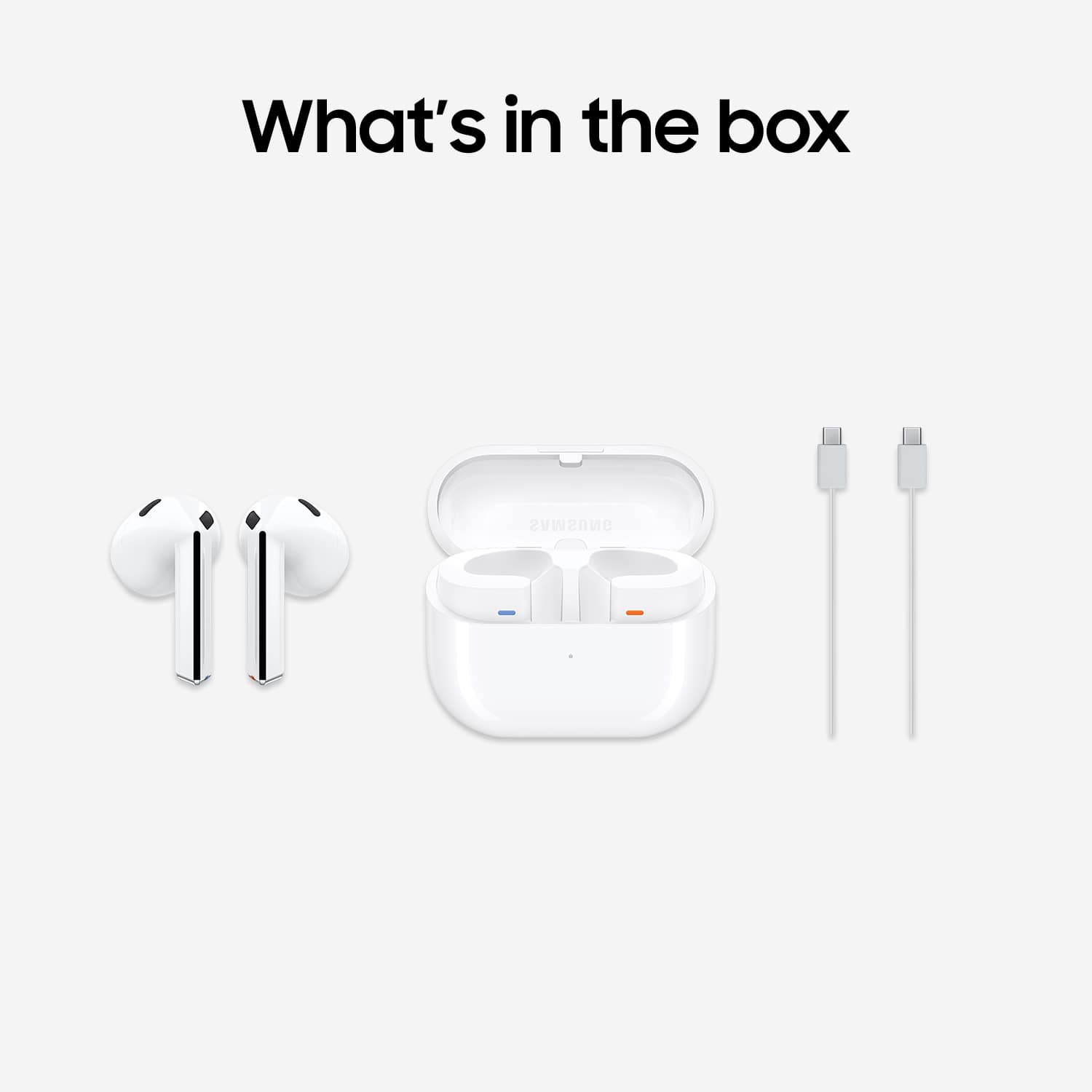
||Posted . Owned for 1 week when reviewed.This reviewer received promo considerations or sweepstakes entry for writing a review.I am so glad I bought these earbuds!! I love the matte color and they fit snugly in your ears! The sound quality is amazing!! The icing on the cake was the case came with them!!
I would recommend this to a friend - Pros mentioned:Sound quality
Esther
||Posted . Owned for 4 months when reviewed.This reviewer received promo considerations or sweepstakes entry for writing a review.This is so perfect, i love it because its sound very good at all time.
I would recommend this to a friend Galaxy buds
||Posted .This reviewer received promo considerations or sweepstakes entry for writing a review.Very good,headphones. Will be getting the new pair,soon
I would recommend this to a friend- Pros mentioned:Design
Samsung earbuds 3
||Posted . Owned for 5 months when reviewed.This reviewer received promo considerations or sweepstakes entry for writing a review.I loved them easy to us, very cool look to them, and the new technology with Samsung is always next leverl!
I would recommend this to a friend - Pros mentioned:Sound quality
ear buds
||Posted . Owned for 5 months when reviewed.This reviewer received promo considerations or sweepstakes entry for writing a review.Great item and sound is extremely good and functional in all environments.
I would recommend this to a friend - Pros mentioned:Sound quality
Phenomenal
||Posted . Owned for 5 months when reviewed.This reviewer received promo considerations or sweepstakes entry for writing a review.Samsung always has the best. But these buds are phenomenal sounding and the noise cancelation is superb.
I would recommend this to a friend - Pros mentioned:Sound quality
Good ear buds
||Posted . Owned for 2 weeks when reviewed.This reviewer received promo considerations or sweepstakes entry for writing a review.Good ear buds. Like the feel of them wiith no tightness in the ear. It does have the grip to stay in the ear from normal walking. The sound quality is great.
I would recommend this to a friend - Cons mentioned:Fit, Volume
TERRIBLE
||Posted . Owned for 3 months when reviewed.This reviewer received promo considerations or sweepstakes entry for writing a review.They were awful. I have no idea why Samsung would go the Apple design route when the only reason people use Airpods is because of the ecosystem. They don't stay in, and I had to turn the volume way up if I was anywhere moderately noisy. I returned mine almost immediately and got a fantastic pair of Jabra Elite 8 Active Gen 2 earbuds.
No, I would not recommend this to a friend Good job Samsung
||Posted . Owned for 5 months when reviewed.This reviewer received promo considerations or sweepstakes entry for writing a review.The Galaxy Buds feature a traditional in-ear design complemented by stability fins, ensuring a secure and comfortable fit. This design is particularly beneficial for users with active lifestyles, as the earbuds remain stable during workouts and daily activities. However, it's worth noting that they come with an IPX2 water resistance rating, making them resistant to light rain but not suitable for heavy exposure to water.
I would recommend this to a friend- Pros mentioned:Comfort
Headphones
||Posted . Owned for 2 months when reviewed.This reviewer received promo considerations or sweepstakes entry for writing a review.Excellent i think these are the vest headphones that samsung has cpme out with they are so comfortable and light weight
I would recommend this to a friend - Pros mentioned:Sound quality
GOOD NOISE CANCELATION
||Posted . Owned for 1 week when reviewed.This reviewer received promo considerations or sweepstakes entry for writing a review.great sound and noise cancelation function. The only thins i do not like is the color but overall very satisfied with purchase
I would recommend this to a friend Loose fit
||Posted .This reviewer received promo considerations or sweepstakes entry for writing a review.Sounds great but doesn't stay in ears well but once fits well it great but get loose
I would recommend this to a friend- Pros mentioned:Sound quality
Excellent sound quality
||Posted . Owned for 1 month when reviewed.This reviewer received promo considerations or sweepstakes entry for writing a review.The sound quality is amazing. Got these to compete with airpods when switched to samsung and they did not dissapoint!
I would recommend this to a friend - Pros mentioned:Sound quality
Samsung buds 3
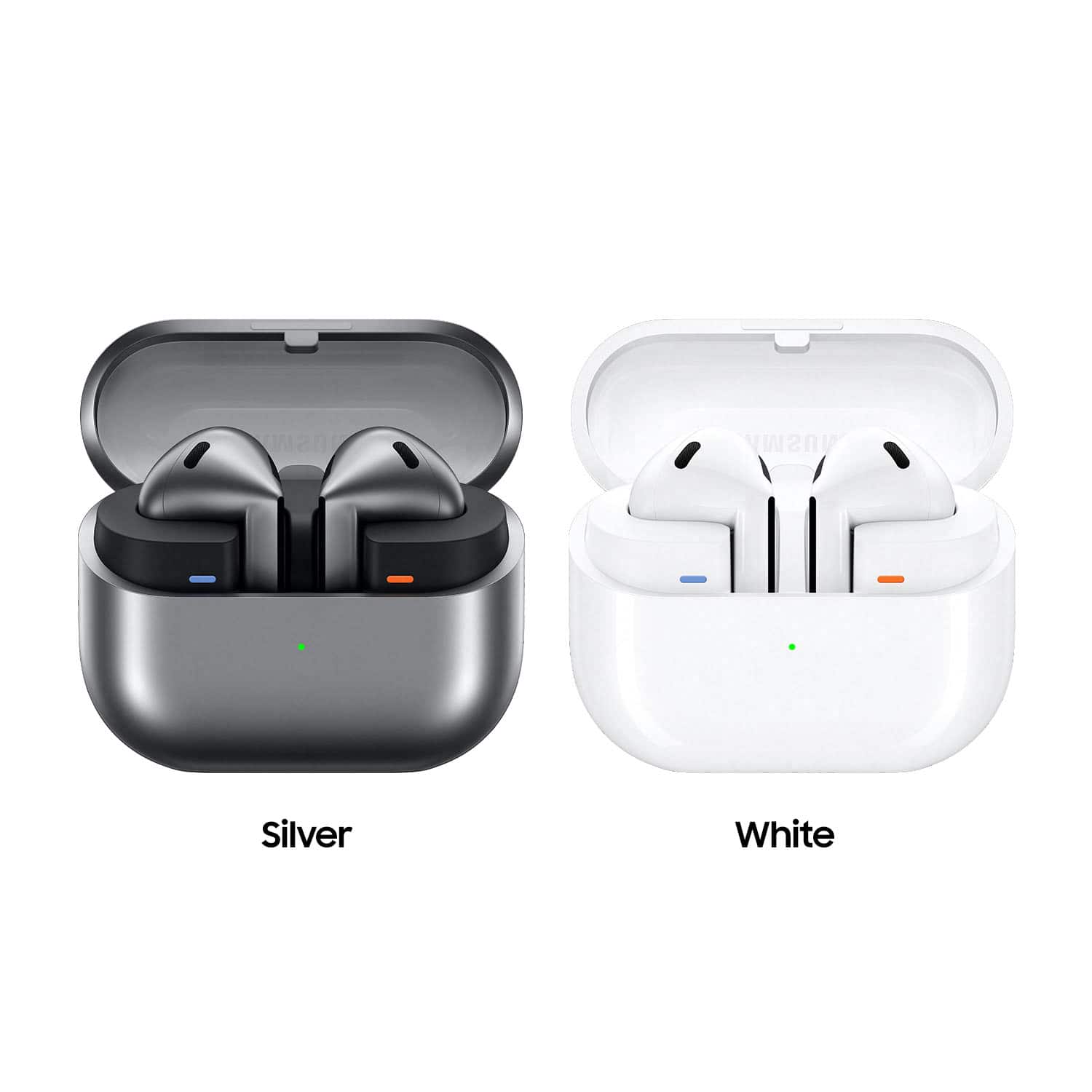
||Posted . Owned for 3 weeks when reviewed.This reviewer received promo considerations or sweepstakes entry for writing a review.They are light weight, and the sound is amazing. They have great features for everyday use. You can pick from 2 different colors. And easy to use
I would recommend this to a friend - Pros mentioned:Sound qualityCons mentioned:Fit
Samsung galaxy bud
||Posted . Owned for less than 1 week when reviewed.This reviewer received promo considerations or sweepstakes entry for writing a review.This product sounds good but one in my left ear kept falling out so i returned it and got the Bud 2 pro.
No, I would not recommend this to a friendBrand response from Samsung
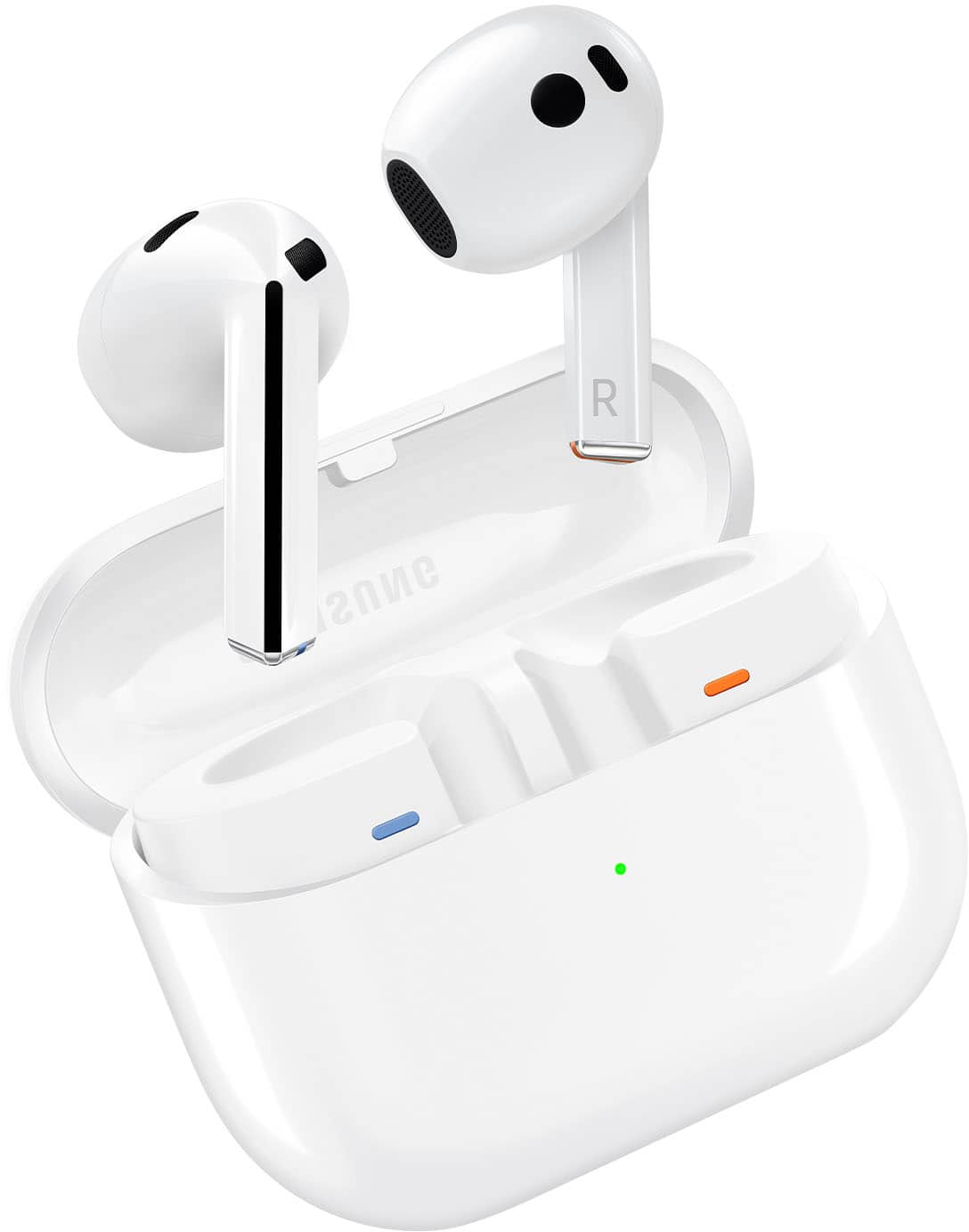
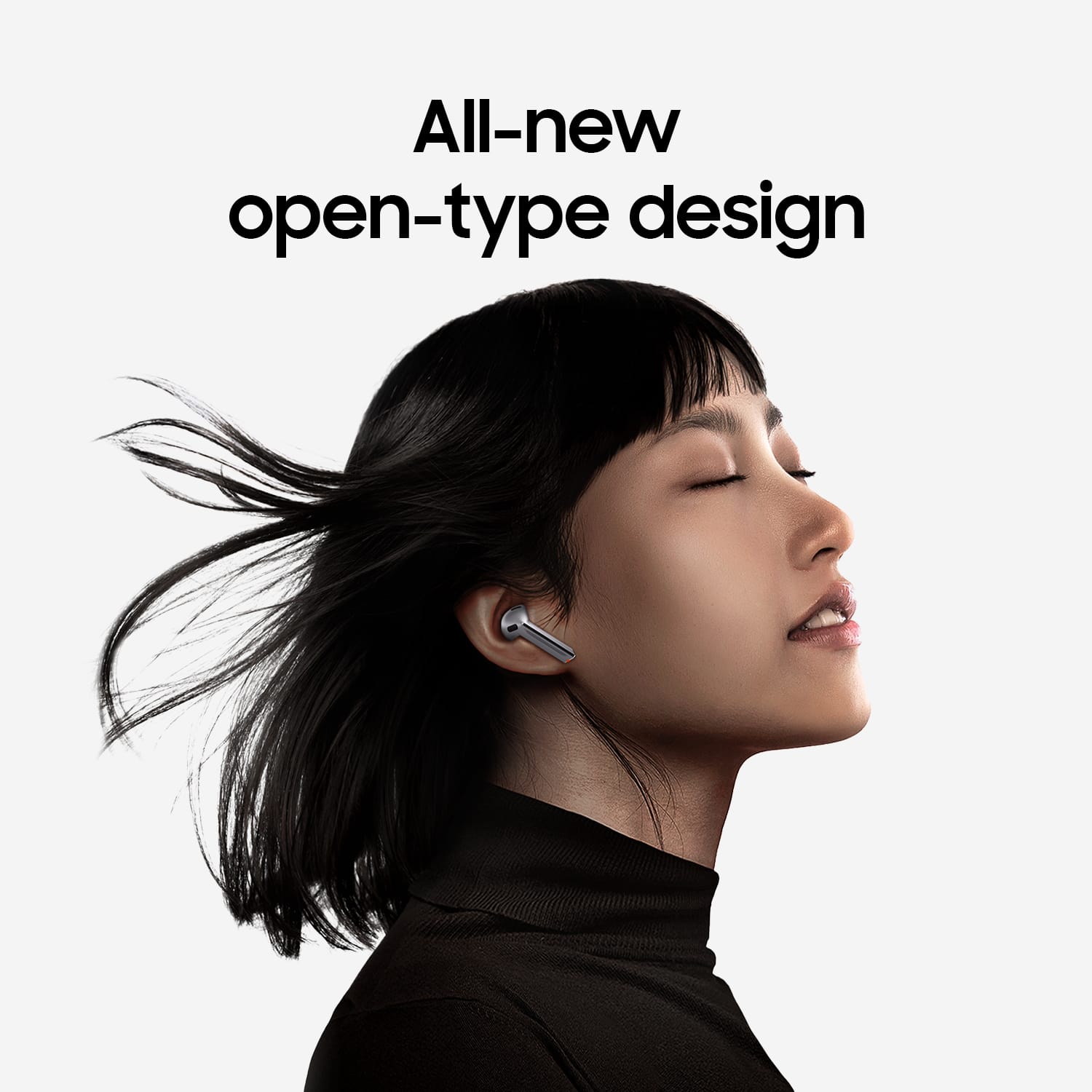
Posted .Salutations KeithS, thanks for taking the opportunity to review your Samsung Galaxy Buds3. Your feedback allows us to remain committed to constant innovation as we strive to improve the design and functionality of our product line. Our goal is for our customers to feel like they are having the most marvelous experiences when using our products. Samsung provides a 12-month warranty on our products for manufacturing defects in materials and workmanship. If you're wearing your earbuds properly, you'll get better sound quality from them, they'll fit more comfortably, and they'll stay in your ears. Wearing them improperly can cause discomfort, sound leaks, and makes them more likely to fall out. No one wants to lose an earbud, especially while out jogging, so be sure to wear them with the proper fit. Being that the Galaxy Buds3 are open-type buds rather than canal types, so they do not have earbud tips. All you have to do to get started is simply place them in your ears. 1. Check the bottom of the earbuds for directional marks. You will see an L and an R. 2. Insert the R bud into your right ear with the R facing you. 3. Insert the L bud into your left ear with the L facing you. 4. Angle the blade slightly so that the microphone on the bottom is pointing towards your mouth rather than straight down. 5. You can adjust the buds by rotating them forwards and backwards until the fit feels right. Feel free to check out, "How to wear your Samsung Galaxy Buds3 and 3 Pro" if you would like more information regarding fit. If you would like to share any other feedback with us or if you would like any further assistance, please let us know by contacting Samsung Support at your leisure. Thank you for being a dedicated Samsung customer. - Debra

- Pros mentioned:Sound quality
Good buds
||Posted . Owned for 7 months when reviewed.This reviewer received promo considerations or sweepstakes entry for writing a review.I like the sound of them and how they dont fall while i use them during work.
I would recommend this to a friend HELP PURCHASONG A CHARGING CASE
||Posted . Owned for 3 months when reviewed.This reviewer received promo considerations or sweepstakes entry for writing a review.LOVE EM BUT I LOST THE CASE SO HOW DO I GET ANOTHER ONE?PLEASE I NEED HELP
I would recommend this to a friend- Pros mentioned:Comfort
Great buds!!
||Posted . Owned for 2 weeks when reviewed.This reviewer received promo considerations or sweepstakes entry for writing a review.These headphones are great. I would say if you want a little more comfort get the pros. Overall these are great though.
I would recommend this to a friend