Customer Ratings & Reviews
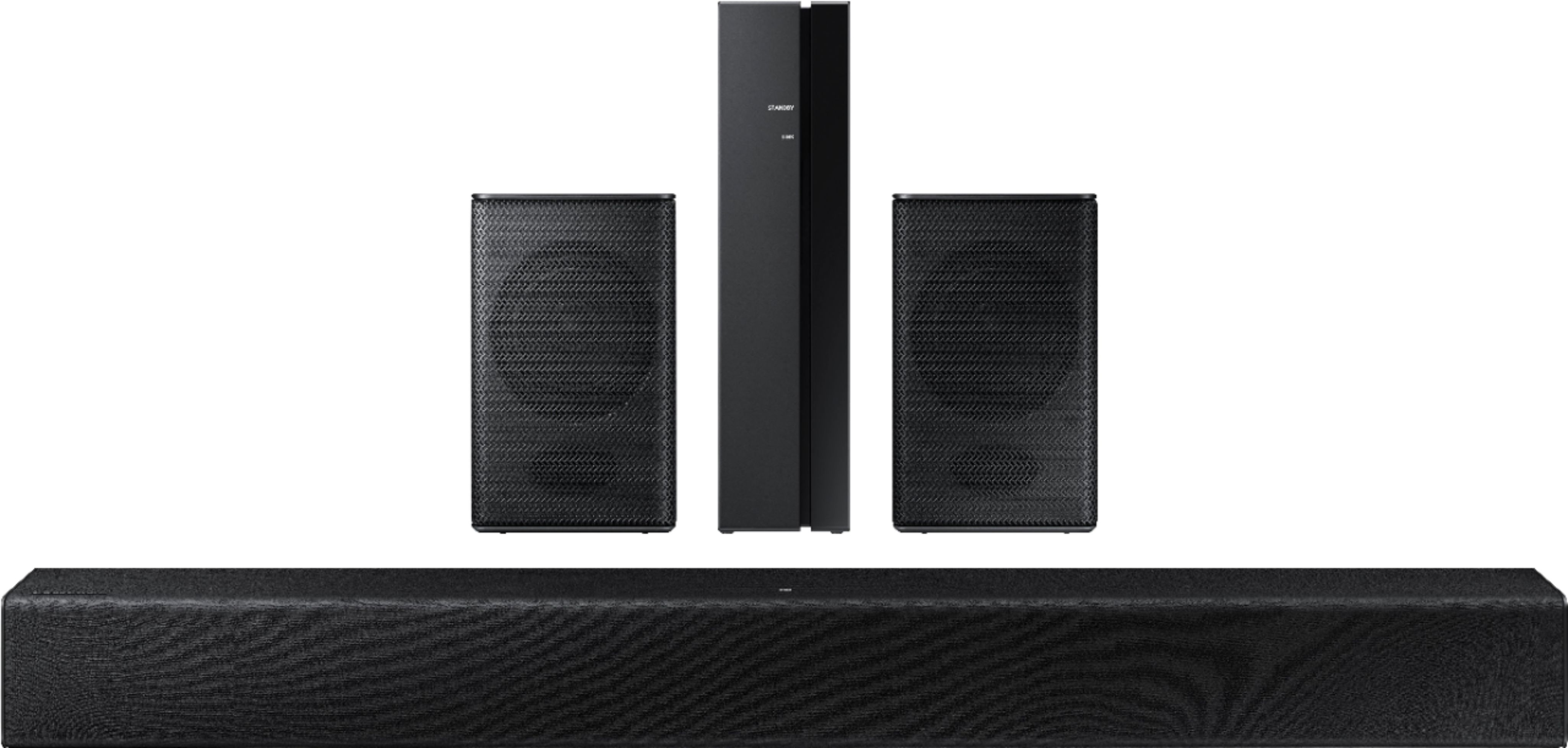

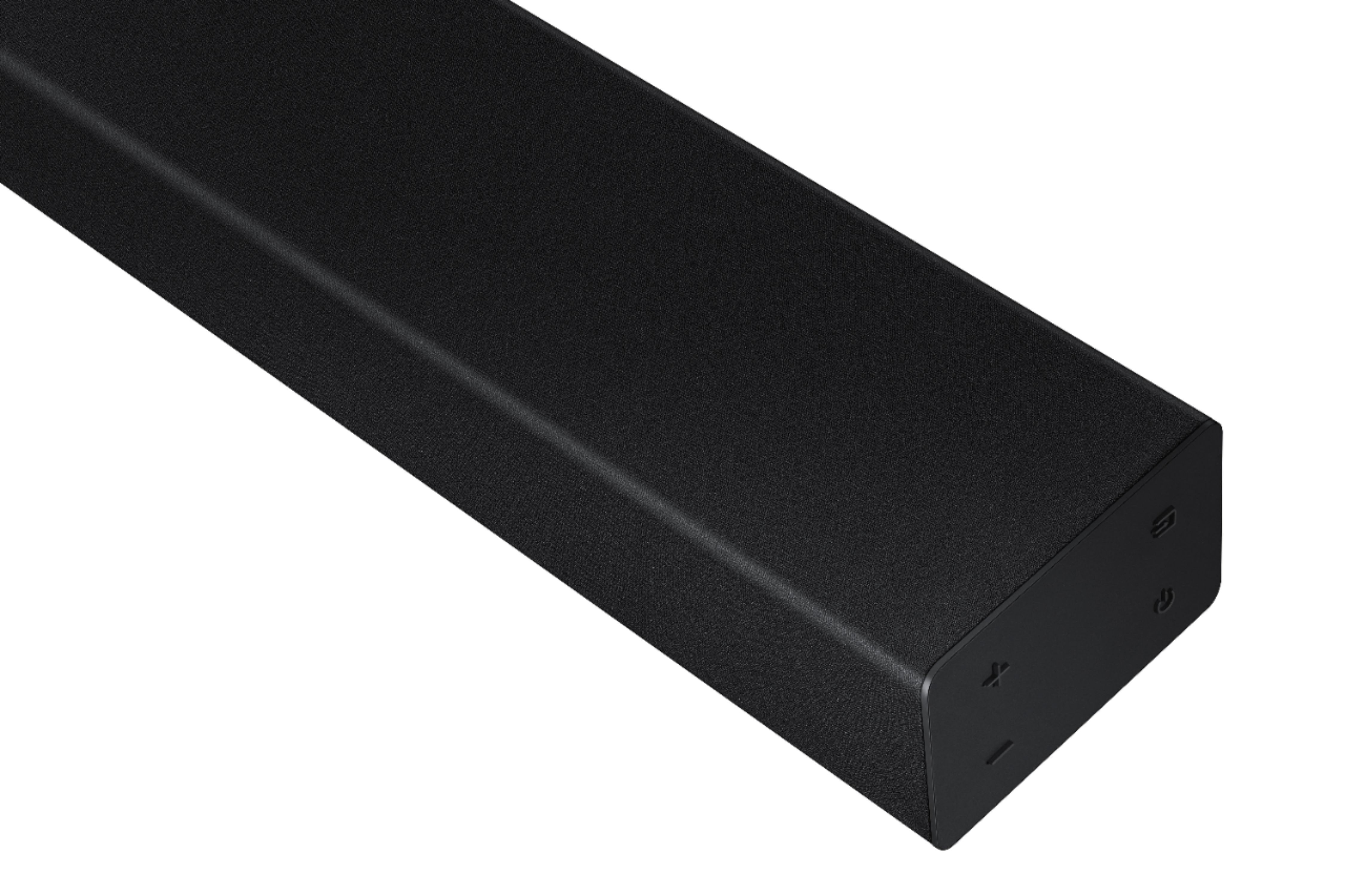

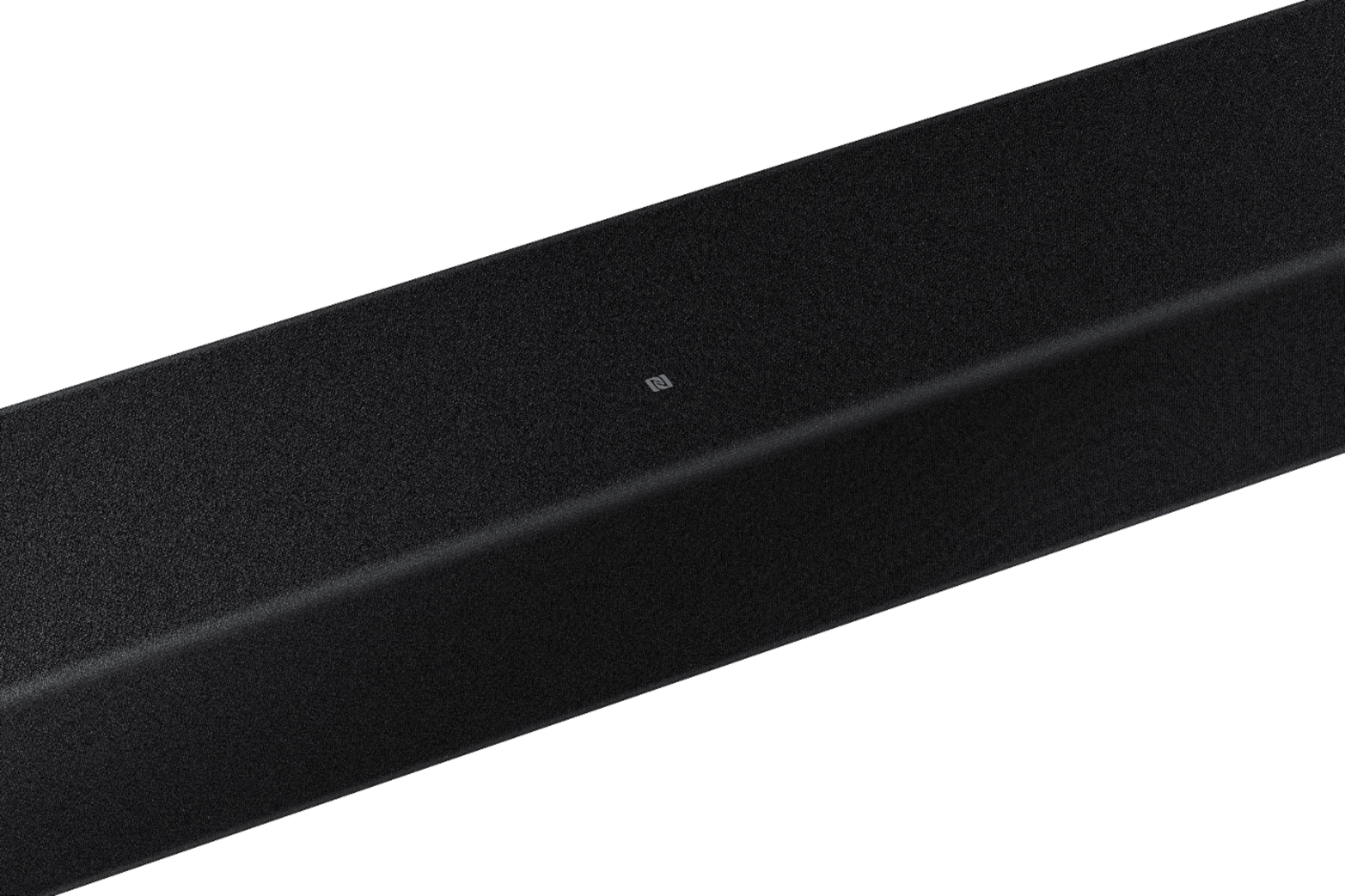

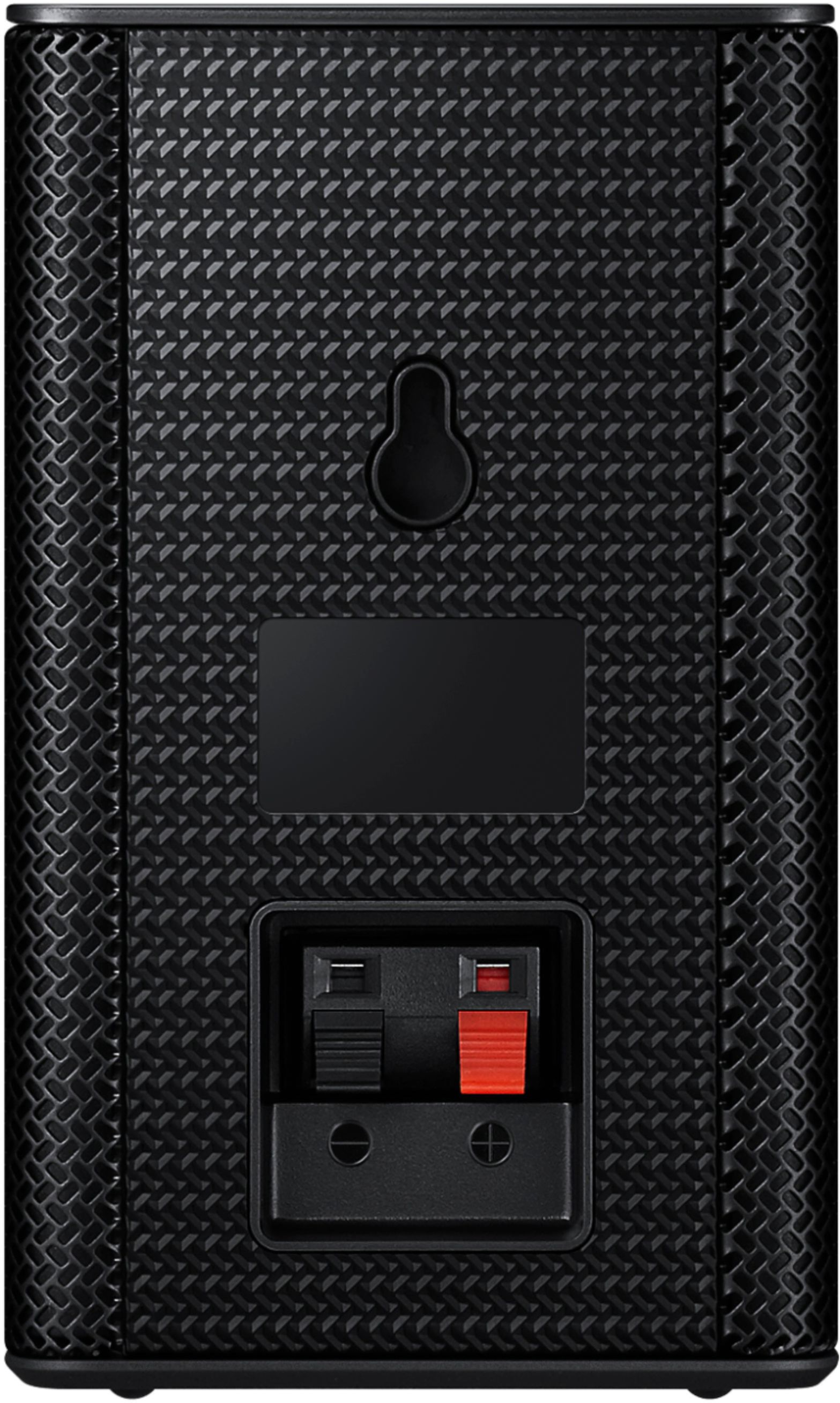
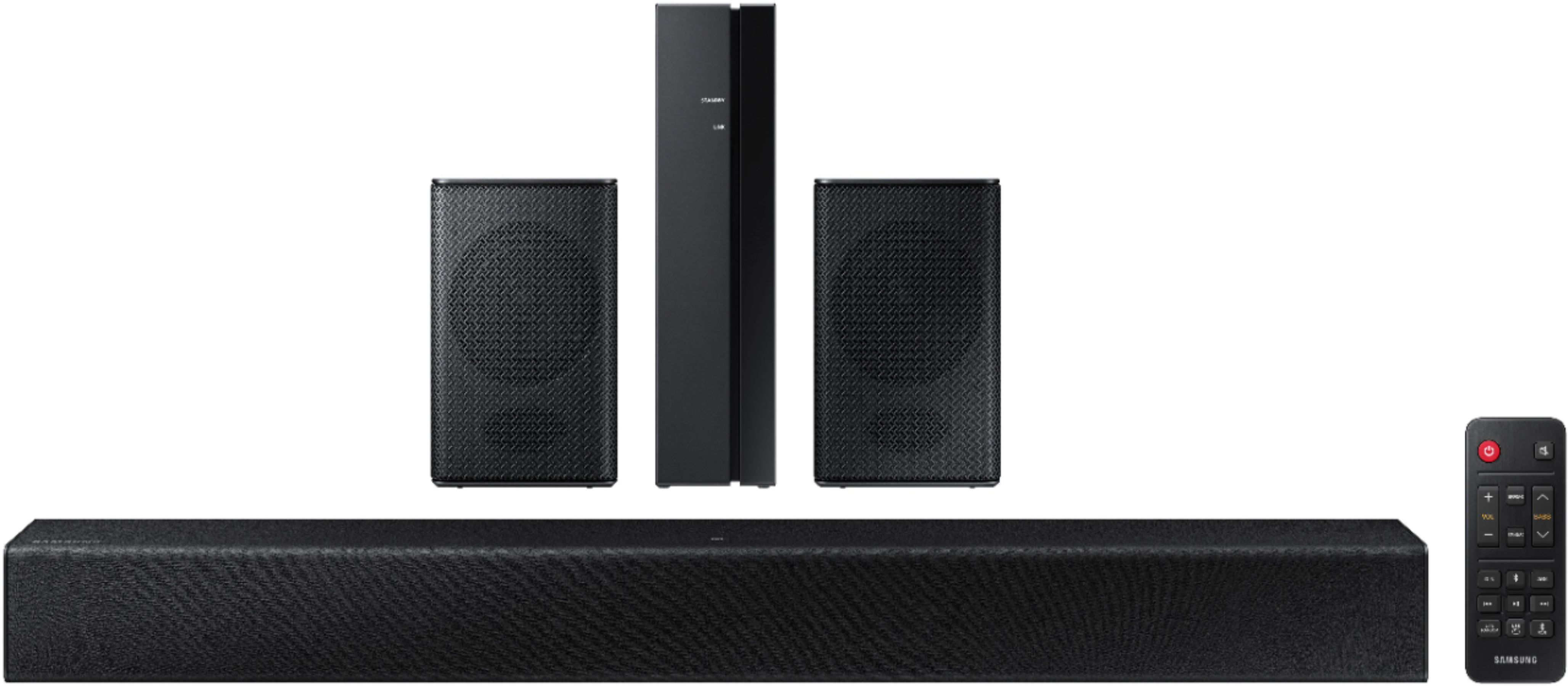





- Model:
- HW-A40R/ZA
- SKU:
- 6454650
Rating by feature
- Value
Rating 3.5 out of 5 stars
- Quality
Rating 3.3 out of 5 stars
- Ease of Use
Rating 3.5 out of 5 stars
Customers are saying
Customers are enthusiastic about the HW-A40R 4ch Sound bar's sound quality, describing it as "very good" and "amazing." They also appreciate its user-friendly setup process and affordable price point. However, some users have expressed concerns about the quality of the rear speakers, volume level, connectivity issues, and insufficient bass.
This summary was generated by AI based on customer reviews.
- Pros mentioned:Compatibility, Ease of use, Size
Nice for the price.
||Posted .This reviewer received promo considerations or sweepstakes entry for writing a review.Love this sound bar system. This was easy to set up and works great with my tv. This fits right under my tv.
I would recommend this to a friend - Pros mentioned:Ease of use, Sound qualityCons mentioned:Wireless
Wow
||Posted . Owned for 7 months when reviewed.This reviewer received promo considerations or sweepstakes entry for writing a review.Love it. Makes warching tv better. Easy set up juat wish the small speakers was wireless
I would recommend this to a friend - Pros mentioned:Ease of use, Sound quality
Overall pretty good
||Posted . Owned for 7 months when reviewed.This reviewer received promo considerations or sweepstakes entry for writing a review.Small speakers aren’t that great. Sound bar on the other hand is very great. Pretty easy to set up.
I would recommend this to a friendBrand response from Samsung
Posted .Hello JuanG,
We appreciate you sharing your review of the HW-A40R and detailing your experience with the included Wireless Rear Speakers. Please know, there are a few adjustment settings available for the rear speakers after you update to the latest firmware version.
You can update the firmware by connecting a USB device with the firmware update stored on it to the USB port on your Soundbar.
1.Go to the Samsung Electronics website (www.samsung.com) → click on the “Support” option in the upper right corner.
2.Click on “Manuals & Software” from the pop-up list > TVs & Home Theater > Home Theater > Select your model
2. Download the firmware file (USB type).
3. Unzip the file to create a folder with the file name.
4. Store the created folder in a USB and then connect it to the Soundbar.
Once installed, with the Soundbar on, press and hold the STANDARD button on the remote control for about 6 seconds; the LEDs will blink to indicate you are in adjustment mode. You can then use the BASS Up/Down buttons to adjust the level of the REAR speakers between -6 to +6. The adjustment mode will exit if the surround button is pressed, or if no button is pressed for 10 seconds.
If you need more help, Samsung is here for you. Please call us at 1-800-SAMSUNG, 8AM - 12AM EST (Ask for Soundbars), 7 days a week. Our LiveChat agents are also available by clicking on the ‘Support’ link on our website.
~ Samsung Solutions
- Pros mentioned:Ease of use
Rears make it not worth it.
||Posted . Owned for 1 year when reviewed.This reviewer received promo considerations or sweepstakes entry for writing a review.I love the soundbar. I'm extremely disappointed in the rears. Connectivity was easy and setup was fine. The sound of of them is not acceptable. There's no settings to change them and they've now become paper weights, a waste of money for the added rears. Samsung usually has top notch, but they fall short here.
No, I would not recommend this to a friendBrand response from Samsung
Posted .Hello Jonesiedoo,
We appreciate you sharing your review of the HW-A40R and detailing your experience with the included Wireless Rear Speakers. Please know, there are a few adjustment settings available for the rear speakers after you update to the latest firmware version.
You can update the firmware by connecting a USB device with the firmware update stored on it to the USB port on your Soundbar.
1.Go to the Samsung Electronics website (www.samsung.com) → click on the “Support” option in the upper right corner.
2.Click on “Manuals & Software” from the pop-up list > TVs & Home Theater > Home Theater > Select your model
2. Download the firmware file (USB type).
3. Unzip the file to create a folder with the file name.
4. Store the created folder in a USB and then connect it to the Soundbar.
Once installed, with the Soundbar on, press and hold the STANDARD button on the remote control for about 6 seconds; the LEDs will blink to indicate you are in adjustment mode. You can then use the BASS Up/Down buttons to adjust the level of the REAR speakers between -6 to +6. The adjustment mode will exit if the surround button is pressed, or if no button is pressed for 10 seconds.
I hope this tip helps you enjoy the experience with your new Samsung soundbar! Should you have additional questions regarding the audio settings available for your soundbar, call us at 1-800-SAMSUNG (ask for Soundbars), available 8 AM – 12 AM EST, 7 days a week.
LiveChat with an agent by clicking the ‘Support’ link on the Samsung website.
~Samsung Solutions
- Pros mentioned:Ease of use, Sound qualityCons mentioned:Rear speakers
Nice little system
||Posted . Owned for 1 month when reviewed.This reviewer received promo considerations or sweepstakes entry for writing a review.Pretty good for the price only thing I dont like is the rear speaker volume is so low you need to put up to your ear to hear its on , but? If there is some back ground noise in the movie you can hear it then But the main bar is great I can hear whats going on way better than the speakers on the tv and pretty easy set up.
I would recommend this to a friendBrand response from Samsung
Posted .Hi Desertdog,
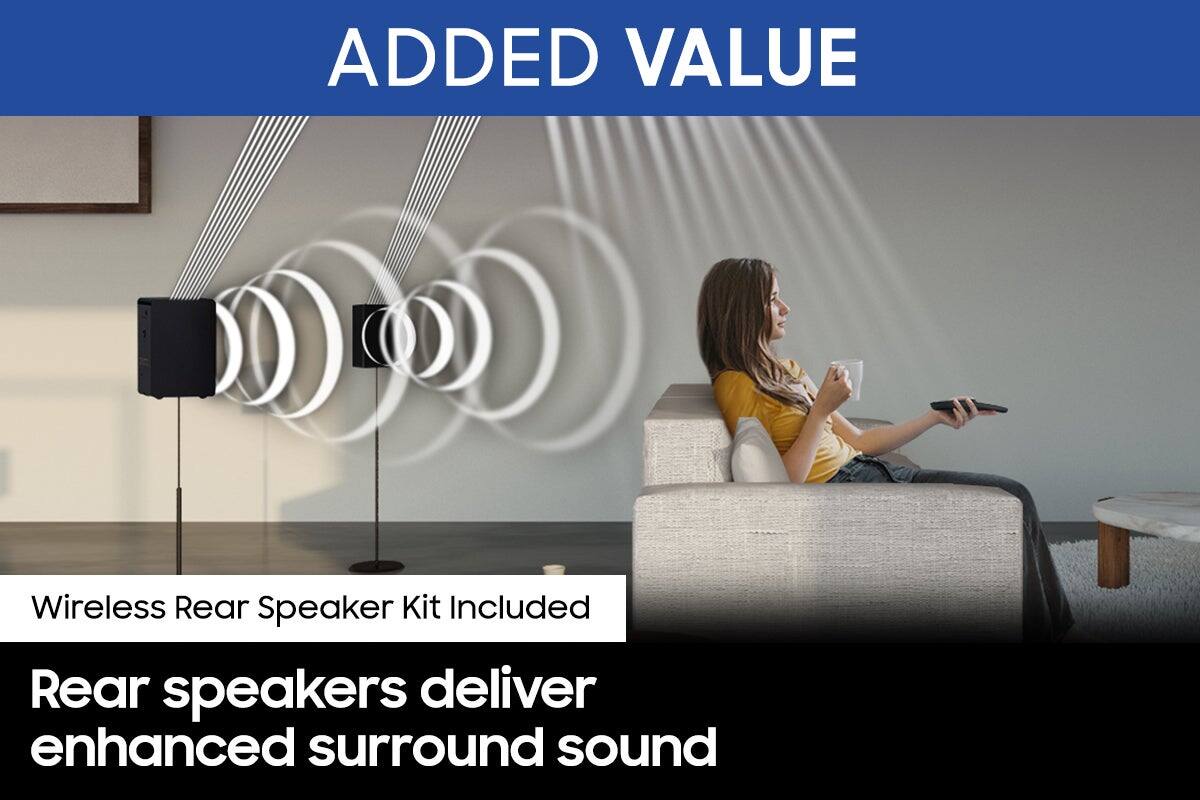
By design, the surround speakers are supposed to simulate sounds happening behind the viewer. Therefore, most of the time the surround channels are only used for ambient sounds, which are naturally lower in volume.
However, there are a few settings you can change to adjust the surround effect to your preference:
1) Make sure that the source (e.g. TV output) is sending surround channels to the Soundbar. If the source is not capable of surround, then set the Surround mode to OFF on the Soundbar by pressing the Surround button on the remote.
2) If the source has surround channels, select the desired Sound Mode from the Soundbar remote.
3) Turn off Dynamic Range Control. This is done by pressing and holding the Sound Mode button while the Soundbar is in standby mode. Depending on your soundbar model, you may or may not have DRC.
4) Increase the volume level of the surround speakers using the Sound Control button on the Soundbar remote control. Press the Sound Control button on the soundbar remote (looks like a gear), then select REAR LEVEL and use the Up/Down buttons to adjust the volume within a -6 to +6 range.
I hope these tips help to enhance your audio enjoyment. Should you need further assistance with this issue or have any questions, please contact Samsung Customer Support.
1-800-SAMSUNG (ask for Soundbars), available 8 AM – 12 AM EST, 7 days a week.
For additional support resources, visit us on the Samsung website and click on the ‘Support’ link in the upper right corner of the homepage for:
1) Chat with Us/Product Help: To begin a chat or find solutions, choose ‘TVs & Home Theater’ and select your model & topic.
2) Manuals & Software
3) Warranty Info
4) Register a Product: For access to easy warranty support, convenient opt-in to special promos and offers, faster troubleshooting and service, and quick notification of system updates
5) Contact Us
~ Samsung Solutions
- Pros mentioned:Ease of use, Sound qualityCons mentioned:Volume
Overall good, just a bit quiet.
||Posted . Owned for 4 months when reviewed.This reviewer received promo considerations or sweepstakes entry for writing a review.This sound bar does have some good sound quality and is not too hard to set up. Easy low maintenance, just does not feel like it gets as loud as I want it to. Depending on if you are in a loud environment you might want something a bit more. However for a quiet space, this works perfectly.
I would recommend this to a friendBrand response from Samsung
Posted .Hi Sean,
Thank you for sharing your thoughts and experiences with the HW-A40R Soundbar system.
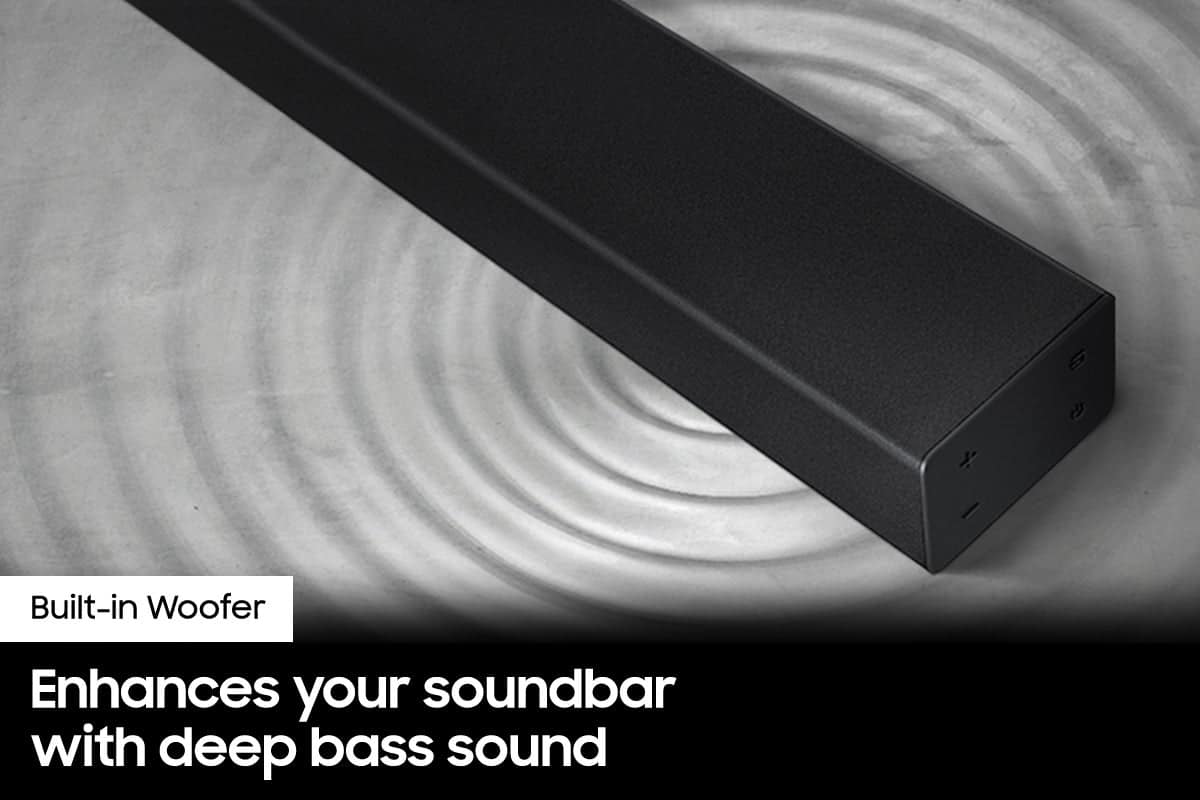
You can try manually optimizing your settings by selecting the Surround or Standard buttons to change the sound mode. Additionally, Press the BASS + or BASS - buttons to adjust the level of the woofer (bass) between -6 to +6.
With the latest firmware version installed, press and hold the STANDARD button on the remote control for about 6 seconds then use the Bass Up/Down buttons to adjust the level of the rear speakers between -6 to +6.
I hope these tip help to improve your sound experience. If you should need further assistance or have questions, please contact Samsung Customer Support.
Call us at 1-800-SAMSUNG (ask for Soundbars), available 8 AM – 12 AM EST, 7 days a week.
LiveChat with an agent by clicking the ‘Support’ link on the Samsung website.
~Samsung Solutions
- Pros mentioned:Ease of use, Sound quality
Brewview
||Posted . Owned for 3 weeks when reviewed.This reviewer received promo considerations or sweepstakes entry for writing a review.Sounds good. Simple to add to your tv. Wires are not able to be hidden
I would recommend this to a friend - Pros mentioned:Ease of use, Sound quality
Fast setup
||Posted . Owned for 8 months when reviewed.This reviewer received promo considerations or sweepstakes entry for writing a review.Sound is crisp and clear, eay fast setuo with hdmi cable.
I would recommend this to a friend - Pros mentioned:Ease of useCons mentioned:Rear speakers
Disappointed with this appointment :D
||Posted . Owned for less than 1 week when reviewed.This reviewer received promo considerations or sweepstakes entry for writing a review.It was easy to set up, light and easy to move around, however, you have to depend on your ears to determine its volume level as there is no visual markers (eg numbers) to determine volume levels. Also, while the sound bar is fairly okay, the additional rear speakers are completely nonfunctional. You have to push them close to your ear lobes to even hear the faintest of sounds.
No, I would not recommend this to a friendBrand response from Samsung
Posted .Hi BrightHimself,
Thank you for your review of the HW-A40R Soundbar and for your feedback regarding the volume issues you are experiencing with the included rear speakers. By design, the surround speakers are supposed to simulate sounds happening behind the viewer. Therefore, most of the time the surround channels are only used for ambient sounds, which are naturally lower in volume.
However, there are a few settings you can change to adjust the surround effect to your preference:
1) Download and install the latest firmware version (ver.1014)
2) Once installed, with the Soundbar on, press and hold the STANDARD button on the remote control for about 6 seconds
3) The LEDs will blink to indicate you are in adjustment mode
4) Use the BASS Up/Down buttons to adjust the level of the REAR speakers between -6 to +6.
5) The adjustment mode will exit if the surround button is pressed, or if no button is pressed for 10 seconds
If the volume levels still seem to low for your preference, please be aware of the following:
1) Make sure that the source (e.g. TV output) is sending surround channels to the Soundbar. If the source is not capable of surround, then set the Surround mode to OFF on the Soundbar by pressing the Surround button on the remote.
2) If the source has surround channels, select the Surround Sound Mode from the Soundbar remote.
3) Turn off Dynamic Range Control. This is done by pressing and holding the SURROUND button for 5 seconds.
4) Turn off the soundbar, then press and hold the source button on the soundbar for 7 seconds to enable Gain Boost. With Gain Boost active, the rear speaker’s volume level will be increased when the soundbar is in Surround mode. This feature can be turned off by following the same process.
I hope these tips help to enhance your audio enjoyment.
Should you ever have questions or need help, please call us at 1-800-SAMSUNG (ask for Soundbars), available 8AM - 12AM EST, 7 days a week.
For additional support resources, visit us on the Samsung website and click on the ‘Support’ link in the upper right corner of the homepage for:
1) Chat with Us/Product Help: To begin a chat or find solutions, choose ‘TVs & Home Theater’ and select your model & topic.
2) Manuals & Software
3) Warranty Info
4) Register a Product: For access to easy warranty support, convenient opt-in to special promos and offers, faster troubleshooting and service, and quick notification of system updates
5) Contact Us
~ Samsung Solutions
- Pros mentioned:Ease of use, Sound quality
Super good sound
||Posted . Owned for 3 weeks when reviewed.This reviewer received promo considerations or sweepstakes entry for writing a review.Easy to install and super good sound. A couple of different ways to install, which is good depending the device you want to install or to.
I would recommend this to a friend - Pros mentioned:Ease of use, Sound quality
Samsung sound bad
||Posted . Owned for 3 weeks when reviewed.This reviewer received promo considerations or sweepstakes entry for writing a review.great speakers and they come with the sub woofer. easy to connect and the sound is wonderful
I would recommend this to a friend - Pros mentioned:Ease of use, Sound quality
Awesome
||Posted . Owned for 8 months when reviewed.This reviewer received promo considerations or sweepstakes entry for writing a review.Sound is crisp and clear easy to set up This was an addition to the 70” LG tv I brought gif my den.
I would recommend this to a friend - Pros mentioned:Ease of use, Sound quality
Good investment
||Posted . Owned for 1 year when reviewed.This reviewer received promo considerations or sweepstakes entry for writing a review.Easy set up. Great quality sound. Definitely a good investment!
I would recommend this to a friend - Pros mentioned:Ease of use, Sound quality
Great product
||Posted . Owned for more than 2 years when reviewed.This reviewer received promo considerations or sweepstakes entry for writing a review.Great product. Excellent sound. Easy to hook up. Price is great.
I would recommend this to a friend - Pros mentioned:Ease of use, Sound quality
Sound bar
||Posted . Owned for 1 month when reviewed.This reviewer received promo considerations or sweepstakes entry for writing a review.Very good quality with all the sound expansion. It was very easy to install, and very nice look
I would recommend this to a friend - Pros mentioned:Ease of use, Sound quality
Awesome
||Posted . Owned for 1 month when reviewed.This reviewer received promo considerations or sweepstakes entry for writing a review.It is awesome just what I needed it was easy to setup it is better than my other one
I would recommend this to a friend - Pros mentioned:Ease of use, Sound quality
Great Sound
||Posted . Owned for 1.5 years when reviewed.This reviewer received promo considerations or sweepstakes entry for writing a review.Great sound,easy to use,Sturdy, value for Money recommended
I would recommend this to a friend - Pros mentioned:Ease of use, Sound quality
Not too bad, not the best but not bad.
||Posted . Owned for 3 months when reviewed.This reviewer received promo considerations or sweepstakes entry for writing a review.The sound is good and it was fairly easy to get the surround sound speakers set up. The speakers are pretty puny and don’t put out much sound at all. But otherwise for the price it isn’t too bad.
No, I would not recommend this to a friend - Pros mentioned:Ease of use
Soundbar
||Posted . Owned for 1.5 years when reviewed.This reviewer received promo considerations or sweepstakes entry for writing a review.Don’t be scare to buy open box, great product for the size of the room, easy to install and use.
I would recommend this to a friend - Pros mentioned:Ease of use, Size, Sound quality
Jackie
||Posted . Owned for 3 weeks when reviewed.This reviewer received promo considerations or sweepstakes entry for writing a review.Great product. Sounds great. Easy to set up. Perfect size for area needed. Like the ability to use with playlists.
I would recommend this to a friend