Customer Ratings & Reviews
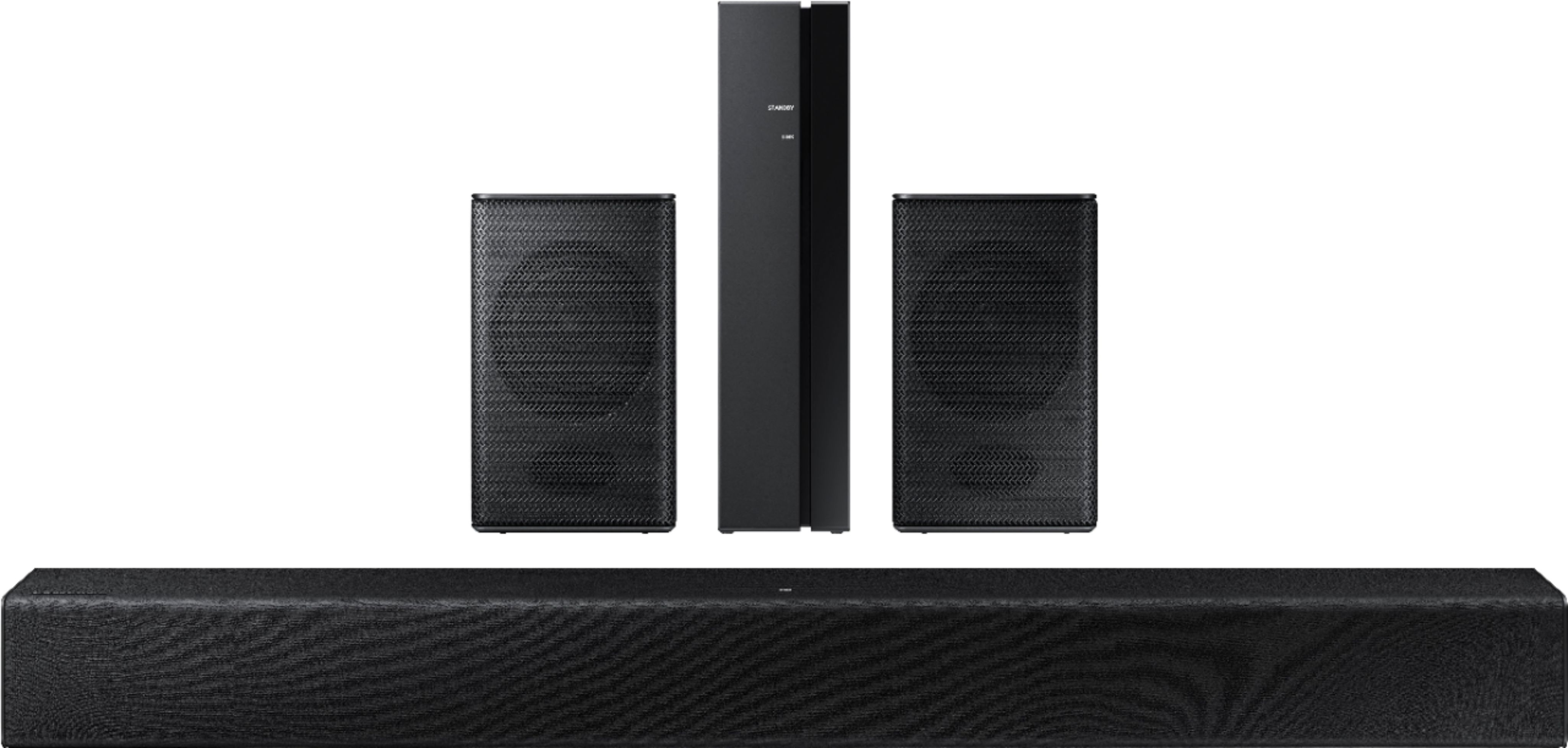

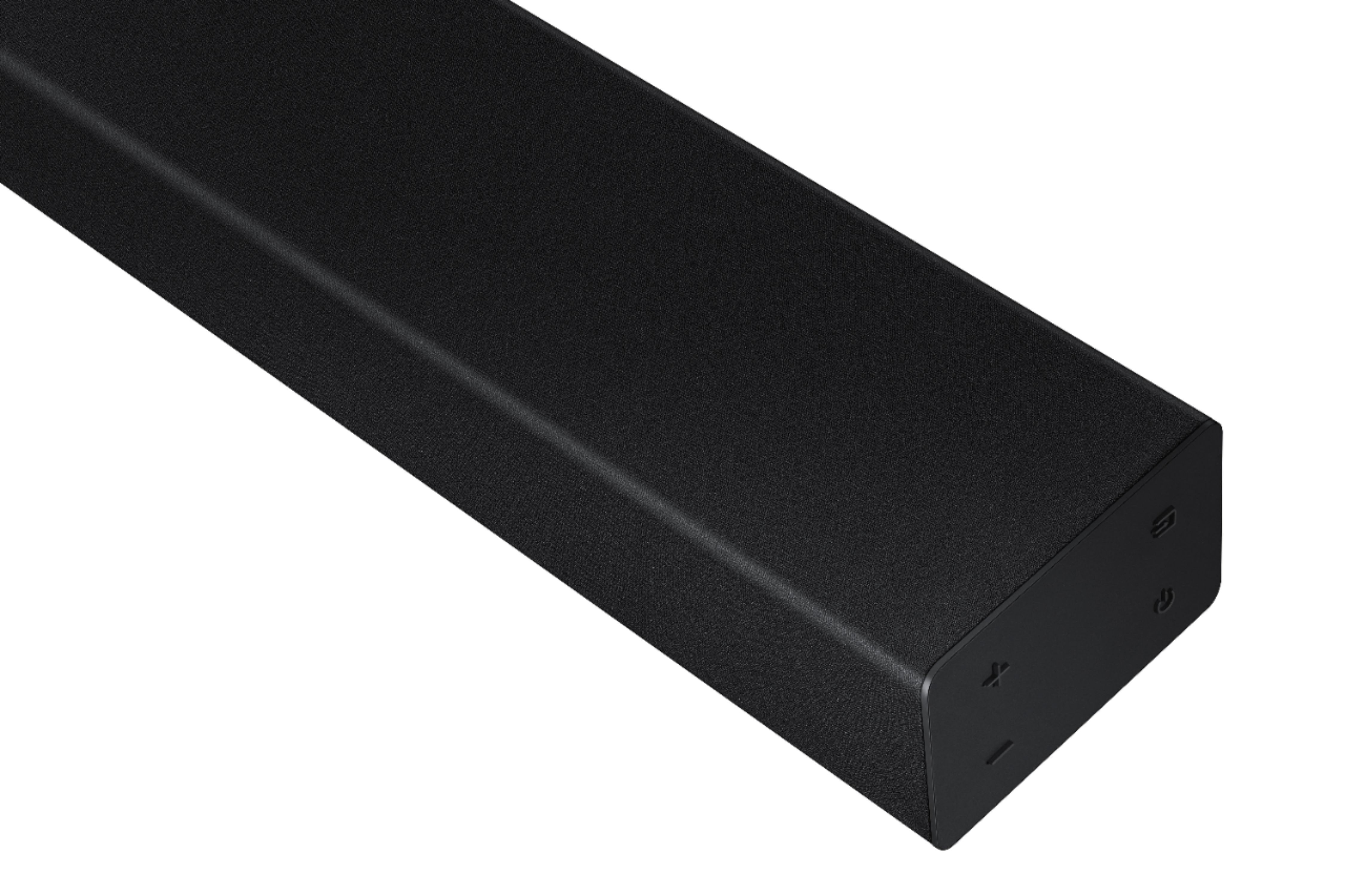


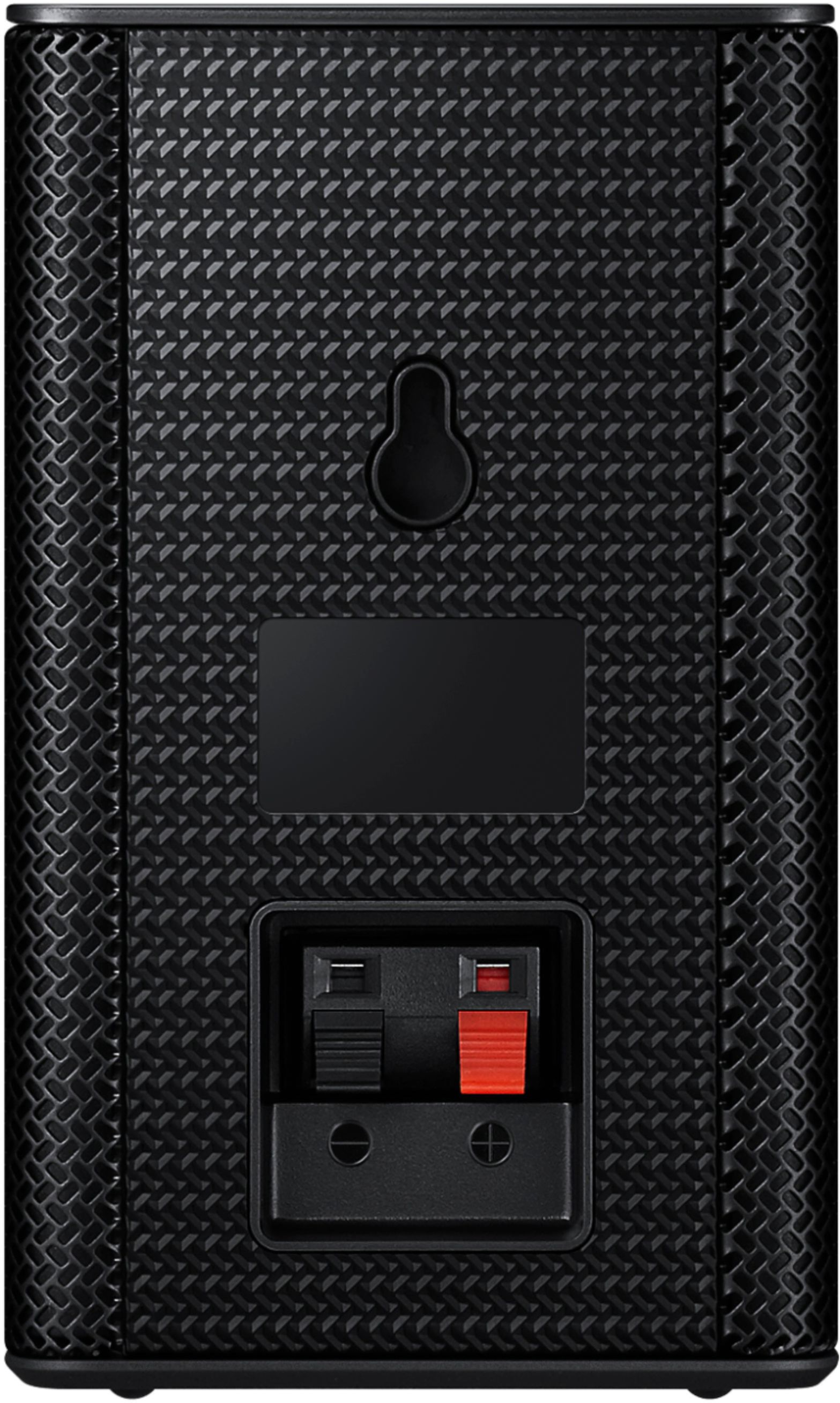
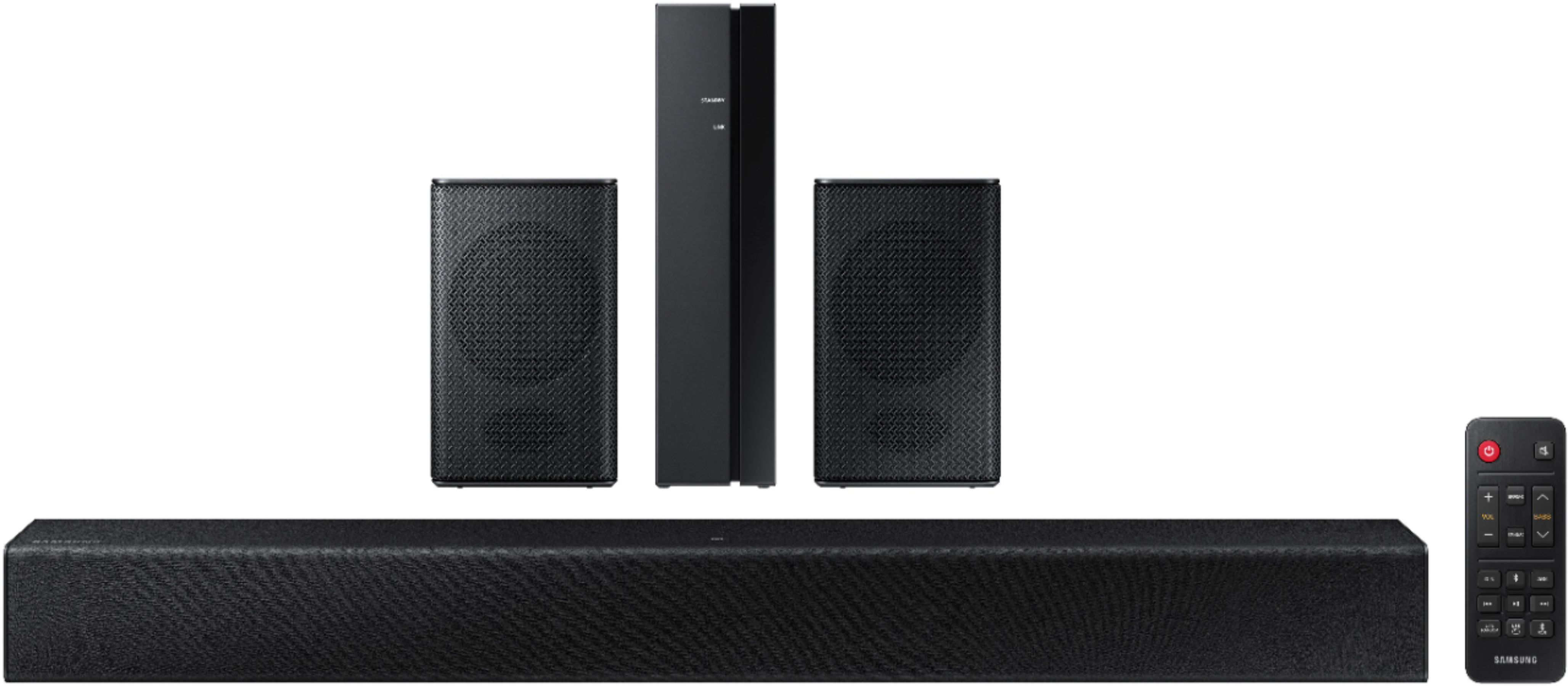





- Model:
- HW-A40R/ZA
- SKU:
- 6454650
Rating by feature
- Value
Rating 3.5 out of 5 stars
- Quality
Rating 3.3 out of 5 stars
- Ease of Use
Rating 3.5 out of 5 stars
Customers are saying
Customers are enthusiastic about the HW-A40R 4ch Sound bar's sound quality, describing it as "very good" and "amazing." They also appreciate its user-friendly setup process and affordable price point. However, some users have expressed concerns about the quality of the rear speakers, volume level, connectivity issues, and insufficient bass.
This summary was generated by AI based on customer reviews.
- Pros mentioned:Sound quality
Gives true and clear sound.
||Posted . Owned for 1 month when reviewed.This reviewer received promo considerations or sweepstakes entry for writing a review.Works and sounds very well for our 55 inch TV. Gives clear true sound.
I would recommend this to a friend - Pros mentioned:Ease of use, Sound quality
Easy to set up
||Posted . Owned for 3 weeks when reviewed.This reviewer received promo considerations or sweepstakes entry for writing a review.It was easy to set up and has better sound than my previous soundbar
I would recommend this to a friend - Pros mentioned:Price, Sound quality
Great sound
||Posted . Owned for 6 months when reviewed.This reviewer received promo considerations or sweepstakes entry for writing a review.Great sound quality, product at a fair price. Easy to handle.
I would recommend this to a friend Great for price
||Posted . Owned for 1 month when reviewed.This reviewer received promo considerations or sweepstakes entry for writing a review.Good for the price point. They had some intial issues setting up but seems to be working fine now
I would recommend this to a friend- Pros mentioned:Sound quality
Sound Bar
||Posted . Owned for 2 weeks when reviewed.This reviewer received promo considerations or sweepstakes entry for writing a review.outstanding product with capable system, excellent sound.
I would recommend this to a friend Ok, For A Starter
||Posted . Owned for 3 months when reviewed.This reviewer received promo considerations or sweepstakes entry for writing a review.If running wires is not an issue for you, then jump on this system.
I would recommend this to a friend- Pros mentioned:Sound quality
Good speakers with good sound
||Posted . Owned for 1 month when reviewed.This reviewer received promo considerations or sweepstakes entry for writing a review.Really good sound quality and easy to setup with tv
I would recommend this to a friend - Pros mentioned:Sound quality
It’s good
||Posted . Owned for 3 weeks when reviewed.This reviewer received promo considerations or sweepstakes entry for writing a review.It’s a very good system for the price it’s for. I recommend
I would recommend this to a friend - Pros mentioned:Ease of use
Great system!
||Posted . Owned for 3 weeks when reviewed.This reviewer received promo considerations or sweepstakes entry for writing a review.Great system. The only drawback is you have to connect (through the TV settings) it every single day. This could be a TV issue, so not 100% sure it has to do with the sound bar. But these were super easy to install and set up -- unlike the Vizzio. OMG, those were a complete and total pain in the booty. So yeah, this system is fantastic. Go for it!
I would recommend this to a friend Soundbar
||Posted . Owned for 3 weeks when reviewed.This reviewer received promo considerations or sweepstakes entry for writing a review.Sound quality wasn't really good the two small speakers was very low quality sound the sound bar was okay but it has Bluetooth and optical but my overall experience is. 2 star ⭐⭐ I would return it but too lazy
No, I would not recommend this to a friendBrand response from Samsung
Posted .Hello Rupt,
We appreciate you sharing your review of the HW-A40R and detailing your experience with the included Wireless Rear Speakers. Please know, there are a few adjustment settings available for the rear speakers after you update to the latest firmware version.
You can update the firmware by connecting a USB device with the firmware update stored on it to the USB port on your Soundbar.
1.Go to the Samsung Electronics website (www.samsung.com) → click on the “Support” option in the upper right corner.
2.Click on “Manuals & Software” from the pop-up list > TVs & Home Theater > Home Theater > Select your model
2. Download the firmware file (USB type).
3. Unzip the file to create a folder with the file name.
4. Store the created folder in a USB and then connect it to the Soundbar.
Once installed, with the Soundbar on, press and hold the STANDARD button on the remote control for about 6 seconds; the LEDs will blink to indicate you are in adjustment mode. You can then use the BASS Up/Down buttons to adjust the level of the REAR speakers between -6 to +6. The adjustment mode will exit if the surround button is pressed, or if no button is pressed for 10 seconds.
I hope this tip helps you enjoy the experience with your new Samsung soundbar! Should you have additional questions regarding the audio settings available for your soundbar, Call us at 1-800-SAMSUNG (ask for Soundbars), available 8 AM – 12 AM EST, 7 days a week.
LiveChat with an agent by clicking the ‘Support’ link on the Samsung website.
~Samsung Solutions
- Pros mentioned:Sound quality
xxxxxxxxxxxxxx
||Posted . Owned for 1 month when reviewed.This reviewer received promo considerations or sweepstakes entry for writing a review.Good sound system. xxxxxxxxxxxxxxxxxxxxxxxxxxxxxxxx
I would recommend this to a friend Resuelve
||Posted . Owned for 1.5 years when reviewed.This reviewer received promo considerations or sweepstakes entry for writing a review.For its price not bad can’t hear back speakers it’s ok
I would recommend this to a friend- Pros mentioned:Sound quality
Junk even compared to sound bars 10 years old
||Posted . Owned for 1 week when reviewed.This reviewer received promo considerations or sweepstakes entry for writing a review.I would give zero if I could. To start, the soundbar is junk! Im a huge fan of Samsung and have a ton of their products, but this one is a device i would expect to see in a thrift shop ten years ago. Supposed built in subwoofers, there is barely bass. Now the added "wireless" rear speakers, retail for $150 on their own. These are the worst add on ever. First by wireless, it means that the unit is not physically connected to the sound bar. The speakers are wired to the reciever. You might think these will complete your surround sound by adding immersive additional speakers, but normal sound is barely audible except in the rare case your tv submits audio in a way to here something behind you if you were in the movie. There is no way to change levels on the system, which might of made it possible to utilize the rear speakers. It looks like more expensive soundbars have the capability. Needless to say my vizio 36" 4 channel soundbar from about 4 years ago is better than this one, and next to this samsung my 8 year old Vizio sound system with subwoofer in the bottom sounds like a Bose Product. Needless to say, with this one you thing samsung will deliver you an awesome product for an affordable price, NOPE! Either spend a few more bucks on something better. I would suggest Vizio! I returned mine the very next day! DO NOT WASTE YOUR TIME OR MONEY!
No, I would not recommend this to a friendBrand response from Samsung
Posted .Hi FormerXGNblacklistLvl5,
I am sorry to hear you were not completely satisfied with the out of box experience from the HW-A40R Samsung Soundbar. Your feedback is appreciated and important in helping us provide crucial factors regarding customer satisfaction.
Please know we could have further investigated this and provided adjustment recommendations or troubleshooting assistance to help resolve the issues you were experiencing with your soundbar.
Should you ever decide to give Samsung Soundbars another try and have questions or need assistance with settings, setup, or features, please know we are always here to help. Call us at 1-800-SAMSUNG (ask for Soundbars), available 8AM - 12AM EST, 7 days a week.
For additional support resources, visit us on the Samsung website and click on the ‘Support’ link in the upper right corner of the homepage for:
1) Contact Us: For additional Chat & Text options, choose ‘TVs & Home Theater’ and select your model & topic.
2) Manuals, Software, & Warranty Info
We hope to regain you as a customer in the future.
~ Samsung Solutions
- Cons mentioned:Bass
Weak
||Posted . Owned for 1 week when reviewed.This reviewer received promo considerations or sweepstakes entry for writing a review.I didn't care for this setup, it doesn't have enough power and bass, i was hoping that the windows would shake, so its saying i need 50 characters ssssssssssssss
No, I would not recommend this to a friendBrand response from Samsung
Posted .Hello Rmd303,
Thank you for purchasing the Samsung HW-A40R and for your review. We appreciate your feedback regarding the performance of your new soundbar.
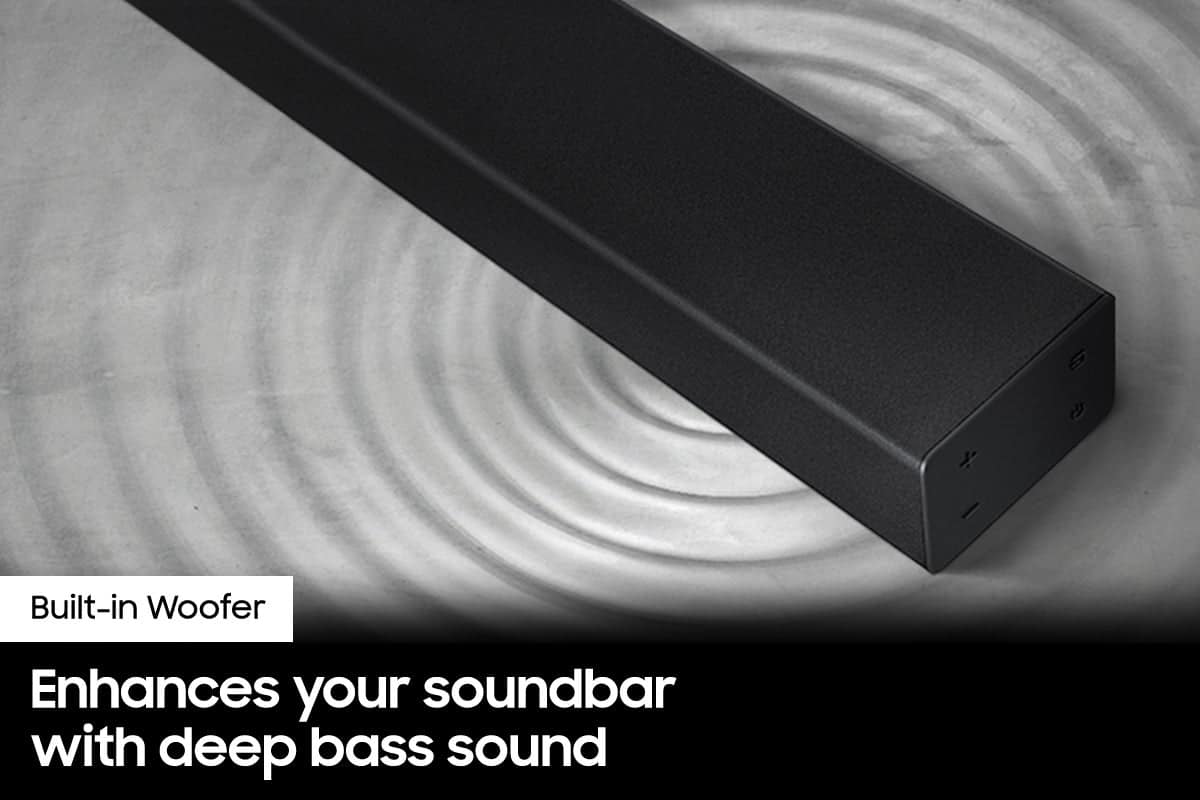
You can try manually optimizing your settings by selecting the Surround or Standard buttons to change the sound mode. Additionally, Press the BASS + or BASS - buttons to adjust the level of the woofer (bass) between -6 to +6.
With the latest firmware version installed, press and hold the STANDARD button on the remote control for about 6 seconds then use the Bass Up/Down buttons to adjust the level of the rear speakers between -6 to +6.
I hope these tip help to improve your sound experience. If you should need further assistance or have questions, please contact Samsung Customer Support. Call us at 1-800-SAMSUNG (ask for Soundbars), available 8 AM – 12 AM EST, 7 days a week.
LiveChat with an agent by clicking the ‘Support’ link on the Samsung website.
~Samsung Solutions
- Pros mentioned:Sound quality
Samsung surround sound soundbar.
||Posted . Owned for 3 weeks when reviewed.This reviewer received promo considerations or sweepstakes entry for writing a review.The surround sound Samsung soundbar is very good audio.
I would recommend this to a friend - Pros mentioned:Price
Economical
||Posted . Owned for 3 weeks when reviewed.This reviewer received promo considerations or sweepstakes entry for writing a review.Great price and gets the job done. Set up in an extra TV
I would recommend this to a friend - Pros mentioned:Sound quality
Good bar crappy speakers
||Posted . Owned for 2 months when reviewed.This reviewer received promo considerations or sweepstakes entry for writing a review.Quality of the bar is quite good as far as loud. But the issue I have is the two speakers that come with it you can't hear anything out of it or adjust it's volume.
No, I would not recommend this to a friendBrand response from Samsung
Posted .Hi Tooley,
Thank you for purchasing the Samsung HW-A40R. There are a few settings and adjustments that can be made to increase the volume of the rear speakers to your liking. First, make sure you have the latest firmware version installed. Once installed, with the Soundbar on, press and hold the STANDARD button on the remote control for about 6 seconds. Use the BASS Up/Down buttons to adjust the level of the REAR speakers between -6 to +6.
Additionally, turn off the soundbar, then press and hold the source button on the soundbar for 7 seconds to enable Gain Boost. With Gain Boost active, the rear speaker’s volume level will be increased when the soundbar is in Surround mode. This feature can be turned off by following the same process.
I hope this helps you further enjoy the audio experience.
Should you ever have questions or need help, please call us at 1-800-SAMSUNG (ask for Soundbars), available 8 AM – 12 AM EST, 7 days a week.
For additional support resources such as downloading a full manual, visit us on the Samsung website and click on the ‘Support’ link in the upper right corner of the homepage.
~Samsung Solutions
- Cons mentioned:Wireless
Good Sound but...Use the Optic Cable to Connect
||Posted . Owned for 5 months when reviewed.This reviewer received promo considerations or sweepstakes entry for writing a review.This paired very well with my Samsung TV but the blue tooth kept lagging the sound with picture. Do yourself a favor and go ahead and use the optic cable for connection.
I would recommend this to a friendBrand response from Samsung
Posted .Hi Gunner,
Thank you for sharing your review of the A40R Soundbar. We value your feedback regarding a delay while using Bluetooth and will share it with our teams.
If there is anything we can do to improve your enjoyment such as helping to optimize settings for your specific sound scenario, please contact Samsung Customer Support. You can reach us at 1-800-SAMSUNG (ask for Soundbars), available 8AM - 12AM EST, 7 days a week.
For additional support resources, visit us on the Samsung website and click on the ‘Support’ link in the upper right corner of the homepage for:
1) Chat with Us/Product Help: To begin a chat or find solutions, choose ‘TVs & Home Theater’ and select your model & topic.
2) Manuals & Software
3) Warranty Info
4) Register a Product: For access to easy warranty support, convenient opt-in to special promos and offers, faster troubleshooting and service, and quick notification of system updates
5) Contact Us
~ Samsung Solutions
- Pros mentioned:Sound qualityCons mentioned:Rear speakers
Huh?
||Posted .This reviewer received promo considerations or sweepstakes entry for writing a review.Terrible sound from the rear wireless speakers. There are many reviews on this issue. The fix that Best Buy gives will not work. I also called Samsung, after 1 hour on the phone the gentleman on the phone said that’s just kinda the way they are??? You literally have to hold the rear speakers to your ear to hear them. Front channel isn’t bad. Total waste of money is you are looking for the rear channel.
No, I would not recommend this to a friendBrand response from Samsung
Posted .Hi Gary!
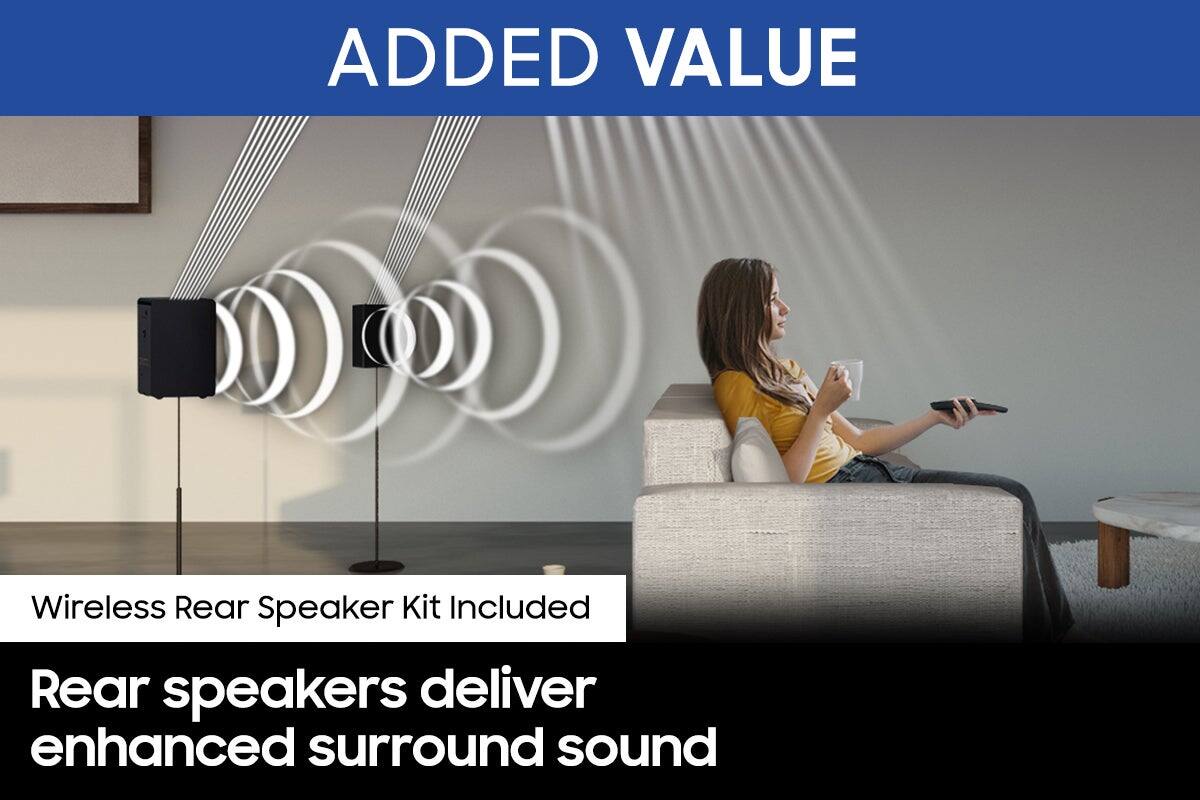
By design, the surround speakers are supposed to simulate sounds happening behind the viewer. Therefore, most of the time the surround channels are only used for ambient sounds, which are naturally lower in volume.
However, there are a few settings you can change to adjust the surround effect to your preference:
1) Make sure that the source (e.g. TV output) is sending surround channels to the Soundbar. If the source is not capable of surround, then set the Surround mode to OFF on the Soundbar by pressing the Surround button on the remote.
2) If the source has surround channels, select the desired Sound Mode from the Soundbar remote.
3) Turn off Dynamic Range Control. This is done by pressing and holding the Sound Mode button while the Soundbar is in standby mode. Depending on your soundbar model, you may or may not have DRC.
4) Increase the volume level of the surround speakers using the Sound Control button on the Soundbar remote control. Press the Sound Control button on the soundbar remote (looks like a gear), then select REAR LEVEL and use the Up/Down buttons to adjust the volume within a -6 to +6 range.
I hope these tips help to enhance your audio enjoyment. Should you need further assistance with this issue or have any questions, please contact Samsung Customer Support at 1-800-SAMSUNG (ask for Soundbars), available 8AM - 12AM EST, 7 days a week.
For additional support resources, visit us on the Samsung website and click on the ‘Support’ link in the upper right corner of the homepage for:
1) Chat with Us/Product Help: To begin a chat or find solutions, choose ‘TVs & Home Theater’ and select your model & topic.
2) Manuals & Software
3) Warranty Info
4) Register a Product: For access to easy warranty support, convenient opt-in to special promos and offers, faster troubleshooting and service, and quick notification of system updates
5) Contact Us
~ Samsung Ambassador
- Cons mentioned:Rear speakers
Not pleased.
||Posted . Owned for 1 month when reviewed.This reviewer received promo considerations or sweepstakes entry for writing a review.The sub does not work, and there is no menu on the soundbar display for adjusting volume. All it has are a bunch of colorful lights.
No, I would not recommend this to a friendBrand response from Samsung
Posted .Hi Zebulon,
Thank you for purchasing the HW-A40R Soundbar. I am sorry to see that you are not fully satisfied with your purchase.
Please know that we are here and happy to help you. So that we can best assist you with this soundbar, please contact Samsung Customer Service. Call us at 1-800-SAMSUNG (ask for Soundbars), available 8 AM – 12 AM EST, 7 days a week.
LiveChat with an agent by clicking the ‘Support’ link on the Samsung website.
~Samsung Solutions